Theme

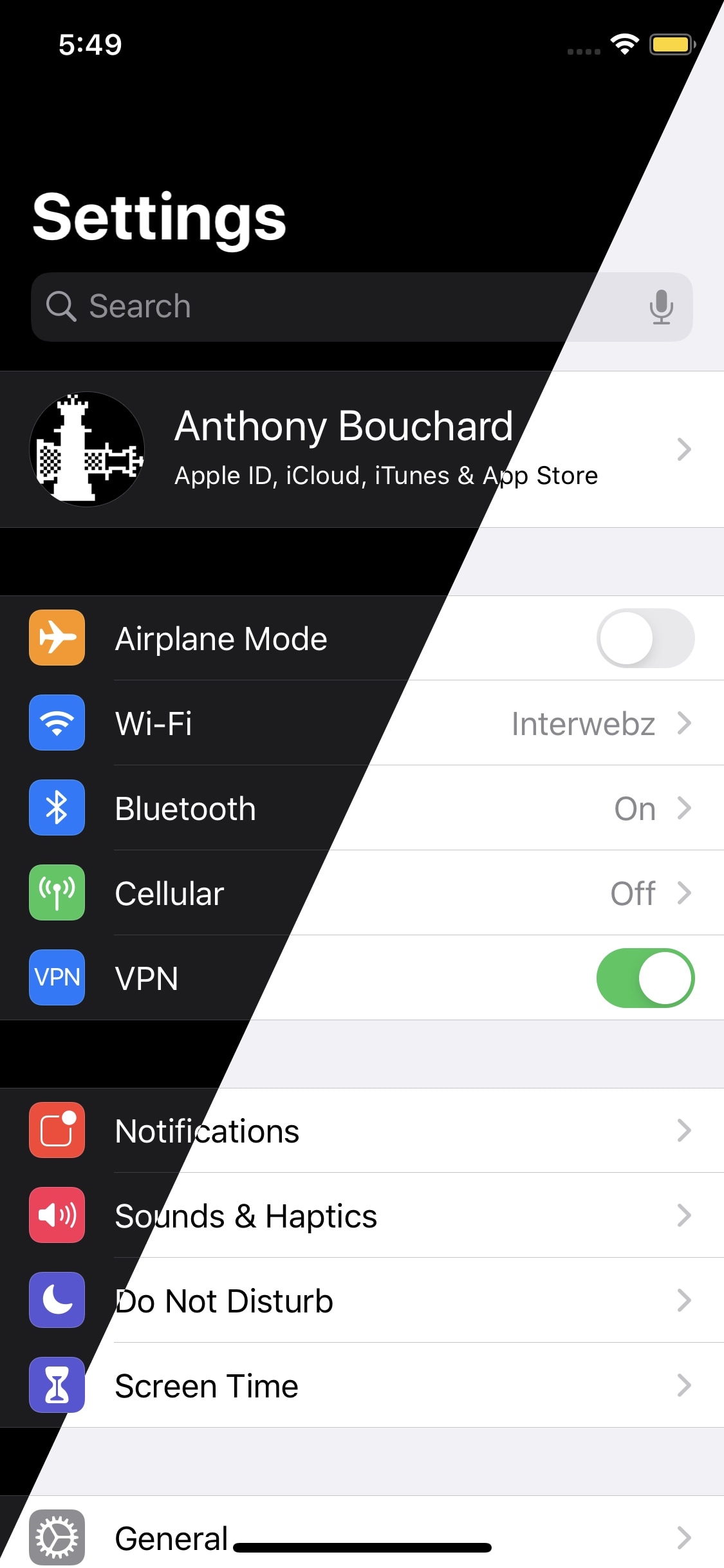
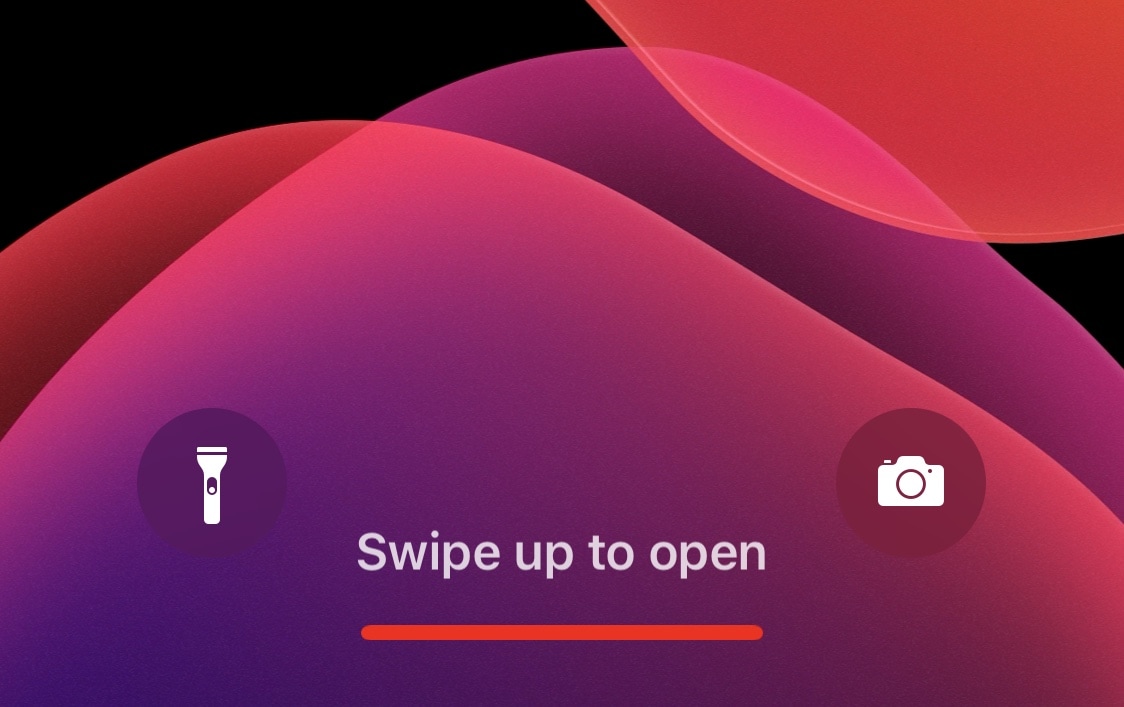
Dress is a free and feature-rich Lock screen customization tweak for iOS

The Lock screen is the first thing you see every time you pick up your iPhone to use it, so we’d completely understand if you wanted to personalize it. Apple doesn’t allow much by way of Lock screen customization out of the box, but if you’re jailbroken, then you’ll definitely want to check out a free jailbreak tweak called Dress by iOS developer Litten.

In a nutshell, Dress is probably the most comprehensive Lock screen customization jailbreak tweak that you can get without paying money. It offers a plethora of useful options that will make you excited to get your hands dirty with customization, and best of all, it can get you that personalized Lock screen experience you’ve been looking for.
Kaleidoscope brings resource efficient UI colorization to iOS 13

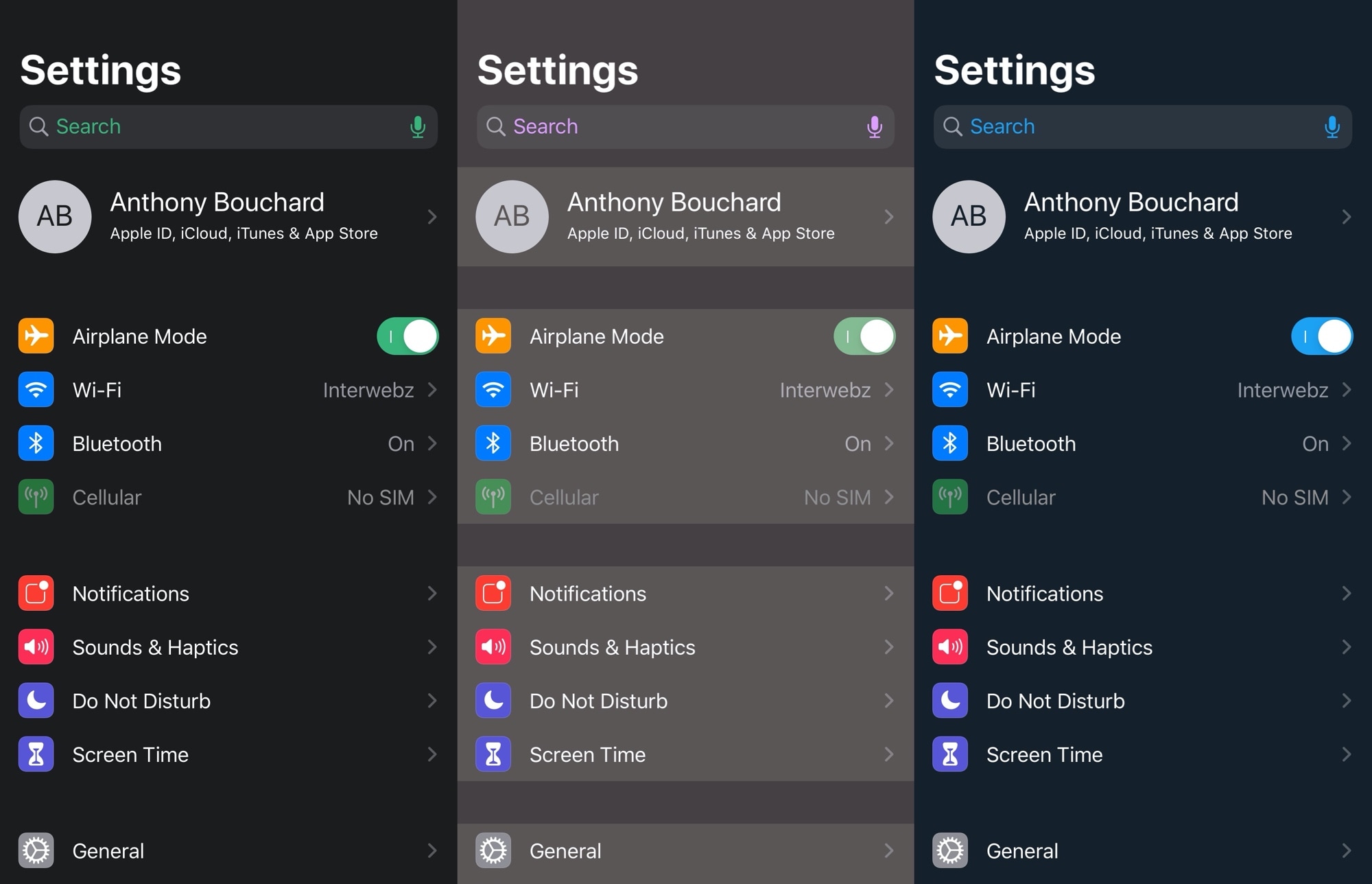
One of the first things many jailbreakers like to do after liberating their handset is get dirty with interface colorization. After all, folks don’t always like the eye-searing bright white or dismal black user interfaces that Apple provides out of the box. Some users just want some color, a sentiment that I personally understand.

That’s one reason why I’m excited about a new free jailbreak tweak release dubbed Kaleidoscope by iOS developer SparkDev. While we’ve seen user interface colorization tweaks in the past, Kaleidoscope aims to be one of the most simplistic and resource efficient colorization engines available to jailbreakers today.

ColorMyHome lets jailbreakers add a fresh coat of paint to the Home Bar

If you have an iPhone newer than the iPhone X, except for a few select budget handsets, then you probably have a Home Bar instead of a Home Button. Apple designed it to be omnifunctional, providing users with a means of getting to the App Switcher, Home Screen, and navigating between recently used apps; but one thing they seem to have forgotten is customization.

Fortunately, jailbreakers don’t need to put up with a bland Home Bar experience. That’s because a newly released and free jailbreak tweak called ColorMyHome by iOS developer TheLazyITGuy enables Home Bar colorization on liberated handsets.

GamingNotification brings animated RGB effects to your iPhone’s notifications

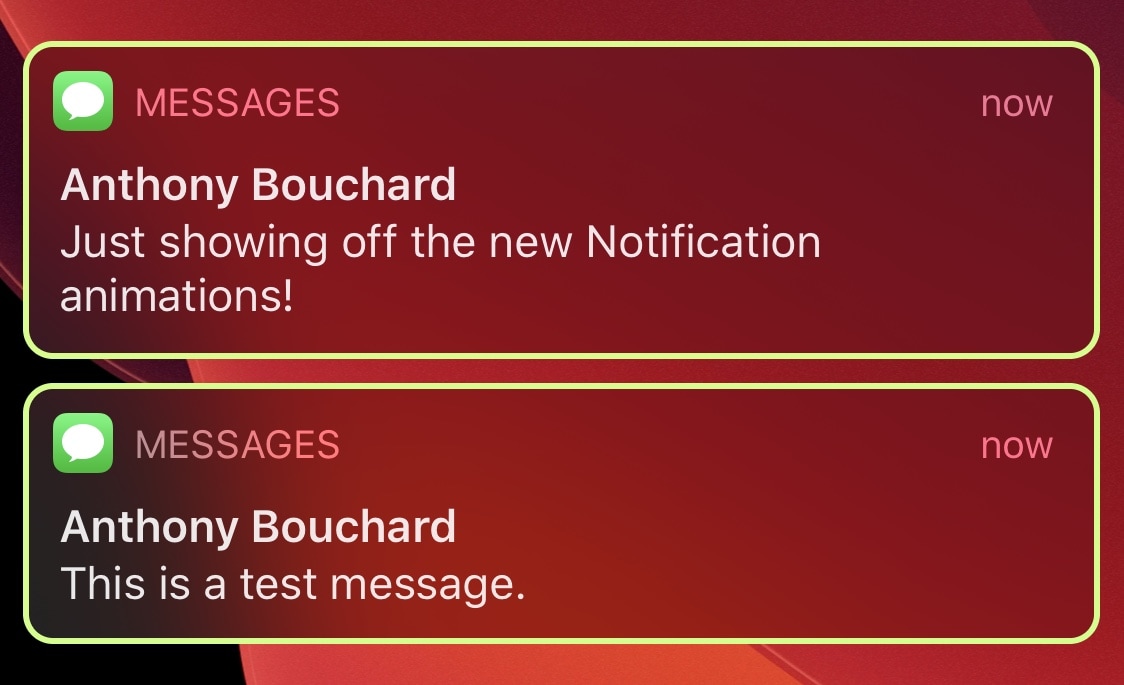
If you’re a PC gamer at heart and your entire desk is brimming with unicorn barf colored RGB accessories, then perhaps the one thing missing in your life is an iPhone decked out with the same colorful swag. Fortunately, that shortcoming can be solved with a newly released jailbreak tweak.

Enter GamingNotification, an add-on created by iOS developer Minazuki that brings configurable animated RGB borders to your iPhone’s incoming notification banners and Today widgets.

NowPlayingIcon replaces the Music icon with Now Playing media artwork

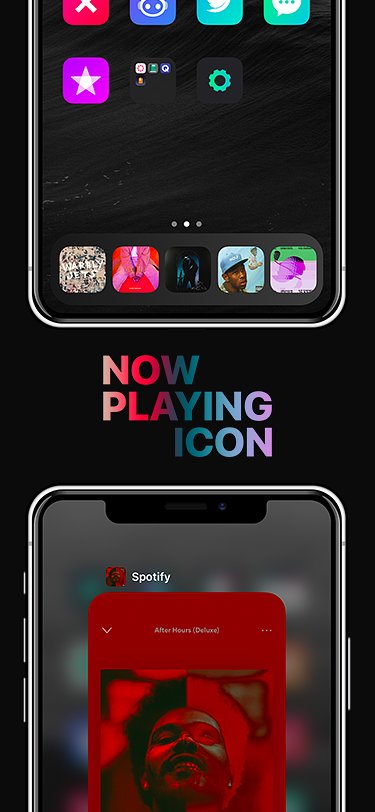
Jailbreakers who are looking for a quick and easy way to integrate some spice into their handset’s native music listening experience will do good to check out a newly released and free jailbreak tweak called NowPlayingIcon by iOS developer LacertosusDeus.

Just as the tweak’s name implies, NowPlayingIcon replaces the app icon of your Now Playing app with the album artwork of whatever media you have playing at any given time.

Safari Electro 2 brings improved web browsing and Safari theming to iOS

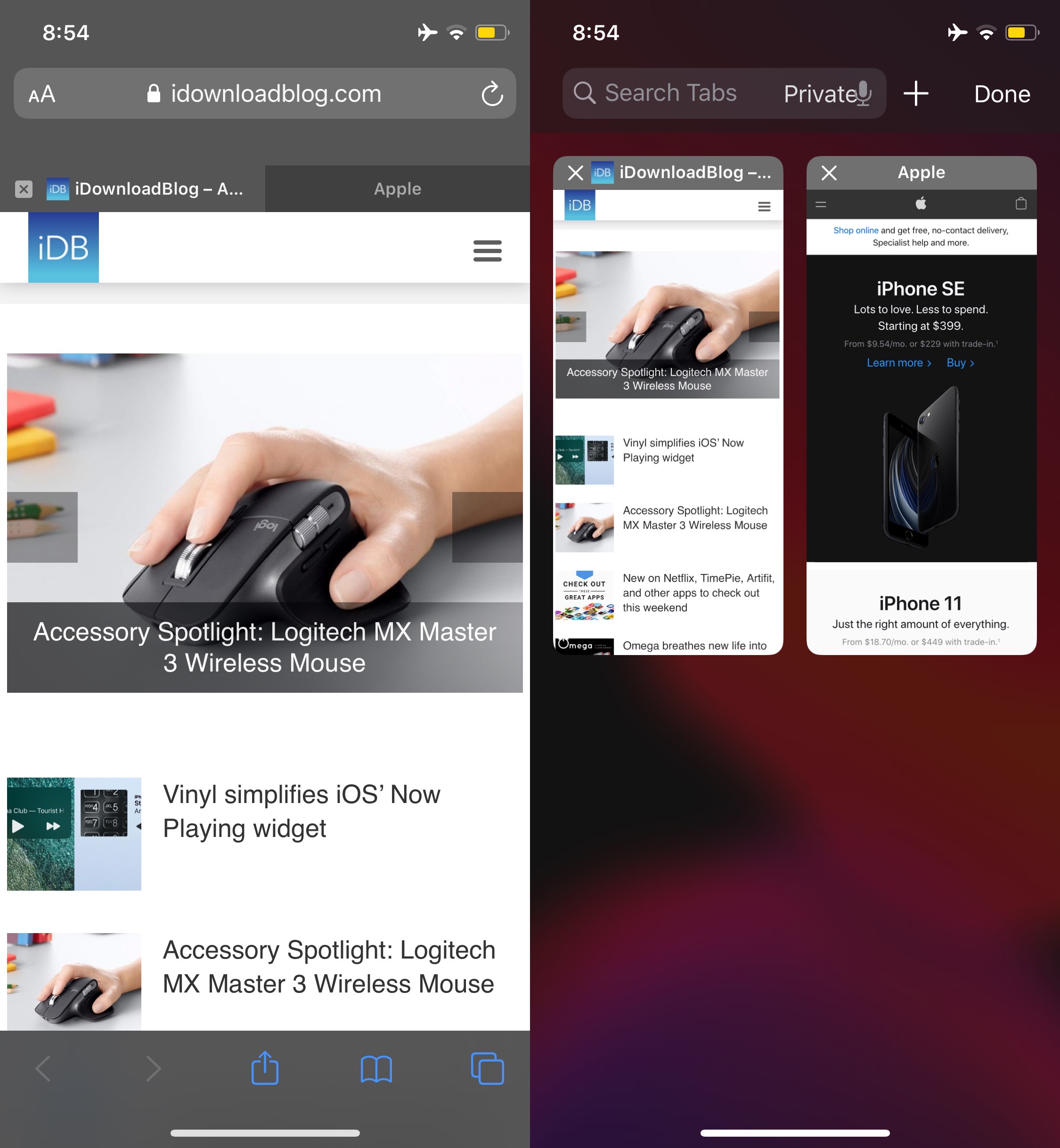
Apple’s Safari web browser is perhaps one of the best ways to explore the internet on your iPhone or iPad, but that doesn’t mean it’s perfect. In fact, we can think of a number of ways that it could be improved, such as importing many of the iPad’s web browsing features to the smaller iPhone.

But whether you’re looking for functionality upgrades or the ability to theme your Safari web browser from top to bottom, we’ve got a gut feeling that a newly released jailbreak tweak called Safari Electro 2 by iOS developer Minazuki could be right up your alley.

Circuliser is a fun and quirky new audio visualizer for iOS

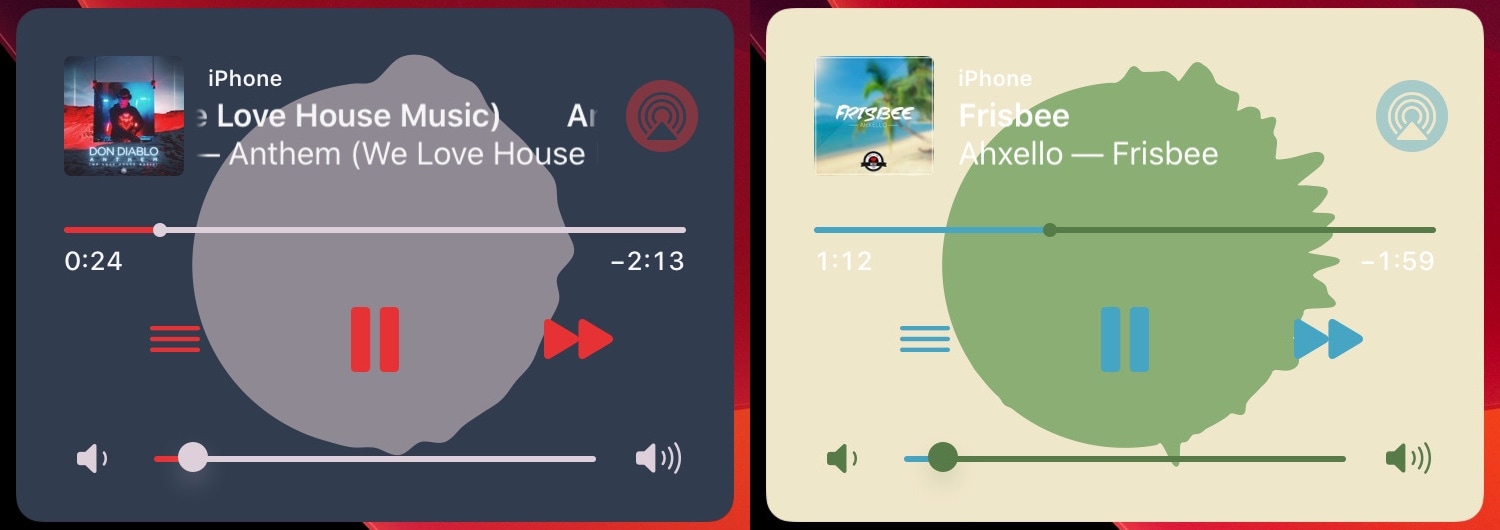
The majority of people seem to respond positively to audio visualizers, and while it’s a shame that Apple doesn’t provide one for iOS out of the box, jailbreak tweaks like Mitsuha Infinity (or the newer Mitsuha Forever) can bring this feature to pwned handsets that are no longer under the tech giant’s sole control.

But say you don’t like Mitsuha’s Siri-like waveform visualizer; what other options do you have? We’re glad you asked, because a newly released jailbreak tweak dubbed Circuliser by iOS developer squ1dd13 offers a circular audio visualizer alternative that some users may find a bit more aesthetically pleasing.

ColoredScrollIndicator brings colored gradients to iOS’ scrollbars

Just a couple of days ago, we showed you a snazzy new jailbreak tweak called Color My Scrolls that could be used to colorize your iOS device’s scrollbars. We liked the concept because it was a simple way to add personality to your device, but at the same time, it came with a price tag and was somewhat limited in terms of features.

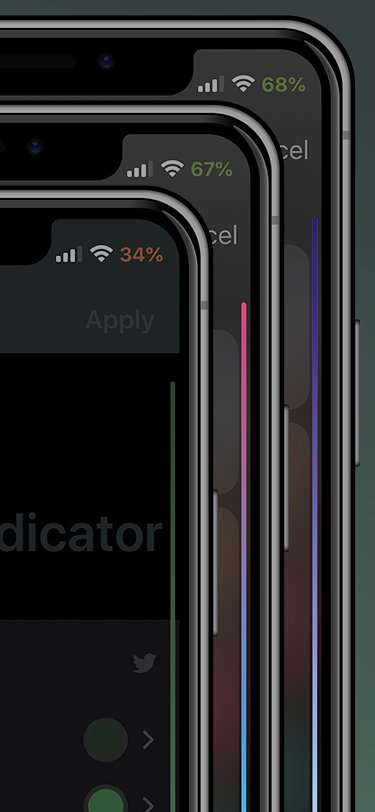
Given the aforementioned circumstances, we’re excited to showcase a newly released and free jailbreak tweak called ColoredScrollIndicator by iOS developer LacertosusDeus. In case the context clues haven’t given it away already, this tweak is effectively a free alternative to Color My Scrolls that offers a lot more by way of customization. For that reason alone, we think it might be worth checking out.

This new tweak lets jailbreakers colorize iOS’ scrollbars

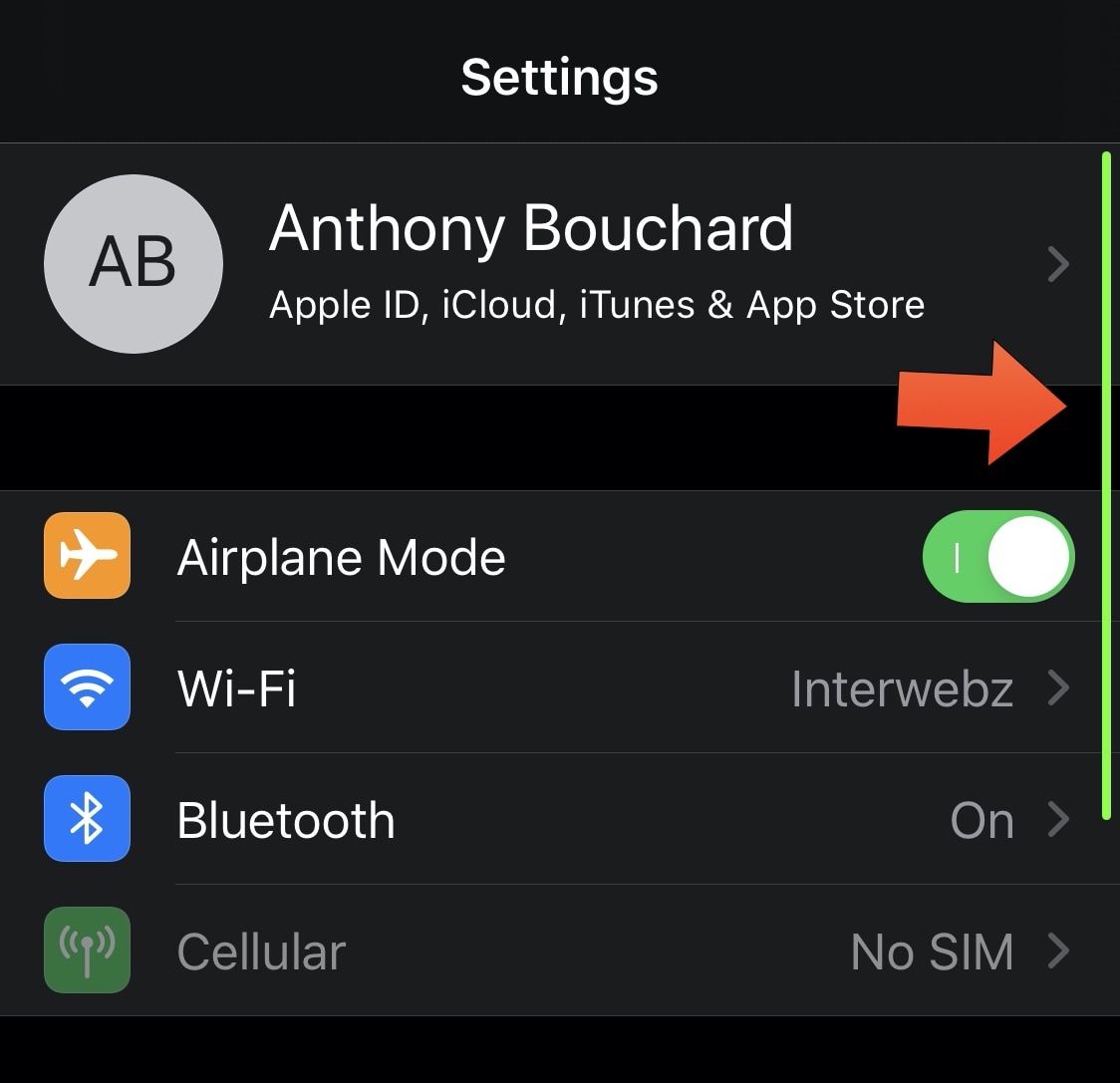
A component of iOS that you probably see rather frequently when you use the Settings app or other scrollable interfaces is the scrollbar that appears at the right side of the display to give you an idea of where you are on the page.

The scrollbar does a great job of being both a reference point and a means of scrolling up or down a page much more quickly, but it’s lacking something: customization. That’s where a newly released jailbreak tweak called Color My Scrolls by iOS developer TheLazyITGuy comes into play.

Jailbreakers can hide their iPhone’s notch with eggNotch

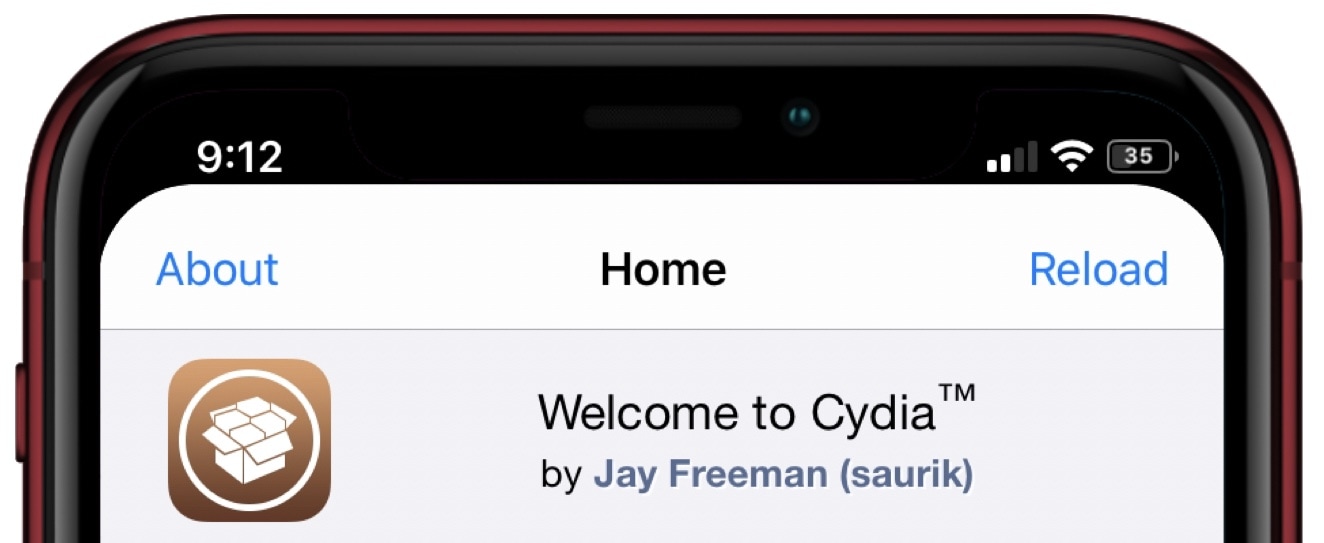
Love it or hate it, the iconic notch has become a common addition to the majority of Apple’s present-day smartphones starting with the iPhone X in 2017. Unfortunately, it’s part of the handset’s hardware, which means all you can do is attempt to hide the notch with a wallpaper that incorporates a black background where the notch would ordinarily appear.

But even the aforementioned wallpaper ‘hack’ only works to your benefit in certain interfaces, like the Home screen and Lock screen. It falls short in application interfaces where the wallpaper isn’t visible, and that’s a shortcoming that a newly released and free jailbreak tweak dubbed eggNotch by iOS developer Egg aka CRKatri doesn’t have.

Quart is a new notification interface that will make non-jailbreakers jealous

When compared with other smartphone operating systems, there’s no question that iOS leaves a lot to be desired in the notification department. Fortunately, those with jailbroken handsets no longer have to settle with what Apple provides out of the box.

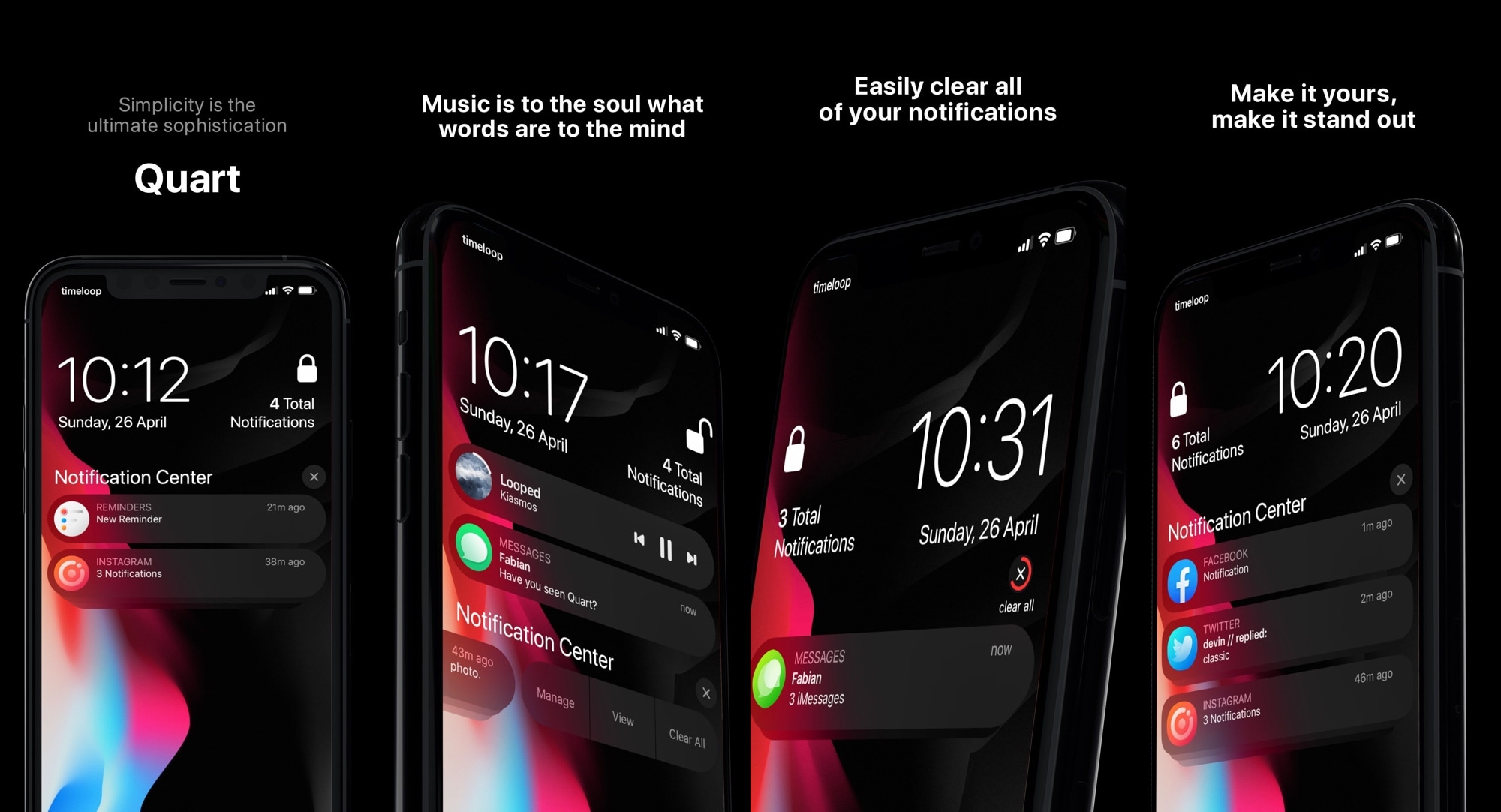
Quart is a newly released jailbreak tweak by iOS developer LaughingQuoll and designer timeloop that replaces the lackluster native notification system on your pwned iPhone with one that will get you riled up every time you receive a text message or any other sort of notification.

DarkSwitch commands iOS’ dark/light modes based on display brightness

One of my favorite features to ship with iOS 13 is native dark mode support. Not only is it something that I’ve wanted to have for several years, but it plays so nicely with the OLED display that comes standard in Apple’s flagship handsets for both enhanced aesthetics and lengthened battery life.

One way that I think dark mode could be improved, however, is with some kind of tool that automatically switches between dark and light mode depending on display brightness, as it would improve interface visibility in certain situations. Fortunately, that’s precisely the functionality that a free jailbreak tweak called DarkSwitch by iOS developer udevs appears to provide for users.