Theme

Fly Fly brings fun and quirky animations to your Twitter notifications

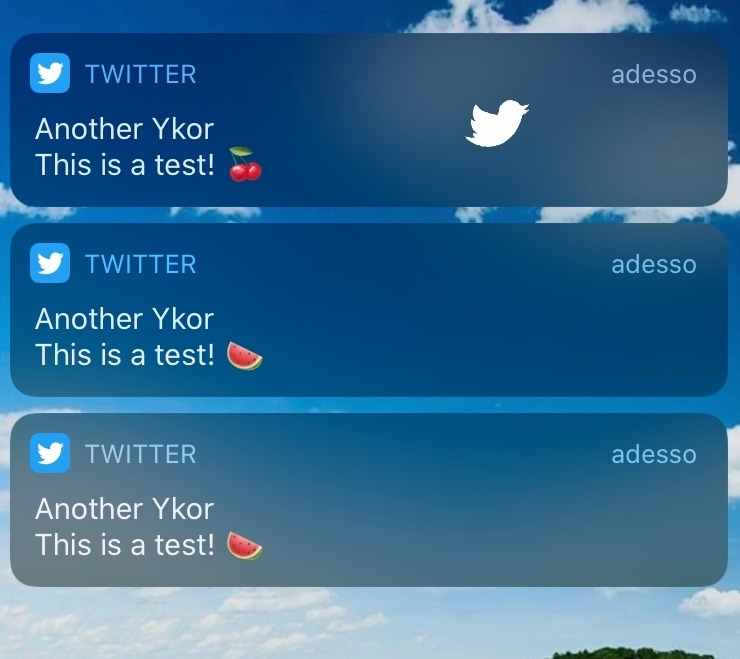
If you have as much of a love for jailbreaking as you do for using Twitter, then we think you’re going to have an absolute blast using a newly released jailbreak tweak dubbed Fly Fly by iOS developer Plat-Ykor.

Fly Fly makes the experience of receiving push notifications from Twitter both more fun and interactive. Upon receiving a notification, you will witness the Twitter bird taking flight across your display, complete with bird chirping sounds and an animated Twitter app icon.
BlurryAlerts brings tvOS-inspired alerts to jailbroken iPhones and iPads

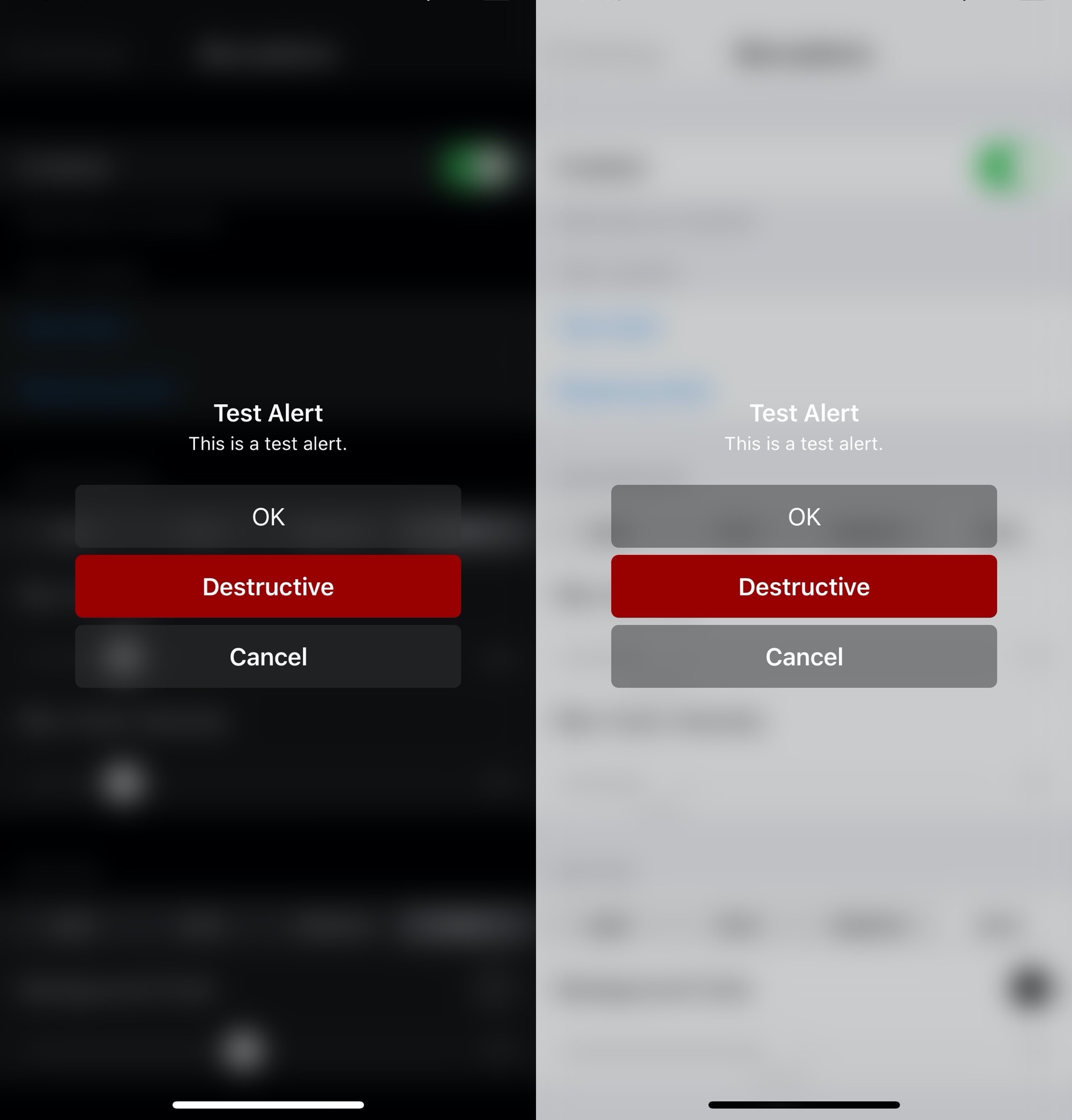
Apple has entirely different design aesthetics for its iOS and tvOS operating systems, but if you wish you could have more synergy between the two, then one way you could accomplish that is with the help of a new and free jailbreak tweak dubbed BlurryAlerts by iOS developer SlyFabi.

As you can discern for yourself in the screenshot examples above, BlurryAlerts replaces iOS’ native pop-up alert with a tvOS-inspired interface complete with the blurry background and the color-matched buttons.

This tweak brings colorful gradients and more to iOS’ Messages app

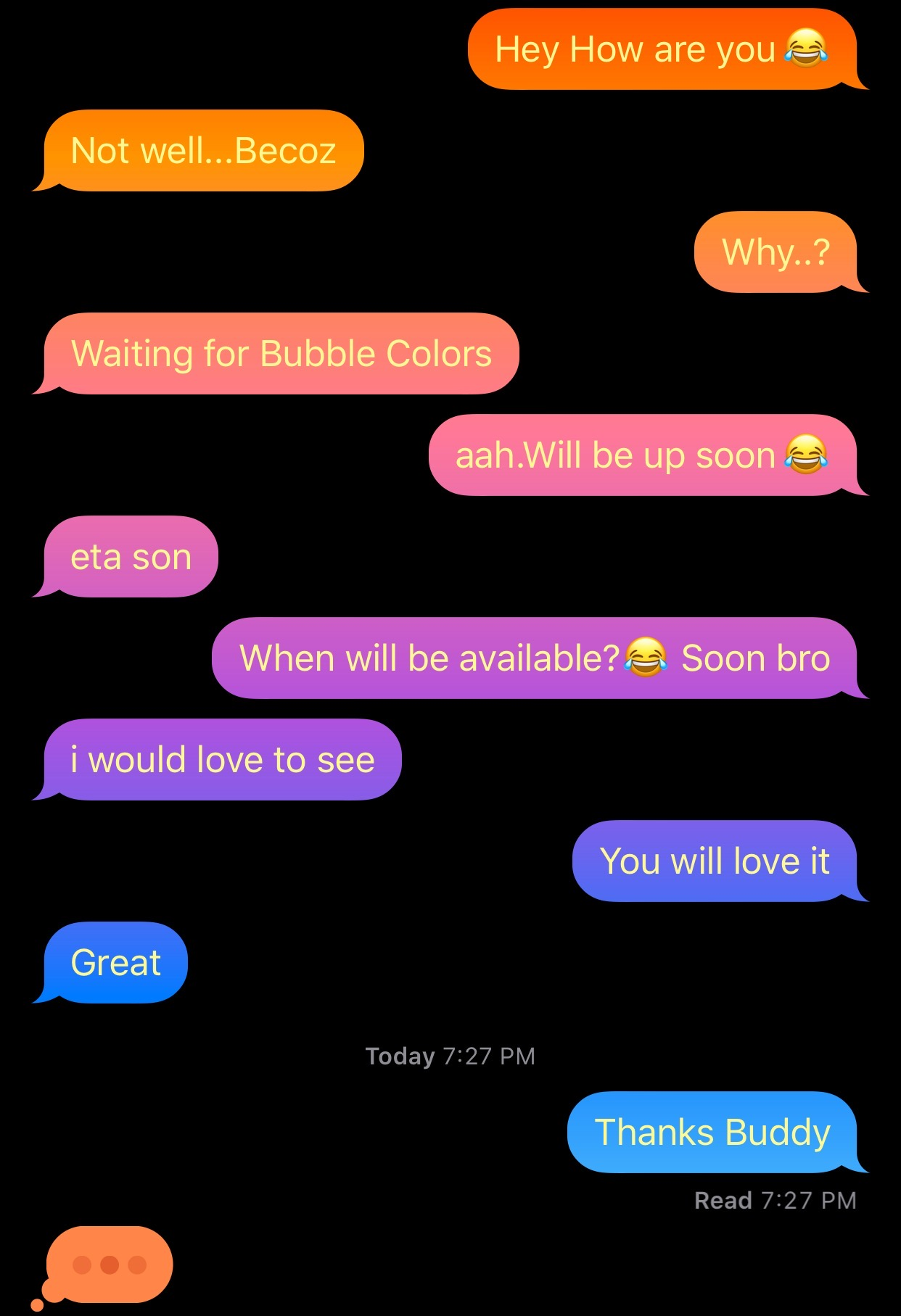
After jailbreaking your iPhone or iPad, one of the more exciting things you can do is add custom colors to the Messages app, namely the sent and received chat bubbles that distinguish your words from your recipient’s. But as cool as that might be, who wants to be limited to only a single color choice for each person?

Enter Gradient Bubble Color, a newly released jailbreak tweak by iOS developer Naneramanu that outfits your Messages app’s chat bubbles with a juicy gradient of colors and provides a plethora of options for colorizing other aspects of the Messages app.

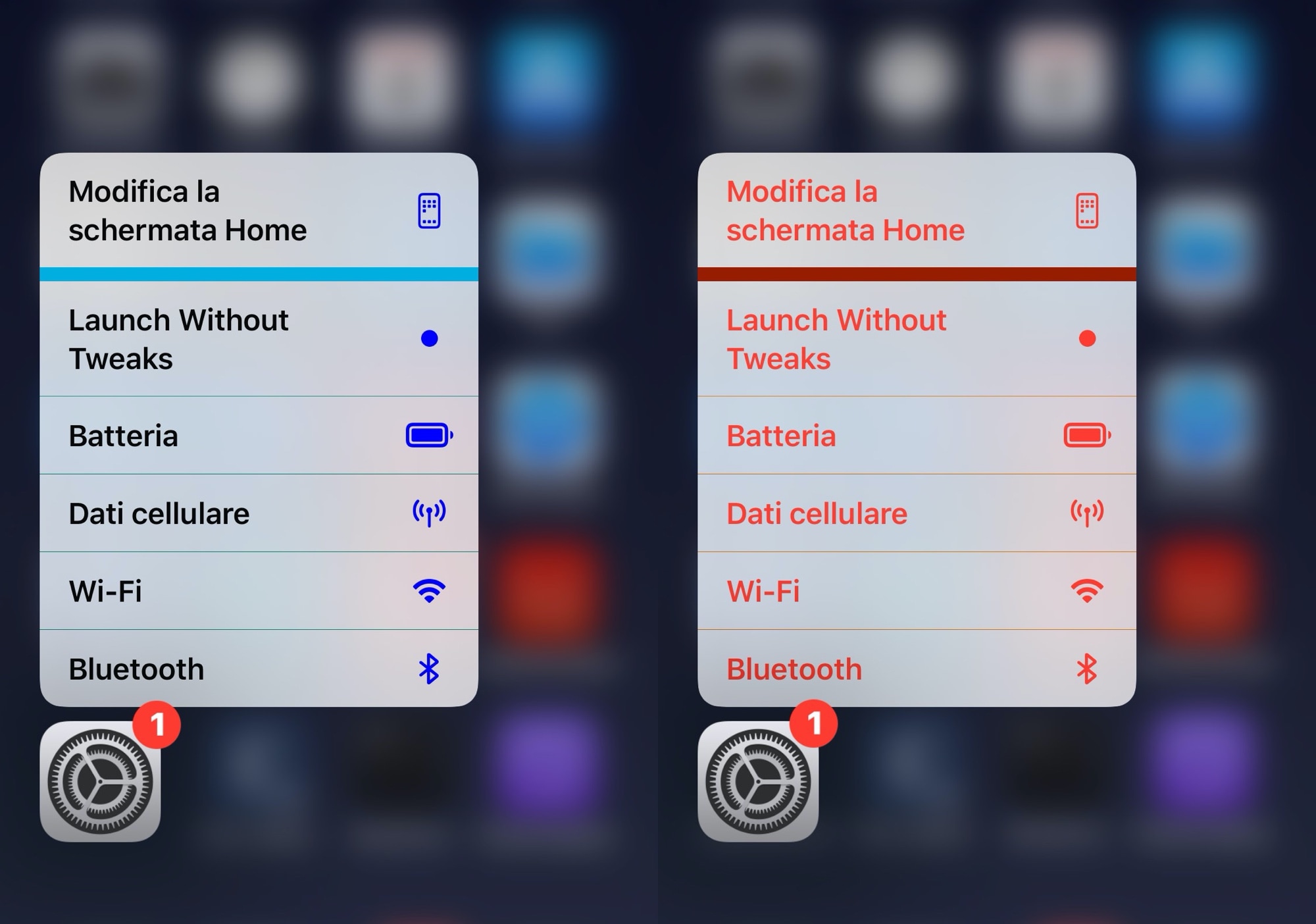
Add a splash of color to the Home Screen’s contextual menus with Color3DIcons

Whether you’re new to or experienced with jailbreaking, one thing that remains true about most users of pwned iPhones is that they love personalizing the native user interface in ways that makes it stand out from a crowd of vanilla handset users.

If you’re moderate when it comes to personalization and you like adding custom colors to existing interfaces as opposed to replacing them with something different outright, then you just might appreciate a newly released and free jailbreak tweak called Color3DIcons by iOS developer CydiaGeek.

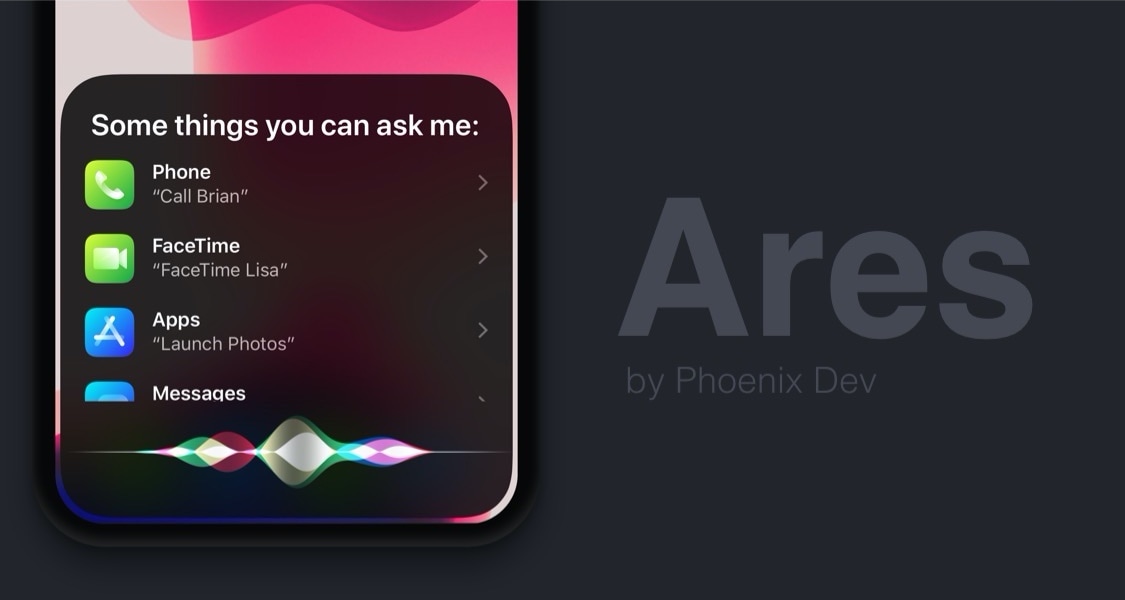
Ares is the Siri interface you’ve always wanted on iPhone

Siri can be a useful way of accessing information both on-device and via the internet, but one thing that Apple could have made better is the virtual assistant’s user interface, which at the time of this writing, takes up the entire real estate of your iPhone’s display.

A newly released jailbreak tweak dubbed Ares by iOS developer Phoenix Dev aims to make the Siri interface substantially more compact by compressing its contents into a floating view tantamount to the size of the AirPods pairing interface.

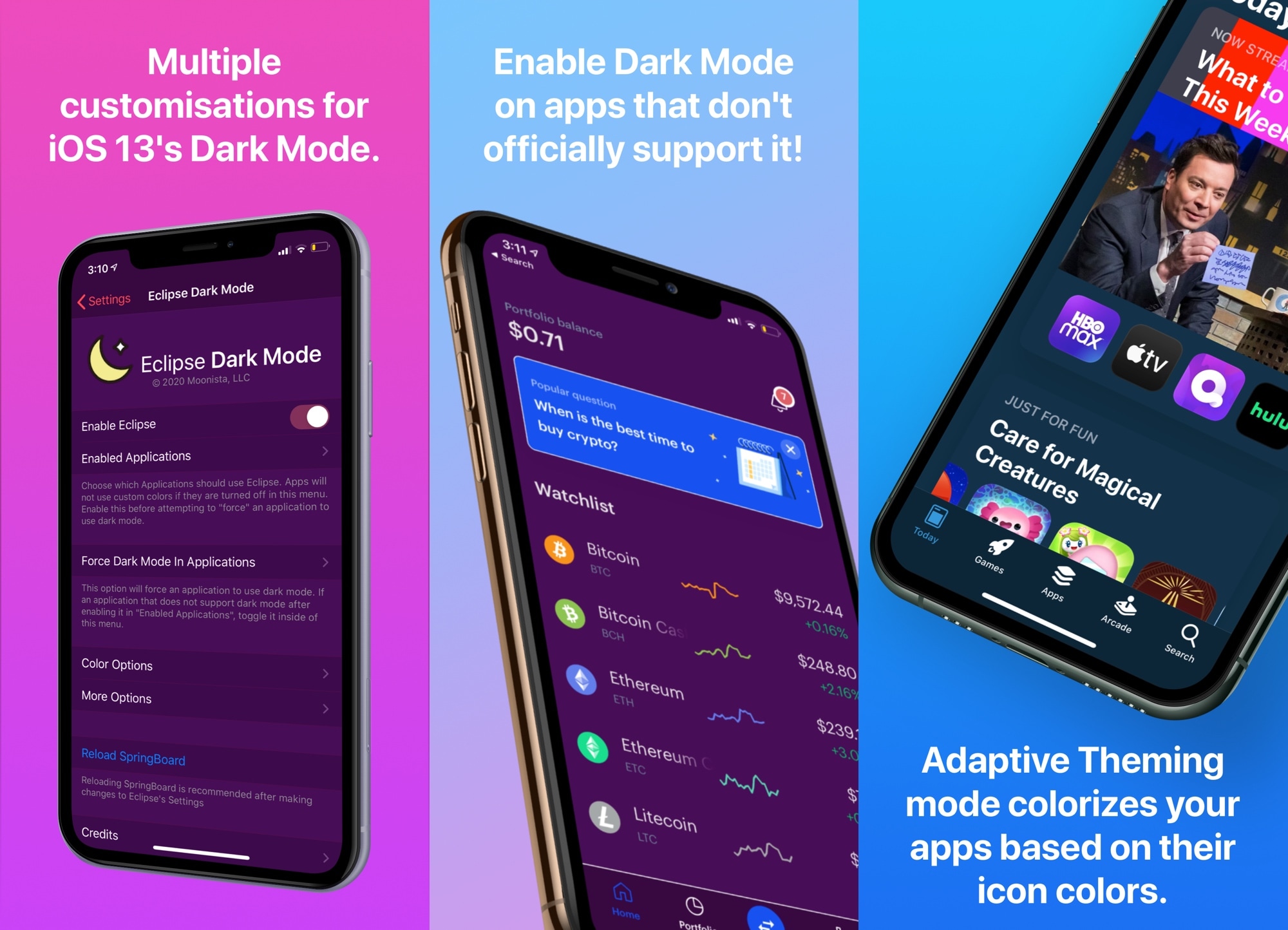
Eclipse Dark Mode Colors brings advanced personalizations to Dark Mode on iOS & iPadOS

Apple listened to our cries of desperation and finally integrated a native dark mode into iOS 13. Albeit limited in at least some capacity by way of color options and app support, it was a mild starting point that helped a lot of people realize the full potential and beauty of their iPhones’ OLED displays.

So if you’re on iOS 13 or later and you’re looking to get more out of dark mode, what should you do now? Allow us to point you to Eclipse Dark Mode Colors (iOS 13+), the latest iteration of iOS developer Guillermo Morán’s popular dark mode tweak that brings custom color schemes and a slew of other options to iOS’ native dark mode implementation.

Add some character to your iPhone’s alert messages with Snell

Jailbreakers who are searching for a unique way to customize their iPhone running iOS 13 will almost certainly want to turn their attention to the likes of a newly released jailbreak tweak called Snell by iOS developer Samg_is_a_Ninja.

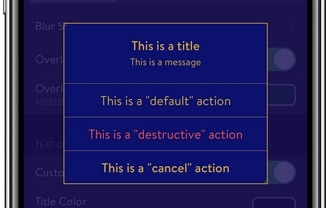
Snell allows users to alter and configure the aesthetics of iOS’ alert pop-ups, and as depicted in the series of screenshot examples above, the tweak provides a whole lot more than just colorization, but also the ability to change how the interface looks entirely.

Unc0ver jailbreak adding support for latest version of tvOS soon

In case you missed it, the unc0ver jailbreak added support for iOS/iPadOS 13.5 over Memorial Day weekend via a new 0-day exploit from Pwn20wnd, which conveniently also happens to be the latest available firmware version for iPhones and iPads from Apple. So yes, you can literally update your iOS/iPadOS devices to the latest version and jailbreak it, folks!

But if you paid any attention to team unc0ver’s announcements when the first update (v5.0.1) dropped, you might’ve noticed that the team is planning near-future support for the latest version of tvOS, and it seems some rather interesting things could be coming to the platform.

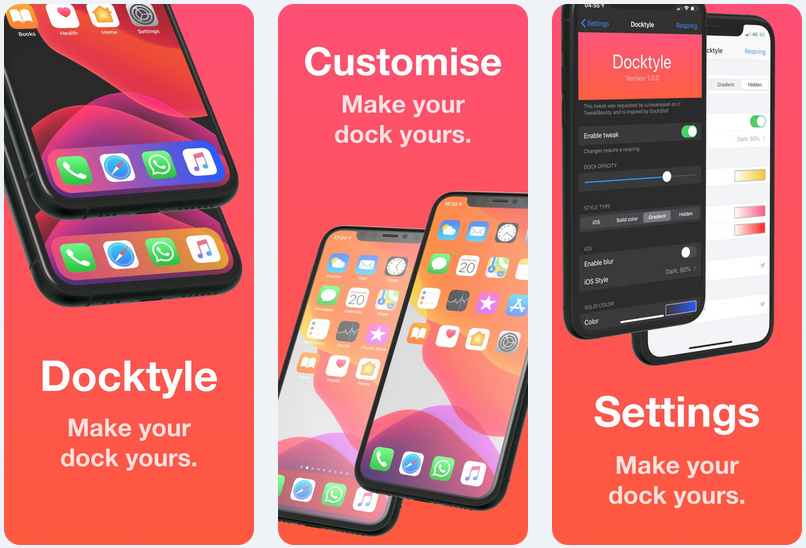
Add some personality to your jailbroken iPhone’s Dock with Docktyle

Anyone invested in the Apple ecosystem knows just how essential the iconic Dock can be to their workflow. Natively present on the iPhone, iPad, and even the Mac, the Dock is a convenient place to store your most-used apps such that you always have quick access to them when you need them.

As much as we like the Dock on these platforms, it’s worth noting that Apple doesn’t offer much by way of aesthetic customization. Fortunately, a newly released and free jailbreak tweak dubbed Docktyle by iOS developer Marcel Braun lets jailbreakers customize the aesthetics of the Dock on the iOS platform.

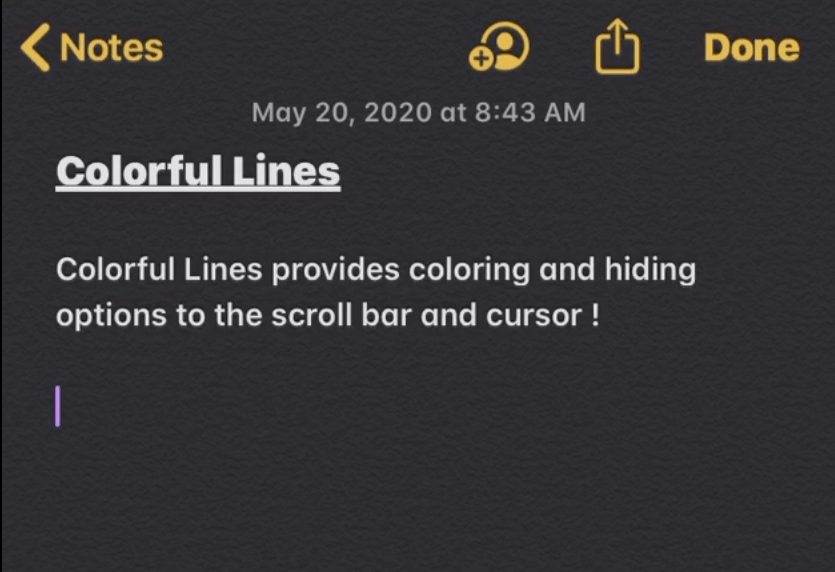
Colorful Lines lets jailbreakers colorize iOS’ cursors, scroll bars, text highlights, & more

If you’re a minimalist, then you may enjoy customizing your jailbroken iPhone, but perhaps not to the extent of installing crazy themes or adding extraneous features and interfaces. One thing you might enjoy doing, however, is making subtle adjustments to iOS’ native user interface.

Anyone who aligns themselves with the aforementioned sentiment will probably enjoy the likes of a newly released and free jailbreak tweak dubbed Colorful Lines by iOS developer Yulky Tulky. Just as its name implies, this tweak doesn’t do much else other than allow custom colorization of certain line-centric interfaces in iOS.

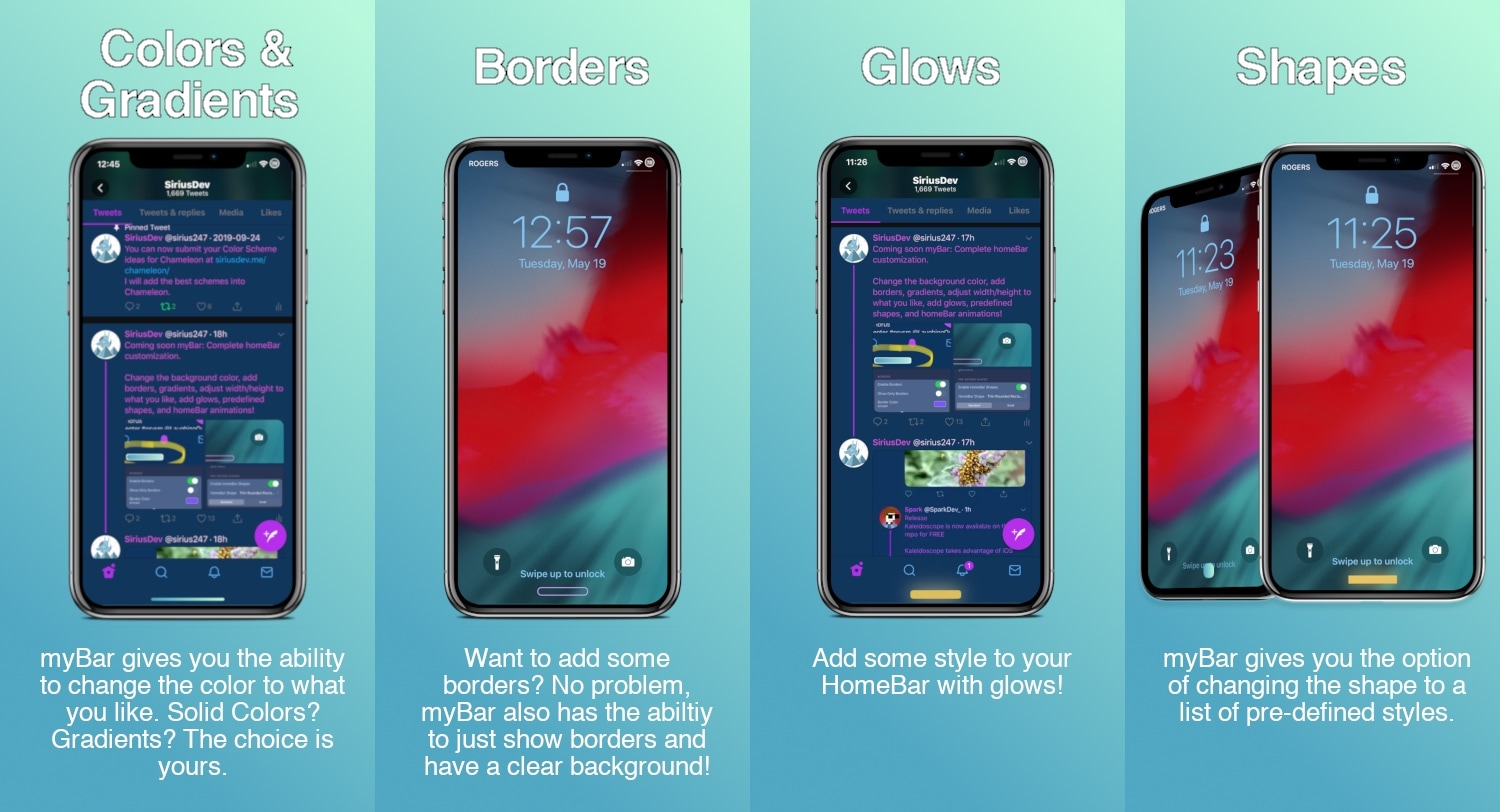
Customize your iPhone’s Home Bar without bounds with myBar

If your iPhone doesn’t have a Home Button, then it probably has a Home Bar instead. The Home Bar provides a convenient pathway for accessing the Home Screen, App Switcher, Reachability, and other imperative things, but one thing Apple appears to have left out is customization.

Enter myBar, a newly released jailbreak tweak by iOS developer Sirius24 that introduces extensive options for customizing the Home Bar’s aesthetics. And if that didn’t sound exciting enough, it should be noted that myBar offers enough configuration out of the box to appease picky minimalists or even the most extreme of interface tinkerers.