Learn about four ways to add a number row to the top of your iPhone keyboard so you can type digits faster and more conveniently.
How to get a number row on your iPhone keyboard

Learn about four ways to add a number row to the top of your iPhone keyboard so you can type digits faster and more conveniently.

Go through these quick tips if popular third-party keyboards like Microsoft SwiftKey or Google Gboard are not working properly on your iPhone or iPad, forcing you to use the stock iOS keyboard.
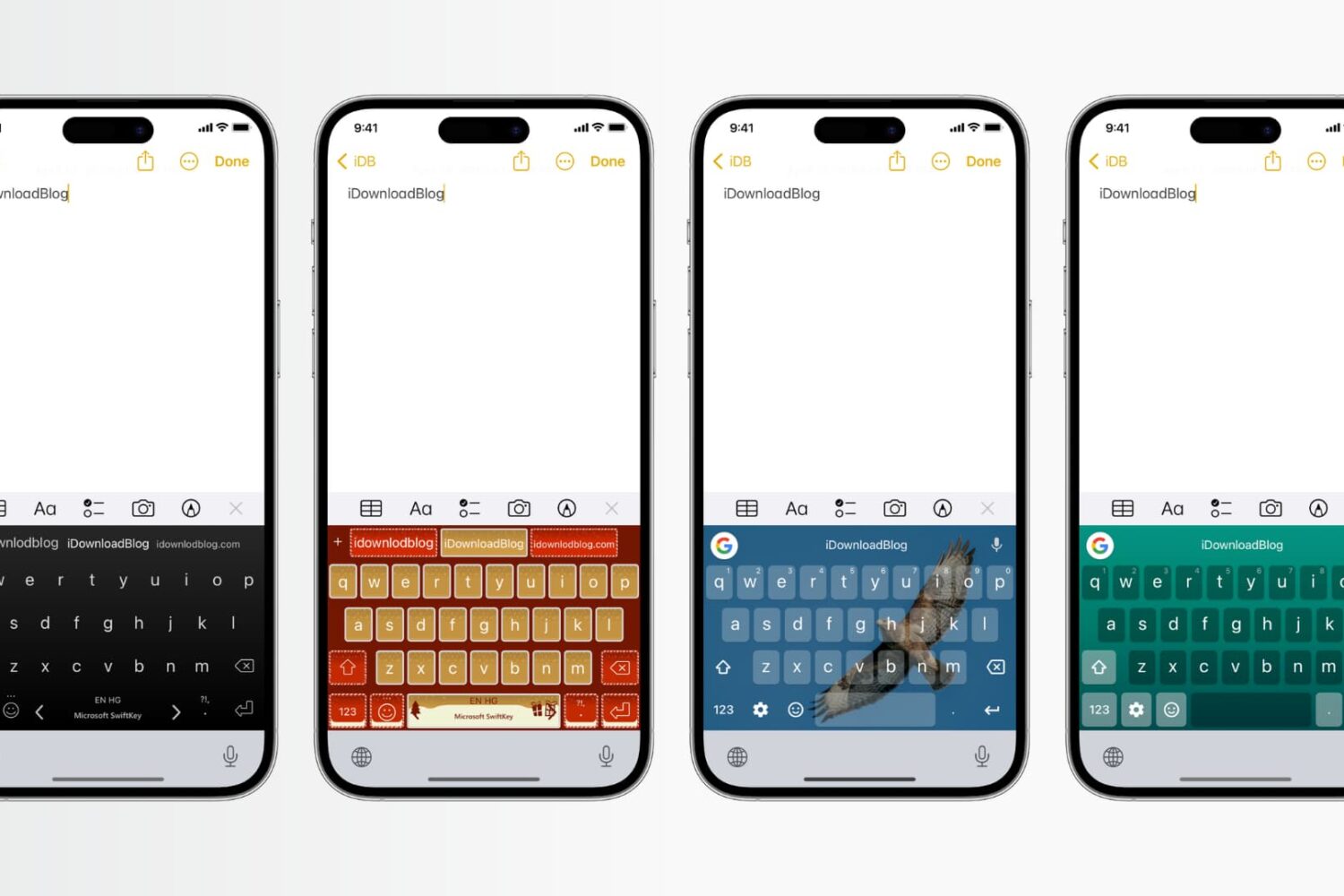
Learn how to customize the color, background, and theme of your iPhone keyboard with these simple steps and make it unique to your style.
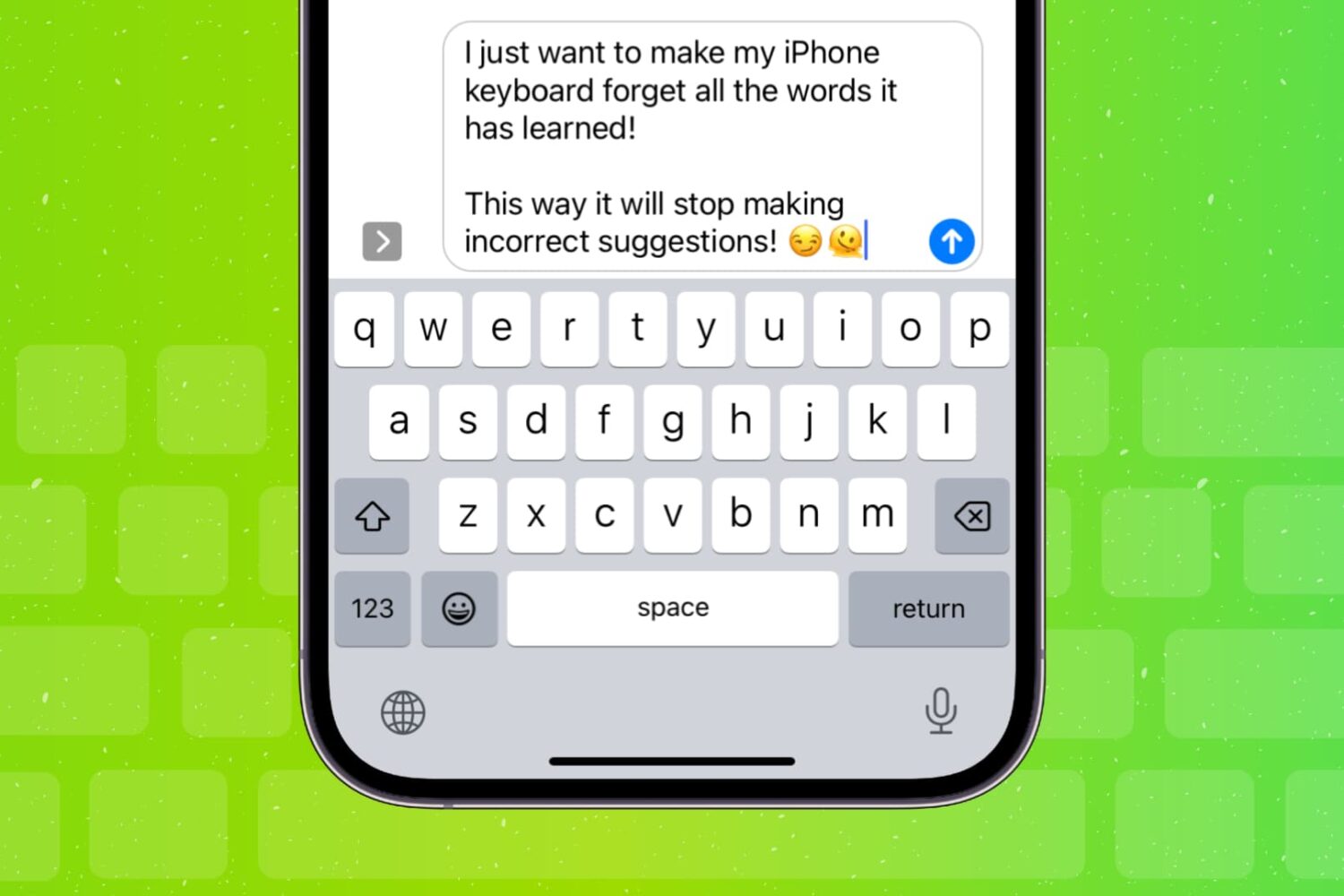
Learn how to clear your iPhone or iPad keyboard history and reset all the words it has learned for a fresh start.
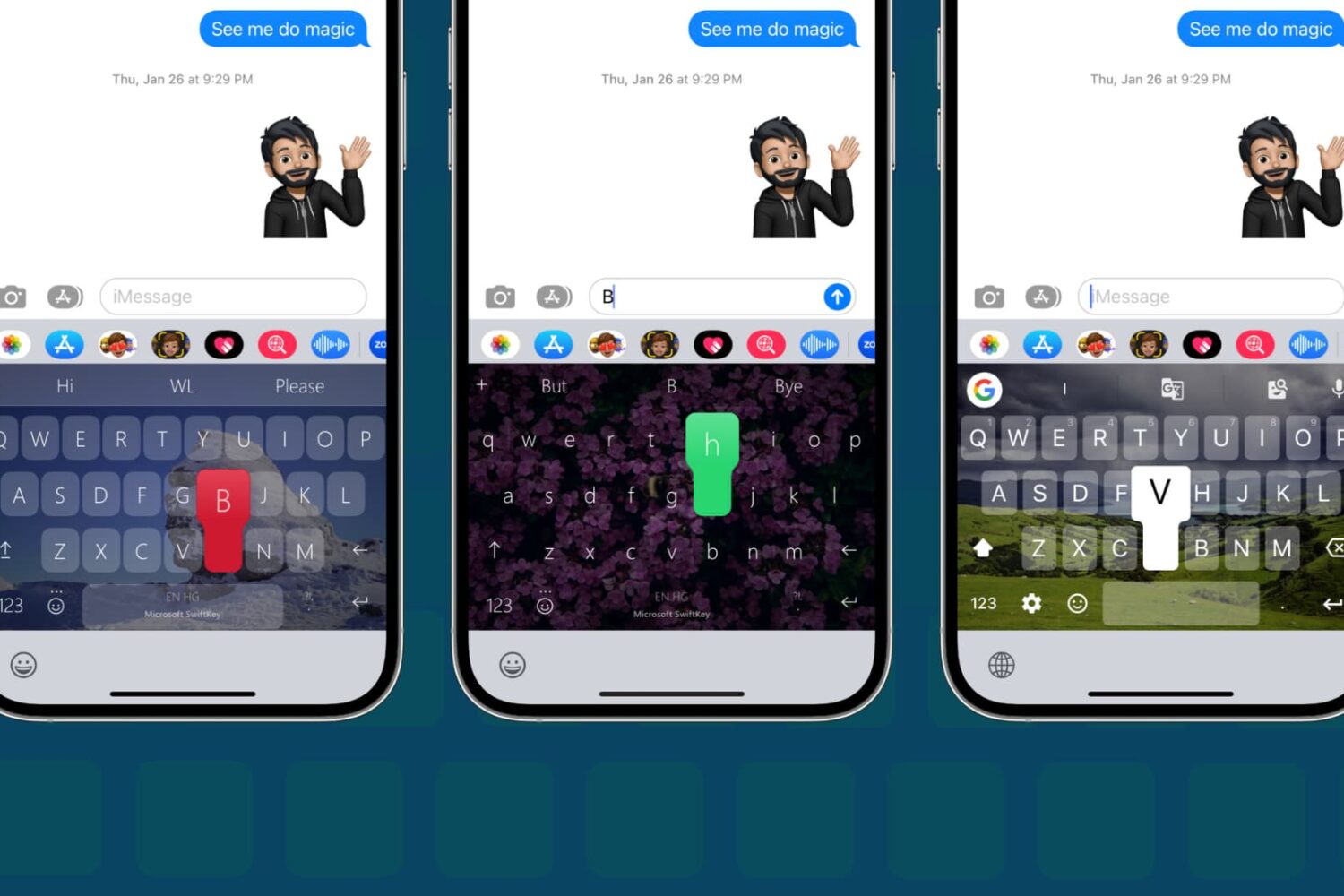
In this step-by-step tutorial, we show you how to change the default keyboard on your iPhone or iPad to a third-party option, such as SwiftKey or Gboard.
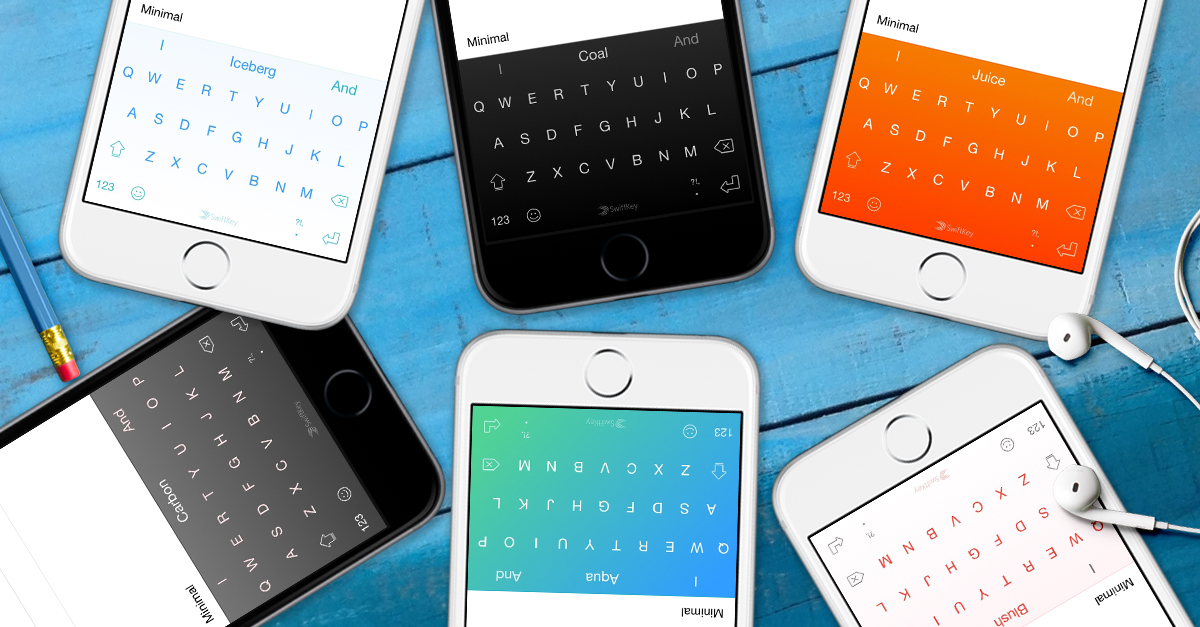
Microsoft has brought back SwiftKey, its predictive keyboard for iPhone and iPad with gestural typing, emoji prediction, themes and more.
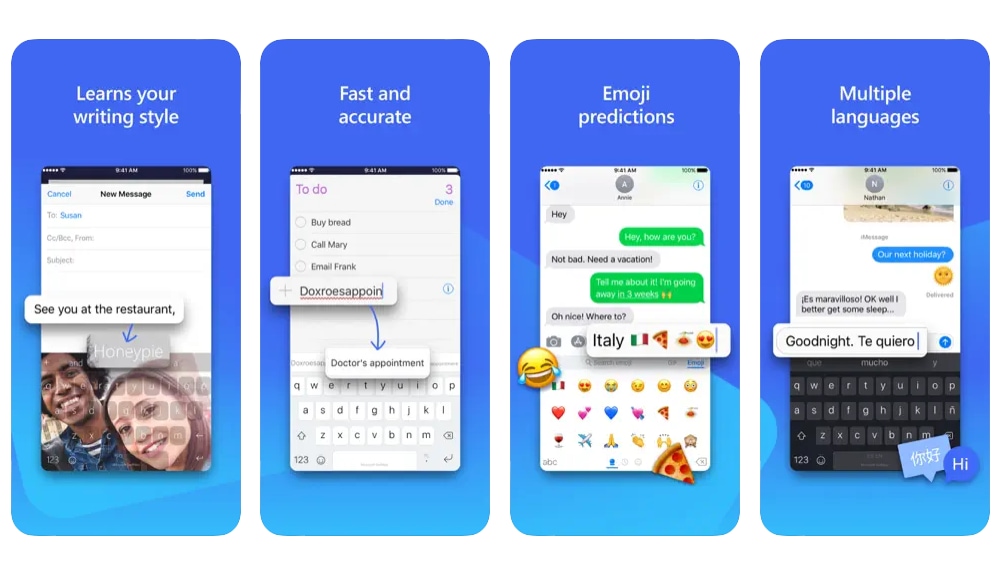
Microsoft will pull SwiftKey from Apple's App Store on October 5. Here's how to continue using the keyboard app on your iPhone and iPad after the cut-off date.
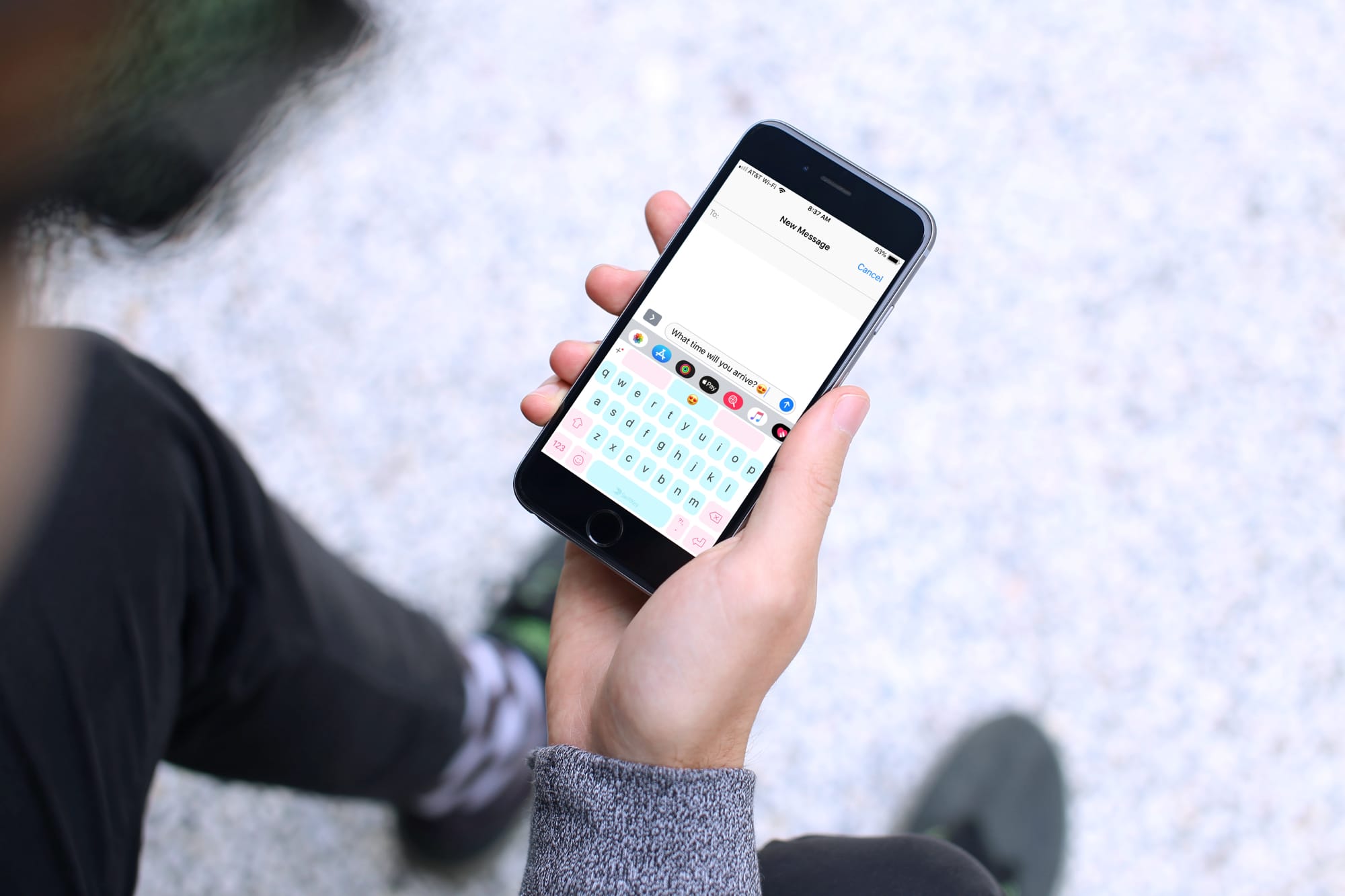
Keyboards that offer a swipe feature are handy, helpful, and let you type faster than ever. Instead of hitting each key separately, you simply use your finger to swipe through the letters to create your words. These types of keyboards are great if you haven’t yet mastered the two-thumb typing.
If you’re in the market for a new keyboard and are interested in swiping, these are the best swipe keyboards for iPhone and iPad.
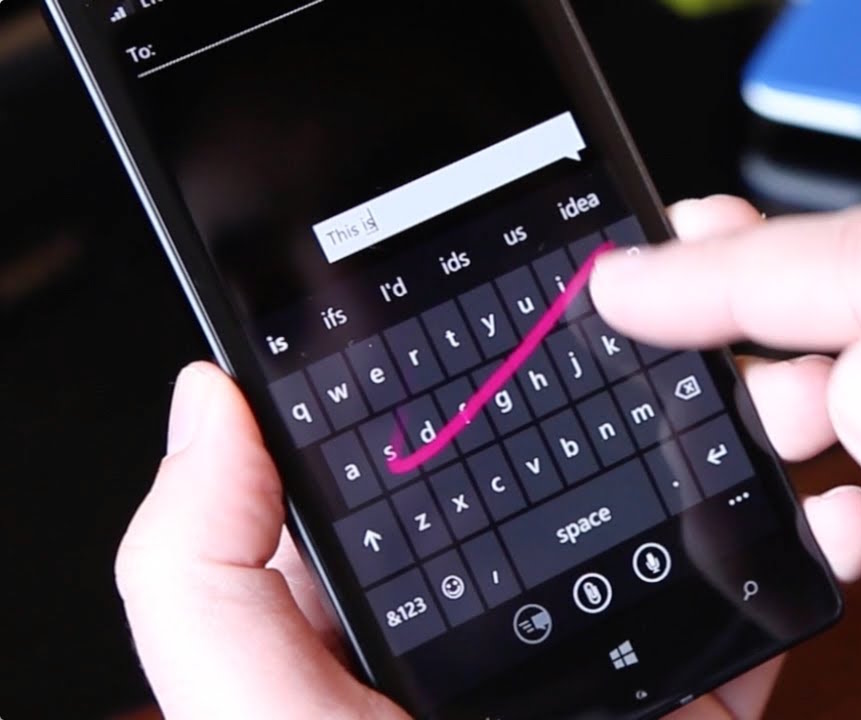
Microsoft is shutting down its one-handed keyboard for iPhone and iPod touch, called WordFlow, fifteen months after the app made its debut on App Store.
A new emoji-predicting keyboard from Microsoft-owned SwiftKey, called Swiftmoji, launched on the App Store.
Available at no charge on the App Store, it boosts your emoji game by predicting a wall of suggested emojis based on crowdsourced data, the user's own preferences and the actual text written in any of the user's keyboards.
This ability to get perfect emoji predictions based on what you’ve just typed is similar to Apple's much-improved QuickType keyboard on iOS 10.
Microsoft is buying out software keyboard maker SwiftKey, according to a report from The Financial Times. The deal is said to be worth $250 million, and the two companies are expected to officially announce the acquisition later this week.
While Microsoft has shown interest in the mobile keyboard space, the report claims that the purchase is all about AI. SwiftKey uses artificial intelligence to predict the next word a user is going to type based on an analysis of their writing style.
SwiftKey, the popular software keyboard for iPhone, iPod touch and iPad devices with iOS 8 or later, has received a refresh this morning in the App Store featuring two enhancements: a brand new Bubble Gum dynamic keyboard theme and a redesigned settings menu in the app.