Use the Optimized Storage recommendations on your Mac to free up local space by removing unwanted files or moving infrequently used files to iCloud.
How to use the Optimized Storage features on Mac
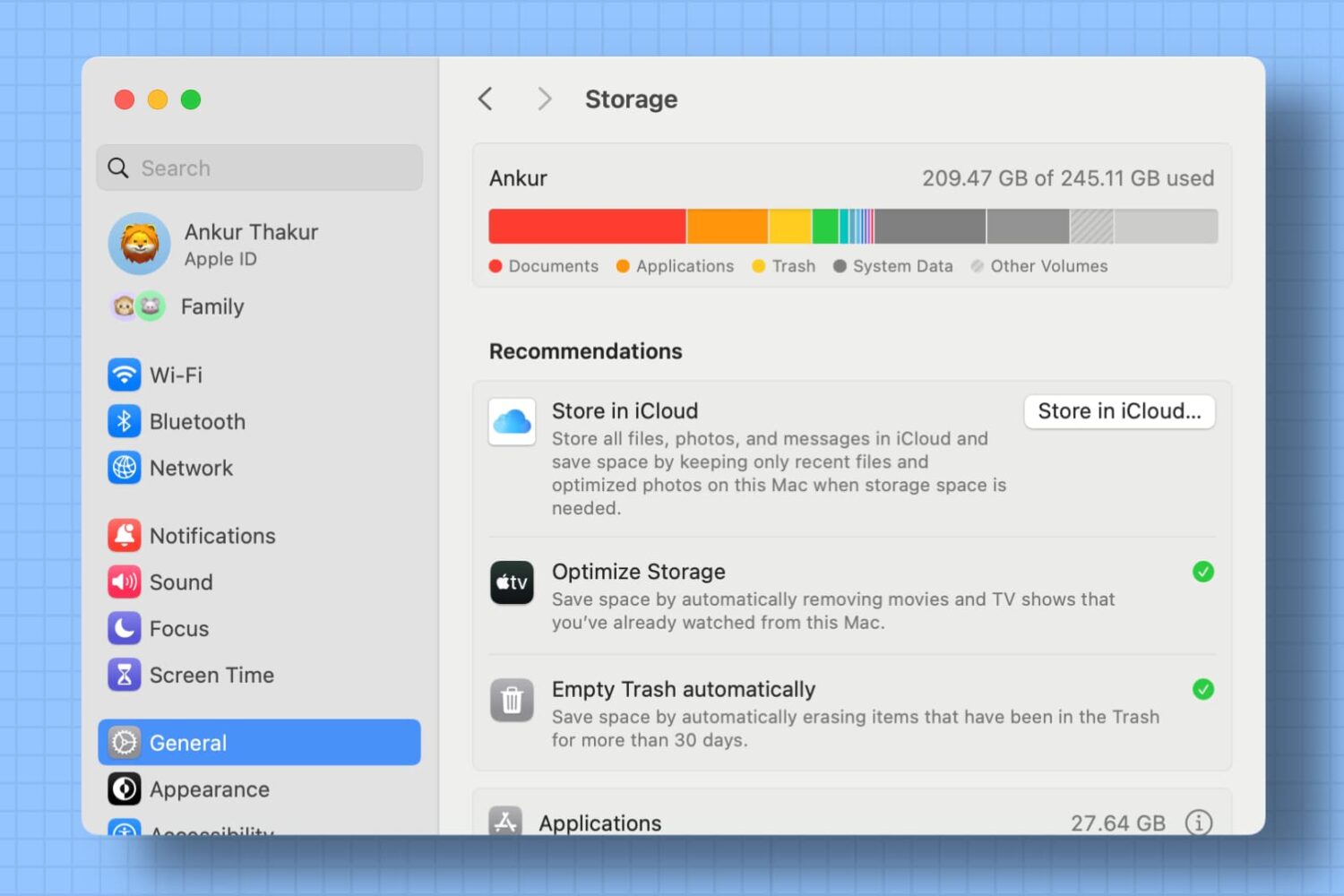
Use the Optimized Storage recommendations on your Mac to free up local space by removing unwanted files or moving infrequently used files to iCloud.

The iPhone 7 and iPhone 7 Plus are Apple's latest and greatest handsets that will be going on pre-order Friday, September 9th, and will be available for official purchase starting on September 16th.
Of course, before you go out and buy something new, it's always great to do a little research on the hardware specs. In this piece, we'll recap the specs of both Apple's iPhone 7 and iPhone 7 Plus.
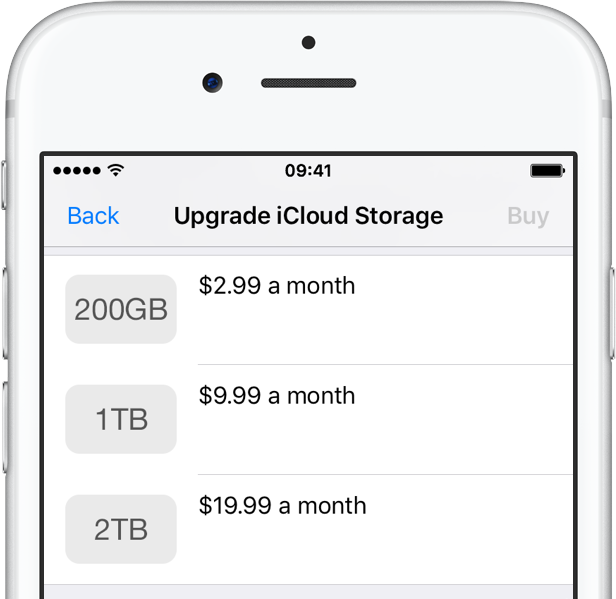
With eight days left until Apple's big iPhone 7 reveal scheduled for September 7, the company has just added a brand new two-terabyte tier to its iCloud storage upgrades.
Now available for purchase on an iPhone, iPad or iPod touch in Settings → Storage, or a Mac in System Preferences → iCloud → Manage, it'll set data-hungry users back $19.99 each month.

A sketchy order assembly sheet leaked out by Twitter account @The_Malignant reaffirms many of the previously talked-about features that should come to the iPhone 7 and iPhone 7 Plus come this fall, including a 256-gigabyte capacity model and the lack of the widely criticized 16-gigabyte tier. First spotted by AppleInsider, note that the sheet doesn't bear any clear designation identifying Apple as the client.

Dropbox today announced a major update to its mobile and desktop clients across platforms, including the ability to scan documents in the mobile app, create Microsoft Word, PowerPoint and Excel files on the go, share files securely with others using access privileges and much more.
On the downside, Dropbox's existing Camera Sync feature has been removed from the mobile app so you now must manage photos using the desktop client. Dropbox for iOS is available at no charge via the App Store. The Mac client must be downloaded directly from the Dropbox website.
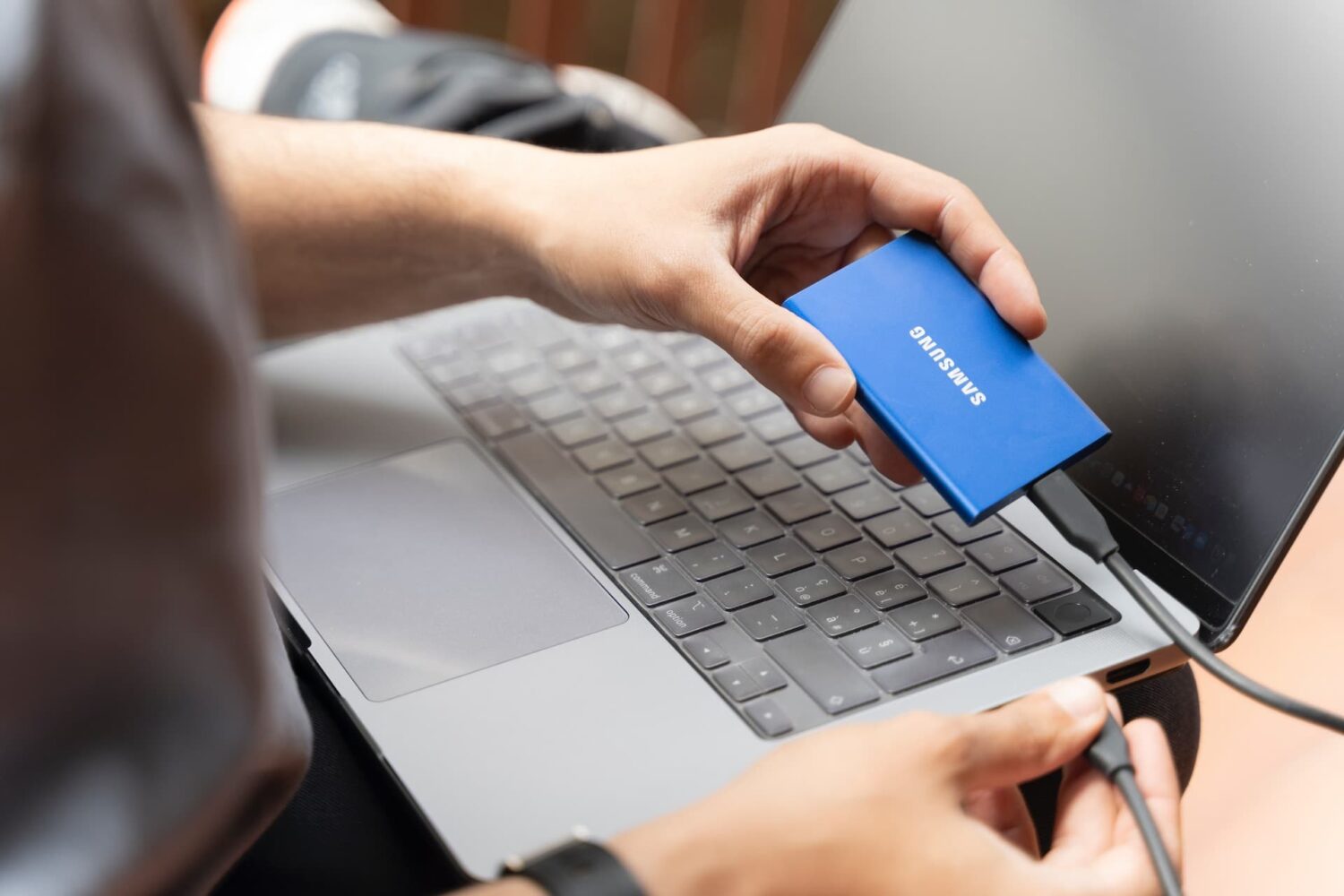
Use one of these 6 safe ways to eject an external hard disk, SSD, memory card, or thumb drive from your Mac.

French leaker Steven Hemmerstoffer yesterday republished an image of some claimed iPhone 7 Plus components, found on Weibo.
The photo appears to show an alleged dual-camera module said to be destined for the handset's refresh, along with NAND flash chips which suggest that the iPhone 7 could include a new 256-gigabyte model.
The presence of both 16GB and 64GB memory modules on the photo might indicate that, disappointingly, the iPhone's highly criticized low-storage 16GB model won't be going away with the forthcoming hardware refresh.
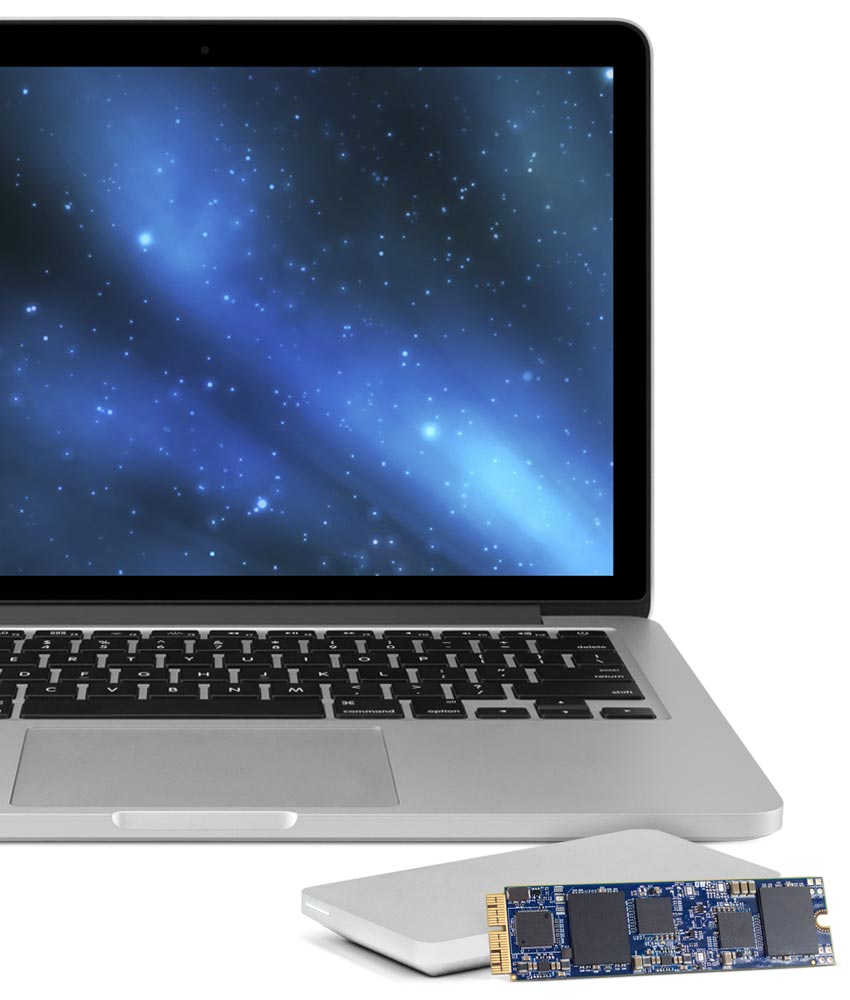
In March, Other World Computing (OWC) launched the world's first SSD upgrade for 2013 and later MacBook Air and MacBook Pro with Retina display computers. The storage upgrades came in 480GB and 1TB flavors, and we recently showed you the install process of the 1TB OWC Aura SSD upgrade.
There was unfortunately a caveat that disallowed you to use Apple's Boot Camp feature with the drives, which meant you were limited to installing one operating system on it at a time, or using a virtual machine instead of partitioning the drive and dual-booting your Mac.
As of today, OWC has fixed this problem with a new universal driver that enables Boot Camp on all of OWC's SSD upgrades to date.

Ukrainian developer MacPaw, the makers of the versatile and powerful CleanMyMac and CleanMyDrive apps, today pushed a major new update for Gemini as a brand new app. For those unfamiliar with it, Gemini is an intelligent duplicate file finder that can help recover tons of storage space on your Mac wasted to duplicate files.
Aside from identifying identical duplicates, Gemini 2 uses a proprietary algorithm to spot similar files that are not 100 percent identical, but can be considered redundant due to little difference between them.
It scans your iTunes and Photos libraries in search of retakes of the same picture or different formats of the same song, and becomes smarter and more precise in automatic selection of duplicates the more you use it.

Microsoft issued an update to OneDrive, its free of charge mobile cloud-storage client, adding some new features.
In addition to a fresh coat of paint and a revamped app icon, OneDrive for the iPhone, iPod touch and iPad was bumped in the App Store yesterday to version 7.1 with support for Peek and Pop in-app gestures for previewing content with 3D Touch on the iPhone 6s and iPhone 6s Plus.
In the refreshed app, you can now peek at any folder or file by pressing it lightly, or pop right into it by pressing a little deeper.

I travel quite often and have spent an embarrassing amount of time looking for the perfect travel charger for my Apple Watch. I want to pack a few extra bands, the charging puck, and the wall adapter. Yet nothing I've run across can handle all that, let alone while looking good. That was at least the case before I ran across the TimePorter from Twelve South.

Popular cloud-storage startup Dropbox said today at the Dropbox Open London conference that it's working to let you access your files through the Finder as you normally would, but without taking up storage space on a Mac until they're actually needed—no matter how small your hard disk, no matter how much stuff's in your Dropbox.
Code-named Project Infinite, the initiative will let you decide which files in your Dropbox will be instantly downloaded and which ones will be referenced.