Storage

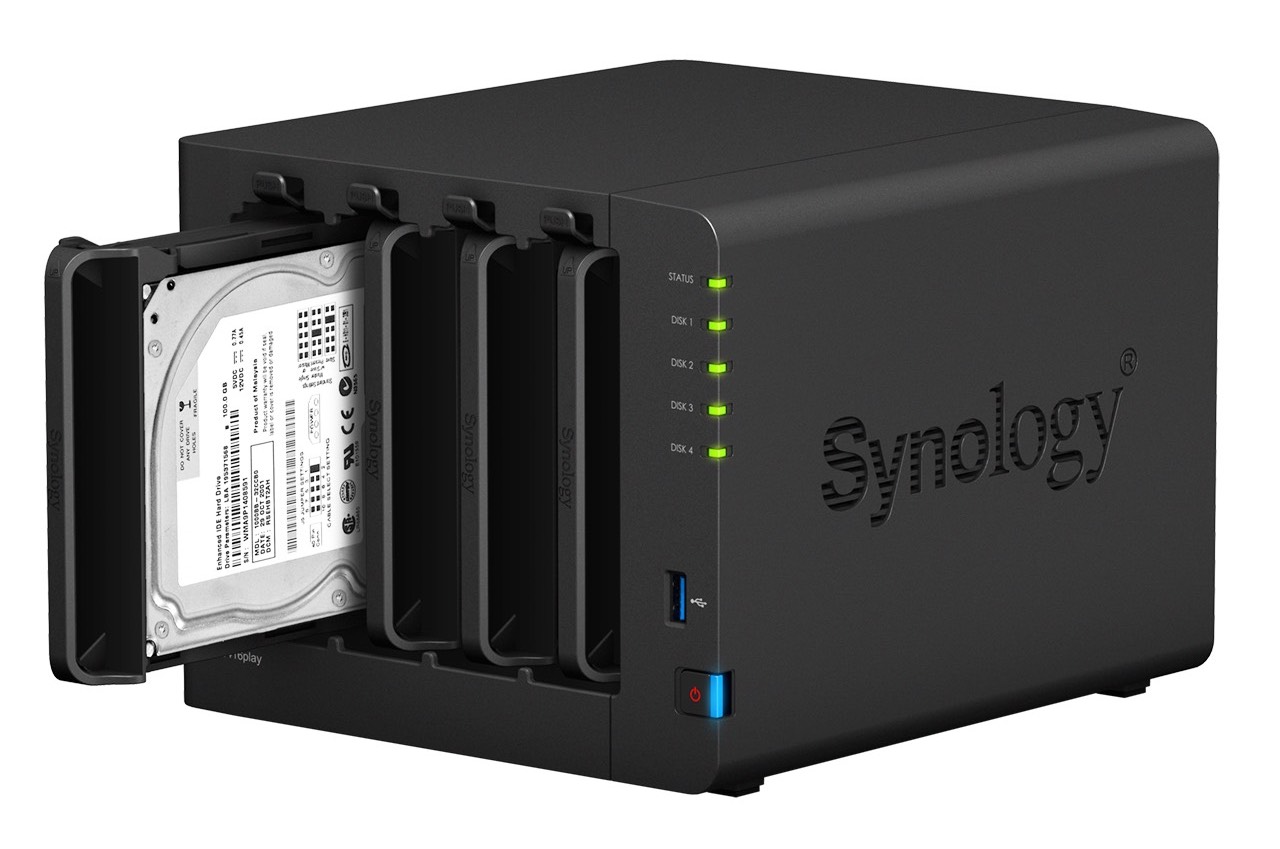
Synology NAS will take your media and file storage to the next level

In this information age, data is more prevalent than ever before. Even the average user tends to require more storage now than ever to keep their photos, videos, music, and documents in a safe and easily accessible location. The cloud is an increasingly popular solution for saving and sharing data, but security has been and will continue to be a concern with storing personal information on a third party’s servers. Additionally, users who deal with slow internet speeds or bandwidth caps have reasons for not fully relying on a cloud service that extend beyond privacy concerns.

WhatsApp gains offline message sending, overhauled storage usage screen & more

Facebook-owned WhatsApp was refreshed on App Store this morning with a few new features. Bumped to version 2.17.1, the iPhone application now lets you queue up messages while offline to be delivered when the device regains an Internet connection.

WhatsApp's storage management screen has been redesigned and now allows you to selectively delete specific media file types on a per-chat basis.

Dropbox for iOS gains bulk renaming of photos, offline folders & recent save locations

Popular cloud-storage service Dropbox has refreshed its iPhone and iPad application on the App Store with three new features: bulk-renaming of photos, offline folders and recent save locations. In addition, the company announced a major infrastructure push enabling faster sync speeds thanks to several new proxy servers established across the globe, including accelerators in California, Texas, Virginia, New York, Washington, the UK, the Netherlands, Germany, Japan, Singapore and Hong Kong.

Google Drive becomes Android migration tool with contacts, photos, videos & calendar sync

Google wants to make it even easier for Apple fans to switch from iOS to the Android platform so it's turning the mobile Google Drive app into a migration tool of sorts with new features that let you upload and synchronize your contacts, photos, videos and calendar events.

The search giant also provides a Quick Switch Adapter with its Pixel smartphones that allows users to quickly transfers data directly from an iPhone to their Pixel phone.

Google Drive is available at no charge from the App Store.

SSD in the new MacBook Pro with Touch Bar can’t be upgraded

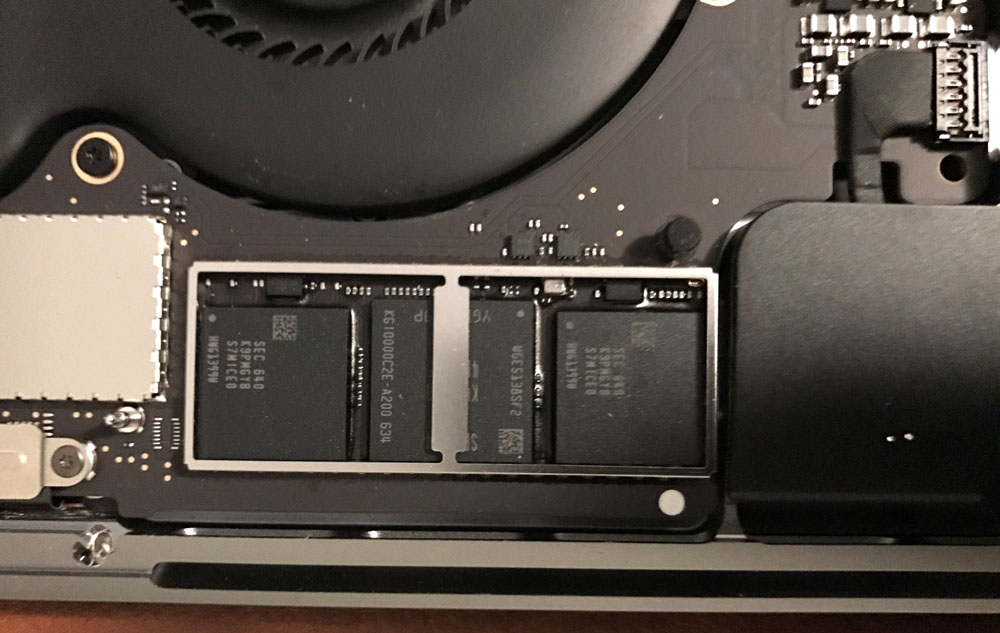
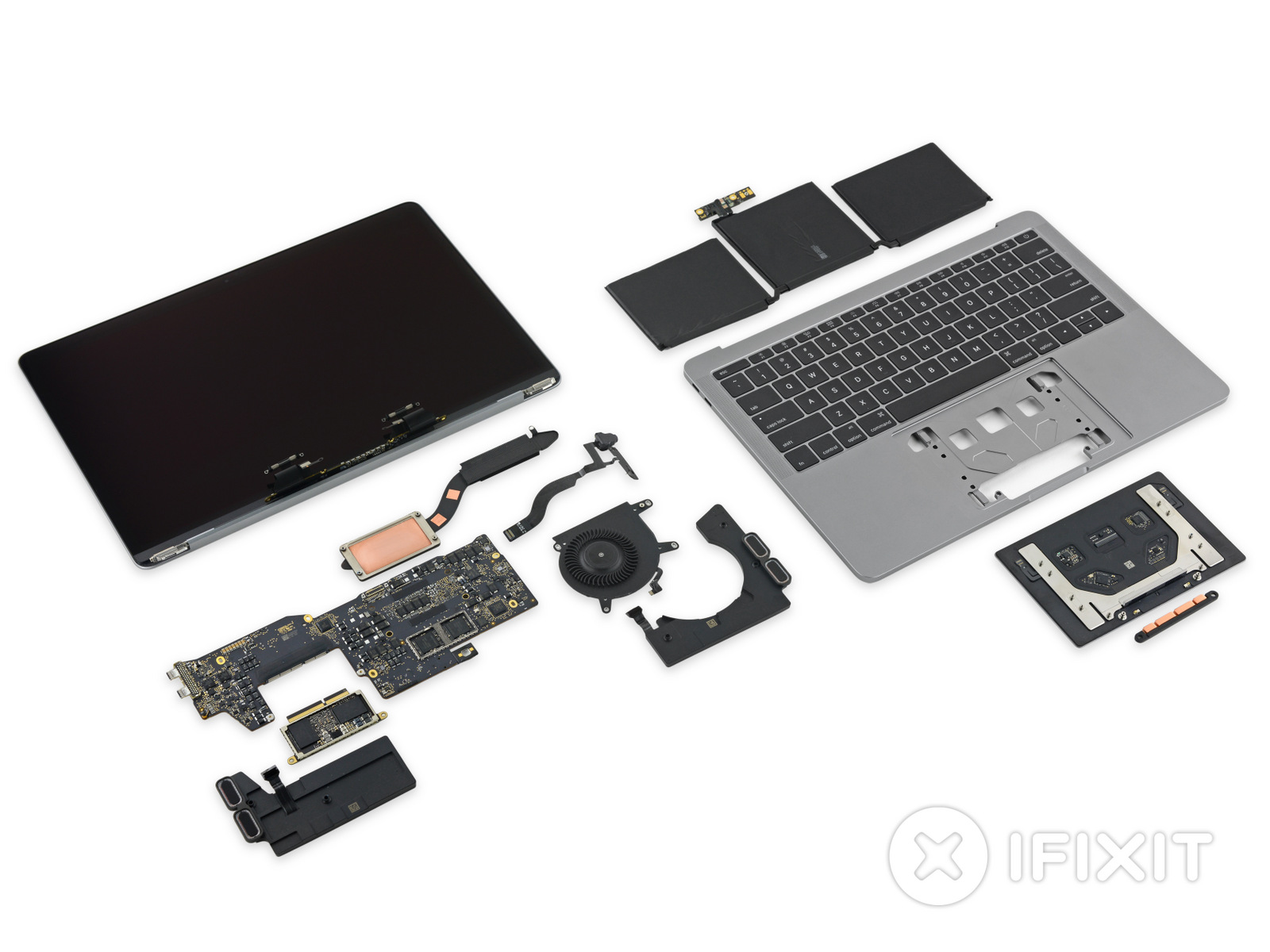
After seeing in iFixit's teardown that the base model of the new 2016 MacBook Pro without the Touch Bar had a removable PCIe SSD storage unit, many were excited at the possibility of aftermarket upgrade parts across the new MacBook Pro lineup.

But new images surfacing on the web this week after the first MacBook Pro with Touch Bar units began reaching the hands of buyers are showing that the Touch Bar models don't follow suit and have SSD storage chips soldered into their logic boards instead.

Spotify to fix a bug in desktop app causing massive data writes that could reduce SSD lifespan

Spotify's desktop app for Mac, Windows and Linux has been found to be continuously writing massive amounts of data to local storage for no apparent reason—even when the app is simply sitting idle. As noted in Spotify's support forum, on Reddit and elsewhere, users are seeing the desktop app write tens of gigabytes of data to local storage every minute or so. On systems outfitted with SSDs like most Macs, excessive data writes can reduce the lifetime of flash storage.

That's because SSDs have a finite amount of write capacity and are prone to wear and tear. A Spotify spokesperson told ArsTechnica that a fix was underway via an update that's being rolled out as we speak.

iFixit tears down the 2016 MacBook Pro base model

iFixit officially got its hands on the 2016 MacBook Pro without the Touch Bar at the top of the keyboard, and their team has already completed one of the detailed teardowns the firm is known for.

The new MacBook Pro appears to contain a lot of new tech, highlighting large advancements in Apple's pro notebook lineup.

Tip: save space on iPhone 7 Plus by turning off depth of field photo duplicates

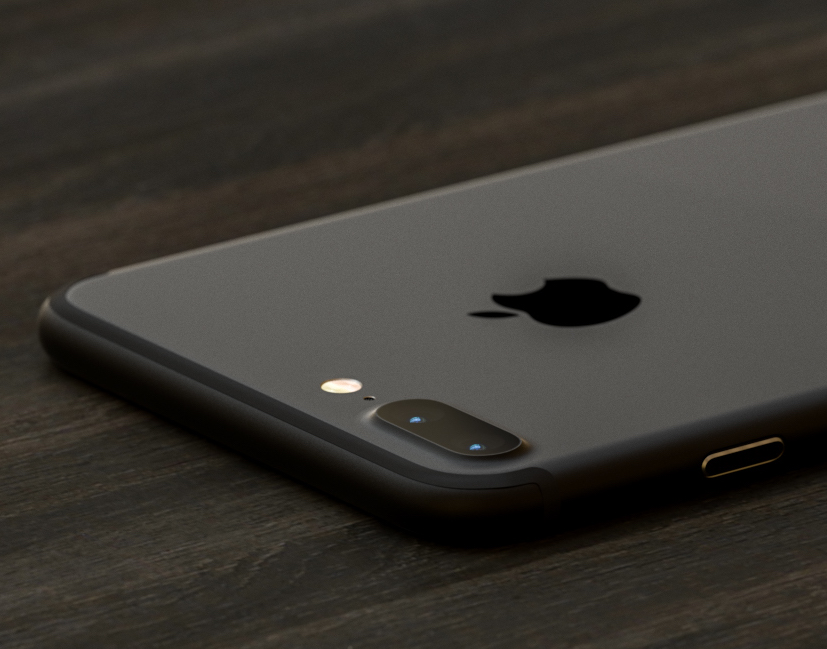
iOS provides a Portrait mode in the stock Camera app to owners of the dual-camera iPhone 7 Plus.

As you know, Portrait mode lets you take dramatic DSLR-like depth of field photographs where the camera automatically creates a beautifully blurred background while keeping the subject in the front sharp and in full focus.

Your iPhone 7 plus defaults to saving both the original twelve-megapixel photo and its depth of field counterpart, effectively doubling storage requirements for Portrait shots.

In this quick tutorial we're going to show you how you can easily disable photo duplicates for depth of field photos with just a few taps.