When scouting out external drives, there is a lot to consider. Speed, durability, size, and so much more. We've found (and tested) the best HDDs and SSDs for your Mac or PC.
The best external drives for your Mac or PC
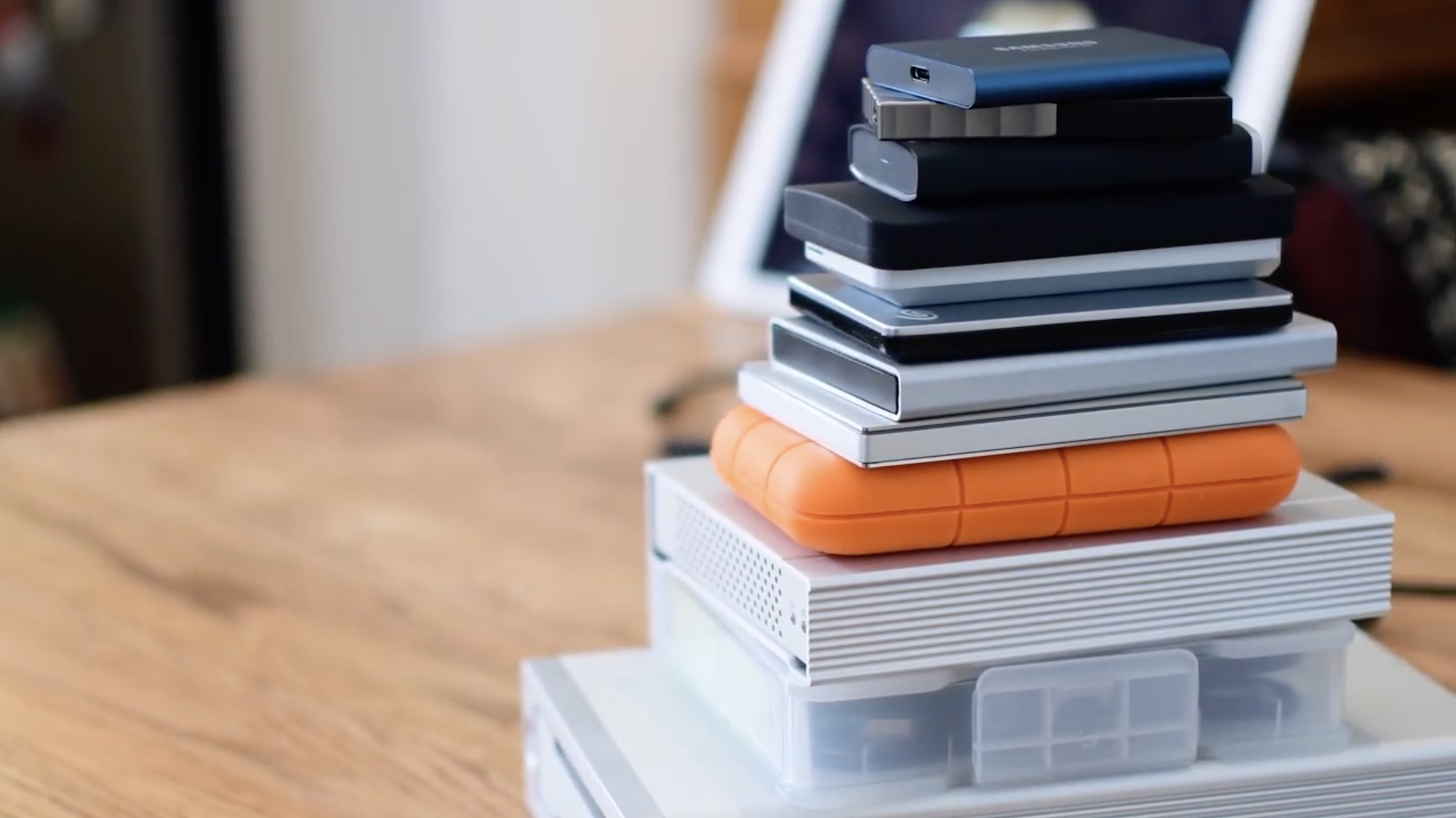
When scouting out external drives, there is a lot to consider. Speed, durability, size, and so much more. We've found (and tested) the best HDDs and SSDs for your Mac or PC.
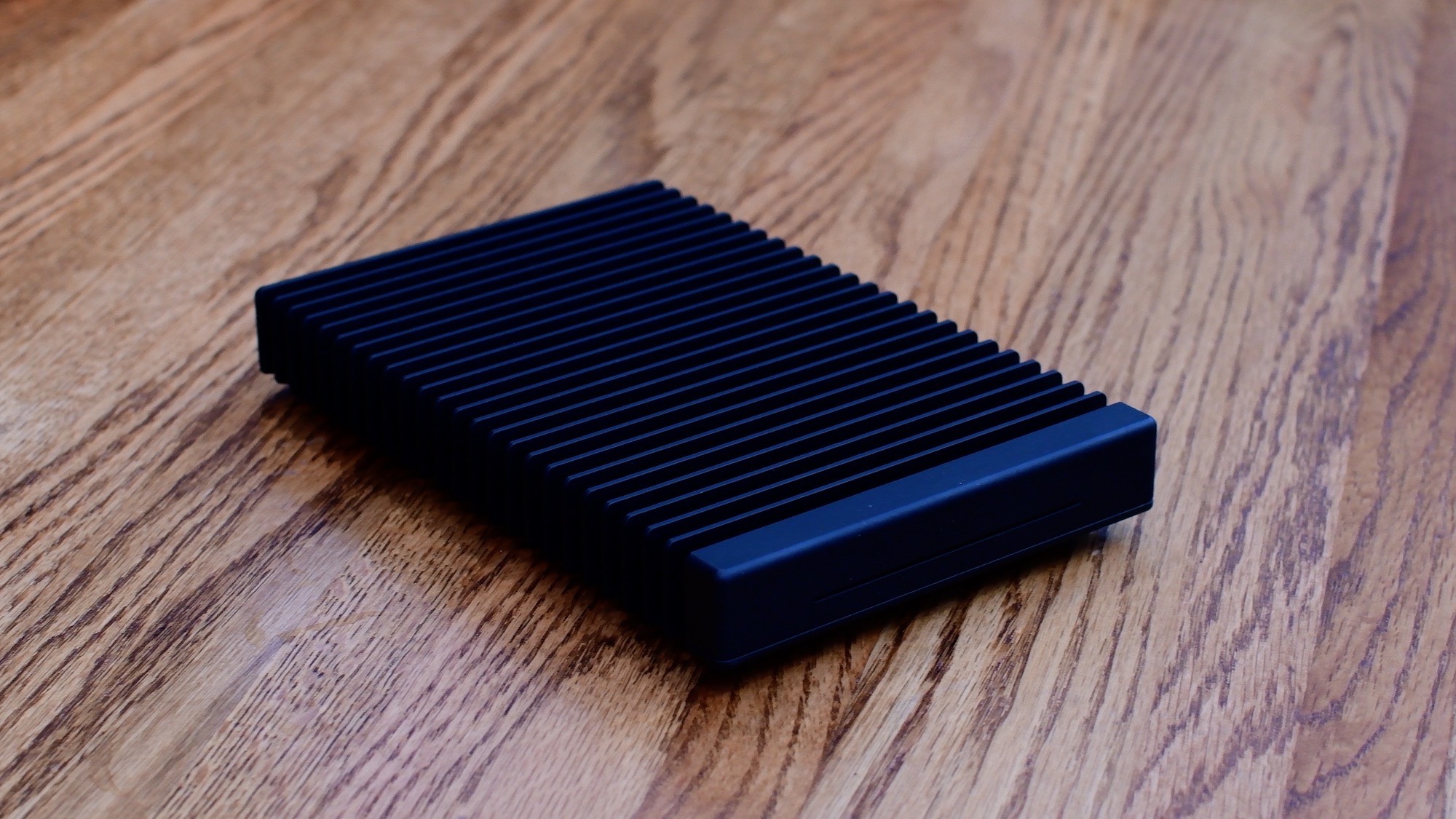
Every once in a while you stumble onto a piece of gear that is so crazy powerful you just lust after it, even if its capabilities far exceeds your needs. I myself do it often with cameras, TVs, and cars. However, this time it was a hard drive that caught my eye.
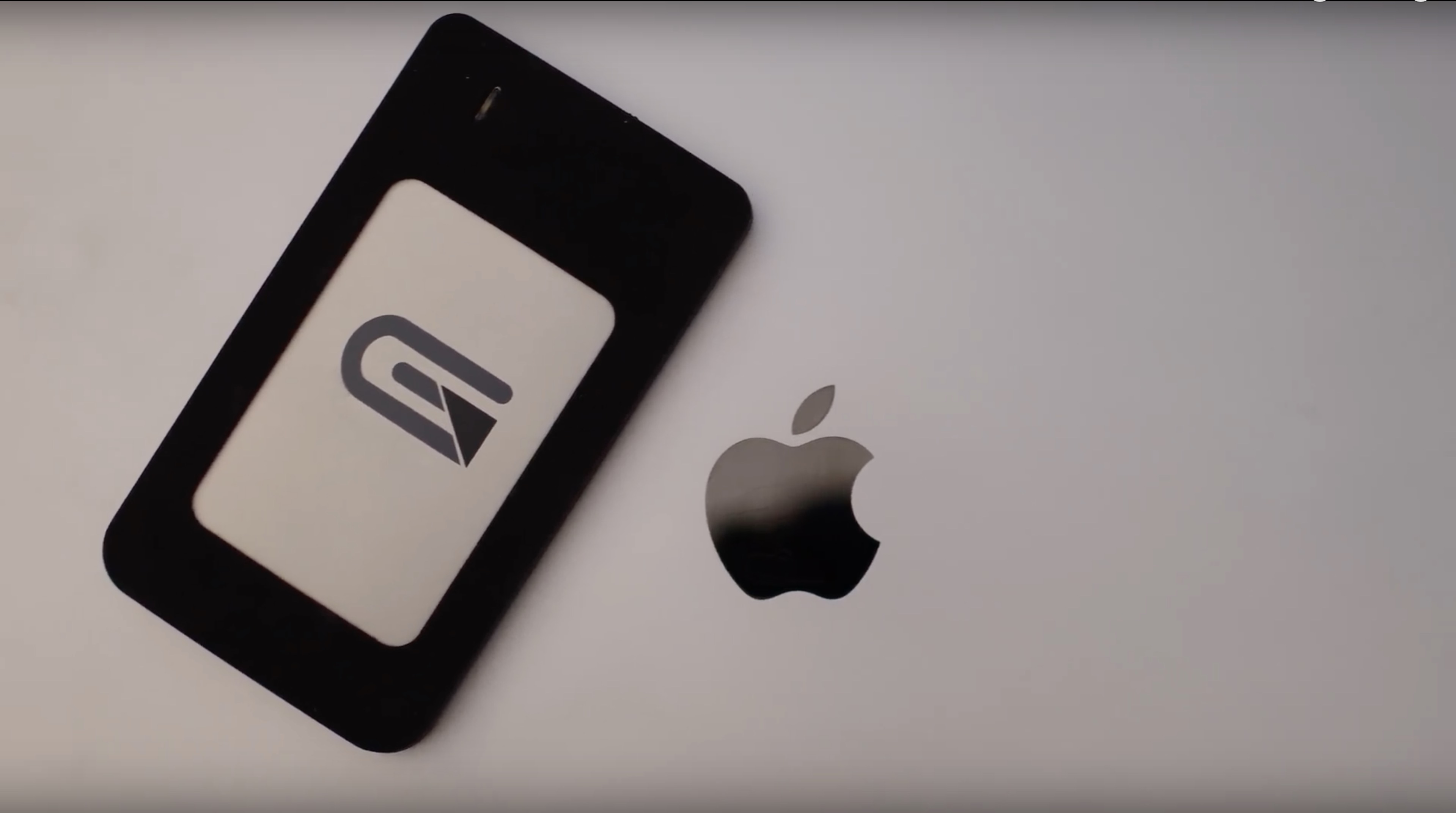
The latest MacBook Pros fully embraced USB-C. Charging, displays, and other I/O are all connected through this universal port. In a profession that is quite storage-intensive, I've spent my fair share of time researching and testing hard drives. The Glyph Atom has become my latest favorite, and has so far been my drive of choice with my new MacBook Pro.
Last year, I shared a roundup of my favorite accessories for my 2015 15-inch MacBook Pro. Times have since changed, and I was recently convinced to pick up a new 2017 15-inch MacBook Pro.
In this piece, I’ll pick up where I left off in my previous post by going over additional accessories that I consider essentials for my 2017 MacBook Pro. Worthy of note, these should all work with the 2016 MacBook Pro too.
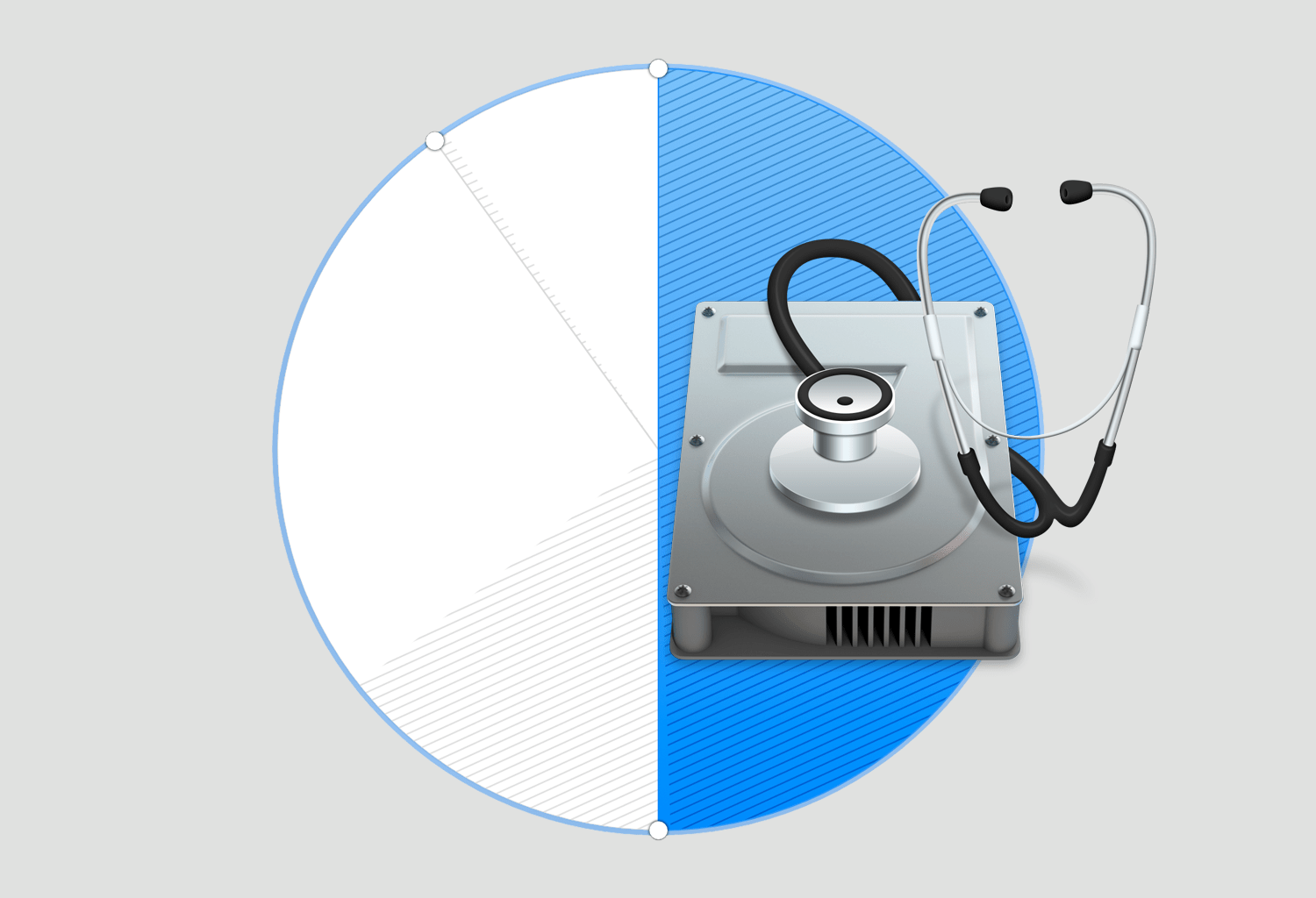
This guide shows you how to safely delete partitions from a hard drive or SSD using the built-in Apple Disk Utility app on your Mac.
Need to add an extra partition to a hard drive or SSD? We'll show you how to create a disk partition on your Mac using the built-in Disk Utility app.

If you only have a small SSD in your Mac or Hackintosh, then storage space can be at a premium. For most users, by far the largest thing saved on their boot drive is the User folder, which contains their user account. If your user folder is filling up your SSD and you want to keep that high-speed storage for the operating system and applications, then this guide is for you.
It is possible to move your entire user account onto another drive, completely separate from your macOS boot drive. This will free up space on the boot drive and allow large media folders like Music, Movies, and Downloads to reside on a larger capacity drive.
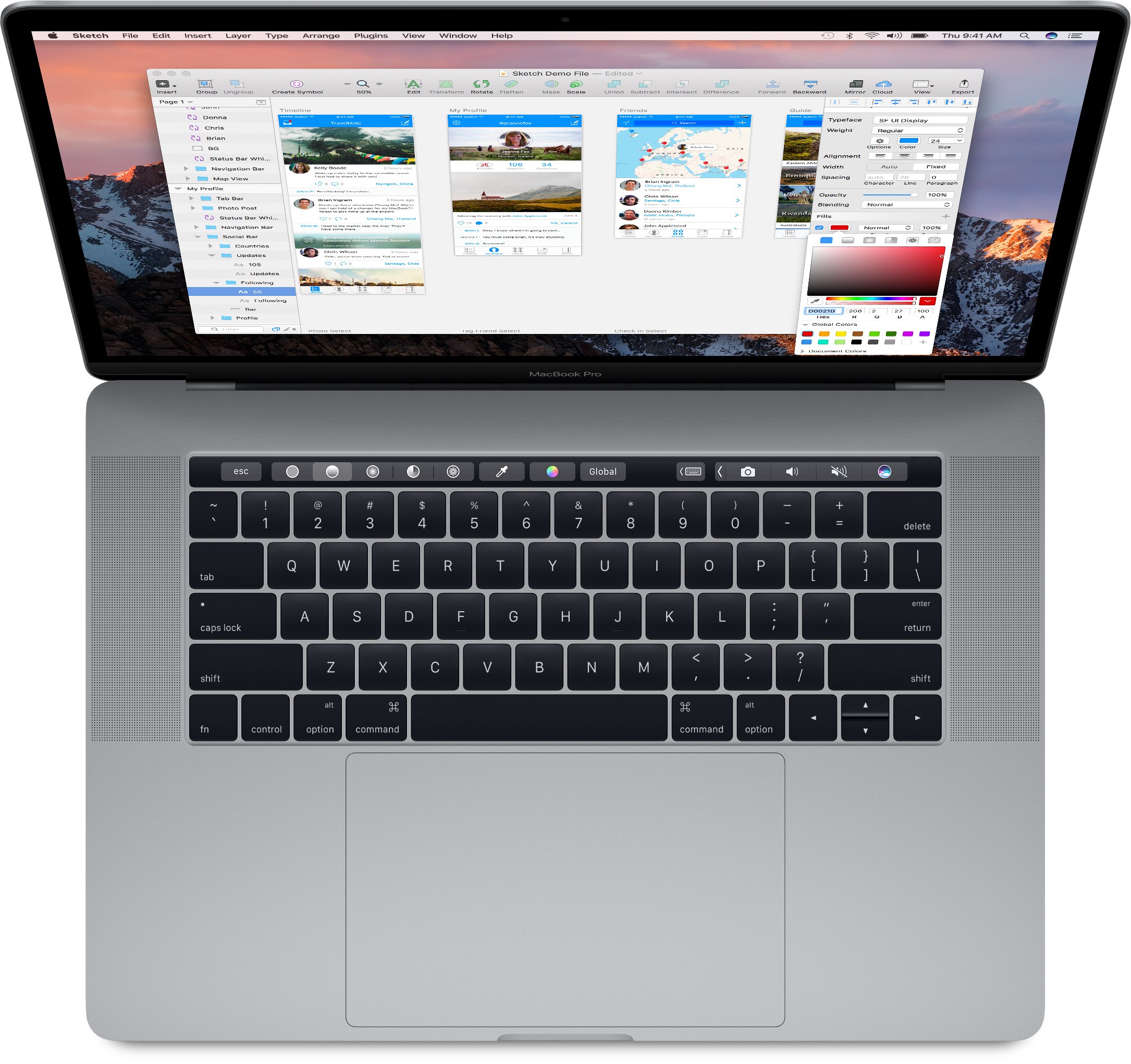
iFixit's teardown analysis of both the 13 and 15-inch MacBook Pro with Touch Bar has found a non-removable SSD inside soldered to the logic board. In contrast, non-Touch Bar Pros use a removable PCIe-based SSD, simplifying upgrades.
iFixit discovered that Touch Bar Pros include a hidden connector on the logic board that leads nowhere which, as reported by 9to5Mac, works in conjunction with a special tool to let service technicians rescue data in case of a hardware failure.
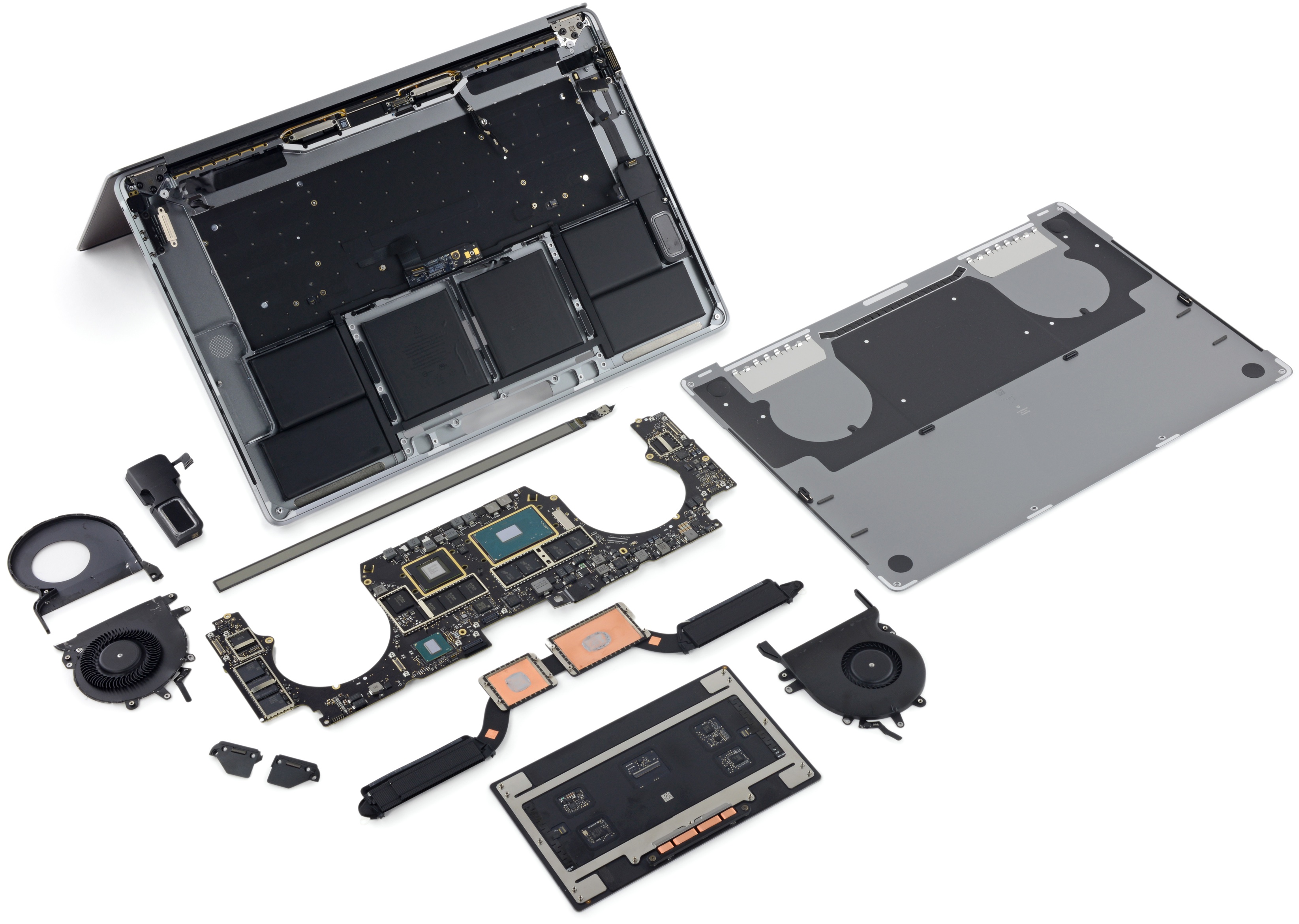
iFixit on Friday published its teardown analysis of the 15-inch MacBook Pro with Touch Bar (model number A1707), just two days after taking a peek under the hood of the 13-inch MacBook Pro with Touch Bar. Comparing the two Touch Bar-equipped notebooks to the 13-inch MacBook Pro without Touch Bar, which iFixit also disassembled, the repair site has confirmed that only the baseline 13-incher with a standard row of function keys has a removable SSD.
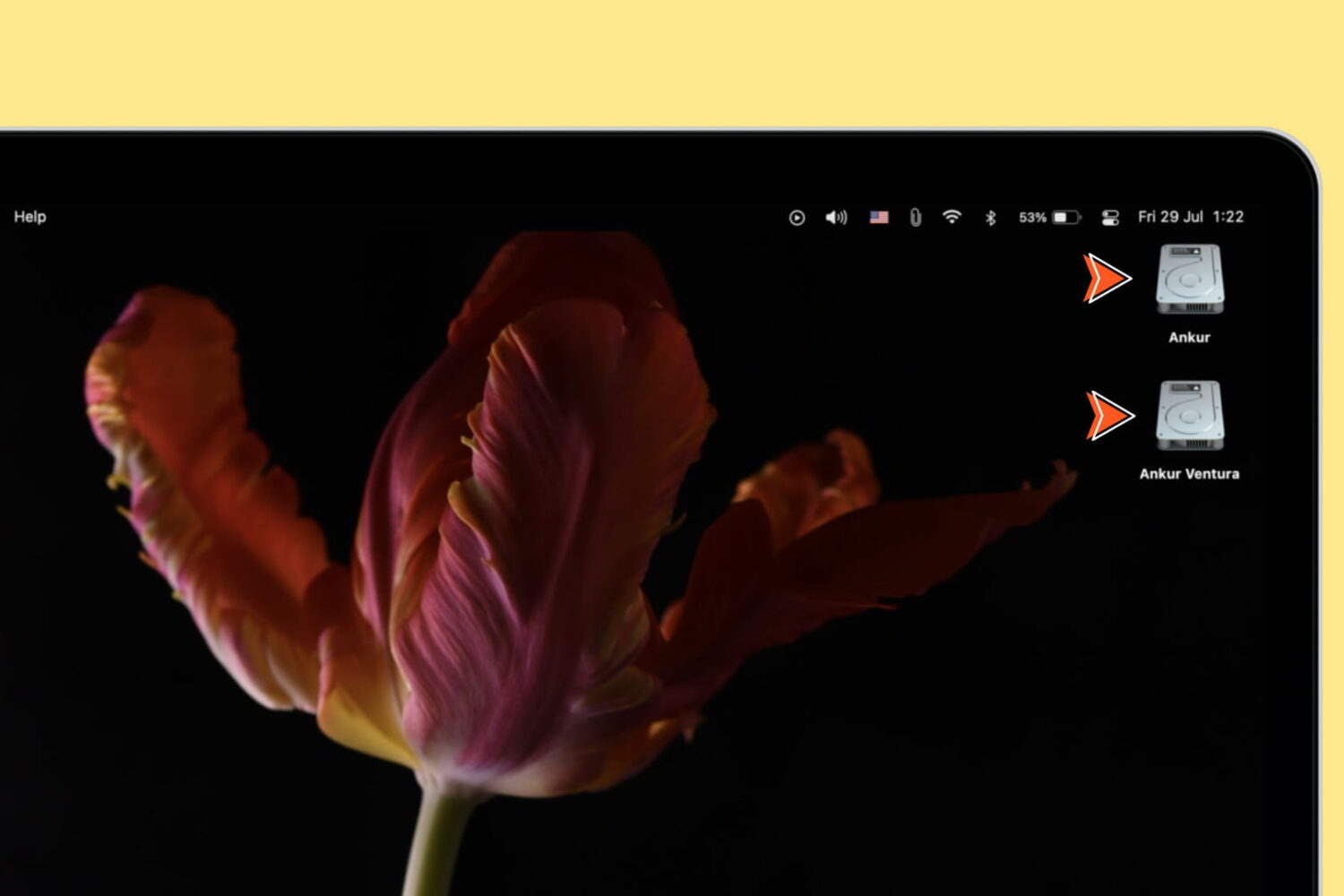
Learn how to show icons for the internal startup drive, external storage devices, volumes, and partitions on your Mac’s desktop for quick access to the files within.
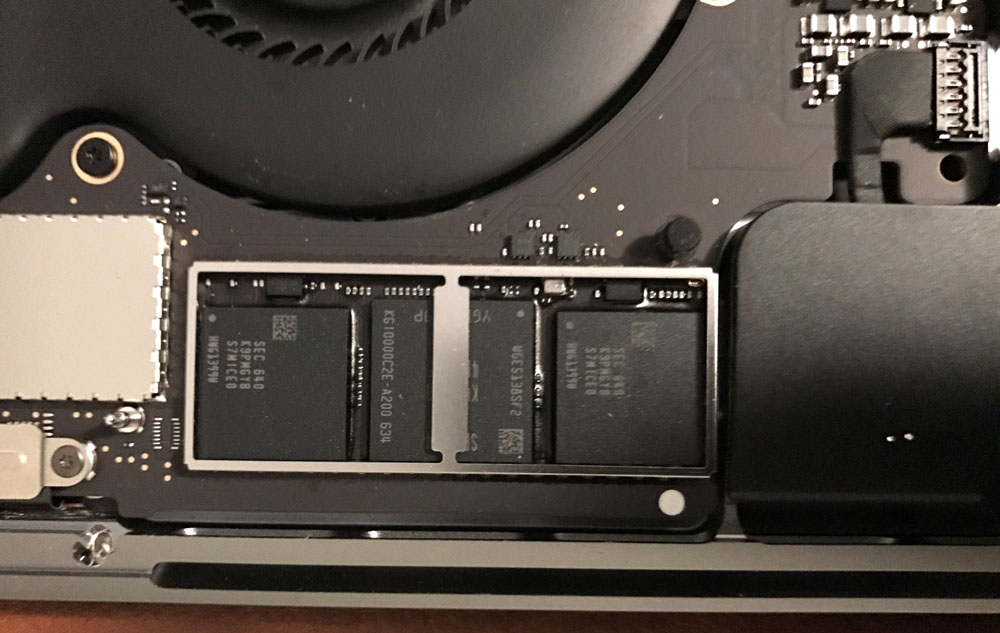
After seeing in iFixit's teardown that the base model of the new 2016 MacBook Pro without the Touch Bar had a removable PCIe SSD storage unit, many were excited at the possibility of aftermarket upgrade parts across the new MacBook Pro lineup.
But new images surfacing on the web this week after the first MacBook Pro with Touch Bar units began reaching the hands of buyers are showing that the Touch Bar models don't follow suit and have SSD storage chips soldered into their logic boards instead.

Spotify's desktop app for Mac, Windows and Linux has been found to be continuously writing massive amounts of data to local storage for no apparent reason—even when the app is simply sitting idle. As noted in Spotify's support forum, on Reddit and elsewhere, users are seeing the desktop app write tens of gigabytes of data to local storage every minute or so. On systems outfitted with SSDs like most Macs, excessive data writes can reduce the lifetime of flash storage.
That's because SSDs have a finite amount of write capacity and are prone to wear and tear. A Spotify spokesperson told ArsTechnica that a fix was underway via an update that's being rolled out as we speak.