Use one of these 6 safe ways to eject an external hard disk, SSD, memory card, or thumb drive from your Mac.
How and why to safely eject external drives from Mac
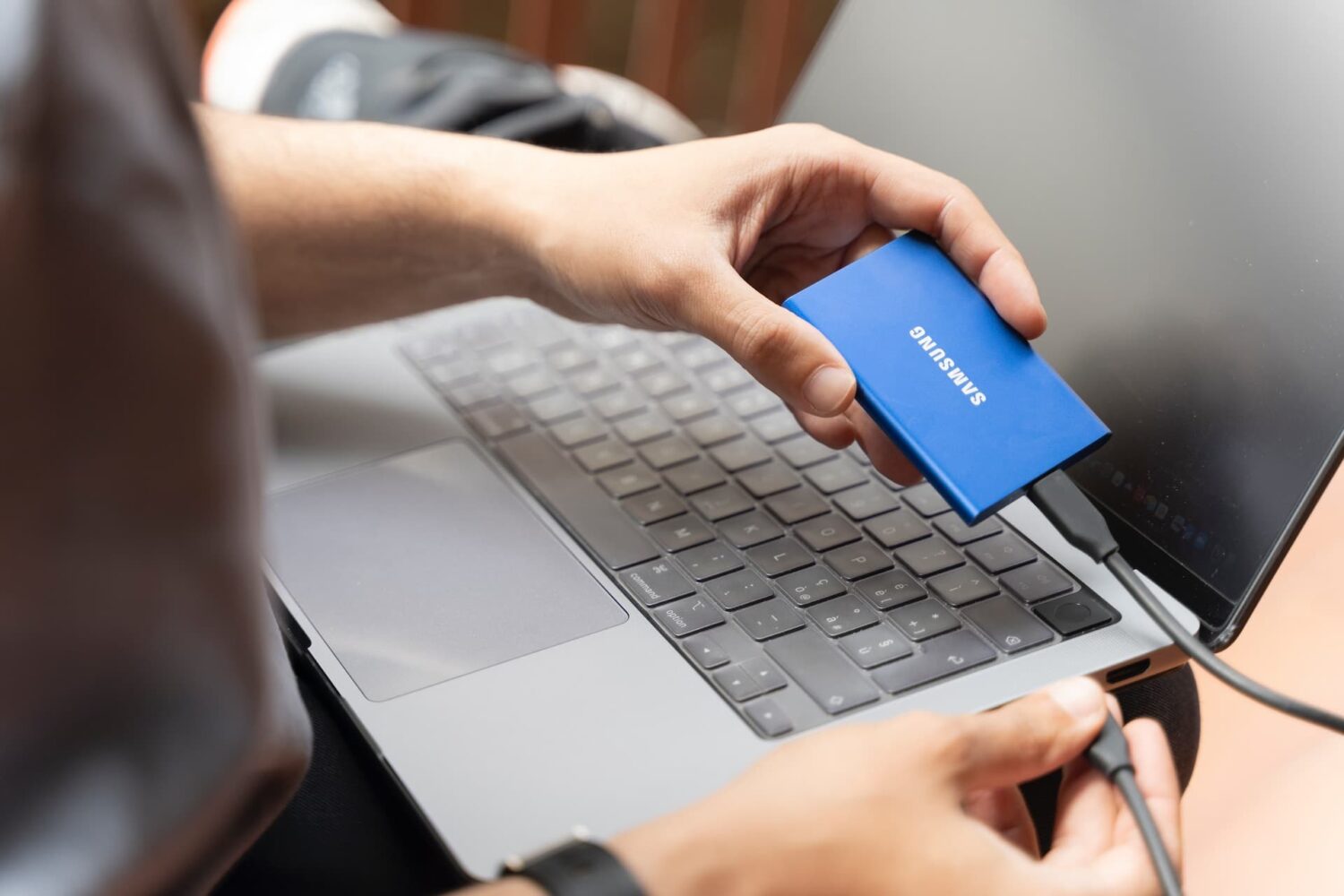
Use one of these 6 safe ways to eject an external hard disk, SSD, memory card, or thumb drive from your Mac.
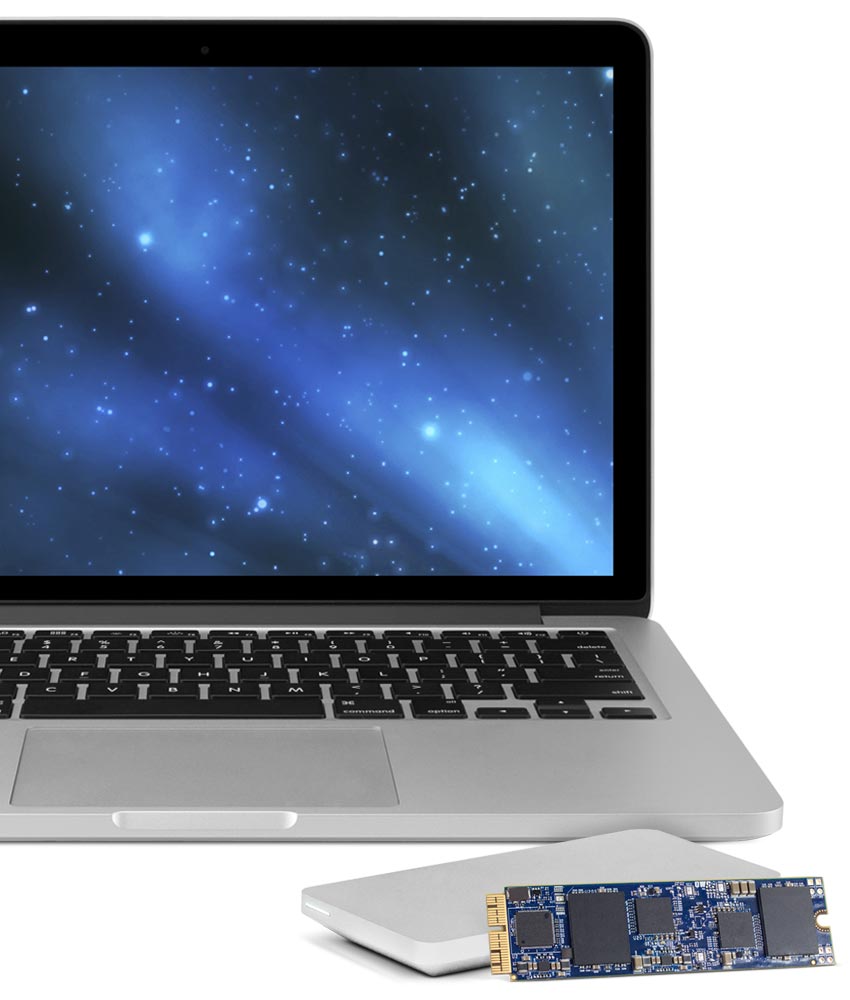
In March, Other World Computing (OWC) launched the world's first SSD upgrade for 2013 and later MacBook Air and MacBook Pro with Retina display computers. The storage upgrades came in 480GB and 1TB flavors, and we recently showed you the install process of the 1TB OWC Aura SSD upgrade.
There was unfortunately a caveat that disallowed you to use Apple's Boot Camp feature with the drives, which meant you were limited to installing one operating system on it at a time, or using a virtual machine instead of partitioning the drive and dual-booting your Mac.
As of today, OWC has fixed this problem with a new universal driver that enables Boot Camp on all of OWC's SSD upgrades to date.
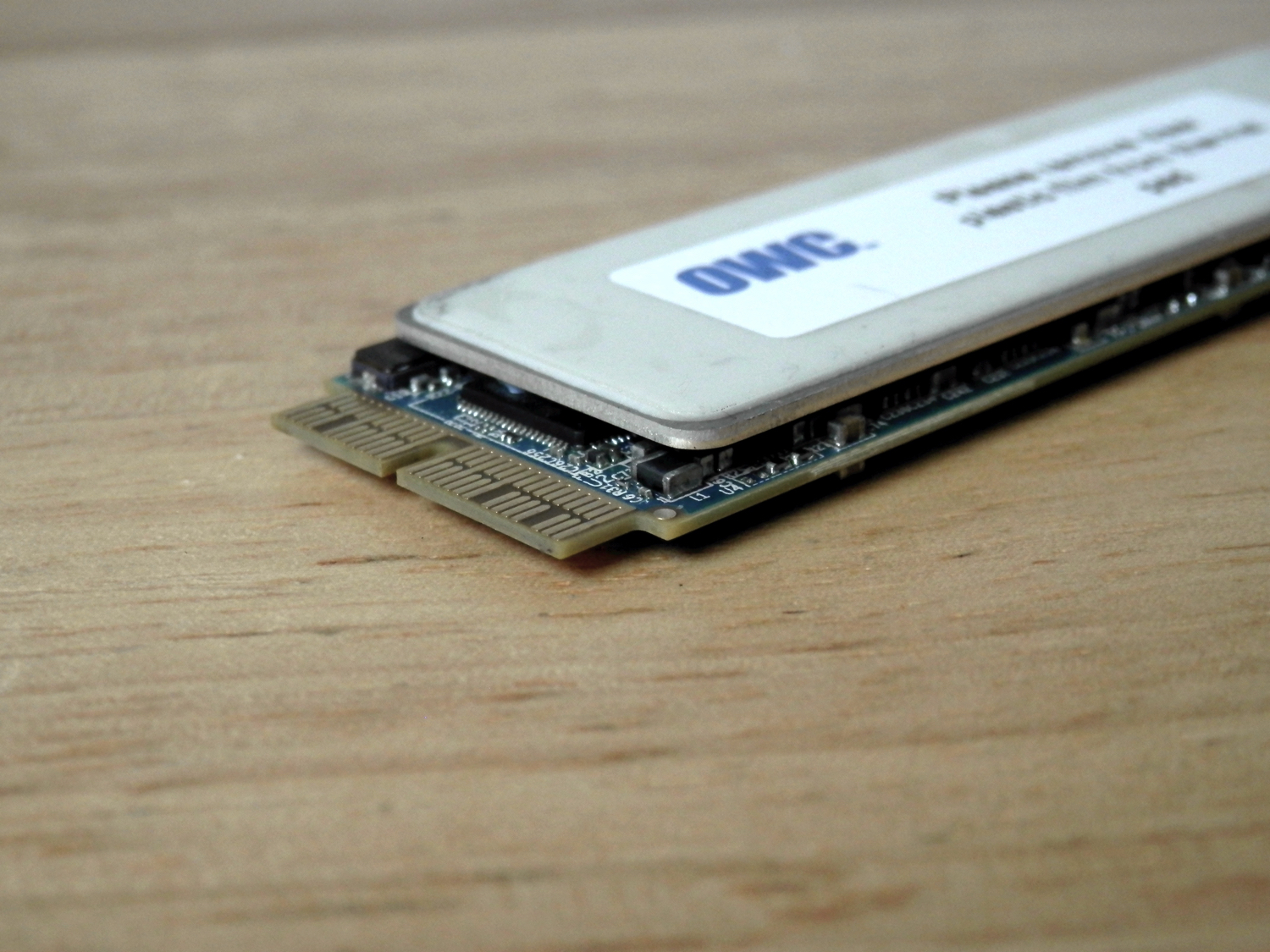
Other World Computing unveiled their Aura Pro PCI-e drop-in SSD upgrade kits last month for 2013 and later MacBook Pro with Retina display and MacBook Air model notebooks.
OWC's Aura Pro SSD storage upgrades start at $399.00 (introductory price) for a 480GB module and and go up in price from there.
Sure to be a popular seller for those that want to upgrade the on-board storage in their expensive Macs without buying an all-new Mac, we've decided to try it out and share with you exactly what we think about it.
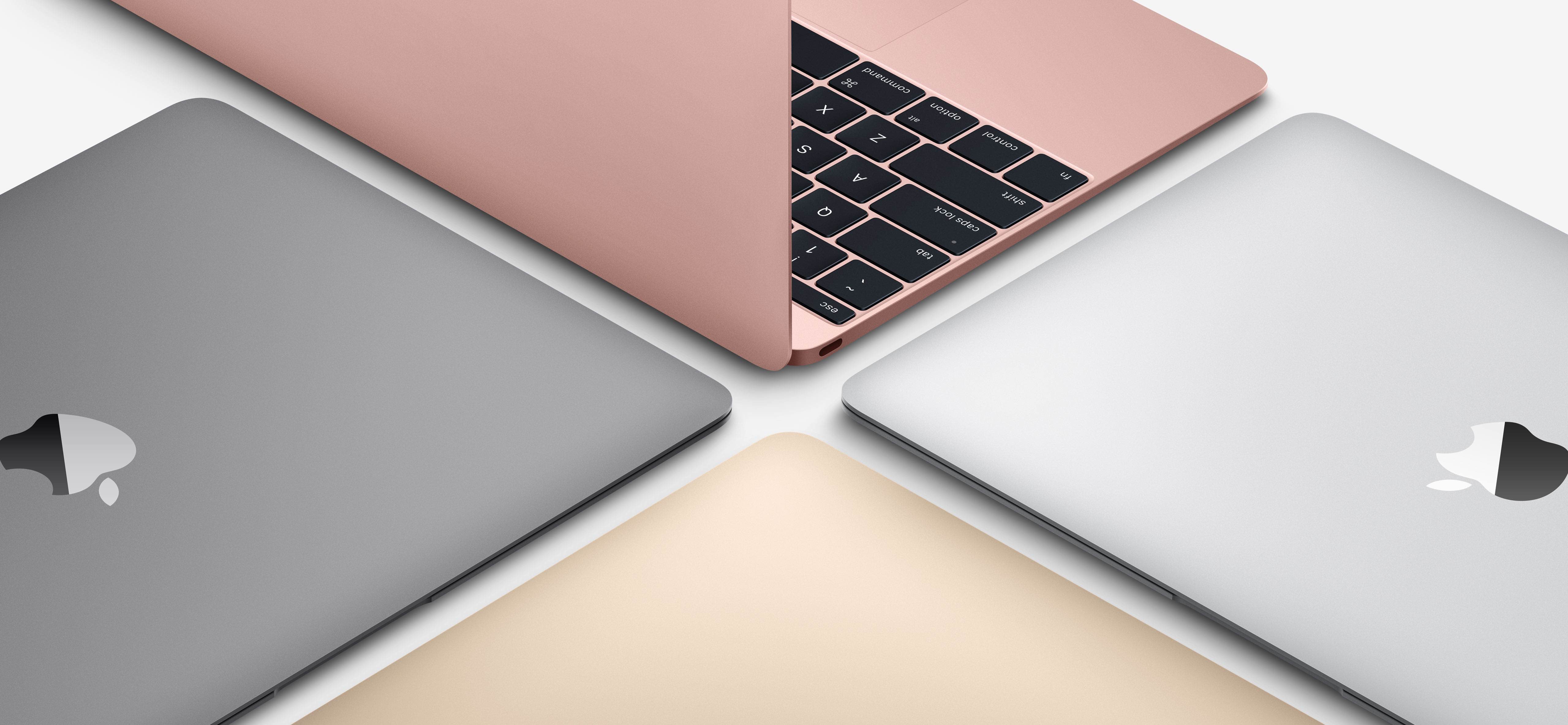
Apple today announced a second-generation twelve-inch MacBook which brings speed increases across the board thanks to the use of Intel's latest Skylake chip platform, PCIe-based flash storage and a speedier 1,866MHz RAM.
The Verge took the new machines briefly for a spin. Having put the new MacBook through its paces in Primate Labs' $0.99 Geekbench 3 benchmarking app to measure the performance of the new Intel CPU and using the free Blackmagic Disk Speed Test app for benchmarking disk I/O operations, the publication was able to determine just how performant the updated flash storage and Intel's new Skylake CPU are.
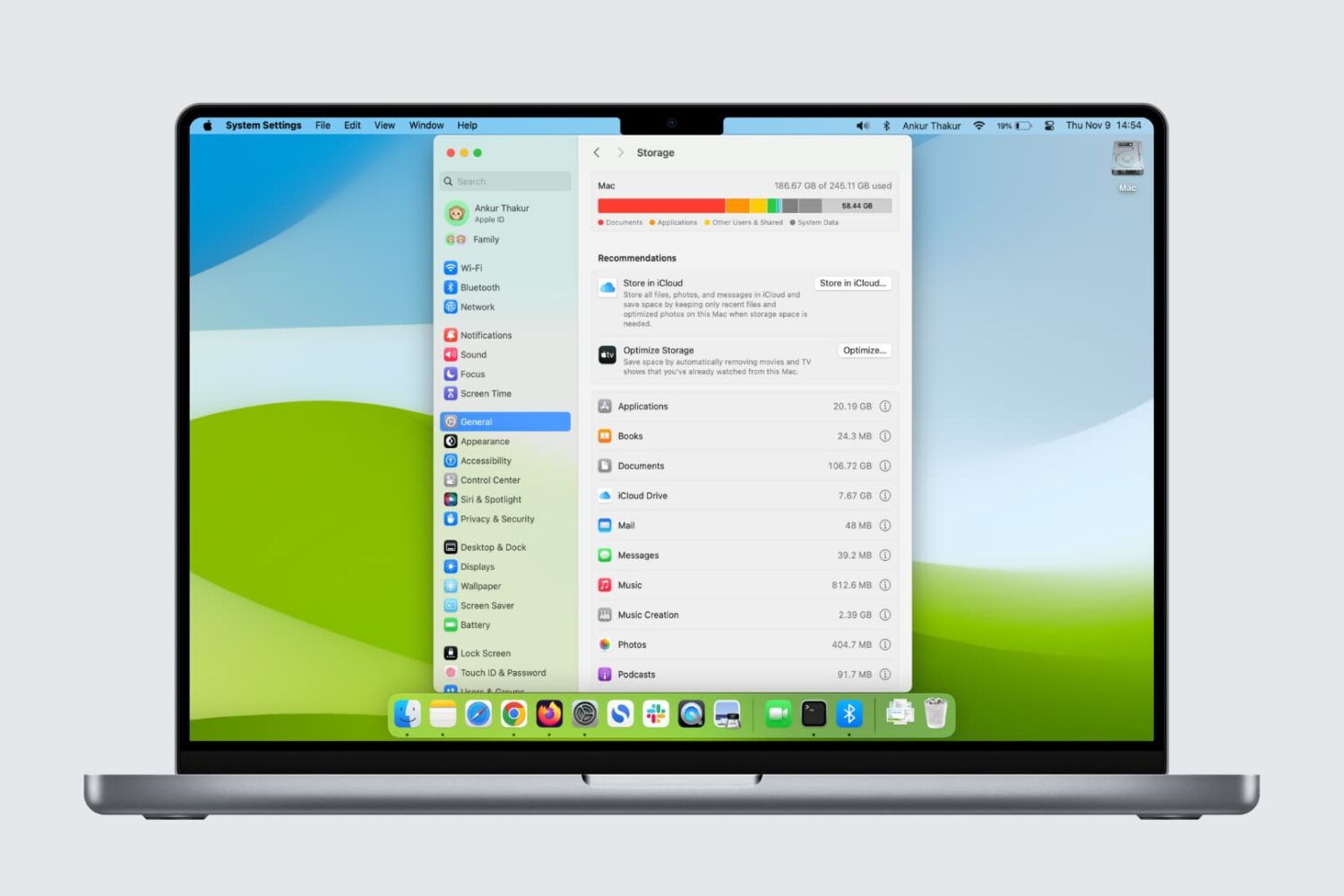
Here are five quick ways to check how much storage space is available on your Mac’s internal SSD or hard drive.
One of the questions I hear a lot about storage space on Macs and iOS devices is why when you purchase a 256GB Mac you only get about 230GB of space to play with, or why when you get a 16GB iPhone, you only get about 12.6GB to use for yourself.
The fact of the matter is, your storage space is used by more than just what you put on your own computer or device, and in this piece, we'll explain how Apple calculates all that storage space that you can never seem to claim on your devices.
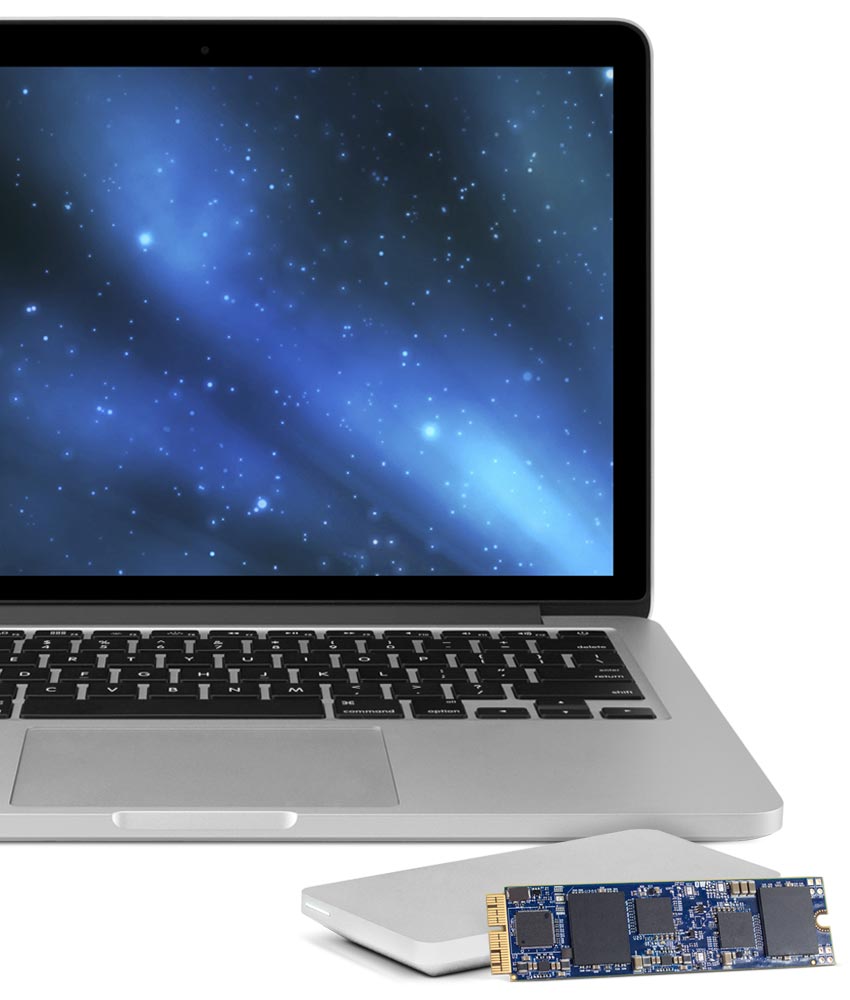
Other World Computing (OWC) has announced on Tuesday a major new step forward in upgrading the flash storage of your 2013 or later MacBook Air or MacBook Pro with Retina display.
Now available are the OWC Aura solid state drives (SSD), which come in flavors of 480GB and 1TB. These storage drive upgrades are direct PCI-e drop-ins for any of the supported computers.
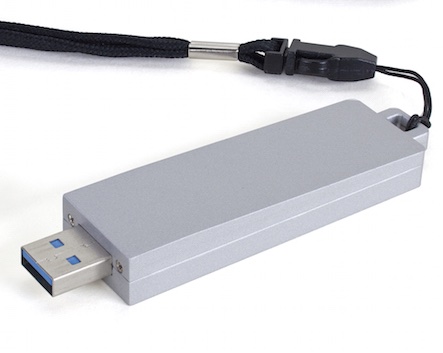
At CES, Other World Computing launched several new products aimed at Apple users, including a new desktop-class solid state drive (SSD) packaged inside a tiny USB 3.0 thumb drive form factor and a work-in-progress version of the forthcoming Transwarp software which marries traditional hard drive to SSD cache akin to Apple's own FusionDrive solution.

That's it folks, the Apple Store has just gone offline ahead of today's WWDC keynote, which begins in a little bit more than two hours. Are you feeling the excitement yet?
As the big event approaches, possible specs of Apple's new MacBooks have leaked, indicating that MacBook Airs will come with 4GB/8GB RAM flavors and a 512GB SSD option. SSD in these new Airs should use SATA3 and some of them are said to be based on Samsung’s crazy fast 830 series.
New MacBook Pro and Mac Pros are also in the cards and the AirPort Express base station is said to be due for an upgrade as well...