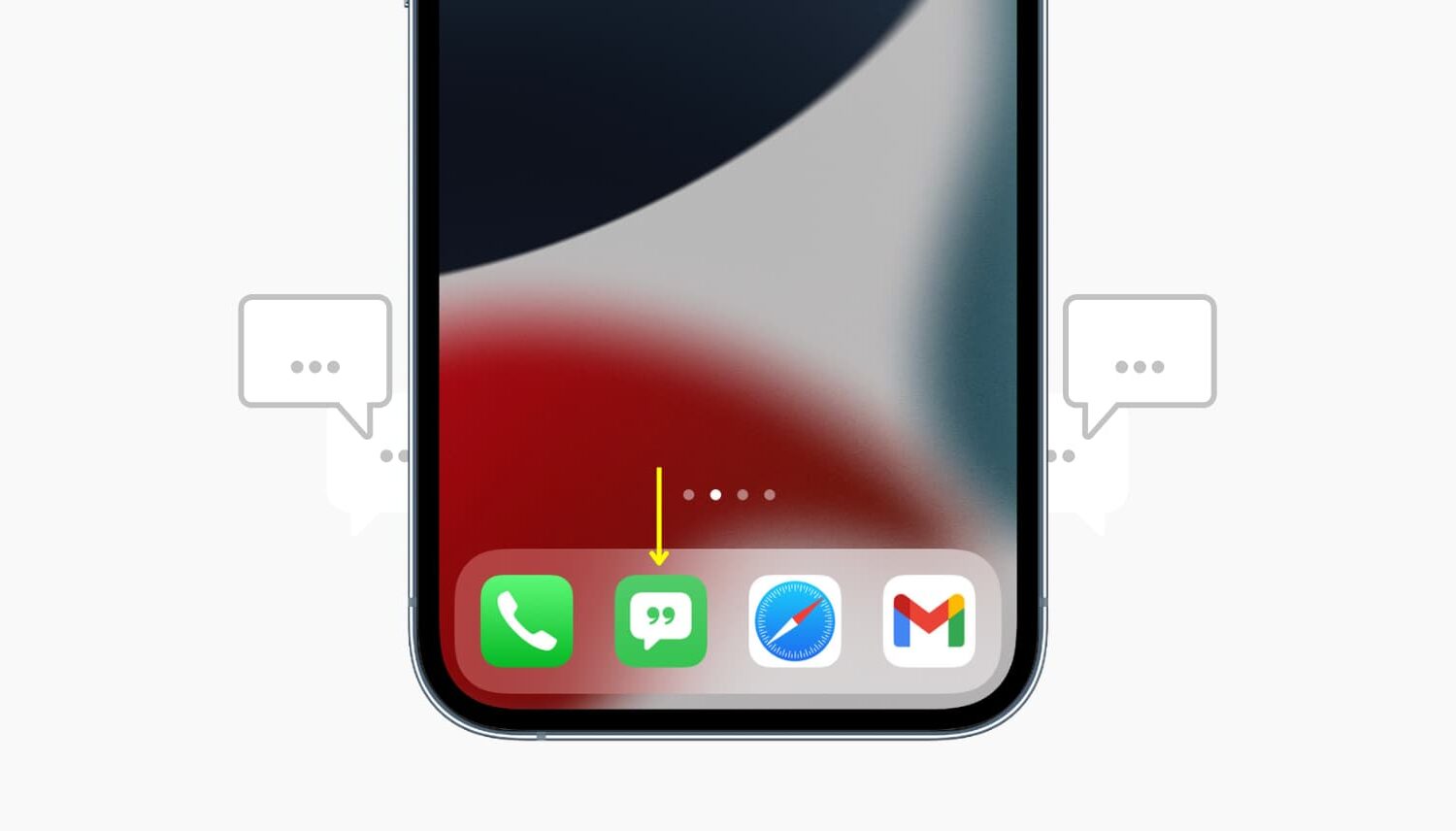
Learn how to add a website shortcut to your Mac Dock so you can open it with a single click anywhere in macOS.
How to add website shortcuts to Mac’s Dock for quick access

Learn how to add a website shortcut to your Mac Dock so you can open it with a single click anywhere in macOS.
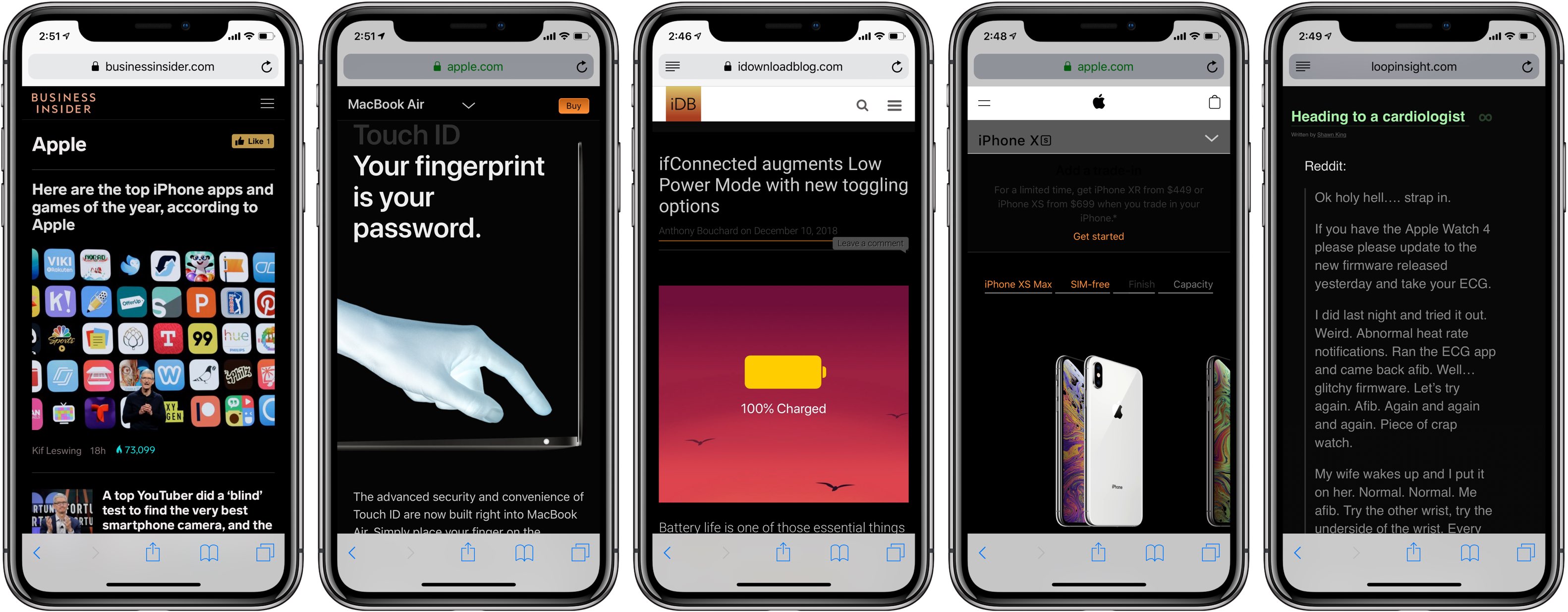
Darkened interfaces look good in apps, not so much on websites. The problem is, web content remains a major source of visual inconsistency as far as the popular Dark Mode feature is concerned. Thankfully, you can get a Dark Mode-alike environment on almost any website thanks to a handy Dark Mode V2 shortcut for your iPhone and iPad.
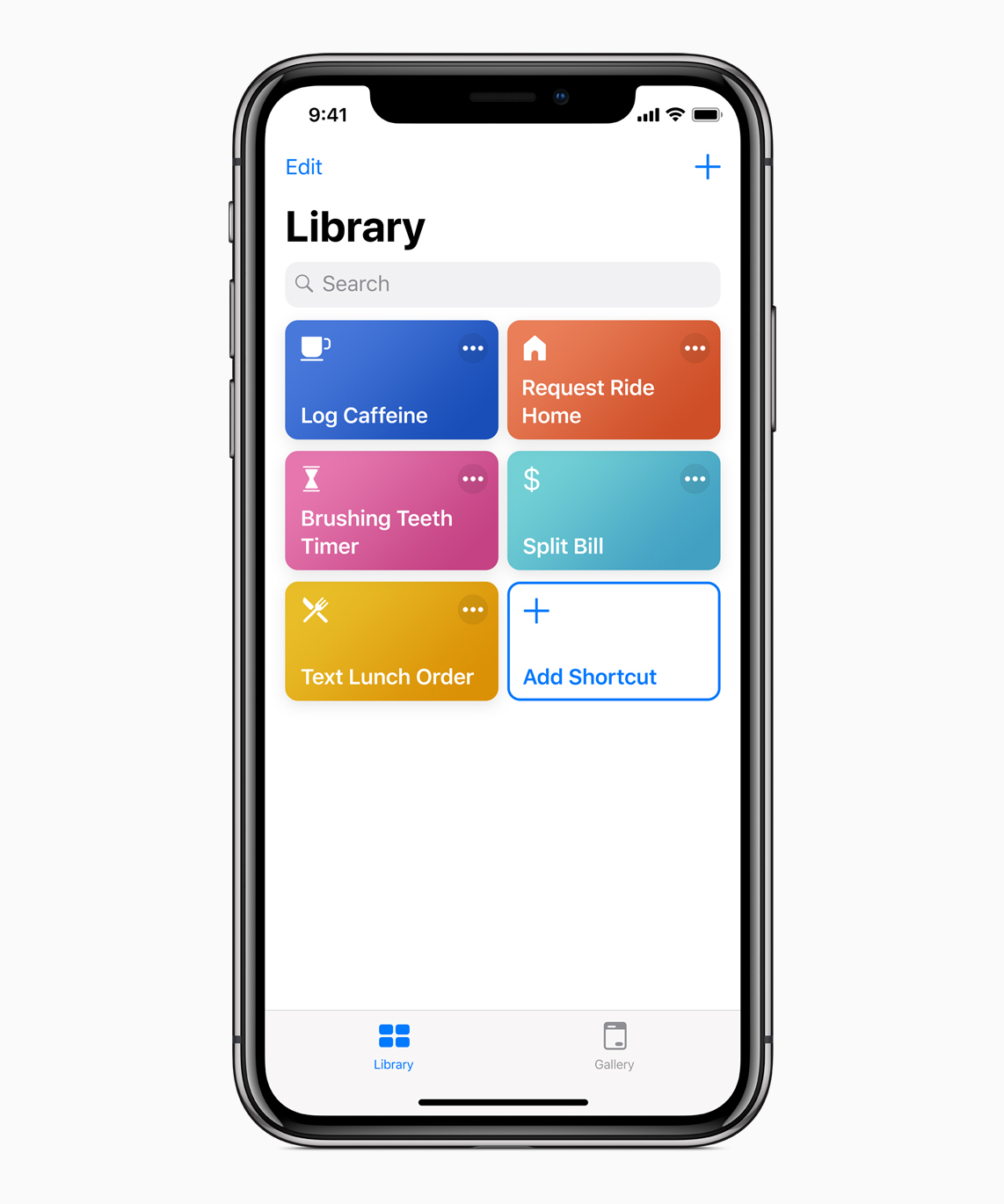
Apple today released iOS 12.1.1 along with a bunch of updates to its other operating systems (sans watchOS), plus a minor update to its Shortcuts app.
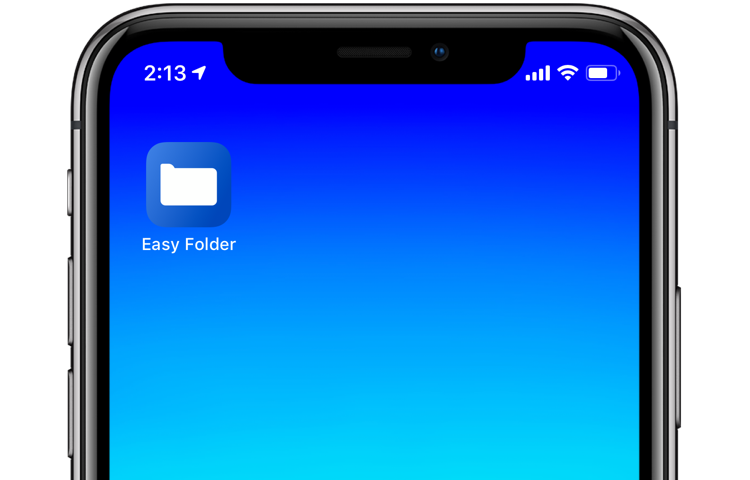
With iOS 12's Shortcuts app, power users can easily automate repetitive tasks by chaining multiple actions together. Your shortcuts are managed and organized in the Shortcuts app, but displaying them to the user as a list via another shortcut is quite challenging. This is where Easy Folder comes into play. This awesome shortcut, create by Reddit user “e10withadot,” acts as a virtual folder to which you can add any number of shortcuts, then easily pick one to execute via a popup menu at run time.
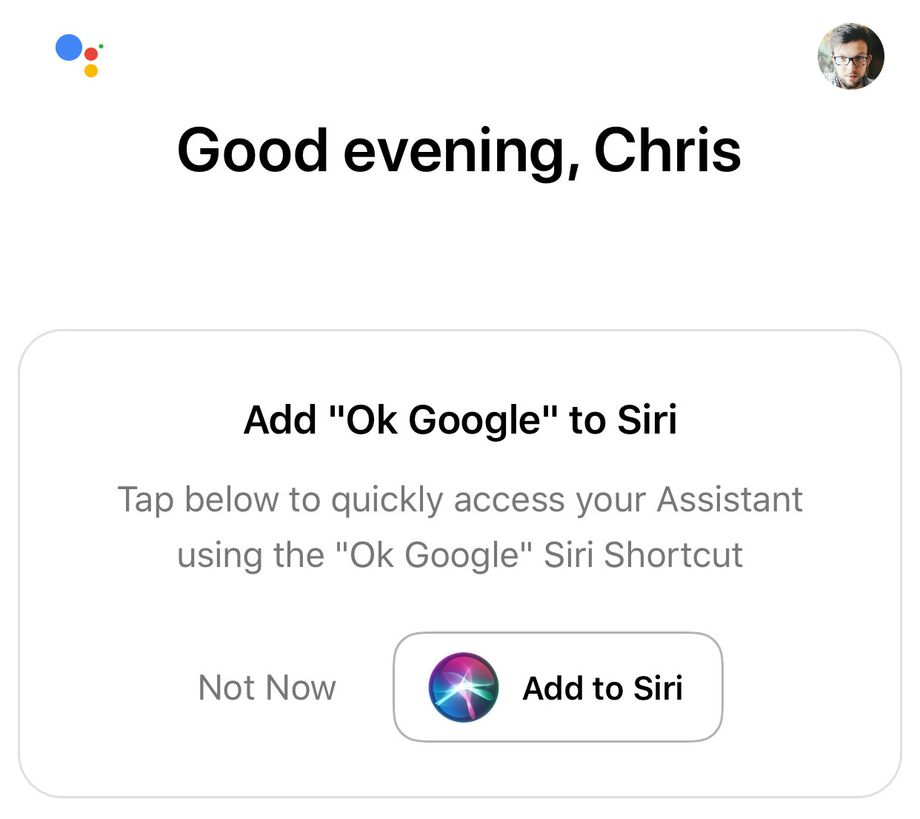
The Internet giant Google yesterday refreshed its Assistant app for iPhone and iPad with support for Apple's new Siri Shortcuts feature which made its debut in iOS 12.

One of the first things I looked for when I started using a MacBook Pro for work was how to navigate web pages faster. Being able to move to the top, to the bottom, or both in small increments and without lifting my fingers from the keyboard was essential.
If you’re like me and want to navigate sites you visit quicker, this list is for you. Here are several keyboard shortcuts to move up, down, and sideways on web pages on Mac.
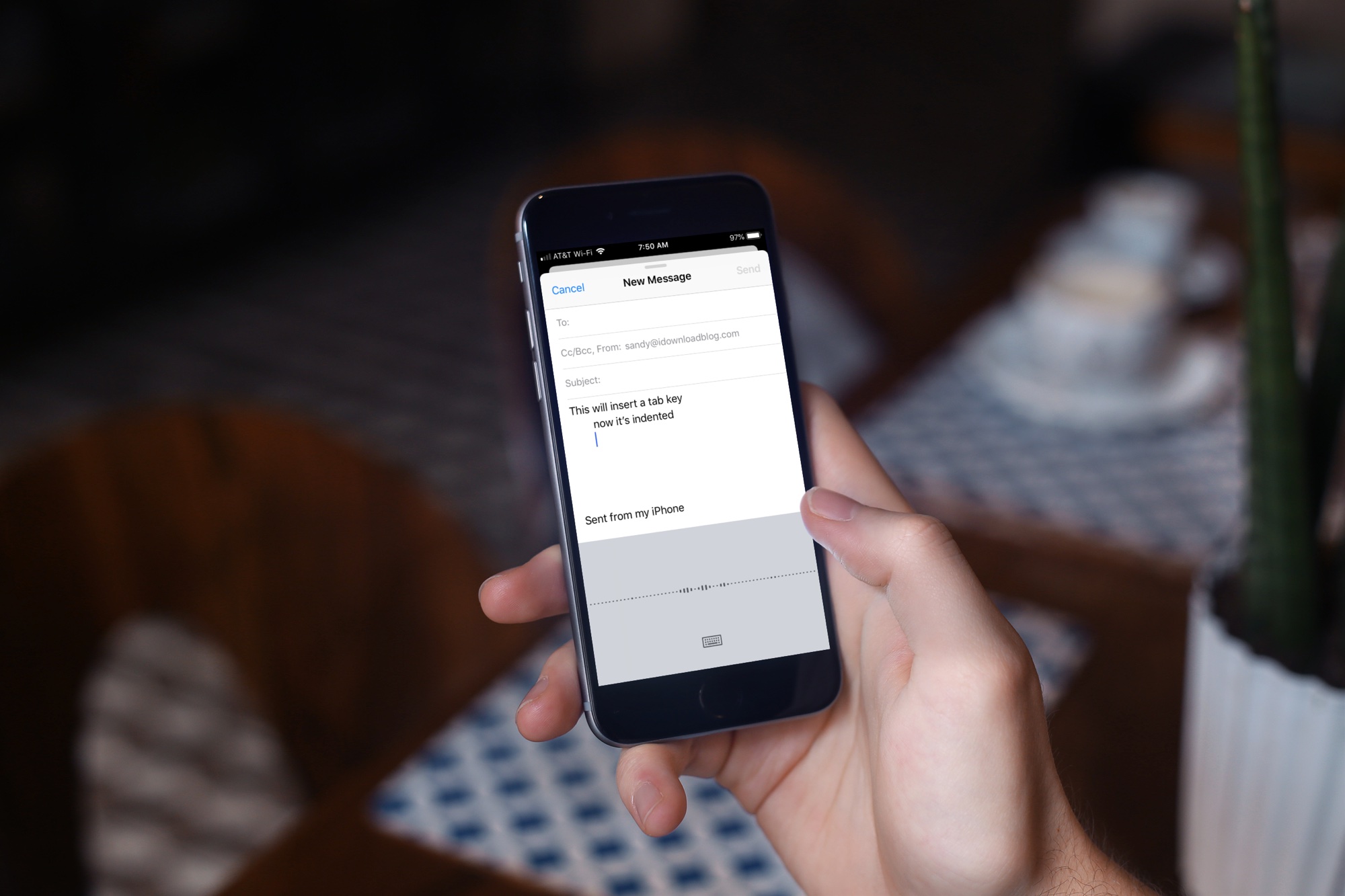
Learn about a few easy ways to insert a tab character on your iPhone or iPad for indentation purposes to help guide the flow of text in your documents.

The free iOS 12 Shortcuts app is now available on the App Store. The universal app replaces the automation app Workflow, which Apple purchased in 2017.

In this tutorial, we'll show you how to add your favorite Apple Music playlists, albums, or artists to the your iPhone or iPad Home Screen so you can play them directly from there in just one tap.
These will also work if you are not an Apple Music subscriber but have songs saved locally in the iOS Music app.
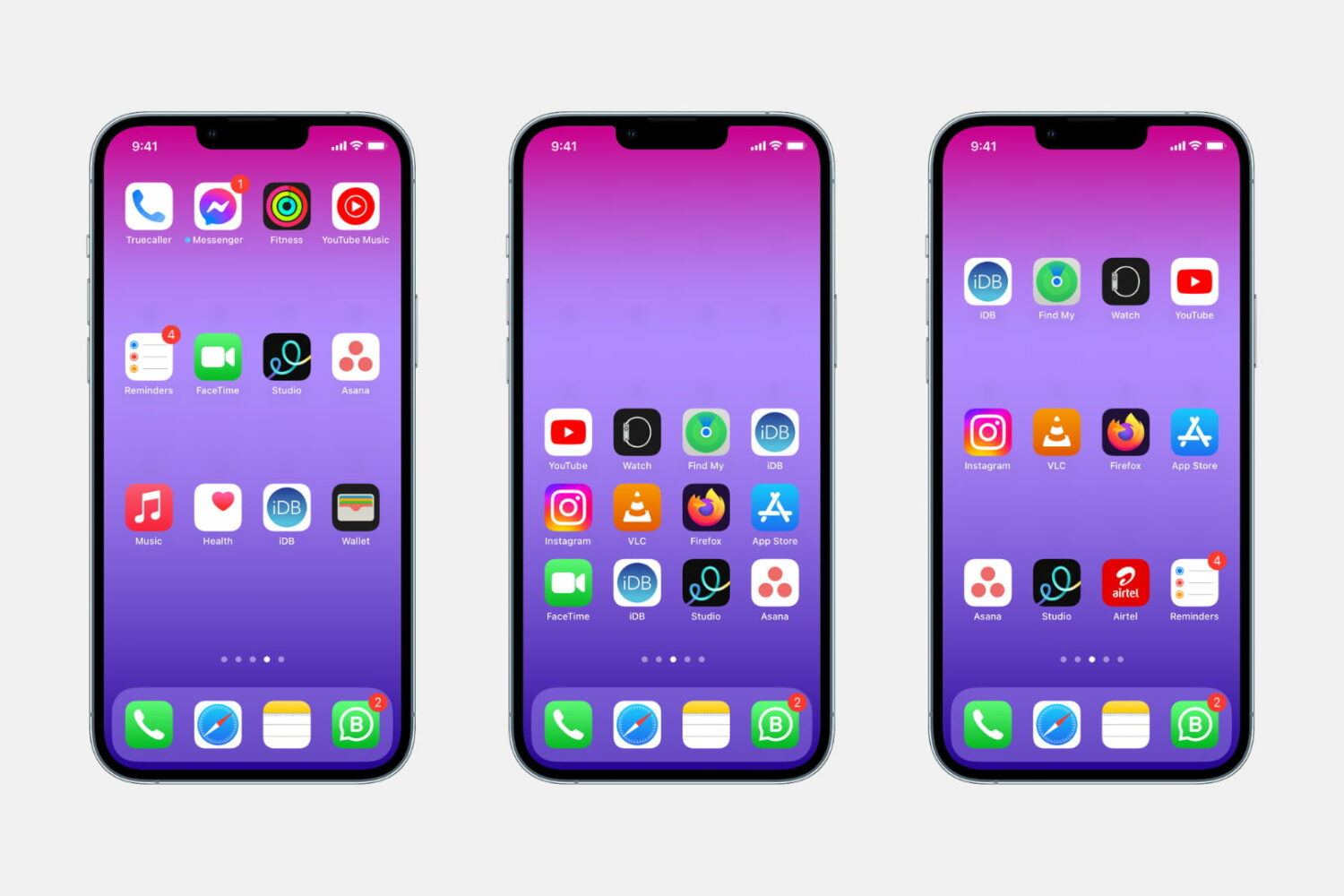
Whether you want to show off your beautiful wallpaper or simply want your setup to look different from the millions of other iPhones out there, one of the best ways to do that is to use widgets, create a blank Home Screen with no app icons, or add blank icons to your Home Screen. In this tutorial, we will focus on the latter.
These invisible icons will allow you to create empty spaces on your Home Screen to either let the wallpaper shine or arrange your app icons in a very specific way. For example, you can place all the empty icons on the top, which will push your meaningful app icons down, making them easier to reach when using your iPhone in one-handed mode.
This tutorial will show you how to create blank, transparent iPhone icons with no jailbreak required.
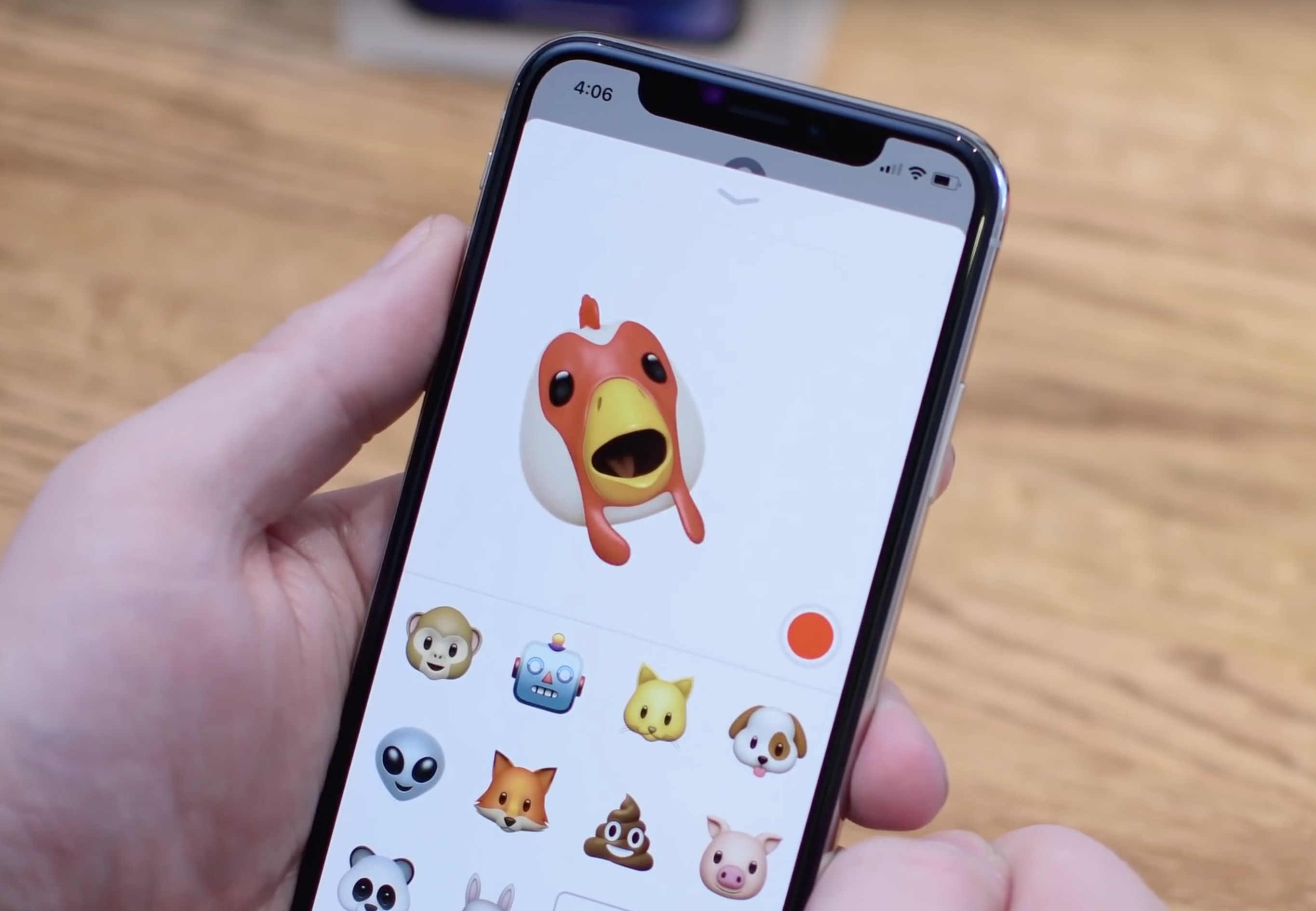
In this tutorial, we will show you how to convert a Memoji or Animoji to a GIF using free iOS shortcuts and apps on your iPhone or iPad.