Security

Can’t the Feds exploit San Bernardino shooter iPhone’s chips to break into encrypted data?

The world's most powerful government has locked horns with the world's most powerful corporation in a battle that Apple implies has the potential to affect civil rights for a generation. As you know, the Justice Department gave Apple until February 26 to respond to its court order.

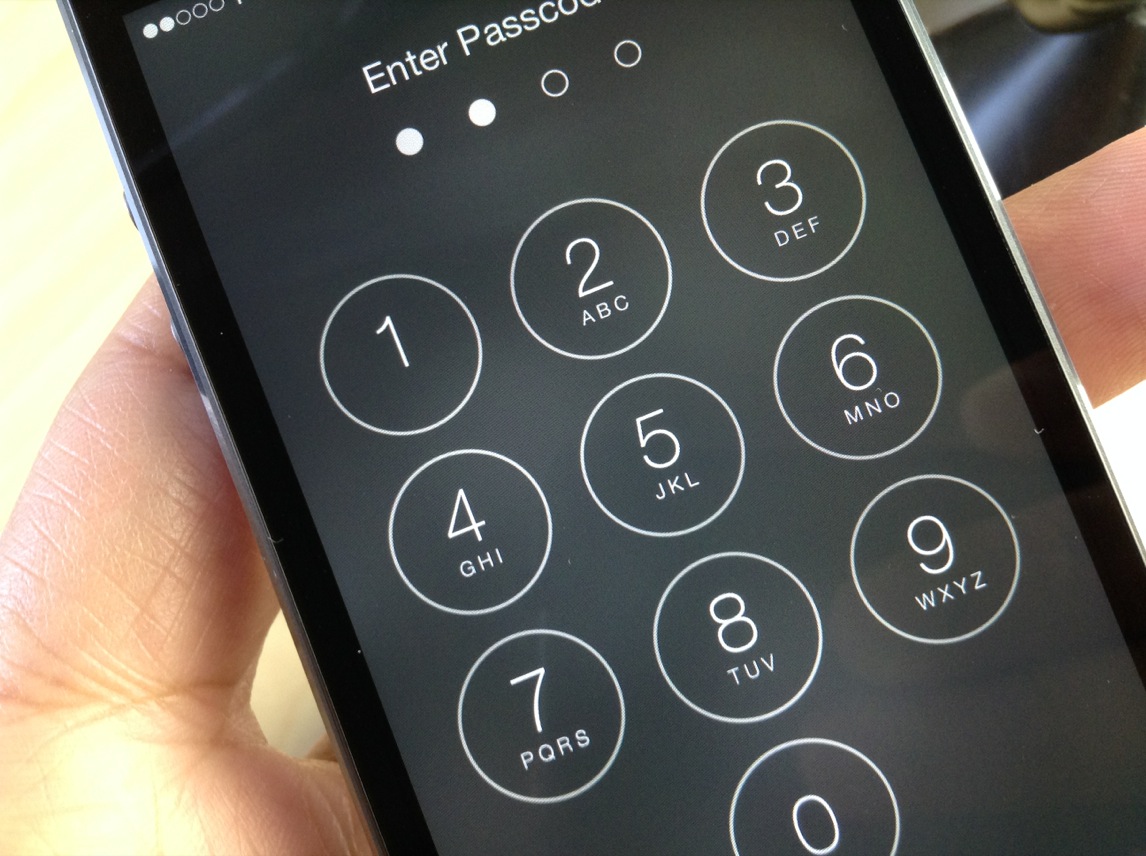
In it, the government is asking Apple's engineers to create a special version of iOS that would allow brute-force passcode attacks on the shooter's phone electronically.

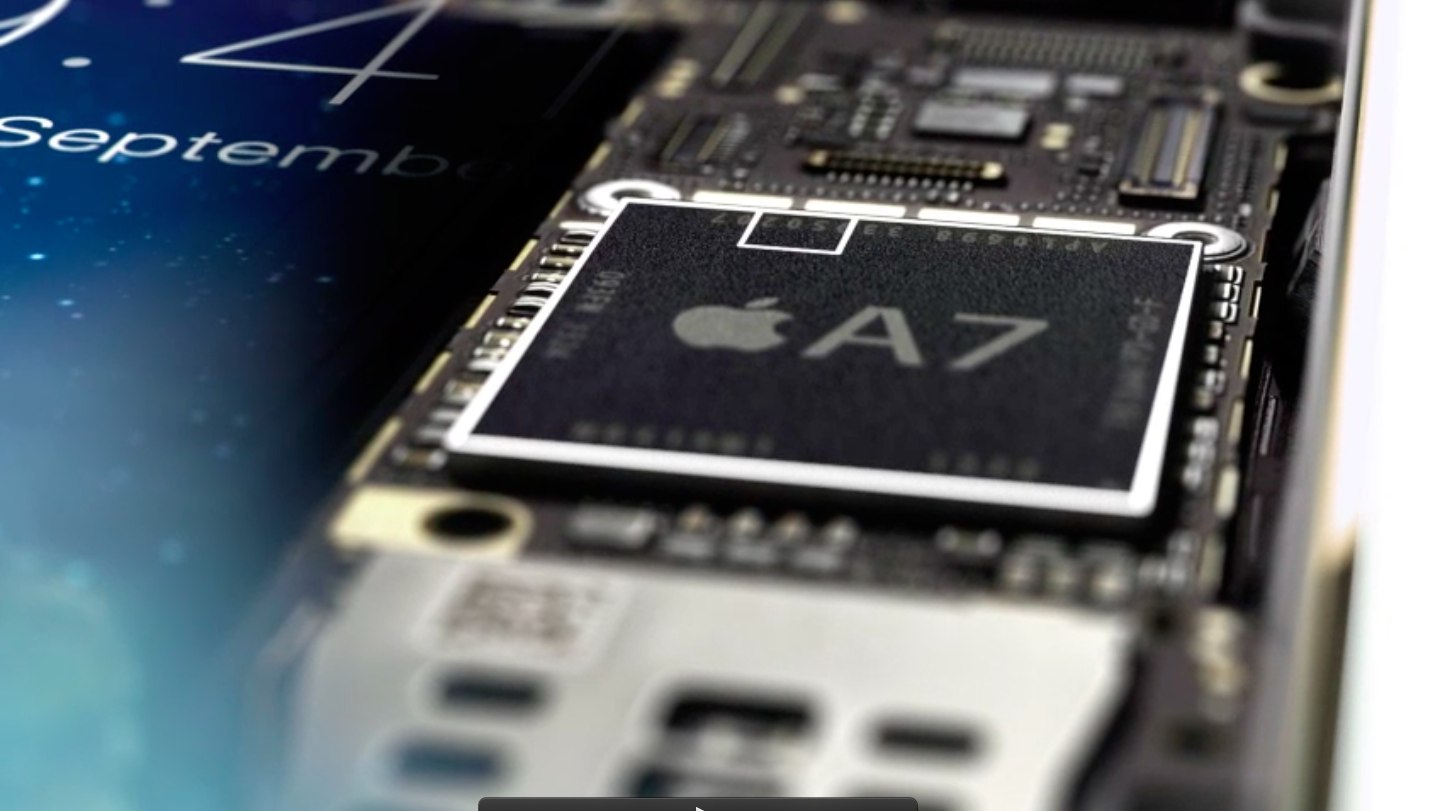
Now, some people have suggested that the government's experts could make an exact copy of the phone's flash memory to brute-force its way into encrypted data on a powerful computer without needing to guess the passcode on the phone or demand that Apple create a version of iOS that'd remove passcode entry restrictions.

While this is technically feasible, the so-called de-capping method would be painstakingly slow and extremely risky, here's why.

San Bernardino victims side with FBI in iPhone decryption fight

Lawyers representing families of the victims of the San Bernardino shooting massacre plan to file a legal brief in support of the United States Department of Justice's demand that Apple help unlock the shooter's iPhone 5c by creating a one-off version of iOS to permit brute-force attacks electronically, without the phone slowing down the process or erasing its contents after 10 failed attempts.

According to Reuters, Stephen Larson, a former federal judge who is now in private practice and represents families of the victims, was contacted a week ago by the Justice Department and local prosecutors about representing the victims, prior to the dispute becoming public.

Apple posts public Q&A on FBI request

FBI and Apple logos

In addition to an all-hands memo issued to troops Monday about the government's demand that it create what would basically be an 'FBiOS,' a software backdoor to help unlock San Bernardino shooter's iPhone, Apple has also posted a public Q&A on its website this morning, showing a company unwavering in its position that fulfilling the request would constitute a dangerous precedent.

Titled “Answers to your questions about Apple and security,” the webpage details the case and provides some more technical information about the government's request, while also answering some of the burning questions such as whether Apple has unlocked iPhones for law enforcement in the past.

Tim Cook writes memo to employees reiterating Apple’s stance on FBI request

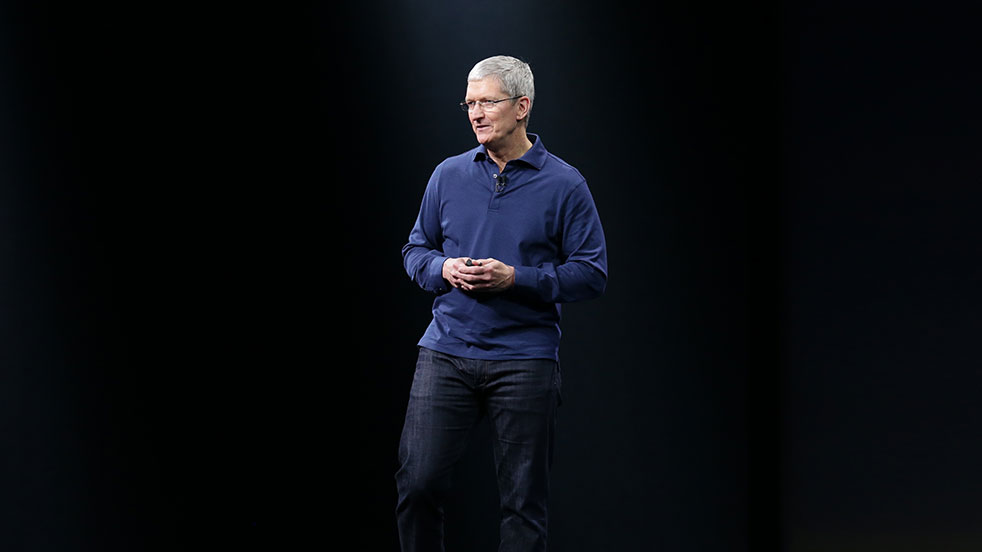
After issuing an open letter to Apple users regarding the FBI's request to create an iPhone backdoor to help hack into the San Bernardino shooter's locked iPhone 5c, CEO Tim Cook on Monday reinforced his company's position in an internal memo to troops.

According to the all-hands memo, a copy of which was obtained by John Paczkowski of Buzz Feed, Apple wants the Justice Department to withdraw a court order that would force it to create a special version of iOS with decreased security measures.

Apple vehemently opposes FBI request to create iPhone backdoor in San Bernardino court case

Apple is vehemently opposing the FBI's request to create a backdoor in iOS that would permit authorities to access encrypted data on the iPhone used by one of the San Bernardino shooters. In an open letter to all customers posted on the company's website, CEO Tim Cook acknowledges that Apple believes that the FBI's intentions are good and makes note of the fact that his company has done “everything that is both within our power and within the law” to help the authorities.

“But now the U.S. government has asked us for something we simply do not have, and something we consider too dangerous to create,” he wrote. “They have asked us to build a backdoor to the iPhone.”

Judge orders Apple to help FBI recover data from San Bernardino shooter’s iPhone

A federal judge on Tuesday ordered Apple to help investigators access encrypted data on the iPhone used by one of the San Bernardino shooters, reports NBC News. The ruling says that the Cupertino firm must provide "reasonable technical assistance" to the FBI in recovering data from the handset.

More specifically, the device is an iPhone 5c that belongs to Syed Farook, who with his wife Tashfeen Malik murdered 14 people in San Bernardino, California last year. The phone is locked with a passcode, and prosecutors say data found in Farook's iCloud account suggests it could contain evidence.

This tweak protects your iPhone from the “January 1, 1970” bug

A recent bug discovered in the iOS firmware where setting your date back to a certain point in time could brick your device has been getting quite the coverage all across the internet as of late.

With so many people now having knowledge of the problem, the risk has never been greater than it is right now that someone with malicious intent could grab your iPhone while you're not looking and set your date back to the dangerous date to brick your device on you.

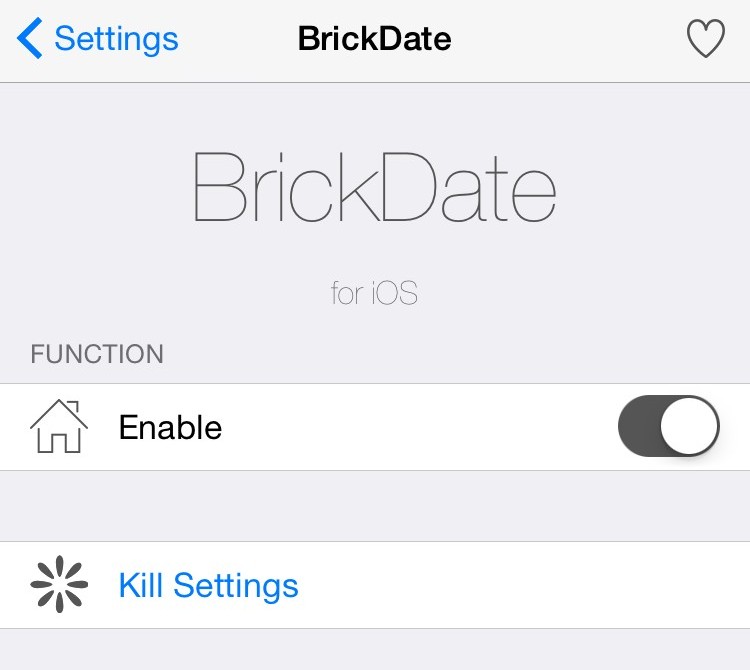
Fortunately, a new free jailbreak tweak called BrickDate is available in Cydia that can protect you from having your date changed to the dangerous date.

Private Internet Access review: a great VPN at a great price

The quest for internet privacy and security is no game these days; hackers with malicious intent are really out there and they want your valuable personal information.

One way to protect yourself is with a virtual private network (VPN), but there are lots of VPN options out there to choose from – both free and paid. Picking a VPN that's right for you can be tough, and many people are concerned about their privacy while online.

In this piece, we'll be giving you our opinion on the Private Internet Access VPN; a paid VPN service that holds a solid reputation among its many users.

Using Gatekeeper to help secure your Mac

macOS comes with a security feature known as Gatekeeper, which can help prevent unwanted apps from launching on your Mac without your permission. It can also prevent potentially malicious apps from launching because it can be used to limit the kinds of apps that are allowed to open on your Mac.

In lieu of the recent Sparkle updater framework vulnerability having been uncovered in a variety of popular macOS apps, now is a great time to set up your Gatekeeper settings to prevent potential issues with malware on your Mac in the future.

In this tutorial, we'll be showing you how Gatekeeper works and how you can configure it to keep your Mac just as secure as you want it to be.

How to view, search and edit Safari passwords

If you're tired of always having to log in, Safari will happily save web passwords in your keychain. Even better, the browser can automatically fill in your user names and passwords the next time you visit your favorite websites.

And with the iCloud Keychain feature, your saved passwords can be synchronized across devices in a safe, secure manner. In this tutorial, you're going to learn how to search saved Safari passwords without needing to visit their websites, view your saved logins, as well as add, delete and manage saved passwords.