Security

Some of the Mac apps known to be affected by the Sparkle vulnerability

A vulnerability discovered in an outdated version of the Sparkle updater framework that many third-party OS X apps depend on for serving the user with regular updates has been getting a lot of attention recently.

As we reported on Tuesday, the security problem affects a number of third-party Mac apps downloaded from the internet, and not apps downloaded from the Mac App Store. The vulnerability roots from the lack of an encrypted connection and gives a malicious hacker the ability to perform a man-in-the-middle attack.

But what OS X apps are affected? This is the information you need to know as soon as possible to keep your Mac safe from potential malware threats.

Why and how to use a VPN on your iOS device or Mac

A virtual private network, commonly referred to as a VPN, is a type of connection you can use over the internet that helps to secure your identity as you surf the web.

Often times, they're used to improve your security and privacy on public Wi-Fi networks, but they're also used for a wide variety of other reasons. If you've been considering using a VPN on your iOS device(s) or Mac(s), then you've come to the right place. We're going to tell you all about why you should consider using one and how to use a VPN on iPhone, iPad, or Mac to your advantage.

What you need to know about the Sparkle vulnerability affecting some OS X apps

A new vulnerability has been discovered to affect a wide variety of third-party apps for OS X that have been downloaded from the internet and use an outdated version of the Sparkle updater framework.

The new vulnerability puts a number of users of affected third-party apps at risk of being hijacked when those apps attempt to use the outdated framework to alert users of new app updates.

Gmail gains lock and question mark icons to indicate if emails are encrypted and authenticated

In honor of the Safer Internet Day, Google on Tuesday announced in a blog post that it has added a lock icon in Gmail's web interface to denote whether or not your emails are encrypted. Additionally, a question mark icon on a sender's avatar indicates messages that are not authenticated.

Gmail has supported encrypted connections between a user's machine and its servers for some time now, but this doesn't provide the full protection if a sender's email client or email service does not support encryption in transit using TLS.

The new lock icon makes it easier to see if a message you received from someone is encrypted or not, and whether or not it can be authenticated.

About OS X System Integrity Protection aka ‘Rootless’ and how to disable it

All Macs with OS X El Capitan installed on them have a new layer of security known as System Integrity Protection, which has been given the nickname 'Rootless' because it closes off a lot of system files to user access to prevent malicious programs and code from causing harmful changes to the core of OS X.

For some, the added security feels like a must for protection of your personal information, but for more advanced users who poke their noses into system files quite often, the feature can get in the way and prevent user modifications to the operating system. In this tutorial, we'll give you an overview of System Integrity Protection and show you a way to disable it.

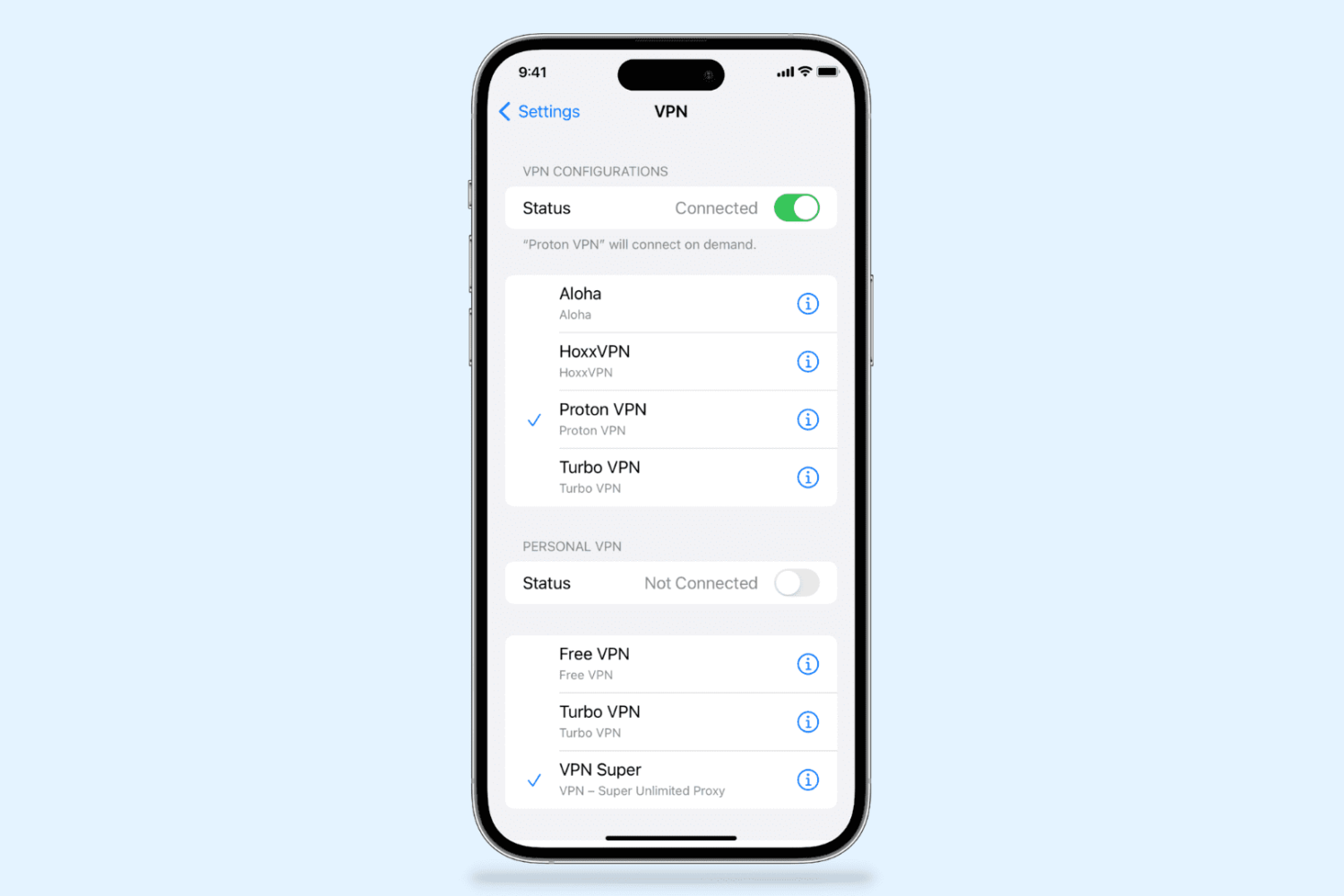
Why you should avoid free VPNs

VPNs are great tools for helping secure your internet access on an unsecured Wi-Fi network, such as those at McDonald's, but did you know that not all VPNs are created equally?

By using a free VPN that you haven't carefully read the terms and conditions of, you might be putting your privacy at more of a risk than it would have been just using the unsecured Wi-Fi network to browse the web in the first place.

How to increase privacy in Safari for iPhone and iPad

Safari on iPhone and iPad

Most of you who use an iOS device probably use Safari as your main and default web browser despite the vast number of third-party alternatives like Chrome, Firefox, Brave, Opera, etc., available in the App Store. But how often do you think about the privacy of your information when you're using it?

Apple gives you several privacy options for using Safari on your iPhone or iPad to keep your information safe. In this tutorial, we aim to make you more familiar with them and talk about how to use them to make Safari secure and private.

Mac App Store authentication glitches forcing users to reinstall apps

As first spotted by Tweetbot developer Paul Haddad, some Mac owners are being forced to download and reinstall apps on their computer following what appears to be a security glitch in the Mac App Store.

The affected users are seeing a message saying that their app has been damaged and cannot be opened, with the prompt advising folks to download the app again from the Mac App Store.

Here's what you can do about it.

How to use a 4-digit passcode for purchases on Apple TV

Yesterday, on Let's Talk iOS, we discussed how arduous and tedious it is to enter a password on the Apple TV interface. It's a difficult process, because the Apple TV lacks support for Bluetooth keyboards, and features an A-Z text entry setup that makes the process even more difficult that it was on last generation's Apple TV.

Fortunately, the Apple TV features an option that allows you to never require a password for iTunes & App Store purchases. While using such an option works, it leaves your device open to unauthorized purchases. The good news is that, as we discussed on the podcast, you can easily set up restrictions for App Store and iTunes purchases, which will make it so that purchases only require the entry of a 4-digit passcode.