Security

This Apple Watch app buzzes your wrist if you’re about to leave your iPhone behind

The Apple Watch has a nifty built-in feature that lets you ping your misplaced iPhone over Bluetooth, but wouldn't it be nice if the watch could automatically notify you when you're about to leave without an iPhone in your pocket?

A new free of charge app, Lookout, solves that problem in one fell swoop. It keeps not only your iPhone, but your iPad, iPod touch and Apple Watch safe and secure and protects your devices from data loss, theft and more.

Apple’s Craig Federighi: creating iPhone backdoor would be ‘a serious mistake’

Craig Federighi, Apple's Senior Vice President of Software Engineering who oversees the development of iOS, OS X and Apple's common operating system engineering team, has written an op-ed piece in The Washington Post in which he reiterates Apple's position that the FBI's demand that Apple create a version of iOS with decreased security would be “a serious mistake,” saying the FBI wants to “turn back the clock to a less-secure time”.

How Apple secures its products and services

Apple's security and privacy features that come standard on every iOS device, such as end-to-end encryption and Activation Lock, are getting all the talk around the internet as of late as the Apple vs. FBI case continues to escalate.

What can be learned from this case is not only does Apple want to protect your privacy, but the a large number of American people also want to have their privacy. The FBI, on the other hand, wants a quick way to get into any iPhone they deem "suspicious" so long as they can get a court order to search it.

So just how secure is your Apple data, and what protection standards does Apple have in place for you? That's just what we're going to talk about in this piece.

What you need to know about the KeRanger ransomware found in the Transmission app

Users of the popular open-source Transmission BitTorrent client for OS X were in for quite a surprise this weekend when it was discovered that certain installers for version 2.90 of the application were found to bundle unwanted ransomware with the installation, which is a type of malware that restricts file access across the system to cause trouble for the user.

Dubbed KeRanger by security research firm Palo Alto Networks, the malicious software will try to encrypt the user's system files in such a way as to tamper with the user's access to their Mac and then force the user to pay money to get their access back.

The makers of the Transmission app are now pushing immediate mandatory app updates to remove the ransomware and fix the problem for those that may have been affected, and it's recommended for all users, but how do you know if you're affected?

Why and how to use custom DNS settings on your iPhone, iPad, and Mac

DNS Settings on Mac

When you visit a website on your computer, such as iDownloadBlog or Google, you're using domain name system (DNS) protocol to exchange information between your computer and the server providing you with that website.

Depending on the DNS server you're using on your Mac or iOS device; you might not be experiencing the best speeds and web securities that you could be.

In this piece, we'll tell you why you may want to consider switching to a new DNS and show you how to use a custom DNS on your Mac, iPhone, or iPad.

PreferenceTag3 lets you organize the iOS Settings app your own way

If you're like me, then you don't use every single setting that your iPhone comes with, and it would make life easier in the organization department if you could move around your Settings app's preference cells and hide the ones you don't use.

If this functionality sounds useful to you, then PreferenceTag3, which is a jailbreak tweak you can grab from Cydia for $1.99, is going to be your new best friend because it'll let your organize your Settings app exactly how you like it.

In this review, we'll show you what PreferenceTag3 is all about and how it works.

Unsurprisingly, Samsung stops short of voicing open support for Apple in FBI fight

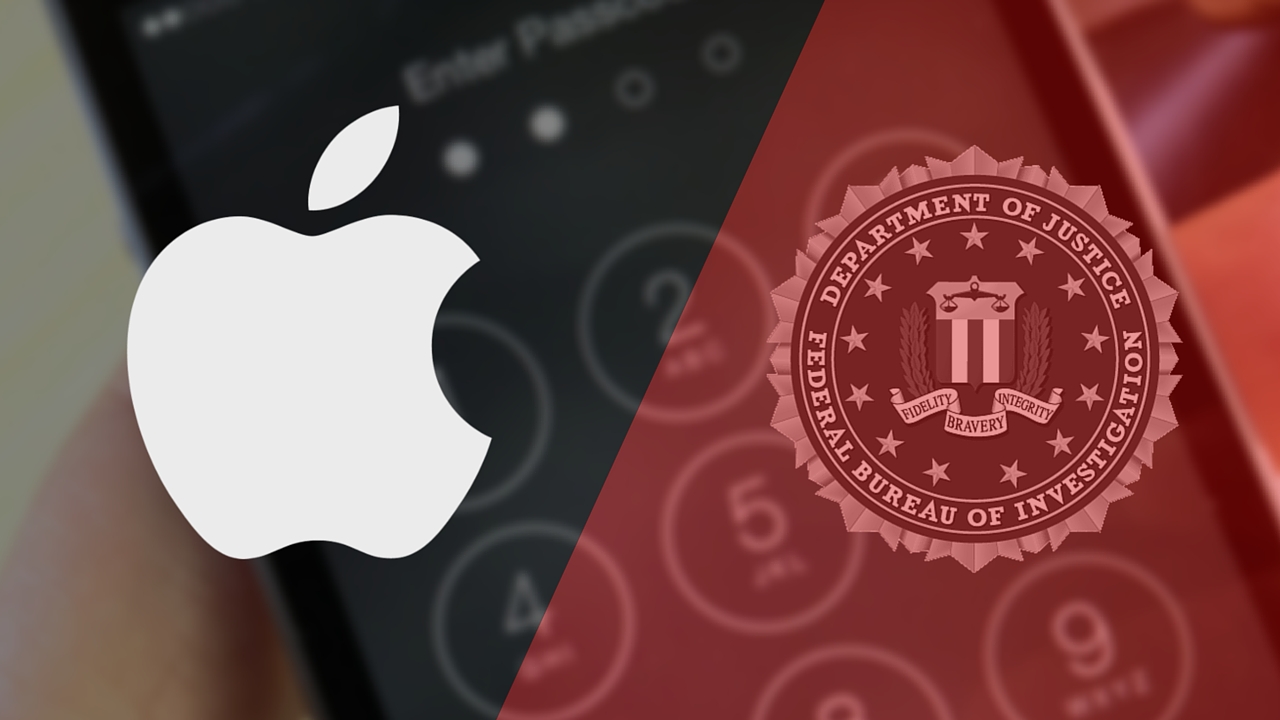
FBI and Apple logos

Apple's dispute with the United States government over a court order demanding that it create an insecure version of iOS to help the FBI break the passcode of the San Bernardino shooter's iPhone 5c has gained support from more than 40 parties, according to The New York Times.

Samsung, however, likely won't be one of them.

As reported by Bloomberg, Samsung generally supports the notion that “any requirement to create a backdoor could undermine consumers’ trust,” but stopped short of voicing open support for its rival.

Here’s what Apple’s chief lawyer will tell Congress tomorrow regarding FBI’s controversial request

As you know, the Federal Bureau of Investigation has obtained a court order demanding that Apple produce a special version of iOS with decreased security to help government spooks brute-force their way into an iPhone 5c which belonged to San Bernardino shooter Syed Farook.

Following the interview that Apple CEO Tim Cook gave to ABC News, in which he said that the government is asking for “the software equivalent of cancer,” Apple's Senior Vice President and General Counsel, Bruce Sewell, will testify before the House Judiciary Committee tomorrow.

Here's his opening statement in which he challenges the government's request and argues that the FBI should have no say over the products American companies create.

How to fix Ethernet problems after a recent Mac security update

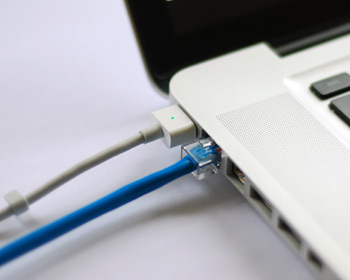
As my colleague Christian reported on Saturday, some Mac models have been plagued by non-working Ethernet ports after installing a new security update outed by Apple. Although a lot of modern Macs don't even have an Ethernet port, many models still carry it and many people still love using a wired internet connection because it's faster, more reliable, and more secure than a wireless network.

The security update, known as "031-51913 Incompatible Kernel Extension Configuration Data 3.28.1," reportedly blacklists the Broadcom BCM5701 driver used by the Ethernet port that comes standard on many Mac machines.

Fortunately, there's a light at the end of the tunnel for anyone experiencing issues with their Ethernet ports after installing this security update. Apple has issued a support document on Sunday that notes how to fix the problem. In this tutorial, we'll go over the steps to fix the problem yourself.

Recent OS X security update has disabled Ethernet port on some iMacs and MacBook Pros

In squashing software bugs, you inevitably introduce new ones—that's a fact of life. According to a thread on Reddit, Apple's recent OS X security update has inadvertently disabled the Ethernet port for some owners of Apple's all-in-one desktop and the MacBook Pro notebook.

Making matter worse is the fact that Apple pushed this security update via the silent updating mechanism, according to a poster on Reddit who probably enabled the option in System Preferences → App Store that prompts OS X to automatically install system data files and security updates.

Here’s a recap of what Tim Cook said about the FBI and iPhone hacking on ABC News

Apple CEO Tim Cook was on ABC News last night, spending some time with reporter David Muir in his minimalist Cupertino, California office discussing the FBI case and how the government's demands risk undermining every iPhone owner's security.

For those who didn't have the time to sit through the 60-minute interview, Cook reiterated Apple's stance that the government's demand that it create a one-off version of iOS with decreased security to help get data off the San Bernardino shooter's iPhone 5c sets a dangerous precedent, likening it to “the software equivalent of cancer.”