In iOS and iPadOS 14, you'll see a handy new orange light indicator in the status bar of your iPhone and iPad whenever an app happens to be using your microphone.
iOS 14’s new orange light warns you when an app is using your microphone
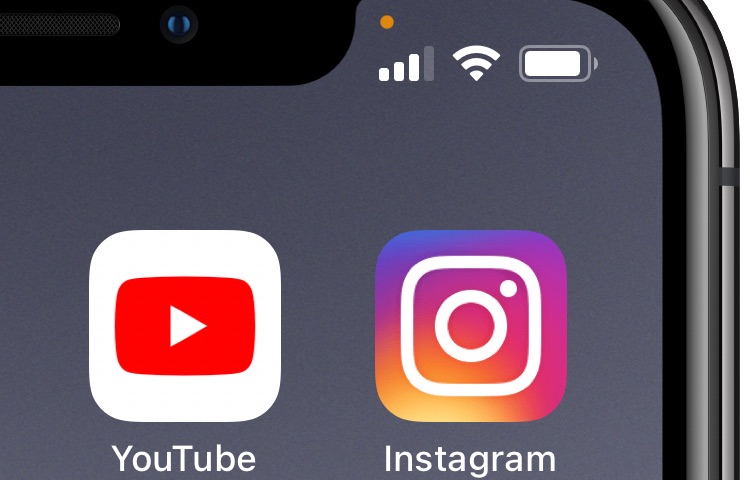
In iOS and iPadOS 14, you'll see a handy new orange light indicator in the status bar of your iPhone and iPad whenever an app happens to be using your microphone.
"Privacy matters now, more than ever," according to Craig Federighi. And that remains the same in the newest versions of its platforms.
It’s a common worry that someone might try to unlock your iPhone without your consent if you leave it somewhere unattended, and since iOS allows several passcode attempts before it initiates a passcode lockout timer, it’s possible for someone to continue guessing your passcode time and time again. Unfortunately, iOS doesn’t provide any way to letting you know when someone does this, leaving the user completely oblivious to such attacks.
Enter Handcuff (iOS 13), a newly released jailbreak tweak by iOS developer Ahmed that alerts users to attacks of the aforementioned variety. If or when a passcode is entered incorrectly or a power down is attempted, Handcuff alerts the user to this activity via email and via text message and includes a selfie image of the offender trying to conduct said mischief.
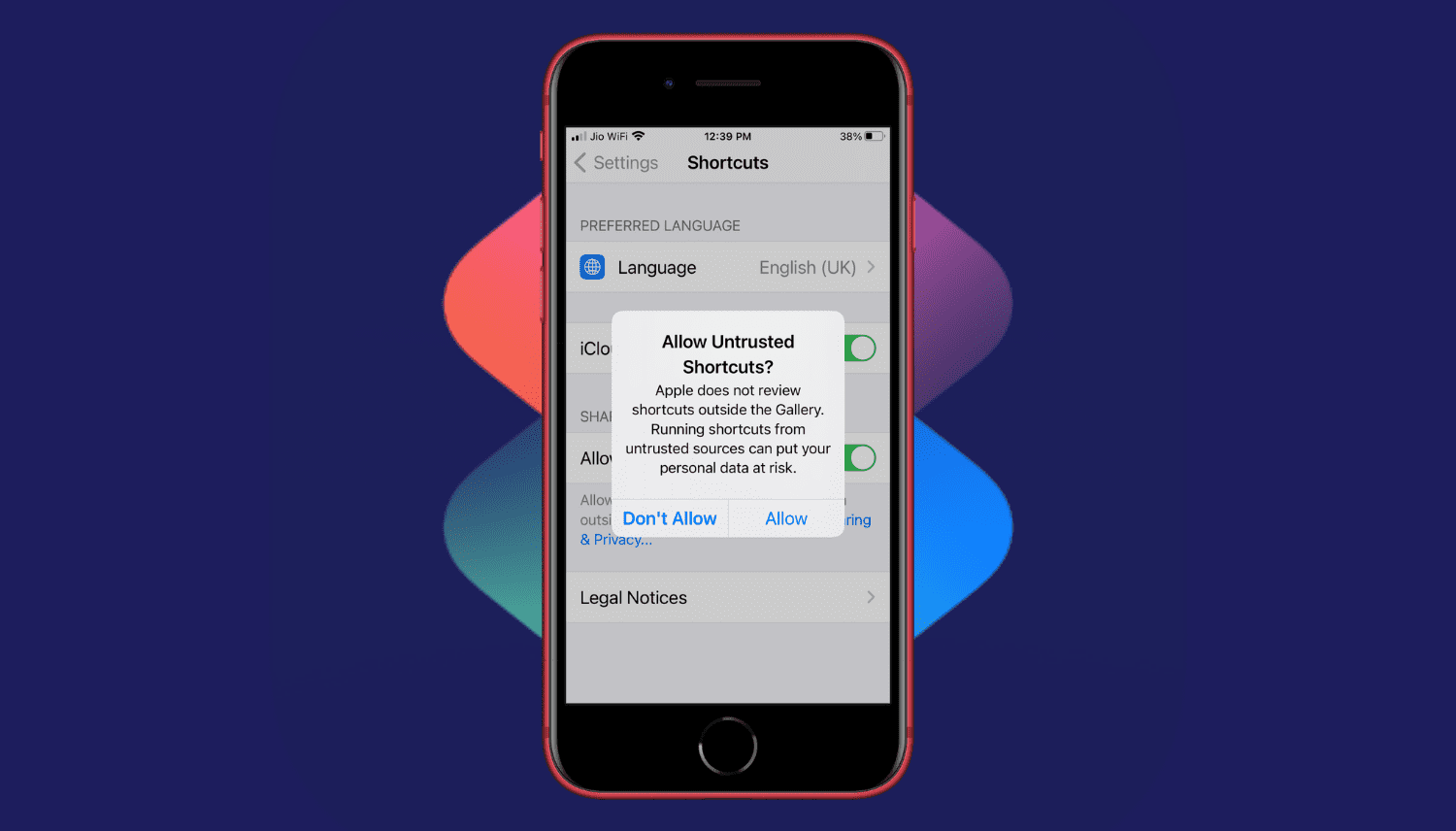
Are you trying to add a shortcut on your iPhone or iPad but can't proceed as your device is blocking unknown shortcuts? Here's how you can easily flip a switch and allow untrusted shortcuts on your iPhone. After this, you can use non-Apple curated shortcuts from elsewhere, like a website, shared via services like iMessage, received from AirDrop, and more.
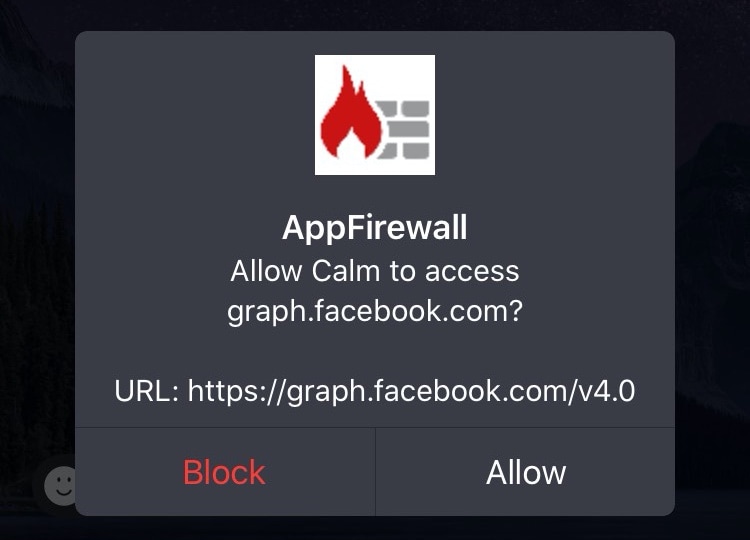
Veteran jailbreakers may remember a time in the distant past when you could install literal software firewalls in the form of jailbreak tweaks. Fast-forward to today when these tweaks a lot less common, and innumerable privacy concerns relating to camera snooping, location tracking, microphone eavesdropping, and the likes have sparked new interest in blocking outbound data communications on our handsets.
If you’re in the market for an increased say in the data that leaks out of your handset to the world wide web, then you’ll probably want to know about a newly released and free jailbreak tweak called App Firewall (iOS 10-13) by iOS developer Brayden Traas, as it can purportedly help you take control of your apps’ network access.
All iPhones come with a feature out of the box called Auto Lock that can extend the handset’s battery life by automatically putting it to sleep after extended periods of inactivity. Auto Lock can be useful, but usage varies from one person to the next based on the apps they use and how they use them. Fortunately, you can configure certain parameters of Auto Lock such as the timeout period or disabling it in its entirety.
As nice as the aforementioned configurations can be, one thing that appears to be missing is a way to configure iOS’ Auto Lock on a per-app basis. It’s a simple concept that I think would solve one of the most substantial deal-breakers for a bevy of iPhone users, and that’s one reason why I like the concept behind a free jailbreak tweak called DoNotAutoLock13 by iOS developer moyashi.
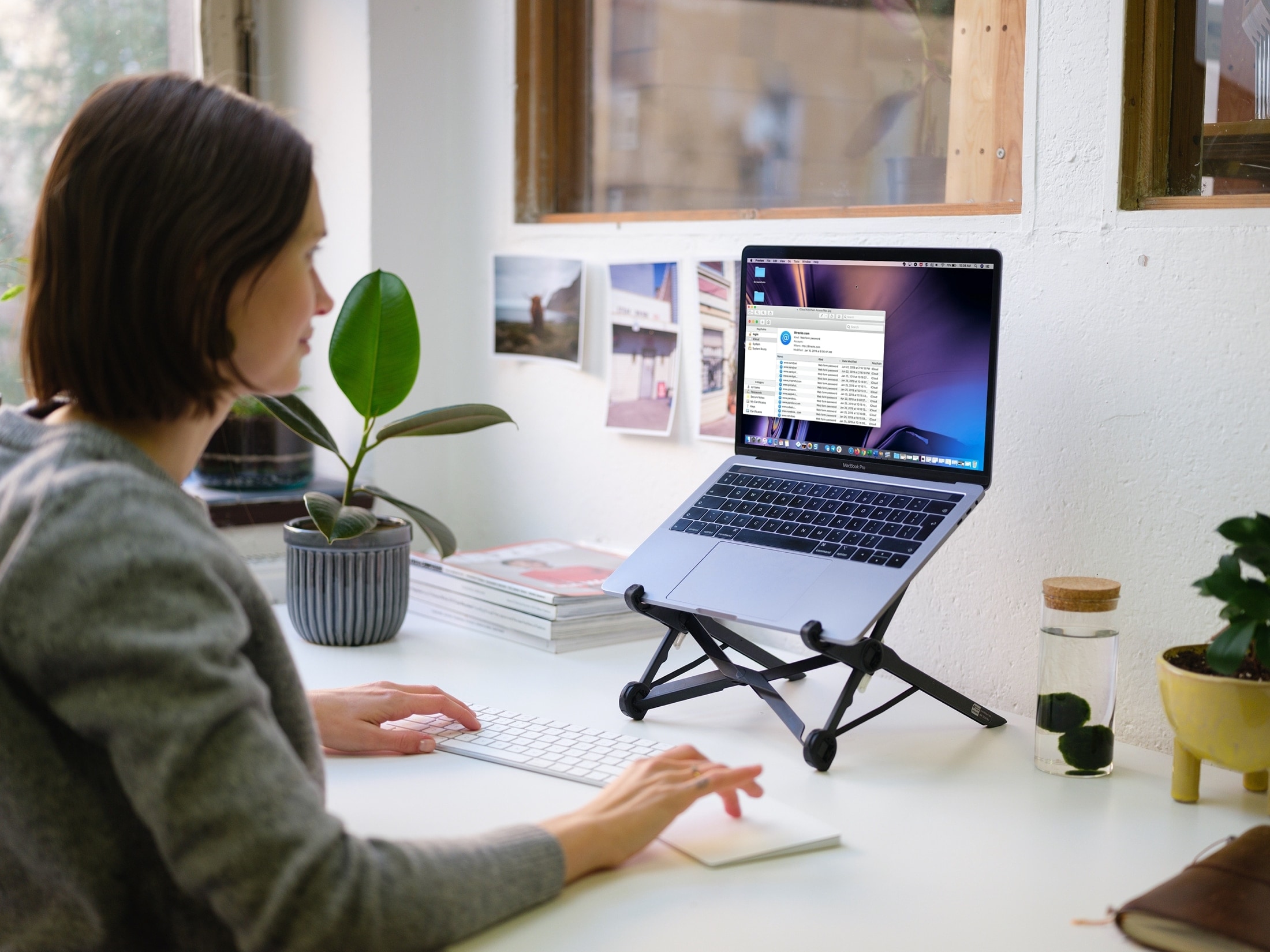
Today is devoting a healthy amount of time to password manager apps, apparently, and Apple doesn't want to miss the boat.
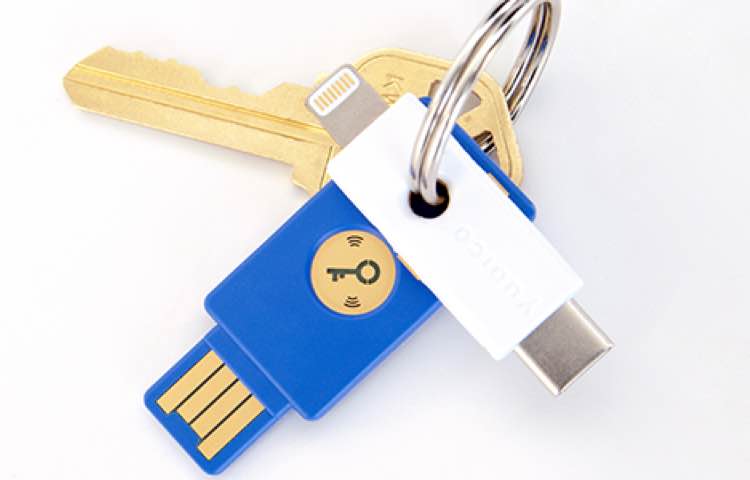
Google is making changes to how it handles security keys with iOS devices, with the end result hoping to be making things easier for users.

Apple today released the minor iOS 13.5.1, iPadOS 13.5.1 and tvOS 13.4.6 updates. However, those who jailbreak are wholeheartedly recommended to stay away from these releases.
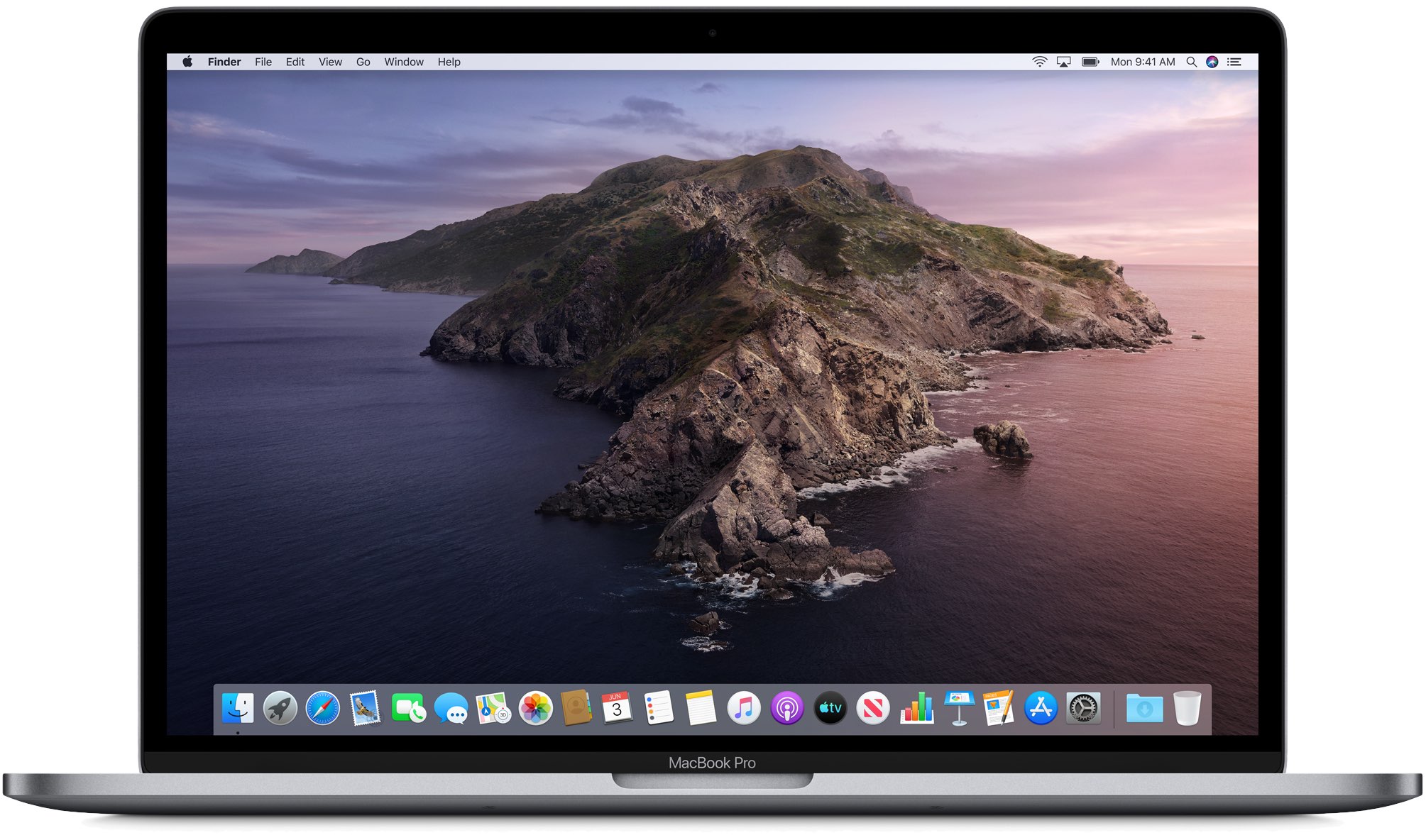
Apple is releasing new software today, starting with iOS, iPadOS, and watchOS, but Apple isn't leaving macOS Catalina out of the mix entirely.
Not long ago, Apple released iOS 13.5 to the public, along with the corresponding iPadOS 13.5.1 for iPad owners. And now it's time for another software update.
The police can no longer look at your iPhone's Lock screen without a warrant.