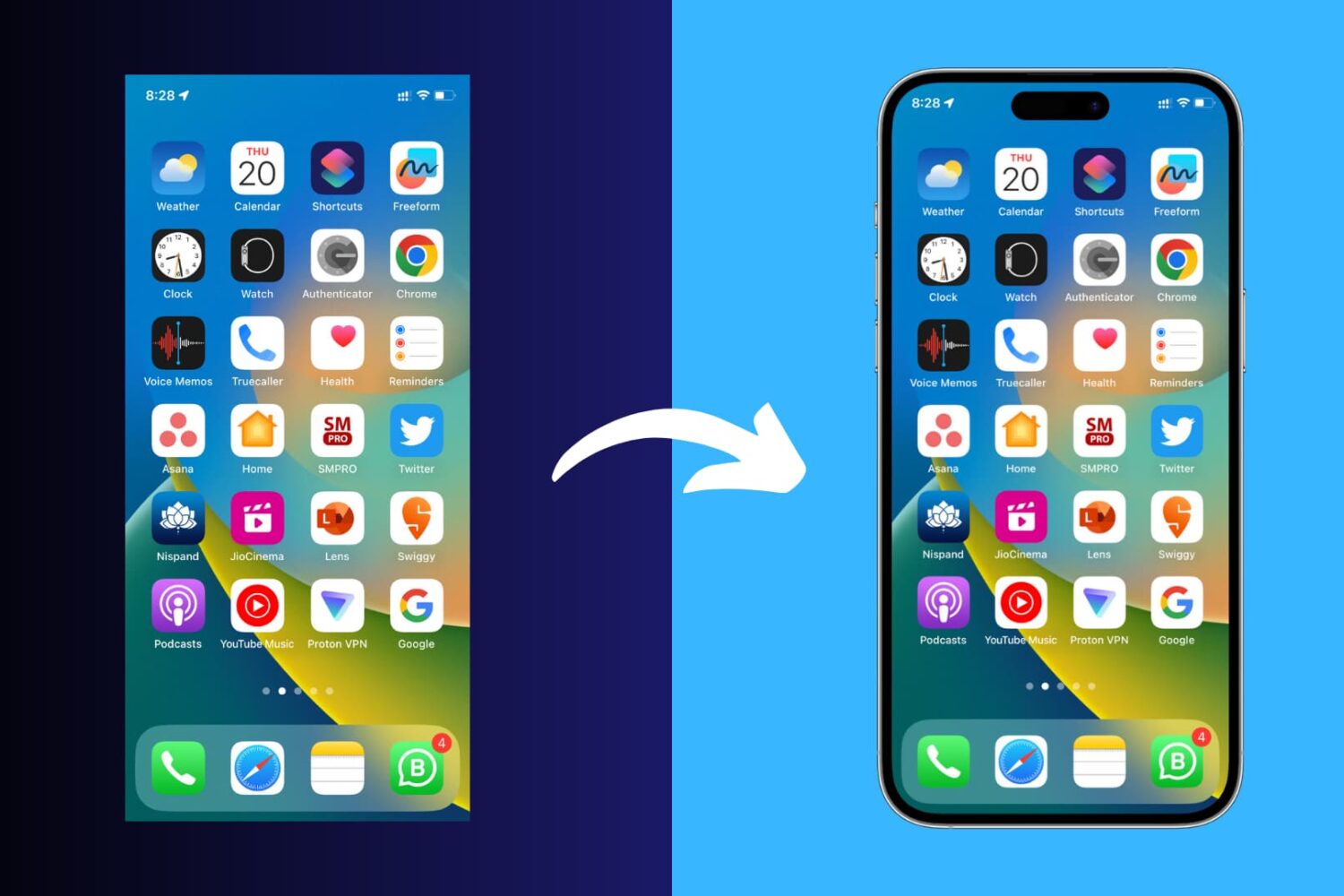
Learn how to add a device frame around your iPhone and iPad screenshots to make them look more polished for presentations, online sharing, and more.
How to add a frame to your iPhone or iPad screenshots
Learn how to add a device frame around your iPhone and iPad screenshots to make them look more polished for presentations, online sharing, and more.
One of the biggest quandaries you might run into when attempting to polish your iPhone screenshots is finding a way to frame them like we do in many of our posts.
This step-by-step tutorial will show you how to grab screenshots, and take video recordings of your Apple TV running any recent version of tvOS. Besides your TV, all you need is a little help from your Mac.
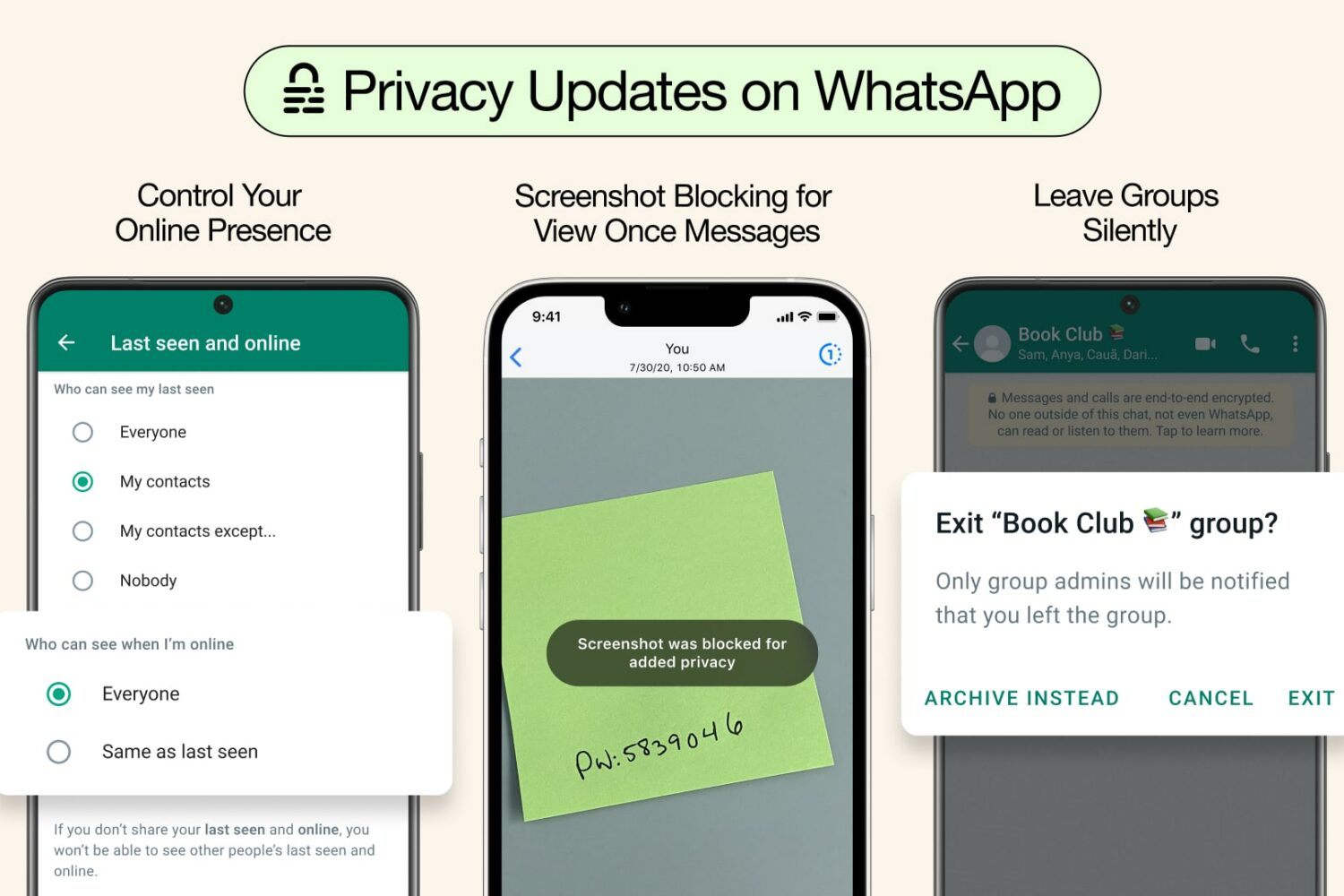
The mobile WhatsApp app shall begin blocking screenshots of disappearing photos and videos to protect the privacy of view-once media in chats. Here's what to know.
Three new WhatsApp privacy features coming to Meta's popular messaging app let you control who sees your online status, block view-once screenshots and more.
In this troubleshooting guide, we explain why you’re unable to take screenshots on your iPhone or iPad, and how to fix this issue.
Check out these 3 methods to take screenshots of Snaps on Snapchat without the other party knowing about it.
In this comprehensive guide, we’ll show you how to take screenshots of full or selected portions of your Mac’s screen without having to download third-party applications.
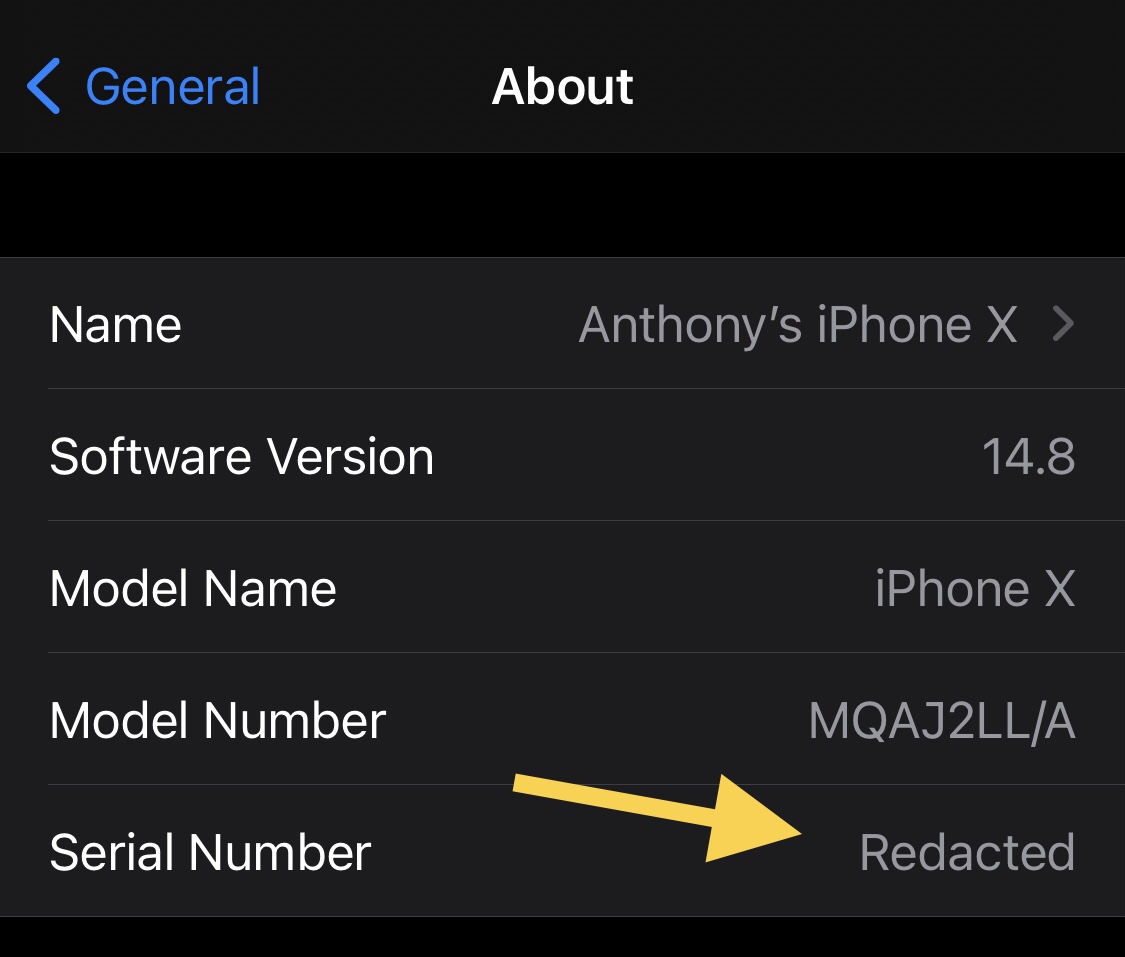
Certain tidbits of information pertaining to your iPhone or iPad are specifically unique to your device and would therefore be considered particularly sensitive.
This tutorial shows you the steps to take screenshots on any iPhone and iPad model, including the latest iPhone 17, Air, 17 Pro, and 17 Pro Max.
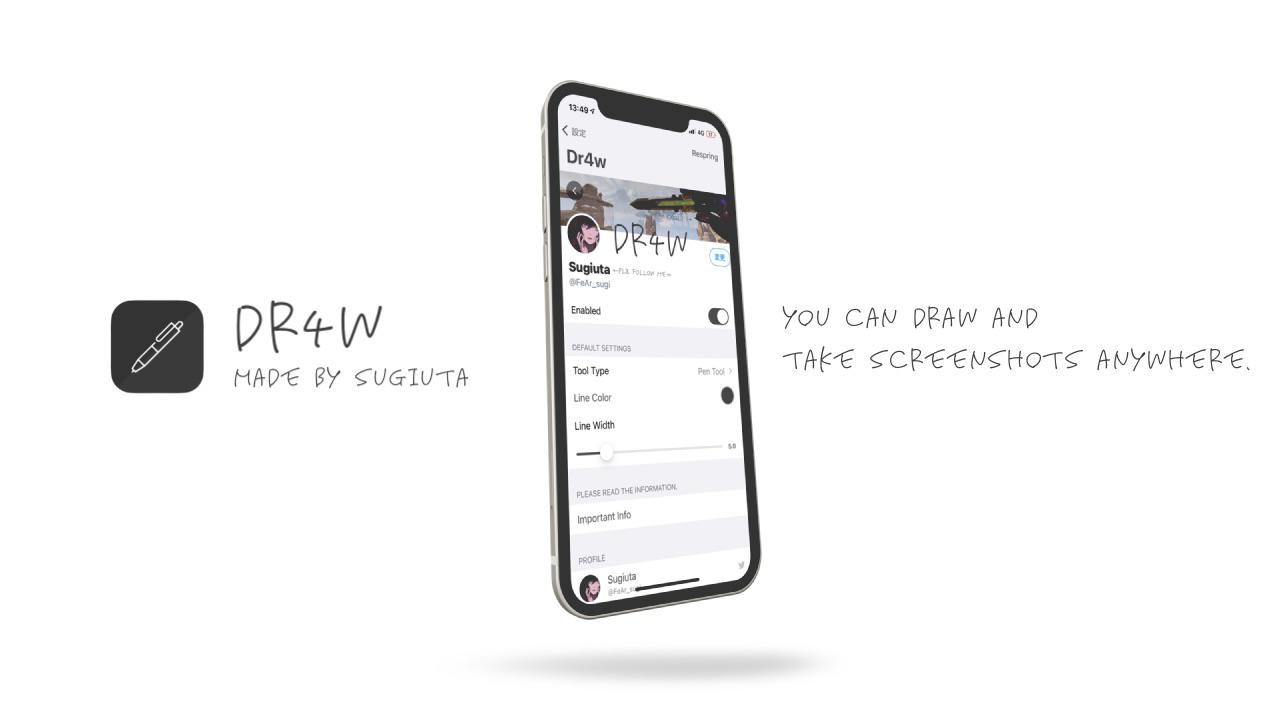
Anyone who finds themselves overwhelmed with the sudden urge to just start annotating things, especially in the middle of a screen recording that you’re capturing for a friend or family member, would be likely to appreciate a newly released and free-to-download jailbreak tweak dubbed Dr4w by iOS developer Sugiuta.
Learn how to easily hide, blur, or pixelate sensitive parts of a photo or screenshot on your Mac using built-in and third-party tools.