Learn what to do if you manage your Apple Family Sharing account but are unable to make important changes to Screen Time, subscriptions, and other settings for family members.
Fix: Unable to make changes as organizer of Family Sharing

Learn what to do if you manage your Apple Family Sharing account but are unable to make important changes to Screen Time, subscriptions, and other settings for family members.

In this quick step-by-step tutorial, we show you how to set a daily time limit for unproductive websites that you or your child visit a lot on your iPhone, iPad, or Mac.

Use these tips if daily app limits don’t come into effect, and app usage is not blocked after the allotted time on your or your child’s iPhone or iPad.

Learn how to deactivate Screen Time and restrictions on your or your child’s iPhone, iPad, and Mac if you no longer want to use these features or face issues because of Screen Time.

In this guide, we’ll go over what options you have if you want to set limits and restrictions for apps and media content on your adult son or adult daughter’s iPhone or iPad.

In this guide, we’ll walk you through all the steps to add a Screen Time passcode for your child’s iPhone, iPad, and Mac so you can prevent them from bypassing parental restrictions.

This guide brings practical tips to help you understand your child’s iPhone or iPad usage and reduce their screen time so they have time for other activities.

Apple's Family Sharing parental controls and Screen Time restrictions can be bypassed to redownload apps without Ask to Buy authorization with a workaround.
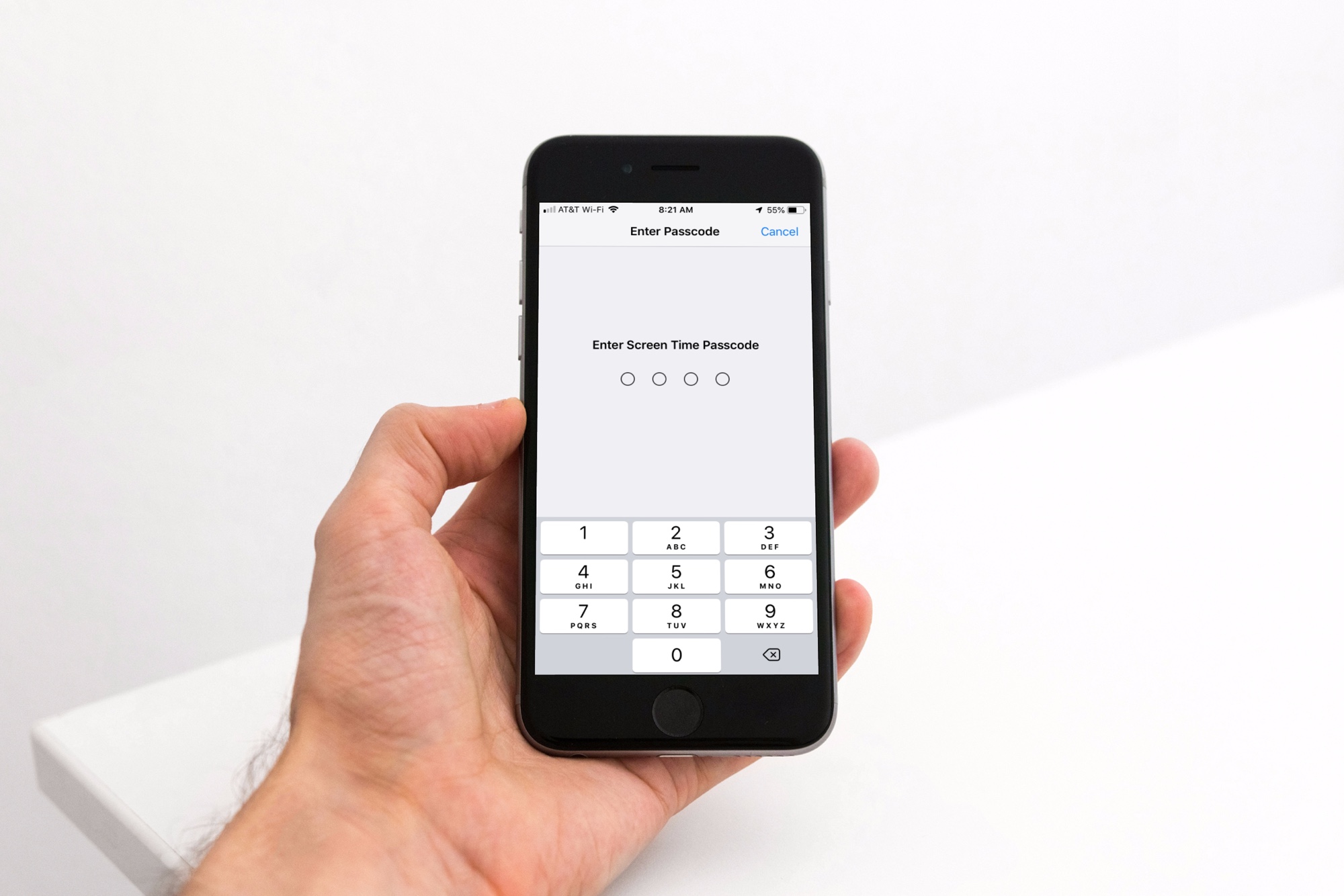
Apple's iOS 18.5 sends a push notification to the parent's iPhone when their child has entered the Screen Time passcode on their device.
Read the official iOS 18.5 release notes from Apple to learn about the new features, bug fixes and security patches in this iPhone update.

Learn what to do if Screen Time prevents you from turning off iCloud Contacts on your iPhone or iPad.

Here's what to do if the Sign Out button is grayed out in the Settings app on your iPhone or iPad Settings, preventing you from logging out of your Apple Account.