Discover some practical tips to reduce your daily iPhone screen time for a productive yet healthy digital lifestyle.
20 simple yet effective tips to reduce your iPhone usage

Discover some practical tips to reduce your daily iPhone screen time for a productive yet healthy digital lifestyle.
Learn how to restrict the camera feature on your iPhone, iPad, or MacBook if you’re concerned about privacy or want to disable its usage completely.
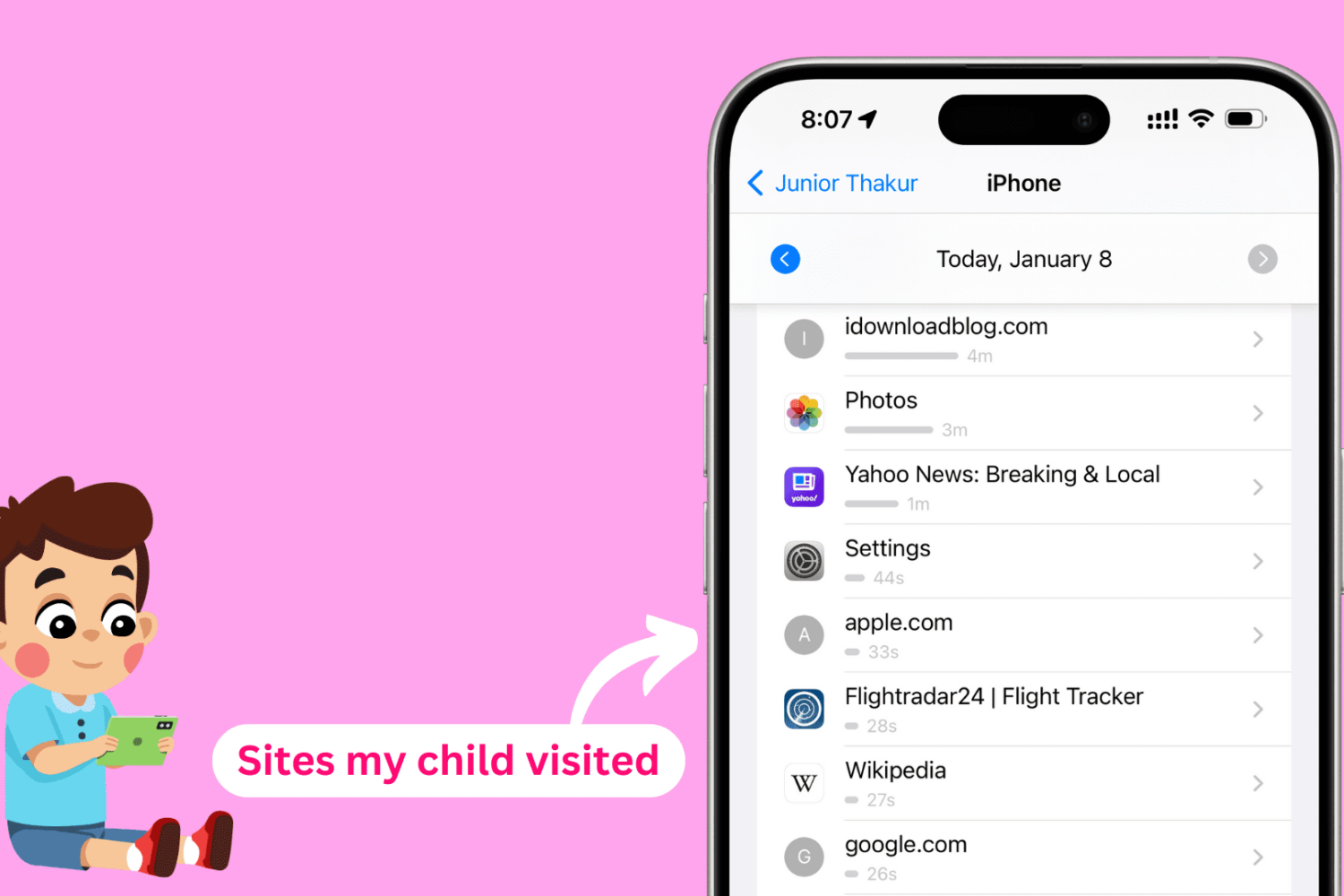
In this tutorial, we will show you how to see the websites your kids have visited on their iPhone, iPad, or Mac and set a daily time limit for individual websites you'd like them to spend less time on.
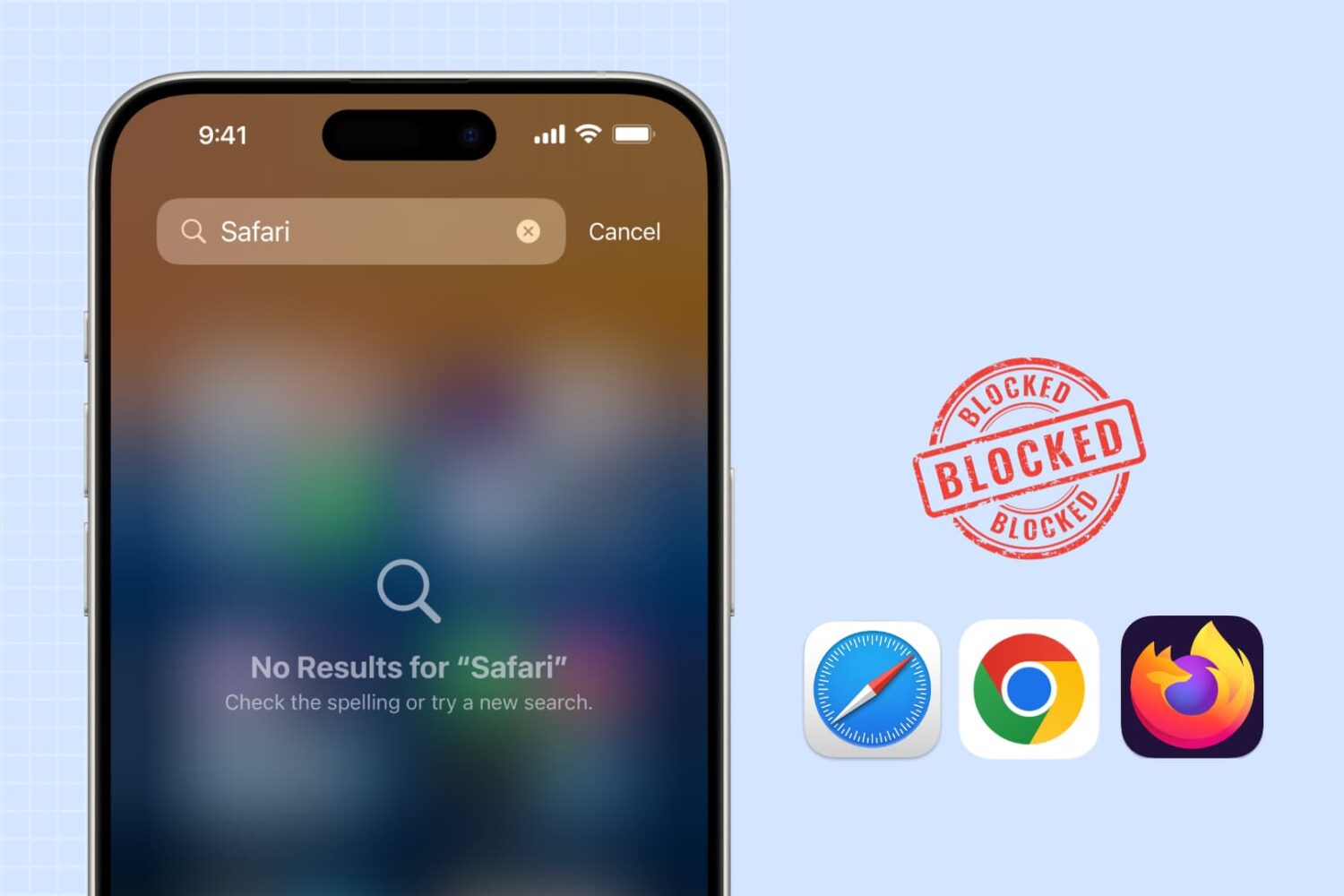
Learn how to block web browsing in Safari, Google Chrome, and other browsers to increase security, limit distractions, and protect children from inappropriate content on iPhone or iPad.
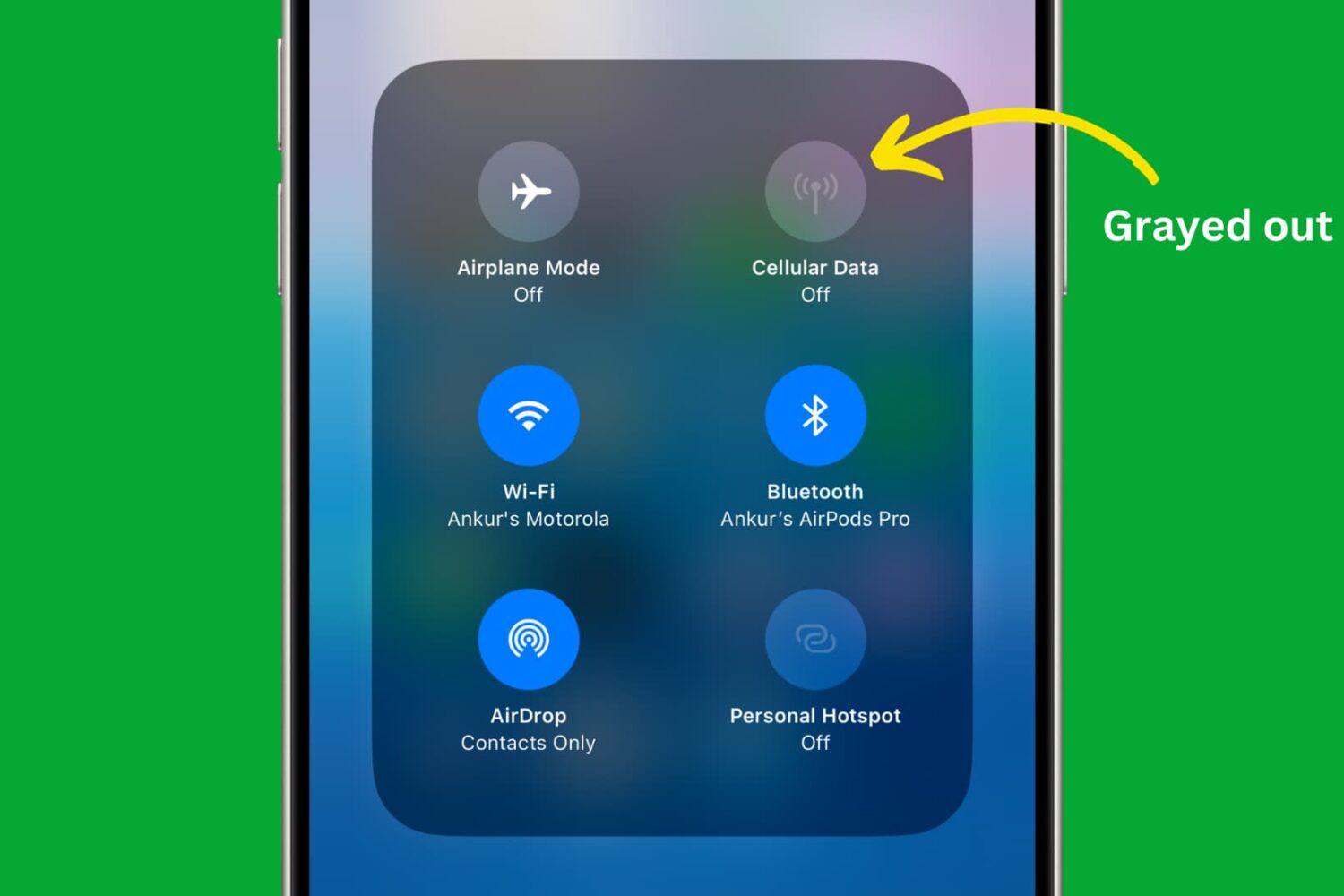
Learn how to use restriction controls on your iPhone or iPad to completely block cellular data usage, avoiding unwanted charges and bill shock.
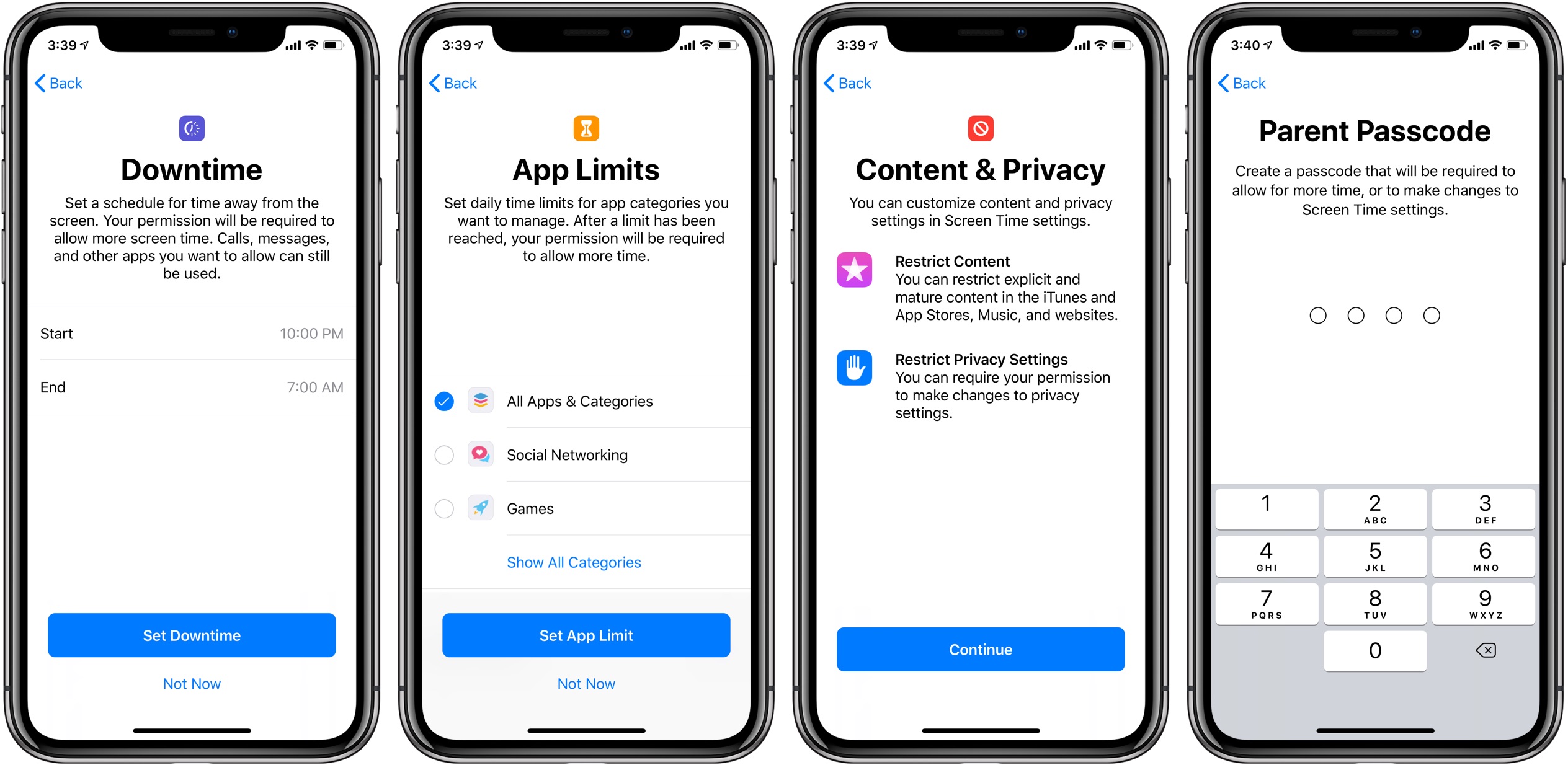
Apple is aware of an iOS bug that has allowed kids to bypass certain parental restrictions set for their iPhones, like the Screen Time Downtime limits.
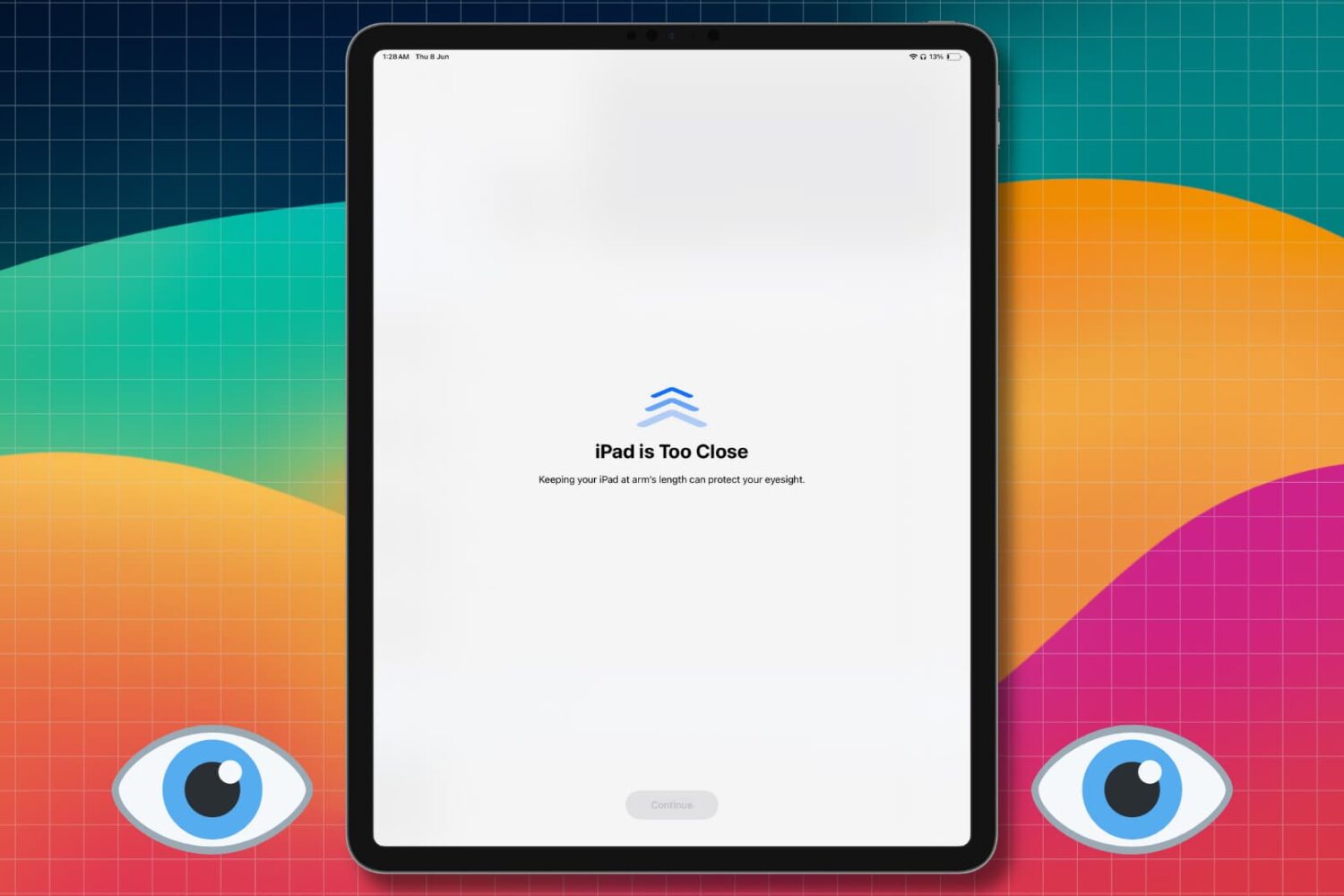
Learn how to turn off the Screen Distance feature so you no longer get the full-screen “iPhone/iPad is Too Close” message when you hold the device close to your eyes.
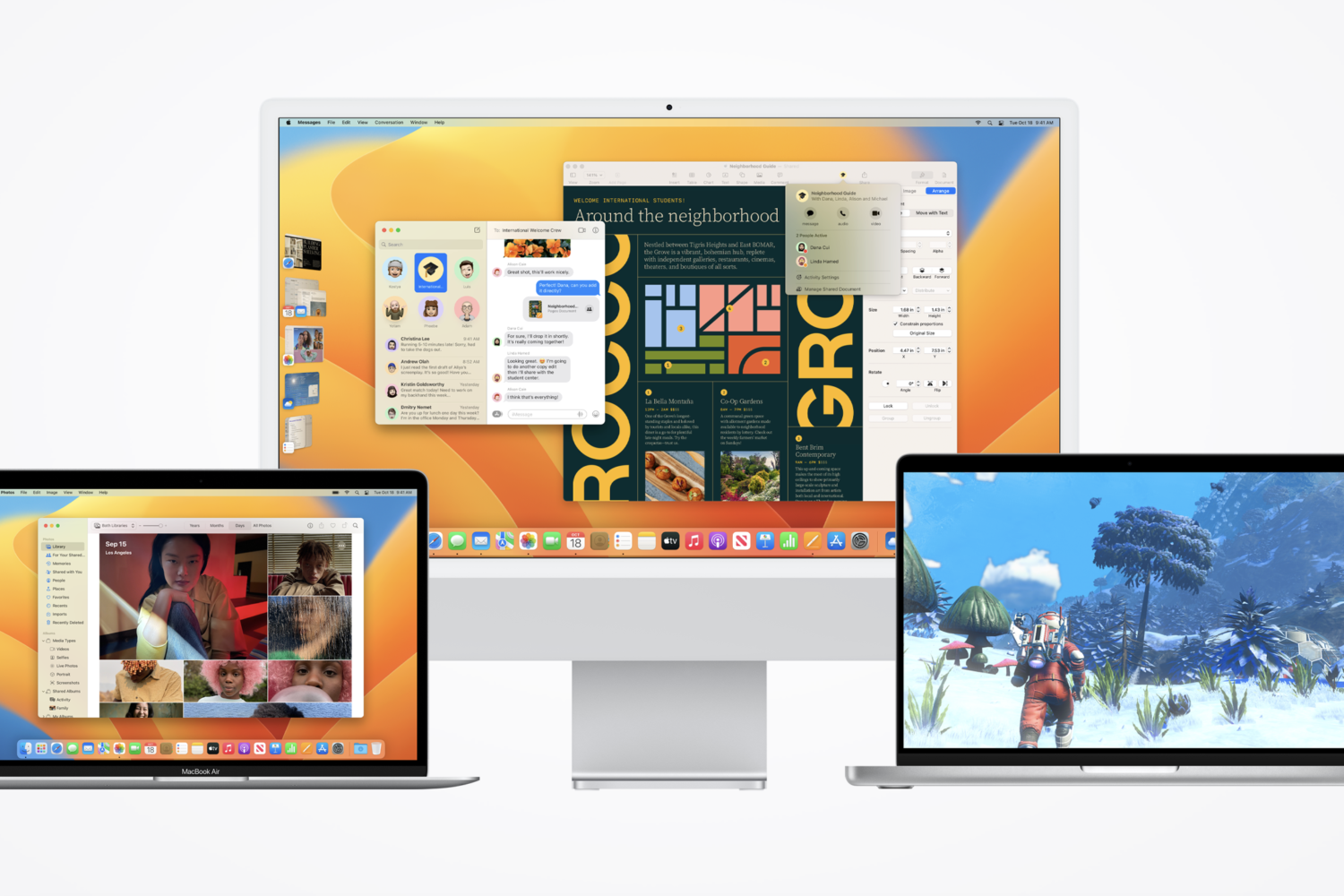
The macOS Ventura 13.4 release notes confirm sports-focused News app enhancements, along with fixes for Bluetooth, Screen Time, Auto Unlock, etc.
The iOS 16.5 release notes mention enhancements like a new wallpaper, but Siri screen recording that was present in betas is nowhere to be seen.

Learn how to block the ability to purchase content in apps on your or your kid’s iPhone, iPad, or Apple TV to avoid unwanted spending and bill shock.
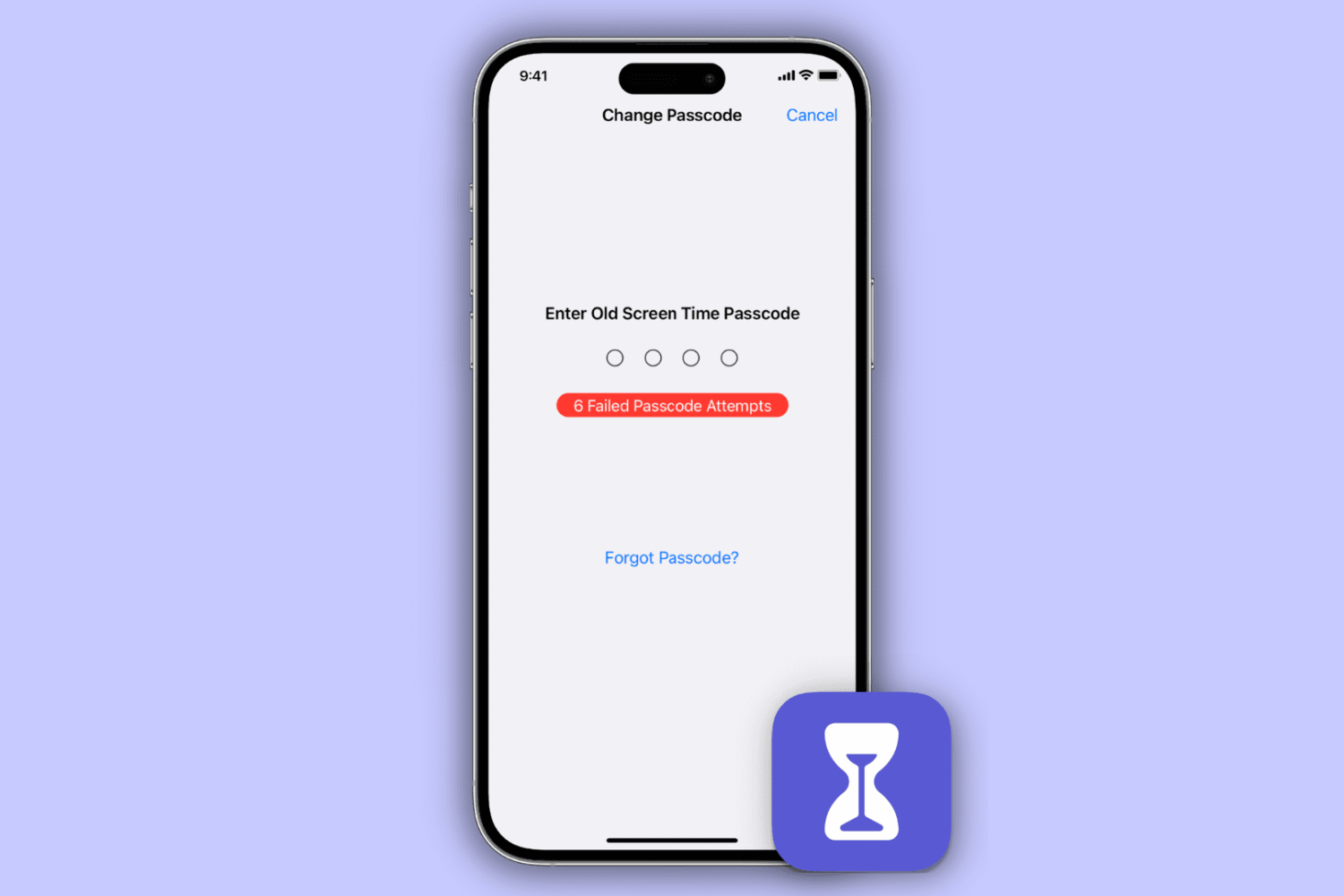
Learn how to reset your Screen Time passcode if you have forgotten it, whether for your own Apple devices or your child’s iPhone, iPad, or Mac.