Learn how to stop notifications from the built-in Mindfulness app on Apple Watch to cut down on the number of wrist alerts.
How to turn off the Mindfulness notification on your Apple Watch
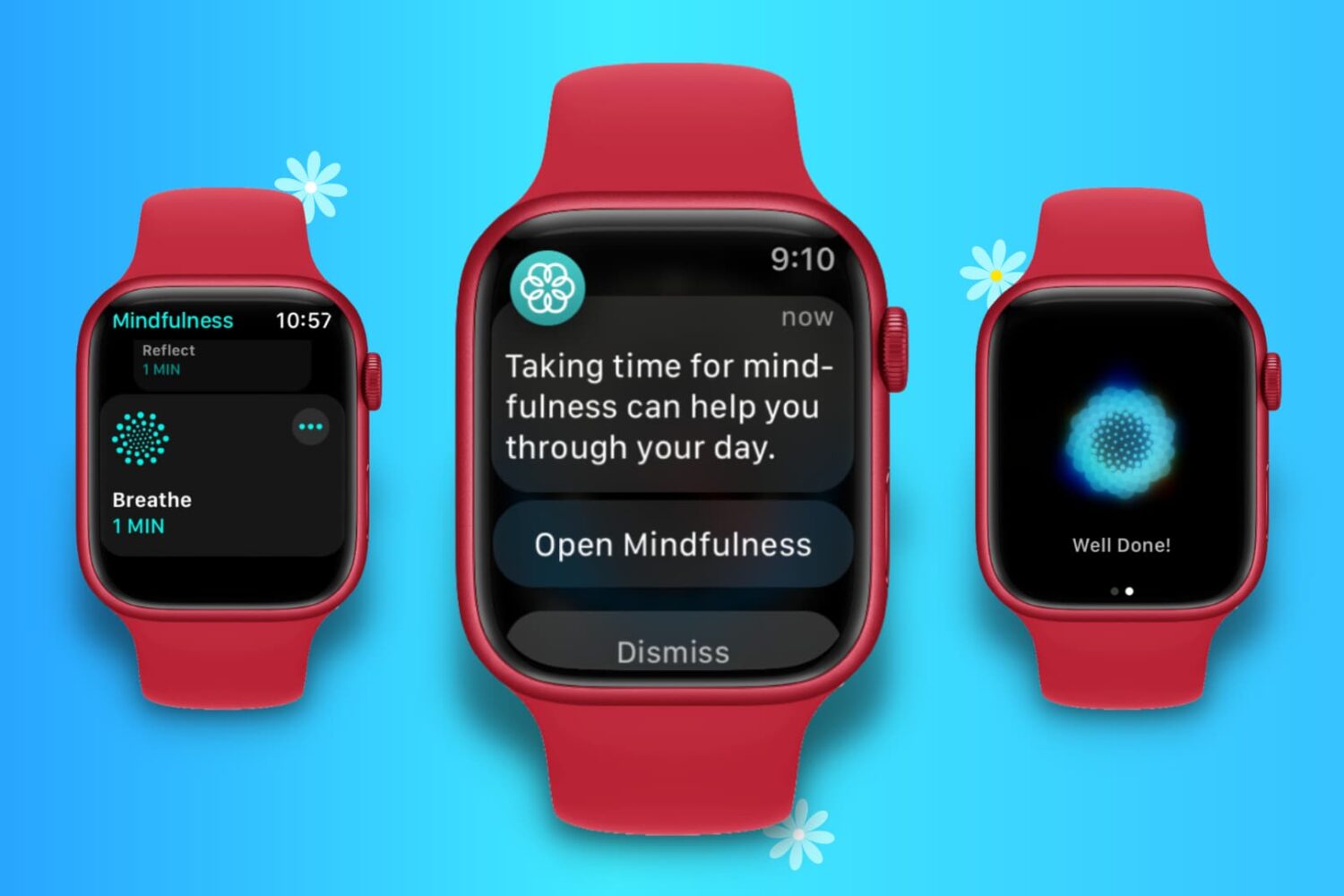
Learn how to stop notifications from the built-in Mindfulness app on Apple Watch to cut down on the number of wrist alerts.
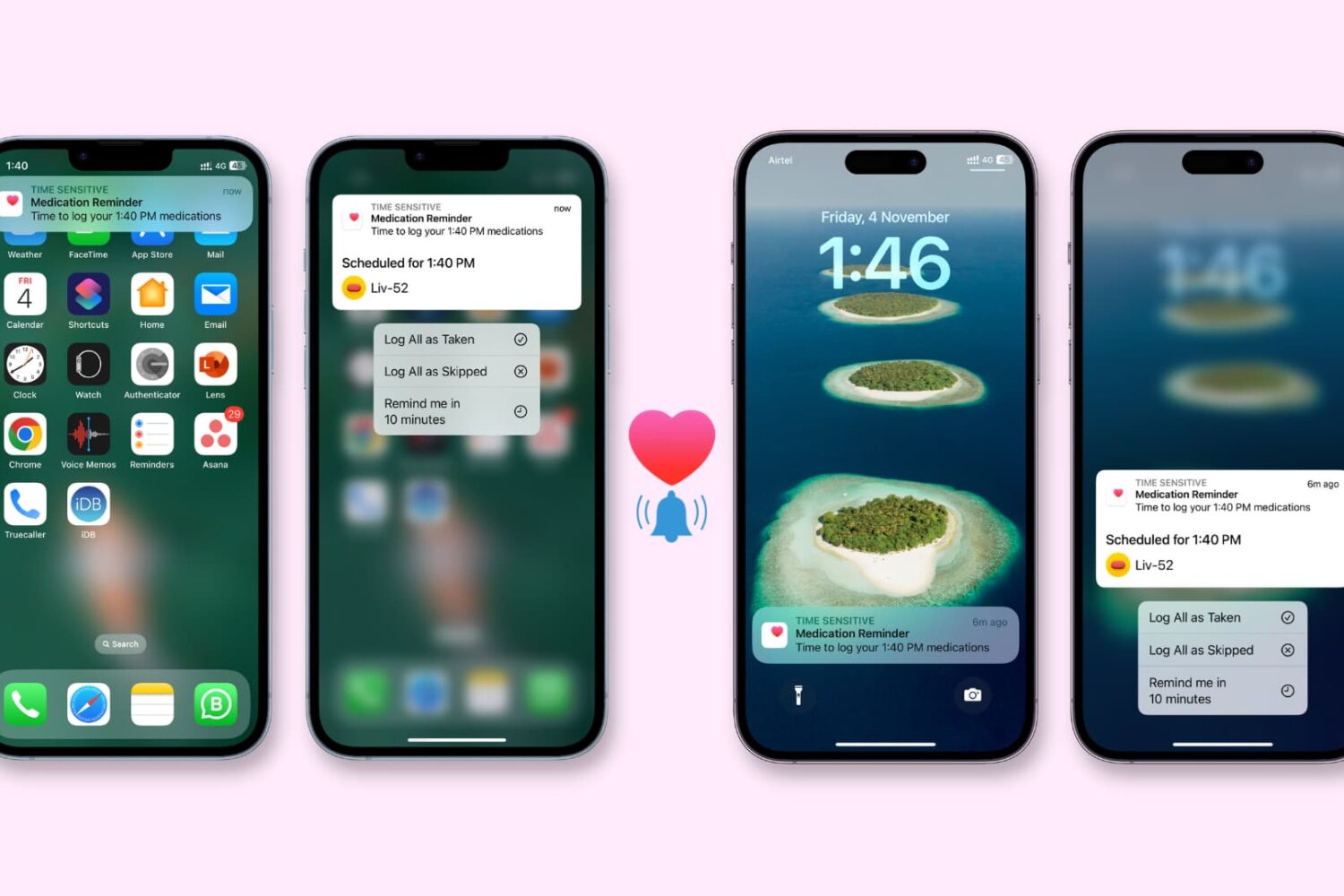
Check out these 8 solutions to fix the Health app on your iPhone or Apple Watch not reminding you to take medication on time.
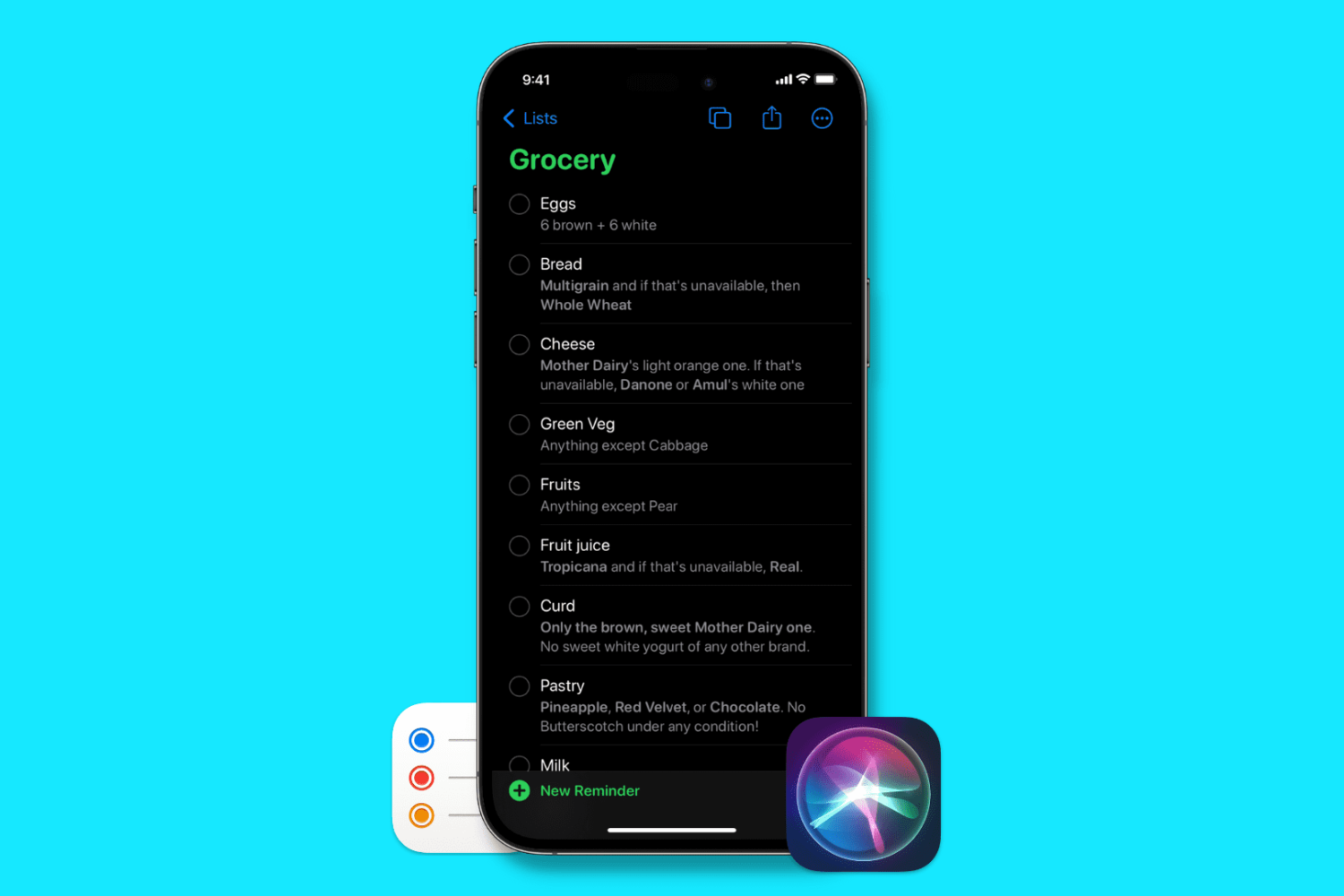
In this brief tutorial, we’ll show you how to add items to a Grocery or Shopping list in the Reminders app using Siri on your iPhone, iPad, Mac, and Apple Watch.
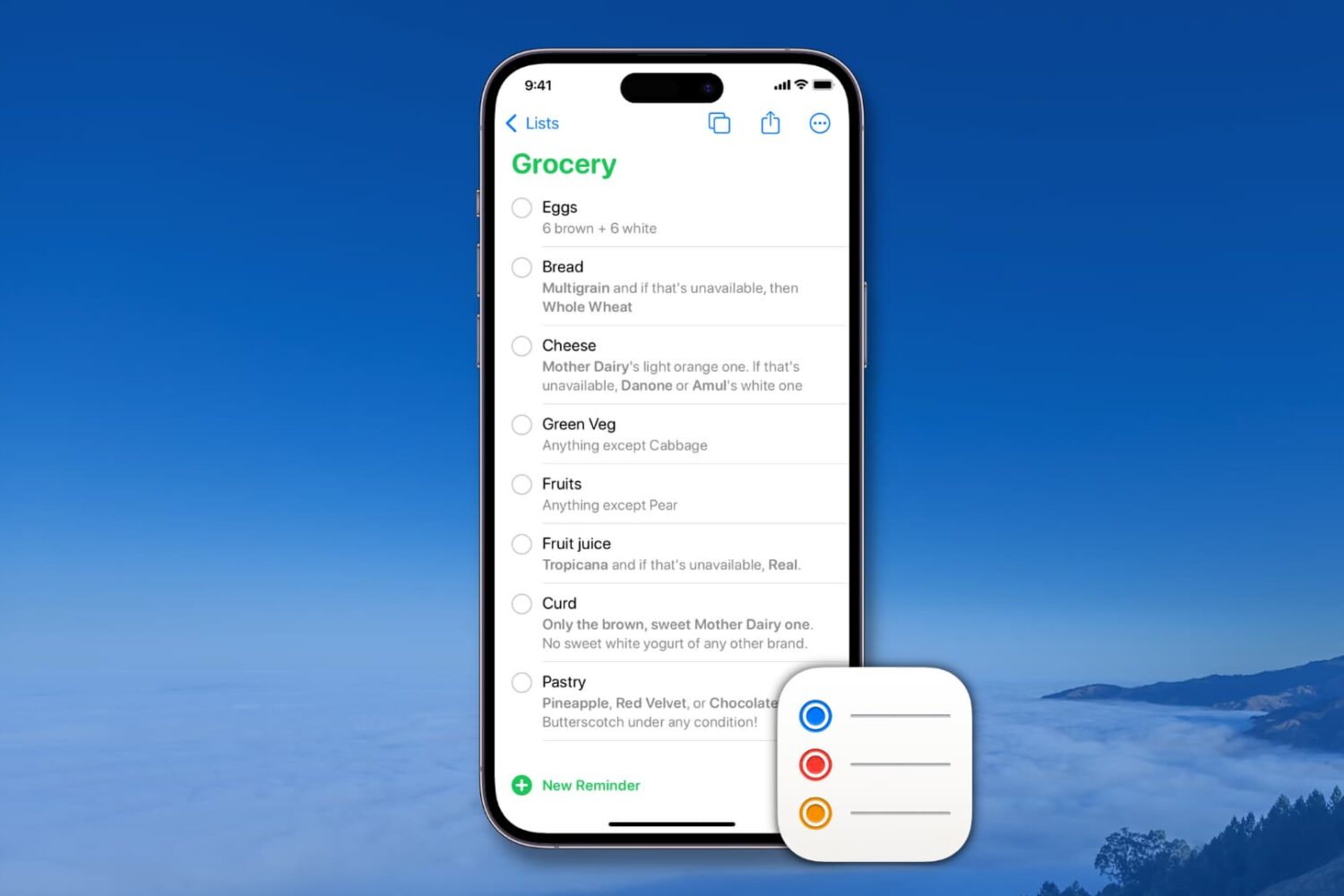
Learn how to create and manage reusable reminder templates on your iPhone, iPad, Mac, and Apple Vision Pro to quickly create new to-dos and save time.
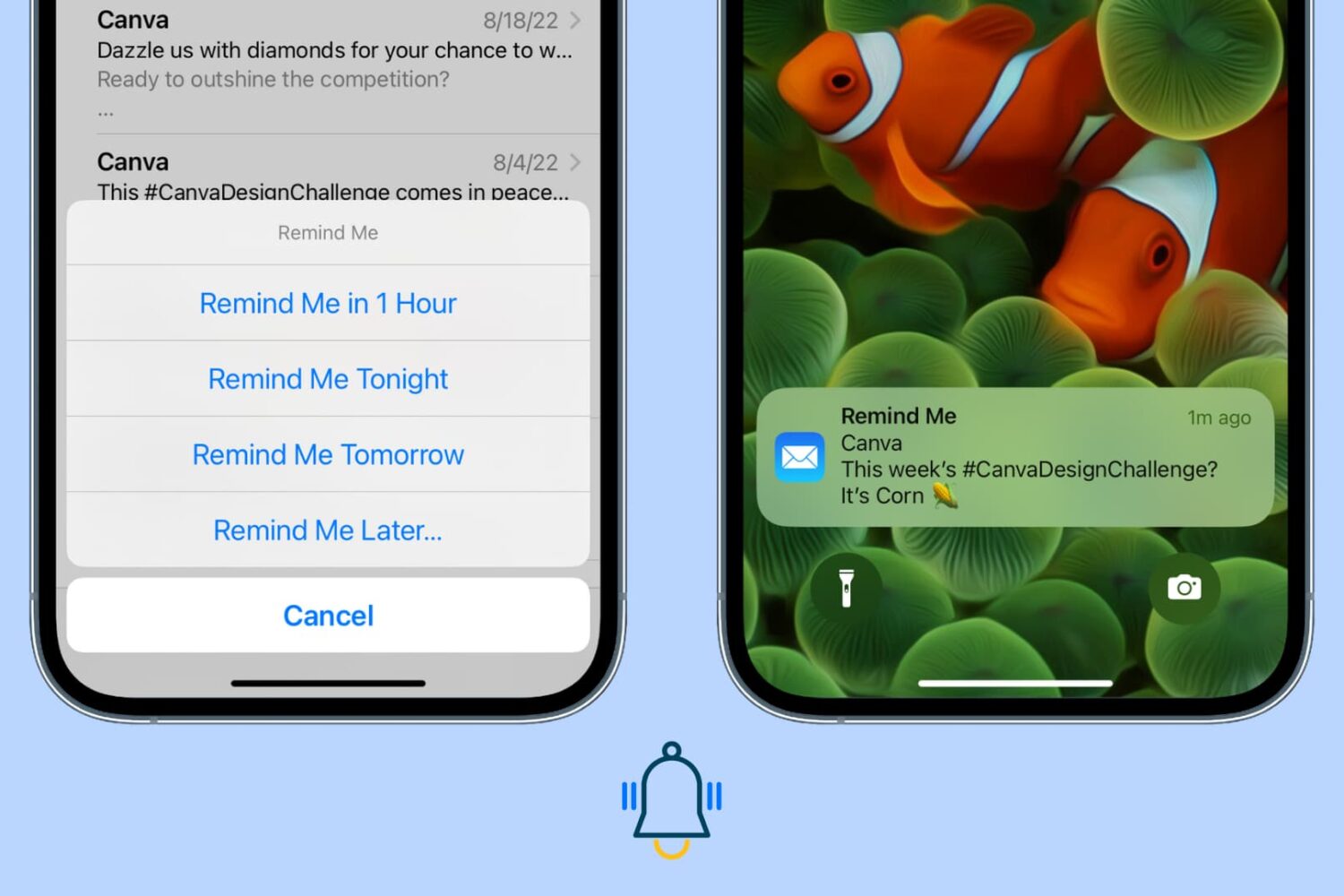
Use the Remind Me feature in the Apple Mail app on iPhone, iPad, and Mac so you never miss replying to or attending to an important opened email.

Signing up for a YouTube reminder ensures you will get notified on your device before Apple starts broadcasting its pre-recorded iPhone 14 presentation.

Fantastical scheduling gains Break Time, Lead Time and so on. Cardhop now allows you to keep track of birthdays, anniversaries and more.
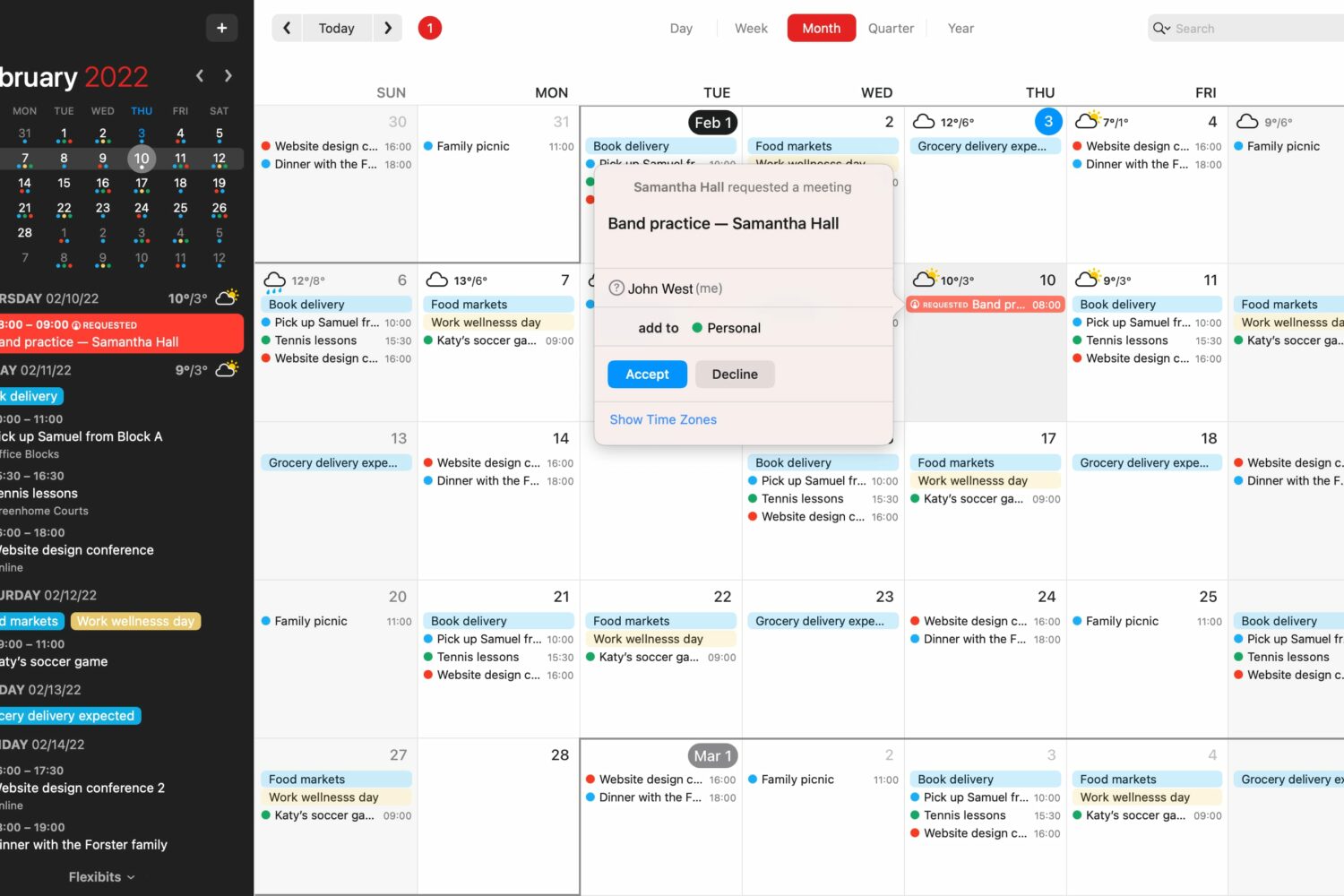
The latest improvements to Fantastical's scheduling features on Apple's devices include a detailed overview of your availability along with a new Break Time feature.
Reminders are important to help you start or finish a task on time. If reminders are not working on your iPhone or iPad, here are the reasons for this and the solutions to fix the problem.
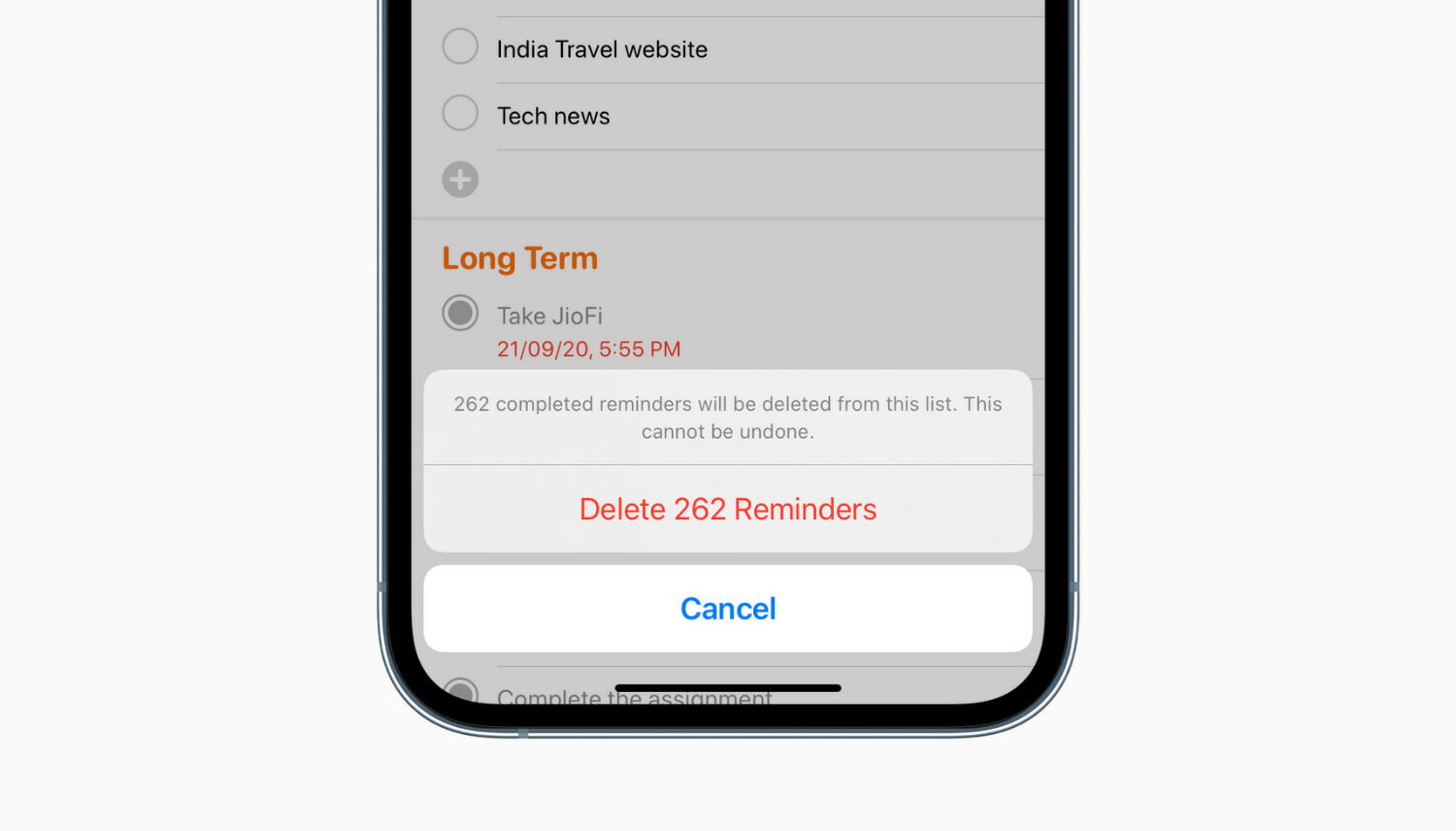
Do you have too many completed reminders that are no longer useful? In this tutorial, we’ll show you how to delete all completed reminders at once on iPhone, iPad, and Mac.
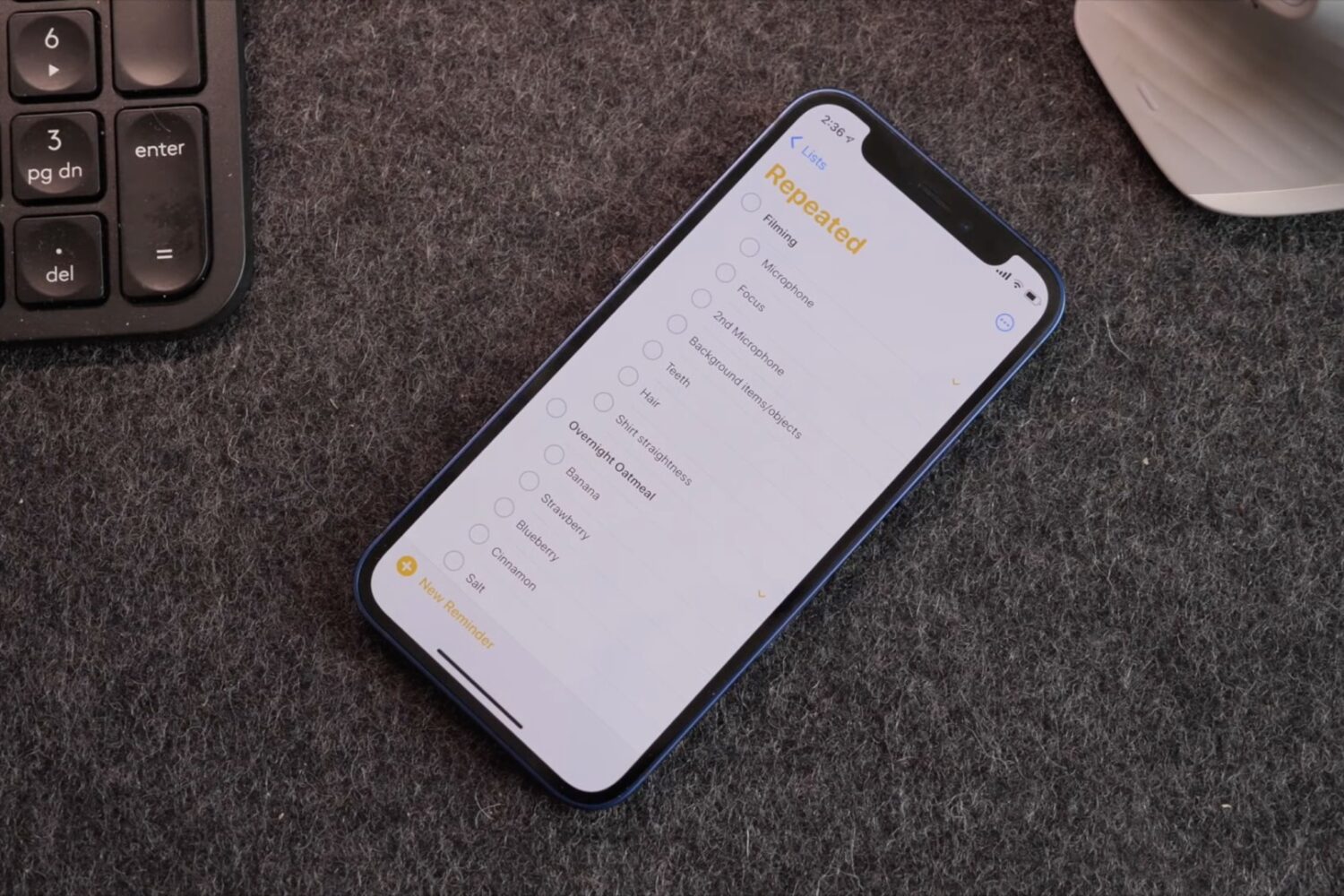
Watch 10+ awesome Apple Reminders tips and tricks for making the app super powerful to boost your productivity and fall in love with this underrated app, all over again.
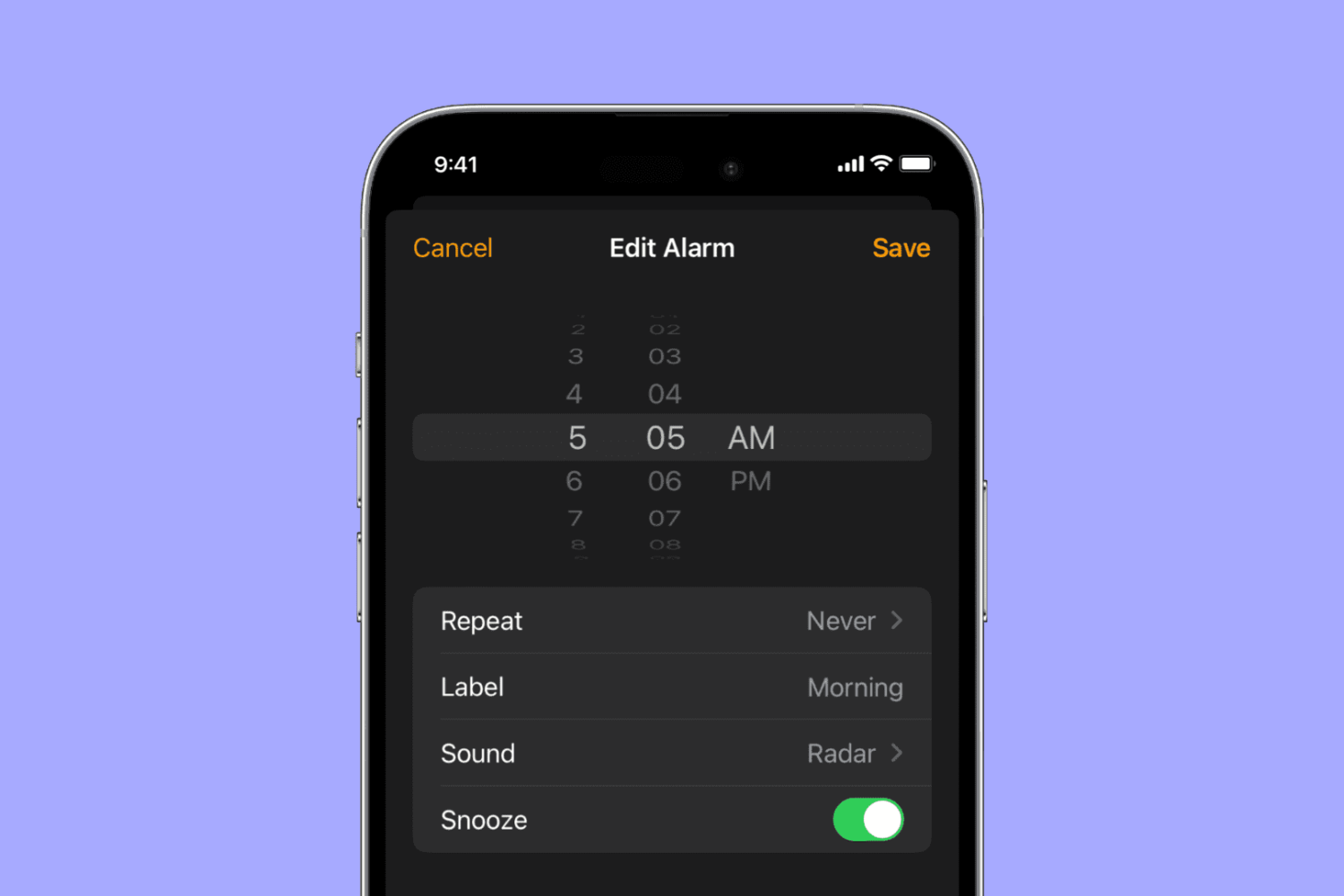
Apple has revived the popular iPhone time picker on iOS 15 and iPadOS 15 that lets you spin the wheel, but with a twist allowing you to switch back to the inline selector with a tap. Let me tell you all about it.