Productivity

How to customize the Quick Access Toolbar in Word and Excel on Mac

Quick Access Toolbar Word

One nice thing about working with Microsoft applications like Word and Excel is that you can customize your tools. From the status bar at the bottom to the ribbon at the top, you can remove and add exactly what you need.

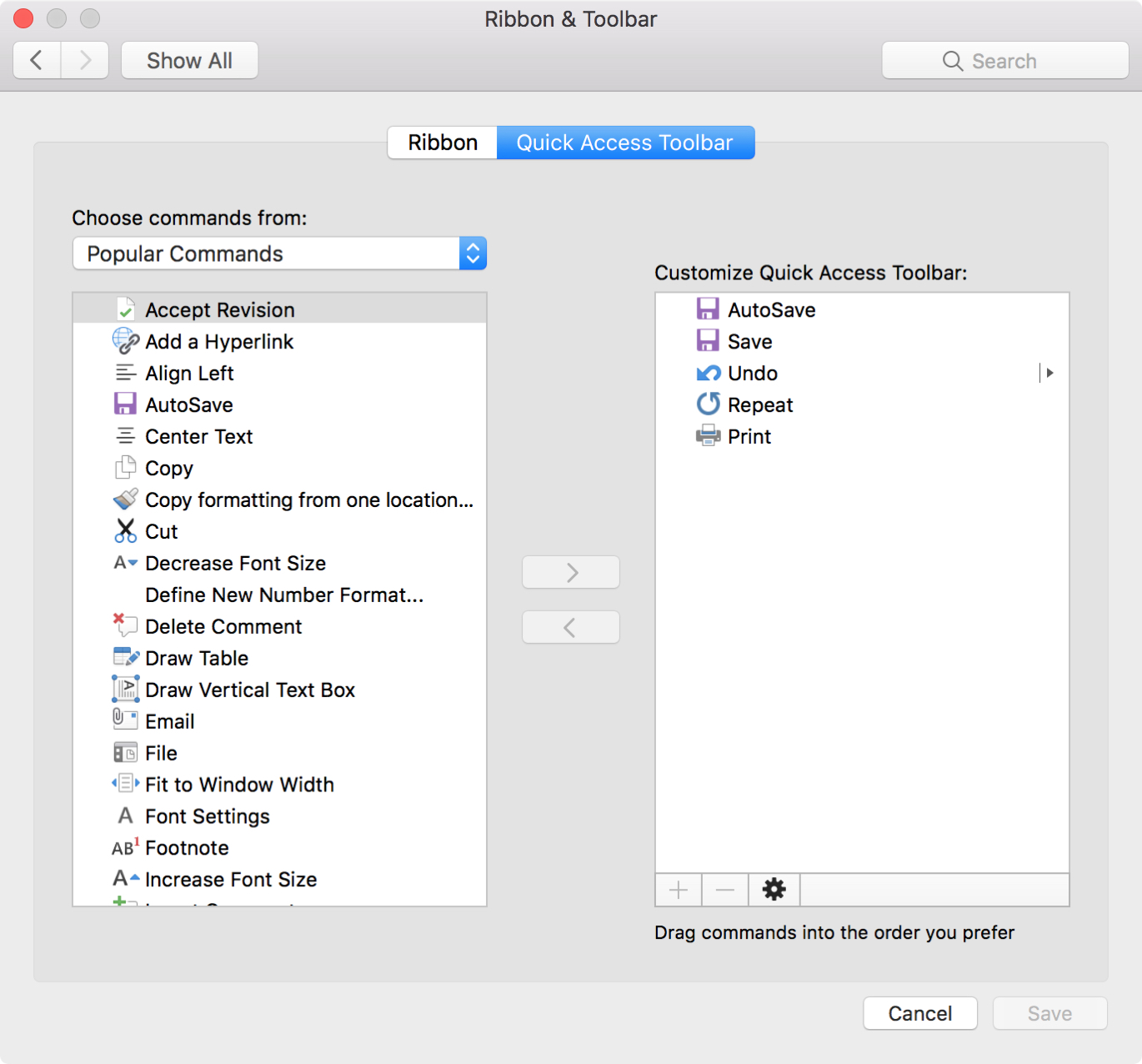
Another area you can customize is the Quick Access Toolbar. This is the small toolbar above your ribbon on the top left of the window. The point of this toolbar, as its name implies, is for quick access to tools you use most.

To help you make the most out of this area, this tutorial explains how to customize the Quick Access Toolbar to suit your specific needs.


How to transpose columns and rows in Microsoft Excel

Excel Transpose Group of Cells

When you use Microsoft Excel on your Mac for creating spreadsheets, you have plenty of layout options. But, sometimes it’s not until after you start entering your data that you wish you had structured the spreadsheet differently.

You may have entered column headers that would work better as row headers or vice versa. Luckily, you have a quick and easy way to make this type of switch with the Excel Transpose feature and here’s how to use it.

How to export notes from Evernote on Mac, iPhone, and iPad

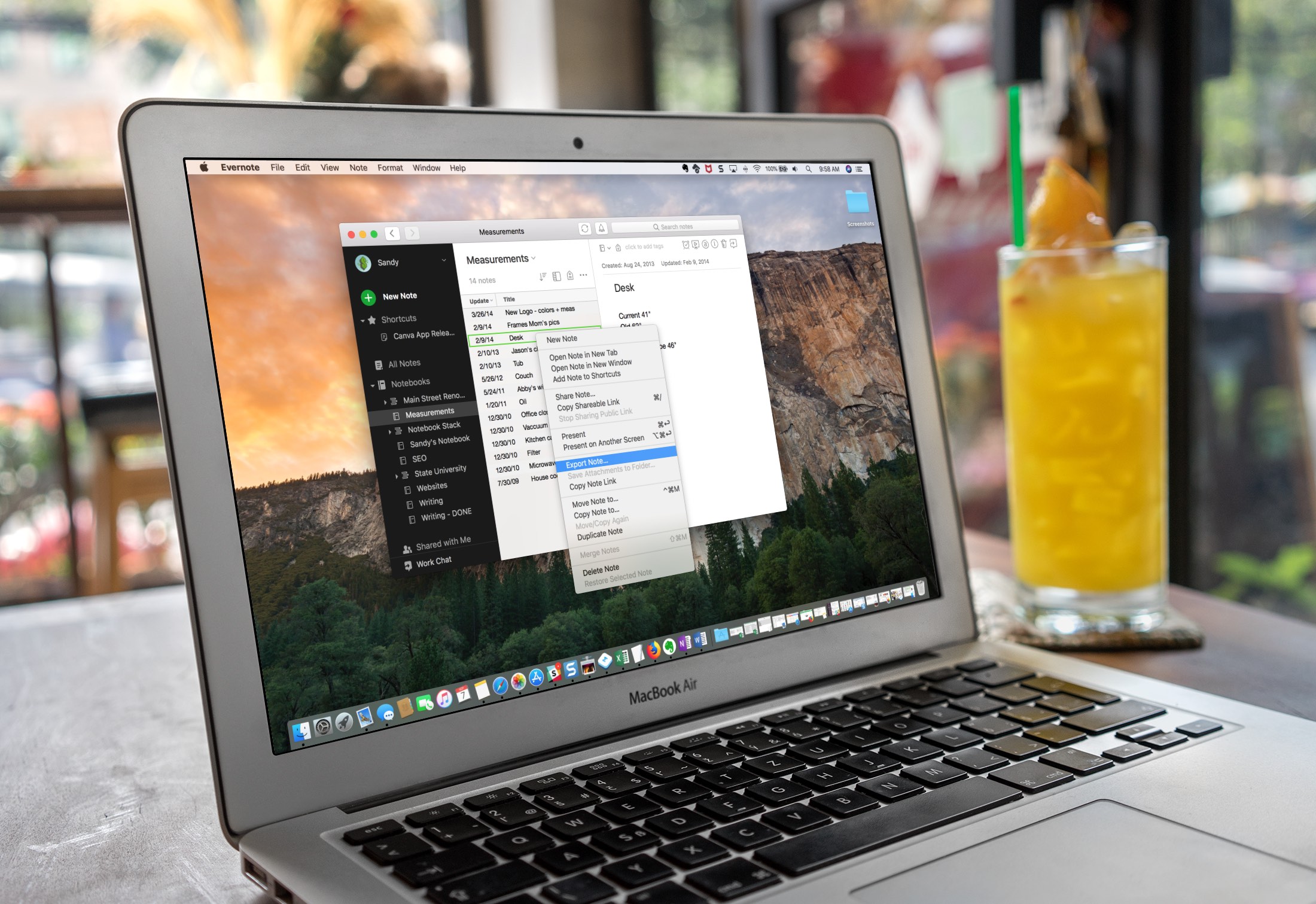
Evernote Export a Note on Mac Screen

Evernote is a robust note-taking application with availability across multiple platforms, but it does have its limitations. For instance, the Evernote Basic plan only allows you to use the app on two devices for free. So, maybe you’ve decided to use another app in addition to Evernote. Or, maybe the time comes when you want to switch to a different note-taking app completely.

You can easily export notes from Evernote to a file that can then be imported to another note-taking application, and here’s how.

How to create drop-down lists in Excel on Mac

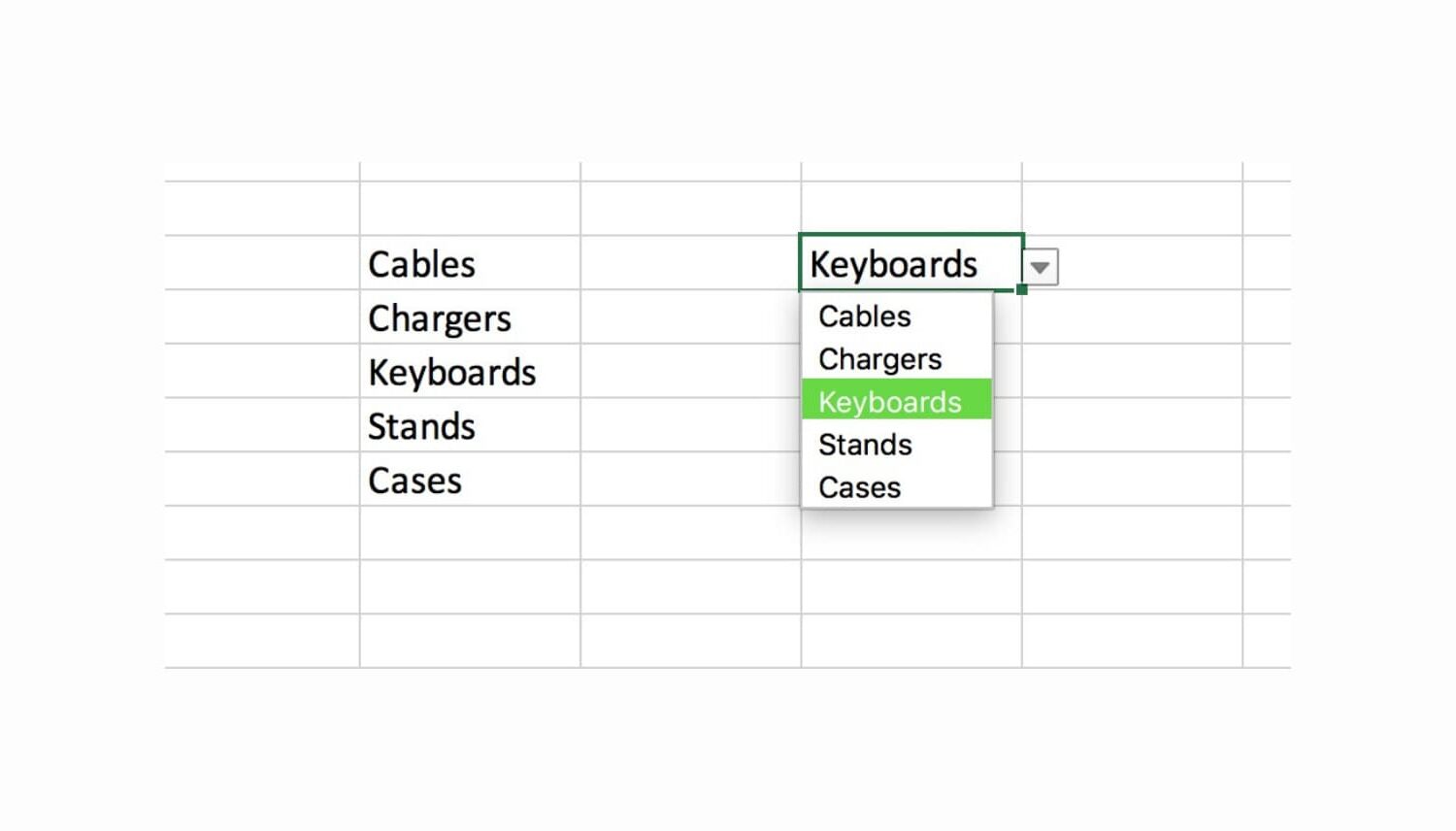
Excel drop down list on Mac

Using custom lists in Microsoft Excel on your Mac makes tedious data entry relatively quick and easy. Drop-down lists are no different; you can create one in just a few clicks.

Drop-down lists in Excel are ideal for limiting the options for cell entries. They come in handy for selecting items like colors, sizes, products, people, days, and so much more.

Here’s how to quickly create a drop-down list in Excel on Mac.

How to create reusable custom lists in Excel on Mac

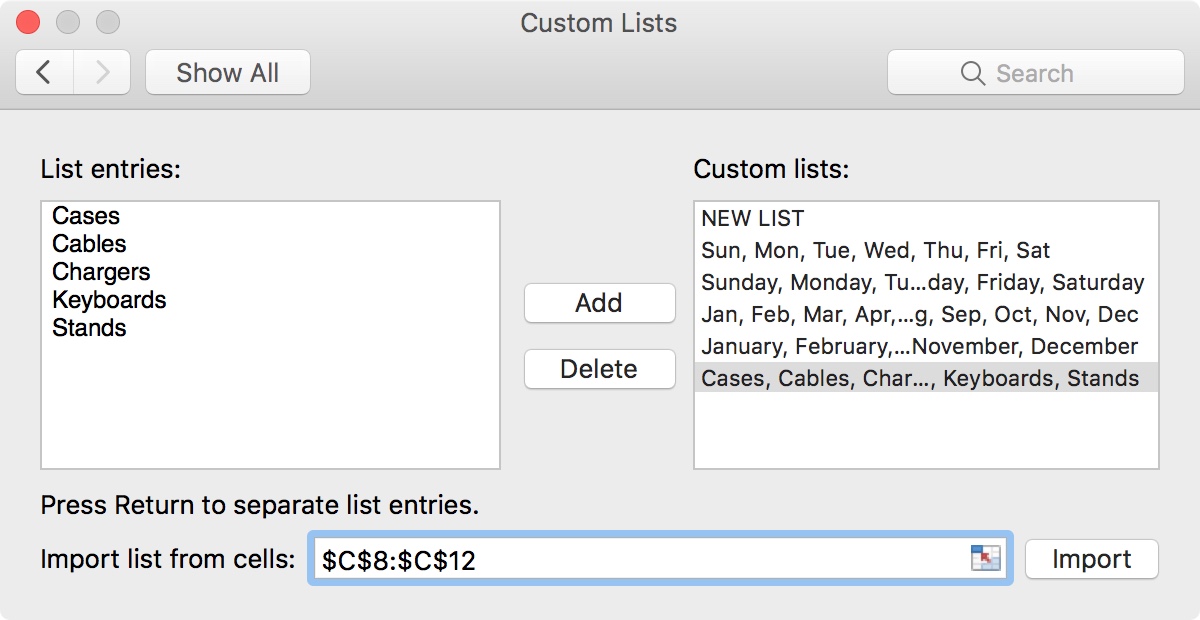
Excel Custom Lists Populated

Along with its robust features like automatic calculations, conditional formatting, charts, and such, Microsoft Excel offers some simple features that can save you time.

One of these features is the ability to create custom lists. Custom lists can be used over and over on your spreadsheets. This is handy for things you use often like product, employee, or attribute lists.

Here’s how to easily create and use custom lists in Excel.

How to change text and formatting AutoCorrect settings in Word for Mac

Word AutoCorrect Options on Mac

Auto-correction is one of those features you either love or hate. We see it most in text messaging apps. And, it can be aggravating when you end up sending something in a message that you didn’t mean to, all because it was “automatically corrected” for you.

In Microsoft Word, however, the AutoCorrect feature can be quite useful. It can save you from errors, help you get your words out quicker, and format your document as you type. Here’s how to access, view, and adjust AutoCorrect settings in Word on Mac.

How to customize keyboard shortcuts in Microsoft Word for Mac

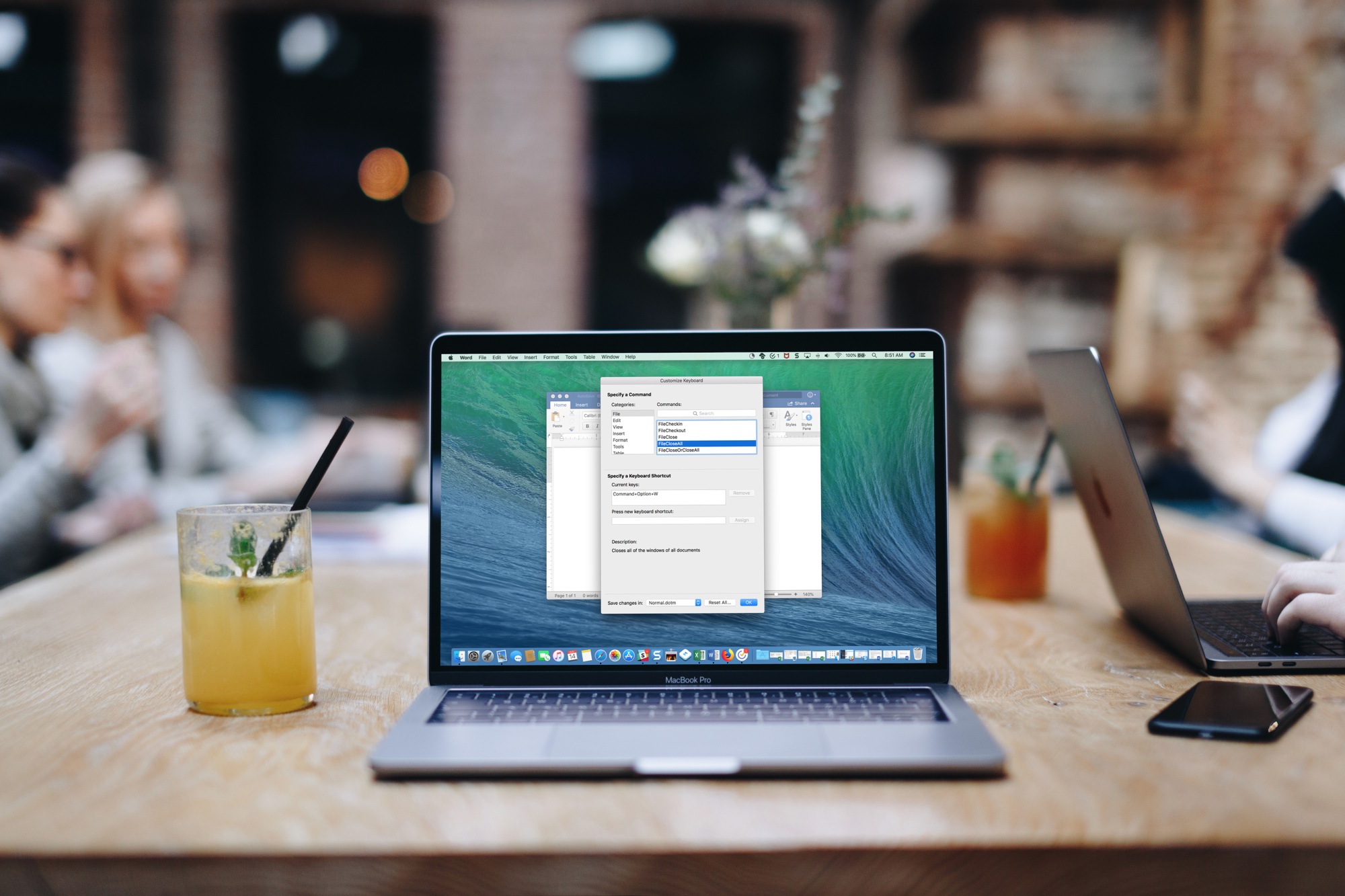
MS Word Keyboard Shortcuts Mac

If you use Microsoft Word on your Mac, then you have more customization options than you probably realize. The settings can help make your experience more efficient and productive each time you use the application.

One of the settings that helps you move through your word-processing tasks faster is the keyboard shortcuts. Without lifting your fingers from the keyboard to grab your mouse or use your touchpad, you can accomplish a variety of tasks. And you can customize the shortcuts to suit what you use most and which keys are easiest to remember.

The best free focus timers for Mac to work, break, and concentrate

Focus Timers for Mac

When you’re hard at work on your Mac, sometimes you forget to take a break. Then there are other times when that’s all you can think about doing. In both cases, a handy focus timer can help.

Set the timer, focus on the job at hand, and take a short break when time is up. This helps you stay focused on what you need to do for a certain amount of time and take that necessary break without forgetting.

Check out these awesome free focus timers for Mac you can snag on the Mac App Store.