Productivity

How to set your Mac Calendar to automatically open a file right before a meeting

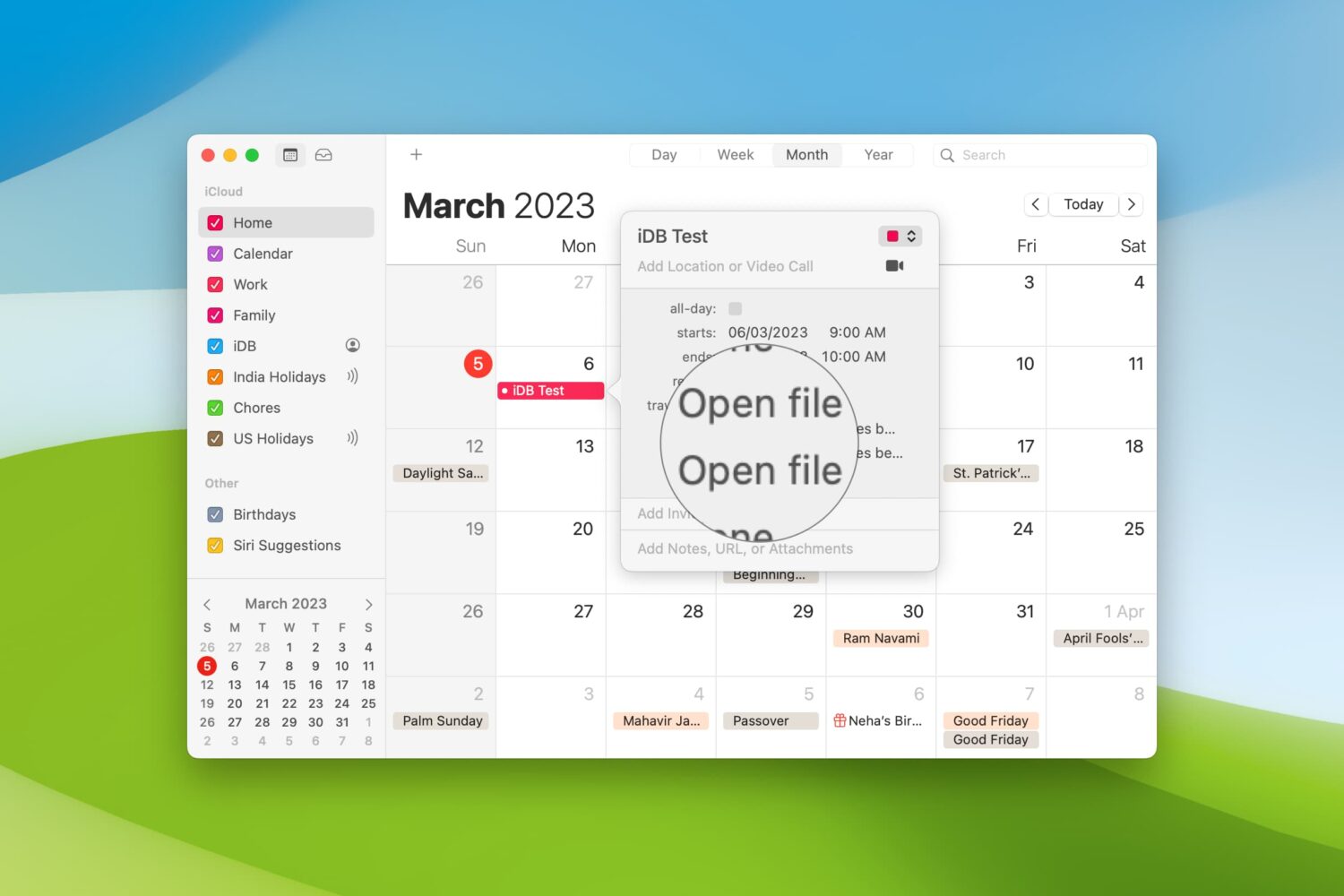
Automatically open files before a Calendar meeting on Mac

When you’re getting ready to join a meeting, whether it’s a web conference, conference call, or in-person meeting, you often have at least one file you need for it.

One way to ensure you don’t forget that important document is by including it with the event on your Calendar. This can help ensure you have all the necessary documents or notes in front of you and minimize the chance of forgetting something important.

Here’s how to set your Mac Calendar app to open that file right before your meeting.

How to change the tabs in Microsoft Word on Mac

MS Word on Mackbook Screen

As with customizing your Quick Access Toolbar or Ribbon buttons when you use Microsoft Word on Mac, you can also adjust the tabs. By default, you should see tabs like Home, Insert, Layout, and View across the top. But, you can change these to fit your needs.

Here’s how to change the tabs you see in Microsoft Word on your Mac.

How to create an App Store wish list with Notes or Lookmark

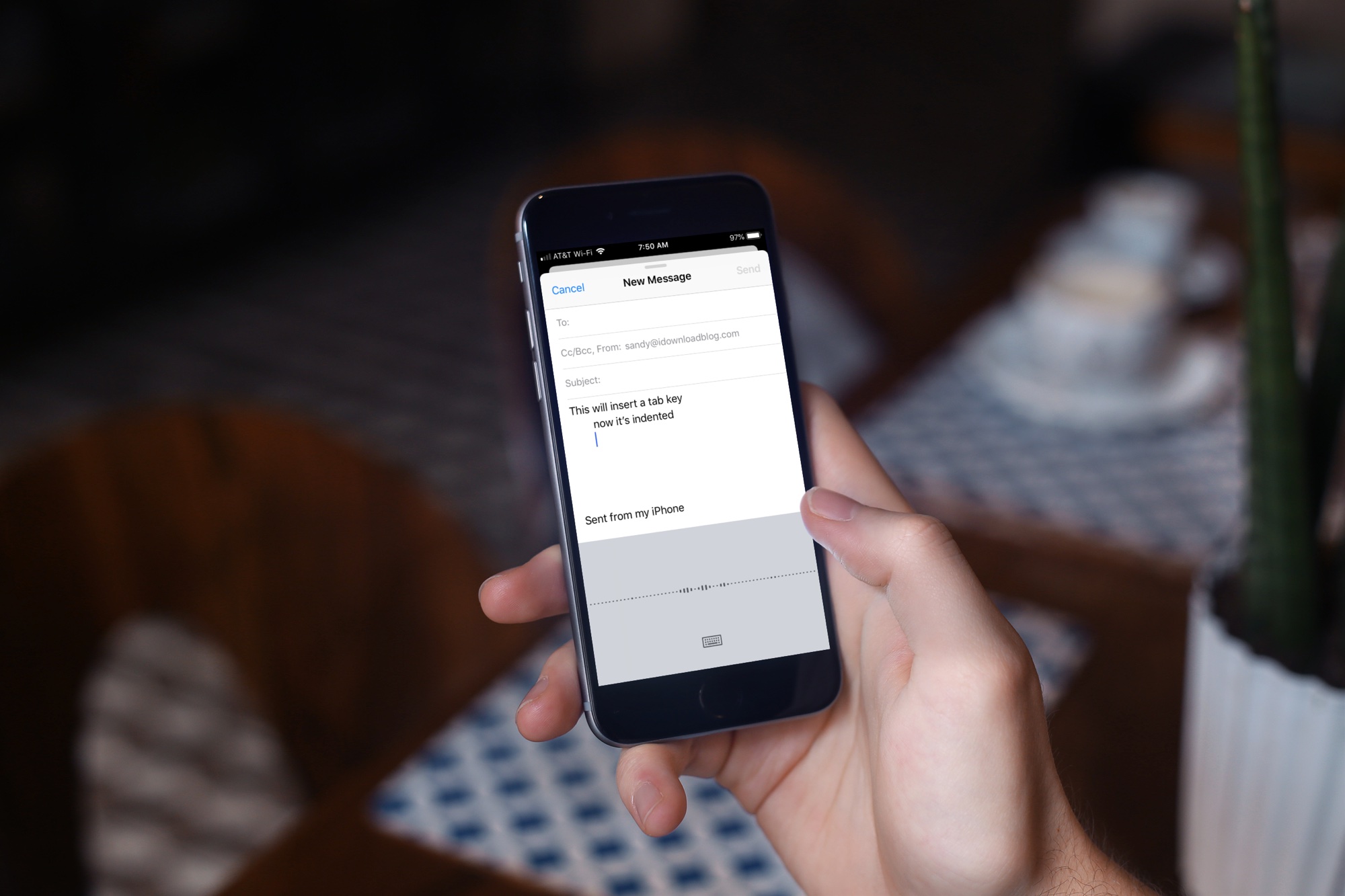
App Store Wish List in Notes iPhone

Maybe you’ve noticed, or perhaps you haven’t, but with the release of iOS 11 came the disappearance of the App Store Wish List feature. It didn’t make its way back in iOS 12, so if you’re still hoping for that wish list to keep track of apps you want, you do have other options.

Here’s how to create an App Store wish list with Notes as well as a third-party app called Lookmark.

How to use the AutoFill Passwords feature on Apple TV

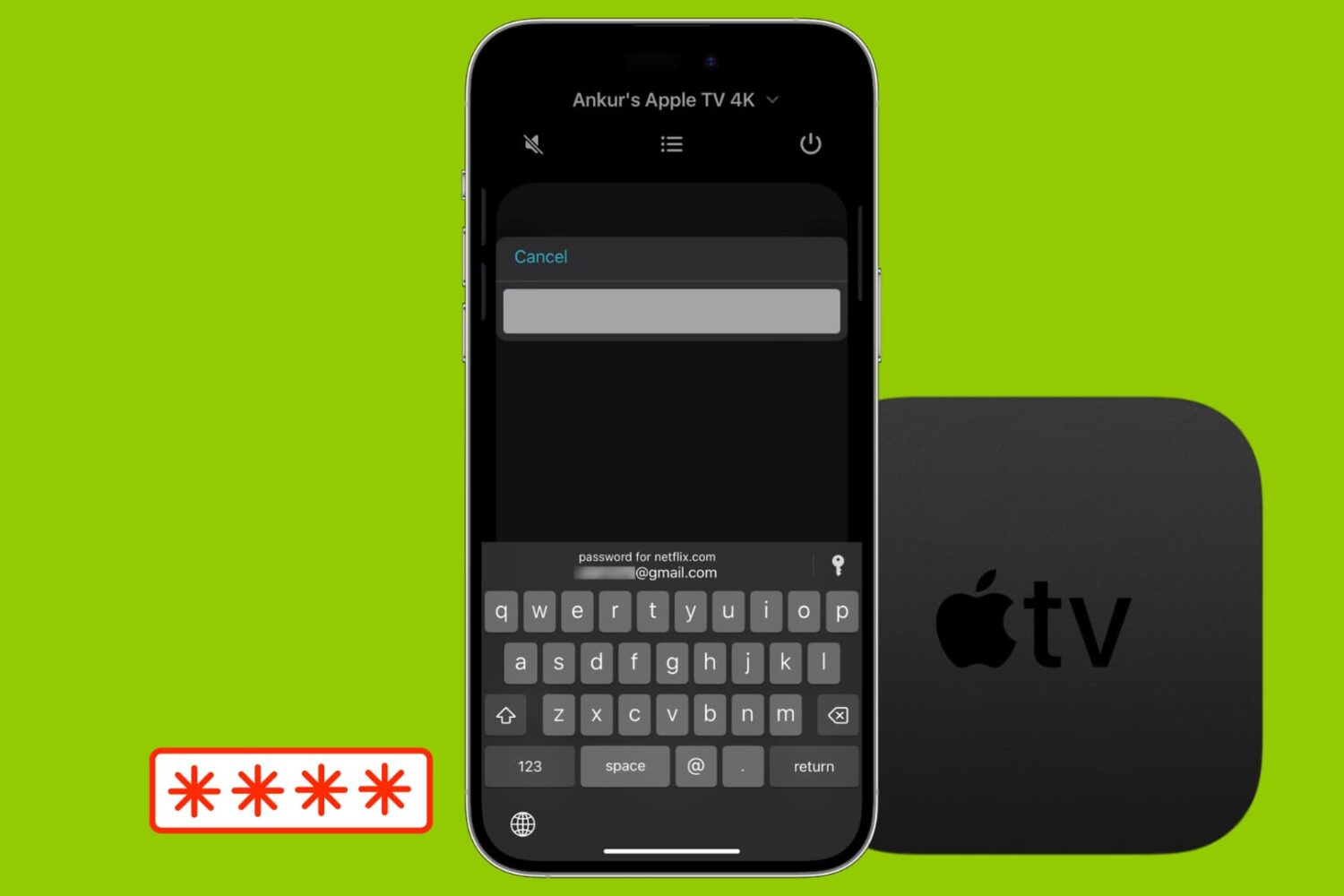
Password autofill via iPhone on Apple TV

Most likely, you're already familiar with the password autofill on your iPhone and iPad. But this feature goes one step further, and you can use AutoFill Passwords to log into apps on your Apple TV straight from your iPhone or iPad.

Curious? Here’s how to use that AutoFill Passwords feature on your Apple TV.

How to quickly save webpages as Trello cards

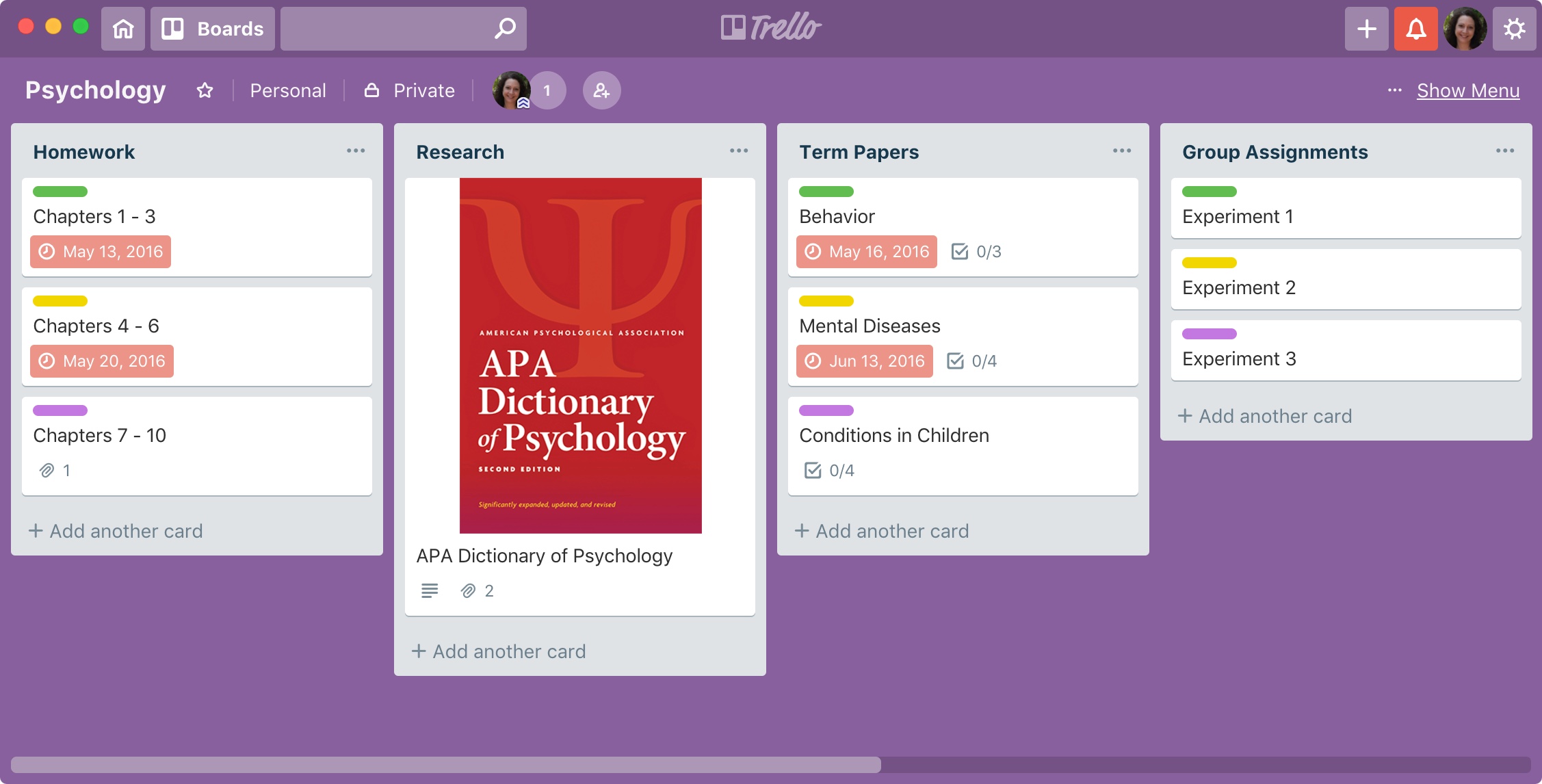
Trello Save Webpages as Cards Featured

Trello is a great tool for managing projects of all sizes. For business or pleasure, you can keep everything you need in one spot.

You might be researching a term paper for school, webpages for work, or sites to add to your personal boards. When you come across a website that you want to save as a card in Trello, it’s super easy. Plus, you have a few different ways to do it and here’s how.