This tutorial will show you how to include comments when printing a document in Pages, Numbers, or Keynote on Mac.
How to print and export your comments in Pages, Numbers and Keynote
This tutorial will show you how to include comments when printing a document in Pages, Numbers, or Keynote on Mac.

If you’re a Spark email user, then you already know and appreciate its terrific features. But if you’re new to the app or are thinking of giving it a try, Spark offers some wonderful collaboration features you can take advantage of for business. We covered some of these features before, but there are even more now.
To help you make the most out of using this email app for your team, we’ll show you how to collaborate with Spark.
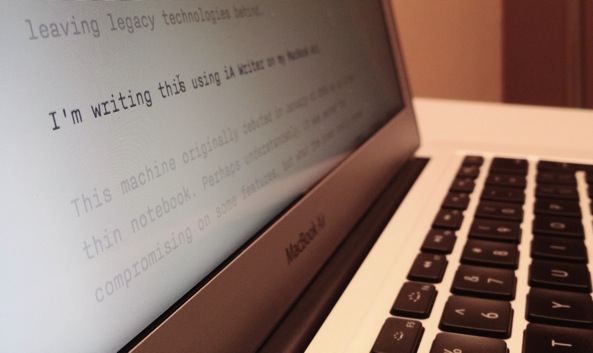
There are several terrific writing apps available on the Mac App Store for focused writing. But if you don’t want to shell out the cash just yet, try one of these free tools for capturing your articles, stories, or essays.
Writing with a distraction-free tool allows you to concentrate on what’s most important, your words. So whether you’re just giving this a try to see if you like it or don’t need extra features that the paid apps provide, this list of free focused writing apps is for you.

This guide helps you concentrate on your work by showing you how to use Screen Time limits on Mac. With this, you can limit unnecessary apps, focus on work apps, and be productive.
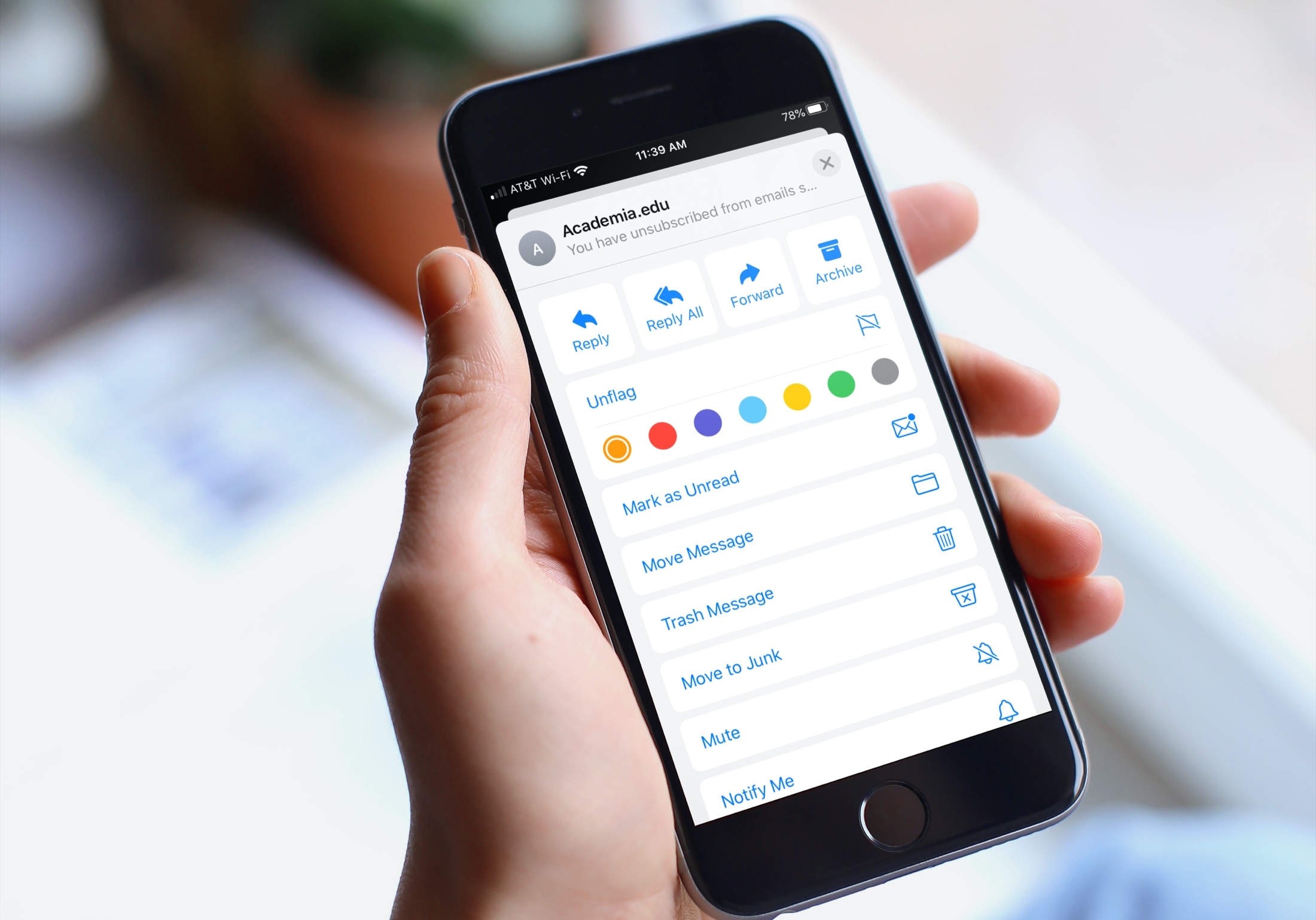
Learn how to organize your inbox by using different colored flags in the Apple Mail app on your iPhone, iPad, or Mac to highlight specific emails.
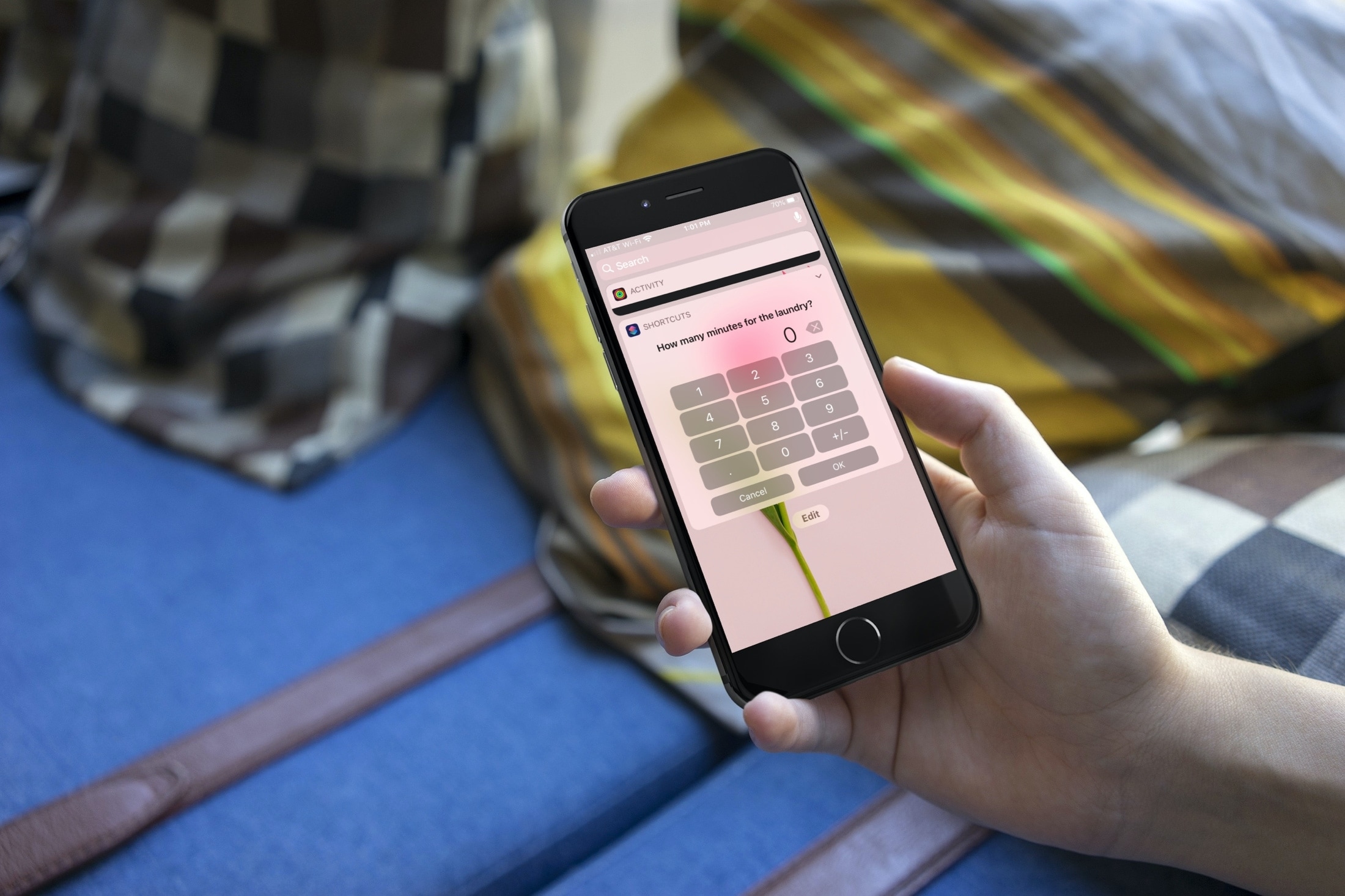
Interested in some shortcuts to help you around the house? This list gives you a helping hand for making sure that you get things done.
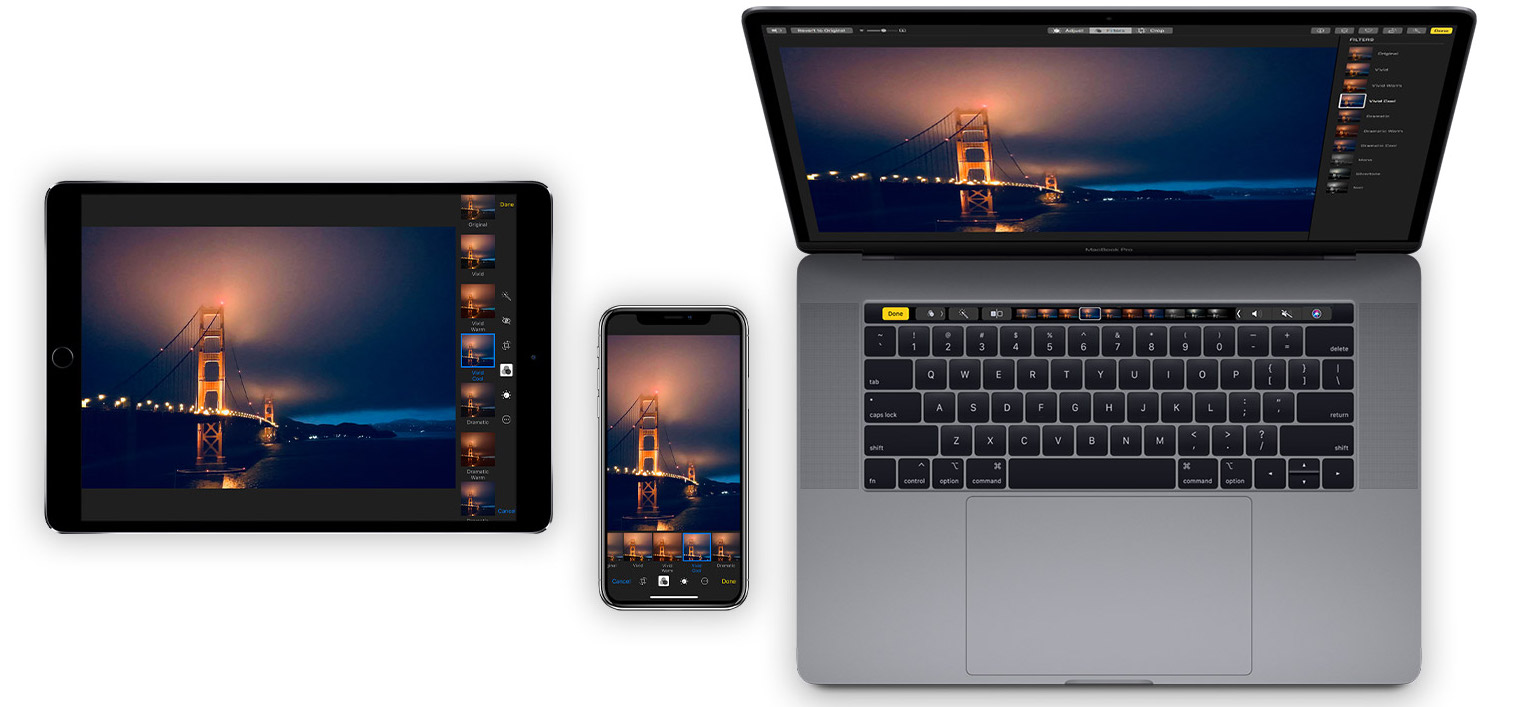
Learn how to organize your pictures and videos with Smart Albums in the macOS Photos app to simplify photo management with intelligent automation.
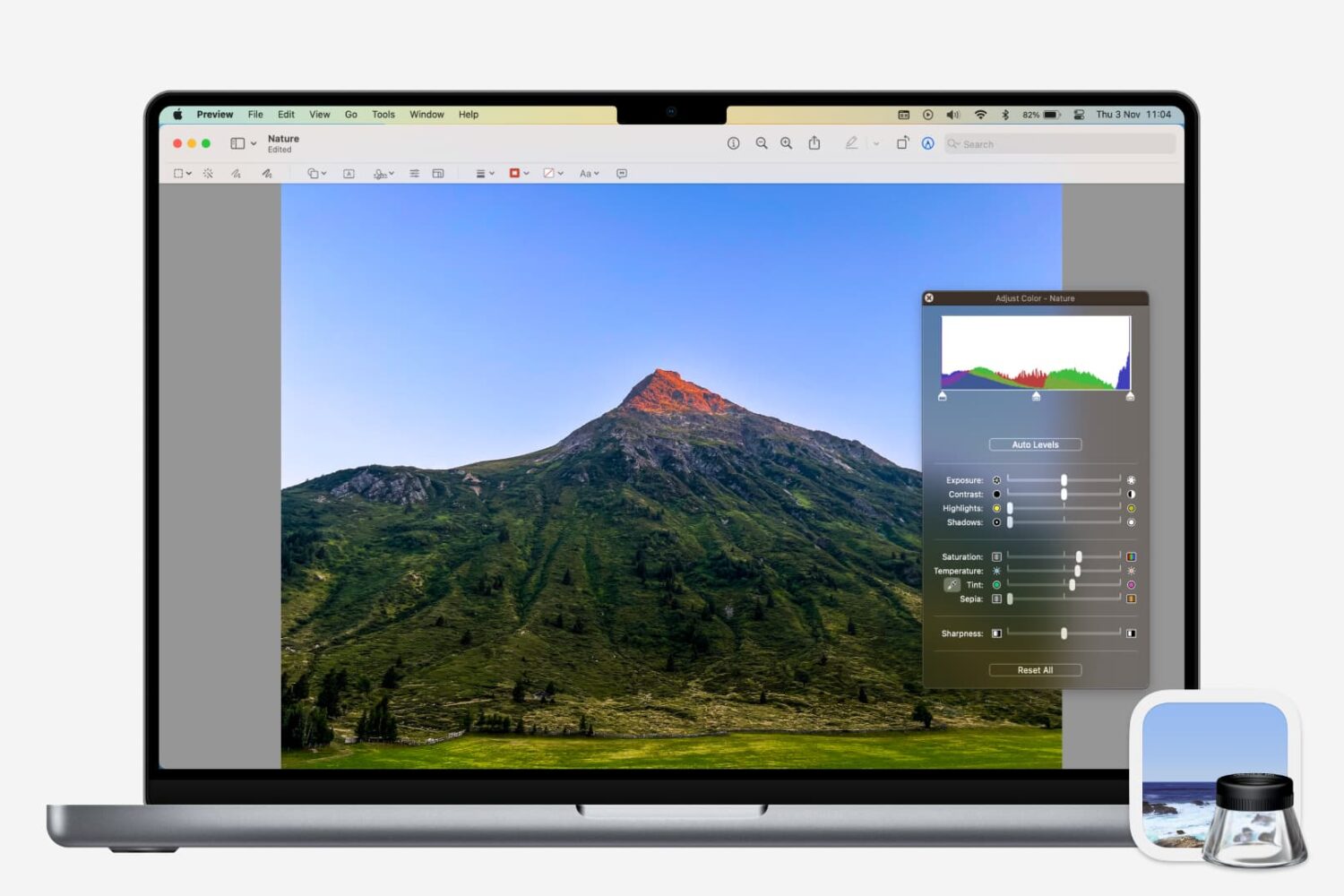
Learn how to adjust a photo’s color, contrast, saturation, sharpness, size, resolution, and more using the Preview app on your Mac.

Whether you want to keep copies of scans in Notes or just add one as a reference, here’s how to manage your scanned documents in the Apple Notes app on Mac.
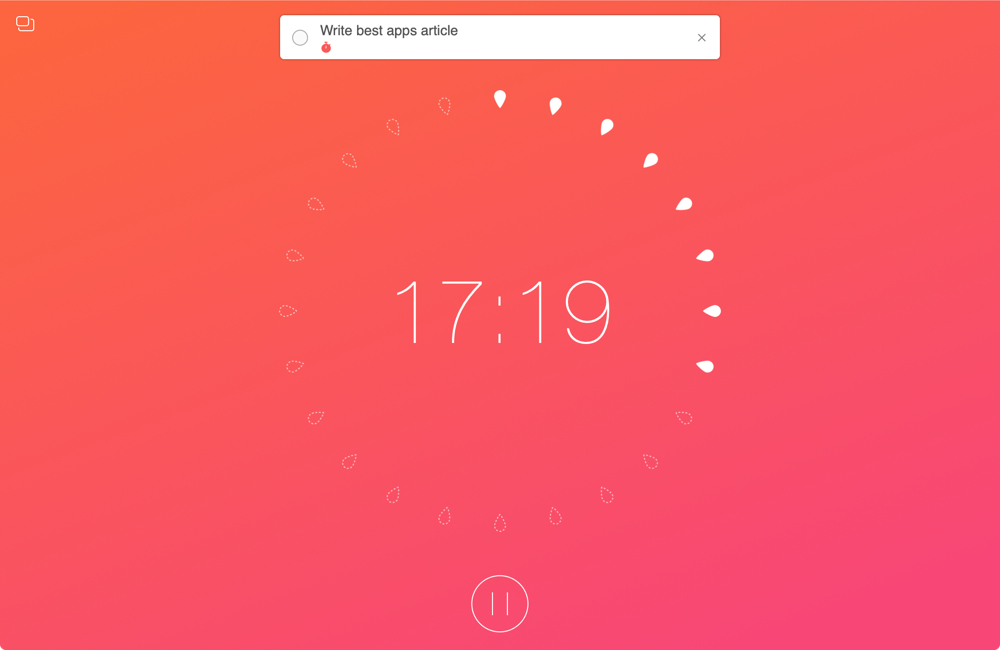
When you work from home, there are a lot of distractions. And while you certainly have interruptions in a physical office or workplace, those you have at home are just a bit different. So if you aren’t used to working at home every day, you need to prepare for these disruptions.
To help you readjust after an interruption and concentrate better on your work, we’ve assembled a list of Mac apps to help you focus. These apps use different techniques and combinations of them such as the pomodoro timer and Eisenhower Matrix methods.
If you need some assistance getting used to working in a home office, these apps should help.
Learn how to copy bookmarks between Safari, Firefox, and Chrome on your Mac if you want to switch to another browser or have all your bookmarks everywhere.
If you’re looking for a list of Mac Calendar keyboard shortcuts, we’ve got one. These shortcuts help you navigate the app and work with events quickly.