Learn how to customize the Calendar notifications and alerts on your iPhone, iPad, and Mac to stay on top of your important events and appointments.
How to customize Calendar notifications on iPhone, iPad, Mac

Learn how to customize the Calendar notifications and alerts on your iPhone, iPad, and Mac to stay on top of your important events and appointments.
Use these handy keyboard shortcuts to move around Reminders for Mac, add new to-dos, create reminder lists, and more.
If you’re struggling to make time for everything you need to do in a day, we’ll show you how to use a method called time blocking with the Calendar app.

You might be a full-time remote worker or just working from your home temporarily. Either way, you need a method to communicate with coworkers, employees, and others who work remotely like you.
There are some wonderful tools available for chatting with your team. From those that have simple chat capabilities to others with app and service integrations.
If you’re looking for the right app for your remote communications, these are some of the best ones out there.

Many people enjoy listening to music while they work. And whether you do it with earbuds or a speaker, music can help set the mood. For concentration and focus, Apple Music and Spotify have assembled several playlists to help. Here’s how to access them in the app.
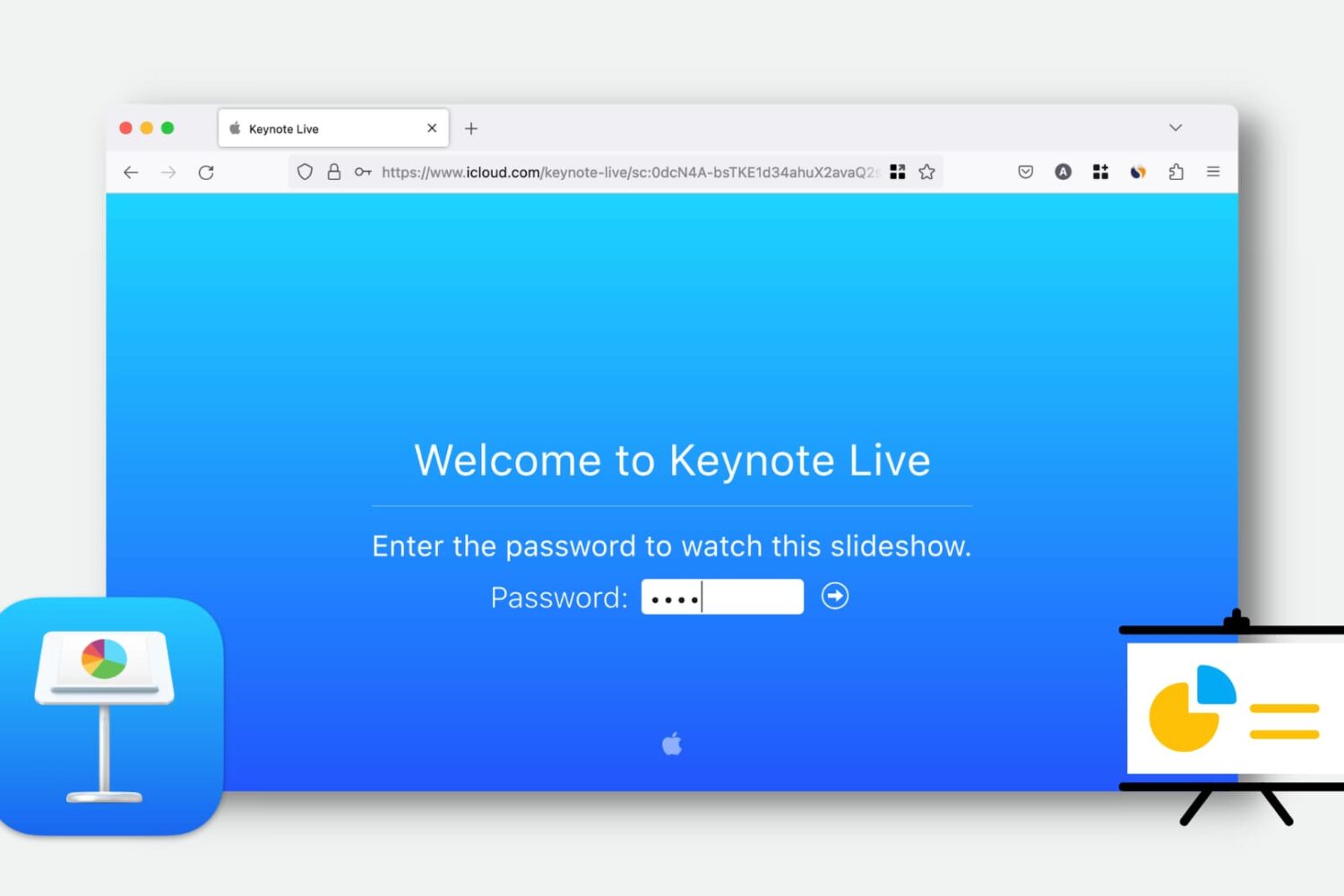
Learn how to use Keynote Live to effortlessly share your presentations online and engage your audience remotely.
This convenient feature lets you play your presentation over the web, so your viewers can watch it in their web browser or the Keynote app. We’ll show you how to use Keynote Live to share your slideshow from your iPhone, iPad, or Mac.
Learn how to enhance your text documents on Mac by creating tables or lists in Apple’s TextEdit app.
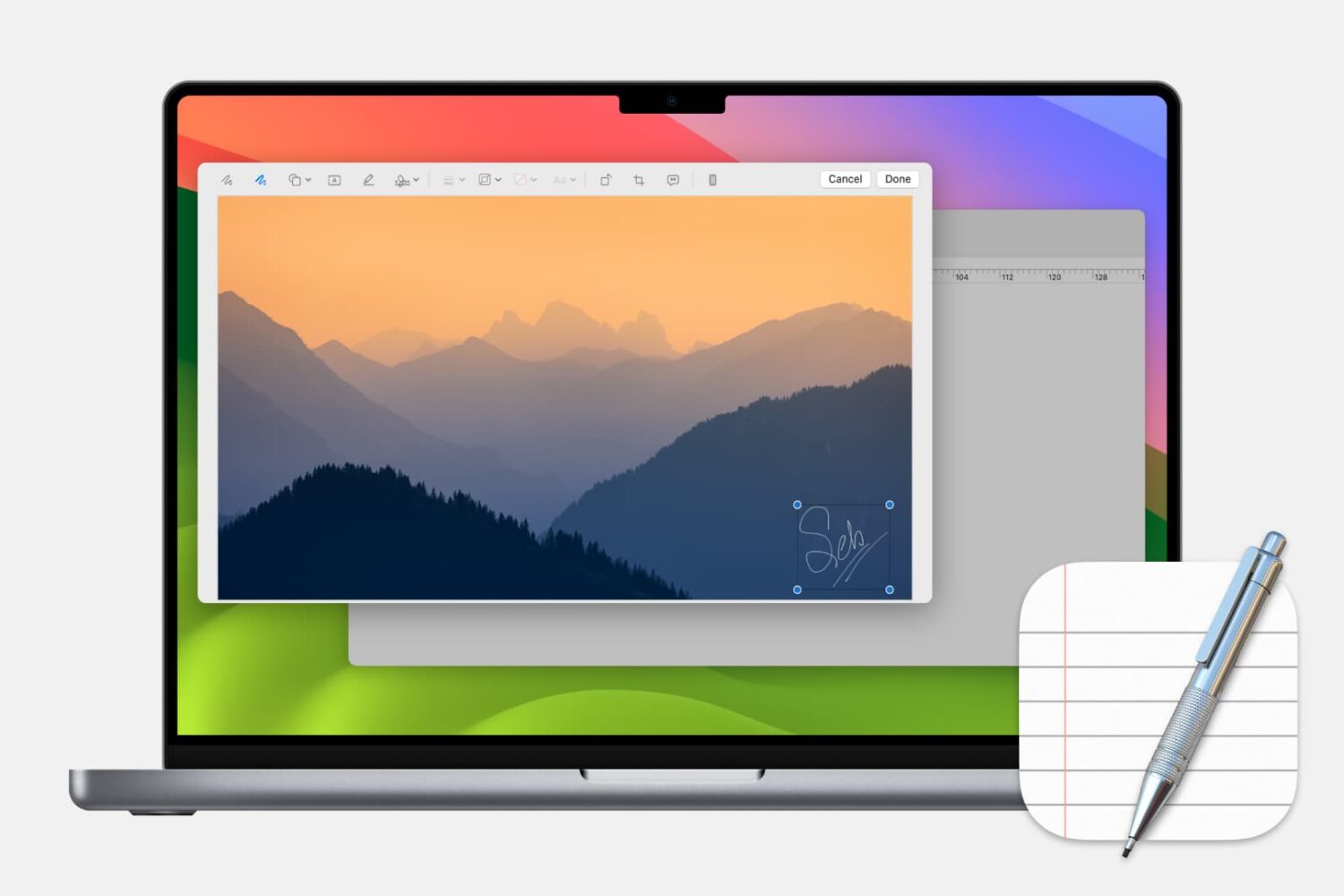
Learn how to add, edit, and annotate images in Apple’s built-in TextEdit app on your Mac to liven up a rich text document with some visuals.
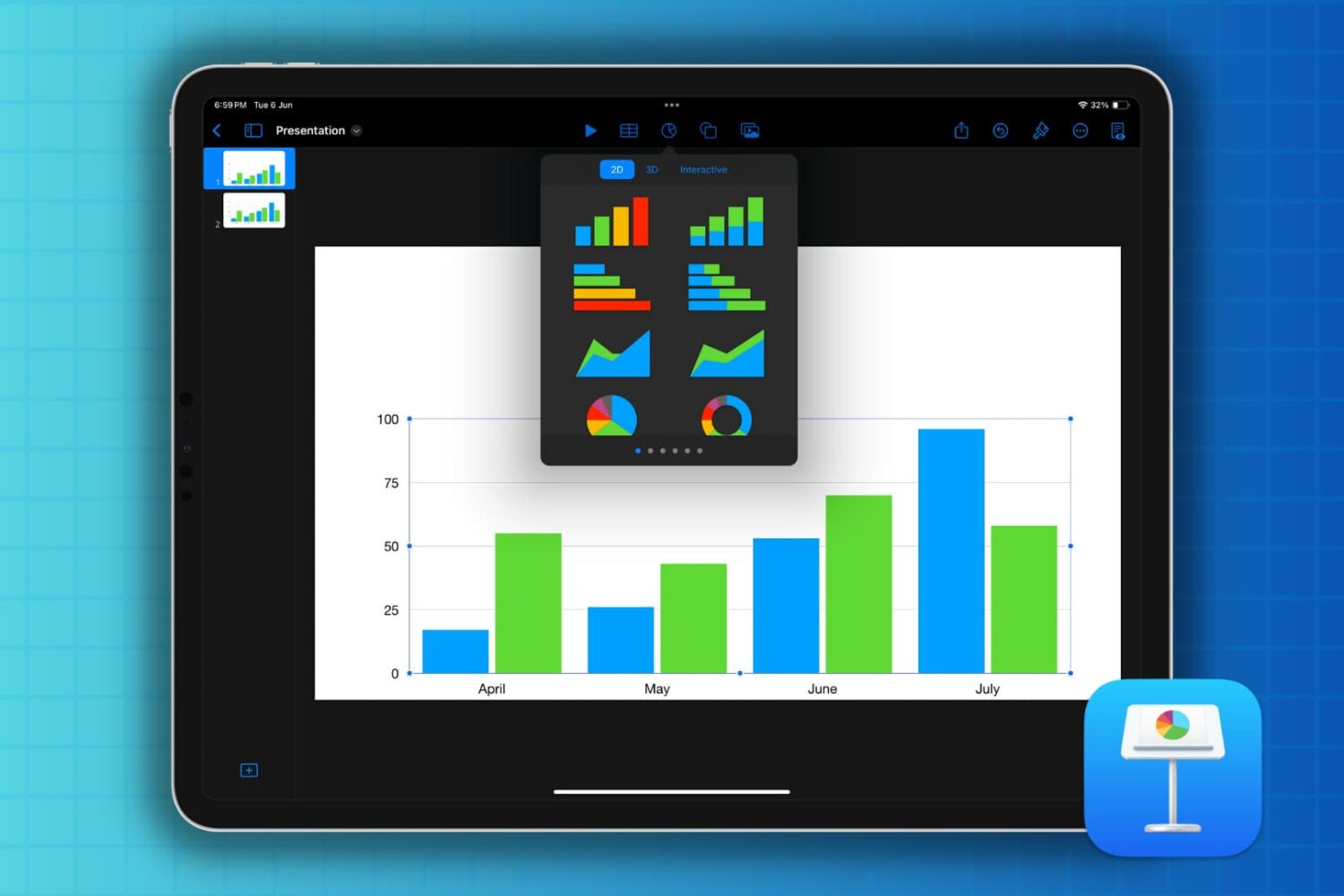
If you’re new to Keynote or simply the chart options, here’s how to create a basic chart or graph in the Keynote app on your Mac, iPad, and iPhone.
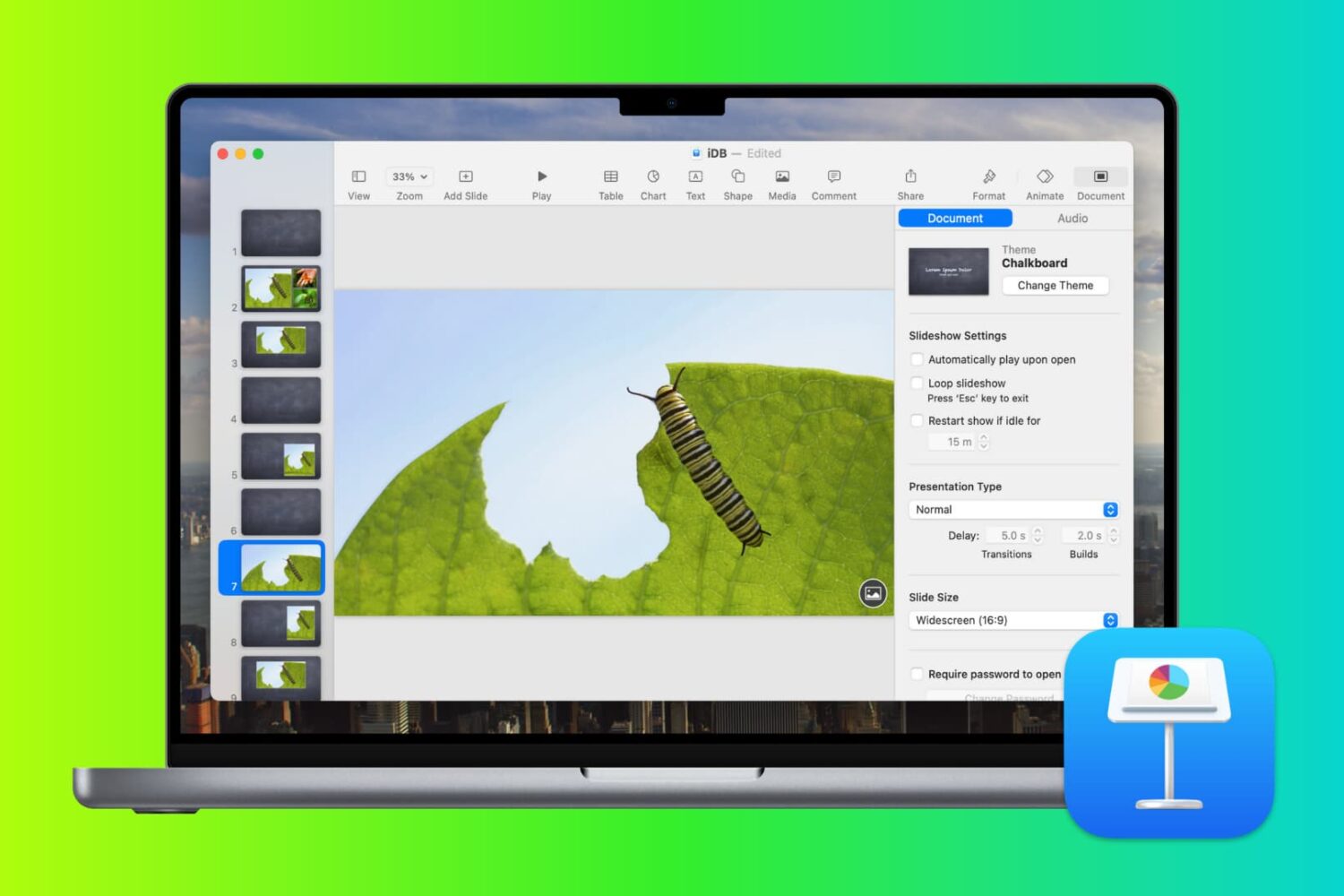
In this tutorial, we’ll guide you through the steps to create the perfect presentation using the free Apple Keynote app on your Mac, iPad, or iPhone.

Learn how to create albums in the Apple Photos app on your Mac to group pictures & videos and organize your media library.

Check out this list of must-know keyboard shortcuts for Terminal on Mac to zip around it quicker and work faster with your command line.