Learn how to securely redact or black out emails, phone numbers, bank accounts, and other confidential text in PDF documents to protect your privacy.
How to redact or black out sensitive text in a PDF on iPhone, iPad, Mac
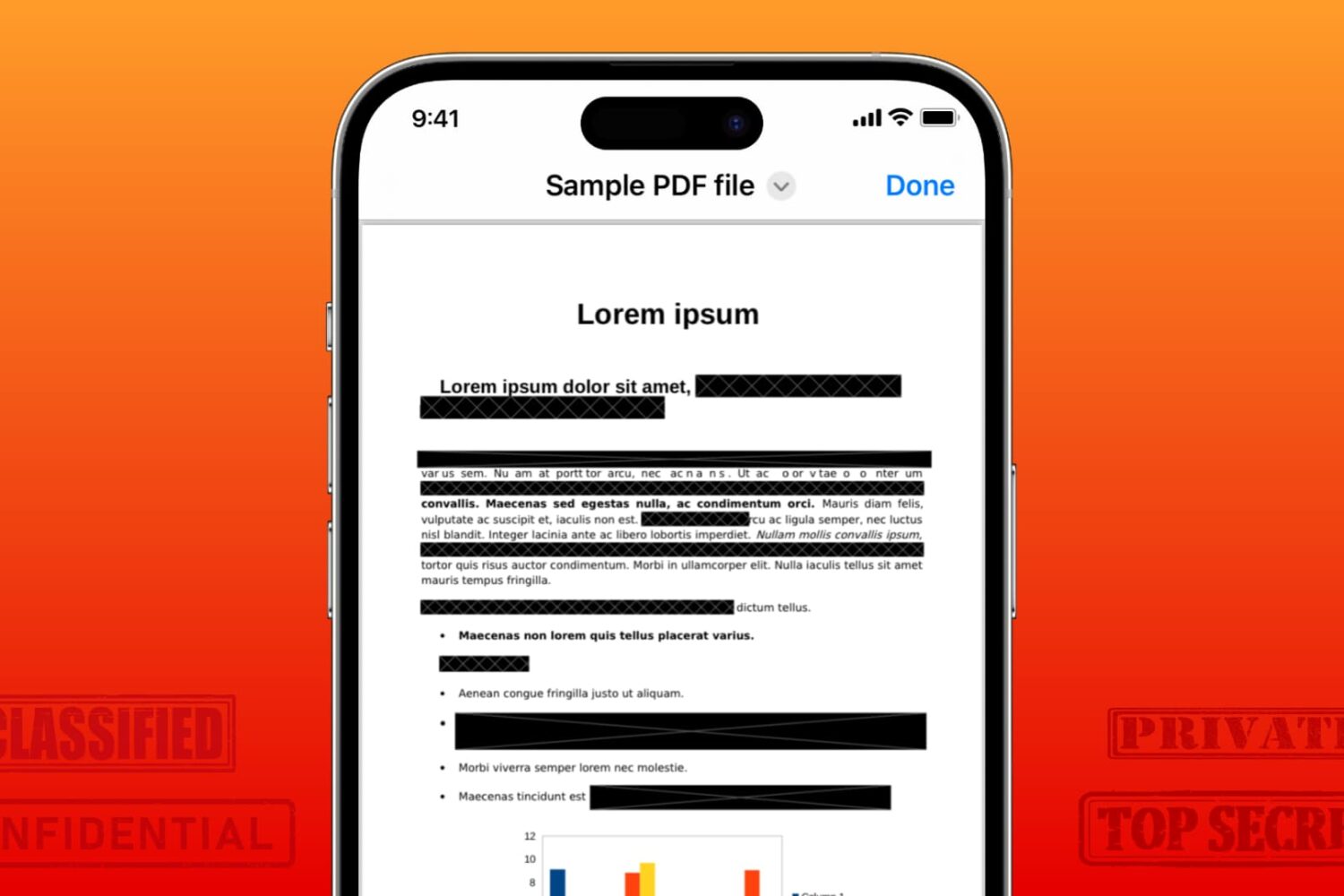
Learn how to securely redact or black out emails, phone numbers, bank accounts, and other confidential text in PDF documents to protect your privacy.
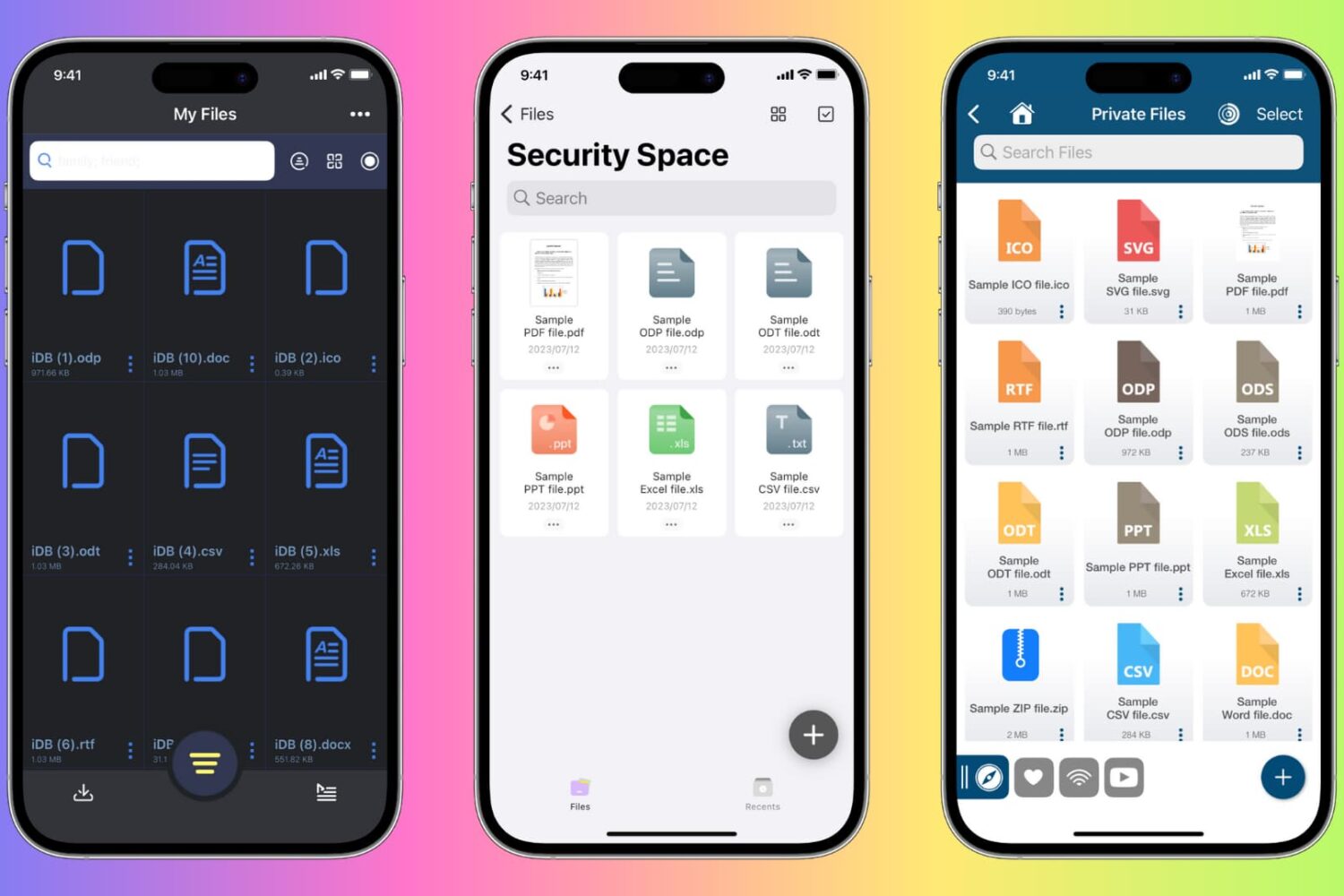
Learn how to protect private documents on your iPhone, iPad, or Mac from prying eyes by locking them with Face ID, Touch ID, or device passcode.
Learn how to convert PDF files into the Apple Pages format on your Mac to seamlessly edit and work with your existing documents.

Looking to create a PDF document? This tutorial will show you multiple free and easy ways to make PDFs on your Apple devices without using any third-party tool.
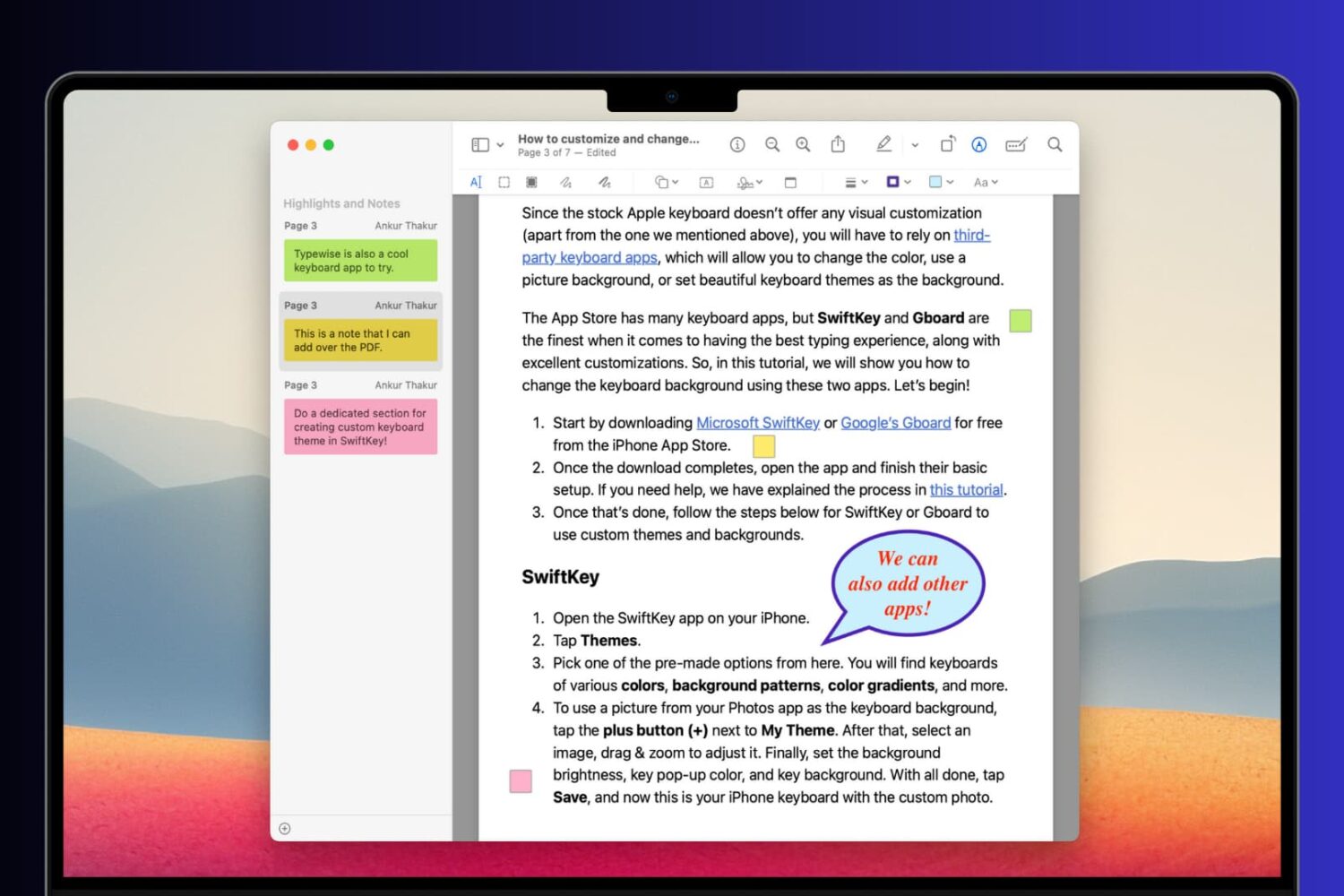
Learn how to add comments, references, extra information, formulas, and hints to your PDF documents using notes and speech bubbles on your Mac, iPhone, and iPad.
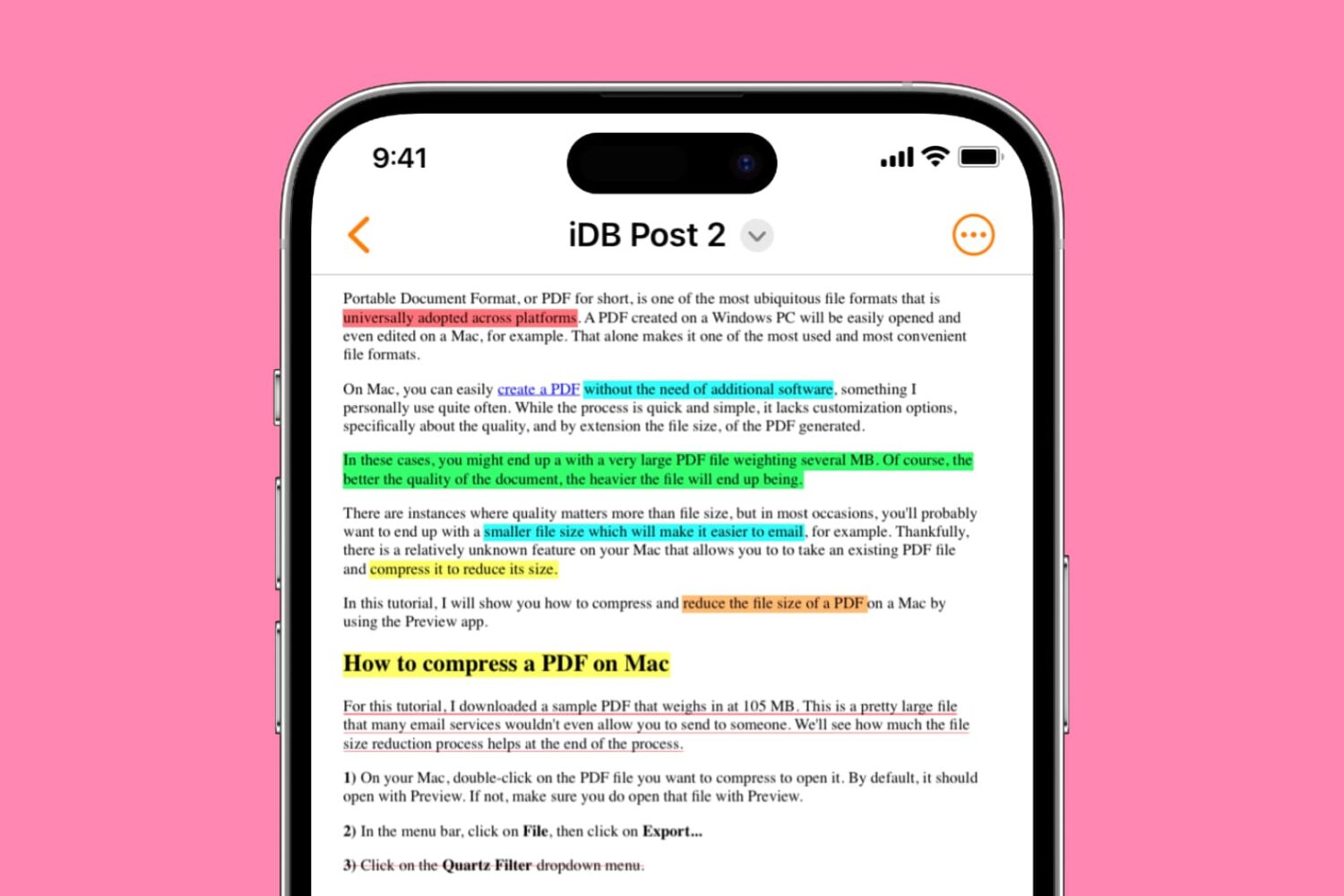
Learn how to highlight, underline, and strikethrough text in PDF files on your iPhone, iPad, and Mac, making it easy to keep track of important information or annotate documents. This article provides a step-by-step guide to using these useful features for free.
When you double-click an image or a PDF in a Finder folder on Mac, it should automatically open in the built-in Apple Preview app, as that’s the default macOS app to view photos and PDFs. However, if you can’t open these files on Mac, here are all the solutions to fix it.
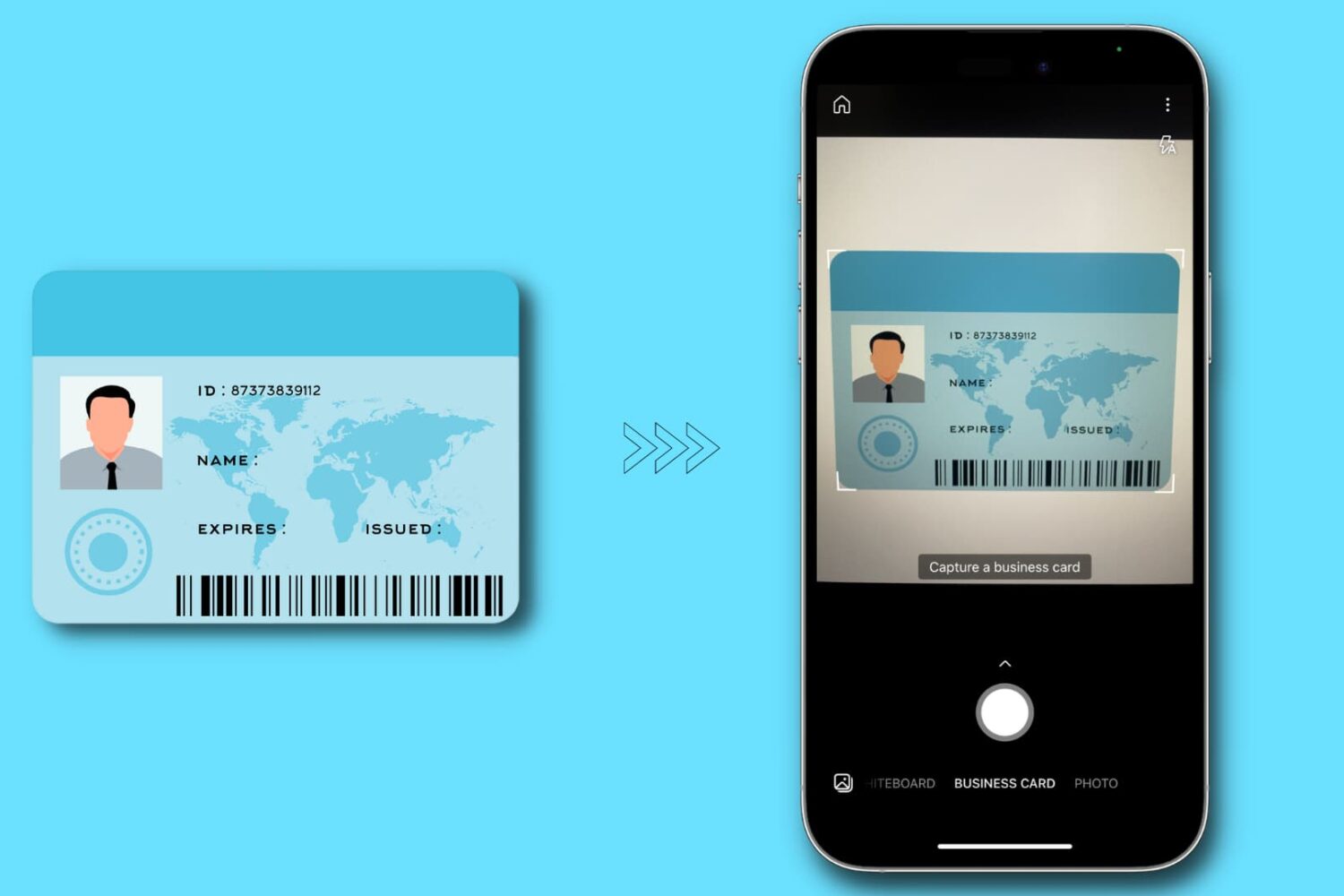
In this tutorial, we'll show you how to make digital copies (image or PDF) of your physical identity card using your iPhone or iPad. You can use these digital copies when filling out online forms or keep them on your device for safe backup.
Check out six free ways to convert a PDF into an MP3 audio file or have your computer read the PDF aloud to you.
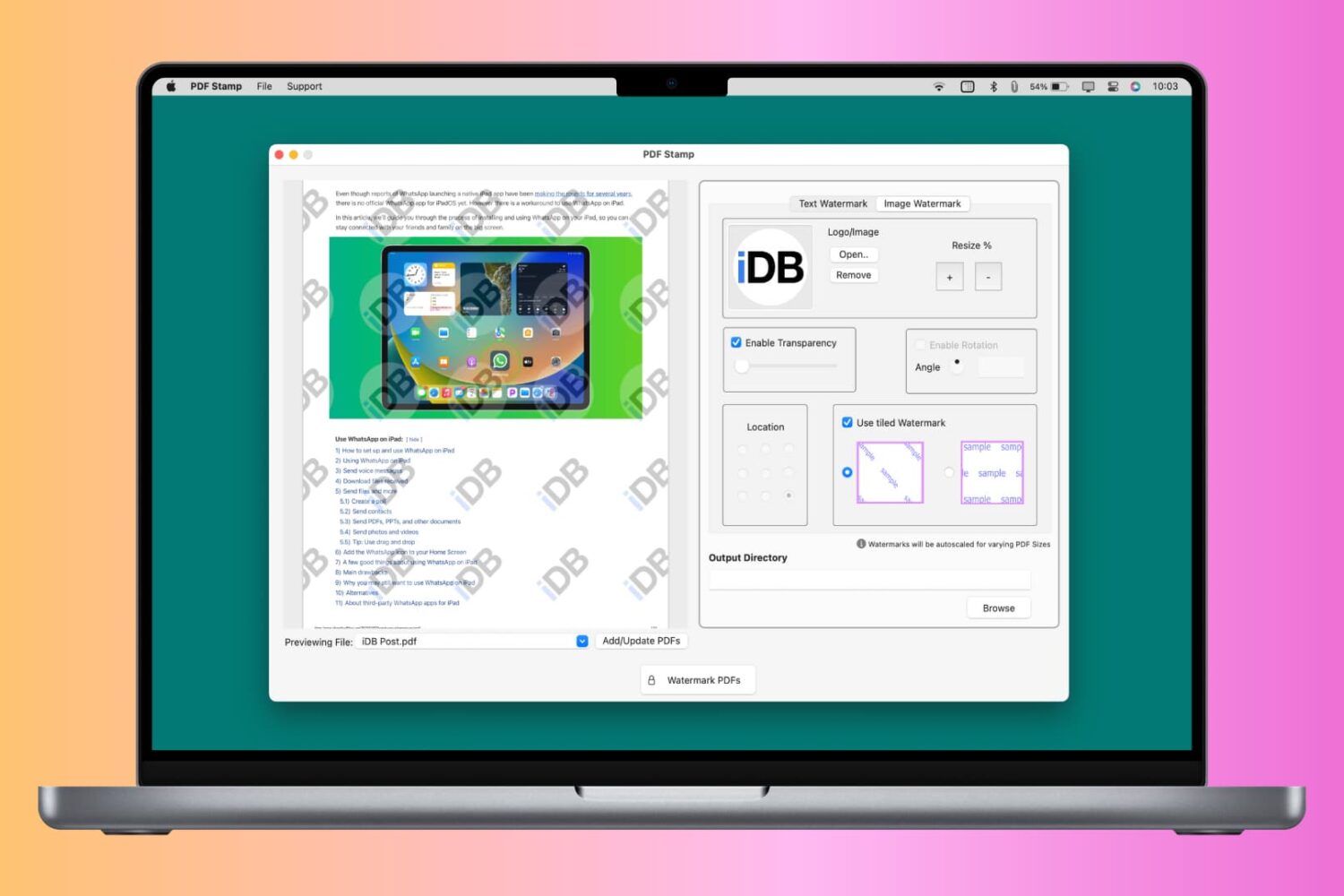
You can watermark your PDF with text, logo, or image to let people know that the PDF is private, confidential, or created by you or your organization. Though a watermark can’t prevent content theft, it certainly can prevent misuse and help convey that you’re the creator or owner of that PDF.
So, whether it is for school, work, or personal use, this tutorial will show you how to watermark PDFs for free on your iPhone, iPad, and Mac.
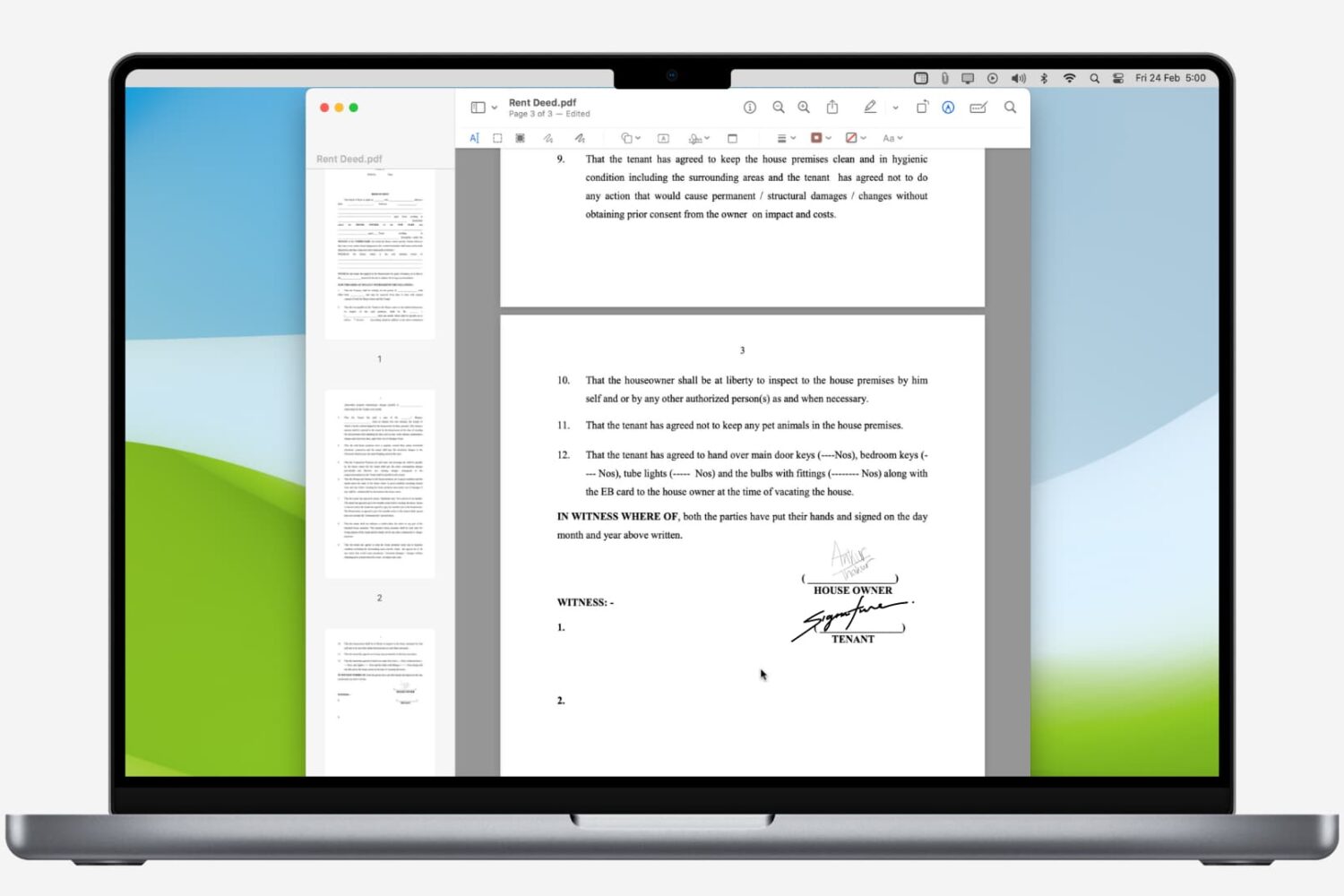
Learn how to digitally sign a PDF on your Mac using built-in apps, and never waste time with printing and scanning again.