OS X El Capitan

Apple’s ‘El Capitan’ European trademark filing confusingly includes tablets

Is Apple really readying an iPad that could run both iOS and OS X? The toaster-refrigerator dilemma has been occupying the collective mind of fans who have been keeping their fingers crossed for the convergence of the Mac and iPad ever since the original iPad debuted more than five years ago.

Apple's European trademark filing for ‘El Capitan’ is certainly intriguing, to say the least, as it mentions tablets as one of the devices targeted by the desktop operating system, as revealed yesterday by Patently Apple.
Climb 3,000 feet up Yosemite’s El Capitan in Google Maps’ first-ever vertical Street View

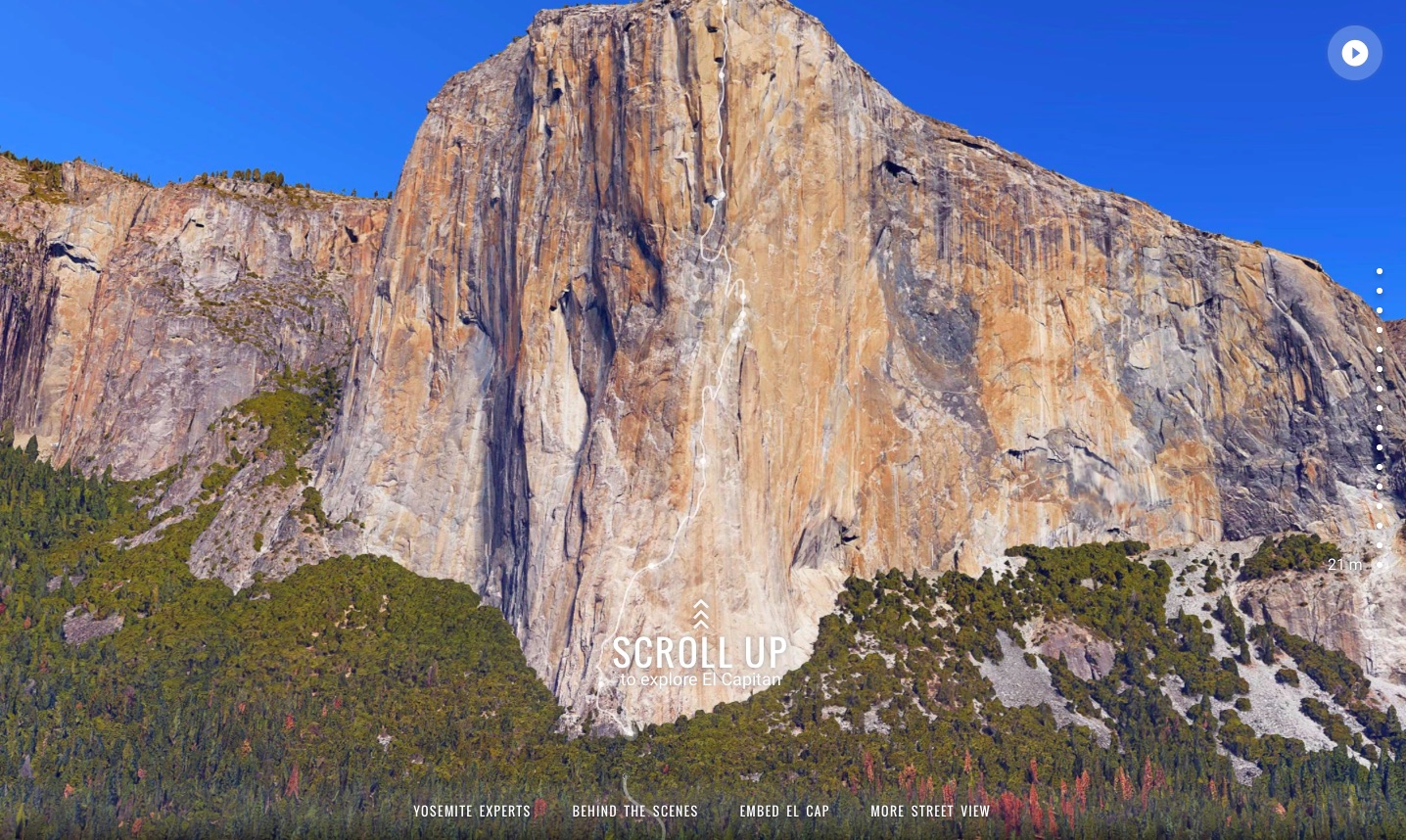
Yosemite National Park's El Capitan isn't just the world’s most famous rock wall, but the official name of Apple's latest desktop operating system, too. Coincidentally or not, Google Maps has teamed up with legendary climbers Lynn Hill, Alex Honnold and Tommy Caldwell to capture an awesome panorama tour of El Capitan's epic 3,000 feet climb.

You can explore it inside your browser with Google Maps' marvelous vertical Street View mode offering high-quality 360-degree photography of the rocks from the climbers' perspective that can be rotated and panned around.

Apple seeds second OS X El Capitan beta to developers

Following the release of new watchOS 2 and iOS 9 betas, Apple on Tuesday seeded the second beta of OS X 10.11 El Capitan. The build is labeled as 15A204h, and is available to registered developers via the Updates section of the Mac App Store or through Apple's Developer Center.

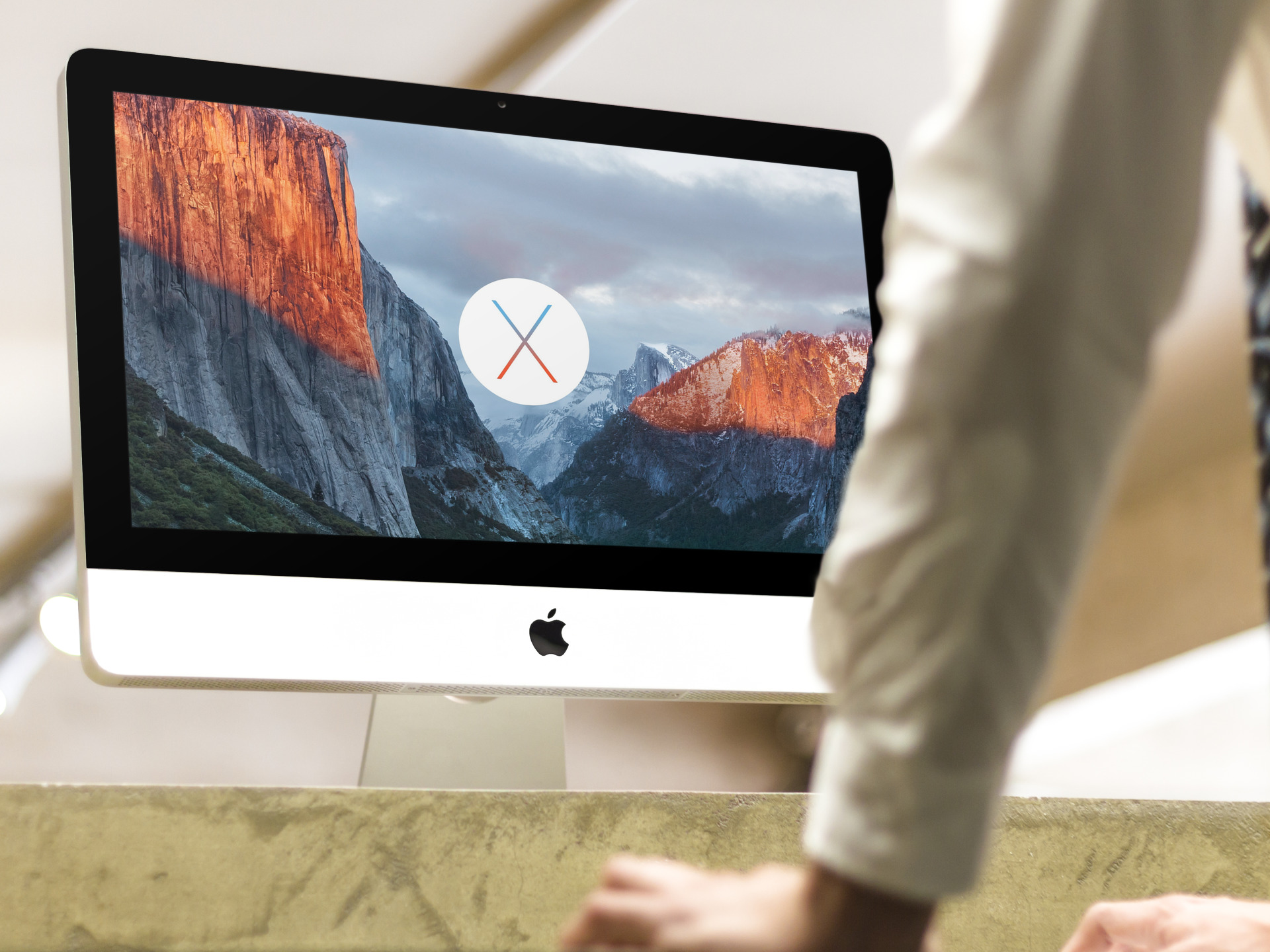
Introduced two weeks ago at WWDC, OS X El Capitan is the next major version of Apple's Mac operating system. The update does not include a ton of new features, but instead builds on top of last year's OS X Yosemite with a number of performance and stability improvements.

How to mute tabs in Safari on your Mac

Like pinned tabs, tab muting isn't a new idea, as it's been implemented in other web browsers in the past. But starting with OS X 10.11, Apple has brought native tab muting to the Safari browser.

The ability to mute tabs at will brings more control to the user. It's especially beneficial when encountering those annoying auto-playing advertisements.

In this video walkthrough, I'll show you how to use Safari tab muting, and explain its ins and outs.

Is your Mac able to take advantage of OS X El Capitan’s Metal?

When OS X 10.11 El Capitan launches this fall, it will feature Metal, a graphics framework Apple originally introduced for iPhones, iPads and iPods following the release of iOS 8 last fall. In addition to making El Capitan's user interface and apps perform smoother than before, Metal for Mac is absolutely huge news for game developers and makers of graphics-intensive apps.

Like on iOS, El Capitan's Metal significantly reduces the overhead of graphics frameworks such as OpenGL by enabling low-level access to your Mac's graphics subsystem. Photo apps, games and video editing software like Adobe After Effects will experience up to ten times faster draw call performance by offloading certain tasks from the CPU onto the GPU.

But does your Mac sport modern hardware needed to support Metal's features? It's dead simple to determine this for yourself, here's how.

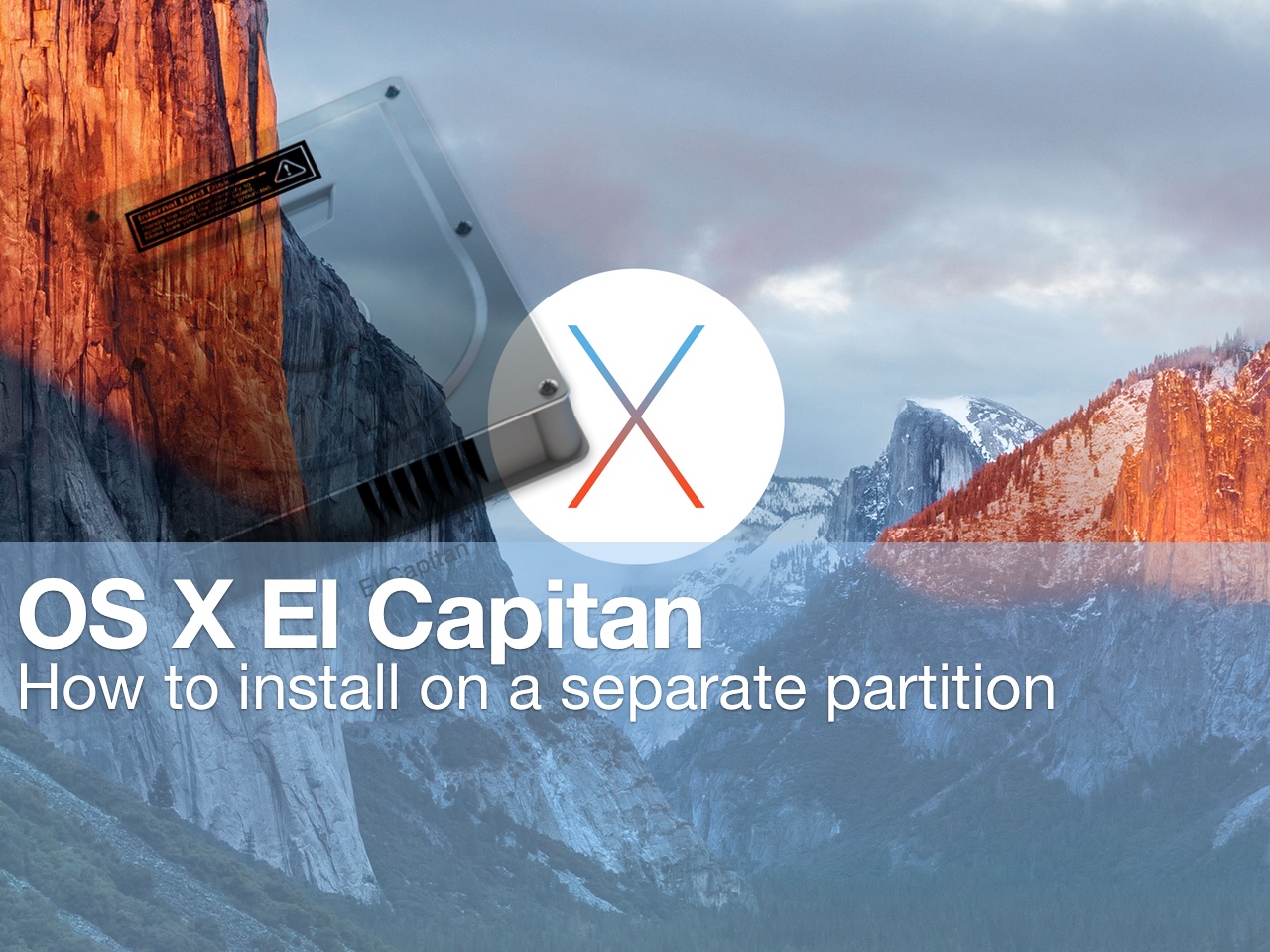
How to install beta software on a separate partition

Itching to run the latest macOS beta, but don't want to upgrade your primary Mac installation with a beta release? You'd be wise to carefully consider the prospects of running a beta release as a daily driver. That said, it is possible to run beta software on your primary machine without compromising your current installation.

By creating a small test partition on your primary drive, you can create a great landing space for the beta. Read and watch our walkthrough to see how easy it is.

Dreaded Wi-Fi and networking issues are a thing of the past in iOS 9 and El Capitan

It's no secret Mac users are always more or less complaining about various Wi-Fi problems.

But if Apple's support forums and the Interwebs are an indication, the level of annoyance with the networking stack in Apple's desktop and mobile operating systems has seemingly skyrocketed following the release of iOS 8 and OS X Yosemite in the fall of last year.

Indeed, my MacBook Air running Yosemite drops Wi-Fi connection several times per day and takes about thirty seconds to re-connect to my home Wi-Fi after waking from sleep. Before Yosemite, I would be online literally as soon as I opened the lid.

Having installed El Capitan on my MacBook Air yesterday along with iOS 9 on my iPad Air, I'm happy to report that the vast majority of Wi-Fi problems plaguing users have become a thing of the past, here's why.

New El Capitan features Apple didn’t talk about during WWDC 2015 keynote

Monday's WWDC 2015 keynote talk was a jam-packed day of announcements that included iOS 9, OS X El Capitan, watchOS 2, Apple Music, the News app and updates to Apple Pay, so much so that Tim Cook had to immediately cut to the chase and skip his opening round of business updates (“Everything is going fine”, he joked).

There just wasn't enough time to talk about every little enhancement and nice-to-have so Apple execs focused on big ones that make for great headlines while relegating a bunch of platform updates, that mostly matter to developers anyway, to a single slide.

My colleague Cody already compiled an interesting list of nearly three-dozen features in iOS 9 that Apple didn't talk about during the keynote. If you've found his post compelling, you may be interested in my list of technological improvements in OS X El Capitan that Apple didn't show on stage.

WWDC 2015 keynote posted to iTunes as a downloadable high-definition video podcast

Following promotional footage for Apple Music that the Cupertino company posted to its YouTube channel along with the inspirational 'App Effect' video, the entire keynote presentation has now been uploaded to iTunes and made available to everyone in the form of a video podcast.

In case you haven't had a chance to sit through the whole keynote talk yesterday, you can now download the video to your Mac, iPhone, iPod touch or iPad and watch it on your own time.

OS X El Capitan enables custom filters and editing tools in Photos for Mac

Last fall, iOS 8 brought us App Extensions.

App Extensions have given developers the means to extend Apple's mobile operating system by infusing their app's functionality into the Notification Center's Today view, Share sheet options and actions, keyboards, cloud storage services and Photos.

App Extensions have been universally acclaimed and a lot ink has been spilled in writing about custom keyboards in iOS 8. As an iPhone photography fan, I was way more excited about App Extensions within the context of  Photos for iOS.

There was just one problem: OS X Yosemite doesn't support App Extensions in Photos for Mac. Thankfully, newly announced OS X 10.11 El Capitan saw to that, meaning now developers of photo-editing apps can provide their own filters and editing tools in Photos for Mac.

Event recap: everything we learned from Apple’s WWDC 2015 keynote

Well, that’s all folks. Apple's WWDC 2015 keynote has come and gone. We now have a good idea of what the future looks like for the company's Mac OS, iOS and watchOS platforms, as well as what its plans are for the streaming music space.

A lot has happened in the last 12 hours, and we understand that it might have been difficult to keep track of everything. So as usual, we’ve put together this awesome roundup for you, of everything important that happened at today’s event.

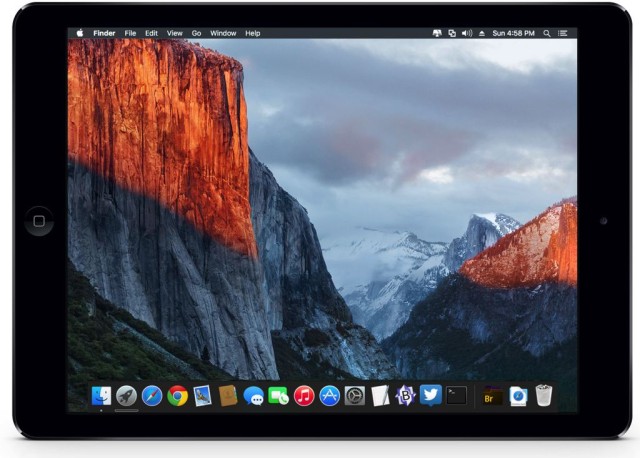
Official OS X El Capitan wallpaper for iPhone, iPad, desktop

Early today, along with iOS 9 and watchOS, Apple released an updated version of OS X to developers. Titled El Capitan, the new system has a flagship wallpaper.

Apple fans have come to expect these new flashy images on an annual basis and scramble to find copies. Thankfully, with a few connected and design-savvy friends, we strive to offer the images to everyone, regardless of having a developer account. Step inside for your goodies.