Opinion

My top 5 accessories for the iPhone

There are seemingly endless choices for iPhone accessories out there, and I've got to tell you, I go through iPhone accessories like candy. One day I like something I'm using, and another day I find it to be a nuisance and I end up leaving it at home and buying something completely different to suit my needs.

Regardless, there are still some accessories that I still use on a day-to-day basis, and in this piece, I'll show you my top 5 favorite iPhone accessories that I actually use on a daily basis and why.

Forget thinness – get rid of these bezels

It's no secret that for quite sometime now, Apple has been on a seemingly never-ending quest for thinness. Each new iPhone, iPad, and Mac is almost always thinner and lighter than its predecessor, as millimeters and grams are shaved off with most every hardware iteration.

Some users have voiced their willingness to deal with a slightly thicker, heavier device for the sake of better battery life, feeling that Apple's form-over-function attitude should be put on hold in favor of more screen-on time between charges.

iPhone 6s Smart Battery Case: One month later

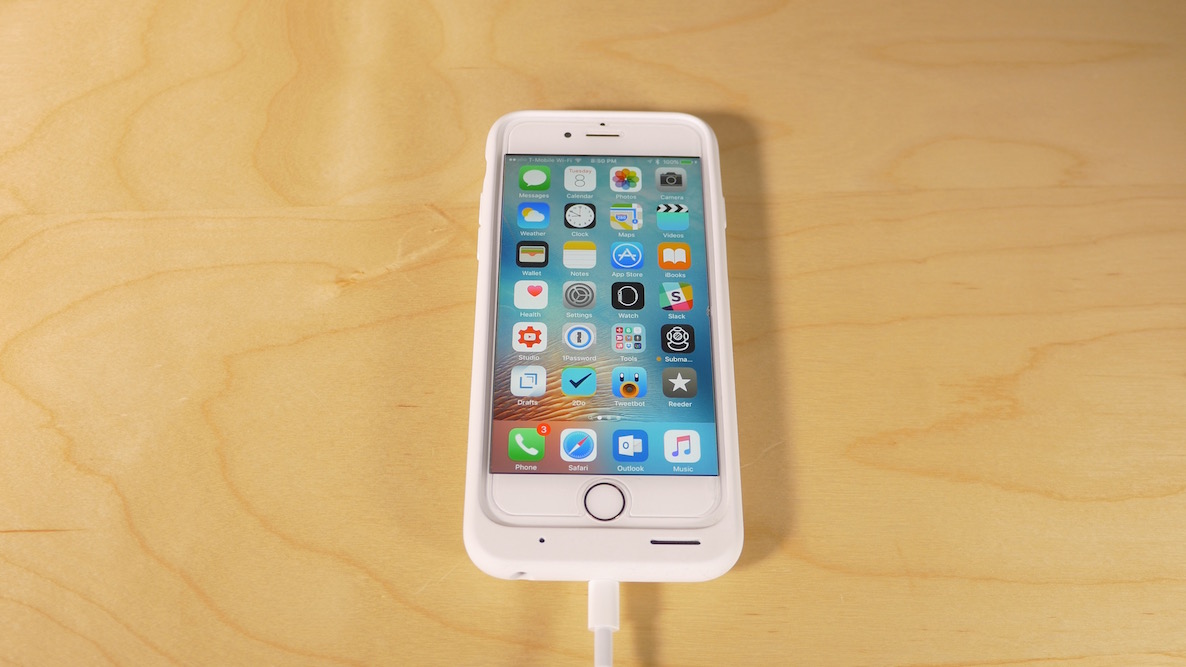
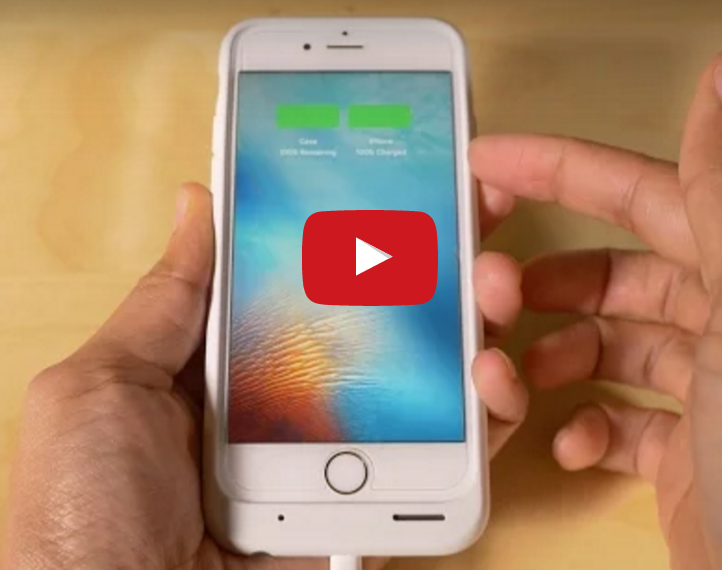
It's been about a month since I purchased Apple's highly-polarizing Smart Battery Case for the iPhone 6s. During this period of time, I've been using the case almost non-stop. I did remove the Smart Battery Case for a few days during the past month to see what life was like without the extra battery life, but I was happy to return to it not long after my experiment.

Most, if not all, of my initial impressions still hold up a month later. The Smart Battery Case might not be the best looking design to come out of Cupertino, but in real world usage, this thing is a winner.

Amid marked improvements, the biggest YouTuber in tech switches to Final Cut Pro X

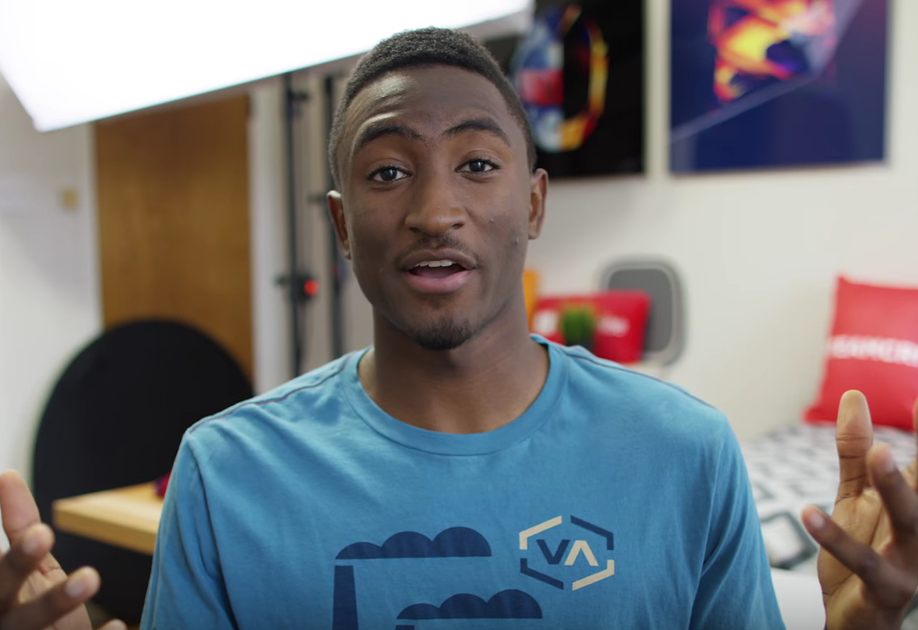
There's a significant movement of change happening behind the scenes of the tech's biggest YouTuber. Marques Brownlee—better known as MKBHD—a professional YouTuber with more than 3,000,000 subscribers, has taken his talents to Final Cut Pro X.

Newsworthy? Indeed. For one, Brownlee used Adobe Premiere Pro before making the switch, Apple's biggest competitor among non-linear video editing systems. Even more significant is the reason why he switched—Final Cut Pro X results in quicker turnaround time—it allows him to export videos much faster, which allows him to keep his subscribers updated with new content more often.

The team at Apple deserves some major props for basically resurrecting an application that more than a few left for dead when it was rebooted back on June 21, 2011.

Since that fateful day, Apple has incrementally added many of the features back that the initial release eschewed for the sake of a starting with a clean 64-bit slate. 2015 was no different, as last spring's 10.2 update added a unified import interface, smart collections for libraries and events, 3D Text, and custom presets.

That update followed significant improvements and additions like multicam support, XML import and export support, GPU-acceleration, RED camera support, ProRes 4444 XQ support, 4K support, and many other features that professional workflows demand. Just look at the Final Cut Pro X version history—it's crazy how much the team has been able to both add and reimplement since 2011.

While it may be true that Apple's updates to Final Cut Pro X aren't as splashy and as sexy as Adobe's updates to Premiere Pro CC, Apple's iterative approach seems to be working over the long term. Not only is Final Cut Pro X adored by many popular YouTubers, it's being used in Hollywood as well. More importantly, however, it has gained the love and respect of the most popular YouTuber in tech. For someone as influential as Brownlee is, that's a significant feather in Apple's cap going into the new year.

The best and worst of Apple in 2015

This has been a busy year for Apple from a product release standpoint. The company launched the Apple Watch in April, the first entry in a new product category for CEO Tim Cook. Then it released a new MacBook, a new iPhone, a whole new Apple TV, and the iPad Pro. And of course there was Apple Music, iOS 9 and OS X El Capitan. Busy year indeed!

As 2015 draws to an end, the iDB team takes a look back at the last twelve months. From software to hardware, to services, each Editor shares what he/she feels is the best and worst of Apple this year.

Sugr Cube review: the portable Wi-Fi speaker with gesture controls and good looks

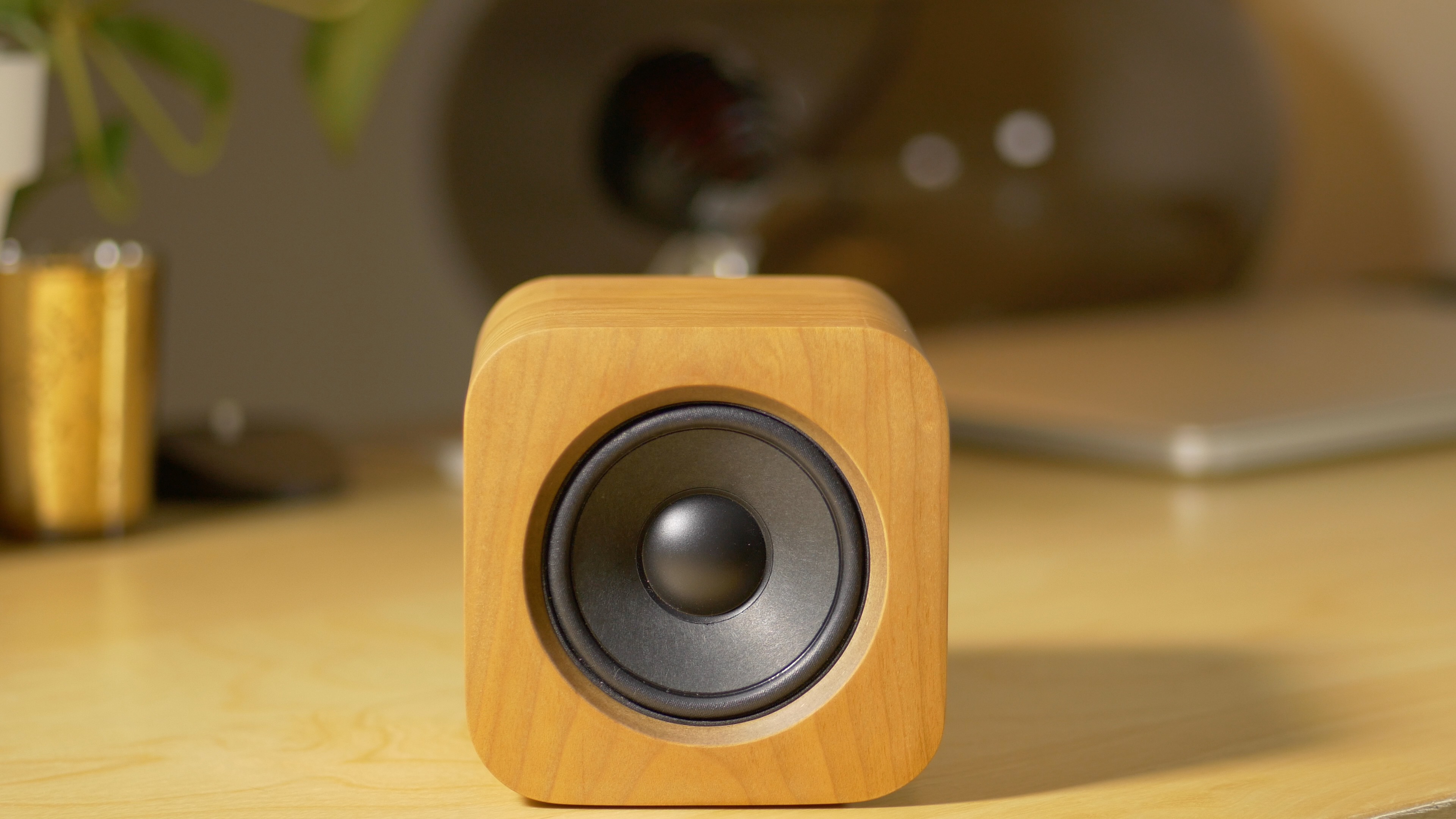
The Sugr Cube ($229 on Amazon) is a portable wireless speaker with built in gesture controls. It features great design, with a stunning minimalistic wood exterior and a large power/volume knob on its rear. The Sugr Cube isn’t inundated with fiddly controls and buttons; in fact, the volume knob is the only moving part on the entire speaker.

The name of the device fits it well. Really, what’s more simple and sweet than a cube of sugar? This little device might be small and it might look unassuming, but there’s some interesting technology lurking beneath the surface, and some sweet sound ready to emanate from the tiny speaker housed inside of the wooden cube.

Review: Auxo 3 for iOS 9

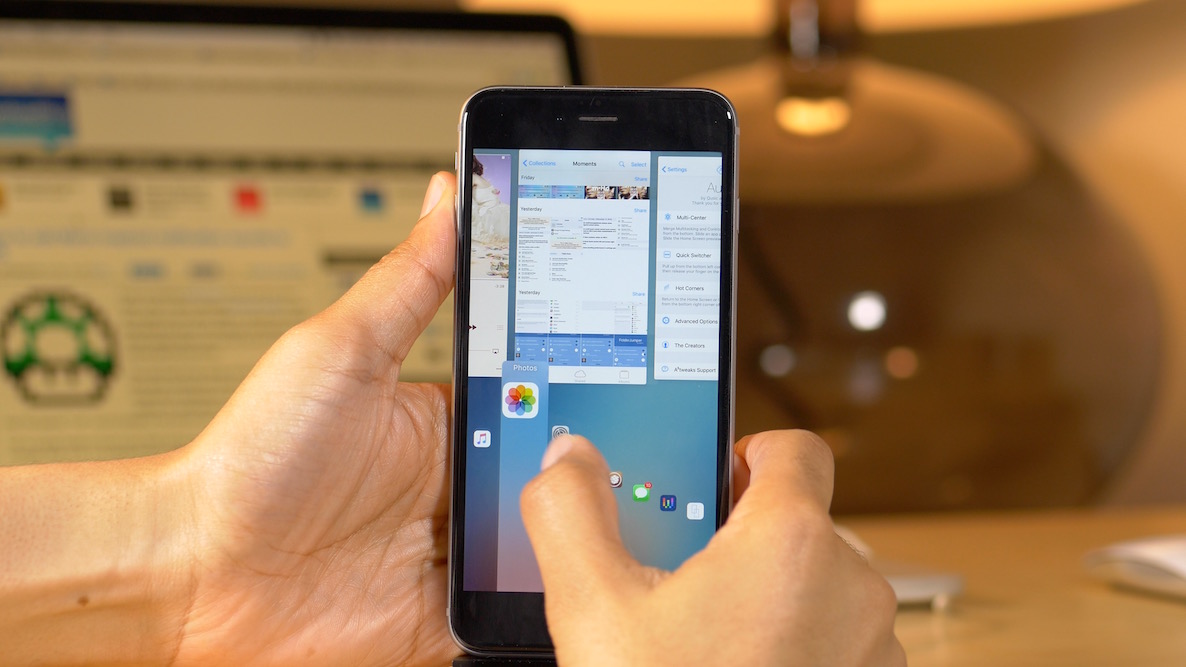
Auxo 3 for iOS 9 is, as we stated in our previous release post, is a brand new jailbreak package for iOS 9. Although the tweak shares a lot of similarities with the previous version of Auxo 3 for iOS 8, this package has been rebuilt completely from the ground up with iOS 9 in mind.

A lot of people are ragging on A3tweaks for charging an upgrade price for the iOS 9 release, and while I can understand that frustration, you also have to try to see it from the shoes of the developer behind the project. This wasn't a matter of changing a few lines of code and shipping an update in an effort to nickel and dime customers. No, considerable effort had to be exerted to make Auxo 3 for iOS 9 work, hence the delay in providing an update.

Granted, that may not be enough solace for previous Auxo 3 customers, especially when you consider that one of the tweak's pillar features is unstable and buggy. Watch our video review inside for more details.

Lightning to SD Card Camera Reader review: USB 3.0 brings faster file transfer to iPad Pro

Of all the products that I've reviewed as of late, this is one of the ones I've been most excited for. Since getting the iPad Pro and trying to establish a video editing workflow with the extra large tablet, I've run into a few bottlenecks. The most obvious bottleneck has to do with transferring video from an SD Card to the iPad Pro's flash storage.

All of the dongles that I had available were of the USB 2.0 variety, so transfer speeds were horrendously slow when trying to get 4K video files from my Panasonic GH4 to my iPad Pro.

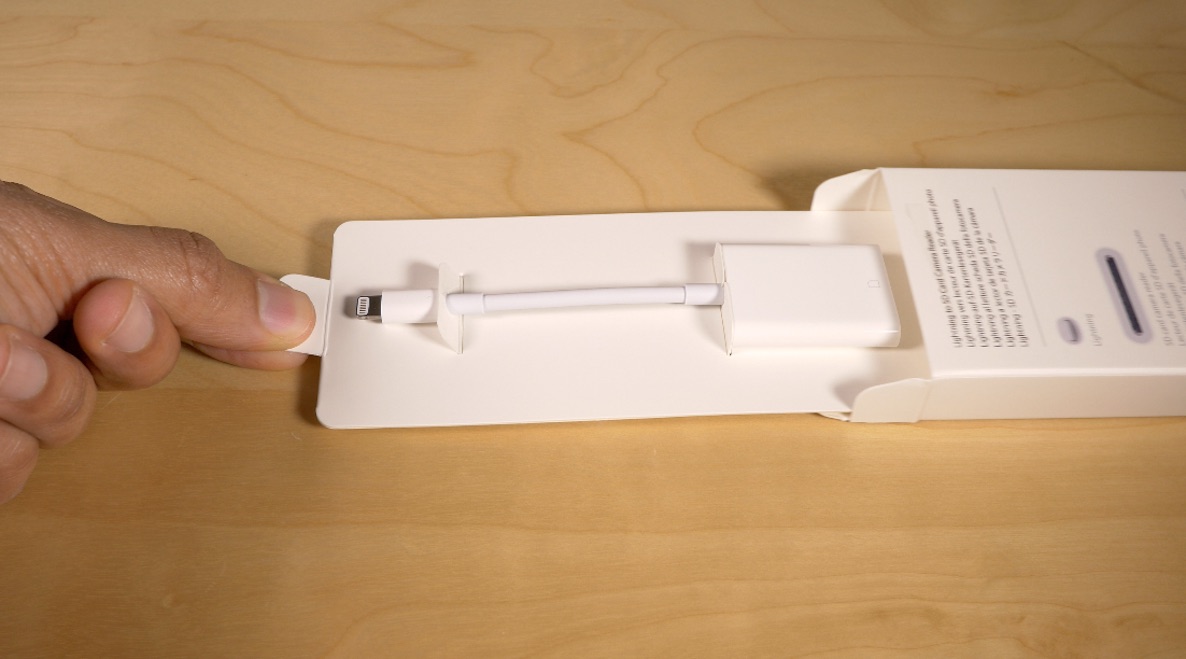
Fortunately, the iPad Pro does support USB 3.0, which results in a much faster file transfer experience—it was just a matter of Apple releasing an accessory that supported the extra throughput. The first accessory to do so is Apple's just-launched update to its Lightning to SD Card  Reader. The dongle looks very much like the previous version of the reader that debuted in 2012, but the Late 2015 update has USB 3.0 support in tow.

How is the experience when transferring large files to the iPad Pro with this new reader? Should those of you invested in a video or photo workflow consider dropping the $29.00 asking price for the updated version?

iPhone 6s Smart Battery Case review: smarter than you think

I'll be the first to admit that my initial knee-jerk reaction to the iPhone 6s Smart Battery Case wasn't good. The peripheral, which was basically the butt of jokes all morning on Twitter, seemingly came out of nowhere to the feigned horror of many.

You'd be hard-pressed to identify another company whose products are subject to such intense scrutiny like Apple. Even when you have a low key release like the Smart Battery Case, it's bound to make a splashy first impression for better or for worse.

The good news is that the $99 iPhone 6s Smart Battery Case isn't half as bad as it looks. In fact, after a few hours of usage, I can say that I kind of like it.

Is the design peculiar? Indeed. Is it weird that Apple is jumping into the battery case game? Sort of. But overall, this is a product that I think many will like if they only give it a chance.

Review: the Shure MV5 is a versatile Lightning-enabled microphone for the iPad, iPhone and Mac

Since the iPad Pro debuted, I’ve been a little obsessed with trying to find the right microphone for recording on the go. I’ve tried a handful of microphones thus far in an effort to find a good balance of portability, ease of use, and sound quality.

The Blue Spark Digital is a very good microphone for general purpose use, but when it comes to portability and versatility, there are other microphones that I wish to check out.

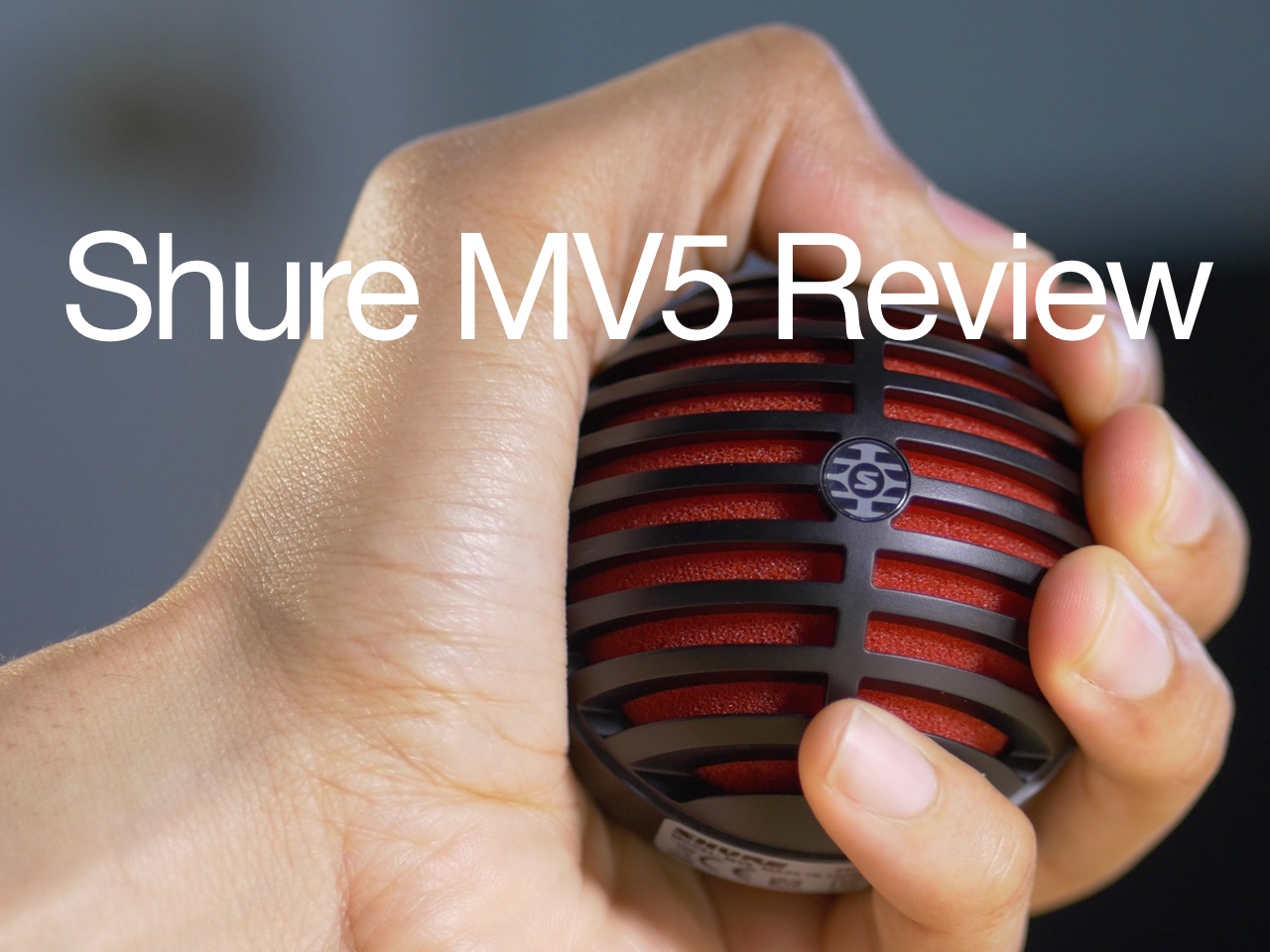
The Shure MV5 ($99 on Amazon) is a super-portable digital condenser microphone with a low profile, lots of options, and sound quality that’s good enough. It’s a much smaller package and setup when compared with the Blue Spark Digital, and a good choice for podcasting, Skype calls, and more.

Blue Spark Digital review: the best bang for your buck microphone for iOS devices

The Blue Spark Digital ($127.74 on Amazon) is a handy little condenser microphone that's much smaller than its better-known big brother, the Blue Yeti. While the Blue Yeti excels at a lot of things, and can handle a wider variety of applications than the Spark Digital, the latter has one big advantage—the ability to directly connect to an iOS device via the included Lightning cable.

Just try to connect your Blue Yeti to your iPad, and you'll be quickly met with the dreaded "this device uses too much power" message. You'll see no such ominous messages when using the Blue Spark Digital, because it was made with iOS, specifically the iPad, in mind.

Although this microphone lacks the versatility of the Blue Yeti, most users will be more than satisfied with the sound quality for things like podcasting and voice-overs. The Spark lacks the varied polar patterns of Yeti, and thus can't be used as an all-in-one microphone, but for a one-man gig, it's almost perfect.

Review: SteelSeries Nimbus Wireless Controller

If you want to do serious gaming on the Apple TV, then using a wireless Bluetooth controller isn’t an option, it’s a necessity. Yes, Apple controversially made it a requirement for all games on its platform to support the Siri Remote, but that’s not going to cut it for any game with an even mildly complex control scheme.

Games like Alto’s Adventure and Mr. Jump play perfectly fine, and are even suited for the Siri Remote, but in most cases, you’re definitely going to want a controller as an option.

Unfortunately, there is no Apple-branded controller to speak of, but Apple did co-design a controller with the help of SteelSeries. The result of that partnership is the SteelSeries Nimbus, and Apple is promoting this controller as the de facto standard alternative input device for the Apple TV.

All of that considered, while there are other 3rd-party Bluetooth controllers that work with the Apple TV, the most obvious choice is the SteelSeries Nimbus.

I purchased a Nimbus on day one, and have been playing with it for weeks. Is the $49.99 controller worth your time and hard-earned money? Is it really the best way to control games on the Apple TV?