Find out what to do if your iPhone doesn’t display missed call notifications, causing confusion and disrupting communication.
How to fix missed calls notifications not showing on iPhone
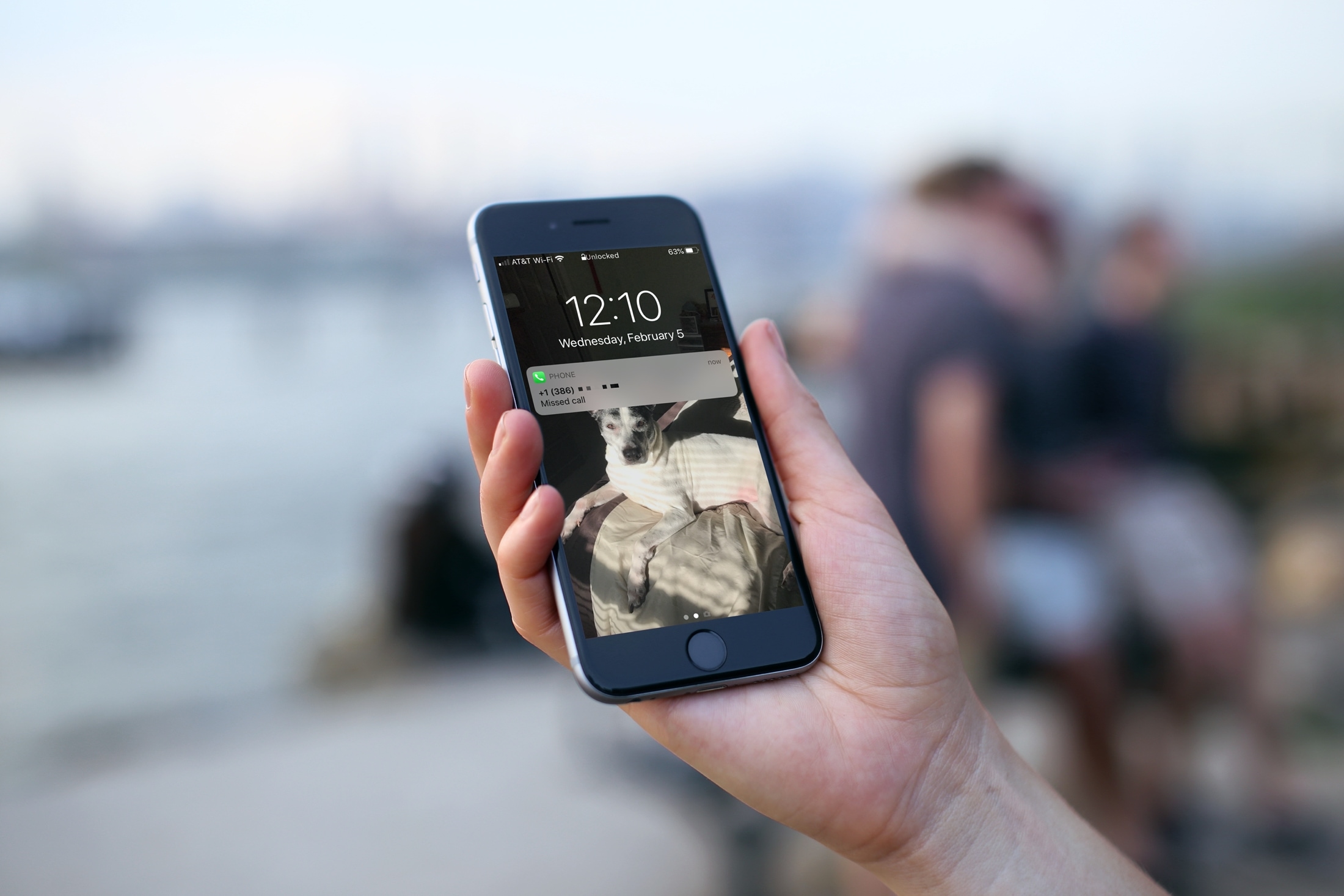
Find out what to do if your iPhone doesn’t display missed call notifications, causing confusion and disrupting communication.
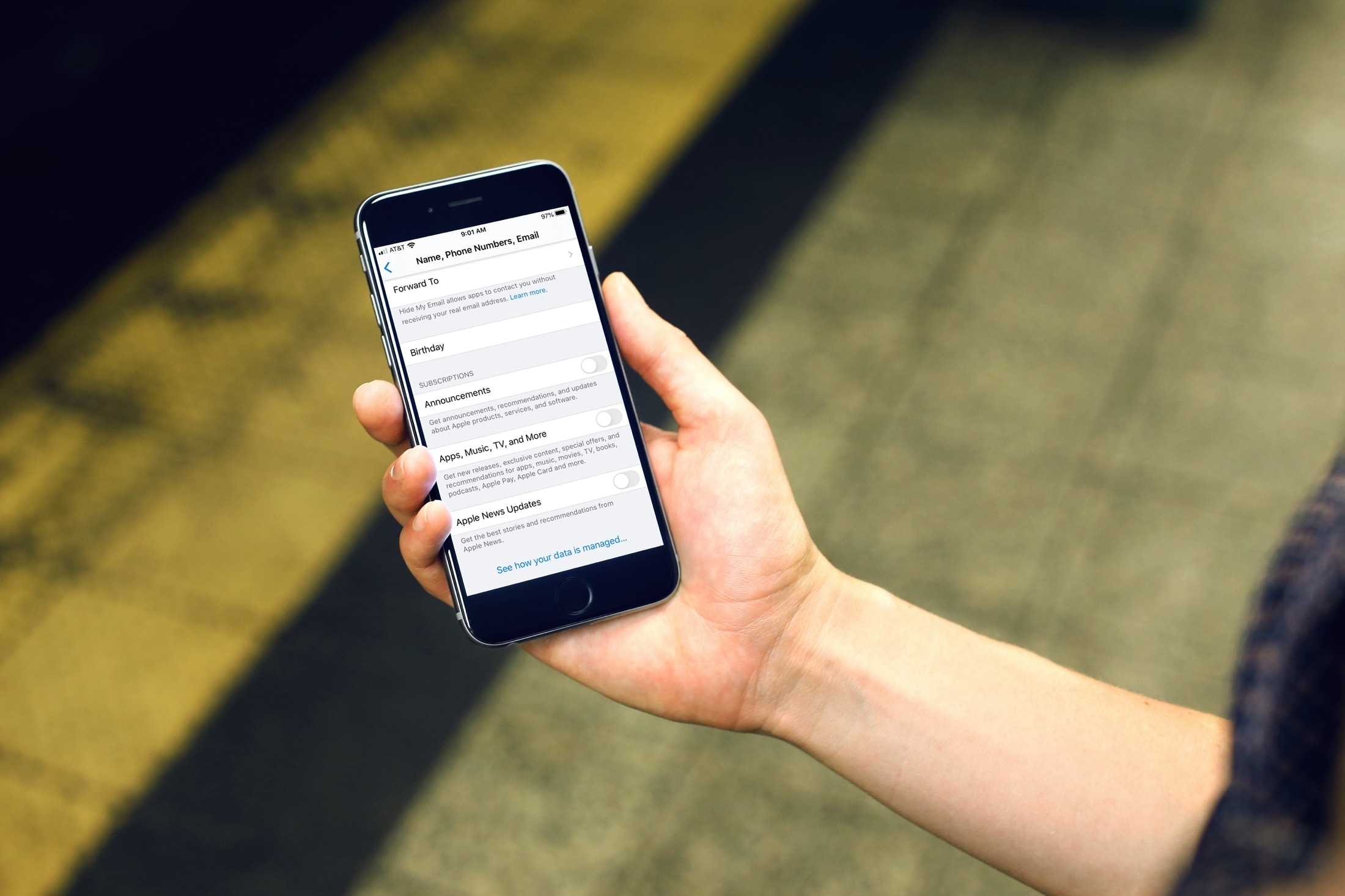
Learn how to prevent Apple from inundating you with emails and notifications regarding new announcements, recommendations, special offers, updates, apps, TV, music, News, newsletters, and other offerings.
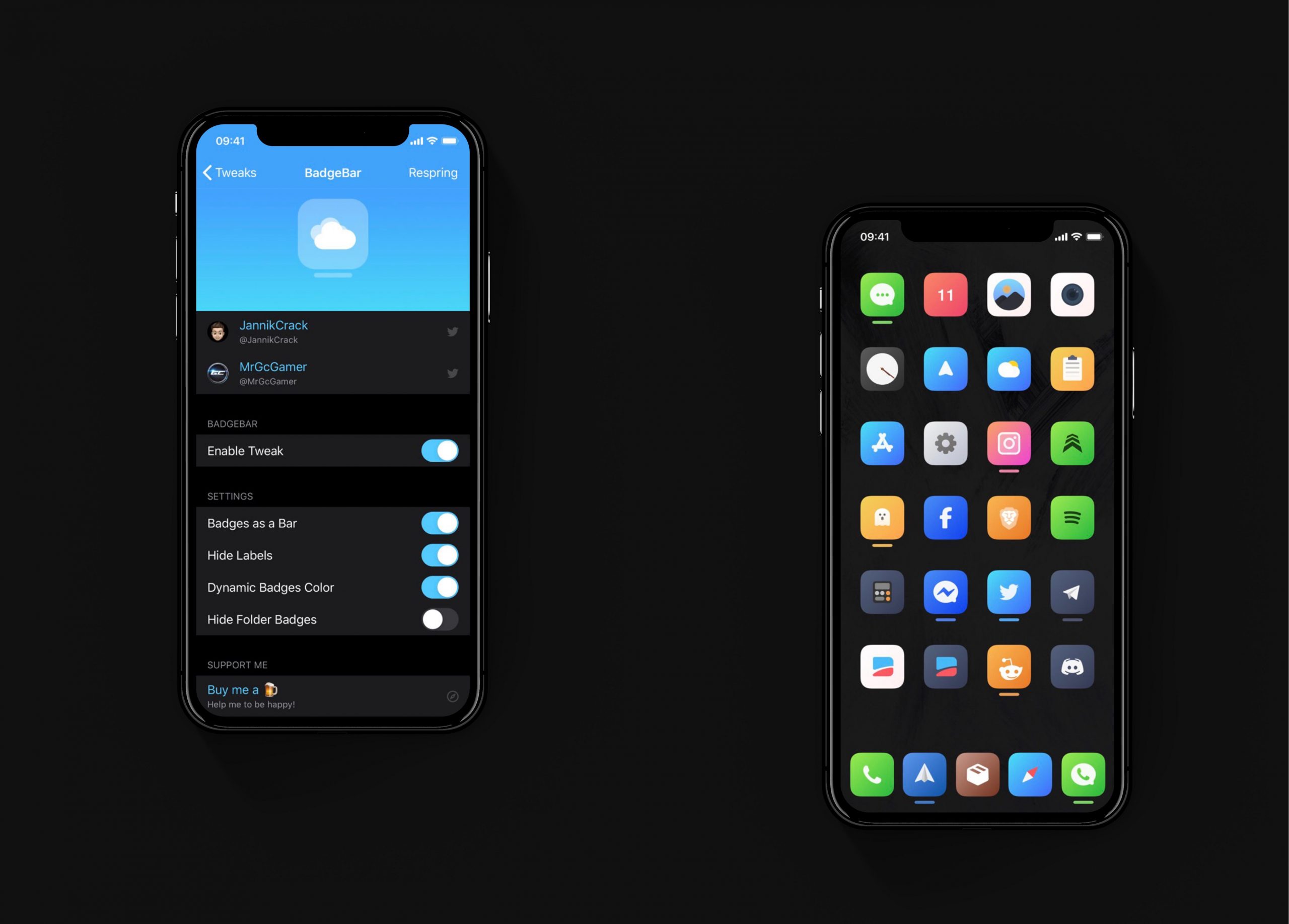
I have always hated the way notification badges look on the iOS Home screen. Although the red dots are great at catching my attention, they do so in an incredibly hideous way, and I sometimes think that it takes away from the beauty of Apple’s platform.
If you agree that iOS’ notification badge system is due for a facelift and you have a jailbroken iPhone or iPad at your disposal, then you just might want to try a new and free jailbreak tweak called BadgeBar by iOS developer JannikCrack.
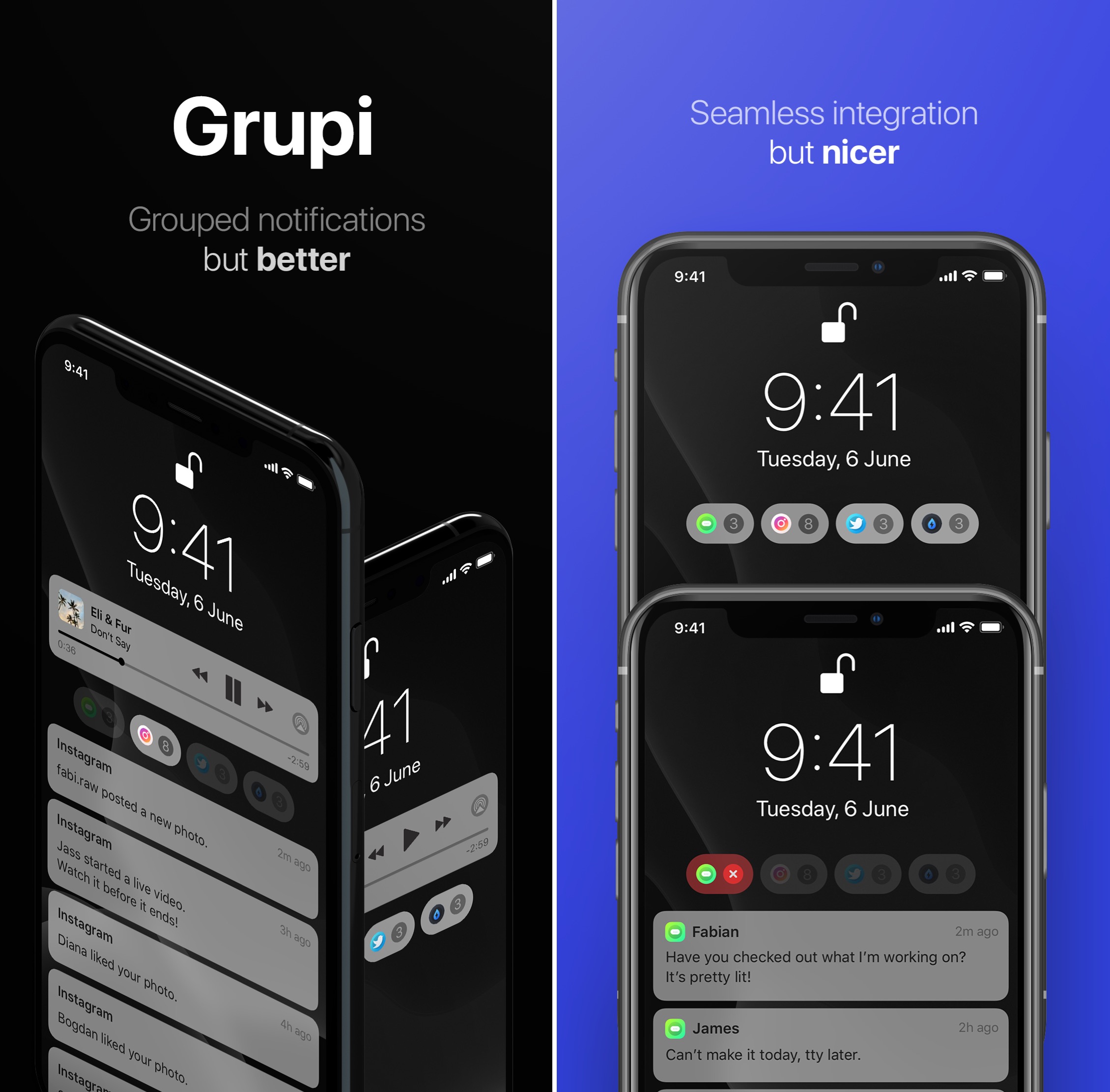
iOS’ notification system is long overdue for a visual overhaul, and it remains to be seen if Apple is working on any sort of first-party solution to this popular grievance among iOS device users.
Fortunately for jailbreakers, a newly released jailbreak tweak called Grupi by iOS developers Soongyu Kwon and Timeloop spearheads an effort to make iOS’ notification experience a whole lot better without needing to wait for an official solution from Apple.
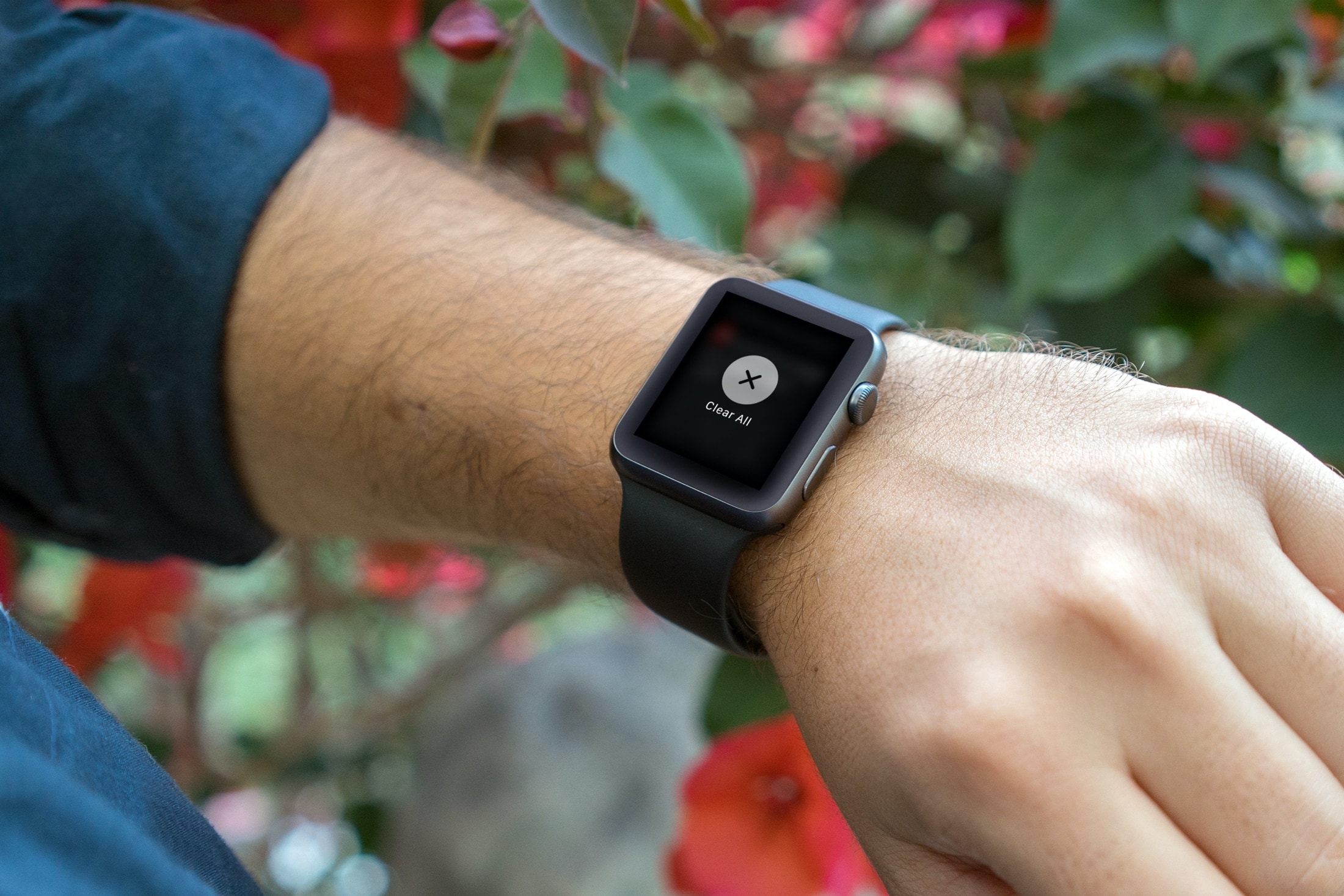
Efficiently manage your Apple Watch notifications by learning how to clear them all at once, decluttering your screen for better focus.
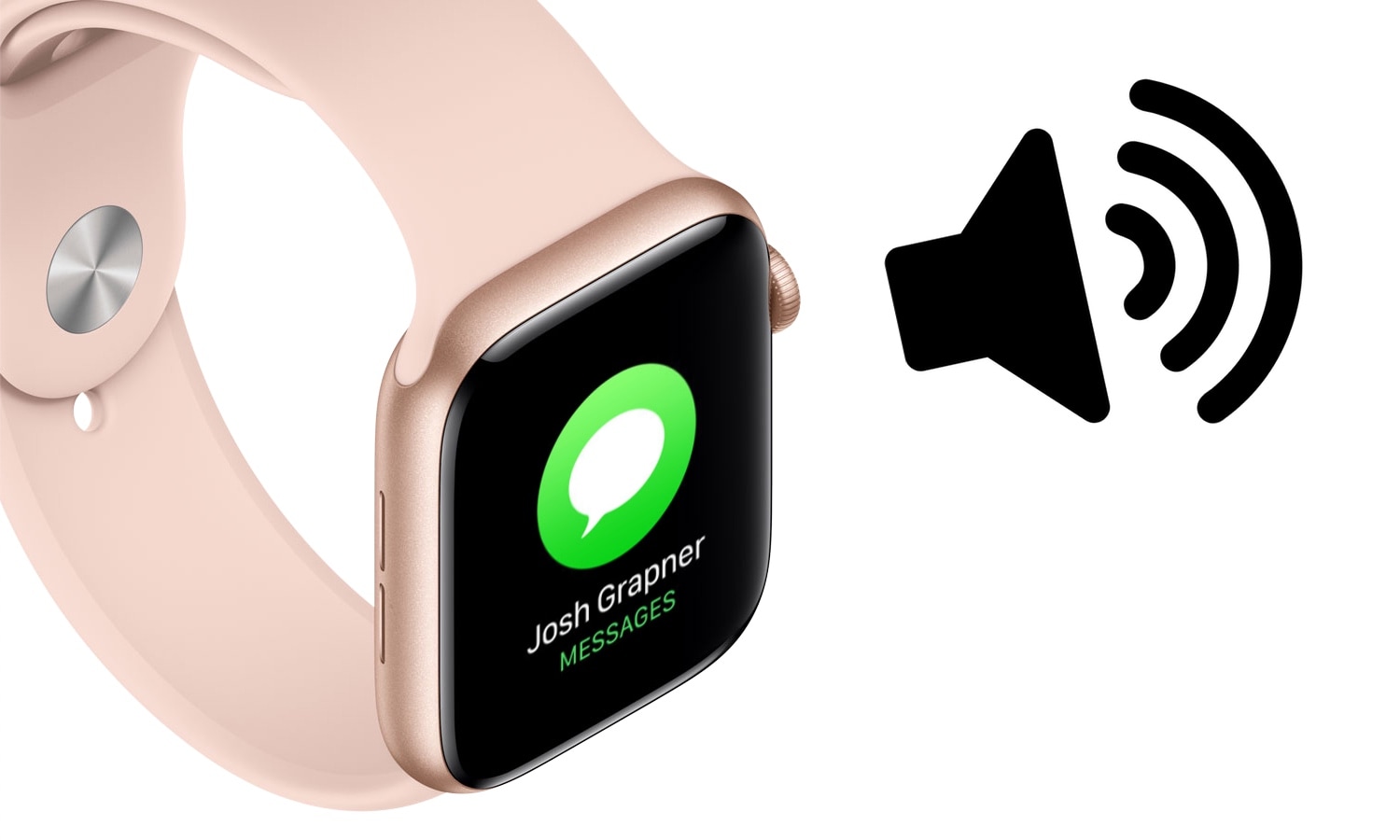
The Apple Watch is quite frankly one of the best smartwatches, if not the best, on the market today. But one glaring downside to the popular wearable, even with the latest software update, is that users can’t customize the device’s notification sounds or vibration patterns out of the box like they can on the iPhone.
Fortunately for jailbreakers with Apple Watches, that’s changing with the help of a newly released jailbreak tweak called WatchSounds by iOS developer Gil Shahar. This add-on lets you change the behavior of your Apple Watch’s notification sound and vibration system directly from your jailbroken iPhone.
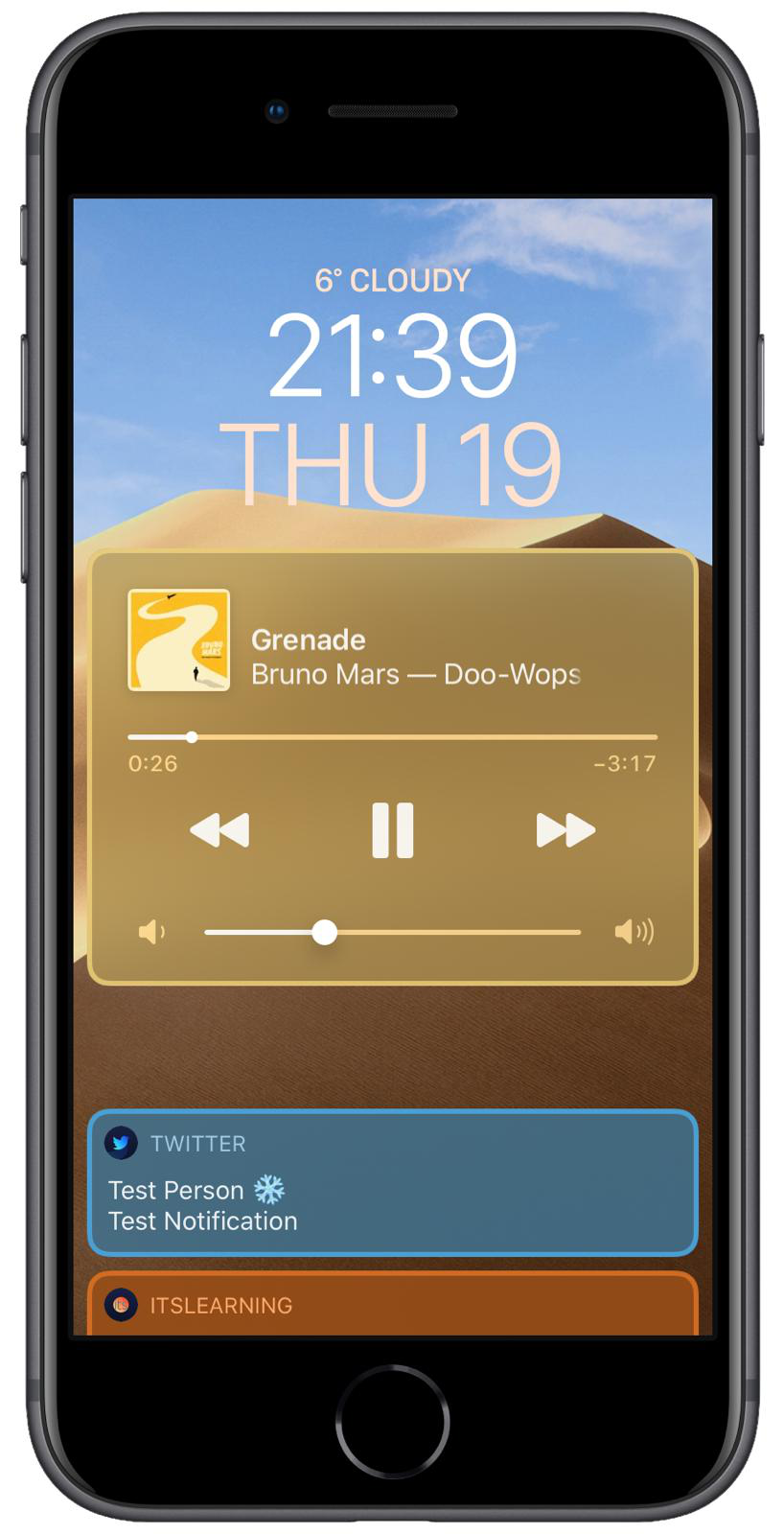
Jailbreakers in the market for customizing the appearance and behavior of their incoming notification system without breaking the bank just might take a liking to a newly released and free jailbreak tweak dubbed ColorMeNotifs by iOS developer MrGcGamer.
Just as the name implies, this tweak offers a plethora of settings for colorizing banners that appear on your Lock screen, including that of the notification variety, widgets, and the native Now Playing music player.
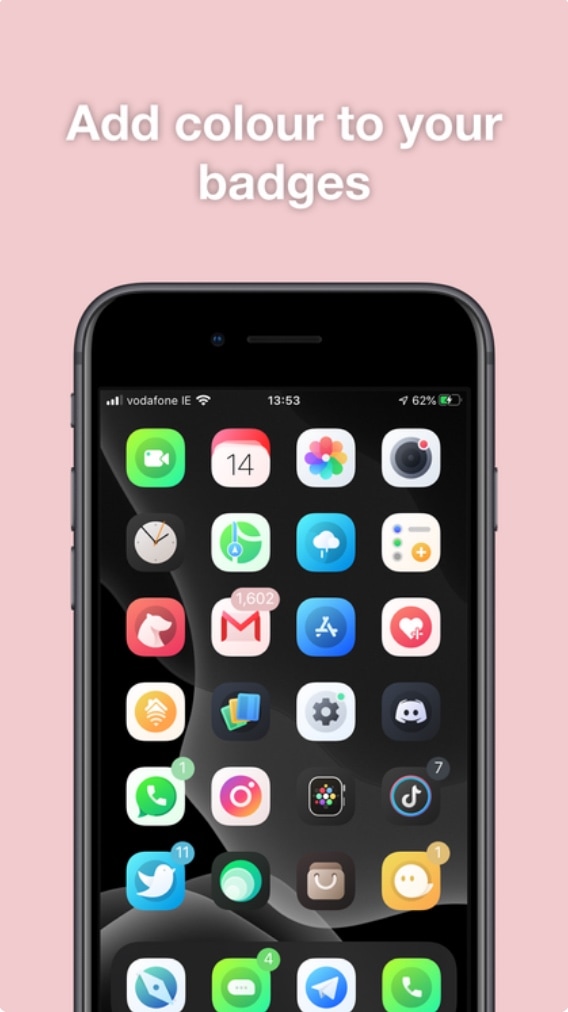
Albeit true that Apple’s native badge notification system leaves a lot to be desired in terms of color customization, the jailbreak community has long offered solutions to this communal grievance. Unfortunately for our wallets, many of those solutions cost the end user money in some way, shape, or form.
Here to shake things up a bit is a newly released jailbreak tweak called Pastel by iOS developer ConorTheDev, which lacks a price tag of any kind. With that in mind, you can now customize the color of your jailbroken iPhone’s notification badges without paying a cent out of pocket.

If you’re in search of a subtle way to augment iOS’ native notification system, then you might want to turn your attention to that of a newly released and free jailbreak tweak called Blots by iOS developer Antique.
As you accumulate missed notifications, Blots displays colored dots at the top of your display, just underneath the Status Bar. These dots are specifically colorized to match the dominant color of the app icon for which the notification represents.
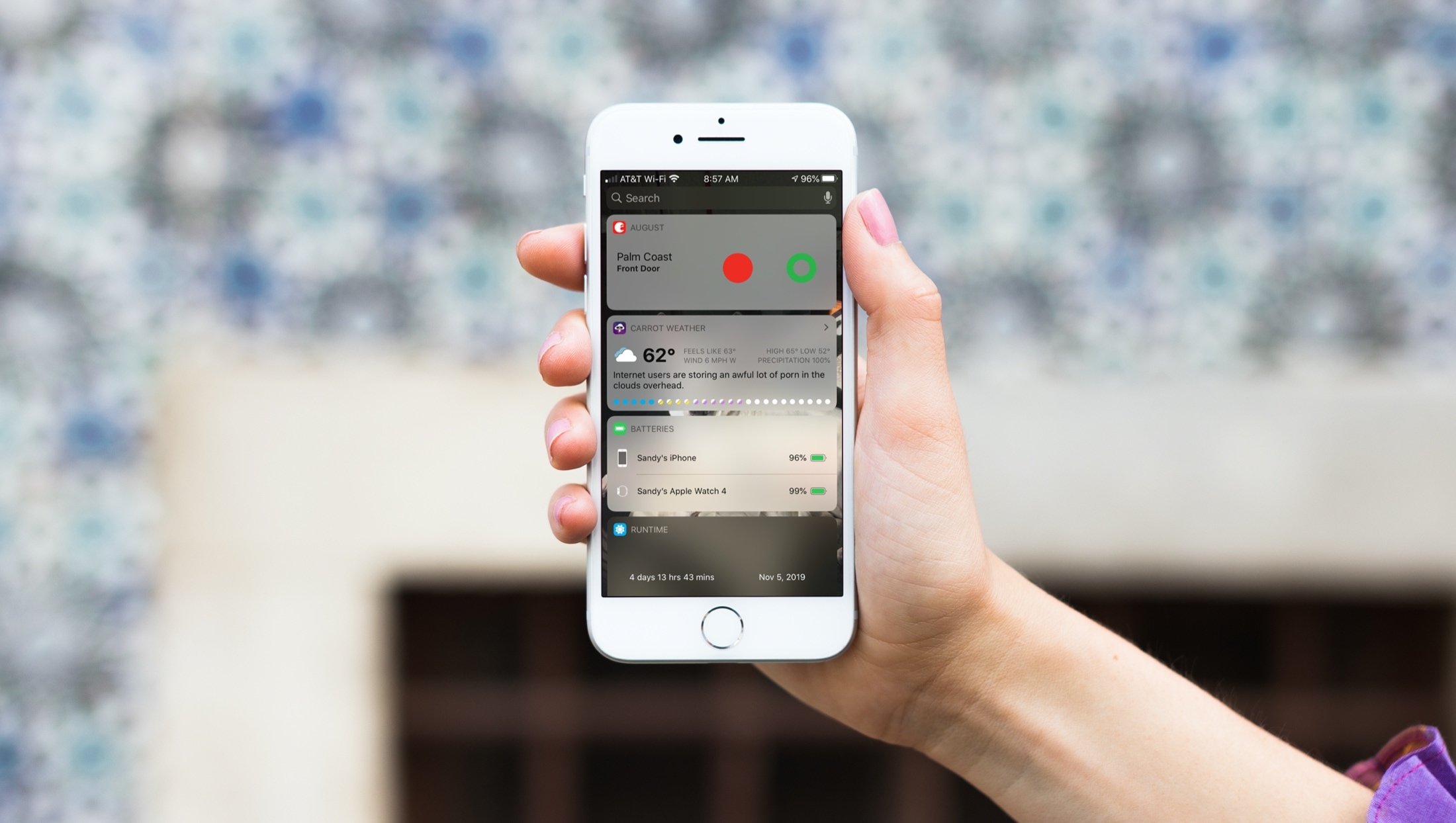
When you just get your first iPhone, you’ll find that it’s super easy to use. It has a nicely organized Home screen and a simple way to find your Settings. But there are little tips and tricks that can take a while to learn, like how to use your Today View and Notification Center effectively.
That’s why iDB is here to help with our "New to iPhone" series. If you fall into the new iPhone user group, this series, along with this article, are for you. Here’s how to use the Today View and Notification Center on your iPhone.
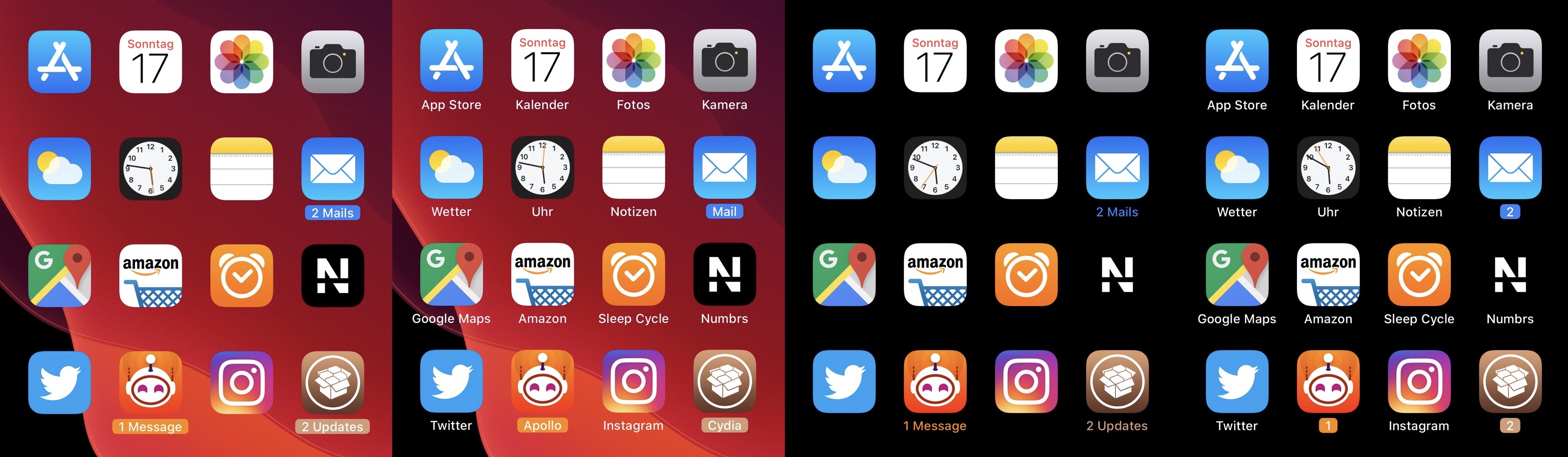
Apart from a few tiny revisions in iOS 7 and later, iOS’ notification badge system has appeared mostly unchanged since its conception. Jailbreakers seeking a fresher take on notification badges would do good to check out a newly released jailbreak tweak called CozyBadges by iOS developer NoisyFlake.
As depicted in the multitude of screenshot examples above, CozyBadges replaces the traditional red circular notification badge with something much more subtle — an updated icon label that appears highlighted or colorized when there are missed notifications. Moreover, the label can be configured to display alternative text, assuming the user wants this.
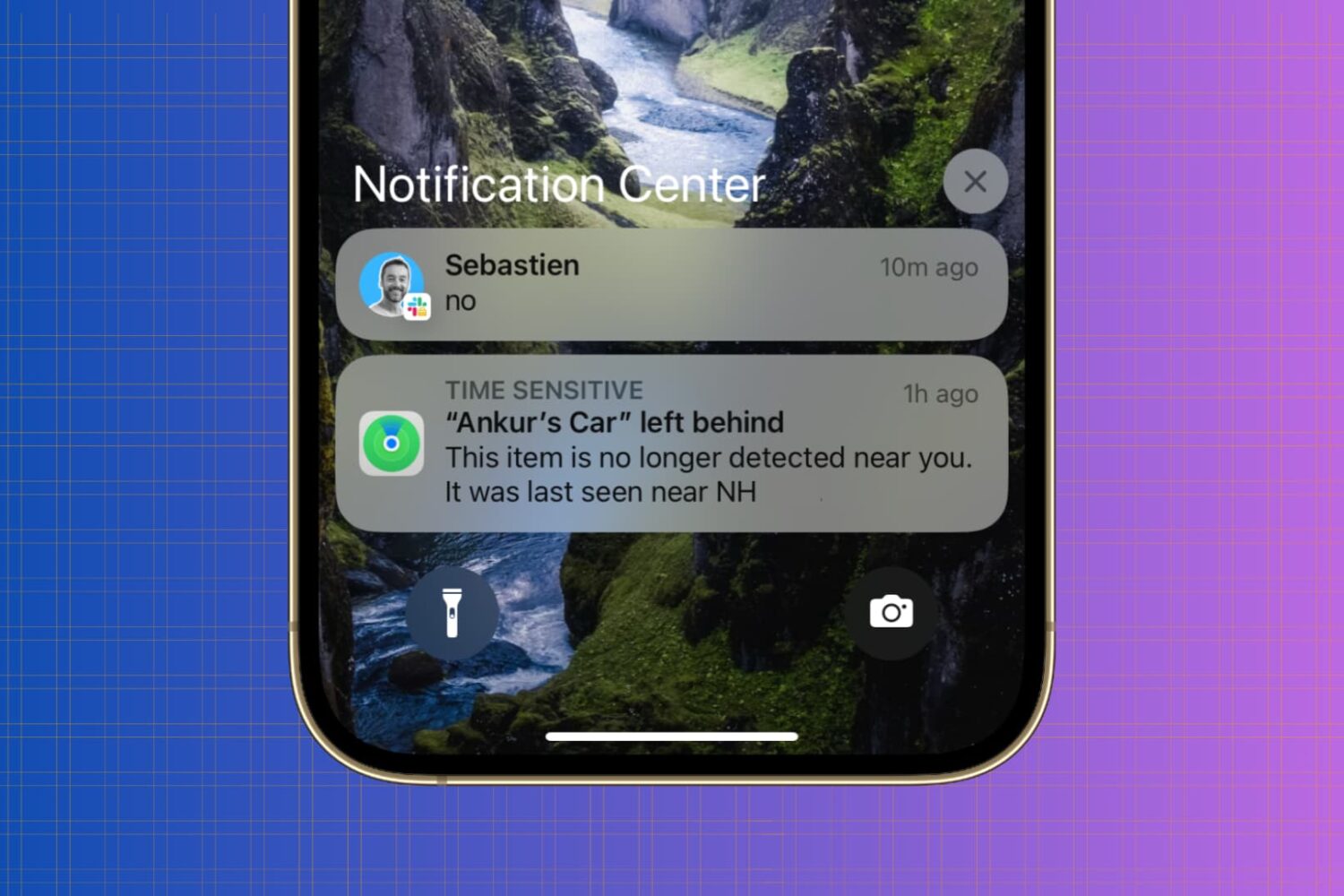
Whether you’re looking to silence unnecessary alerts during meetings, prioritize important messages, or simply declutter your Lock Screen, maintaining a healthy balance between staying informed and avoiding notification overload is essential.
In this article, we’ll go over your iPhone notification settings and provide a comprehensive guide on how to adjust them to best suit your needs.