Stay up to date with your favorite artists’ latest releases on Apple Music and never miss a beat by receiving notifications for their new songs and albums.
How to get notified of new songs and albums from your favorite artists on Apple Music
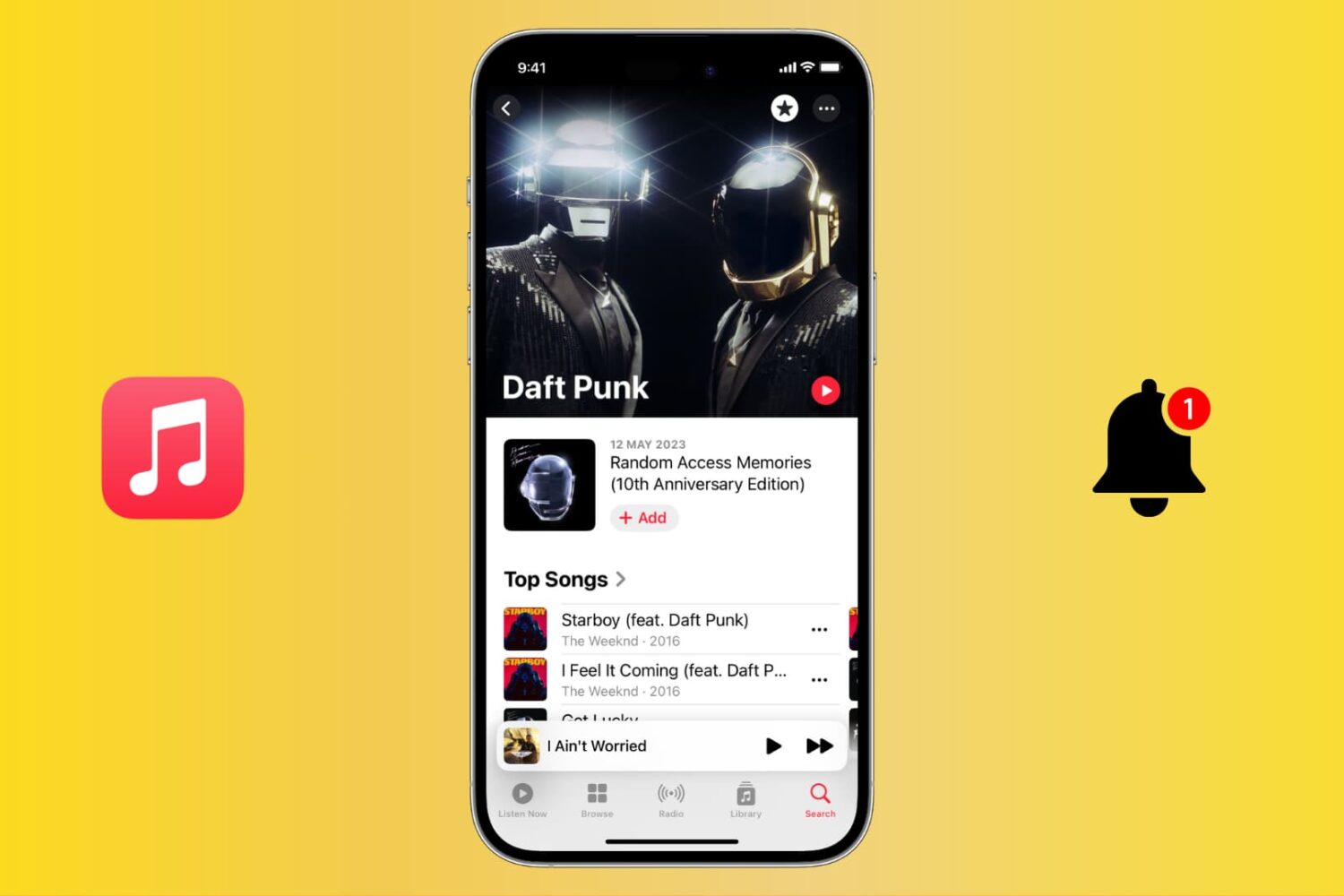
Stay up to date with your favorite artists’ latest releases on Apple Music and never miss a beat by receiving notifications for their new songs and albums.
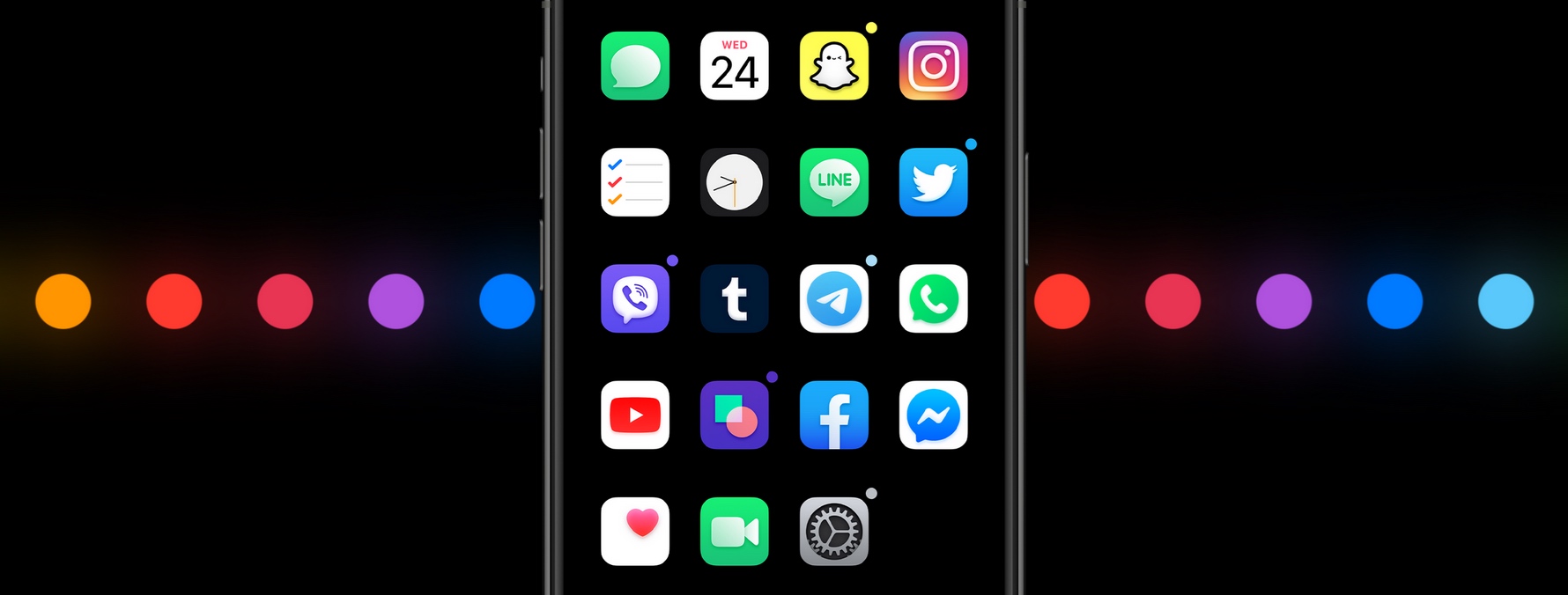
iOS’ native notification system is overdue for a facelift, but there’s no telling when Apple might finally commit to such an overhaul. Fortunately, jailbreakers won’t need to wait thanks to the likes of a newly released and free jailbreak tweak dubbed dotto+ by iOS developers ConorTheDev and Mirac.
Just as the tweak’s name implies, dotto+ takes a dot-centric approach to iOS’ native notification system. In the screenshot examples above and below, you can see that dotto+ displays a small colored dot at the top-right of app icons on the Home screen when they have pending notification(s) awaiting your attention.
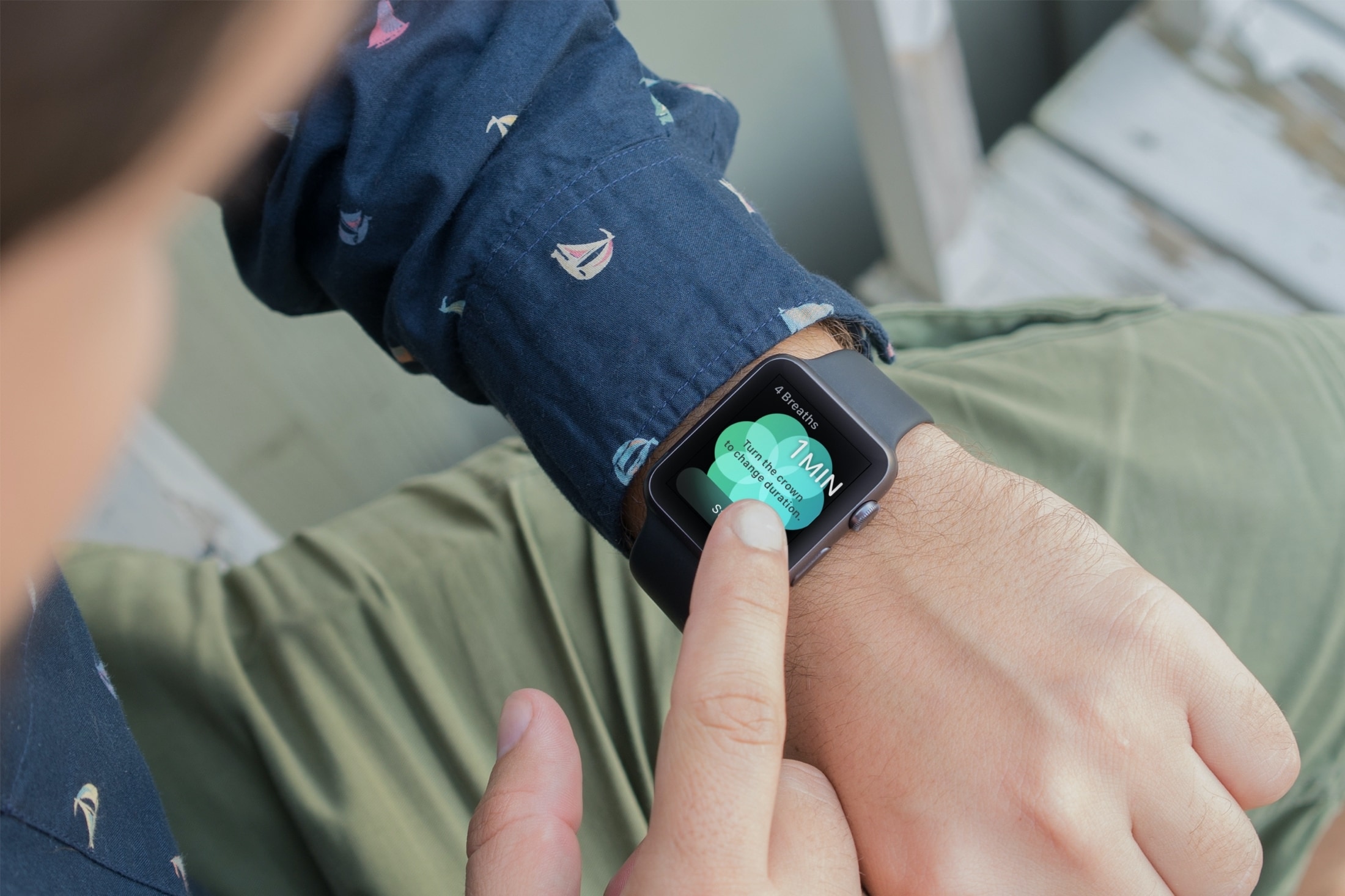
You might not realize it, but if you wear an Apple Watch, that handy wearable can help you a lot throughout your workday. Sure, you might use it to check emails, view your appointments, and even answer calls if your iPhone isn’t nearby. But with some of the built-in apps and features, your Apple Watch can be a helpful tool for getting through a stressful day of work.
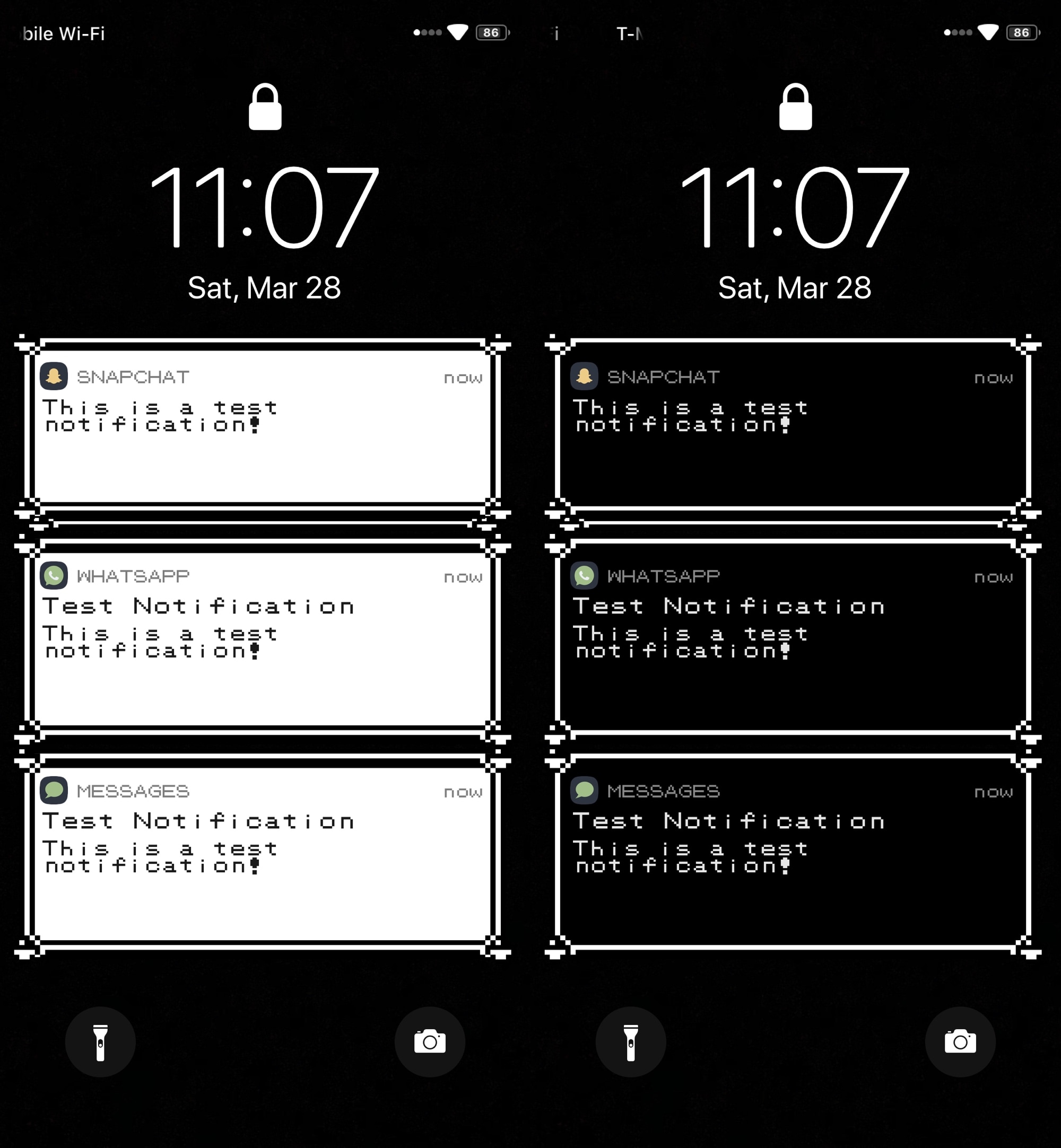
Longtime Pokémon game fans, especially of the classic Nintendo Game Boy flavor, may feel a bit nostalgic of the older games at times. Fortunately, if you’re itching for some nostalgic relief and you have a jailbroken iOS device at your disposal, then a newly released and free jailbreak tweak dubbed PokeBar by iOS developer Liberato Aguilar might be able to help.
In the rather conspicuous screenshots above and below, you might’ve ascertained already that PokeBar brings Pokémon Red/Blue/Yellow-inspired notification banners to pwned iOS 13 handsets. Moreover, it supports both dark and light themes, depending on your device’s dark mode system settings.
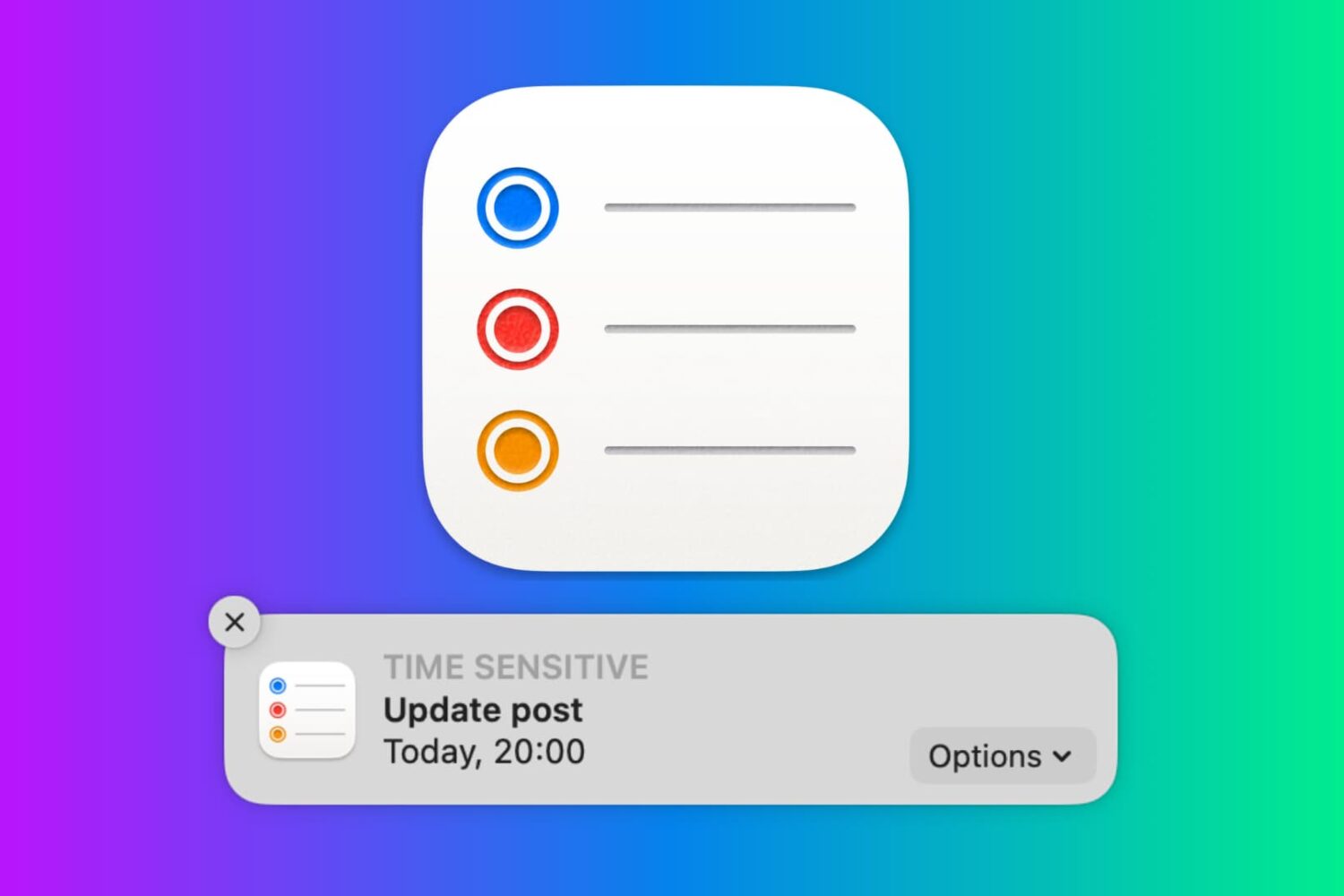
In this tutorial, we will show you how to work with notifications in the Reminders app on your Mac so that you never miss a task, list, or to-do.
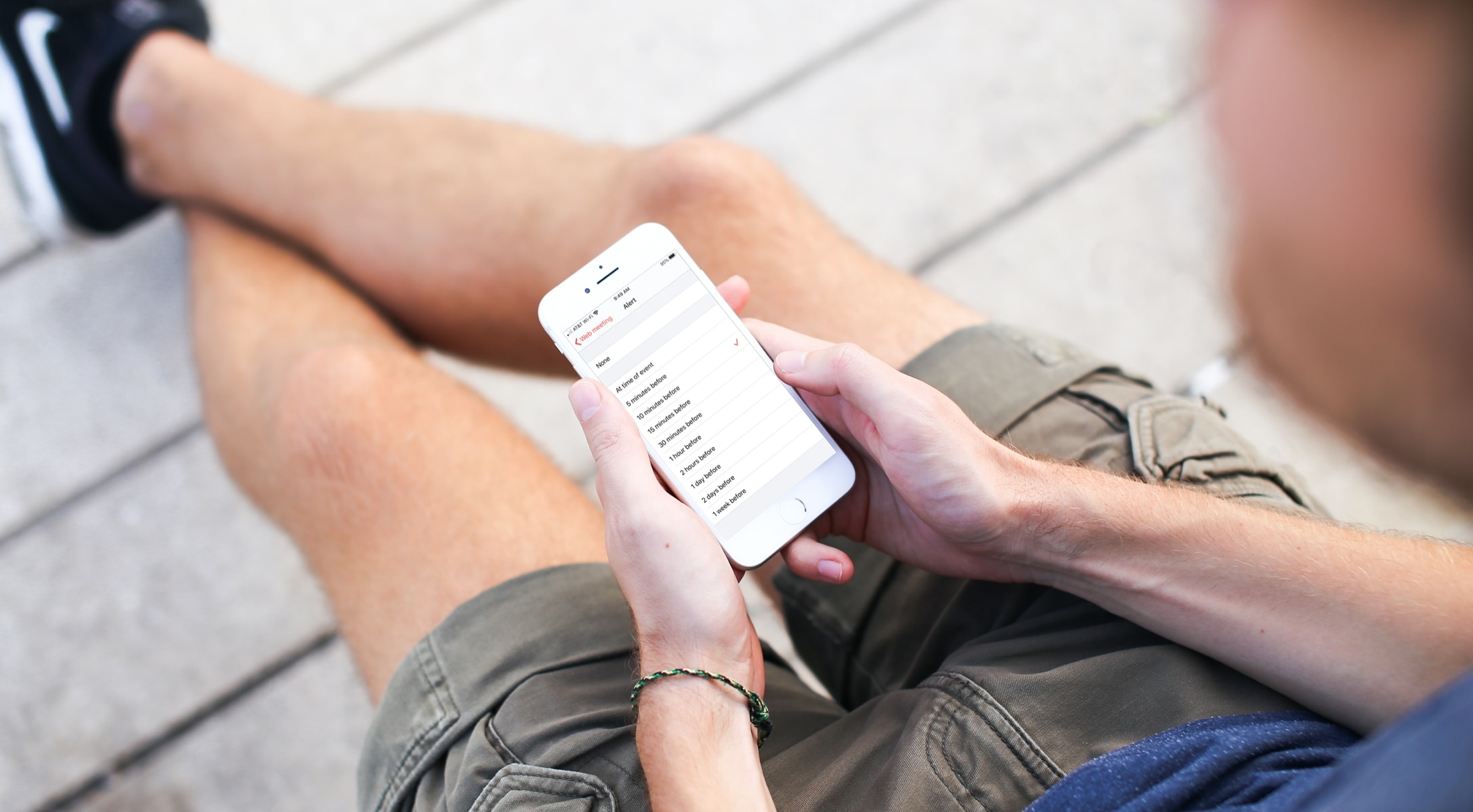
Learn how to customize the Calendar notifications and alerts on your iPhone, iPad, and Mac to stay on top of your important events and appointments.
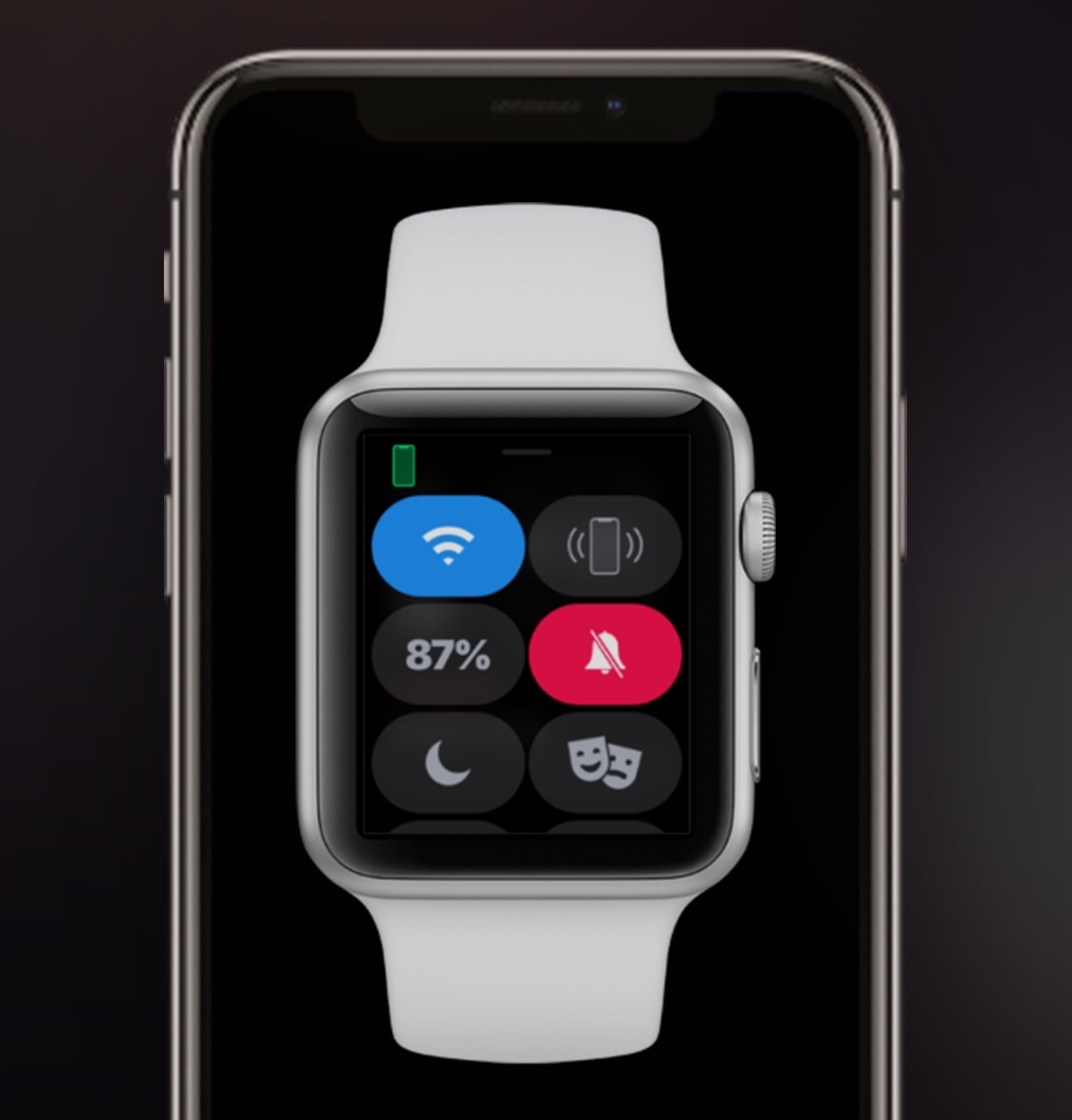
Both the Apple Watch and iPhone support silent mode – a feature that mutes all incoming notification sounds to prevent awkward situations in certain predicaments, such as a ringtone going off in the middle of class or disturbing participants during a work conference. Unfortunately, this handy feature doesn’t stay in sync between both devices, necessitating manual input for each.
This is a problem that a newly released jailbreak tweak called WatchMuteMirror by iOS developer Cardboard Face aims to resolve. As you may have inferred already from the tweak’s name, WatchMuteMirror keeps silent mode in sync between your iPhone and your Apple Watch so that the latter doesn’t make a bunch of noise even after you toggle the mute switch on the side of your iPhone.
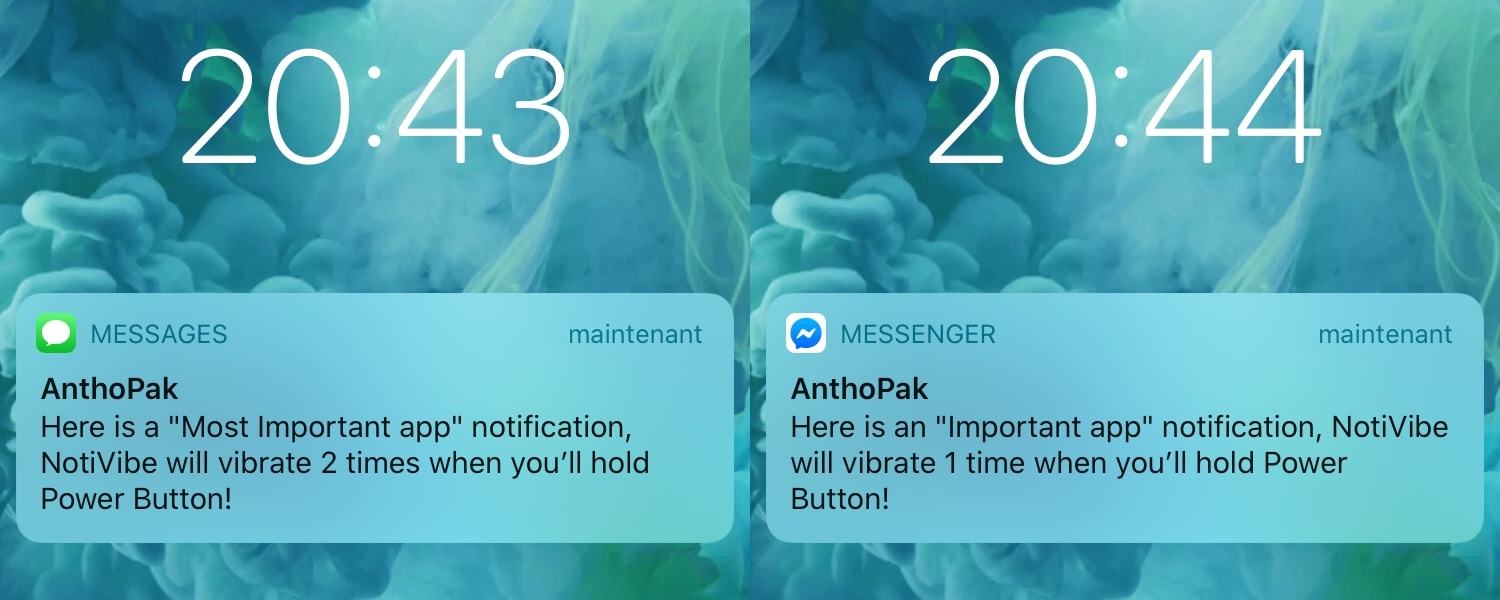
Your iPhone probably lights up with push notifications all day long, but only a small fraction of those are likely to be important. Unfortunately, there’s no easy way to discern between important and non-important notifications without looking at your display, and this means that if you’re smack in the middle of something important and can’t look at your handset, you won’t know what you’re missing.
The aforementioned situation doesn’t come up too often, but it may happen more frequently when you’re at work and stuck in meetings all day or when you’re in class and don’t want to make it obvious that you’re checking your iPhone for notifications. For that reason, a newly released and free jailbreak tweak called NotiVibe by iOS developer AnthPak may come in clutch.
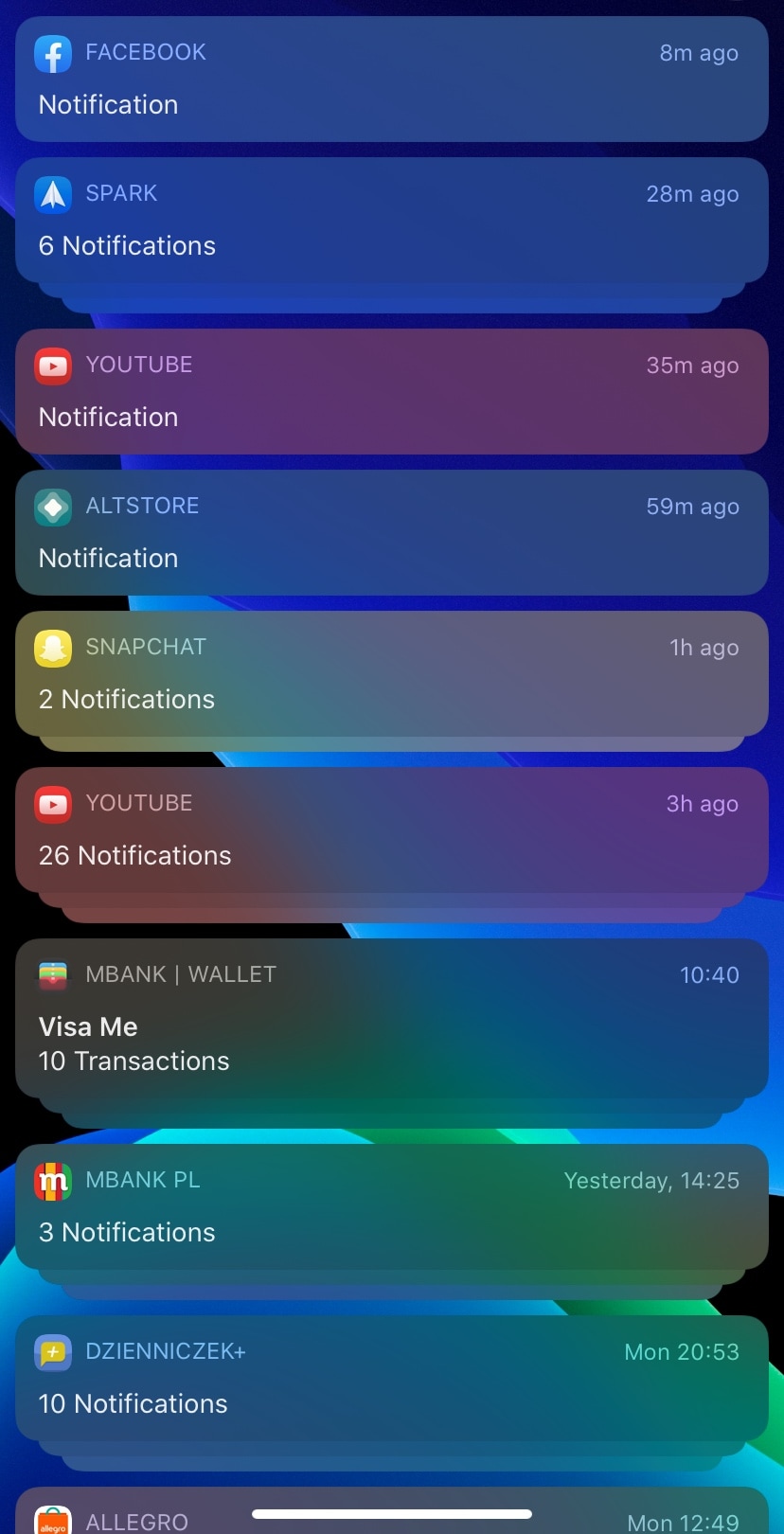
If you’re enjoying the perks of having a jailbroken iOS 13 device thanks to checkra1n or unc0ver and you’re looking for something to get you started in the interface customization department, then one thing you might want to check out is a newly released and free jailbreak tweak dubbed ColorfulNotifs by iOS developer neoney.
As you may have inferred already from the tweak’s somewhat conspicuous name, ColorfulNotifs applies custom color schemes to your handset’s incoming notification banners.
One thing I love about having an Apple Watch is being tapped on the wrist when all my important notifications come through. But in certain situations, such as when wearing a winter coat with long and heavy sleeves that cover your wrists, feeling those subtle taps can be nearly impossible.
Spearheading a solution to this problem is a newly released and free jailbreak tweak called Winter Mode for Apple Watch by iOS developer Ayden Panhuyzen. Once installed, this tweak forces both your Apple Watch and iPhone to notify you about any incoming notifications simultaneously.
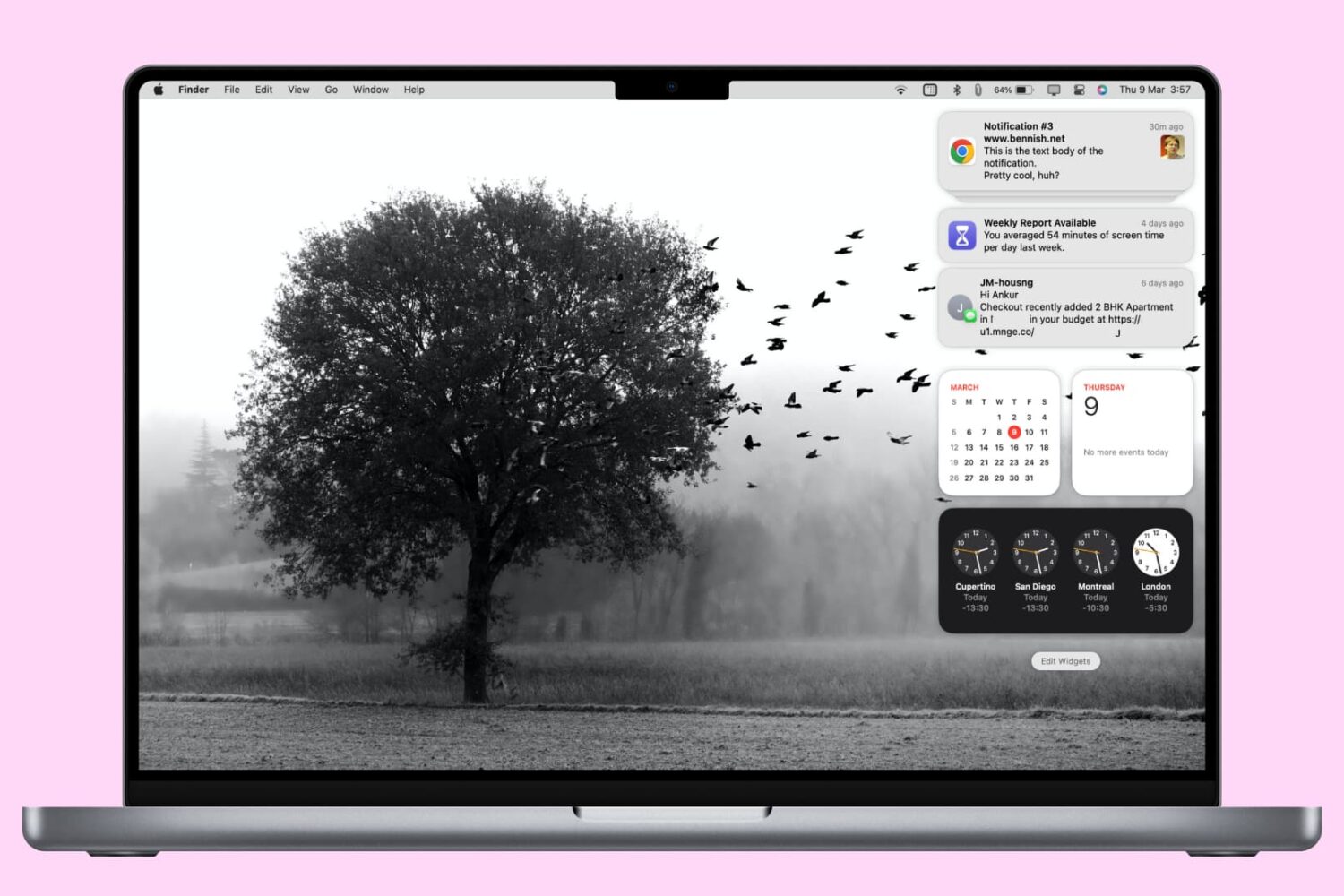
In this tutorial, we'll show you how to access and manage notifications on your Mac. We'll also provide quick steps to disable or temporarily pause alerts for apps with unhelpful notifications.
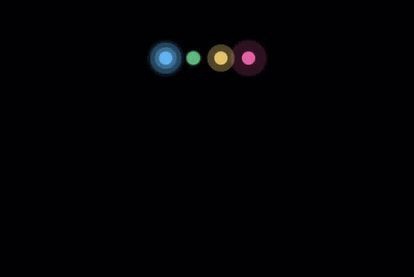
Ever since Apple first introduced an OLED display in its smartphone lineup, there’ve been countless jailbreak tweak releases attempting to take full advantage of it. From always-on displays, to revolutionary new notification indicators, there has been no shortage of innovation on this front.
The latest addition to the party is a newly released jailbreak tweak called Dots 2 by iOS developer Shyam Lad, and as depicted in the screenshot examples above, this tweak displays pulsating colorful dots for missed notifications at the top of an always-on pitch black display when the device is locked.