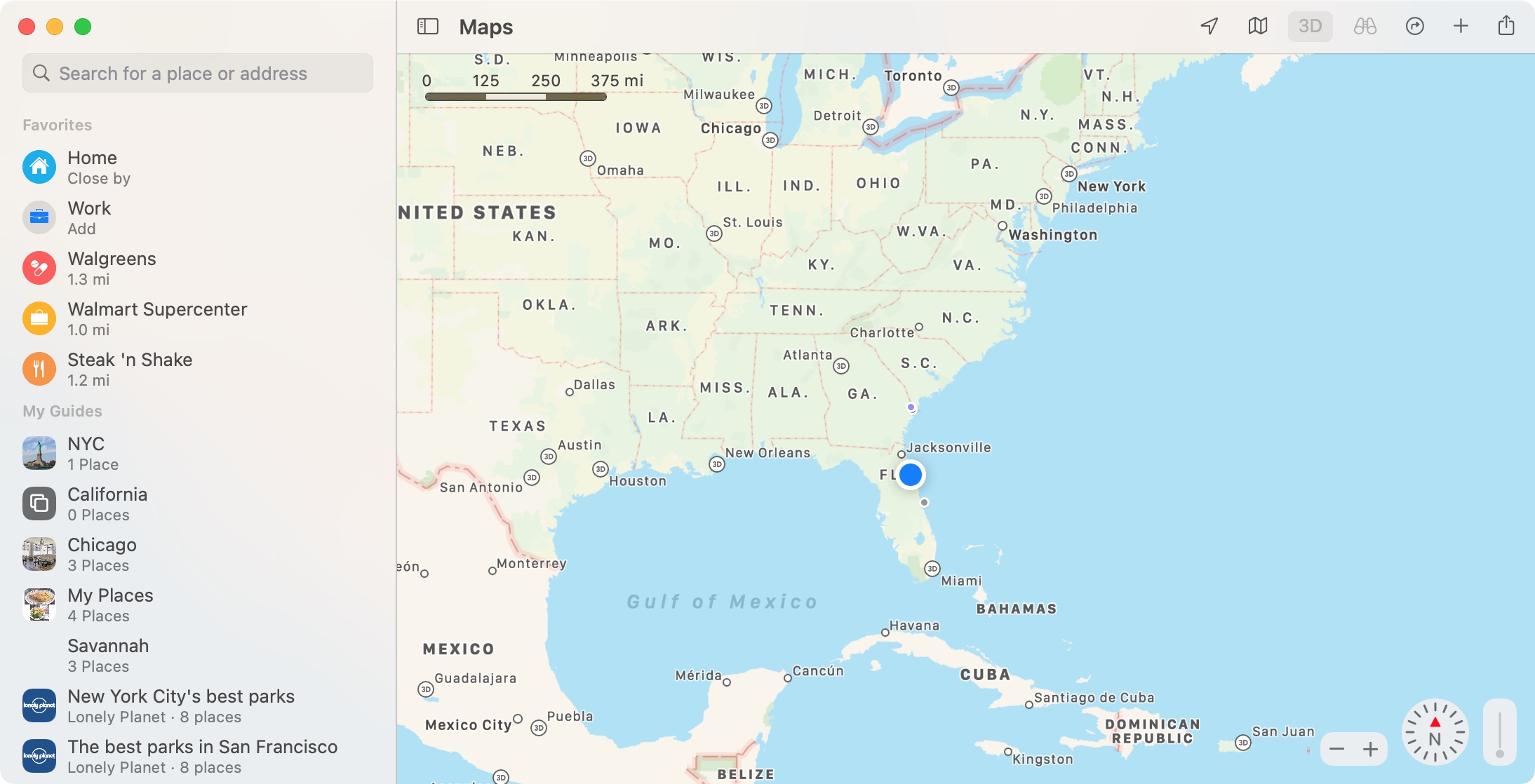
Learn how to delete your Google Maps history for all locations, specific ones, or certain dates on iPhone and the web.
How to delete your Google Maps history on iPhone and the web
Learn how to delete your Google Maps history for all locations, specific ones, or certain dates on iPhone and the web.
Learn how to plan your next road trip or getaway using the Apple Maps app on your Mac by seeing how far locations are from each other and adding stops along the way.
In 2020, we showed you how to find COVID-19 testing locations using Apple Maps. And this is something you can still take advantage of. But luckily this time, we get to show you how to find locations in Maps offering the COVID-19 vaccine in your area.
Whether you’re considering getting the vaccine yourself or want to help a friend or family member, Maps makes it easy. On iPhone, iPad, and Mac, you can see locations offering the vaccine and even hit a simple button to make an appointment on the location’s website.
So if you’re ready, let’s get to finding COVID-19 vaccine locations in Maps.
Aside from bringing out Waze-like reporting and hazard features, Apple Maps is getting another feature similar to Google Maps: real-time crowdsourced information for points of interest, such as whether a business is currently open and how busy it is at the moment.
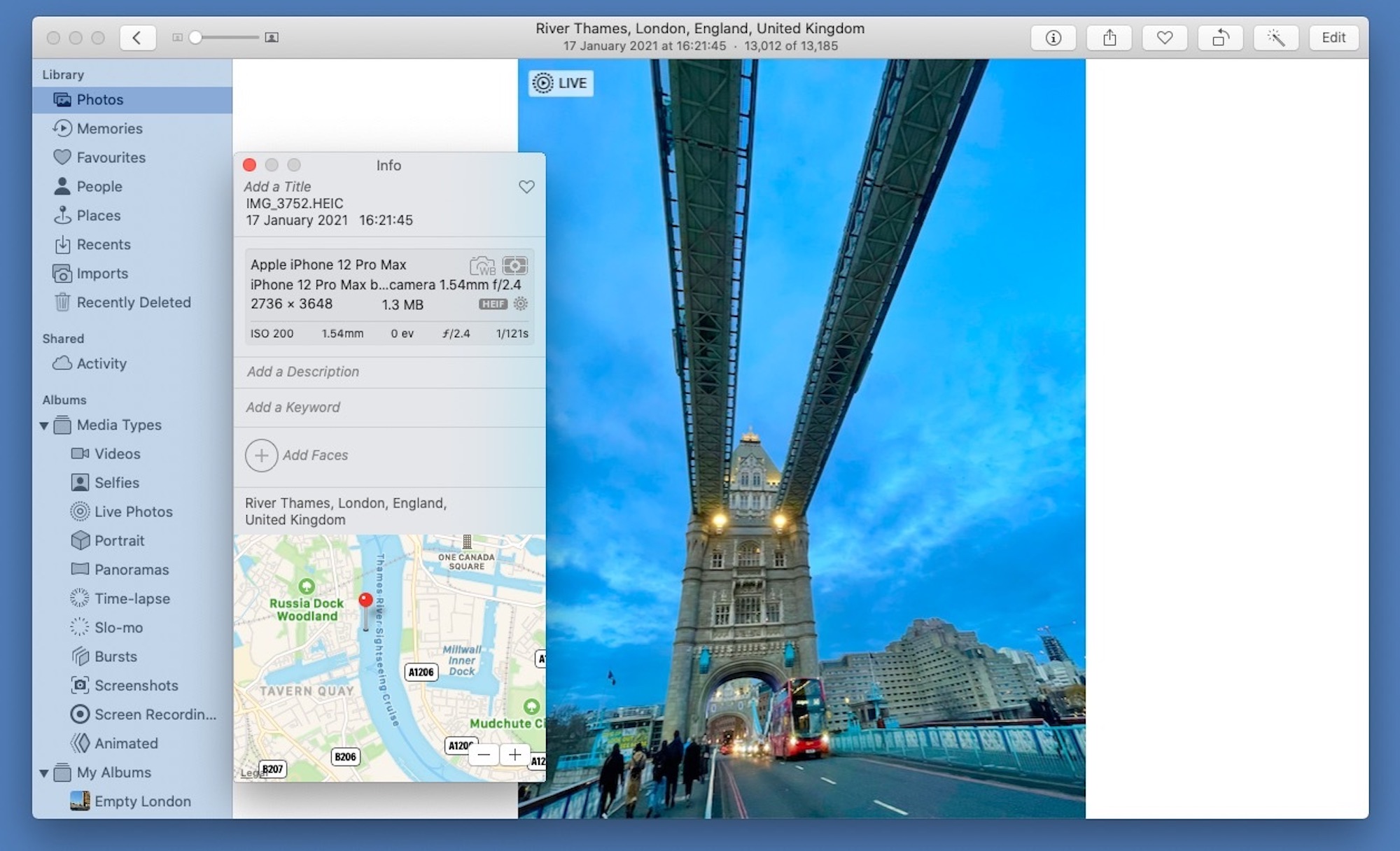
If you are someone who opts to input precise location data for your photos, you may have noticed an issue with Apple's stock Photos app. Turns out there is a bug causing an issue with this process, leading to incorrect location data.
Apple customers can now access relevant information about volunteering in their communities right alongside existing curated content that's available on Apple Maps.
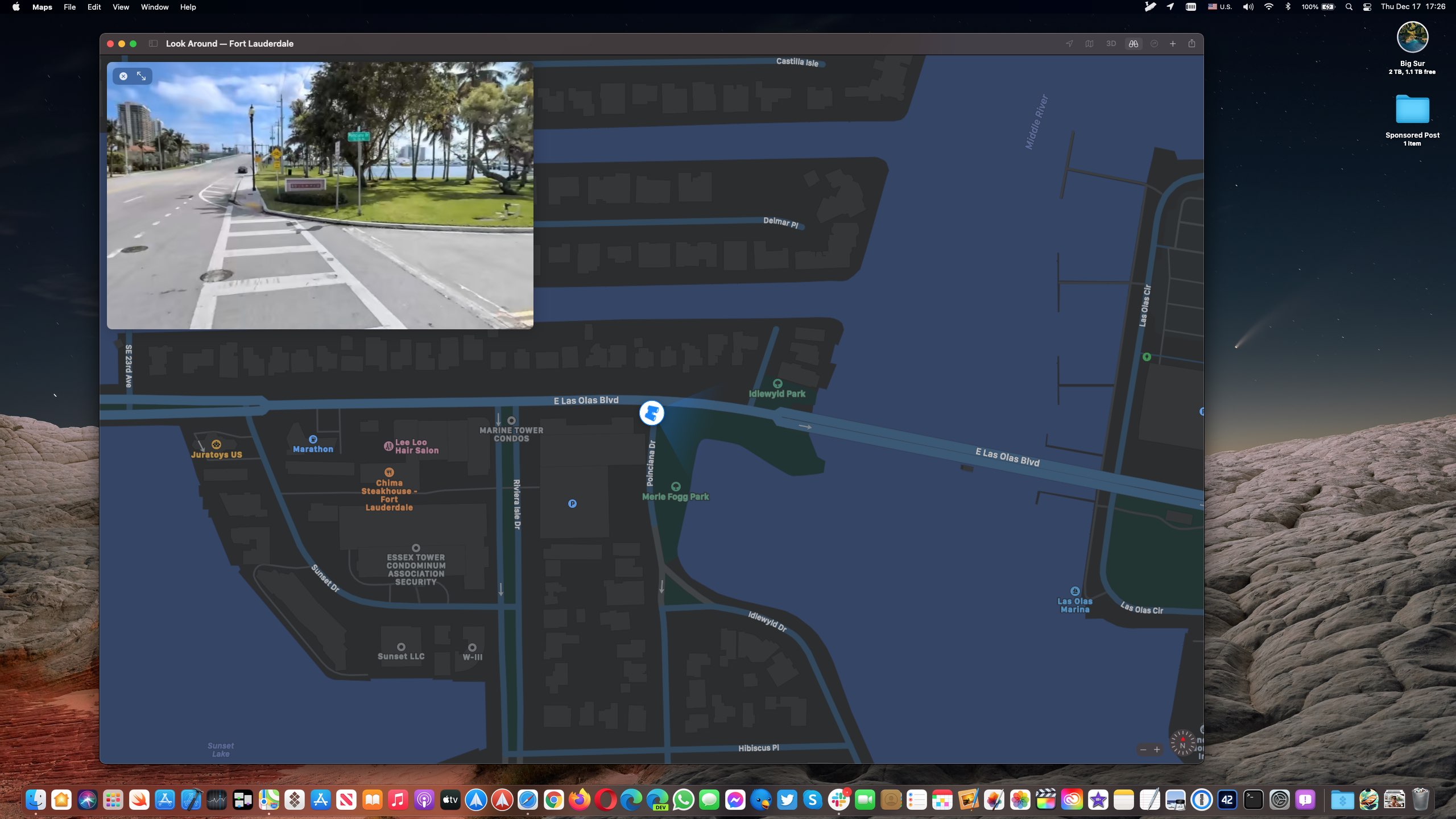
The Look Around feature in Apple Maps is now available in a few more major cities in the United States, including Denver, Detroit, Fort Lauderdale and Miami.
If you live in a city that has street imagery available, invoking Look Around will let you pan high-resolution street photos 360 degrees and move through the streets with smooth transitions.
This high-resolution, interactive 3D experience in Maps was implemented on the iPhone and iPad with the September 2019 release of the iOS and iPadOS 13 software updates.
Aside from Denver, Detroit, Fort Lauderdale and Miami, the Look Around feature is also available in t he following cities, according to Apple's iOS and iPadOS Feature Availability page.
Boston, MA Chicago, IL Dublin, Ireland Edinburgh, Scotland Houston, TX Las Vegas, NV London, United Kingdom Los Angeles, CA Nagoya, Japan New York, NY Oahu, HI Osaka, Japan Philadelphia, PA San Francisco Bay Area, CA Seattle, WA Tokyo, Japan Washington, DCOn the Mac, Look Around requires macOS 11 Big Sur or later.
How to use Look Around in MapsTo use the Look Around feature, open the Maps app on your iPhone, iPad or Mac and enter the name of a supported city like San Francisco into the search box you (on mobile, swipe up from the bottom to reveal the search field).
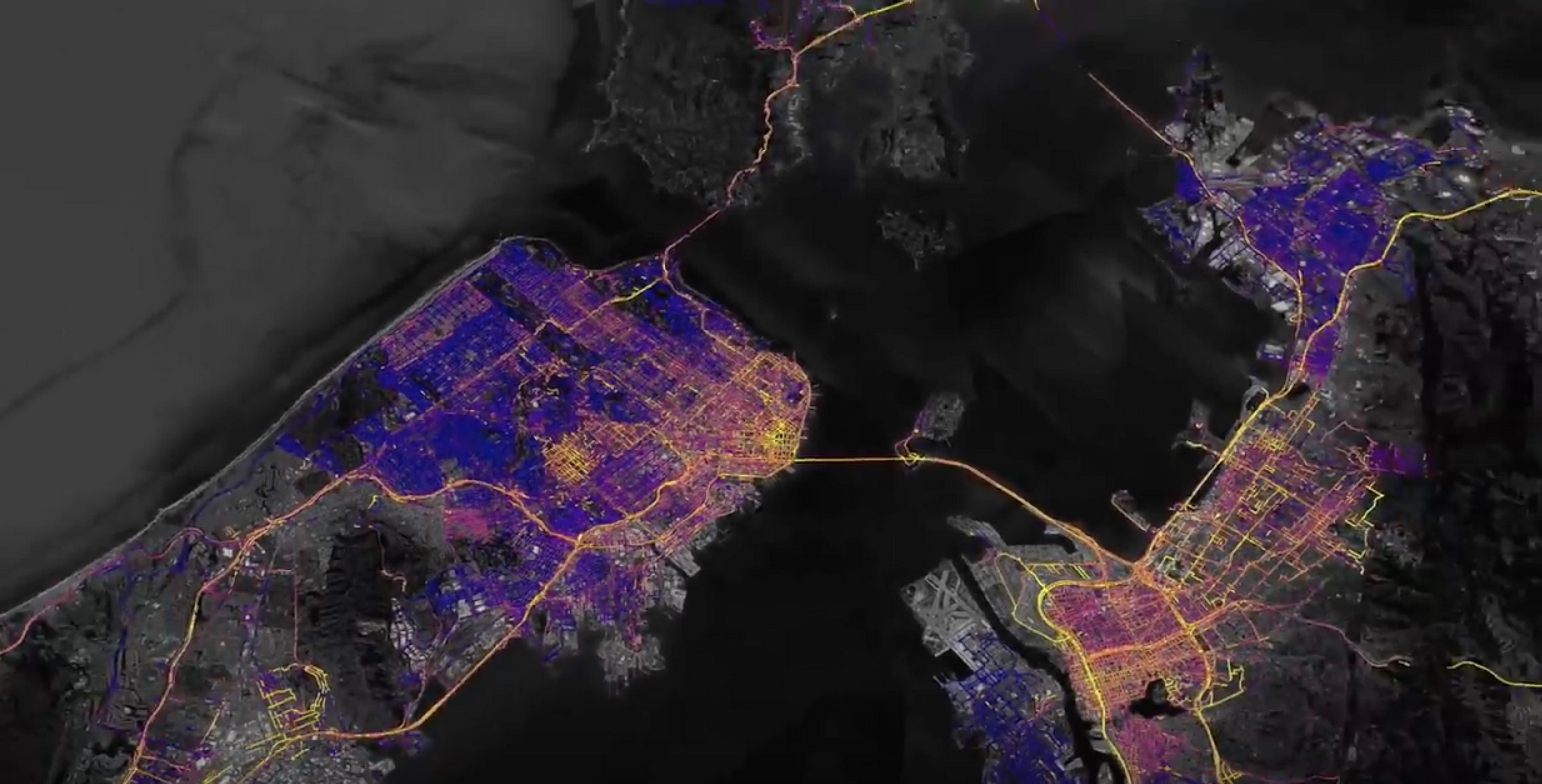
If that location has Look Around available, you should see a Look Around icon in the location thumbnail available in the location details screen. Tapping the icon zooms the current map into a gorgeous street-level view. Use your finger to move the screen left or right for a full 360-degree picture. To see where Apple is collecting imagery for this feature, head over to the Apple Maps Image Collection page.
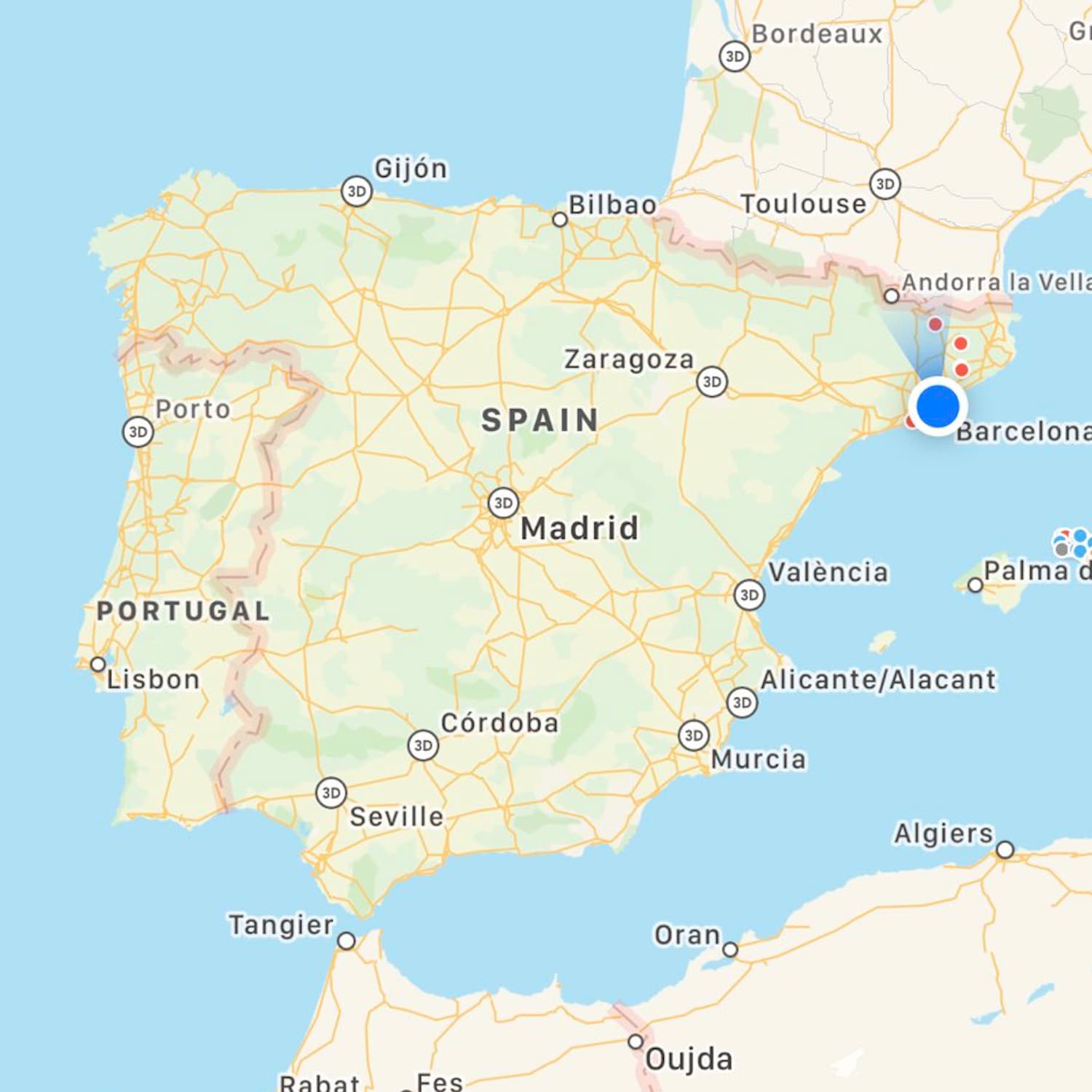
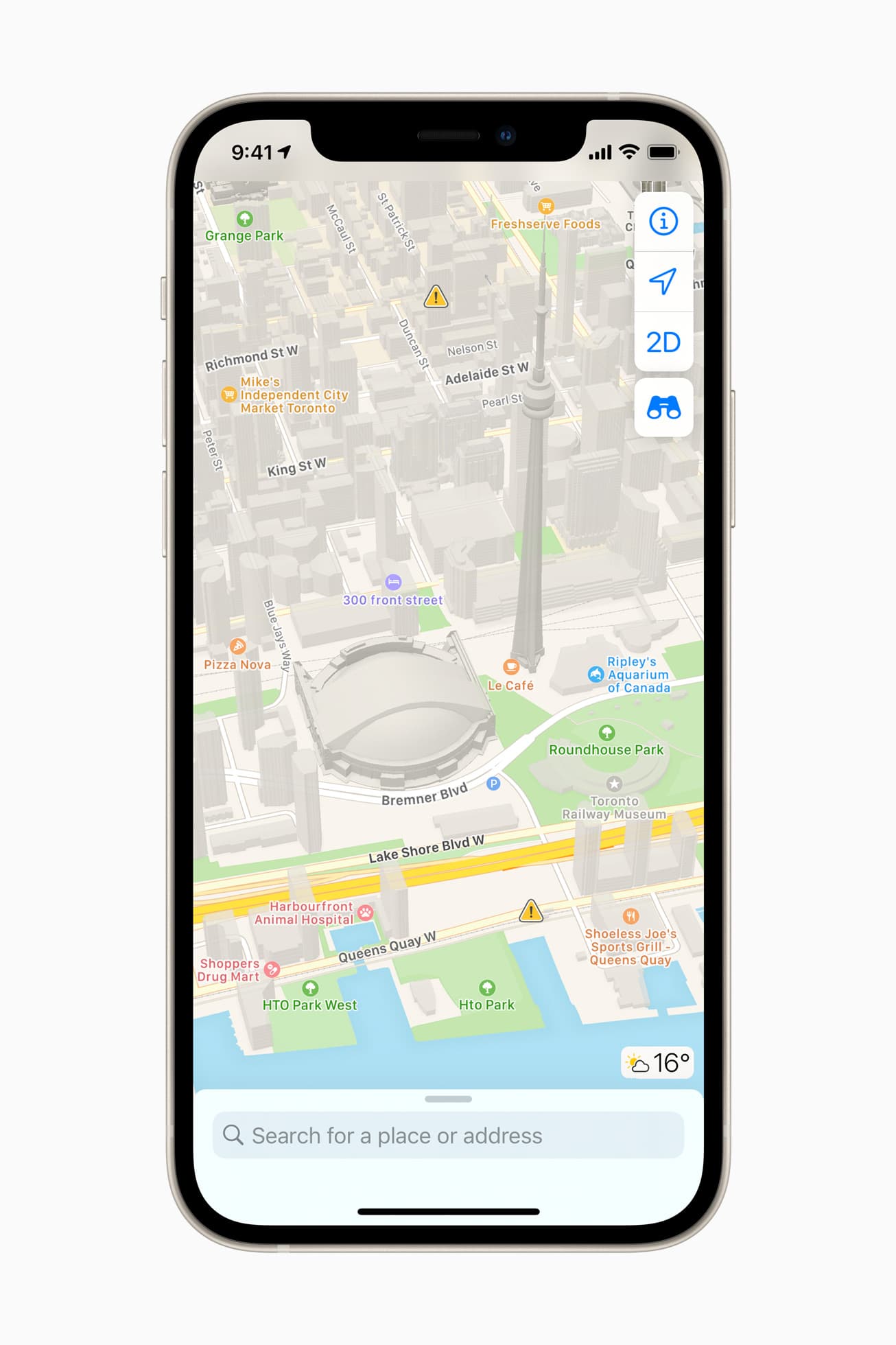
It has been a long time coming, especially for iOS users in Canada who have been waiting for it. But, finally, the redesigned and rebuilt Apple Maps experience is now available.
The Apple Maps app received nice enhancements with iOS 14 and iPadOS 14. So of course, Apple introduced some of these new features for Maps on macOS Big Sur. In addition, the app has a slightly different appearance and navigation.
Whether you just picked up your first Mac or upgraded to the new OS, we’ll guide you through using the updated Maps app on Mac.
Check out these tips for making the most of the built-in Apple Maps app on your Apple Watch so you can do much more than get just the directions on the wrist.
If you are in a populous area of Italy, it's very likely that the Transit feature within Apple Maps is now live in your neck of the woods.