Learn how to customize the Mail app on your Apple Watch to ensure you receive the right emails on your wrist.
How to customize the Mail app on your Apple Watch

Learn how to customize the Mail app on your Apple Watch to ensure you receive the right emails on your wrist.
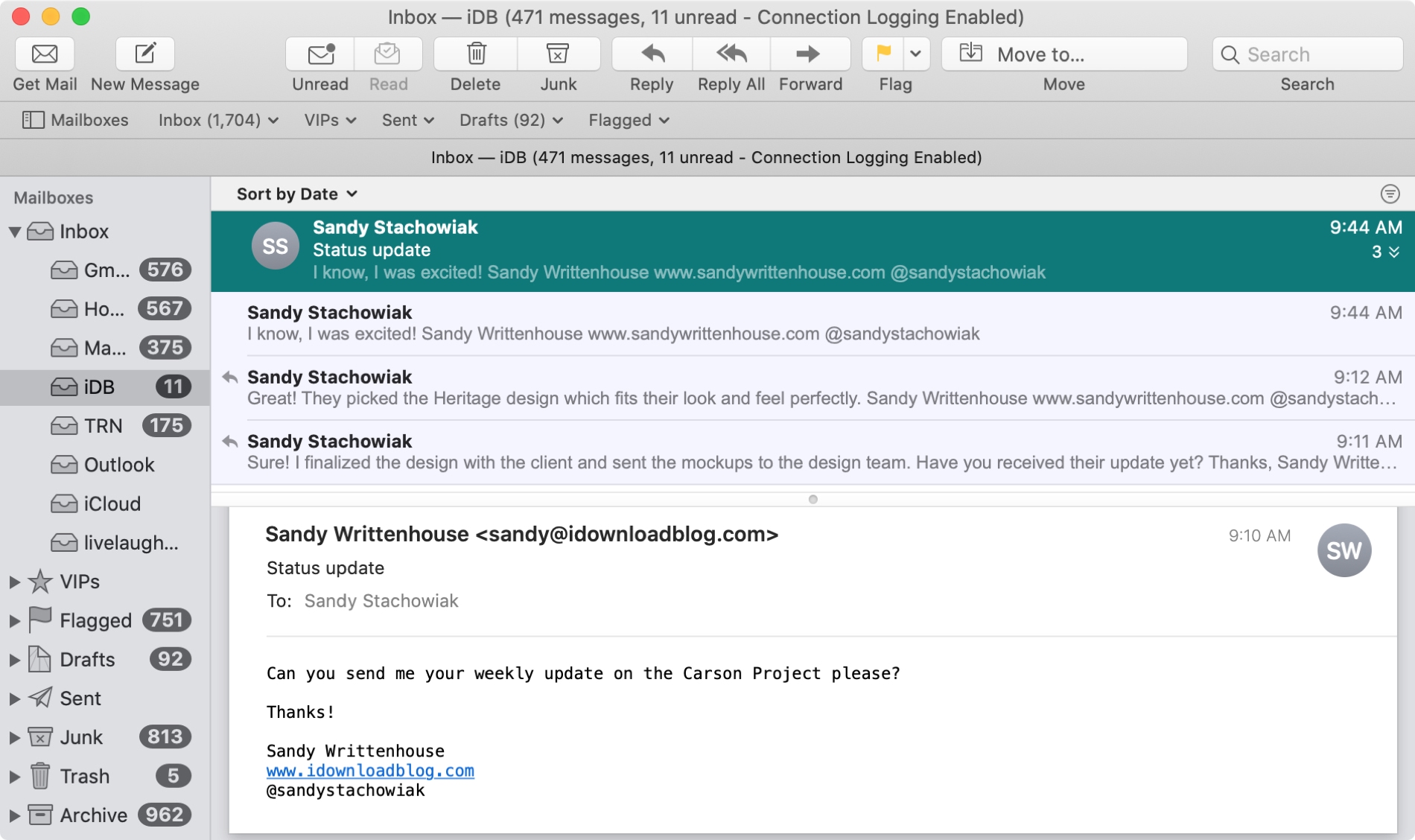
The Mail app uses what are called Conversations to group your emails together. This is handy when you and your recipient are emailing back and forth on the same subject because all of those communications will be in the same thread.
And you can do a few things with conversations in the Mail app like highlight, expand and collapse, or disable them all. If the conversations in the Mail app on Mac are new to you, here’s how to work with them.
According to a new report Thursday from Bloomberg's Mark Gurman, Apple could soon remove another annoying limitation from iOS that for years has prevented people from using third-party apps as their default email clients and web browsers on the iPhone, iPad and iPod touch.

Back when Apple seeded the first beta of iOS 13.4 to developers, it was discovered the company had made a small, but important, change to the Mail toolbar.

The free Gmail app for iPhone and iPad will soon permit customers to upload various attachments straight from Apple's native Files app, Google announced yesterday.

The powerful, free Spark email client by Ukrainian developers Readdle today pushed an update to its iPhone, iPad, Apple Watch and Mac apps on App Store, bringing a few new features such as sending the same email again on iOS/macOS and using inbox avatars on a Mac.
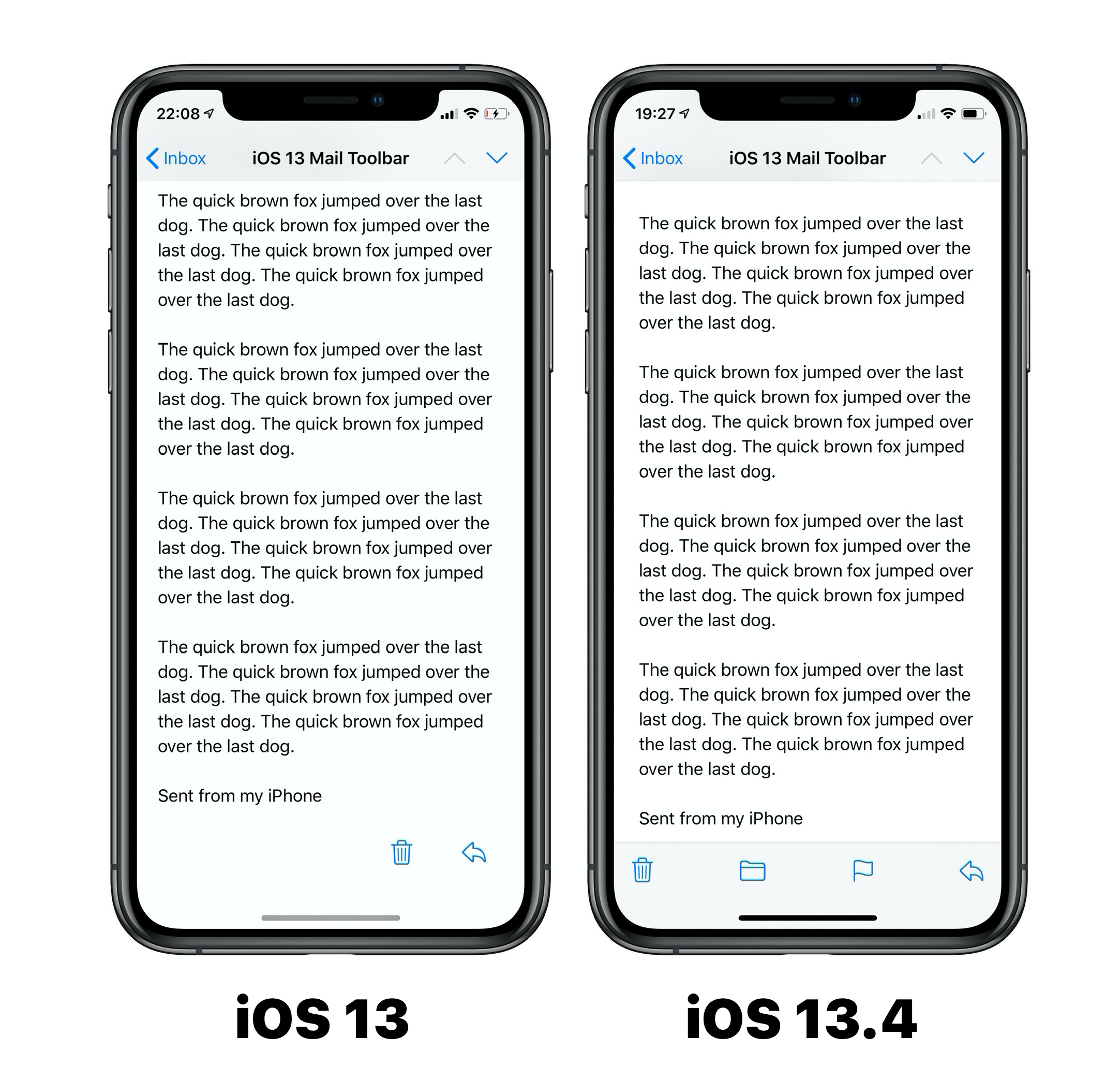
With the launch of iOS 13, Apple introduced a Mail toolbar that did not appear to go over well with many iOS users.
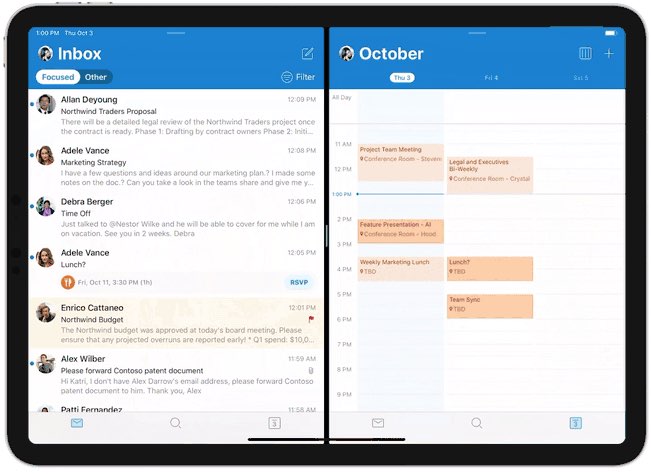
Microsoft today pushed an update to the native Outlook app for iPhone and iPad which brings support for iOS's side-by-side Split View multitasking mode on iPad. This makes you more productive by making it easy to open multiple emails at once on your Apple tablet.
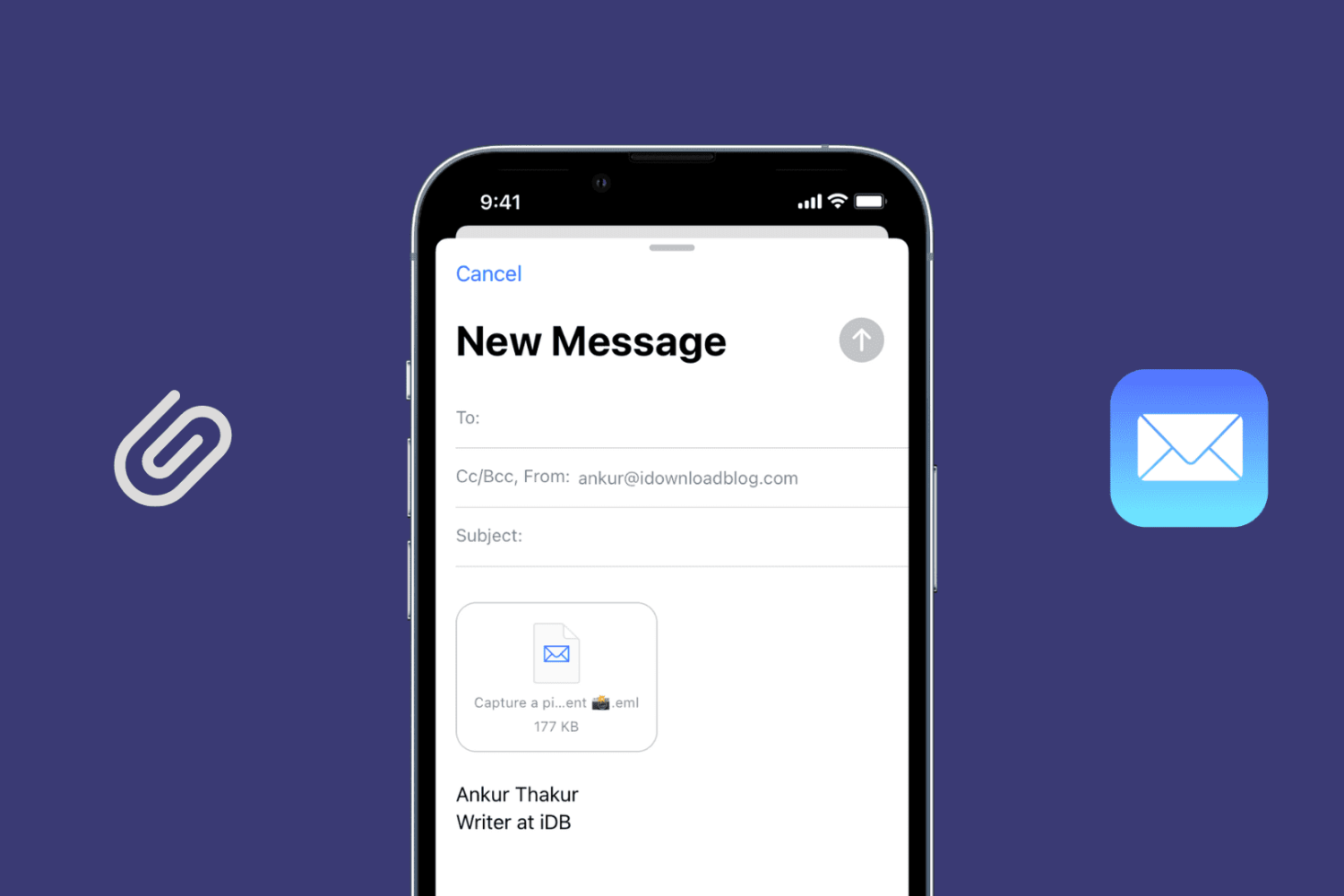
Learn how to send an existing email as an attachment using the Apple Mail app on your Mac, iPad, and iPhone to retain the original message instead of forwarding it.
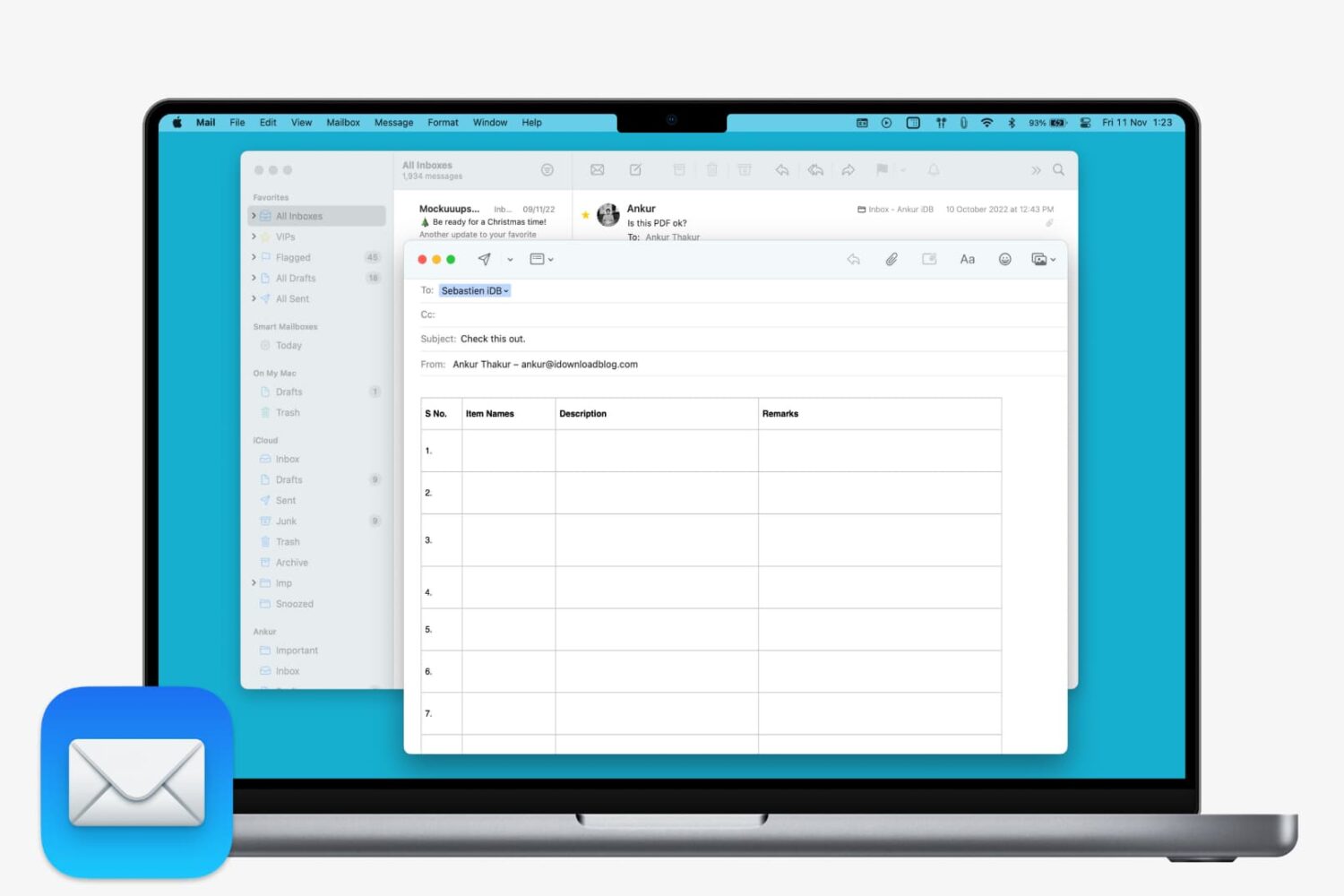
Learn how to insert a table in Apple Mail on Mac to create and format your email with clear, structured data.
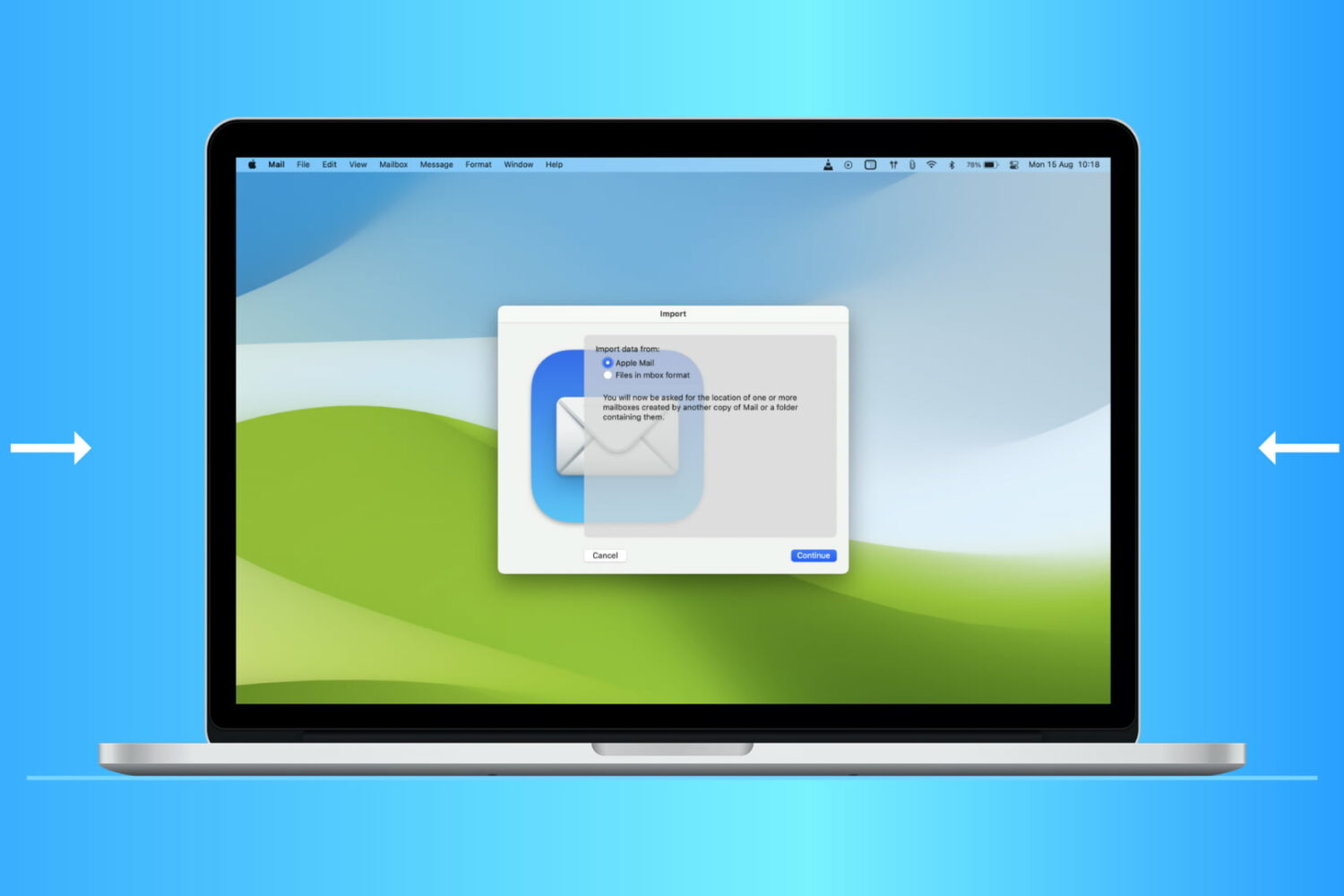
Find out how to import or export mailboxes in the Apple Mail app on Mac to back up your emails or transfer them to a new device.
