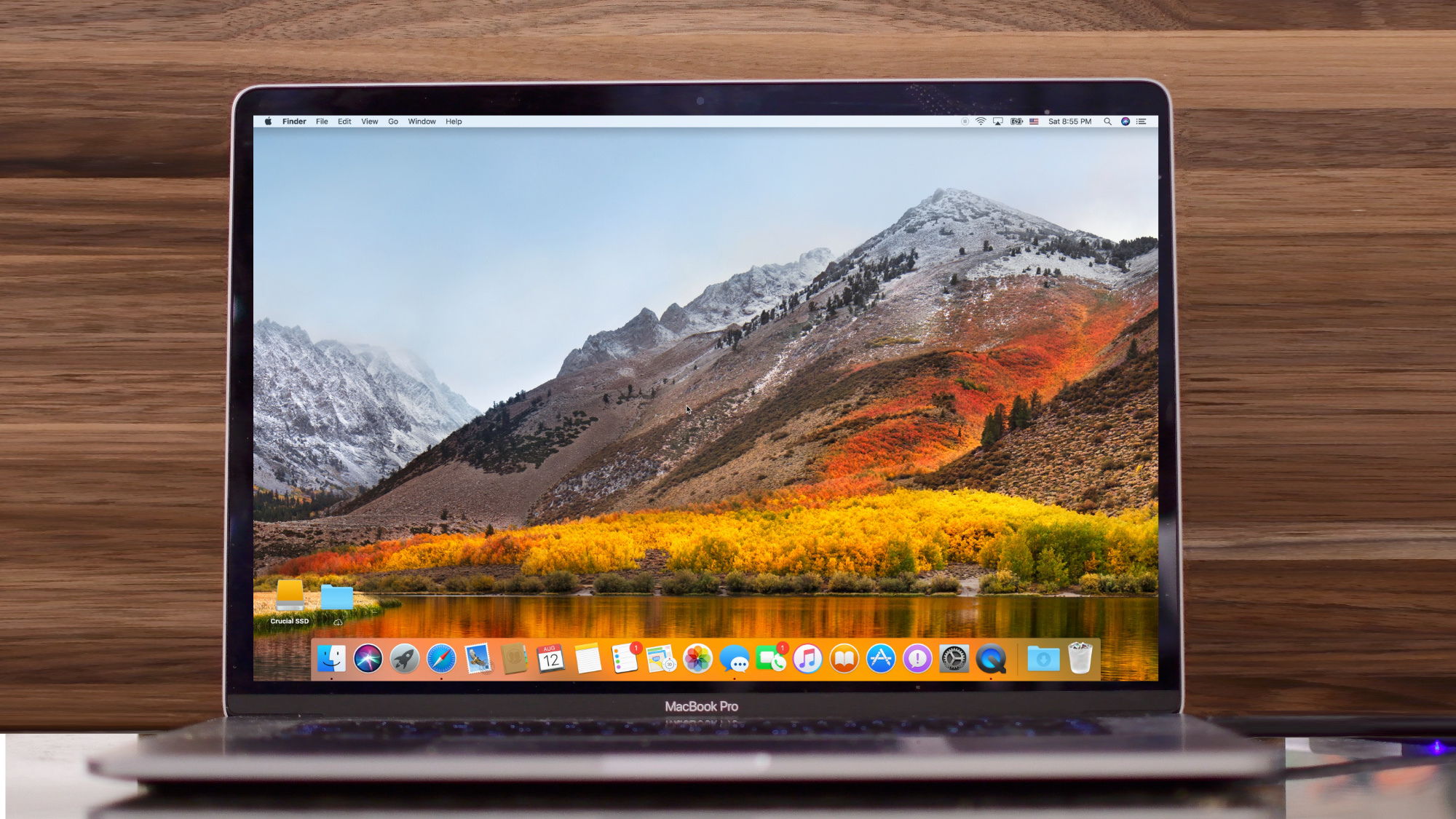
Spark by Ukrainian developers Readdle is the best free email client you can get for your iPhone, iPad or Mac, and now it's gotten even better with two significant feature additions.
Spark adds Send Later and follow up reminders
Spark by Ukrainian developers Readdle is the best free email client you can get for your iPhone, iPad or Mac, and now it's gotten even better with two significant feature additions.
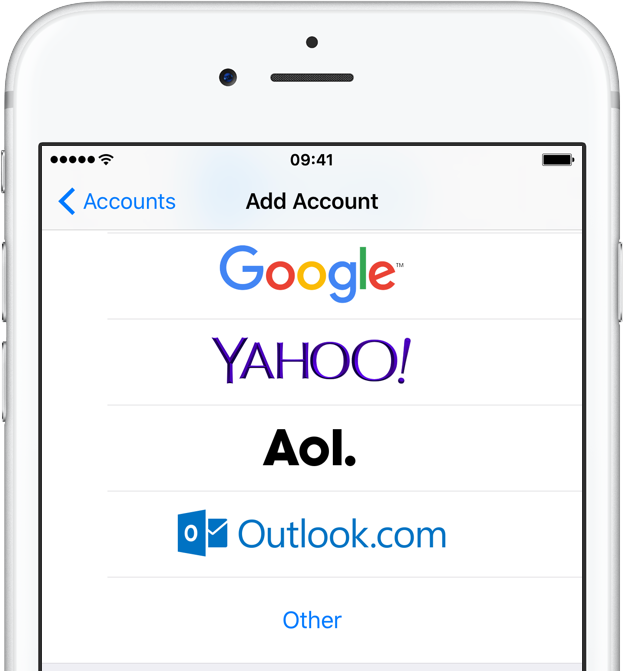
Released yesterday, iOS 11.0.1 fixed a problem with the Mail app where Outlook.com, Office 365 and Exchange customers would see their messages rejected by the server.
Apple on Tuesday published a new support document on its website which has acknowledged an issue with the Mail app in iOS 11 where Outlook.com, Office 365 and Exchange customers are seeing their messages rejected by the server.
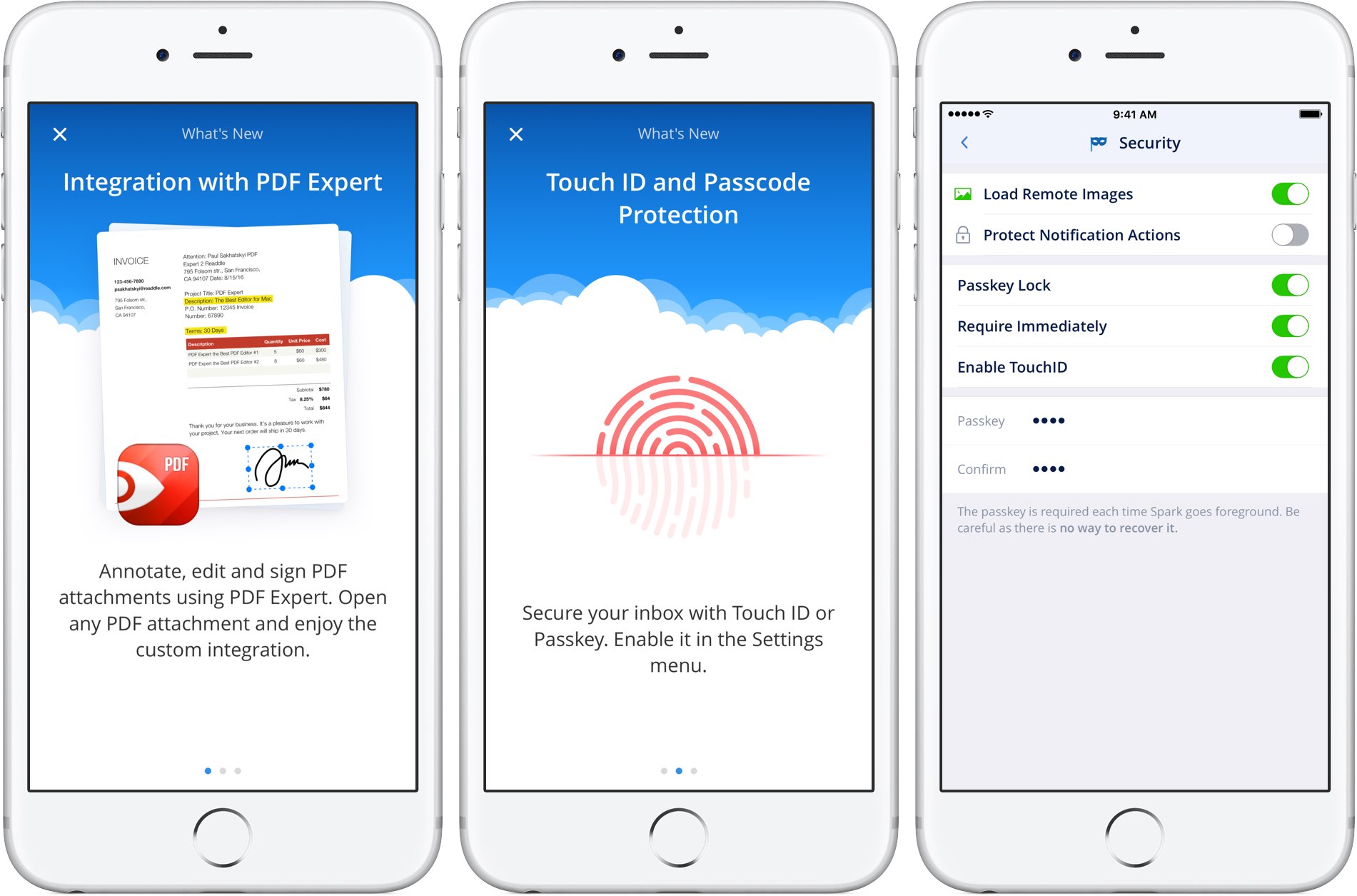
Readdle, Ukrainian developer of premium iOS and macOS apps, today announced a bunch of new productivity features for its award-winning Spark email app for Mac as well as a pair of noteworthy updates to Spark for iPhone and iPad.
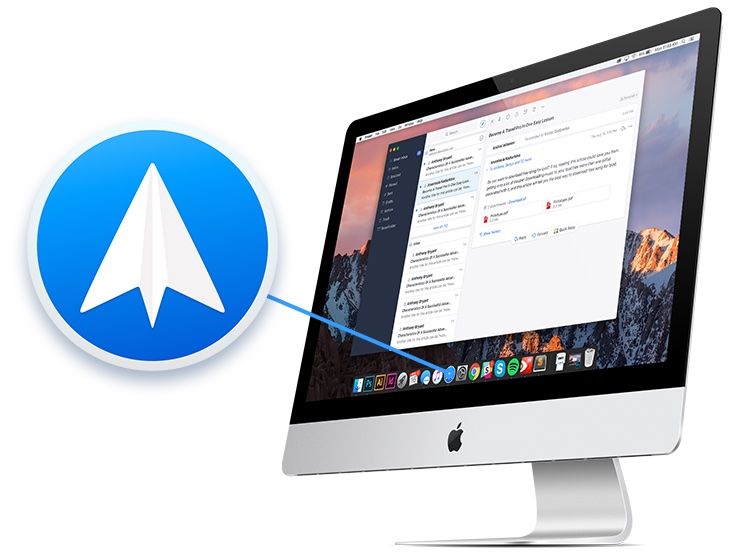
Ukrainian developer Readdle today refreshed its award-winning Spark email app for Mac with powerful new search capabilities along with other notable improvements, such as snoozed emails syncing across devices, reduced CPU consumption and improved memory usage.

Learn how to free up storage space on your Mac by deleting unneeded email attachments in the Apple Mail app, such as PDF documents, images, videos, and other large files.
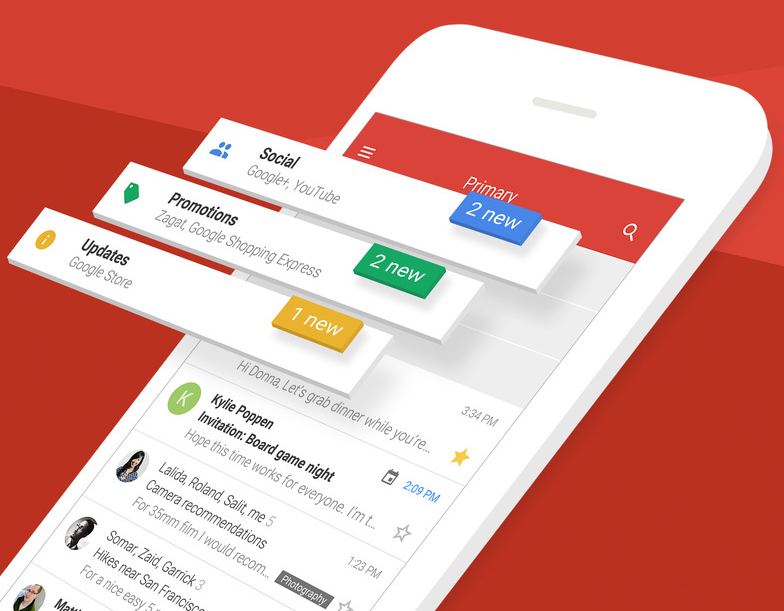
Google's pledged to stop scanning users' emails in Gmail for personalized ads. The important change, coming later this year, will bring personal Gmail accounts in line with Google's business-focused G Suite Gmail service which does not scan emails for ads personalization.
“Consumer Gmail content will not be used or scanned for any ads personalization after this change,” Diane Green, Senior Vice President of Google Cloud, announced Friday in a post on the search giant's official blog.
Ads you see across Google properties and on websites that use Google ads are still going to be personalized based on other factors, including users' settings at myaccount.google.com.
“Users can change those settings at any time and disable ads personalization,” Green said.
Gmail is the world’s preeminent email provider with more than a whopping 1.2 billion users.
“G Suite customers and free consumer Gmail users can remain confident that Google will keep privacy and security paramount as we continue to innovate,” reads Green's post.
Google's ad-driven business model is notoriously reliant upon the company's ability to personalize ads to your interests. The company uses many signals and various tracking techniques to collect anonymized data, which is then fed to its machine learning and artificial intelligence systems to derive useful intelligence for ads personalization.
On the flip side, Gmail scanning has been a common point of contention among privacy-minded users who dislike having their Gmail scanned for advertising purposes. Given that more than three million paying companies currently use the paid G Suite service, Google can certainly afford to stop scanning personal Gmail inboxes for ads personalization.
Apple's iCloud Mail service has never scanned the contents of users' inboxes because the entire iCloud suite of apps and services is 100 percent free of advertising, in line with Apple's commitment to protecting the privacy of its users.
Filtering less important emails, newsletters and other unwanted messages out of your inbox is a daunting task. Even with all the smart features found in modern email clients, triaging your inbox manually is a time-consuming process. Wouldn't it be nice if you could stop worrying about missing important emails?
With SaneBox, you can.
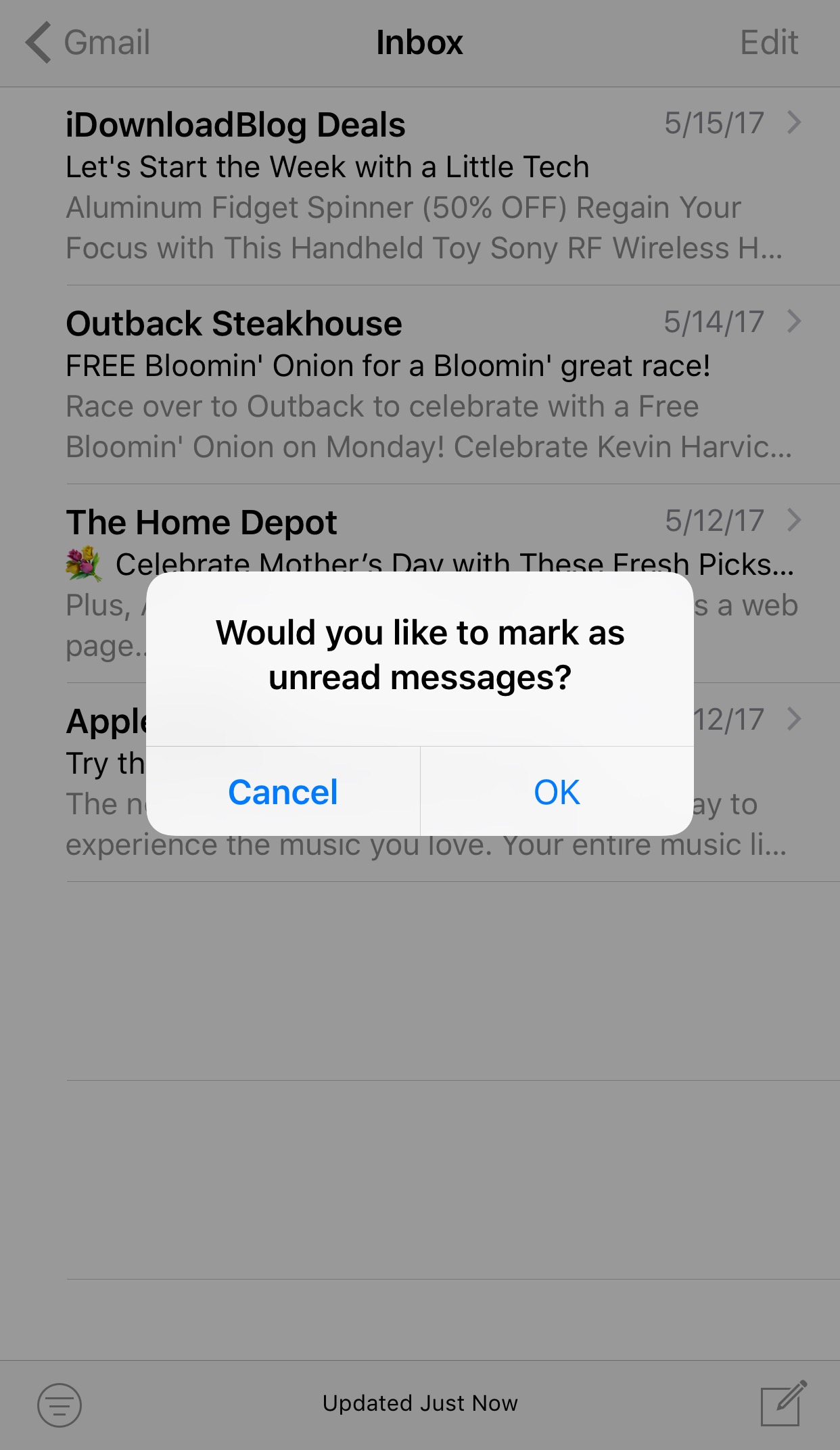
A lot of times we perform bulk actions in the Mail app with the intention of saving time, but sometimes we make mistakes, like marking all the emails in our inbox as unread by accident.
A new free jailbreak tweak dubbed Mark as Unread Alert by iOS developer i4M1k0SU helps mitigate the changes of this accident from happening by forcing you to confirm your action before it takes effect.
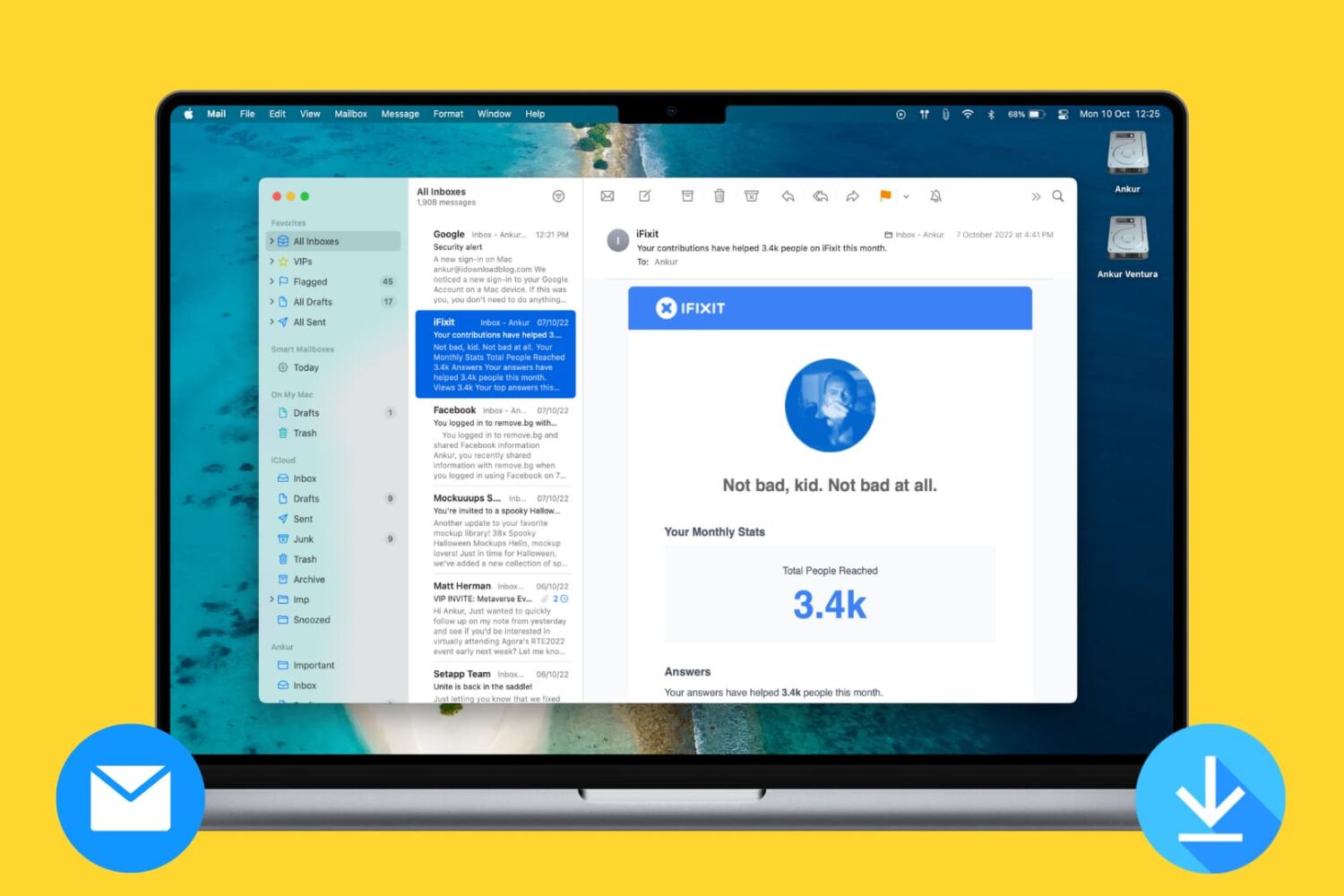
Learn how to prevent the Mac's Mail app from downloading all email attachments locally and taking up a lot of unnecessary space.
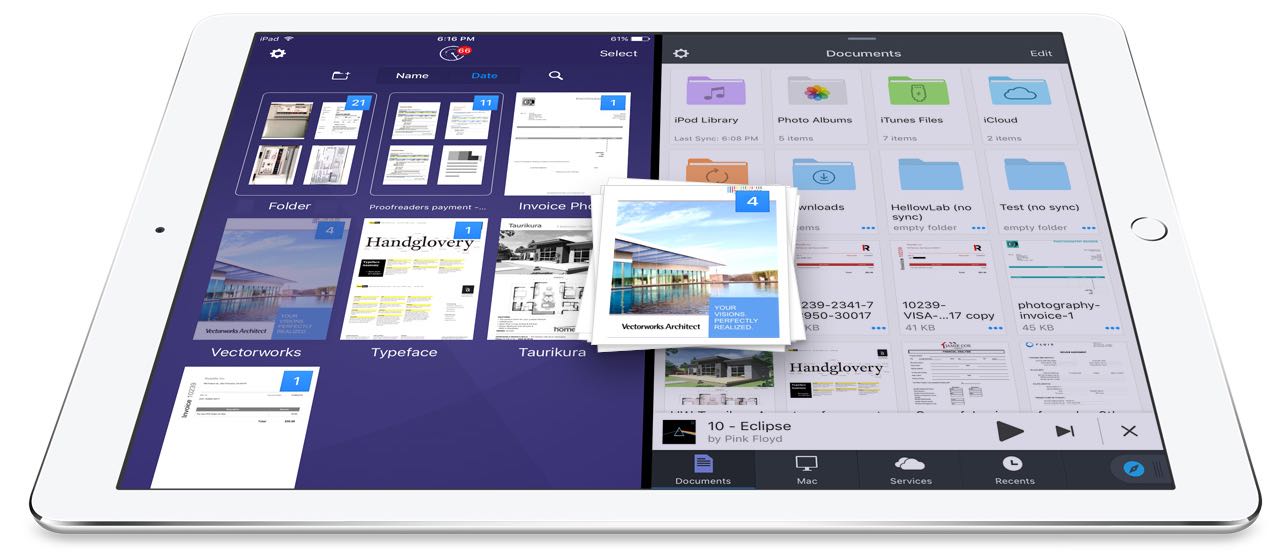
Readdle, Ukrainian makers of fine productivity software for iPhone, iPad and Mac, today announced that, for the first time ever, they're making it possible to drag and drop items in the split screen mode on iPad between its most popular productivity apps: Documents, PDF Expert, Scanner Pro and Spark.
In addition to cross-app drag and drop in Split View multitasking mode, Readdle's excellent Documents app has received a major update that turns it into a Finder on iOS of sorts.
Cross-app drag and dropDrag and drop between Readdle apps works like a charm, really.
For instance, you can drag a file from Documents and drop it on Spark to instantly create a new email message with an attachment. Or, you can drag and drop scans from Scanner Pro to PDF Expert for further editing.
How about moving that attached contract from Spark to PDF Expert to sign it before sending the signed document back to Spark as a reply? You can do all that—and much, much more—across the aforesaid Readdle apps on your iPad.
The promo video below showcases drag-and-dropping files between Readdle apps.
https://www.youtube.com/watch?v=epzh9-rd-AI
True, some third-party iOS apps do support direct manipulation of content within the app.
That being said, however, the ability to drag and drop files and other content between multiple apps has not been utilized on iOS at all. While Apple could enhance iOS's Split View multitasking mode in the future with useful interactions like drag and drop, Readdle has already found a way to make cross-app drag and drop work.
Denys Zhadanov, Readdle's Vice President of Marketing, said via email:
We see it as a major improvement of iOS and this is how all iPad apps should work between each other. It’s so freaking awesome—glues all our apps into a phenomenal productivity ecosystem.
“The Readdle Team hopes that Apple will introduce their own implementation of inter app drag and drop one day,” developers noted. “That will support other apps and make iPad a much better productivity device than it is now.”
New features in Documents 6As mentioned earlier, Readdle's capable (and free) file manager, called Documents, is getting a major update today turning it into the iOS Finder you’ve always wanted. The update brings out various enhancements, including an overhauled design with Spark-like quick actions, an easier way to import files, improved file management, an all-new media player, on-the-fly editing of cloud files, music and video streaming and more.
https://www.youtube.com/watch?v=i-314ezmBgE
According to Readdle:
iOS has always been a 'no-file-manager' system. Everything is taken care of by the apps. That’s a blessing and a curse at the same time.However, some of us are very comfortable with controlling things on our devices, especially when it comes to getting real work done.
This is why we created Documents, an extremely powerful, versatile hub for all of your files on iPhone or iPad. It’s your Swiss knife that removes iOS file management woes.
Documents has always been a powerful iOS file manager and now it's gotten even better.
The completely rethought user interface is very functional.
As the screenshots attest, you can now easily edit, zip, tag, move or sync your files with fewer taps than before. Bigger file preview thumbnails give you a better idea of the content of that Excel spreadsheet or PPT presentation before you even open it.
A prominently featured “+” button lets you quickly import files, including documents from your computer, Dropbox, Google Drive, Box, WebDAV or any other cloud-based storage source. Files are now organized into folders exactly the way you are comfortable with.
Just select one or a few of them and easily drag them to the right location. And with cross-app drag and drop support, you can move a single or multiple files between Documents and Spark, Scanner Pro or PDF Expert.
“The best part is that you can access any of the locally stored files in any app with the ‘Open in’ option,” notes Readdle. “This is a unique experience on iOS, and it’s what finally gives you that Finder feel on your iPhone or iPad.” Now you can work directly with your cloud files in Documents and even stream photos, videos and music from any cloud storage without needing to download the files to your device.
The new media player helps you organize your music into playlists, with the ability to shuffle and loop your favorite tracks. And if you have PDF Expert installed on your device, Documents will let you annotate and edit PDFs, fill out forms, sign applications and more.
If you haven't played with Documents before, you should really give it a try.
Acting a central hub for all of your files, it lets you view almost any file format natively, store your files directly on the device or connect to the popular cloud storage service to keep everything together in perfect sync.
AvailabilitySpark and Documents are available at no charge from App Store.
PDF Expert is $9.99 on App Store.
Scanner Pro is $3.99 on App Store.
You should really download the latest version of Spark, Documents, Scanner Pro and PDF Expert and see for yourself what kind of a productivity device your iPad can be with proper drag and drop support.