MacBook

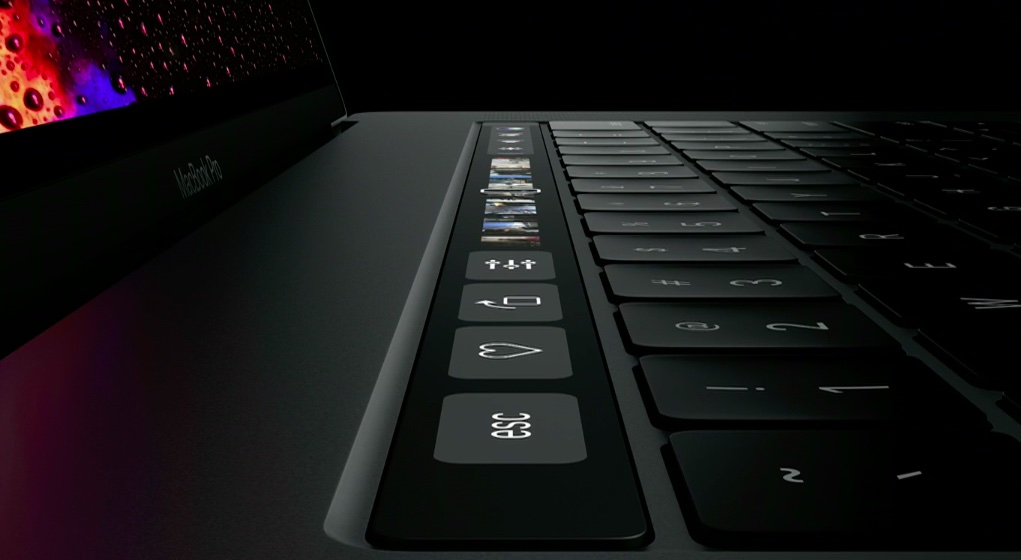
With the Touch Bar, Apple gives us a glimpse into a future keyboardless MacBook

Apple have a proven track record of ardently pursuing their vision, no matter the cost. The latest MacBook Pro serves as another reminder that the company is wholly unimpressionable by outside opinions, keeping up the dream of more simplistic products with every iteration, all the while taking away your beloved USB ports or SD card slots.

The ends might be justifiable, but the means can regardless lead to frustration with the most patient customers and complete alienation of the more short-fused ones. This cycle repeats every other year, when Apple decides to roll out hardware that is often just a little ahead of the curve.

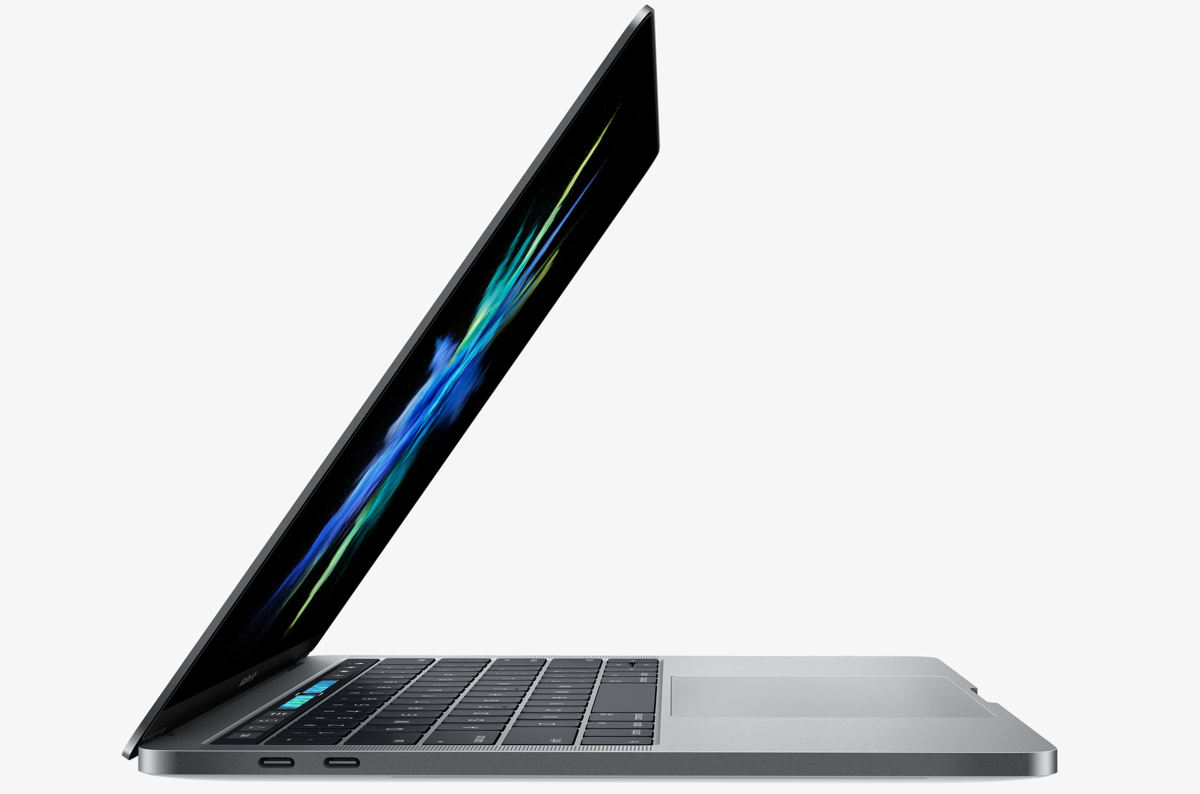
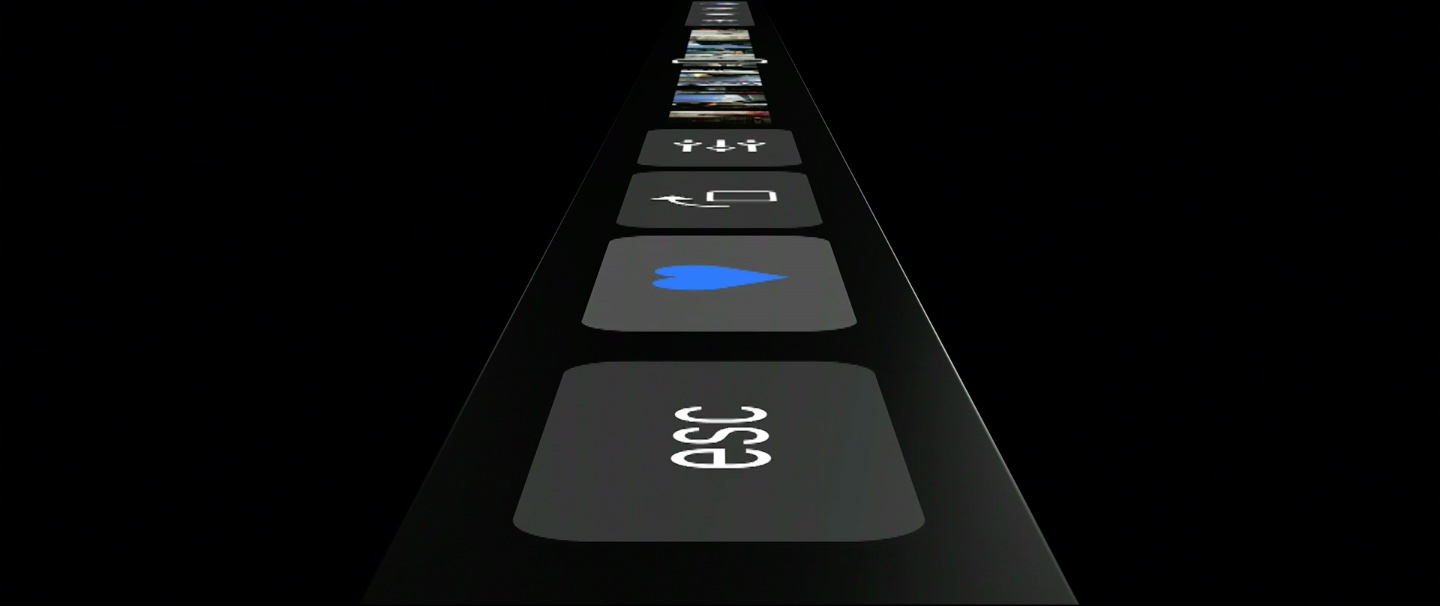
Much has been made of the MacBook Pro’s latest changing of guard in the USB department. For now, the story goes, Apple has simply done their homework and found USB-C to be the technology fit for the immediate future. But the days of all ports are numbered if rumours are to be believed, as Apple generally contends that less is more and wireless the ultimate endgame. It does not take a giant leap to draw that conclusion and granted its validity, focus on the port situation has drowned out another discussion we clearly need to have at this point: Apple plans to get rid of the physical keyboard, and with the launch of Touch Bar on MacBook Pro the process is well under way.
7 USB-C cables you might need for your new MacBook Pro

There's a lot to love about Apple's new MacBook Pros. They're sleeker, smaller, have a larger trackpad and better speakers, and feature all-new USB-C ports. Unfortunately, these new ports also mean you're probably going to need to purchase some new cables.

Want to plug in your iPhone? You'll need a new cable. Connect your MacBook Pro to a non-Thunderbolt display? Yep, cable. You get the idea. So with this in mind, we decided to put together a list of some of the common cables you're probably going to need.

Apple aggressively boosting MacBook Pro orders with 15M estimated shipments in 2016

As the Internet keeps whining about supposed lack of features on the new MacBook Pro (let's bring back the floppy drive, shall we?) and Apple's master plan to make us buy more dongles, the Cupertino firm appears confident in the face of strong criticism that its latest notebook is indeed going to appeal to the general public and mainstream users.

According to supply chain chatter echoed by Taiwanese trade publication DigiTimes, Apple's been pretty “aggressive” in placing orders for the new MacBook Pros.

Video: Apple’s Craig Federighi on the new MacBook Pro, Touch Bar and a touchscreen Mac

The MacBook Pro controversy isn't dying down yet so Apple dispatched Craig Federighi, its Senior Vice President of Software Engineering, who discussed the new Pro and thinking behind the Touch Bar feature in a short video interview with CNET in which he also defends no-touchscreen Mac stance.

He goes on to reveal that Apple had in fact built several touchscreen prototypes that however didn't impress Apple executives enough to greenlight the project.

OWC’s new Thunderbolt 3 Dock adds 13 additional ports to your MacBook Pro

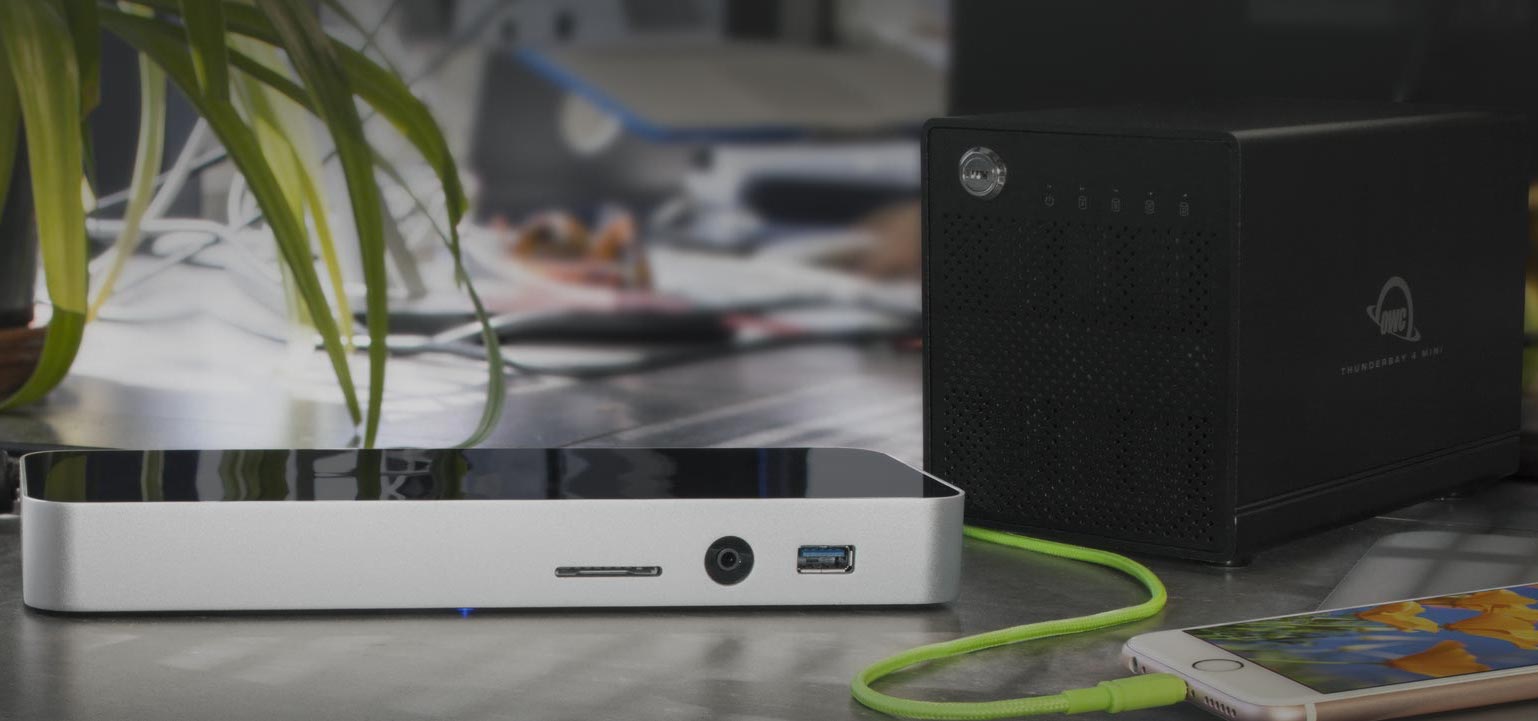
Other World Computing (OWC), a U.S.-based company and online store for Mac upgrades and accessories located at MacSales.com, today announced the ultimate docking station for your brand spanking new MacBook Pro.

With the new Pro the Cupertino firm is (rightly) betting on USB-C, effectively putting us in a dongle hell for now. Enter the new $279 Thunderbolt 3 Dock, a successor to OWC's Thunderbolt 2 Dock and USB-C Dock.

Billed as the best expansion solution they've ever made, it offers the speed of Thunderbolt 3 technology coupled with a whopping thirteen expansion ports to help get the most out of the new late-2016 MacBook Pro.

Next-generation MacBook Pro could adopt brighter & sharper OLED display technology

Forget about Apple's just-refreshed MacBook Pro with the Touch Bar and Touch ID: Korean outlet ET News says the next refresh to the Pro might swap out LCD panels for the more power-efficient OLED screens not unlike AMOLED displays found on flagship Samsung smartphones and tablets.

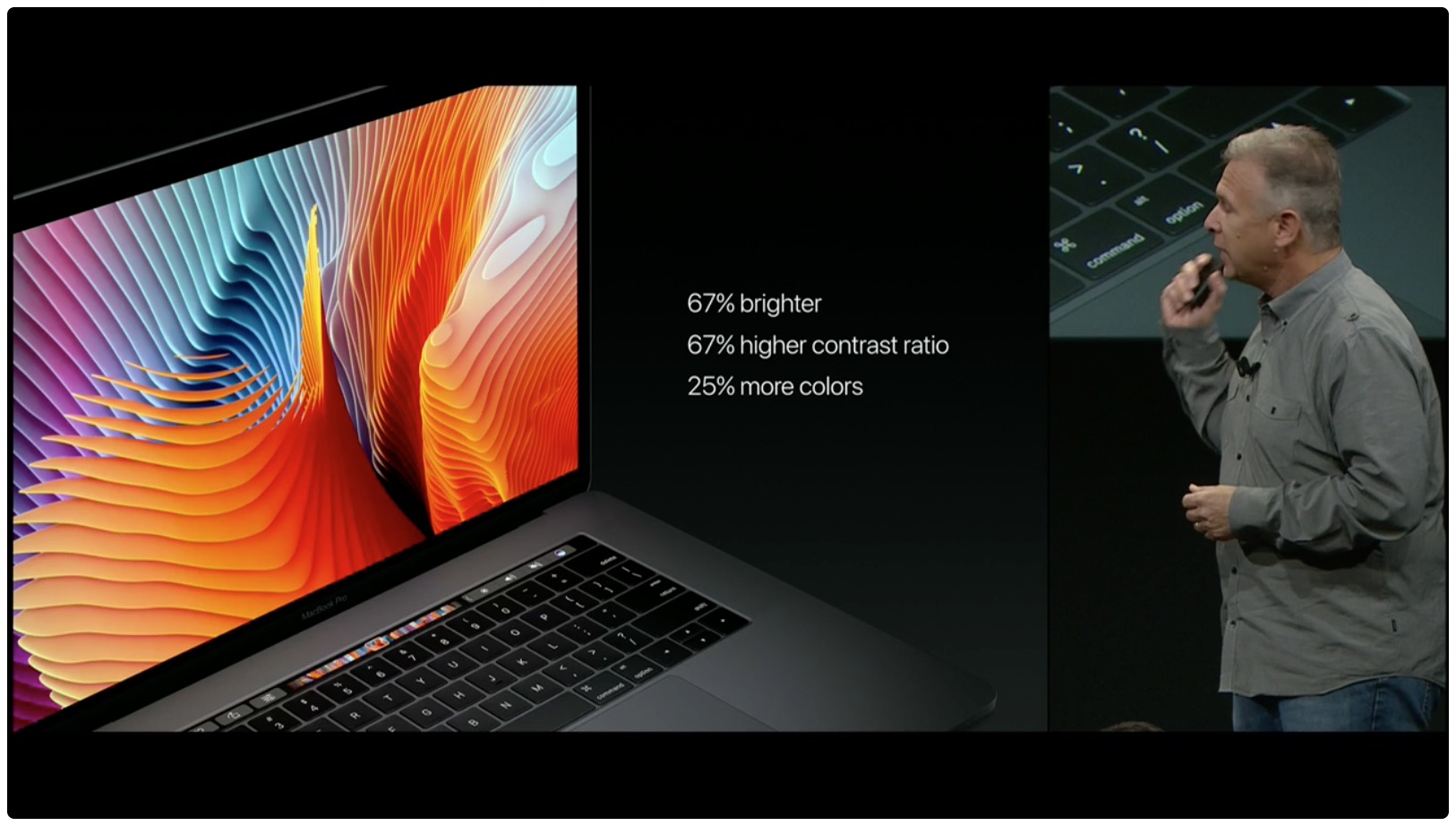
“Apple is currently looking into ways of using OLED panels for MacBooks and testing their performance,” reads the report. In addition to power savings, an OLED screen on a future MacBook Pro could render brighter colors, provide better contrast and fast response speed whilst enabling ultra high resolutions.

Phil Schiller on why MacBook Pro has headphone jack, lacks SD card slot & more

Phil Schiller, Apple's Senior Vice President of Worldwide Marketing, sat down for an exclusive wide-ranging interview with British newspaper The Independent. He talked the MacBook Pro controversy, explaining why the refreshed notebook has retained the 3.5mm analog headphone jack, but lost an SD card slot.

He also touched upon a few other controversial topics, like Apple's product philosophy when it comes to the notebook form factor in general and the company's stubborn refusal to release a touchscreen-enabled Mac.

No company is perfect, but did Apple stop trying to be?

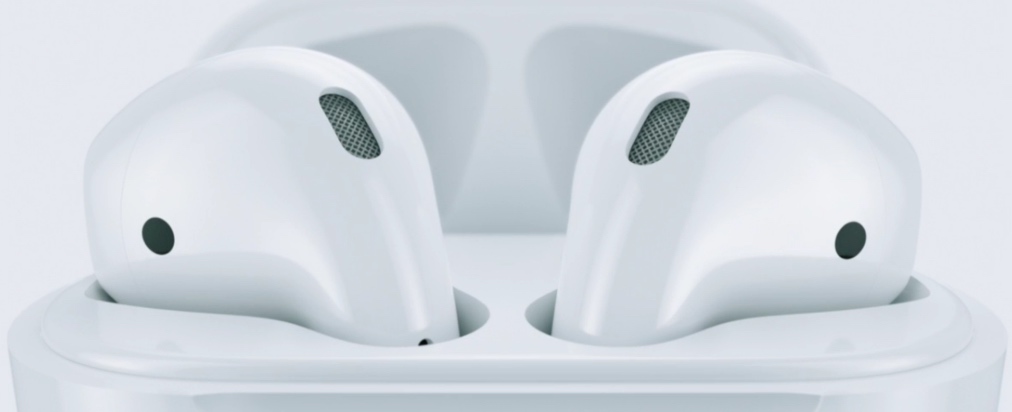
About a week ago, Apple did something not entirely unprecedented yet rare enough to make big waves across the tech world. Without warning and seemingly off-the-cuff, they backtracked on the AirPod release date, postponing indefinitely a product they had massively built up themselves in September.

It is by no means the first time Apple is somewhat behind schedule in rolling out a product (take the Mac Pro, the iMac Retina 27”, or watchOS 2 in 2015), but it is for the first time pertaining to the product accounting for Apple’s biggest following and largest share of revenue: the iPhone.

While this might help explain the sheer scope of reactions to the announcement this time around, one cannot help but wonder if an increasingly unfavourable public perception of Apple’s standards also plays into the response. To be clear: in a world where billion dollar companies ship spontaneously combusting devices it’s a hiccup that must not be dramatised. With that said, Apple have once again given ammunition to critics who like to point at an expanding trail of imperfections. Could Apple be slacking off?

How to stop the new MacBook Pro from automatically turning on when the lid is open

Aside from the marquee Touch Bar feature and other hardware advances, the new MacBook Pro introduces a tweaked boot process where the machine automatically starts up when you open its lid or connect it to power. To avoid forcing users to listen to the startup chime every time they open the lid, Apple's also decided to disable the boot chime on the new notebook by default (you can easily re-enable it).

But what about the mentioned auto-boot features? Unfortunately, Apple does not provide user-facing switches in System Preferences to control the new boot on power and boot on lid capability. With a little help from Terminal and smart folks over at Pingie, you can manually stop the late-2016 MacBook Pro from automatically powering on when you lift the lid or connect it to a power adapter or an external display.

MacBook Pro’s lack of 32GB RAM option could also be blamed on Intel’s Skylake chips

As you know, Apple's limited the new MacBook Pro to a maximum of sixteen gigabytes of RAM. Truth be told, no Mac notebook thus far has permitted customers to double the system RAM to a whopping thirty-two gigabytes though many MacBook Pro fans seem to have expected just that as an option.

As we told you, Apple on its part did acknowledge that it'd decided against giving the new Pro 32GB RAM because doing so would have decreased the notebook's battery life.

The statement is true, but lacks detail.

The Loop's Dave Mark points us to a more technical explanation for why you cannot outfit your brand spanking new MacBook Pro with 32GB RAM.

How to bring back the classic boot chime on the new MacBook Pro

The new MacBook Pro has ditched the iconic boot chime that's been a signature part of the Mac startup process over the last 17 years. Pingie discovered that the sound is not gone entirely. Apple's just disabled it and it's possible to bring it back should you want. In this quick tutorial, we'll show you how to re-enable the boot chime on your late-2016 MacBook Pro with a simple Terminal command.

New MacBook Pro doesn’t play classic startup chime when turned on

As spotlighted by French blog MacGeneration.fr based on Pingie's discovery, Apple's latest MacBook Pro no longer plays the classic F-sharp major chime when the computer has been powered on (you can bring it back with a simple Terminal command).

The iconic boot sound's been part of the Mac since 1999, but Apple's apparently decided to break with the tradition beginning with the new MacBook Pro, perhaps because it turns on automatically as soon as you open the lid.