MacBook

Jony Ive speaks on MacBook Pro’s Touch Bar, touchscreen Macs & more

Jony Ive, Apple's Chief Design Officer, sat for a Q&A with CNET's News Editor in Chief Connie Guglielmo following last week's “Hello again” Mac event. Ive talked about various topics, including design considerations behind the creation of the Touch Bar, a marquee new feature of the new notebook, saying it's “just the beginning of a very interesting direction”. He explained why Apple'd rejected a touchscreen iMac “many, many years ago” and more.

1Password confirms that Touch ID support for the MacBook Pro’s Touch Bar is in the works

As we were watching a live-stream of yesterday's “Hello again” Mac event, our own Sébastien told the rest of the team via Slack that, in his mind, the 1Password + Touch ID + MacBook Pro combination would make a lot of sense. And indeed it would.

Less than 24 hours later, 1Password developer AgileBits has officially confirmed in a blog post that they're hard at work implementing support for Touch ID via the new MacBook Pro's Touch Bar to let users protect the app with their fingerprint.

MacBook Pro didn’t double the RAM because 32GB RAM would decrease battery life

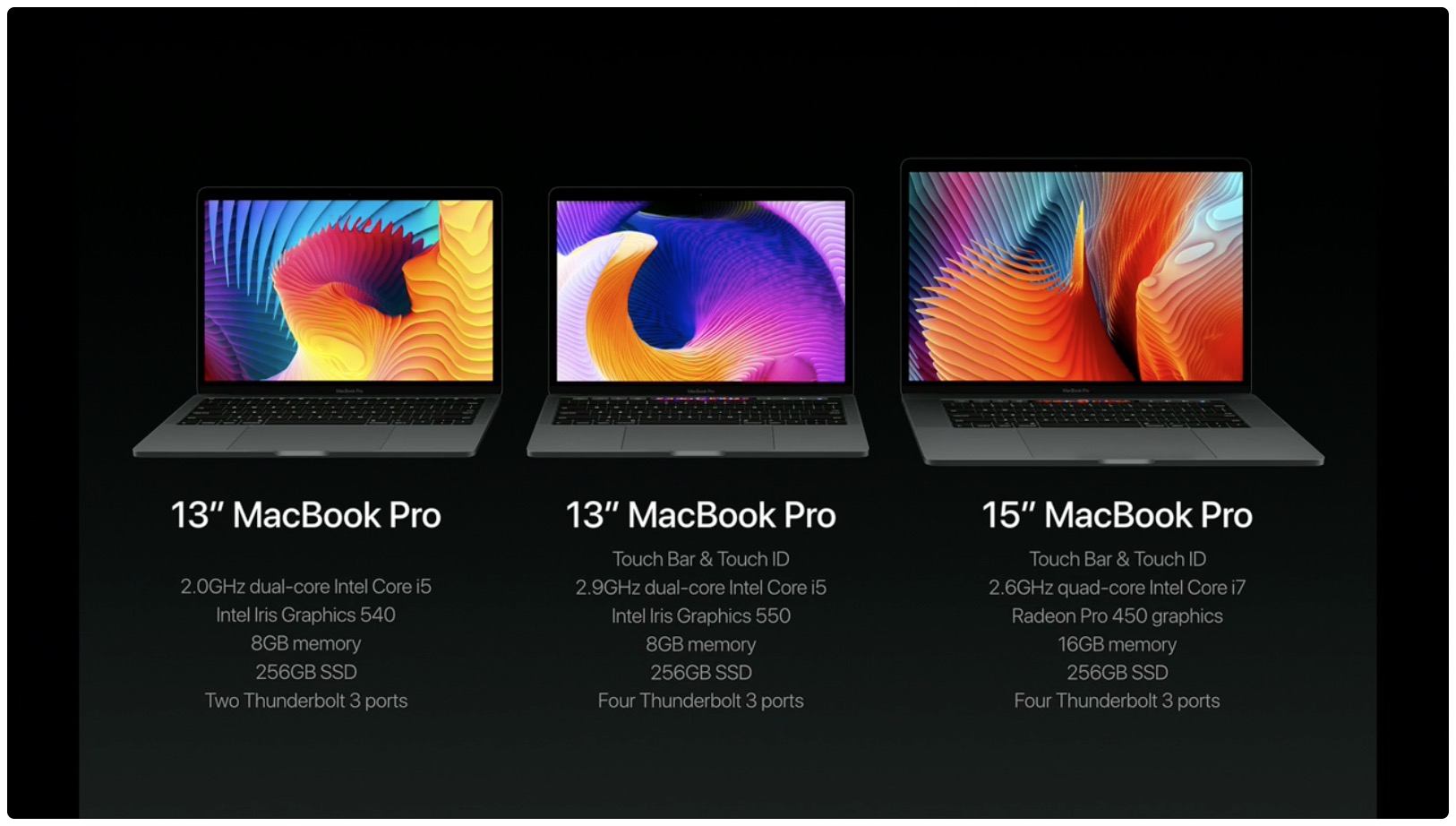
I've had a blast configuring the new MacBook Pro in Apple's online store and a lack of 32GB RAM upgrade option immediately jumped out at me. Thirteen-inch Pros include 8GB RAM while the faster and pricier fifteen-inch machines double that to to sixteen gigabytes.

According to Apple, the new MacBook Pro cannot be configured with 32 gigabytes of RAM because doubling the memory would have a negative impact on battery life.

Apple’s new T1 chip that drives MacBook Pro’s Touch Bar runs “eOS”, a variant of watchOS

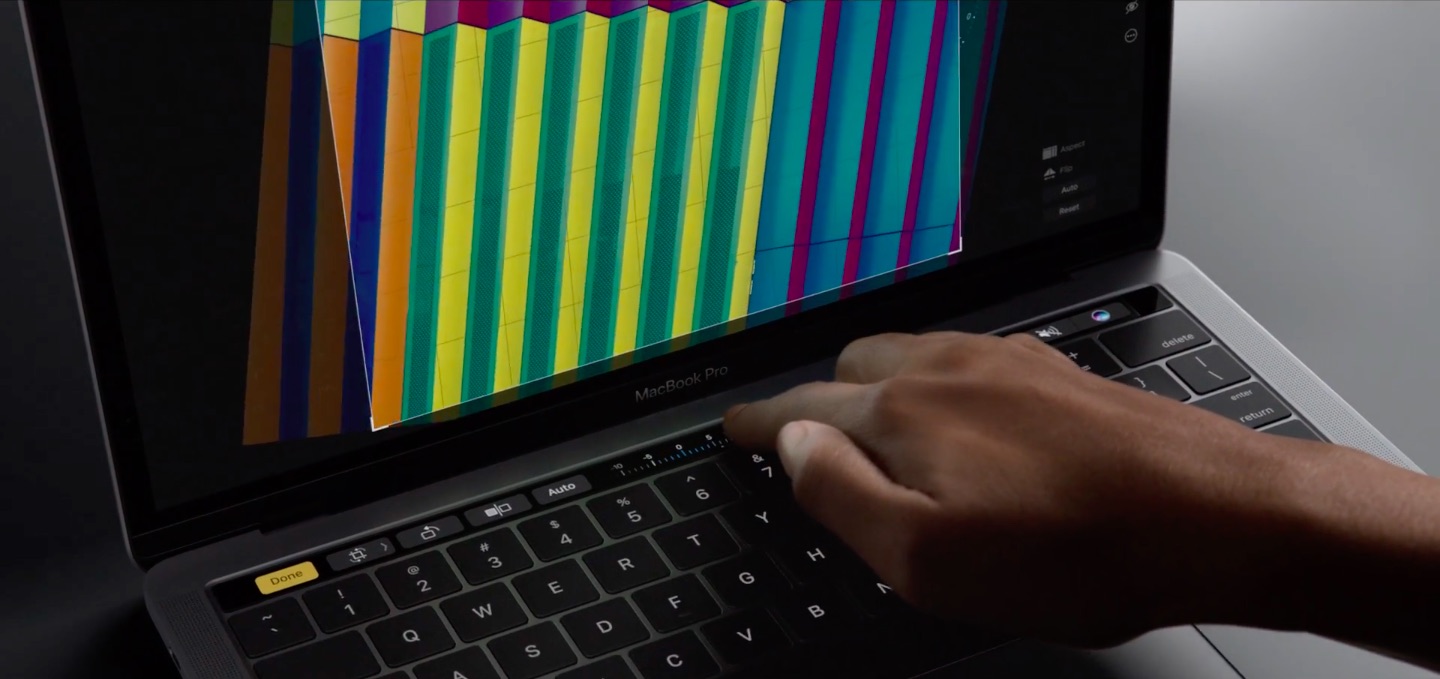
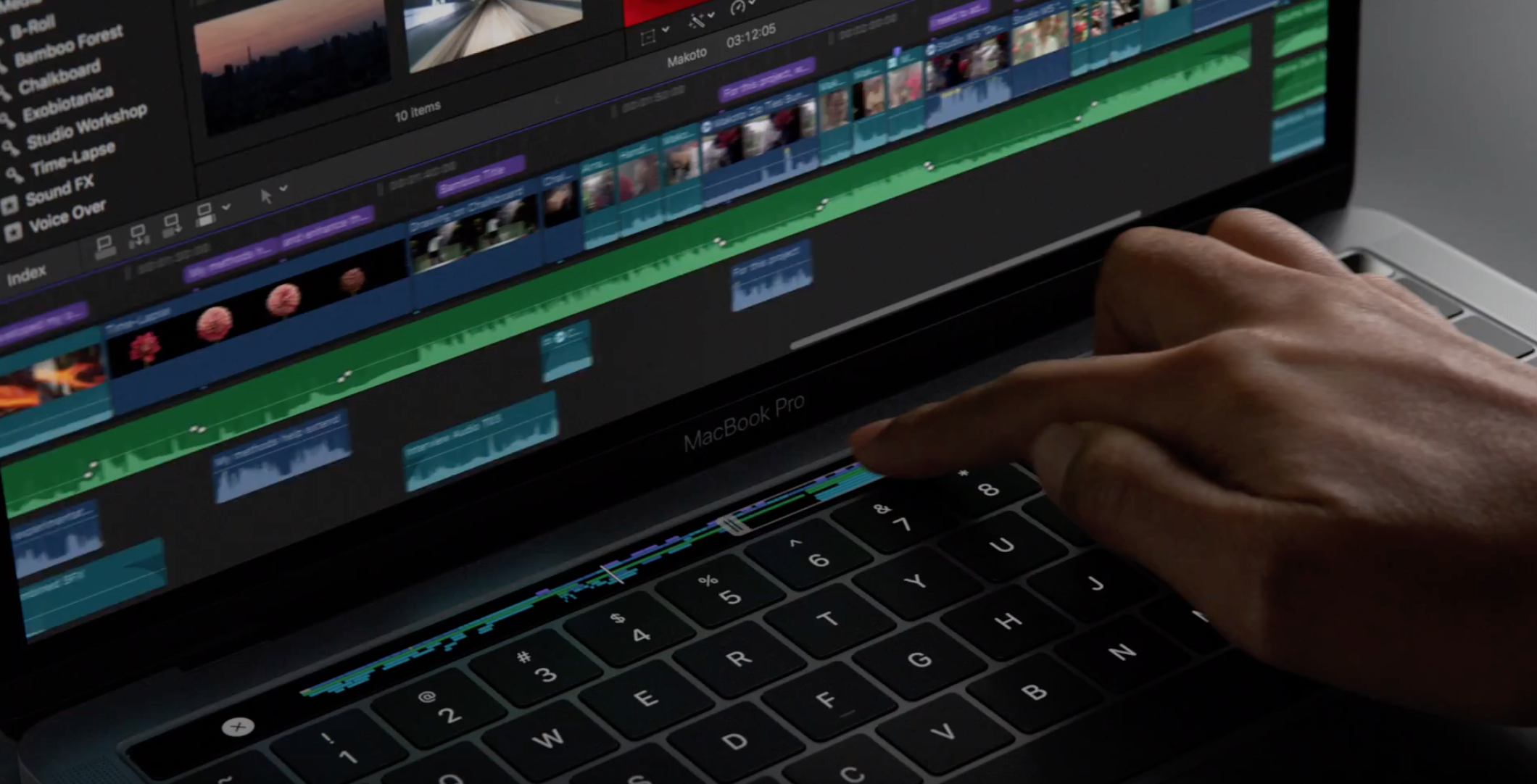
If early impressions are an indication, the Touch Bar on the new MacBook Pro is definitely not a gimmick. The time-saving feature lets you accomplish common tasks faster without needing to memorize a bunch of app-specific keyboard shortcuts.

Instead or remembering a shortcut or wasting time finding it in the menus, you just touch one of the system-wide or app-specific icons that are displayed on the Touch Bar.

For the hardware geeks among us, the more interesting aspect of the Touch Bar is the Apple-designed silicon behind it, dubbed the T1. As developer Steven Troughton-Smith has discovered, the Touch Bar is actually a mini Apple Watch.

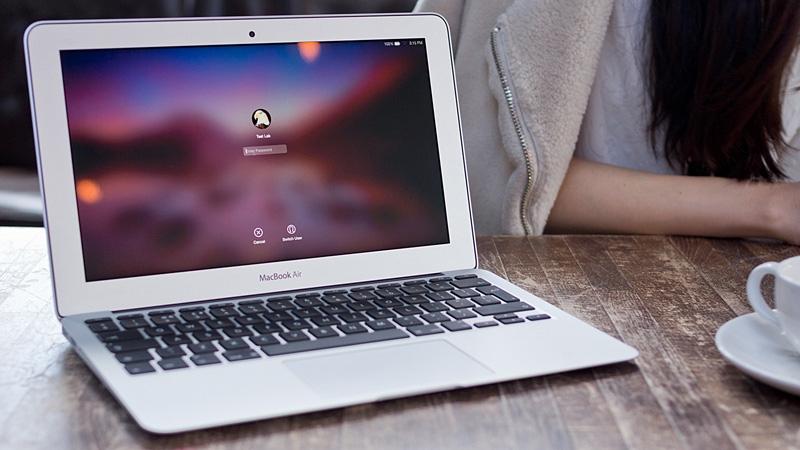
Apple did not say a lot about the MacBook Air, but it spoke volumes

Going into Apple’s “Hello Again” keynote on Thursday, speculation was rife with regard to how many new machines and product lines Apple would lift the veil on. The MacBook Pro seemed the safest bet, rightly so as it would turn out, but talk of a MacBook Air refresh or MacBook larger than 12-inch persisted until the very moment Tim Cook took the stage.

Fast forward the 80-minute short event and some of the MacBook Air hopeful watching, especially those on older machines clamouring for an overdue upgrade, will have found themselves slumped down in frustration on their sofa. Phil Schiller had just performed the precarious (and telling) balancing act of dismantling the MacBook Air’s right to exist live on stage, but bizarrely enough not without praising its virtues at the same time and throwing a lifeline to its large user base.

Irrespective of the kind words spoken and regardless of the promise to keep around the model Apple once used to proudly parade with the aid of an envelope, what really mattered was what Schiller didn’t directly say: the future of the MacBook Air looks bleak. Could there be a reason to buy one now anyway?
MacBook Pro with Touch Bar event wallpapers

Today, Apple announced the new MacBook Pro with a new touch sensitive function bar that dynamically changes based on active applications. Naturally, there were some shiny images shown on the screens, during the keynote this morning. Quickly, I began getting requests for modifications and mock ups of these images via Twitter.

Thanks to the quick work from some followers, I was able to collect the necessary images and present them below. As always, if you have tips, tricks, or would like some fresh wallpapers during the week, please catch me on Twitter @jim_gresham. It is the community that makes these posts possible. 

This is Apple’s new MacBook Pro with Touch Bar, Touch ID & more

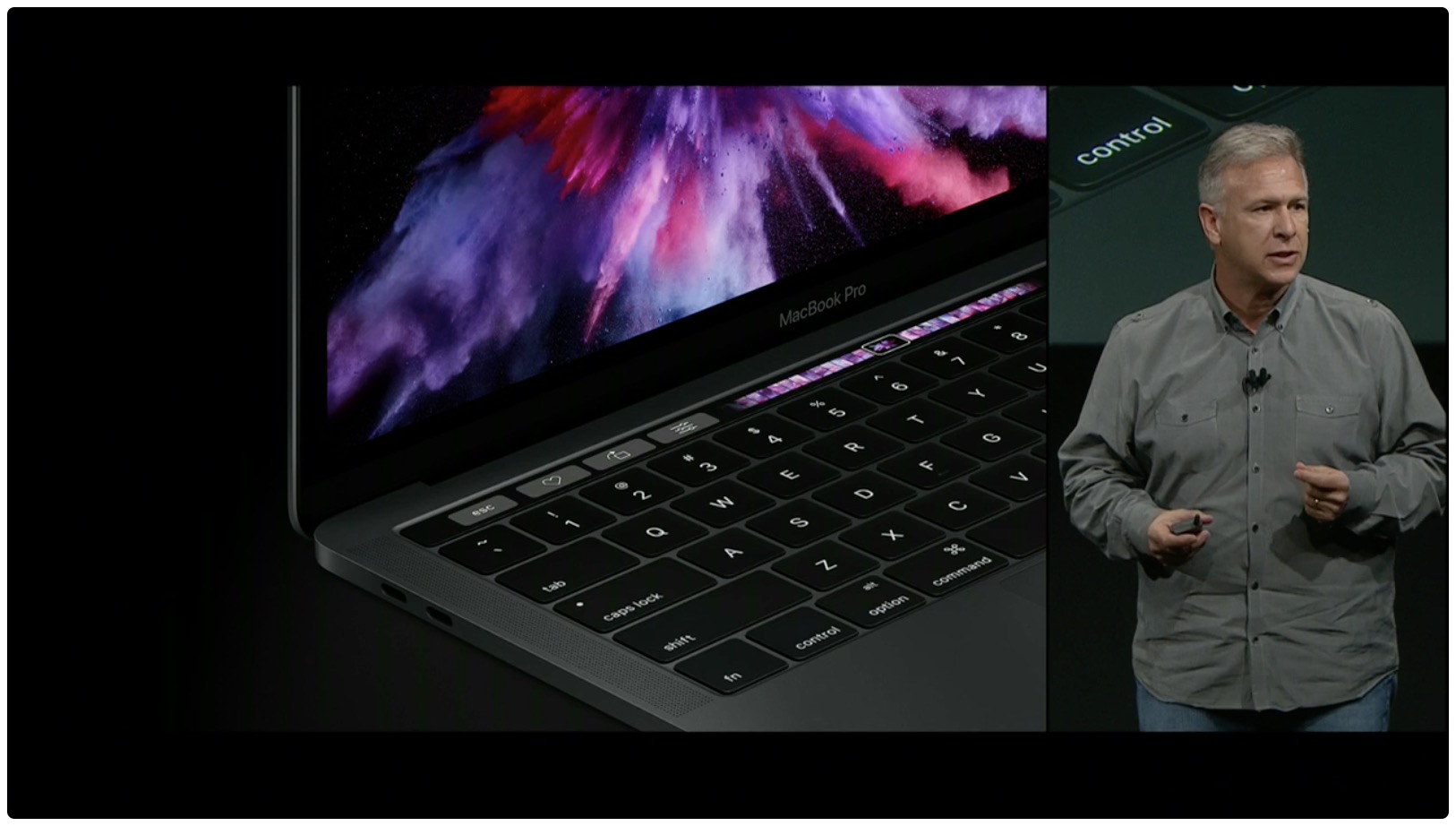
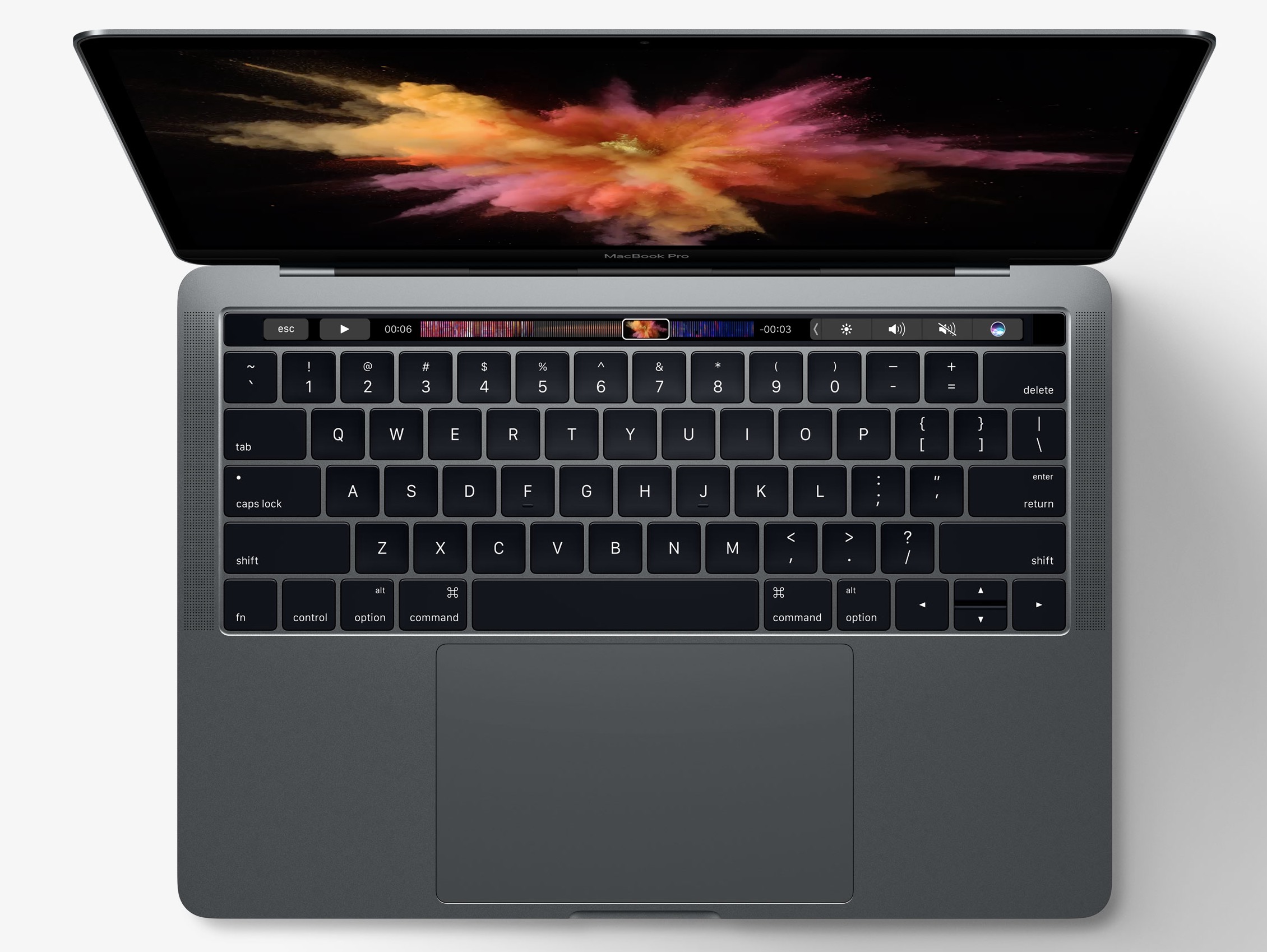
“The Mac is more than a product to us. It's a testament to everything we do and create at Apple,” said Apple CEO Tim Cook at today's “Hello again” Mac event as he unveiled long-expected updates to Pro notebooks. The new MacBook Pro has, as rumored, a programmable OLED touch bar substituting the function key row, called Touch Bar.

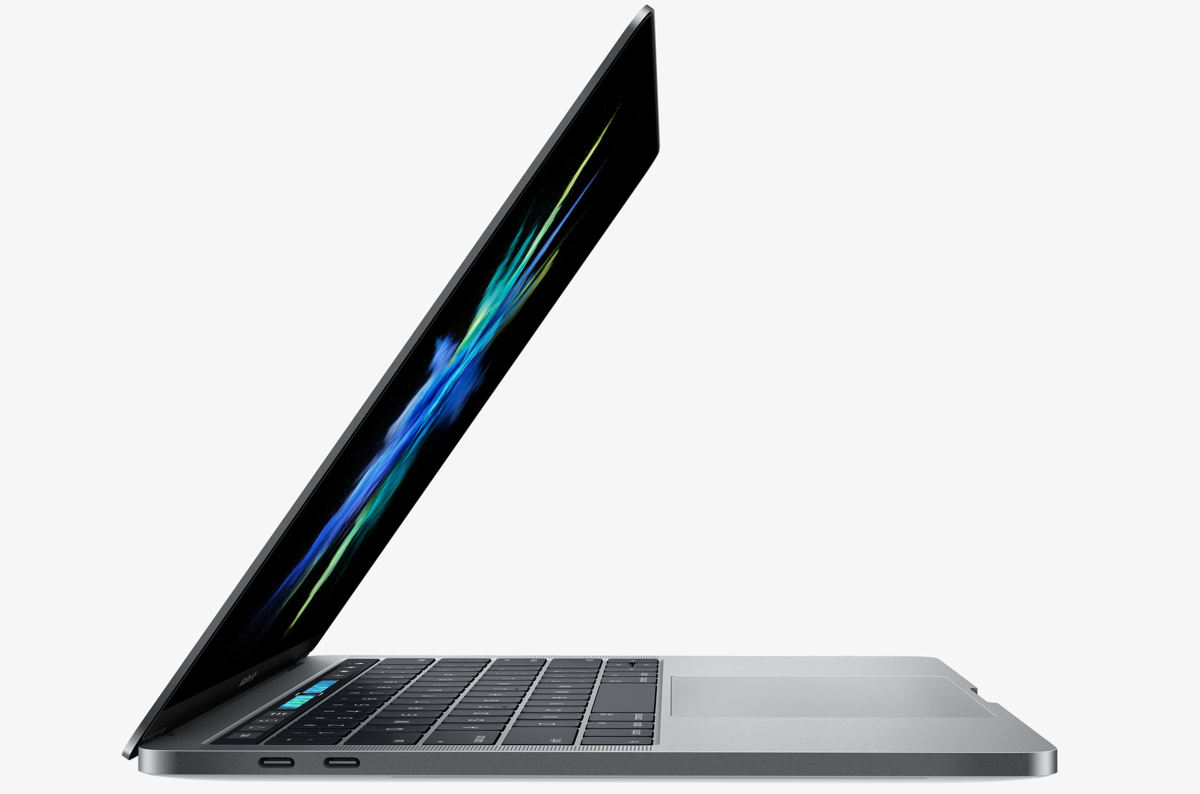
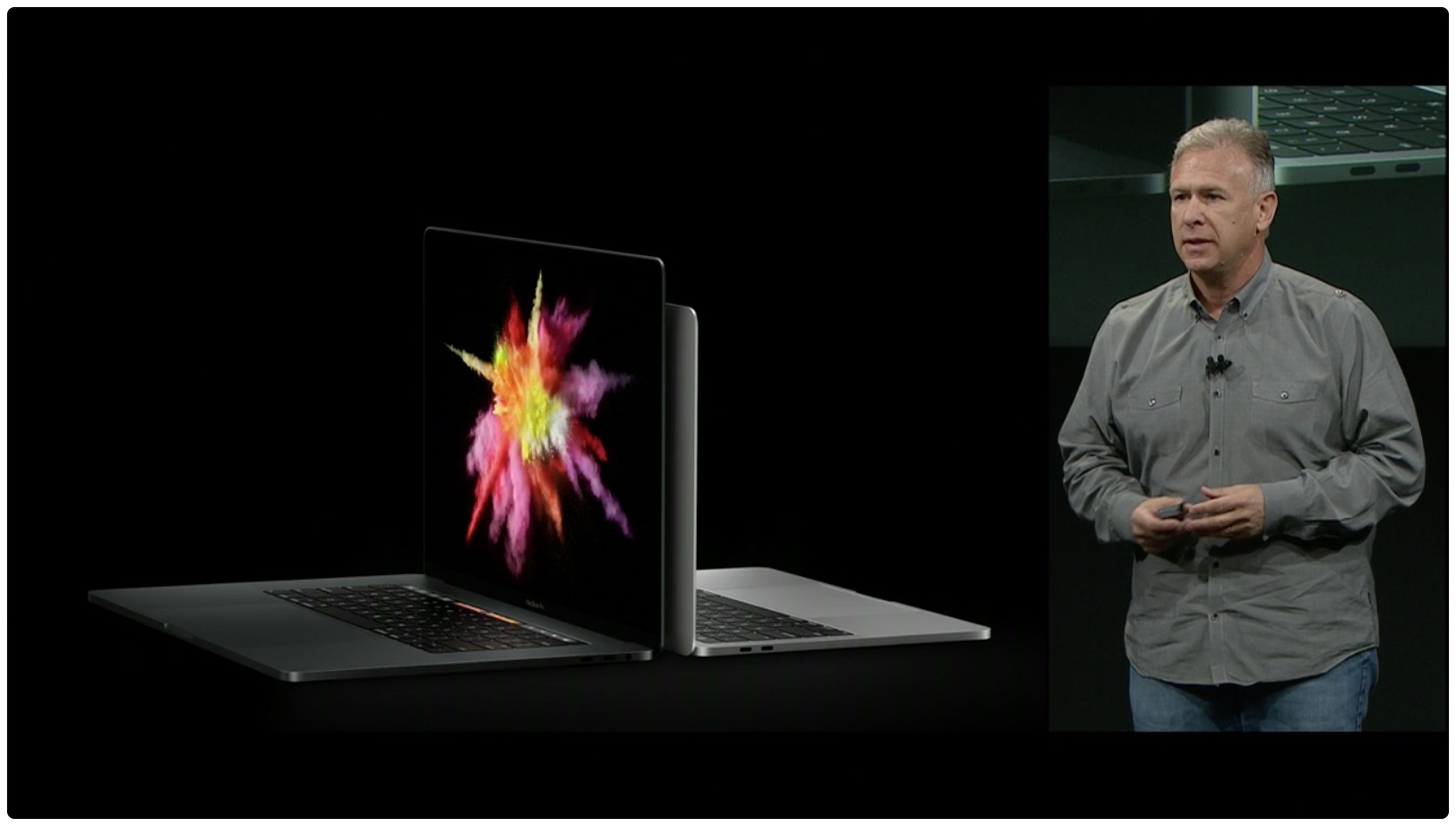
There's also a Touch ID sensor powered by a new Apple-designed T1 chip. Like its predecessor, the new MacBook Pro comes in 13 and 15-inch flavors and each is available in Silver or Space Gray finish. 

Disappointingly, MacBook Pro’s FaceTime camera has not been upgraded to 1080p

If you thought the refreshed innards of the new MacBook Pro would let your friends and family see you in crisp 1080p video resolution via FaceTime, you're in for a major disappointment. Much to my surprise, the built-in FaceTime camera (which, by the way, Apple calls “high definition”) has remained at 720p.

High-end laptops from other vendors are increasingly outfitted with 1080p cameras which provide sharp images during video calls, but not the new MacBook Pros.

15″ MacBook Pro can drive four external 4K displays in addition to built-in Retina screen

If you're a creative type and need a laptop that transforms into a powerful desktop, the new MacBook Pro is for you. Having read Tech Specs page for the 15-inch MacBook Pro, one thing stood out for me—the machine can drive not one, not two, not three, but four high-resolution external displays.

Or, you could run two 5K external displays. What's more, the new notebooks support a smooth refresh rate of 60 Hz across all 4K/5K external displays connected to them.

First impressions of MacBook Pro’s Touch Bar

The newly launched MacBook Pros include a marquee new feature in the form of the Touch Bar, which is a marketing name for a wide, touch-enabled OLED display that runs alongside the top of the keyboard where the function keys row used to be located. Touch Bar is customizable, with shortcuts that change from one app to another, and developers can take full advantage of it with a set of new APIs.

Journalists in attendance at today's event had a chance to play with the new machines in the demo area. Here are some of their first impressions of the new Touch Bar.

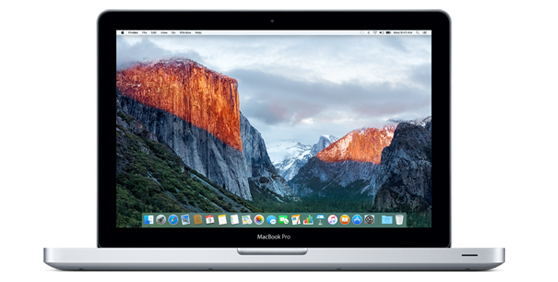
Legacy MacBook Pro with built-in SuperDrive has been officially discontinued

It's official: Apple no longer has a Mac with a built-in CD/DVD drive in its offering. After unveiling the latest MacBook Pros, the Cupertino firm has quietly discontinued the 11-inch MacBook Air and the legacy $1,099 non-Retina MacBook Pro model which had a built-in optical drive.

The standalone $79 SuperDrive continues to be available from Apple for the old-school types who may still have some specialized software on CDs lying around somewhere.

This is how you turn the new MacBook Pro on and off

Apple today refreshed its Mac notebook lineup with all-new 13 and 15-inch models that have Touch Bar and Touch ID in place of the hardware function keys row, among other new features. It's a stellar feature that I can't wait to use.

According to Apple, the Touch Bar is meant to replace the function keys “that have long occupied the top of your keyboard with something much more versatile and capable.” I'm sold on the new Touch Bar, but where did the dedicated Power button go and how exactly do you turn this thing on now?