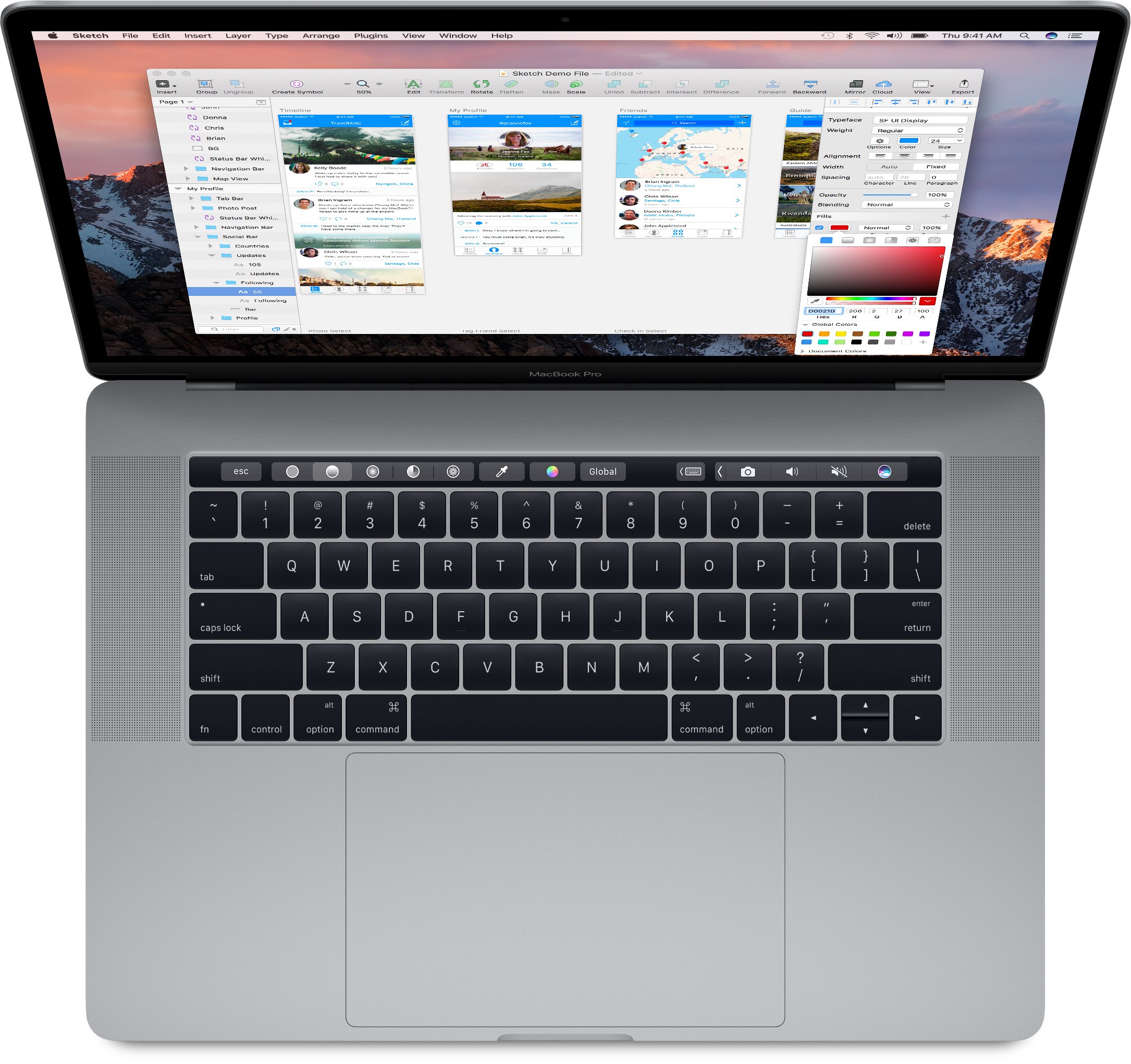
MacBook

Developer ports classic FPS shooter Doom onto the new MacBook Pro’s Touch Bar display

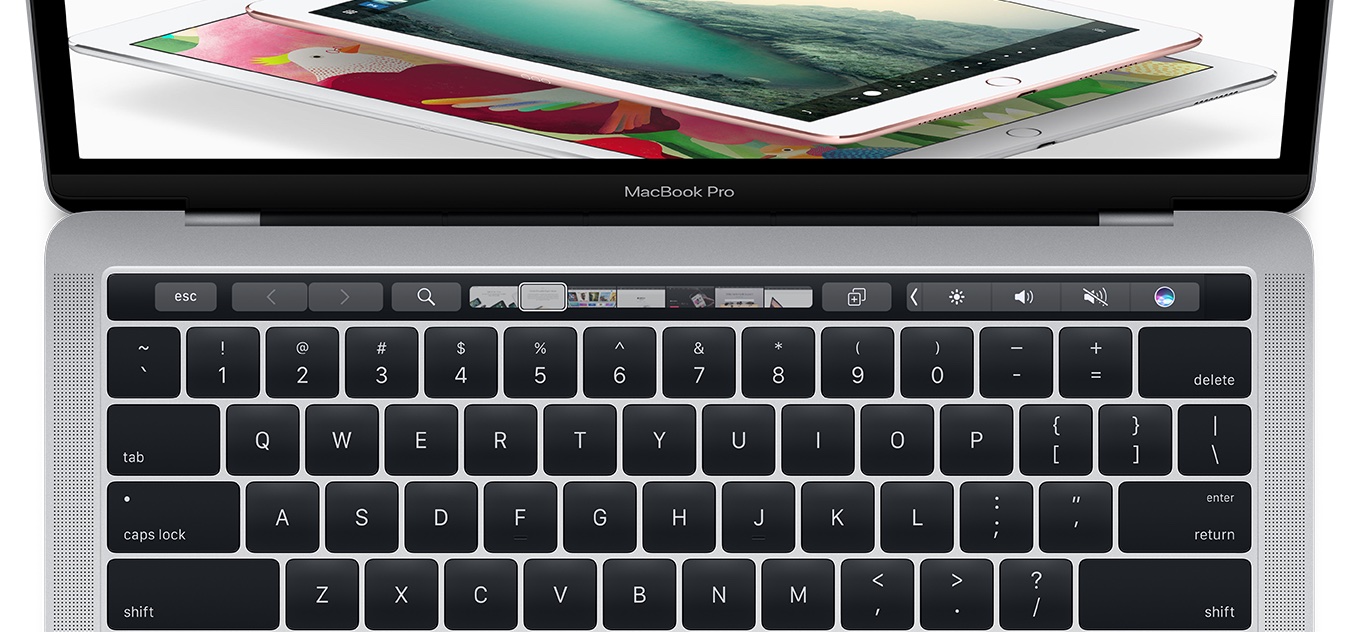
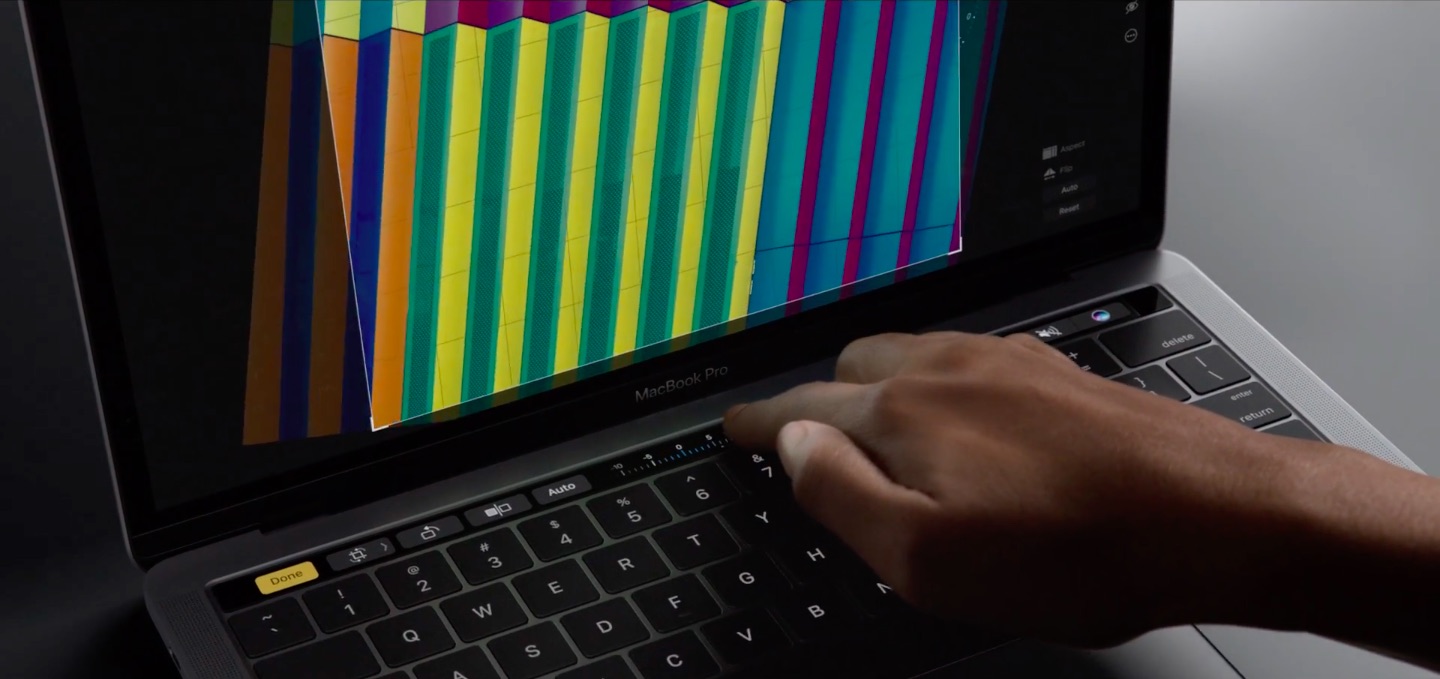
Developer Adam Bell has successfully ported the classic first-person shooter Doom onto the new MacBook Pro Touch Bar's 2,170-by-60 pixel resolution OLED display complete with 3D graphics, the game's familiar head-up display and trademark sound effects. Doom, of course, runs on everything these days thanks to enthusiasts who port the game onto computing devices that can handle it.

Schiller: doubling MacBook Pro RAM would’ve reduced space for batteries

Software developer Ben Slaney asked Apple via email to give a more detailed clarification as to why the new MacBook Pro does not provide a 32-gigabyte build-to-order option for power users looking to max out the RAM. He allegedly received a response from Phil Schiller, who is boss of worldwide marketing at Apple and the steward of the firm's developer relations.

Schiller's response reveals that doubling the RAM from 16 to 32 gigabytes would have required a different logic board design versus the notebook's mustache-shaped logic board, one that would have reduced space for batteries.

Three finger drag gesture via new MacBook Pro’s trackpad acting up for some users

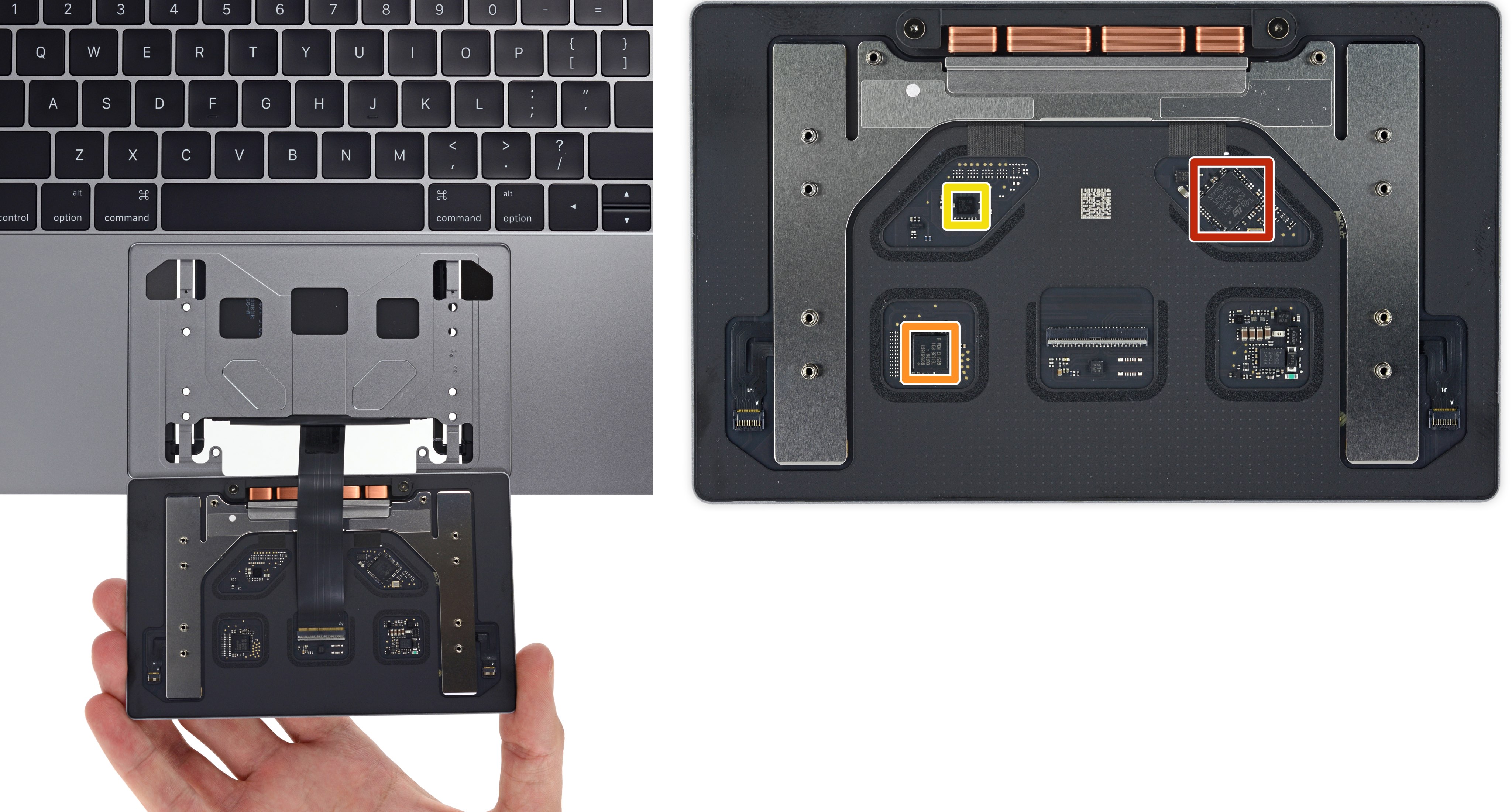
Three finger drag, a productivity-boosting multi-touch trackpad gesture in macOS, isn't working properly for some owners of Apple's new MacBook Pro. Both 13 and 15-inch MacBook Pros have larger trackpads than their predecessors, but for many people the gesture doesn't work at all.

For others, three finger drag works only intermittently or performs erroneously when used in one of the sides of the new MacBook Pro's Force Touch trackpad.

Early MacBook Pro adopters confused by misidentified graphics in System Profiler

If you're a proud owner of a 15-inch MacBook Pro with Touch Bar, you may be wondering why macOS's System Profiler application identifies the GPU as Intel Iris Pro 580 integrated graphics vs. Intel HD Graphics 530, as advertised on Tech Specs webpage.

No, Apple did not accidentally put the wrong GPU in the new MacBook Pro—a company source explains that the problem stems from an error in the System Information database causing the app to misidentify the GPU.

Teardown confirms both 13″ and 15″ Touch Bar MacBook Pros have non-removable SSDs

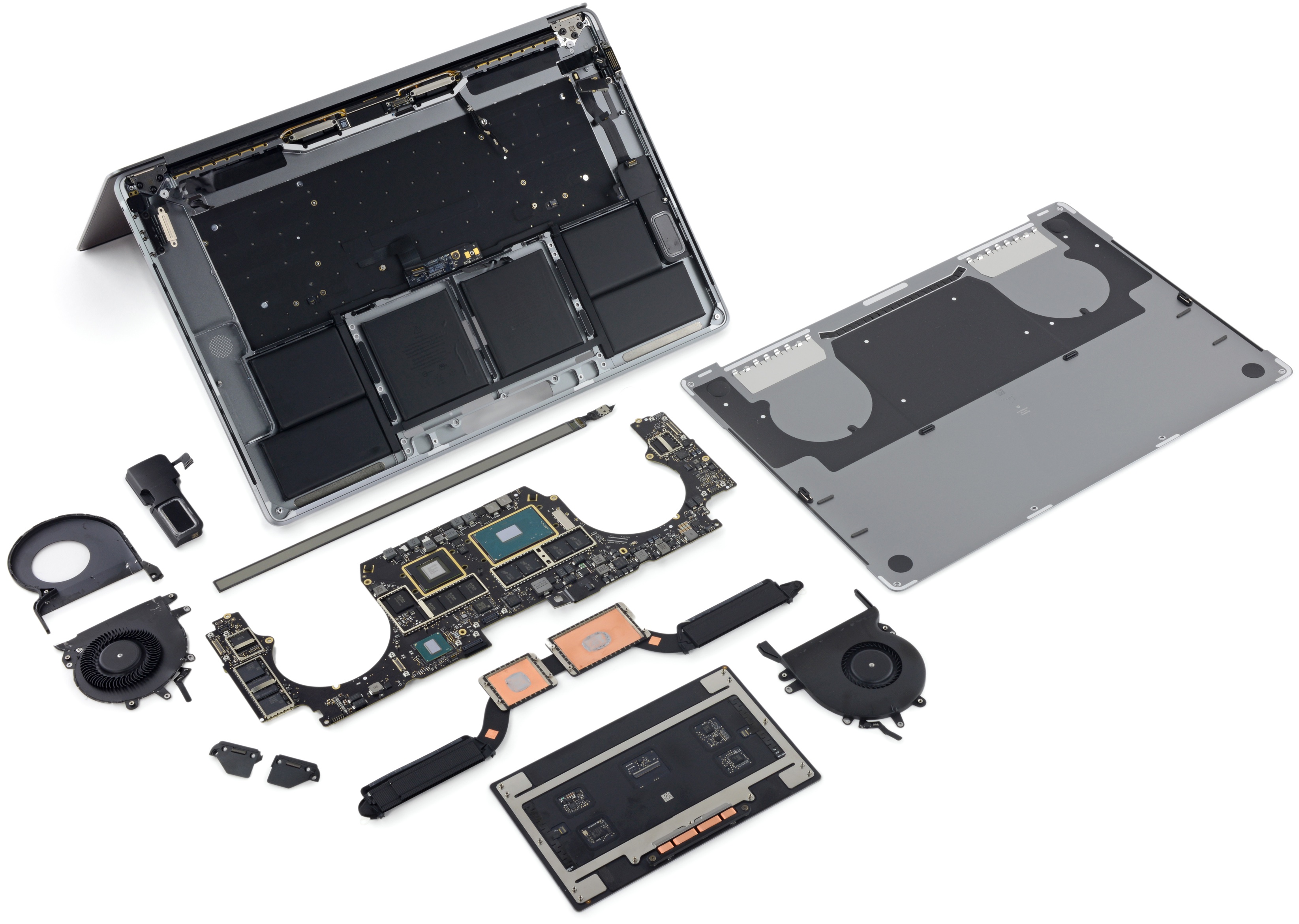
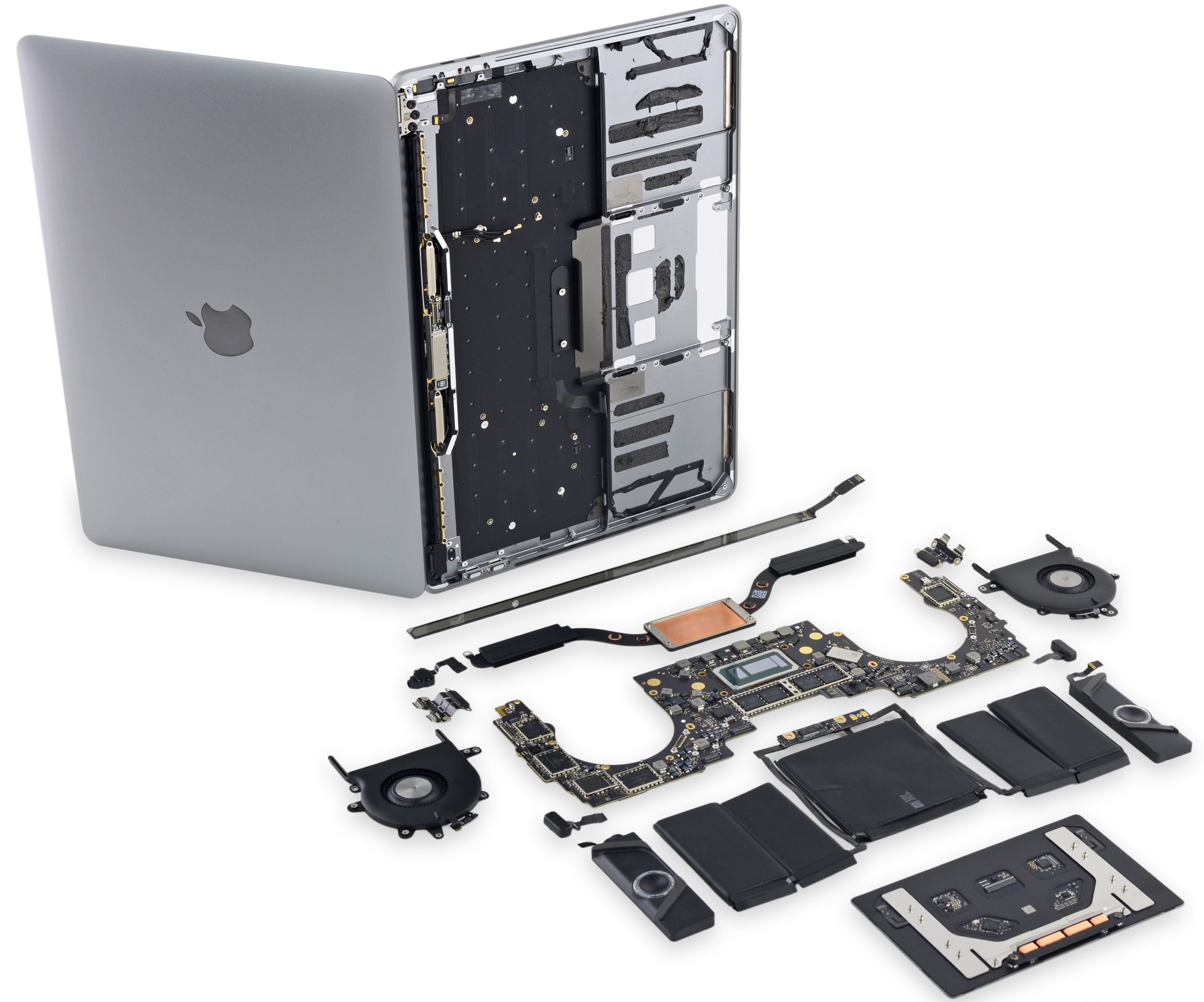
iFixit on Friday published its teardown analysis of the 15-inch MacBook Pro with Touch Bar (model number A1707), just two days after taking a peek under the hood of the 13-inch MacBook Pro with Touch Bar. Comparing the two Touch Bar-equipped notebooks to the 13-inch MacBook Pro without Touch Bar, which iFixit also disassembled, the repair site has confirmed that only the baseline 13-incher with a standard row of function keys has a removable SSD.

Check out “Bulb,” Apple’s first TV ad for the new MacBook Pro with Touch Bar

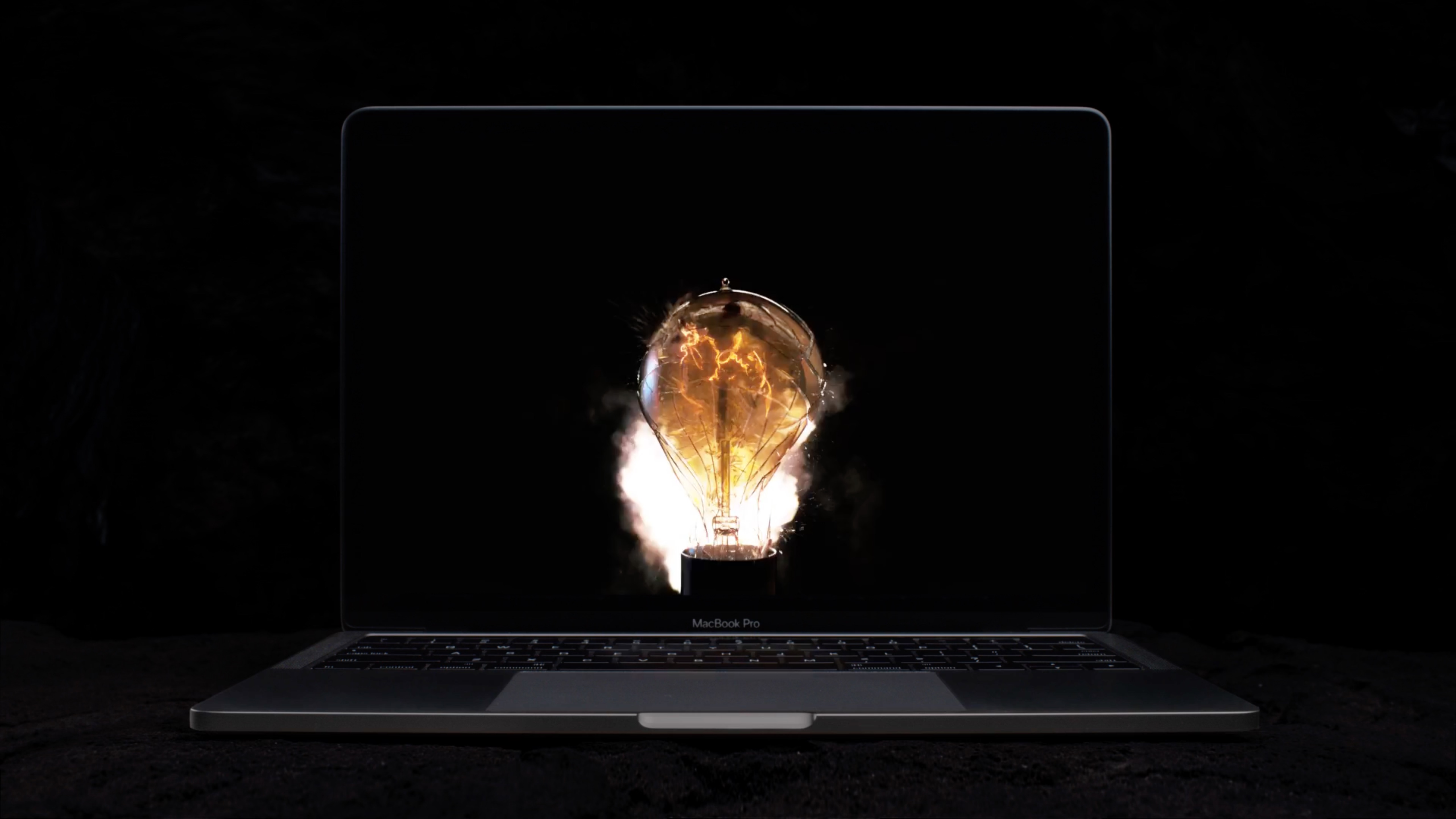
The new MacBook Pro hasn't even shipped to everyone who have pre-ordered it, but on Thursday Apple began airing its very inaugural television commercial. Aptly titled "Bulb," the video runs one minute and 37 seconds long and frames the expensive notebook as a tool "for ideas to come".

"Ideas have always pushed the world forward," Apple says in the ad. "Introducing a tool for all the ideas to come. The new MacBook Pro."

USB-C adapters you may need for your new MacBook Pro

If you have purchased Apple's new MacBook Pro, or are planning on doing so, chances are you're going to need some dongles and adapters. The laptop has only USB-C ports, so you're likely going to need some help connecting your old hardware and peripherals.

With this in mind, we've decided to put together a list of some common USB-C adapters to help get you started. As with all of our accessory roundups, the following items were chosen based on a variety of factors including price, availability and consumer feedback.

How to take screenshots of the MacBook Pro Touch Bar

If you take screenshots on your Mac, you may wonder if macOS supports screenshotting the Touch Bar. The default Shift (⇧)-Command (⌘)-3 keyboard shortcut captures a screenshot of everything shown on the display, sans the Touch Bar.

With macOS 10.12.2, Apple has implemented a brand new shortcut specifically designed for taking screenshots of the Touch Bar.

Here's what you need to know about capturing everything that's shown on the Touch Bar as an image file on your computer. You'll also learn how to save Touch Bar screenshots to the clipboard for pasting in other apps and how to add screenshot-taking shortcuts as buttons to the Touch Bar itself.

Teardown of 13″ MacBook Pro with Touch Bar reveals “cosmetic” speaker grilles, other tidbits

After disassembling the base 13-inch MacBook Pro model without the Touch Bar, teardown wizards over at iFixit have now taken apart Apple’s Touch Bar-equipped 13-inch MacBook Pro. From the inside, it’s an entirely different computer with a totally different design that has more in common with its 15-inch brethren. Among other things, the teardown analysis has found that the external speaker grilles in the top half of the case exist mostly for “cosmetic” purposes.

That's because the improved sound is being projected from a pair of air vents on the sides of the case. By comparison, the base 13-inch MacBook Pro without the Touch Bar does push sound through the speaker grilles as it lacks the air vents.

Other differences between the 13-inch MacBook Pro with Touch Bar and its cheaper 13-inch variant that lacks the Touch Bar include a differently laid out internal components to make room for the Touch Bar itself which, by the way, is hard to replace.

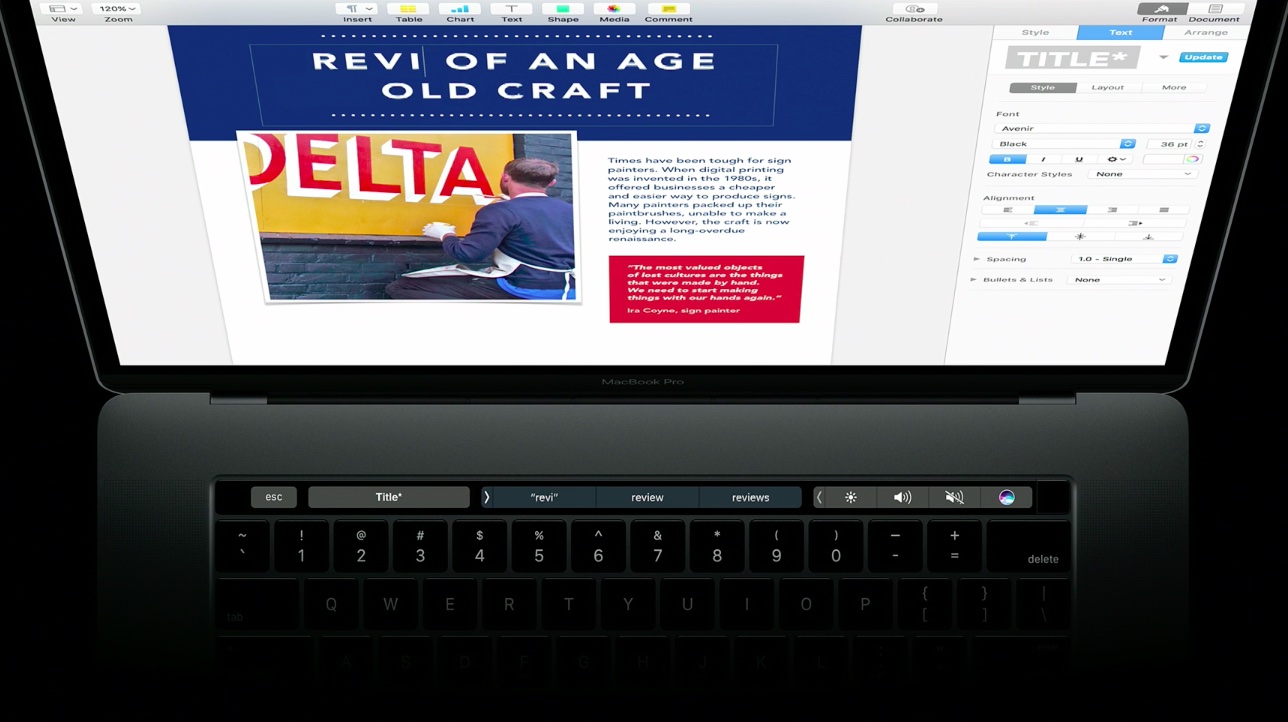
New MacBook Pro with Touch Bar begins trickling in to select Apple stores

Just 24 hours after first shipments began arriving to customers, Apple's new MacBook Pro with Touch Bar is now available for purchase at select company-run retail stores in the U.S., China and elsewhere.

According to reports on Reddit, MacRumors, AppleInsider and other outlets, a select number of flagship Apple retail locations have received stock and are now offering limited quantities of the new MacBook Pro with Touch Bar.

Reviewers weigh in on the new MacBook Pro…

As first customers begin to receive the new MacBook Pro, reviews of the long-expected hardware refresh to Apple's Pro notebook family hit the web this morning. Depending on the reviewer, the Touch Bar feature is either a gimmick or a productivity-boosting addition.

As for performance, the reviews are mixed: some people are saying that a lot faster SSD and RAM make the machine super snappy and others note Intel's Skylake chips barely push performance forward versus 2013 or later MacBook Pros.

1Password now supports Touch ID and Touch Bar on the new MacBook Pro

After previewing a new version of its popular password-management utility, developer AgileBits today updated 1Password for Mac with support for the Touch Bar and Touch ID features on the new MacBook Pro (that you can't have yet).

The update is free to existing users of the $64.99 Mac app. 1Password can now be unlocked by resting your finger on the Touch ID sensor that's built into the new MacBook Pro's Touch Bar.

In addition, you can access your vaults faster by tapping the app's dedicated shortcuts on the Touch Bar.