In addition to releasing iOS & iPadOS 16.1.1 Wednesday afternoon, Apple rolled out macOS Ventura 13.0.1 as a minor software update for the company’s lineup of Mac computers.
Apple releases macOS Ventura 13.0.1 to address bugs and security patches
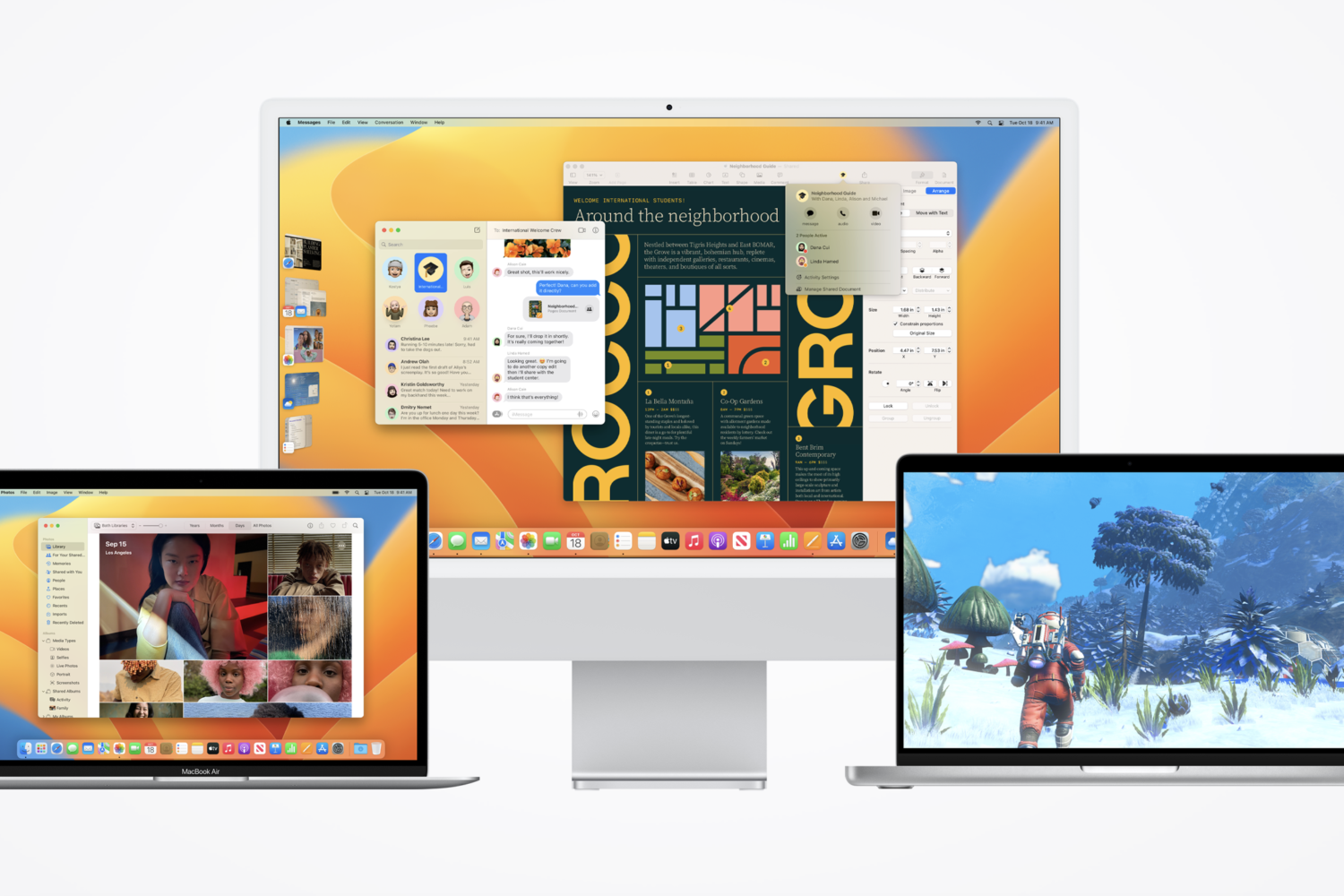
In addition to releasing iOS & iPadOS 16.1.1 Wednesday afternoon, Apple rolled out macOS Ventura 13.0.1 as a minor software update for the company’s lineup of Mac computers.
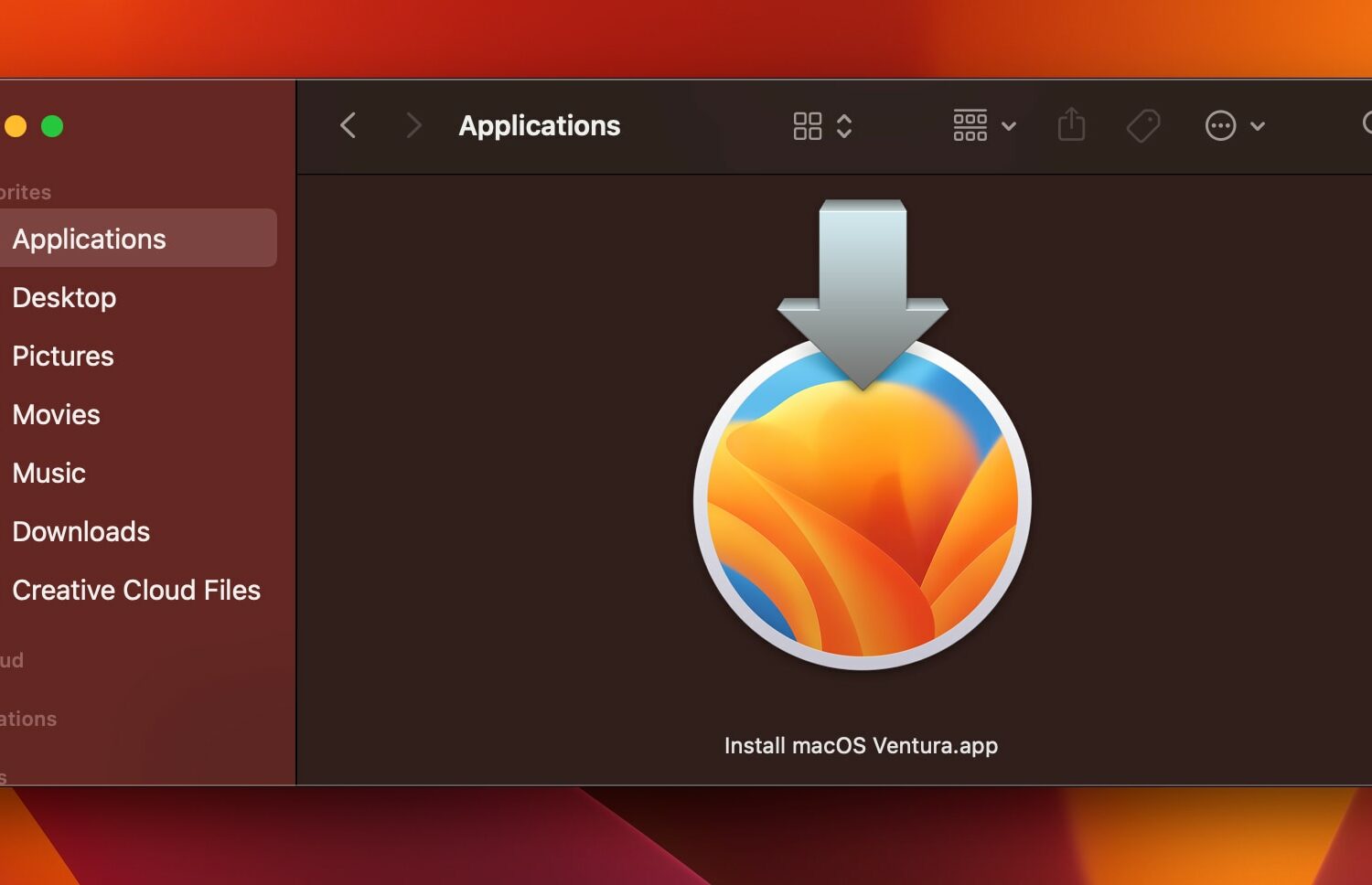
Learn how to download the macOS Ventura installer to create a bootable macOS 13 installer on physical media such as a USB drive for updating multiple Macs.

In an effort to streamline security research on its various platforms, Apple on Thursday published a new Apple Security Research web page targeting novice and seasoned hackers and security researchers who want to work with the Cupertino-based tech company to patch bugs and vulnerabilities in its software.

macOS Ventura's Preview app no longer lets you view PostScript files though you can still print them like before without having to download any apps.

Glo is a new icon pack for iPhones and Android smartphones by ConceptCentral that can make your Home Screen’s app icons look reminiscent of what you’d find on a Mac running macOS Big Sur or later.
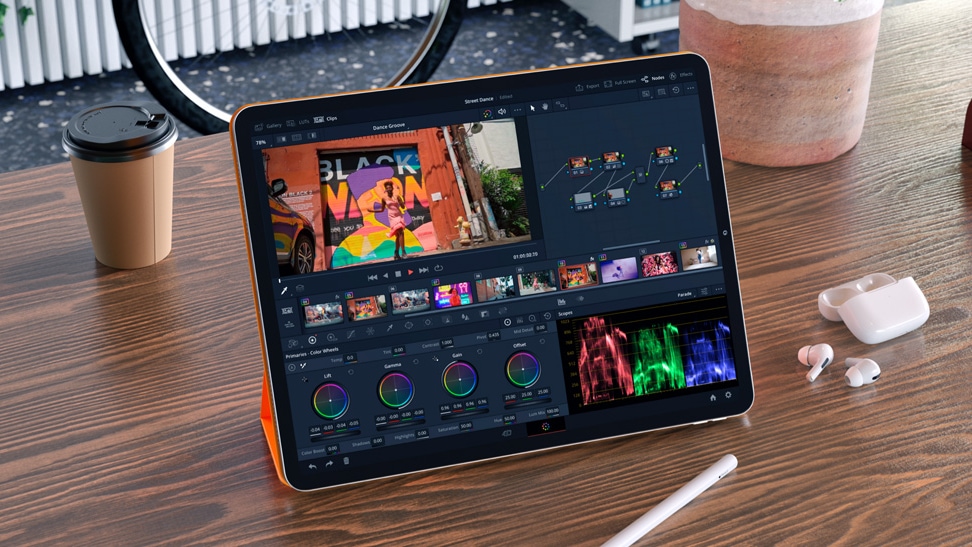
A version of macOS for M2 iPad Pro rumored to come in 2023 could address criticism that the iPad is hobbled by the iPadOS software, not its hardware.
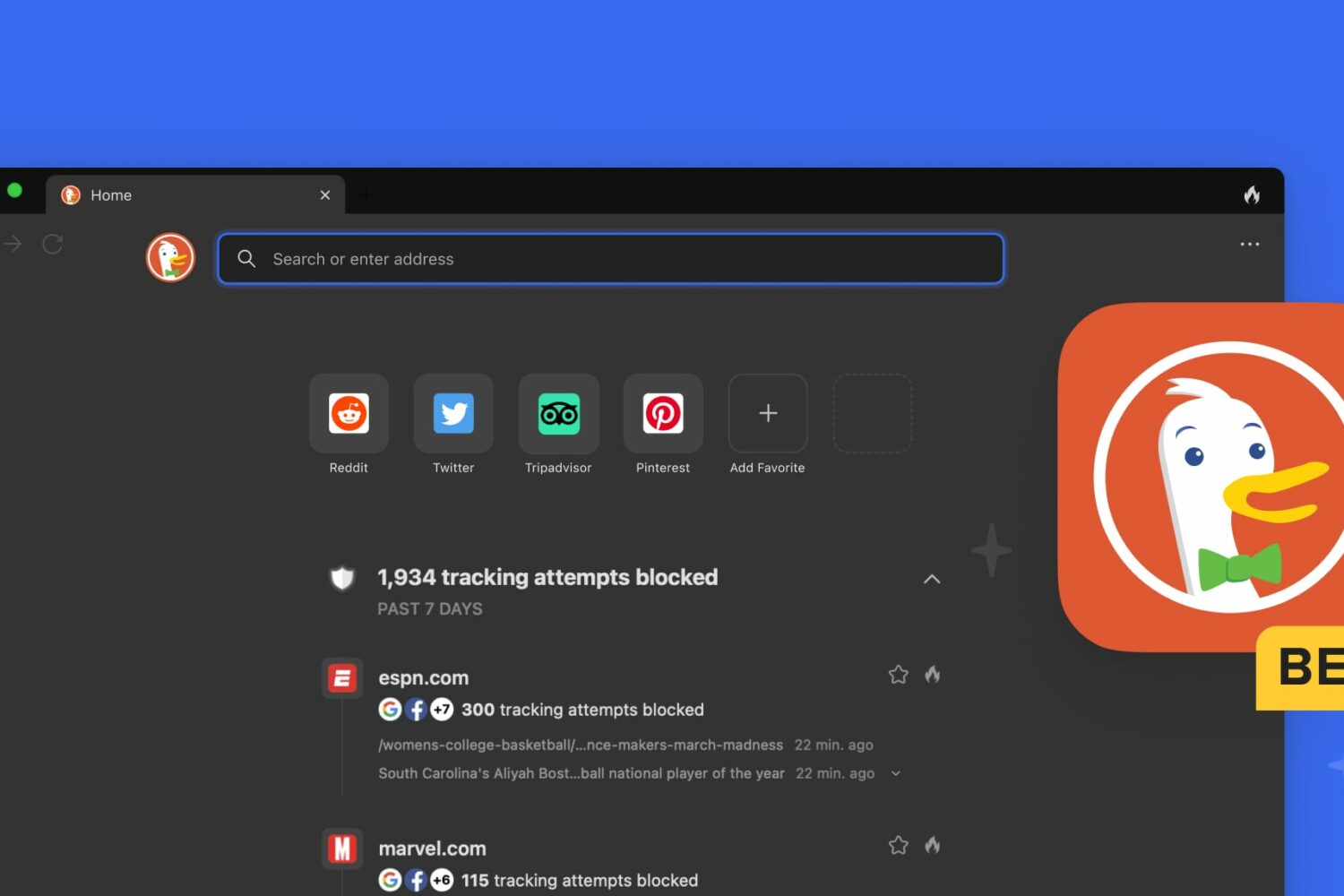
Download the DuckDuckGo public beta for macOS to enjoy built-in protections, watch YouTube privately, block ads and test other new features.
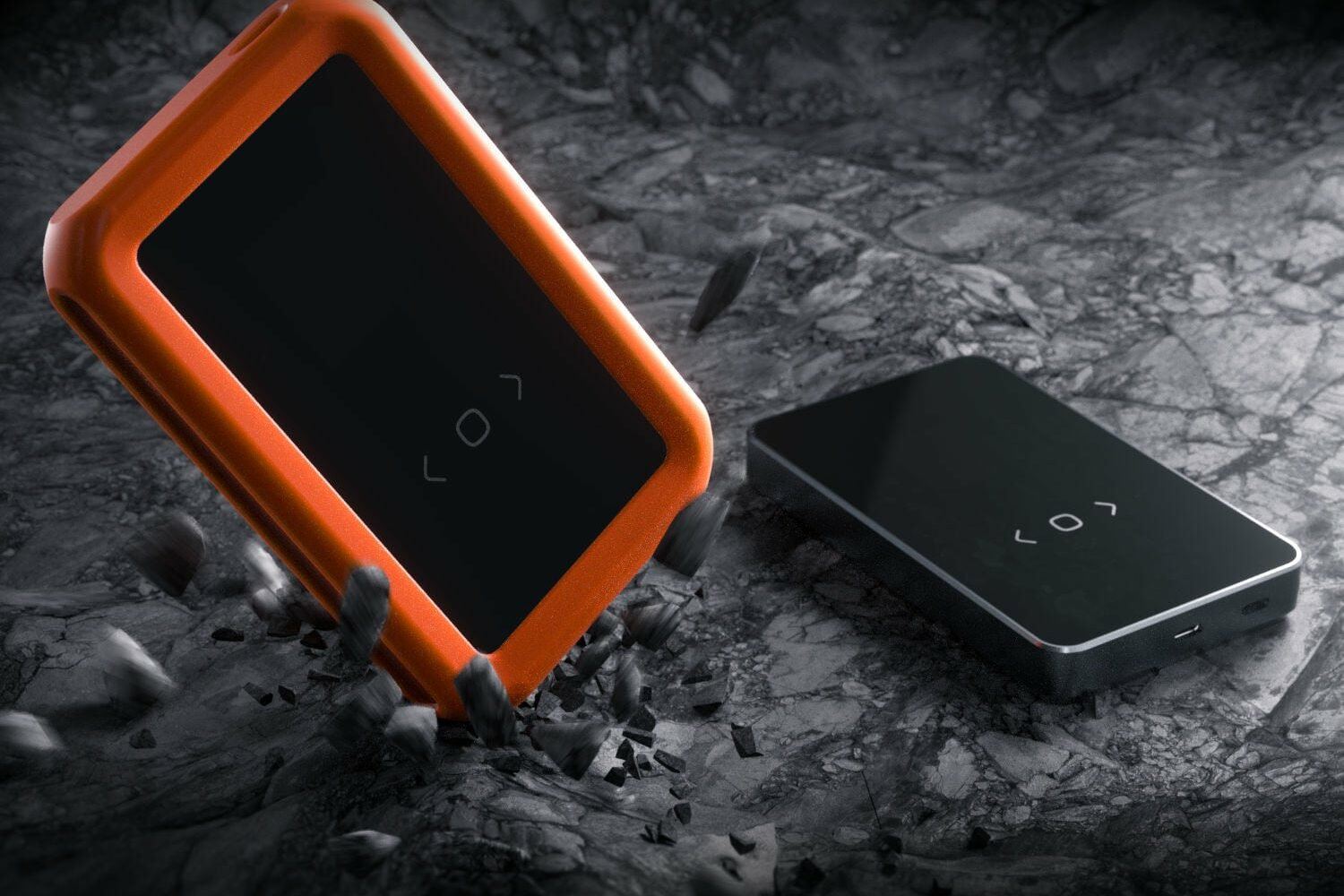
The new Dockcase HDD/SSD enclosure provides up to ten seconds of power loss protection to keep your data safe. It sports a handy status screen and looks great.
Learn how to find your iPhone's Exclusive Chip Identifier (ECID) using a Mac or Windows PC to use firmware downgrades, signing status apps, and more.
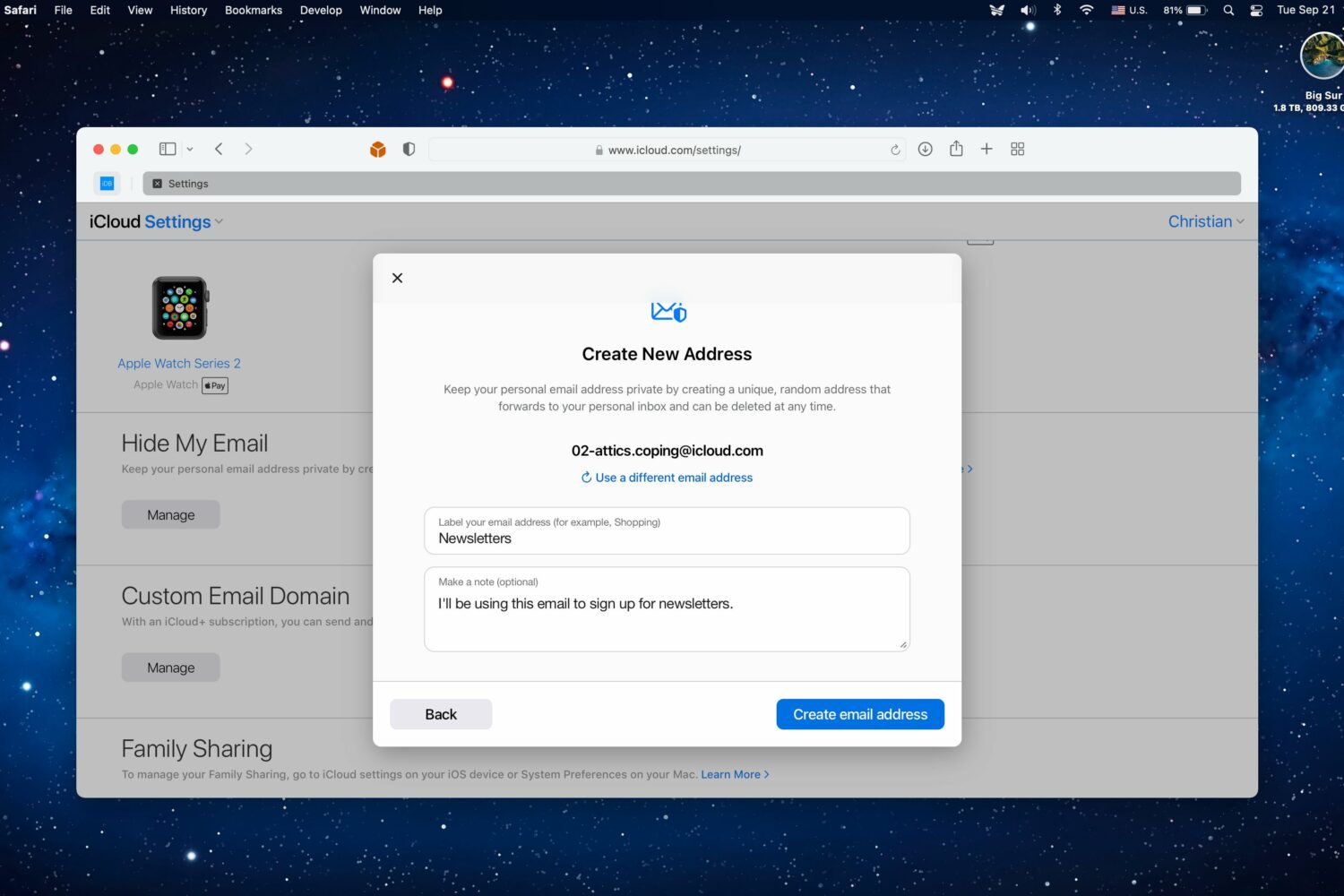
Apple's removed mentions of the new Hide My Email in apps feature, suggesting it may not be ready for prime time when iOS 16 launches this fall.

You can enter special symbols like copyright (©), trademark (™), and registered (®) effortlessly on your Mac and iPhone using keyboard shortcuts or the built-in Text Replacement feature. You don’t need to copy & paste or install a third-party app.