Looking to create a PDF document? This tutorial will show you multiple free and easy ways to make PDFs on your Apple devices without using any third-party tool.
How to create a new PDF from scratch on iPhone, iPad, and Mac

Stay up-to-date on the latest Mac news, and tutorials. Get expert tips and tricks to optimize your Mac’s performance and learn about the latest Apple products and software updates. Discover the best Mac apps and accessories to enhance your user experience.
Looking to create a PDF document? This tutorial will show you multiple free and easy ways to make PDFs on your Apple devices without using any third-party tool.
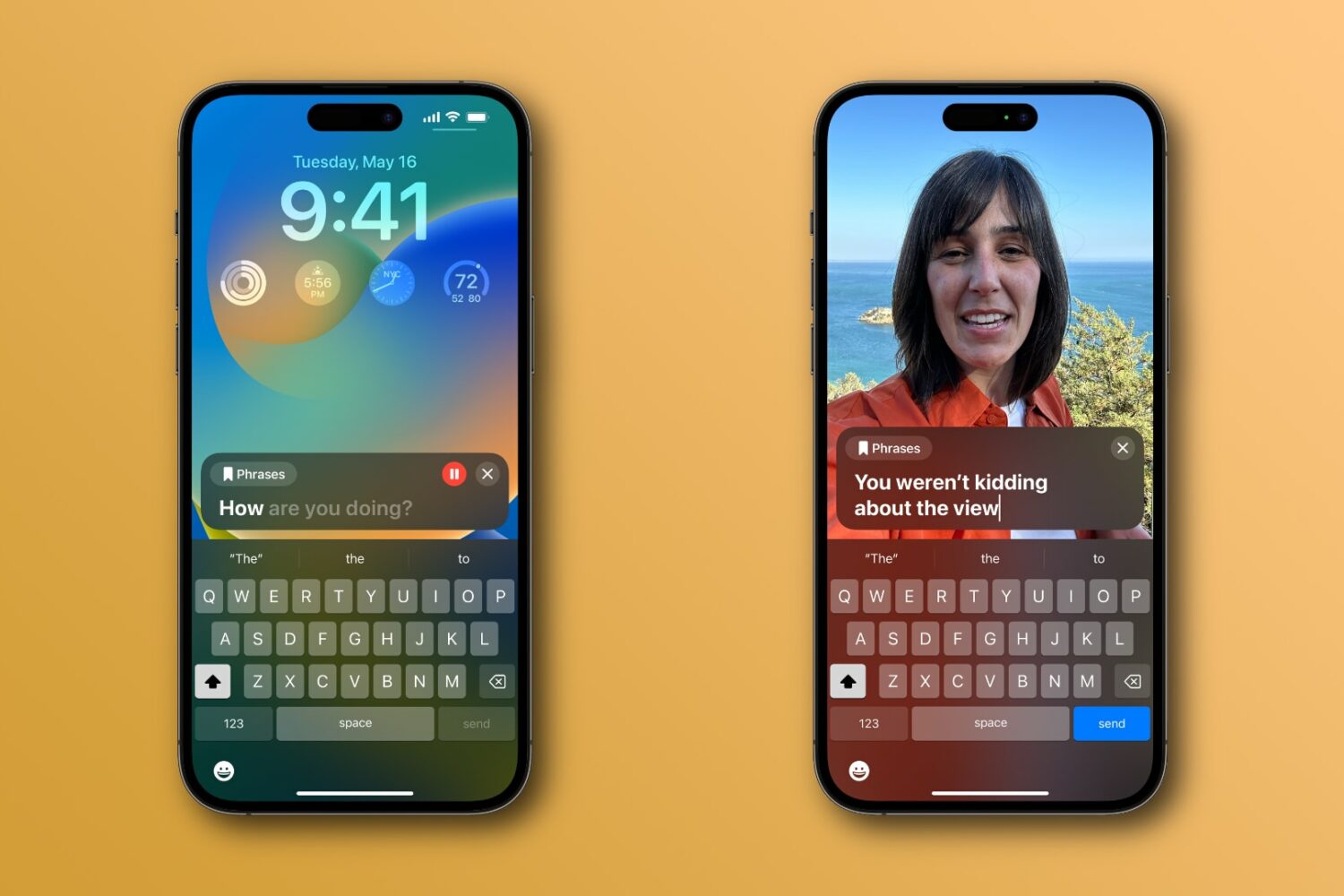
Apple has previewed new accessibility features for its iPhone, iPad and Mac coming with iOS 17, iPadOS 17 and macOS 14 this fall, like Personal Voice and Live Speech.
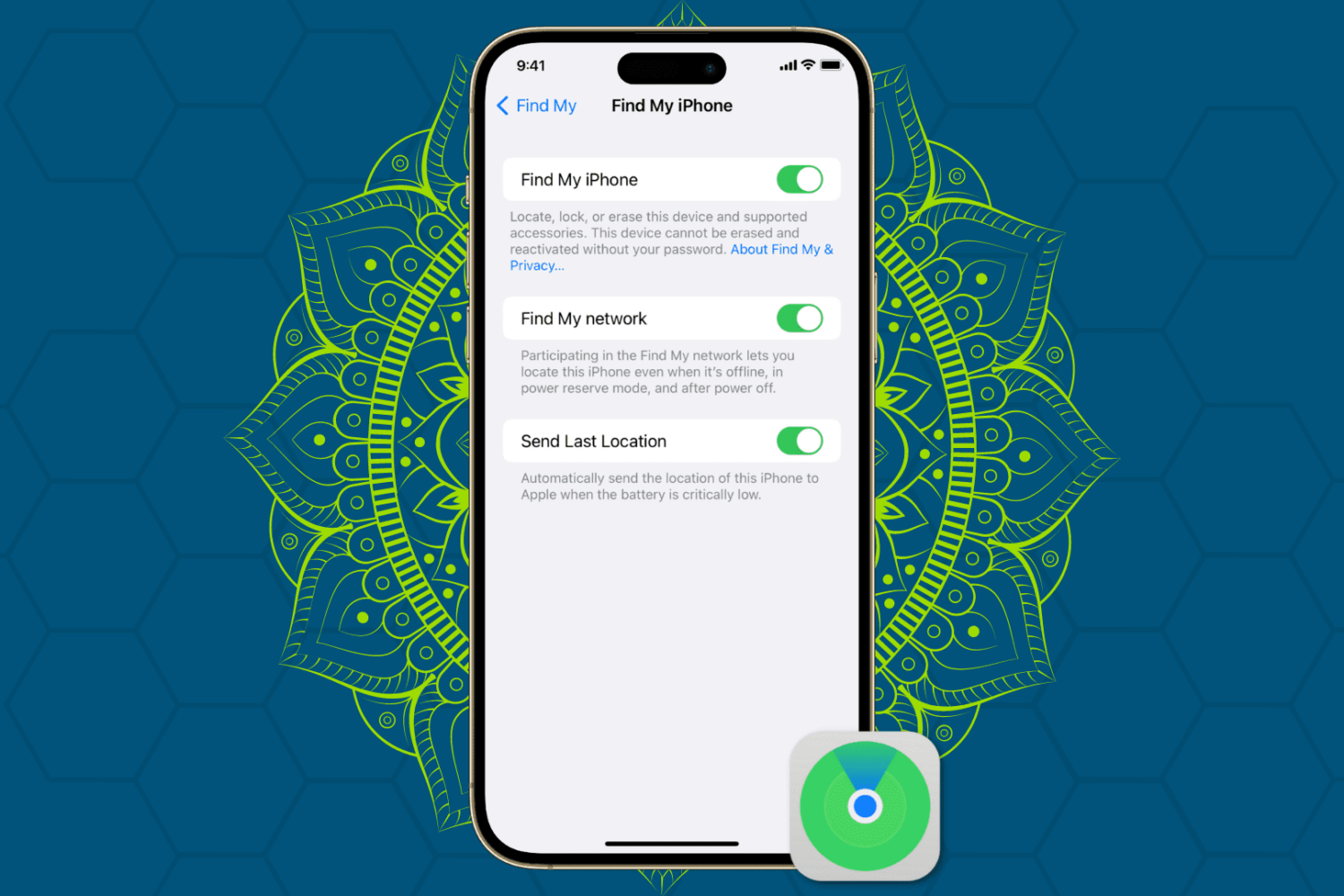
Protect your Apple devices from theft and unauthorized access by enabling Find My Activation Lock, ensuring enhanced security for your iPhone, iPad, Mac, and Watch.
Apple's M3 Mac systems coming in late 2023 and early 2024 reportedly include new iMacs, MacBook Pros and MacBook Airs. No word on new Mac Pros though.
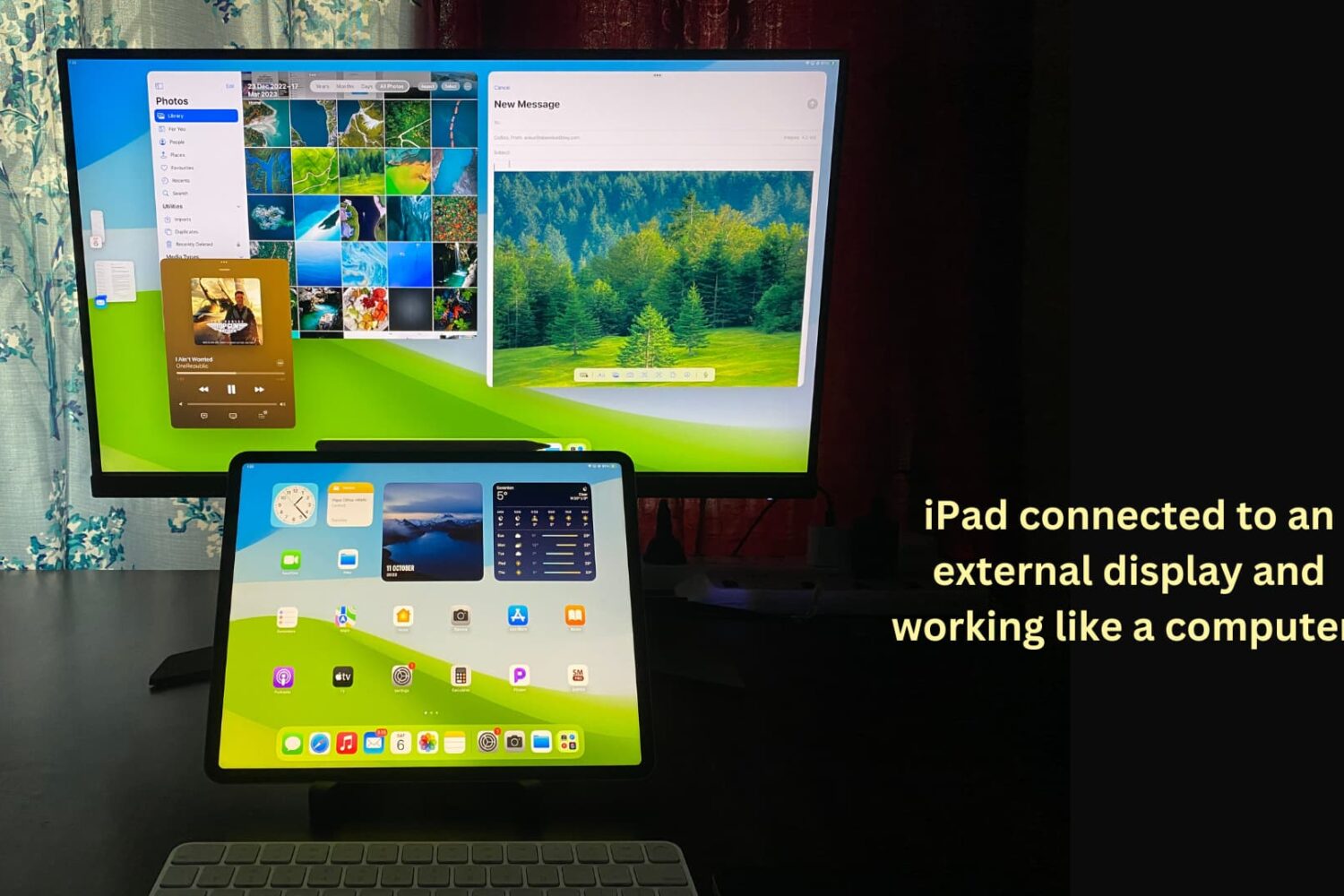
You can connect your iPad to other bigger displays, such as a computer monitor, to increase productivity and view content on a larger screen. This tutorial shows you how to use your iPad apps on another display or simply mirror your iPad to that bigger screen.
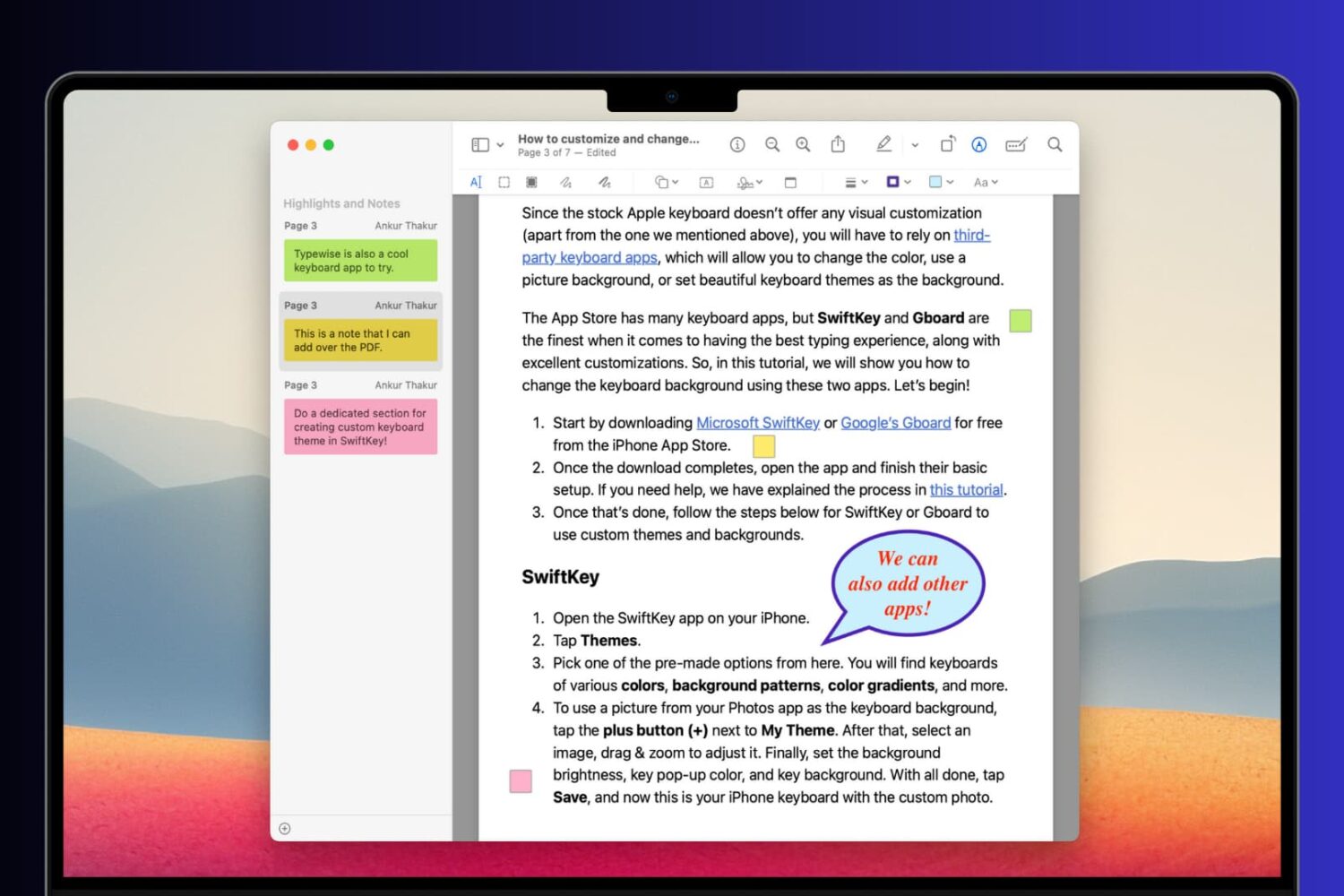
Learn how to add comments, references, extra information, formulas, and hints to your PDF documents using notes and speech bubbles on your Mac, iPhone, and iPad.
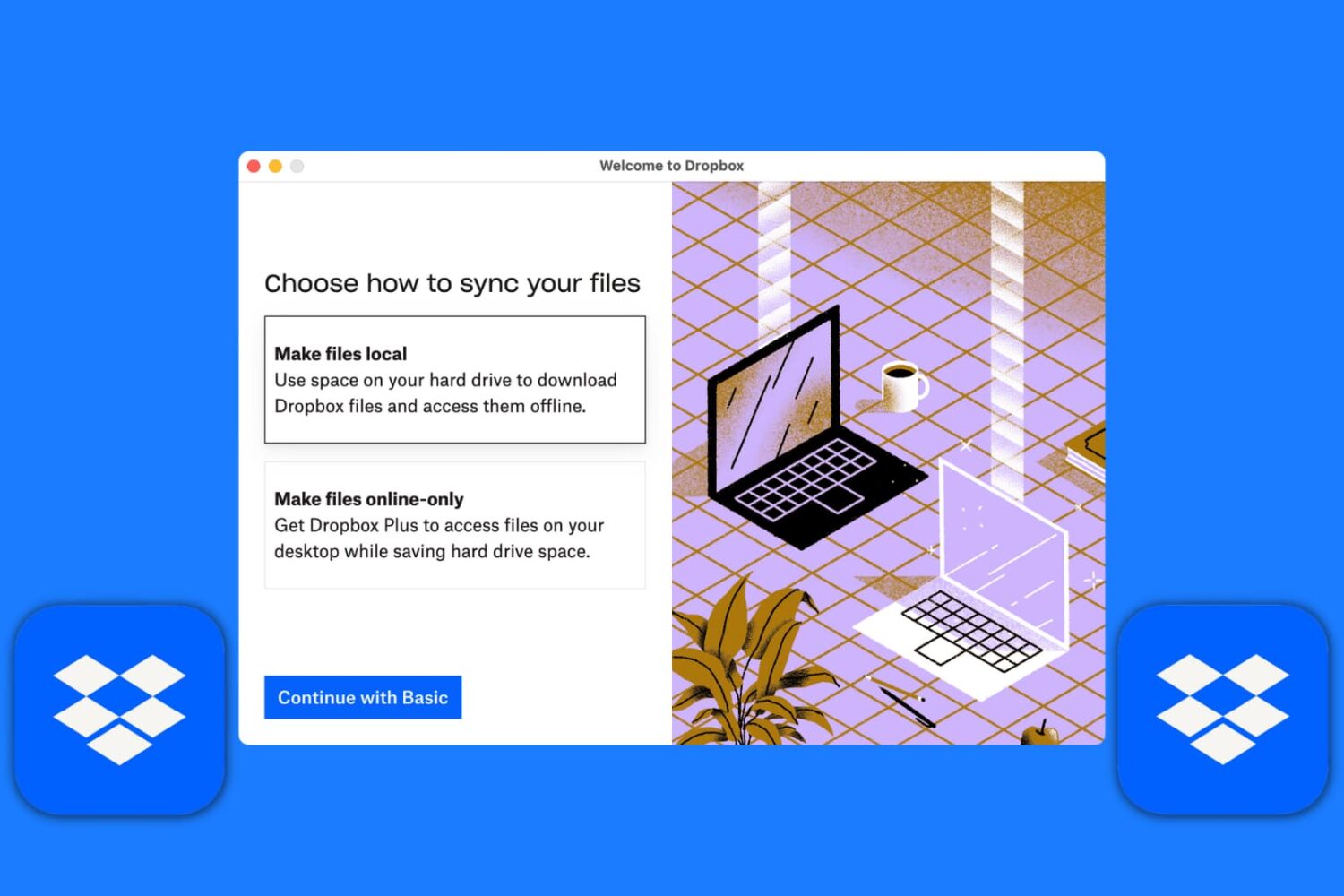
Learn how to set up the Dropbox app on your Mac to manage your new and existing files without having to visit Dropbox’s website every time you need to download or upload a file.
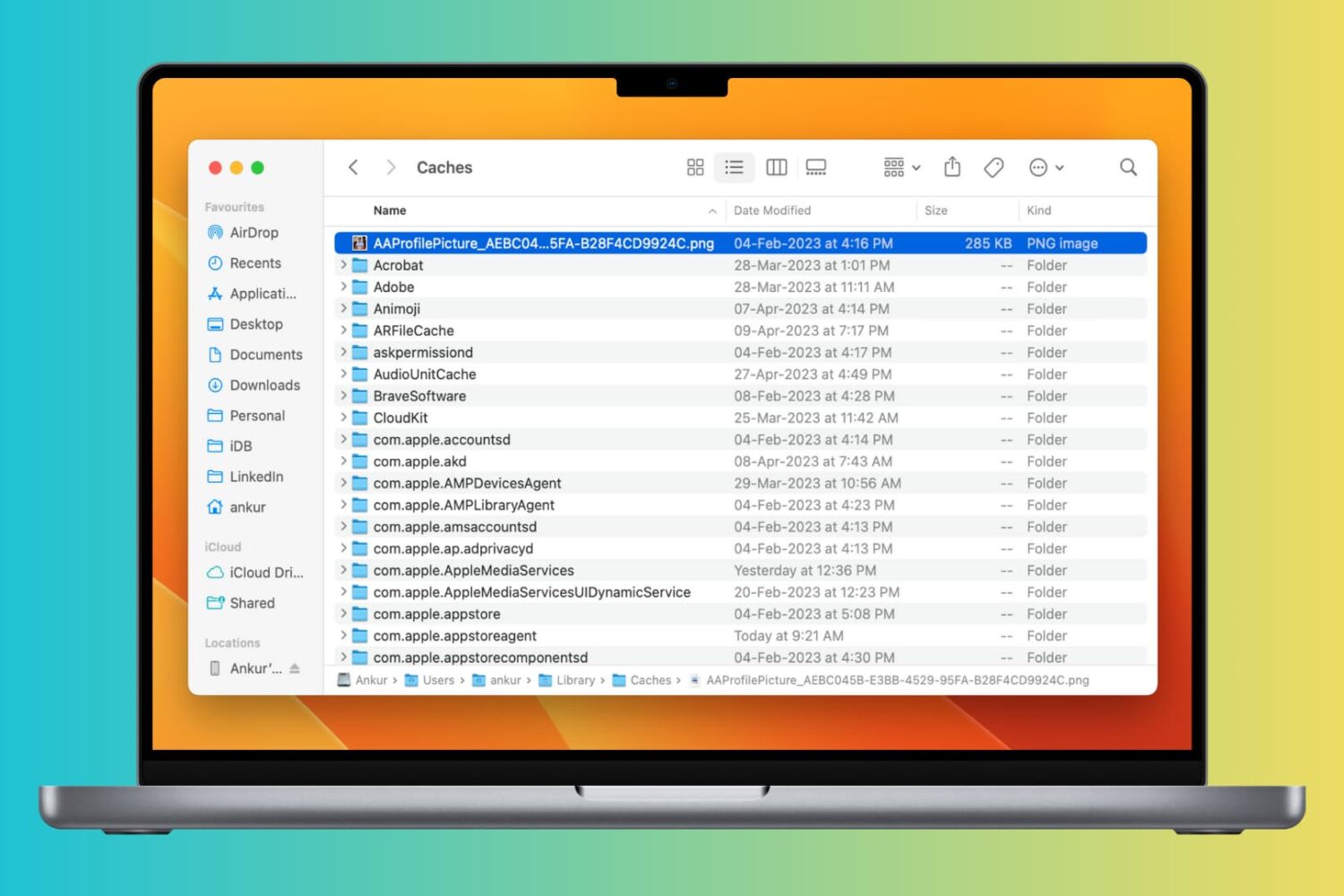
Clearing cache files can help improve the speed and performance of your Mac by freeing up space taken by temporary files. In this article, we will explore how to clear cache on your Mac and help you get your system running smoothly again.
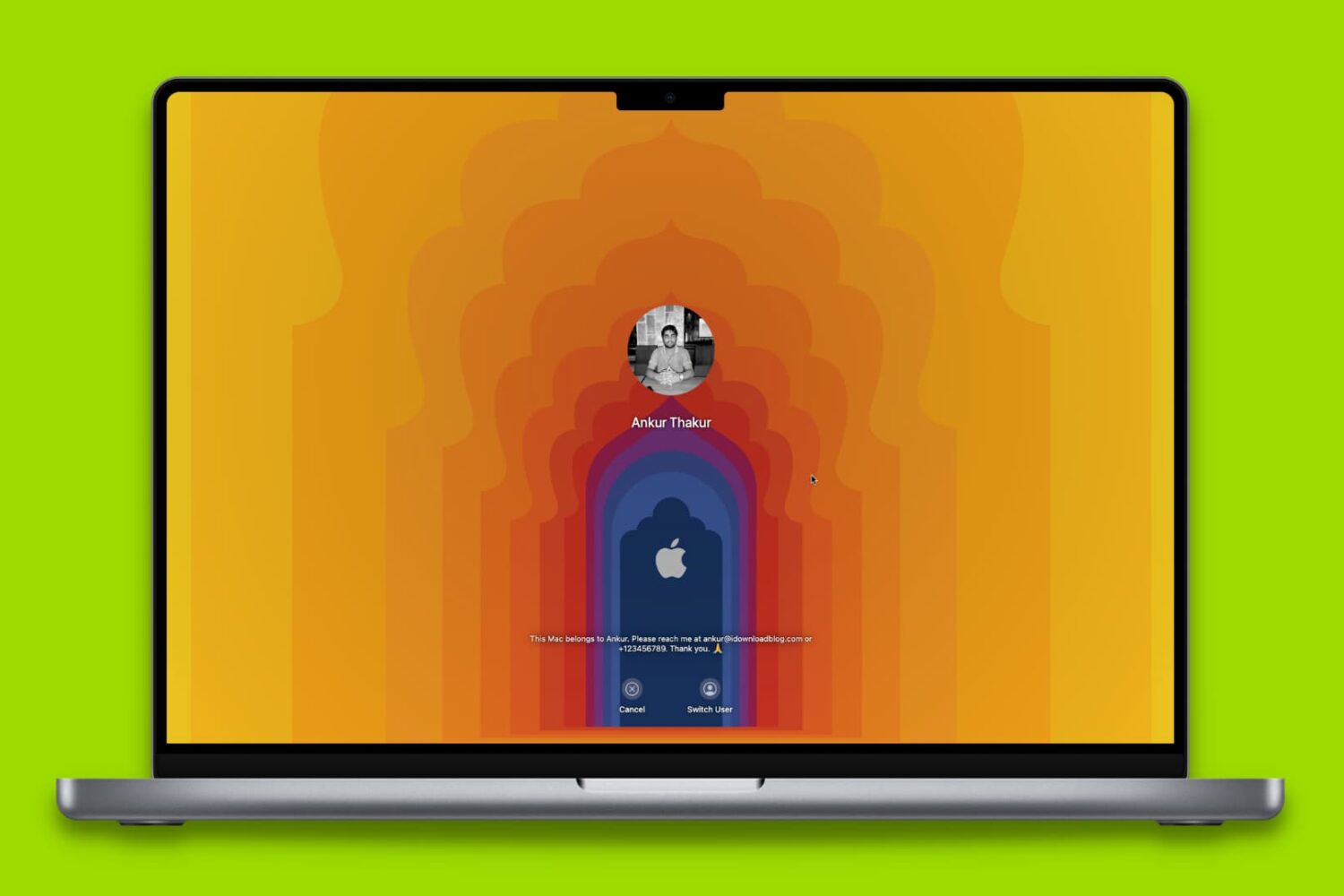
Here are 18 simple yet important tips to protect your Mac so that all your files, documents, and sensitive data remain safe and do not fall into the bad hands.
No need to temporarily disable firewall apps like Little Snitch—macOS Ventura 13.4 fixes a content filtering issue that has plagued earlier beta releases of the software.
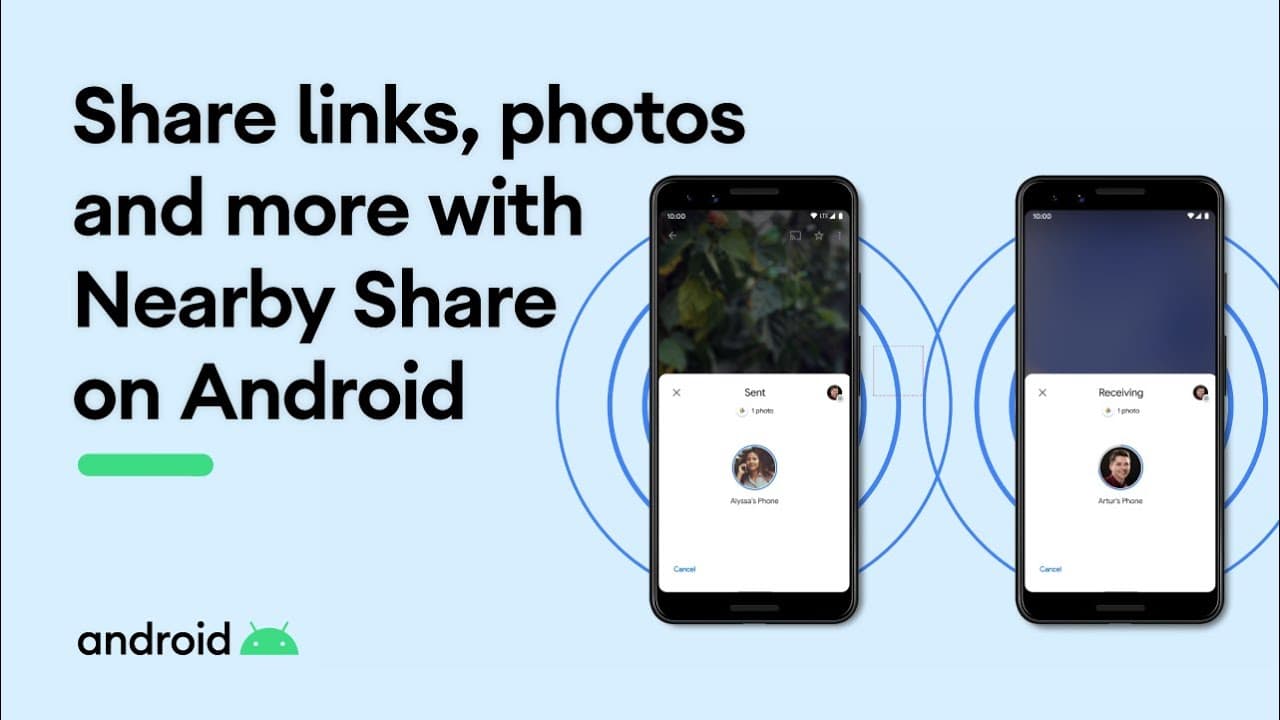
One of the things that makes the macOS ecosystem very appealing is how all your devices worth together to create a seamless user experience. This includes being able to AirDrop files from one device to another, even from your mobile device to your Mac.
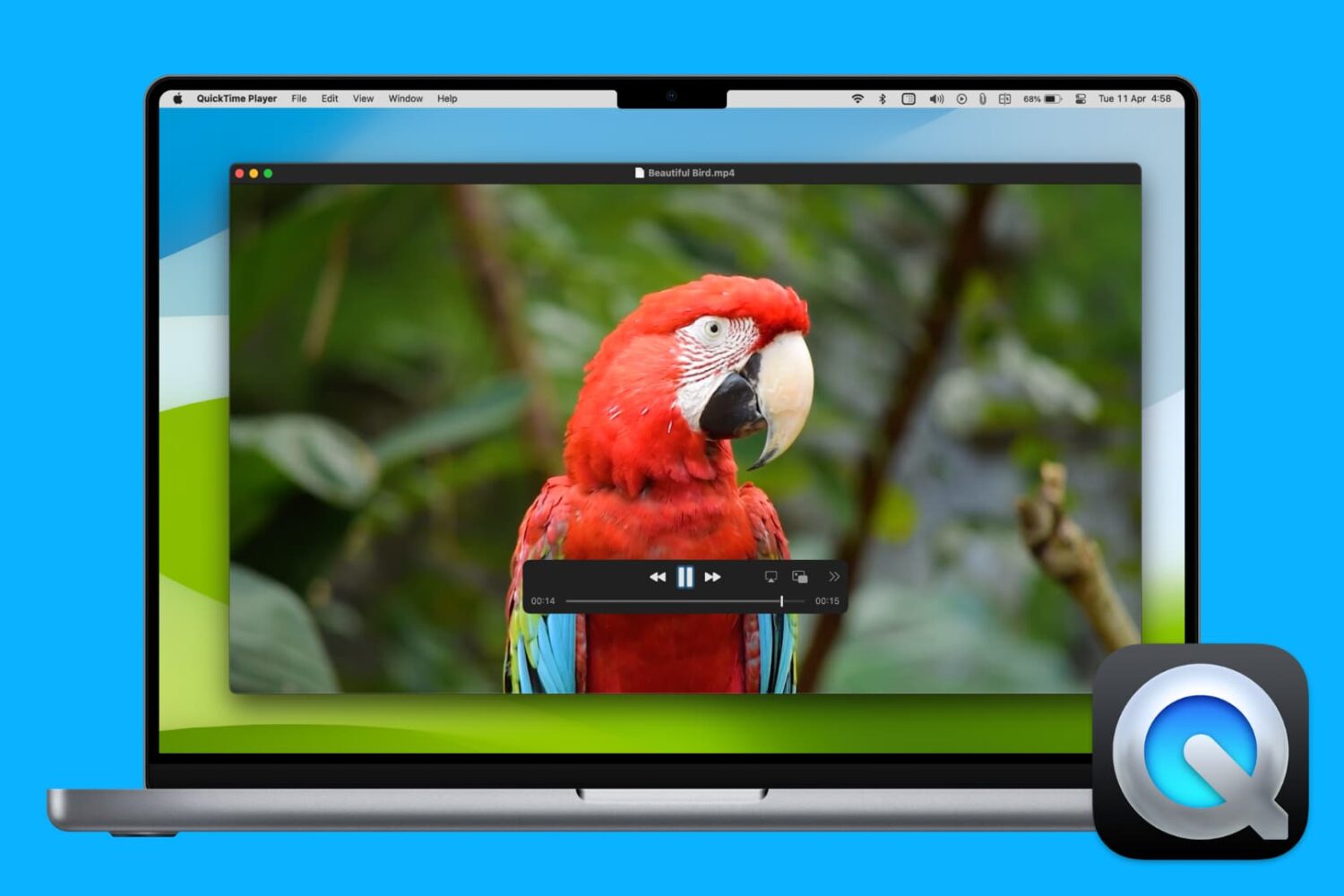
From screen recording to video editing and beyond, discover 17 things you can do with QuickTime Player on your Mac to boost your productivity.