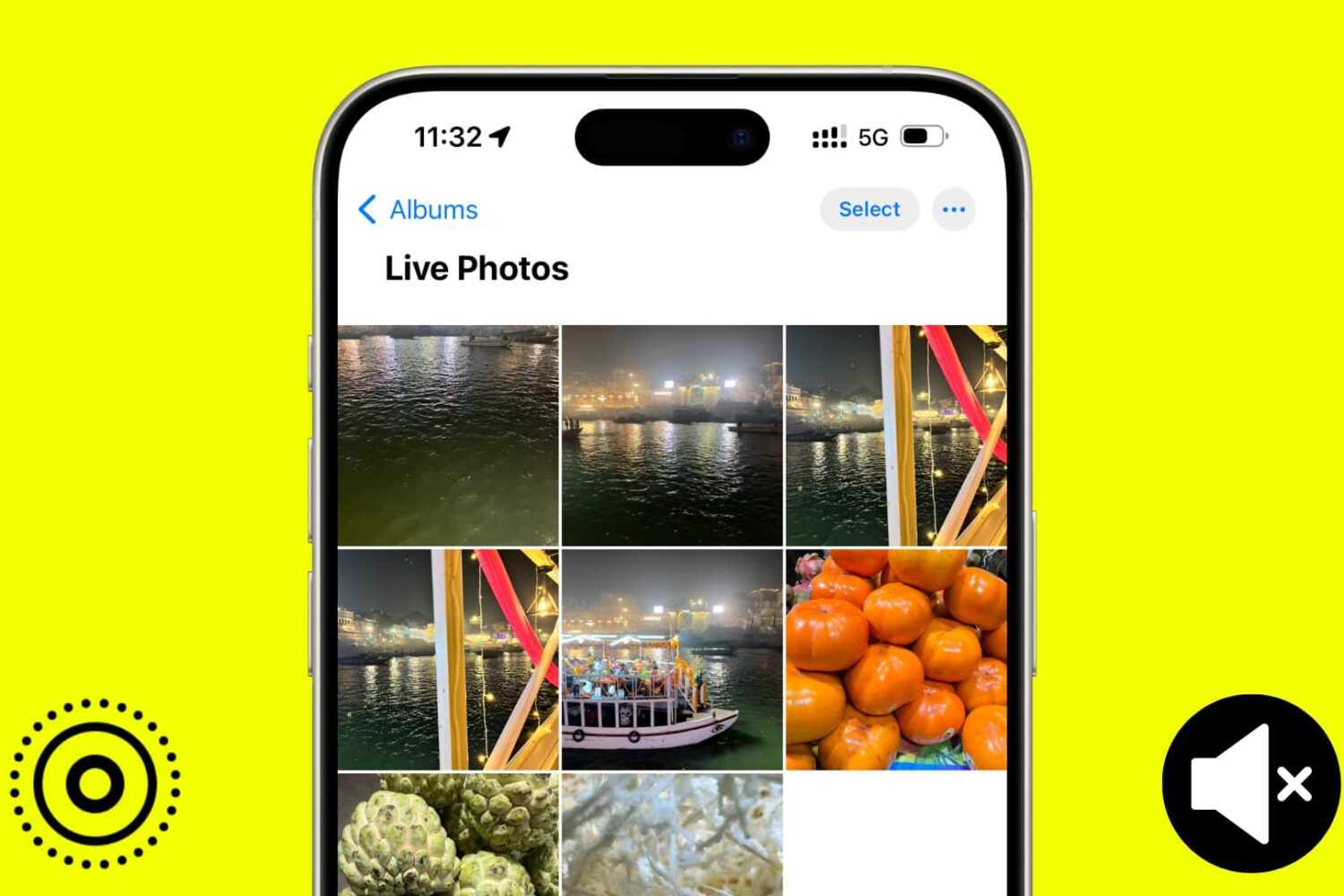
In this tutorial, we will show you how to use the Apple Photos app to remove sound from your Live Photos and save them as soundless media files.
How to turn off audio from Live Photos on iPhone or Mac
Stay up-to-date on the latest Mac news, and tutorials. Get expert tips and tricks to optimize your Mac’s performance and learn about the latest Apple products and software updates. Discover the best Mac apps and accessories to enhance your user experience.
In this tutorial, we will show you how to use the Apple Photos app to remove sound from your Live Photos and save them as soundless media files.
If you've encountered issues using USB hubs, Java software or professional audio plug-ins on your Mac, installing macOS Sonoma 14.41 should fix them.
In this tutorial, we will show you how to secure your Google Chrome bookmarks behind a password on your Mac or Windows PC.
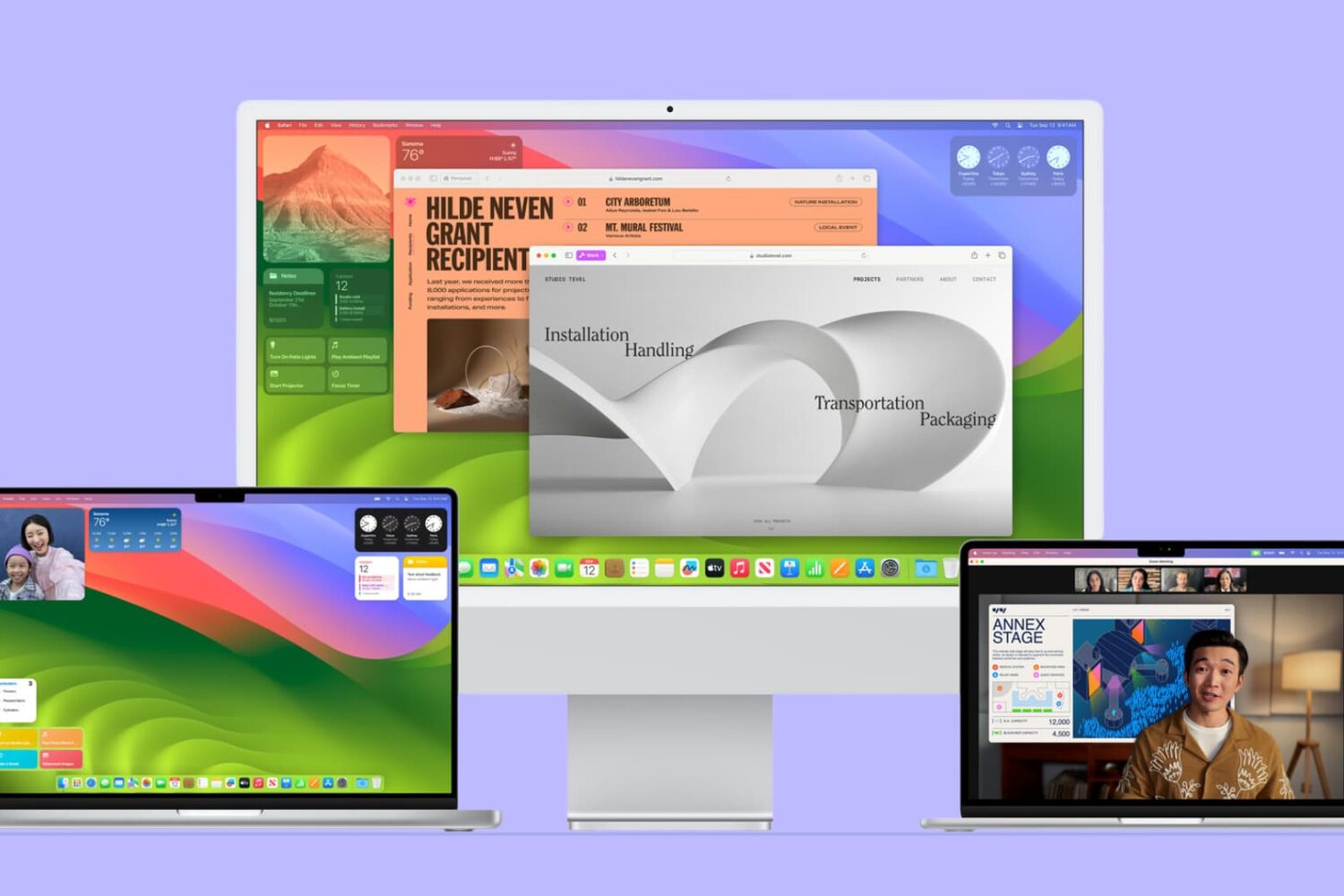
In this guide, we'll go over some common problems that can affect Mac users running macOS Sonoma. We've also listed the potential solutions to address these issues.
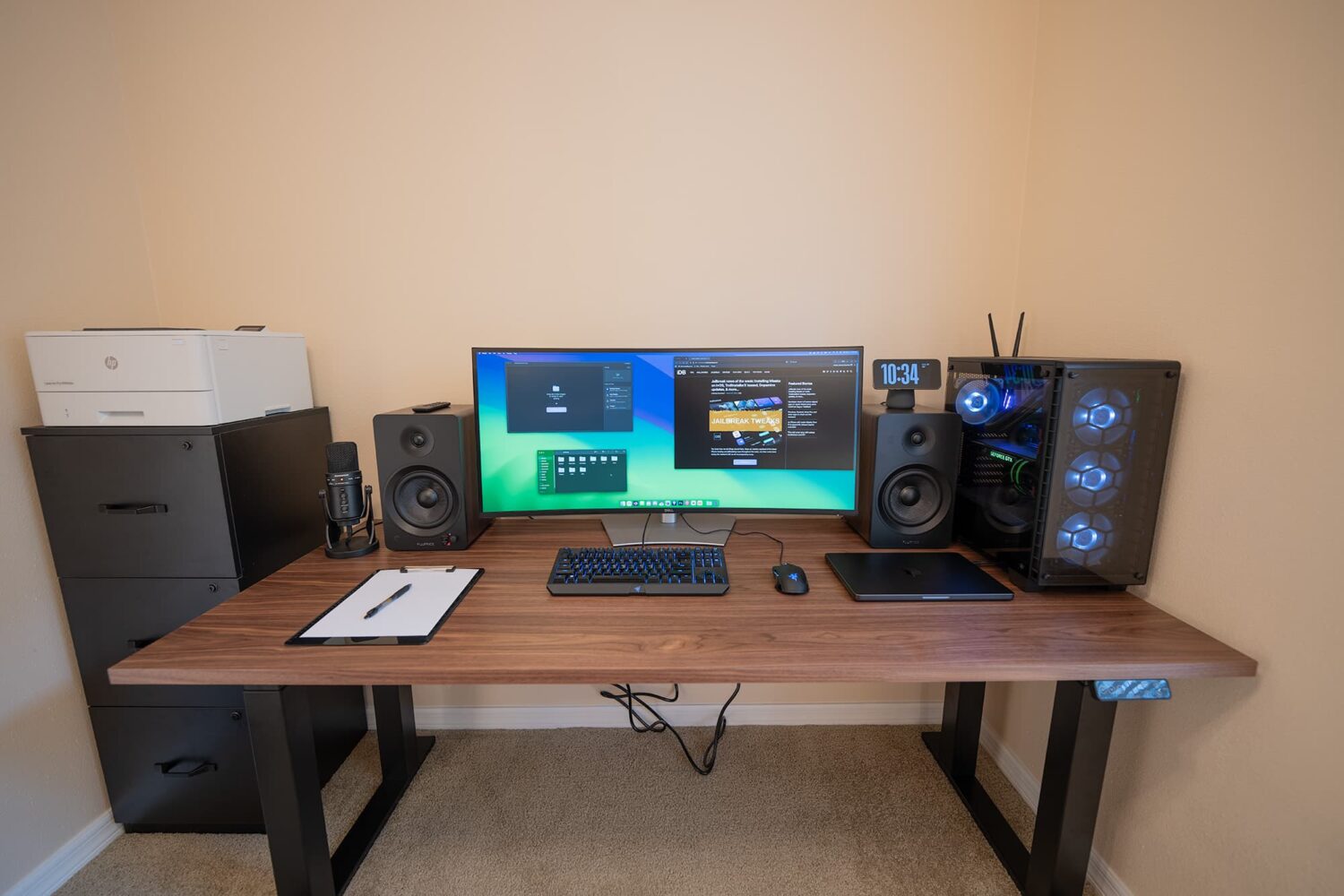
When it comes to keeping your workspace organized, I can think of no better way than to have the proper table. Yes, that means finding the correct size to fit all your gear, as well as a color that suits your equipment as to help it look like it belongs there.
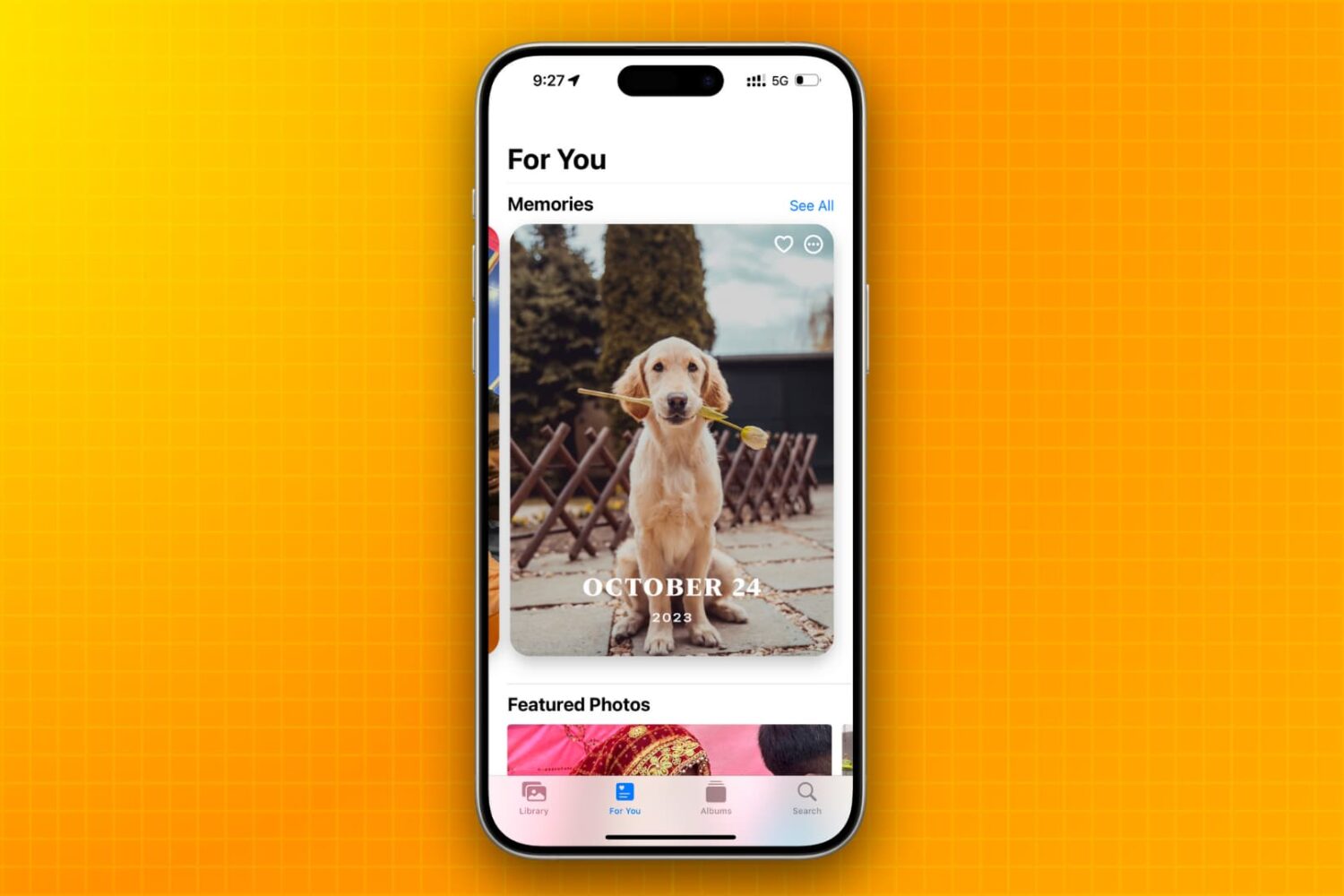
Learn how to stop your iPhone, iPad, or Mac from showing pictures in the Memories and Featured Photos sections of the Photos app as well as the photo widget.
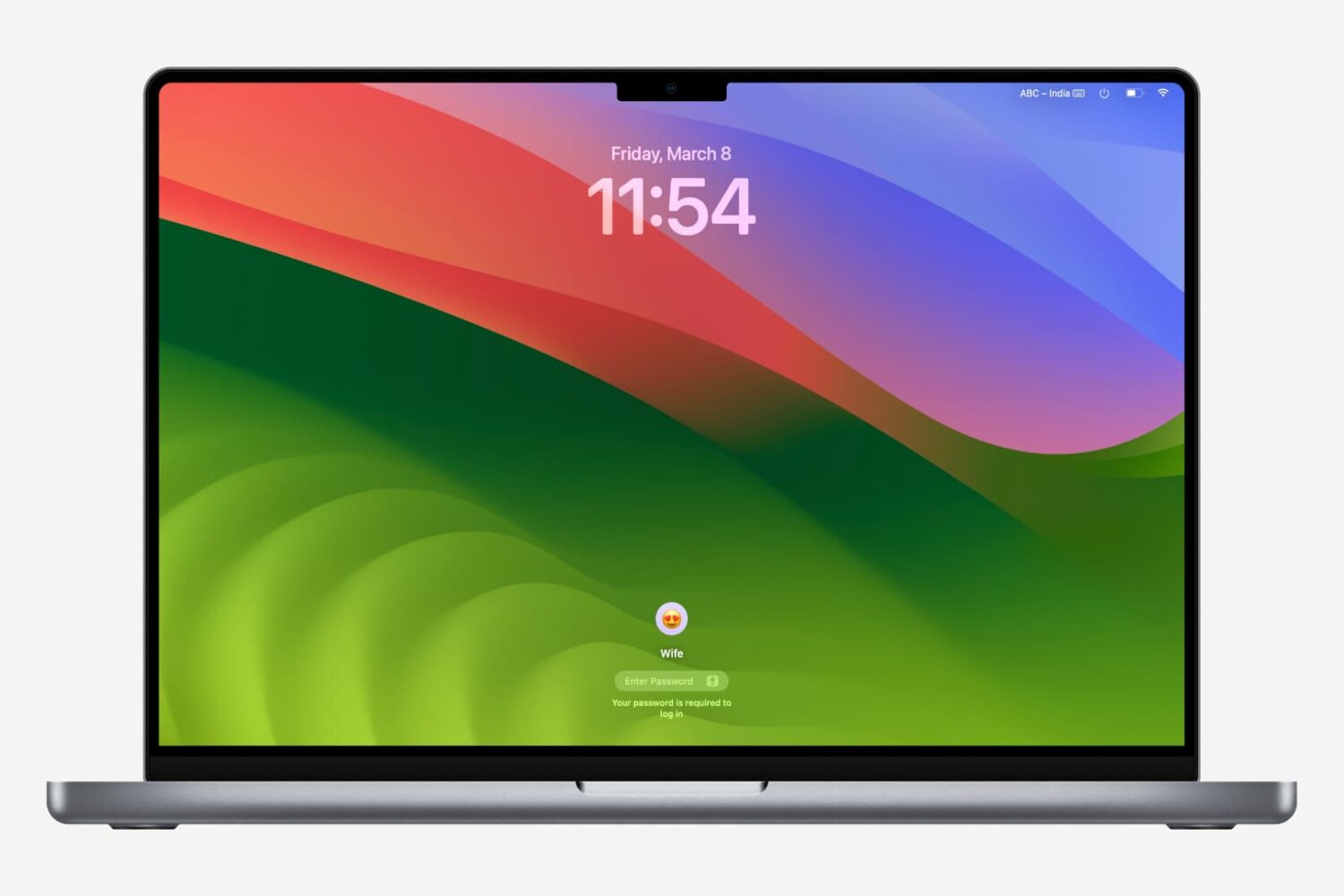
Getting locked out of your computer could easily be one of the most frustrating things that could happen to you. This guide shares a few useful tips that will ensure you do not face this issue on your Mac.
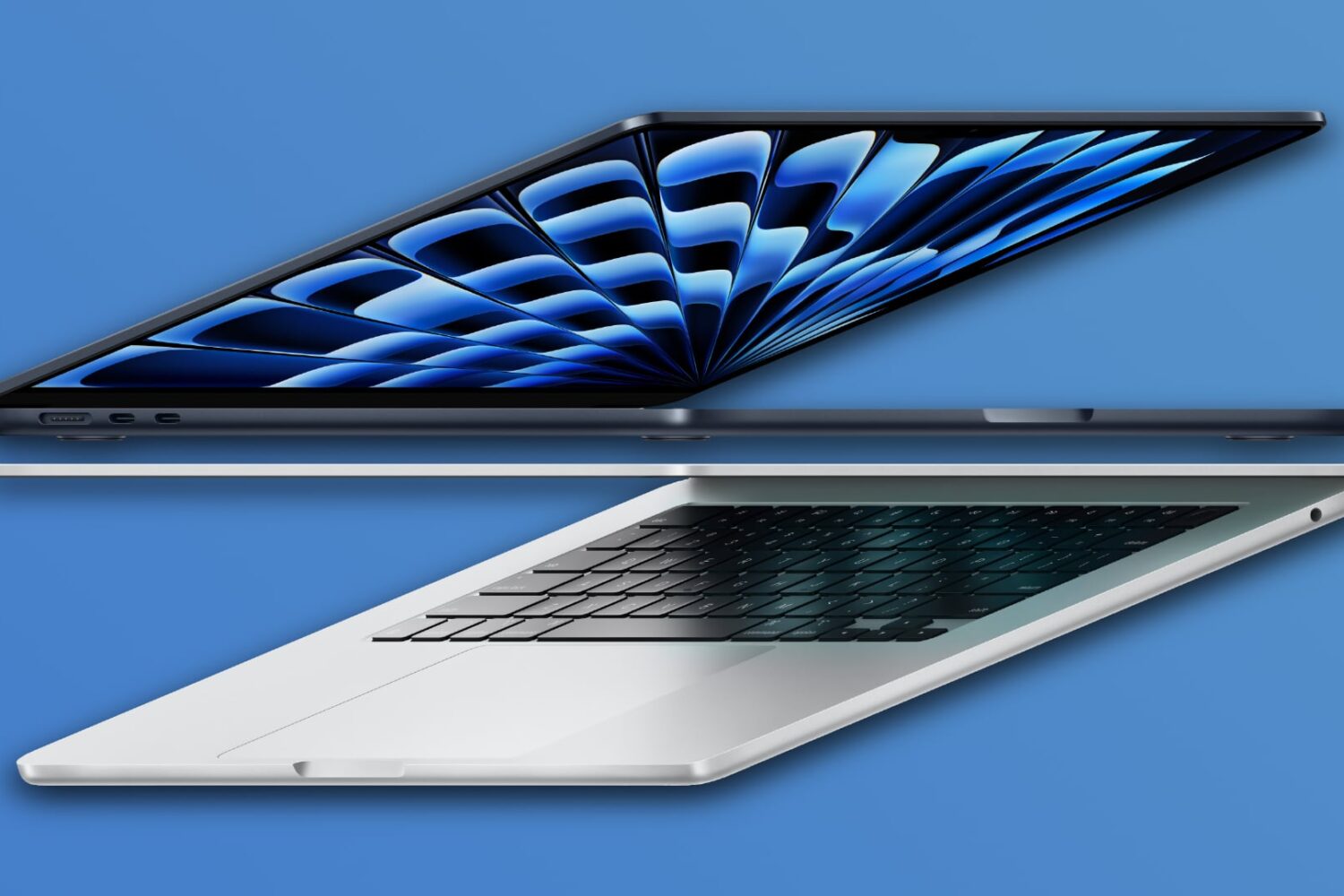
Apple has equipped the 256-gigabyte version of its 13-inch M3 MacBook Air with faster flash storage than its M2 counterpart.
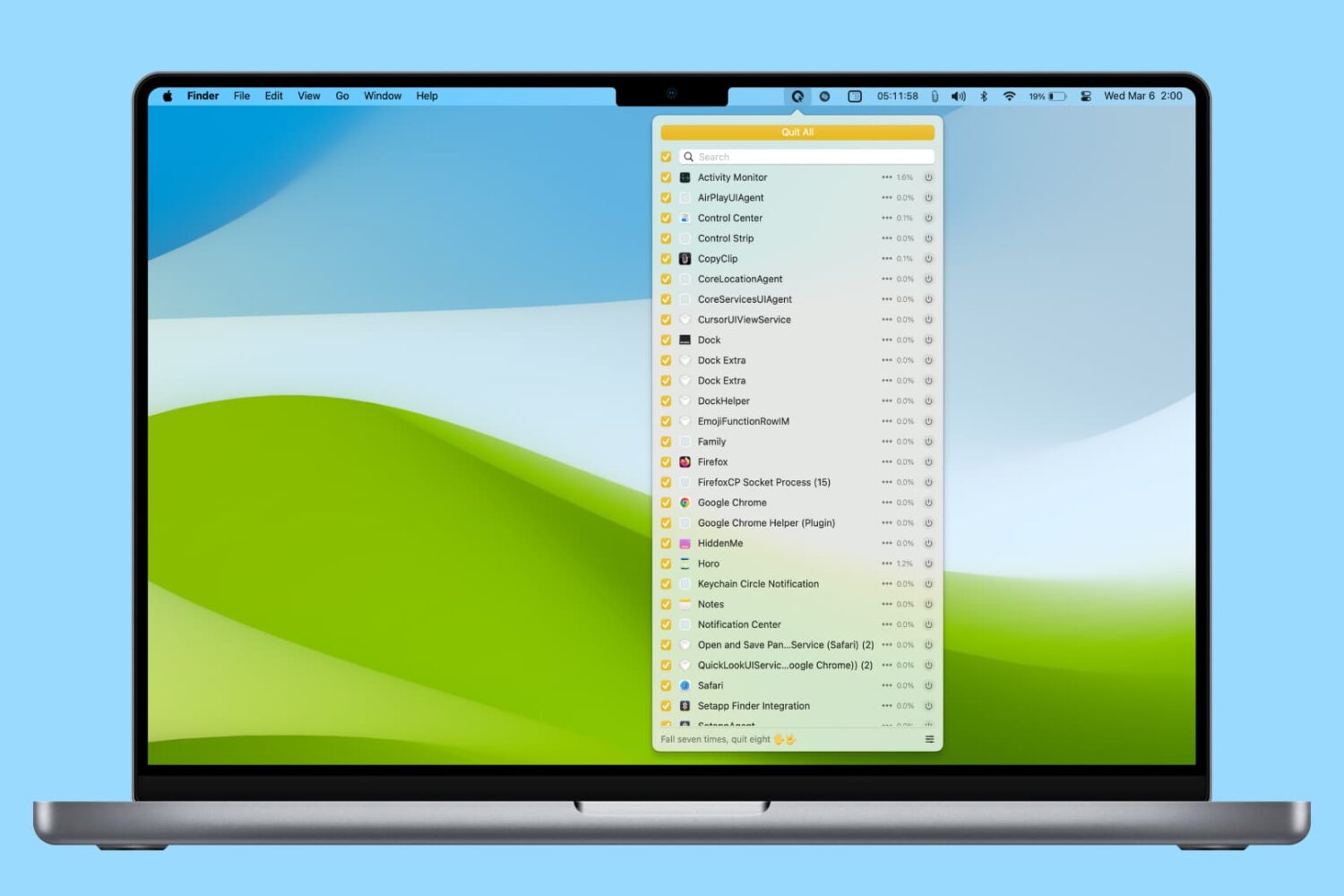
In this tutorial, we’ll share various easy ways to find and kill apps and hidden system processes that are running in the background on your Mac.
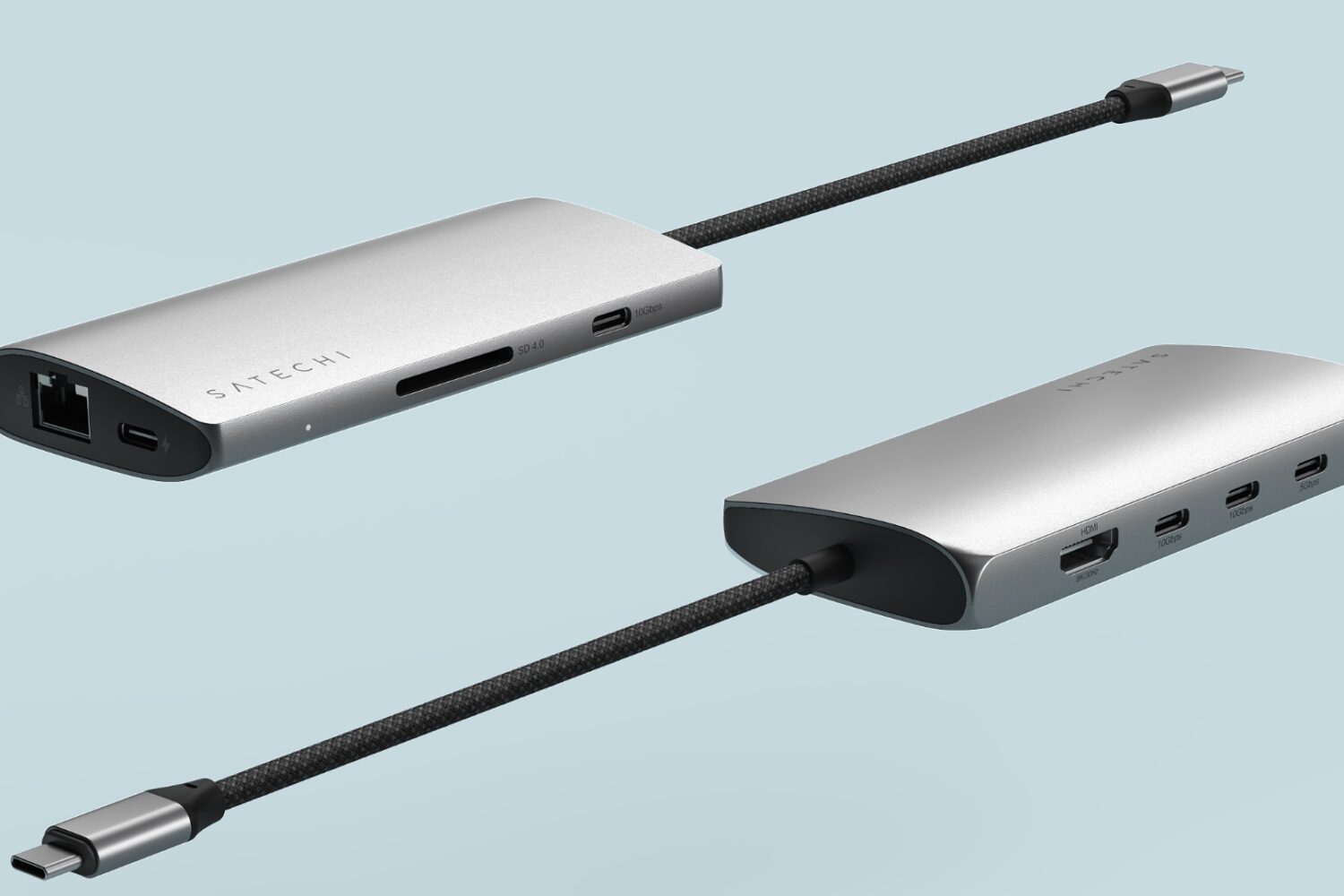
Satechi's new USB-C adapter delivers multiple USB ports, flexible display options and 85W pasthrough charging in a compact, stylish package.
Aside from half a dozen new emoji characters, macOS Sonoma 14.4 lets you view transcripts of your favorite shows in Apple's Podcasts app.