Mac

Stay up-to-date on the latest Mac news, and tutorials. Get expert tips and tricks to optimize your Mac’s performance and learn about the latest Apple products and software updates. Discover the best Mac apps and accessories to enhance your user experience.

How to set up automatic account login on Mac

Login screen on MacBook Pro running macOS Sonoma

Wouldn’t it be nice if you could just turn on your Mac and start using it without having to log in to it all the time? If you’re someone who doesn’t need Fort Knox-like security to keep people from getting into your computer, then you can set up your Mac to log in to your account automatically when you turn it on, and we’ll show you how to do that.

Here’s a special tool Apple uses to recover data from MacBook Pro’s non-removable SSD

iFixit's teardown analysis of both the 13 and 15-inch MacBook Pro with Touch Bar has found a non-removable SSD inside soldered to the logic board. In contrast, non-Touch Bar Pros use a removable PCIe-based SSD, simplifying upgrades.

iFixit discovered that Touch Bar Pros include a hidden connector on the logic board that leads nowhere which, as reported by 9to5Mac, works in conjunction with a special tool to let service technicians rescue data in case of a hardware failure.

Open source Darwin code for macOS 10.12 Sierra now available

Apple today released open-source Darwin code for macOS 10.12 Sierra, 9to5Mac reports. Darwin, for those unfamiliar with it, forms the core set of Unix components upon which macOS, iOS, watchOS and tvOS are based, including drivers and the unencrypted kernel along with its BSD portions.

Apple typically releases Darwin code shortly after major macOS releases, and Sierra is no exception. Anyone interested in the intricacies of Sierra's inner workings can now grab a copy of Darwin via this direct download link.

How to prevent partitions from mounting when you boot up, log in, or connect drives to your Mac

With the exception of partitions in unreadable formats and certain hidden partitions such as EFI and Recovery HD, the default behaviour of macOS is to mount all partitions of a drive on boot-up, login, or on connecting an external drive.

Whilst this behaviour is useful for the novice or for those connecting a single USB stick to copy some files, it can become unwieldy and even annoying if you have many multi-partitioned drives attached to your Mac.

For example, my desktop Hackintosh has three internal drives, each with at least two partitions, and one of these drives is not even needed when booted under macOS – it is for Windows 10 and Linux. Add to this a couple of external hard drives with partitions for storage, OS installers and Time Machine backups for other computers, and your desktop and Finder sidebar can begin to look a real mess. It also takes time for the drives to mount on every boot and unmount on sleep or shutdown.

This guide will detail how to ensure only the drives of your choosing mount automatically, leaving the rest unmounted within macOS.

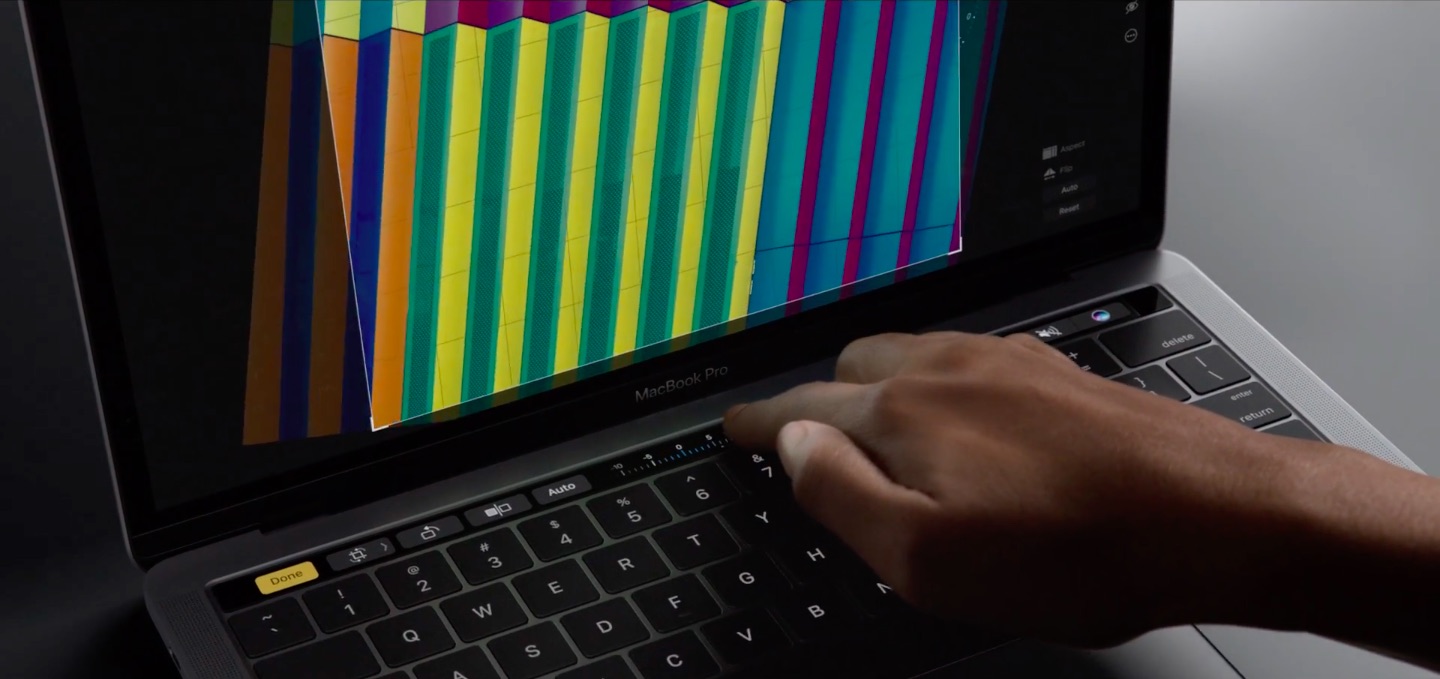
This Mac app lets you switch between recently used apps via Touch Bar

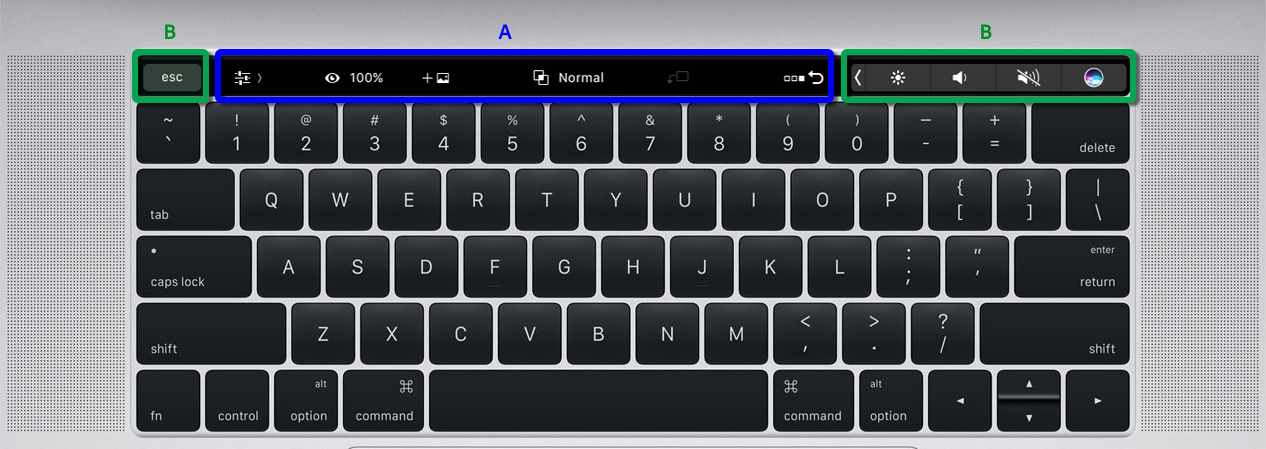
With all of the time-saving shortcuts available for Apple's stock apps on the Touch Bar, you'd think Apple would have brought the macOS app switcher to the the new MacBook Pro's OLED strip. That's why developer Maxim Ananov set out to create an app, called TouchSwitcher, which does just that. With TouchSwitcher, you can switch between your recently-used apps on the new MacBook Pro right from the Touch Bar.

Is Jony Ive no longer directly involved with iPhone and Mac product design?

In an article Tuesday titled “Pundits Believe Apple's Jony Ive No Longer Involved in iPhone, Mac Product Design,” AppleInsider reports that journalist Jason Snell and Daring Fireball's John Gruber speculated on a recent The Talk Show podcast that Ive, who is Apple's Chief Design Officer, may be now more focused on architectural projects like the upcoming Spaceship campus and special initiatives such as Project Titan than industrial designs related to the iPhone, iPad, Mac and other consumer products from Apple.

Developer ports classic FPS shooter Doom onto the new MacBook Pro’s Touch Bar display

Developer Adam Bell has successfully ported the classic first-person shooter Doom onto the new MacBook Pro Touch Bar's 2,170-by-60 pixel resolution OLED display complete with 3D graphics, the game's familiar head-up display and trademark sound effects. Doom, of course, runs on everything these days thanks to enthusiasts who port the game onto computing devices that can handle it.

Best Mac Bundle: save up to 90% on Parallels, 1Password, TextExpander + 5 more apps

If you or someone you know owns a Mac and could benefit from apps like 1Password or TextExpander, you're going to want to check out this promotion from the folks at Parallels. It's called the Black Friday Mac App Bundle, and it can save you up to 90% on 8 top-shelf Mac apps and services.

Included in this package is Parallels Desktop 12, which allows you to run Windows and other operating systems on your Mac, the popular password management app 1Password (the latest 'Families' edition), and key shortcut creator TextExpander. We have a full breakdown of the apps below.