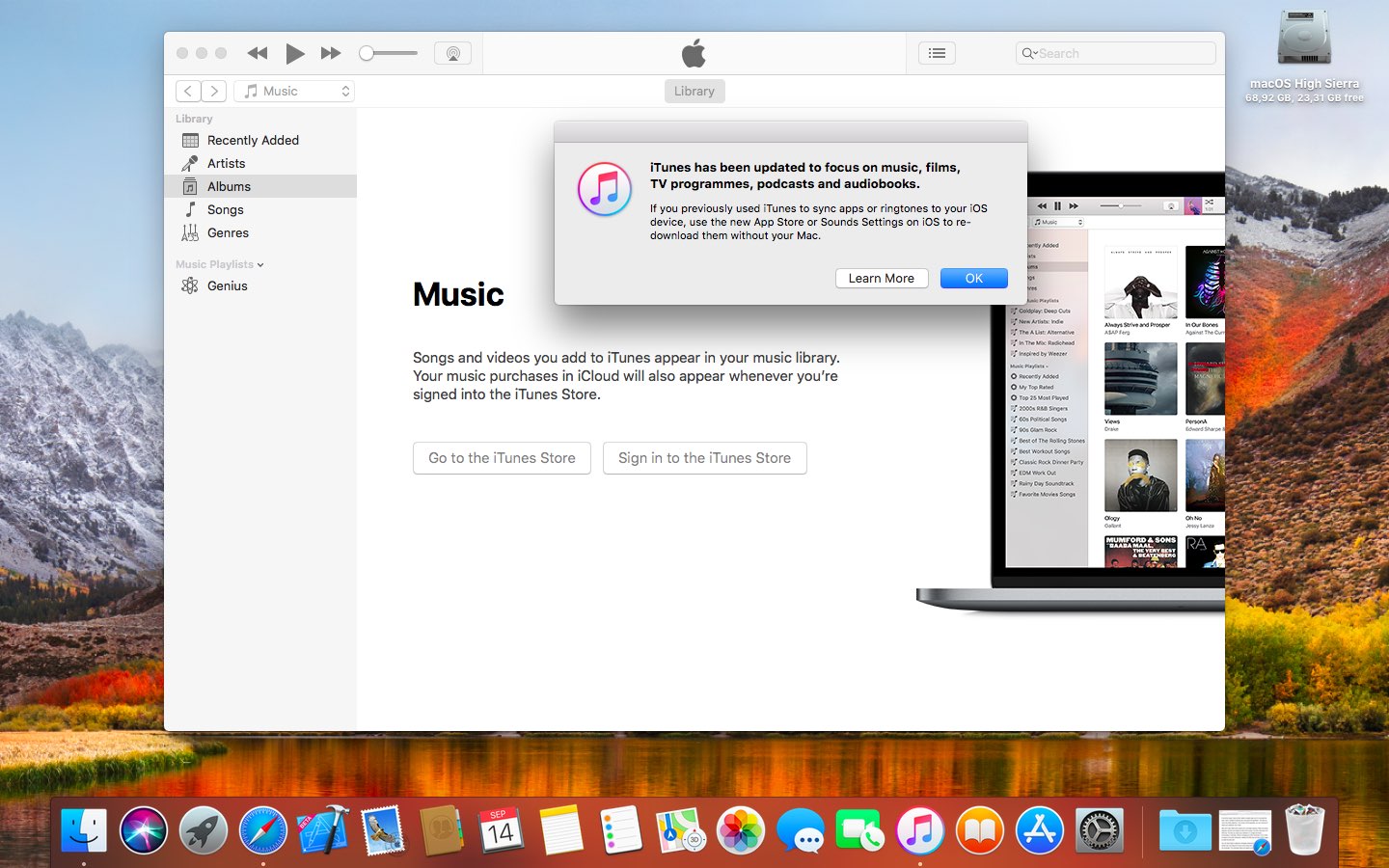
In addition to releasing the new iOS 11.1, watchOS 4.1, tvOS 11.1 and macOS High Sierra 10.13.1 software updates earlier this morning, Apple also issued a minor iTunes update.
iTunes 12.7.1 released with minor improvements
Stay up-to-date on the latest Mac news, and tutorials. Get expert tips and tricks to optimize your Mac’s performance and learn about the latest Apple products and software updates. Discover the best Mac apps and accessories to enhance your user experience.
In addition to releasing the new iOS 11.1, watchOS 4.1, tvOS 11.1 and macOS High Sierra 10.13.1 software updates earlier this morning, Apple also issued a minor iTunes update.
Apple on Tuesday released the public version of macOS High Sierra 10.13.1.
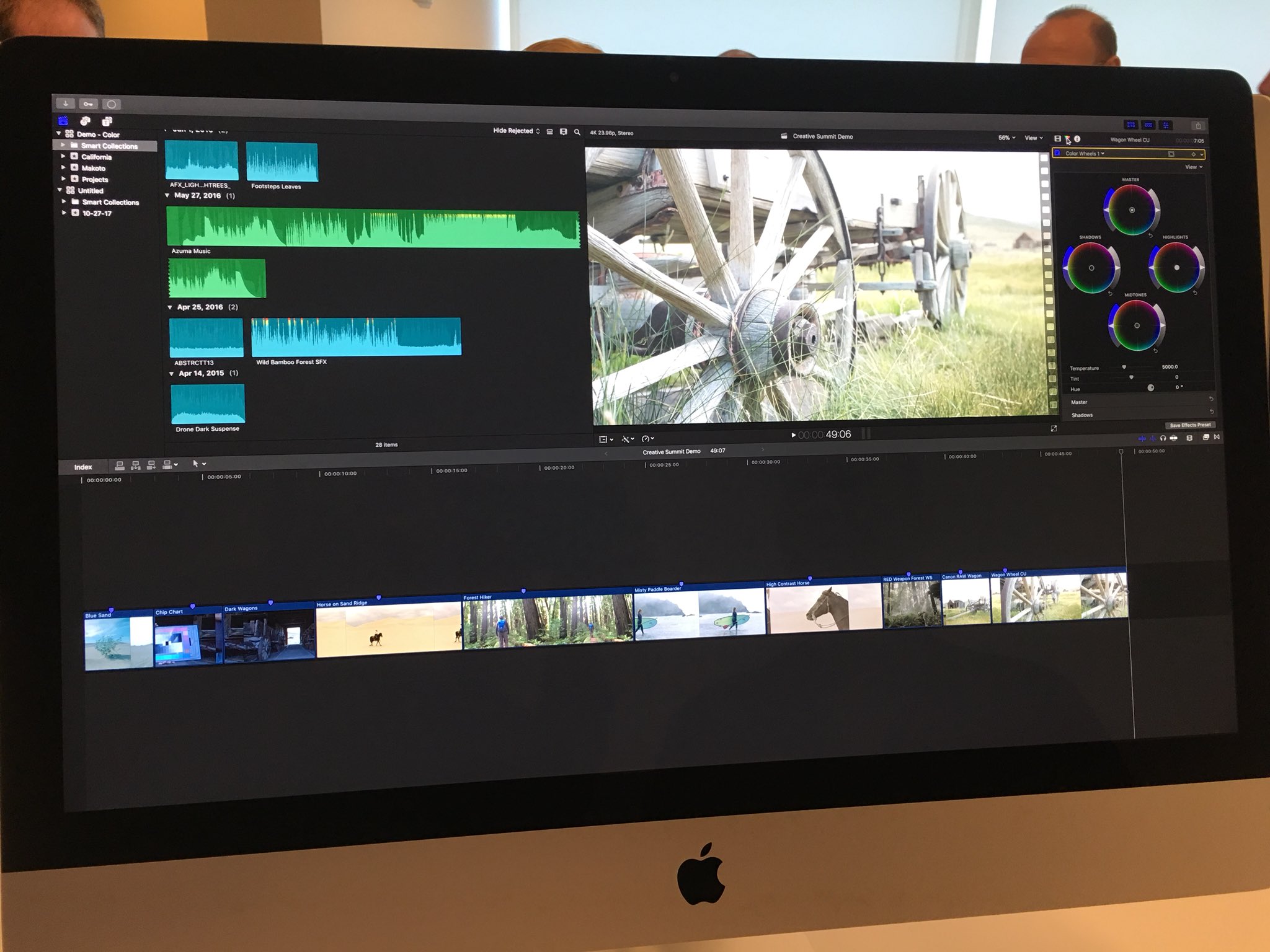
Apple at yesterday's Final Cut Pro X Creative Summit demonstrated several new features coming to Final Cut Pro X, its non-linear video editing software.
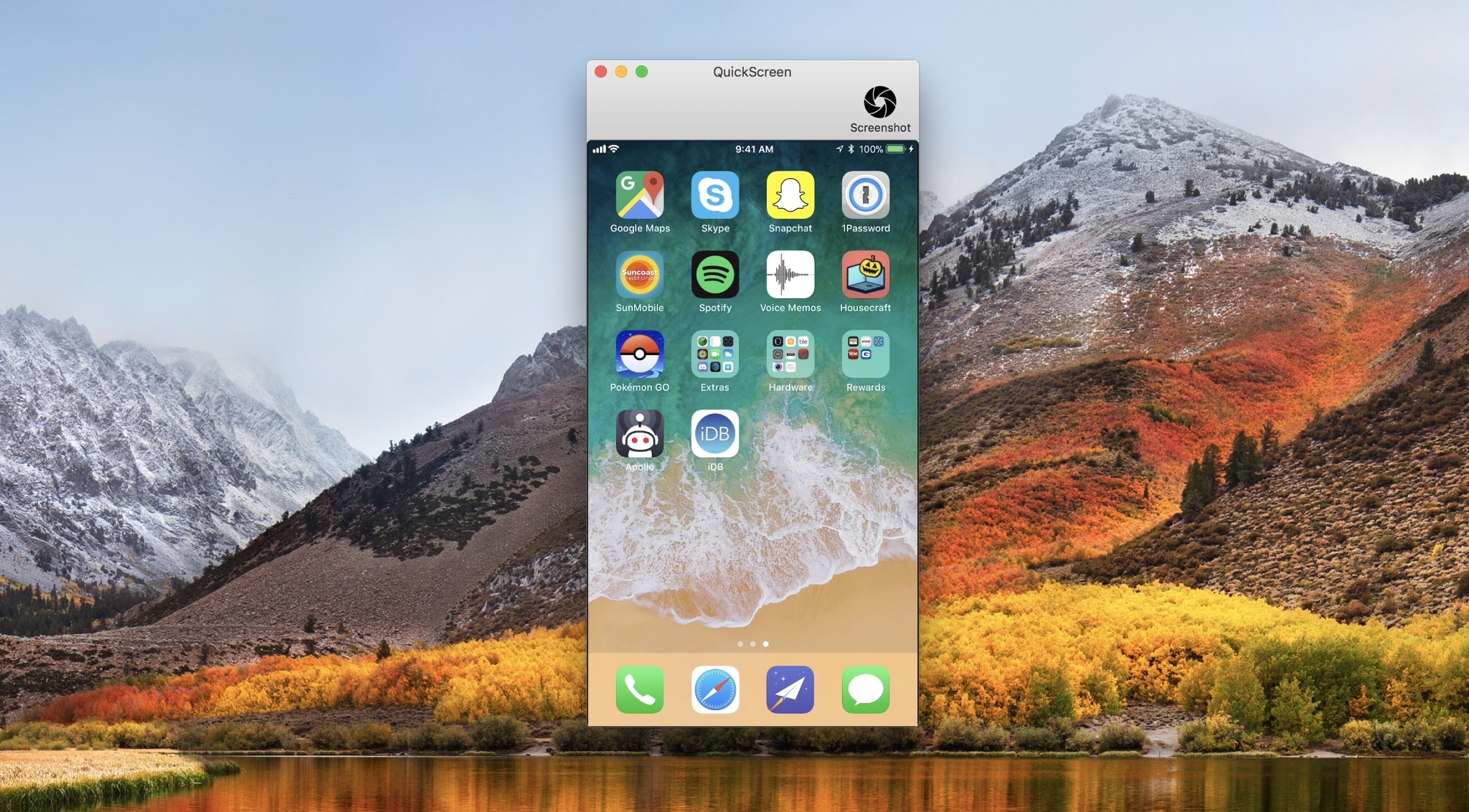
QuickScreen is a convenient new Mac utility by Frogg GmbH that lets you demo your iPhone’s screen directly on your computer’s display.
Designed with ease-of-use in mind, all you have to do to get started with QuickScreen is plug your iPhone or iPad into your machine with a MFi-certified Lightning cable, and the app detects its display automatically.
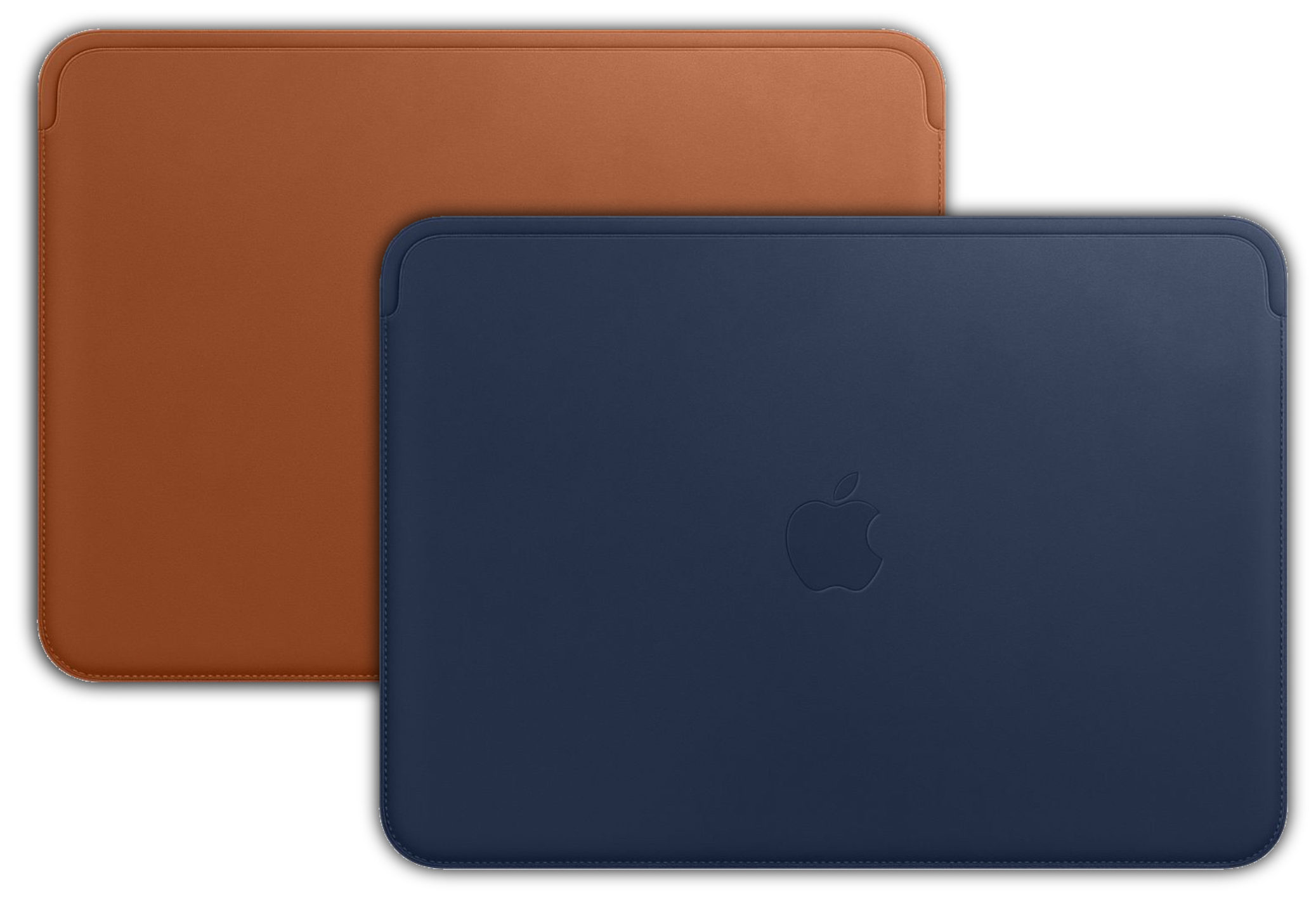
While everyone was focused on iPhone X preorders, Apple also released a brand new premium leather sleeve for the twelve-inch MacBook. This luxury sleeve comes in Saddle Brown and Midnight Blue and is available for shipping immediately.
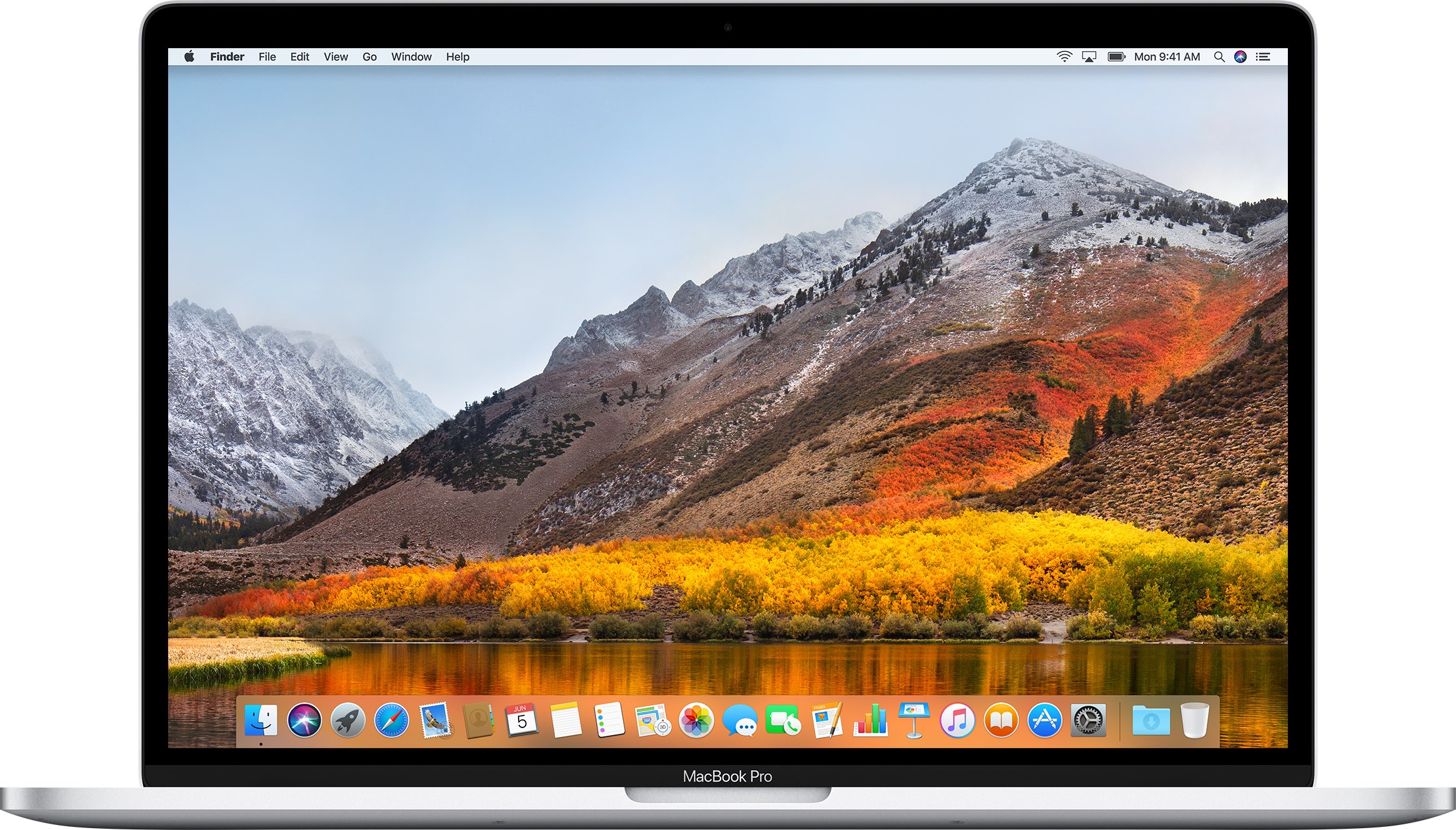
Apple on Thursday released a fifth beta of macOS High Sierra 10.13.1 to its registered developers and members of the paid Apple Developer Program.

Safari on macOS High Sierra has been found to use much less memory than on previous versions of Apple's desktop operating system, according to Kirk McElhearn.

Last year, popular accessory maker Twelve South released their infamous "new Mac" scented candle. It was a hotly gifted item and stirred up quite a bit of controversy on whether or not it did smell like a new Mac. This year, the candle is back in the form of Inspire [mac candle N°2]. This is an entirely new scent, and no longer tied to a new Apple product.
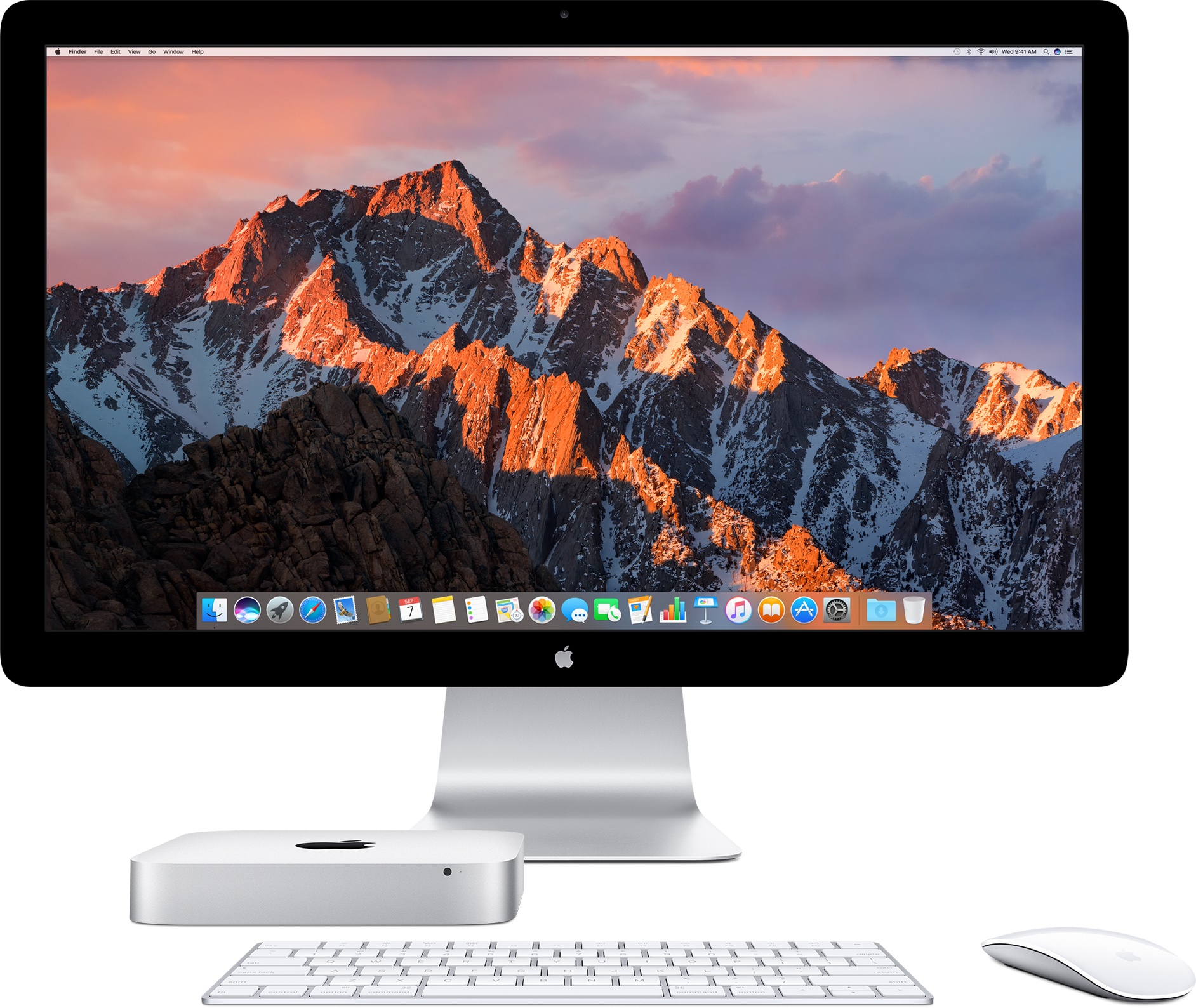
Chief executive Tim Cook has reportedly assured a concerned Apple fan that Mac mini, the company's most affordable desktop computer, is definitely going to remain “an important part” of the Apple product lineup going forward.
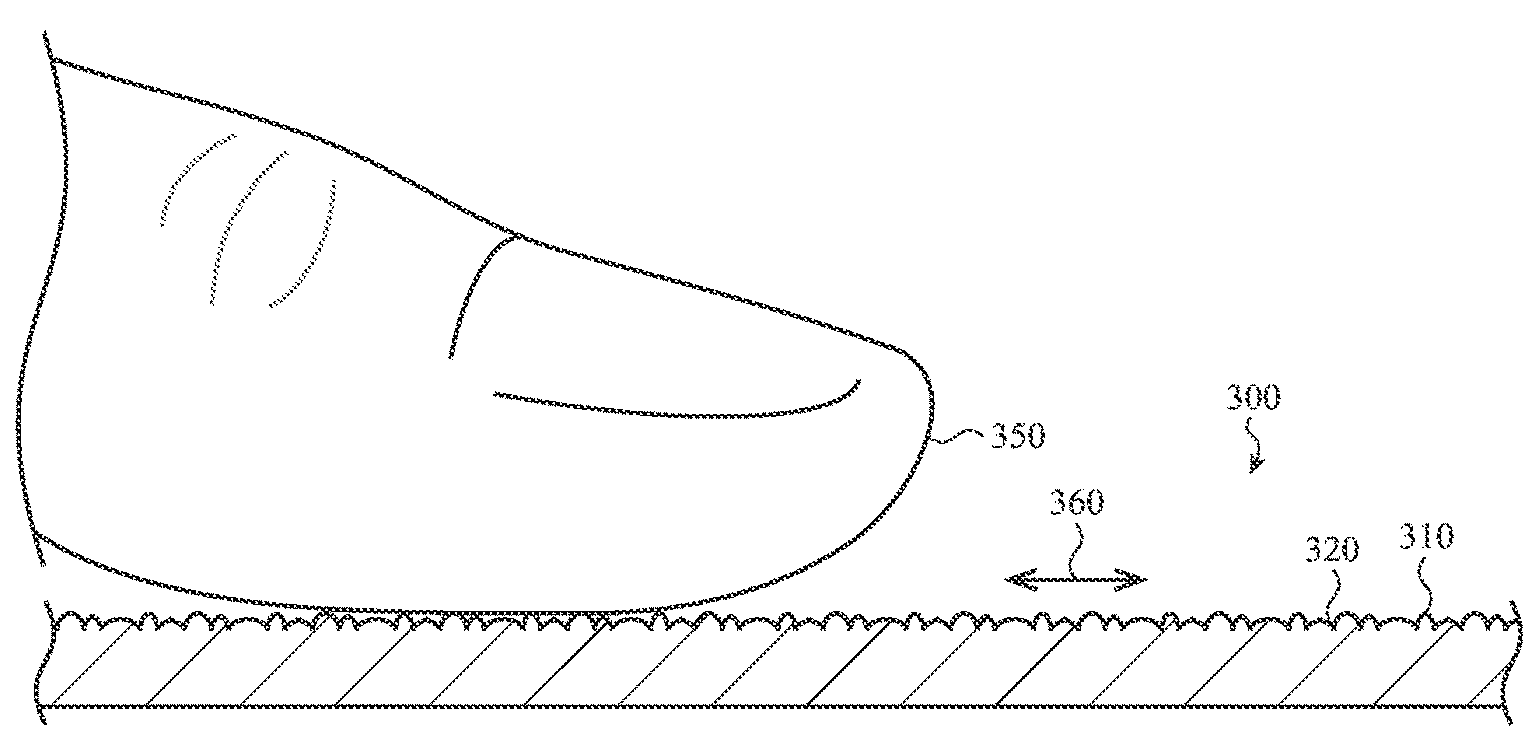
Apple is exploring a new type of display finish for iPhones, iPads and Macs with a visually imperceptible texture that would enable a tactile sensation varying with an object contacting the glass surface, like a finger or Apple Pencil.
This is pretty significant.
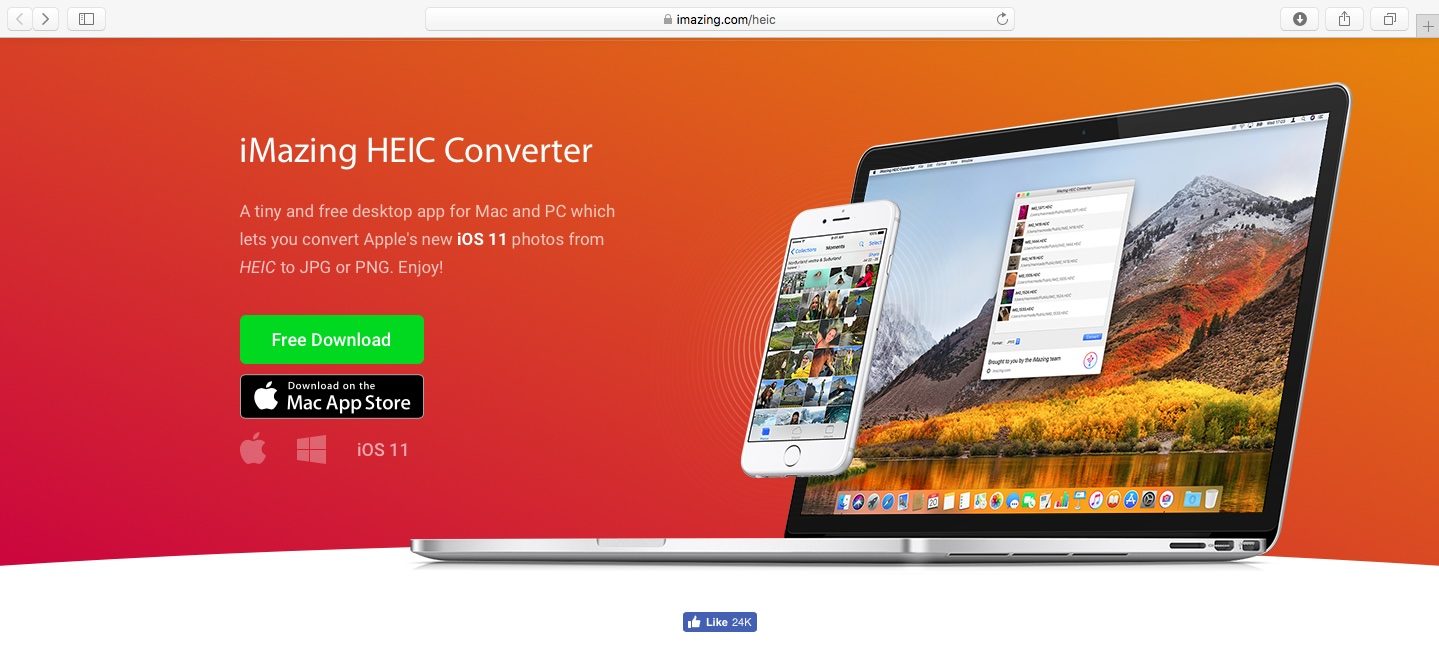
As you might know, Apple with iOS 11 and macOS High Sierra introduced a new space-saving image file format, called High Efficiency Image File Format (HEIF).