Mac

Stay up-to-date on the latest Mac news, and tutorials. Get expert tips and tricks to optimize your Mac’s performance and learn about the latest Apple products and software updates. Discover the best Mac apps and accessories to enhance your user experience.

How to share files and documents between users of a same Mac

Share files among the user accounts on your Mac

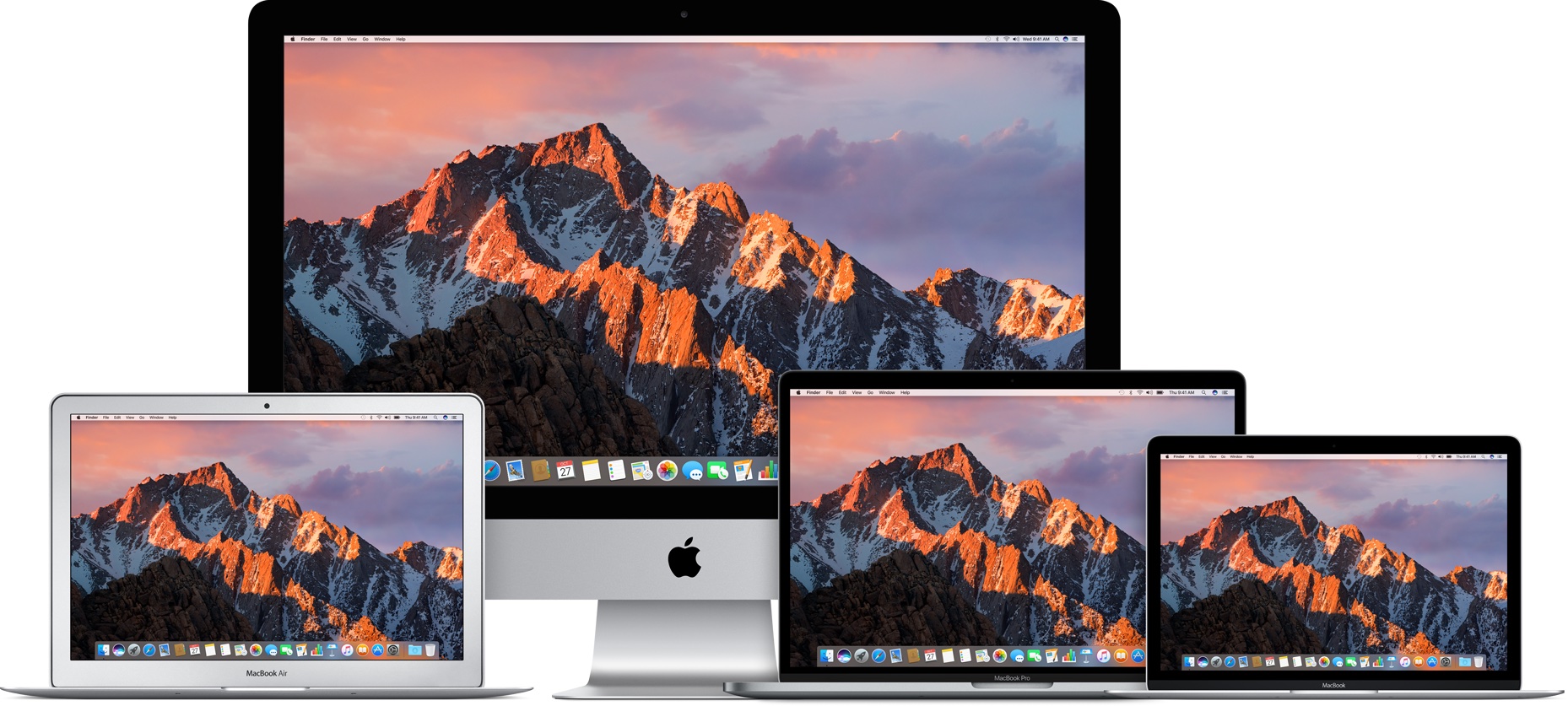
If you have a Mac in your household, chances are it's being shared between several family members. With every family member having his or her own account, each user can then operate the computer without messing up other users' files and settings.

In that kind of situation, users might, at some point, want to share files and documents with each other. This can be done either via a Shared folder, a Public folder available to each user, and a Drop Box folder that is specific to each user. (Not to be confused with cloud storage service Dropbox.)

In this post, you will learn the differences between a Shared folder, a Public folder, and the Drop Box folder. You will find out when and how to use each method to share files and documents between users of the same Mac.