Mac

Stay up-to-date on the latest Mac news, and tutorials. Get expert tips and tricks to optimize your Mac’s performance and learn about the latest Apple products and software updates. Discover the best Mac apps and accessories to enhance your user experience.

How to change the Calendar app to 24-hour clock time format on Mac

The 24-hour clock is the most commonly used time notation in the world. That is if you're not living in the US or any of the few countries that sill operate on a 12-hour clock system. Also called military time in the US, 24-hour time format arguably makes more sense than anything else as it divides the day into -- you guessed it -- 24 hours.

What you need to know about iTunes 12.7

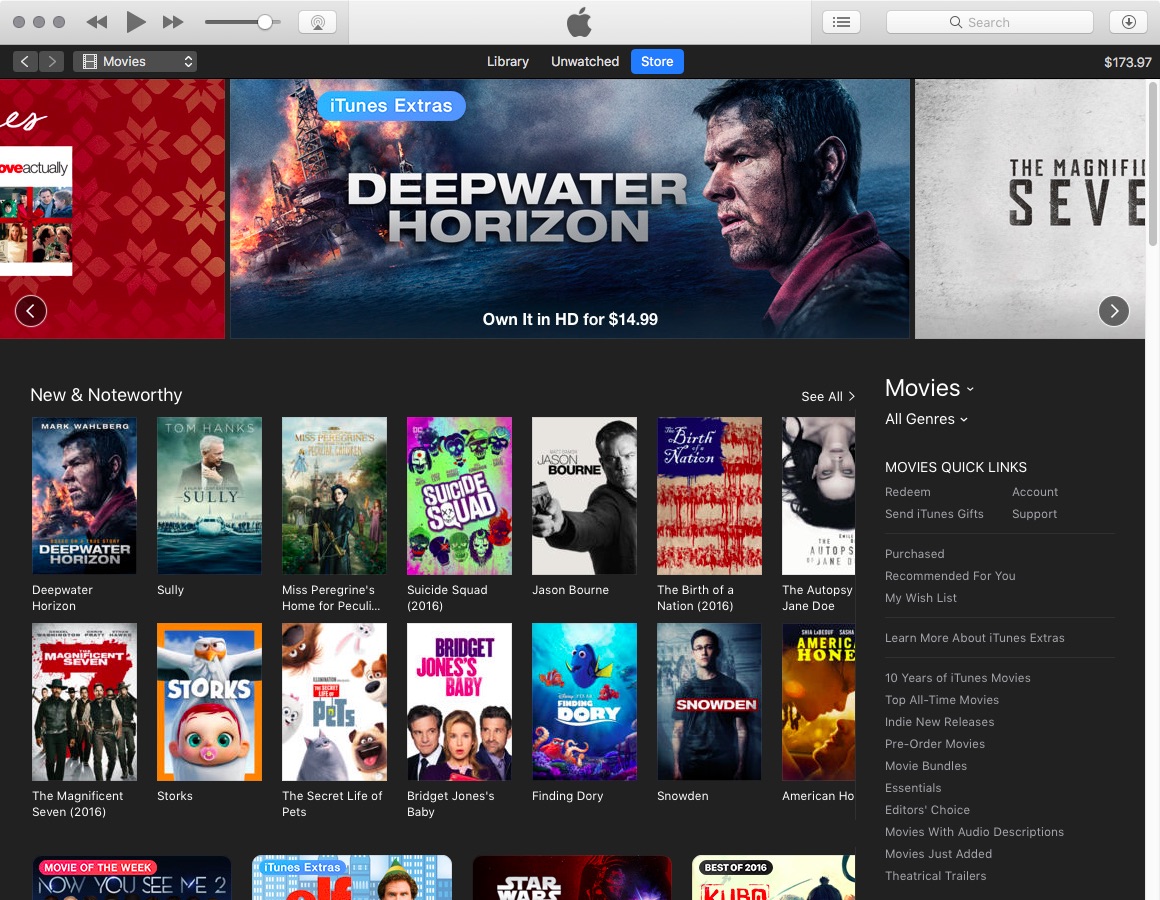
Apple recently released iTunes 12.7 and boy have the unexpected changes shocked some people. Like, no longer can you browse iOS App Store on your computer! Here's our quick rundown of all the major changes in iTunes 12.7 that you should be aware about.

Faviconographer adorns your Safari tabs with site icons

Internet browsers long have featured favicons, small-sized site icons adjacent to the tab description. In fact, some still do. They are certainly great as visual cues and aids to speed up navigation. Nevertheless every so often, what's handy can be at odds with what looks aesthetically pleasing, which is why Apple - on their perpetual crusade against clutter - have no such default setting for Safari.