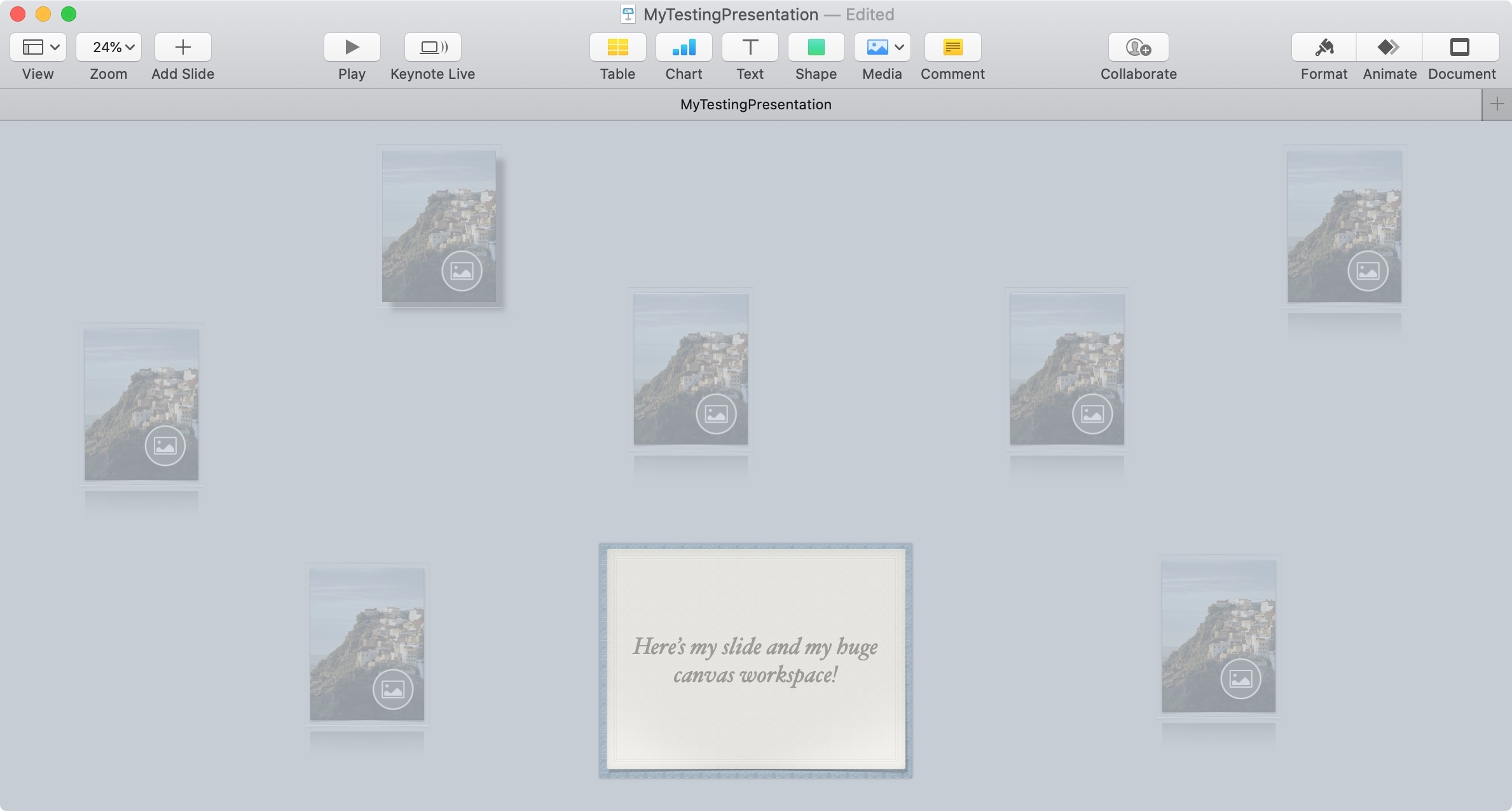
Do you have complex slides and need more room to work? In this tutorial, we’ll show you how to expand the workspace in Keynote around your slides.
How to expand the canvas around a slide in Keynote on Mac
Stay up-to-date on the latest Mac news, and tutorials. Get expert tips and tricks to optimize your Mac’s performance and learn about the latest Apple products and software updates. Discover the best Mac apps and accessories to enhance your user experience.
Do you have complex slides and need more room to work? In this tutorial, we’ll show you how to expand the workspace in Keynote around your slides.
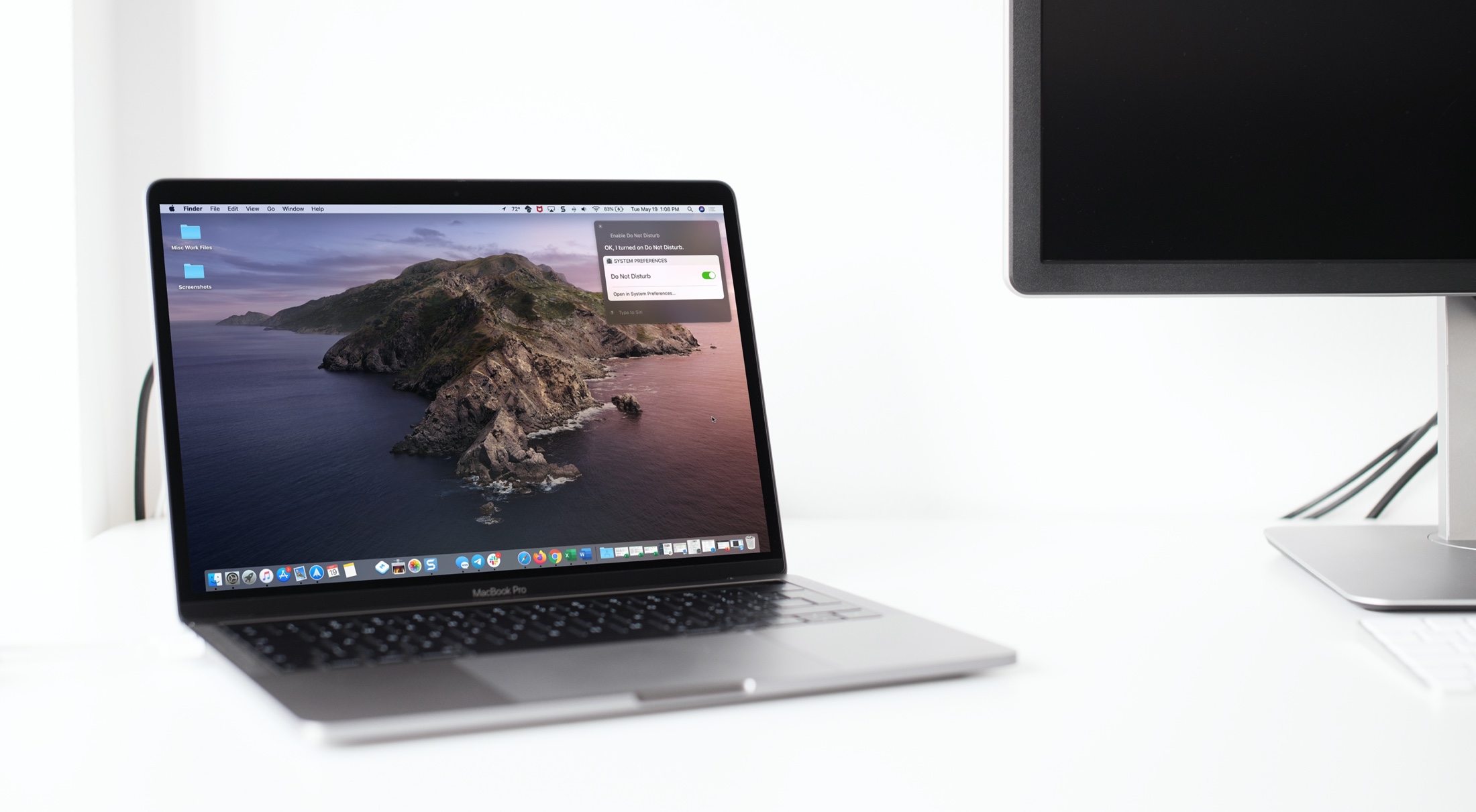
Learn how to harness the full potential of Siri on your Mac to control system settings for enhanced productivity and convenience.

Check out news stories, add or remove symbols, and zip around the Stocks app on your Mac with this list of helpful keyboard shortcuts.

"If Found...", a hand-drawn interactive visual novel about going home, coming out and erasing everything, is now available on the iPhone, iPad and Mac.

Learn about some quick ways to customize the macOS login screen to make your Mac more personalized, functional, and welcoming when you power it on or wake it up from sleep.

You might use QuickTime Player on your Mac to watch movies, edit videos, or record your screen. And for the various tasks you can perform in this handy tool comes a bunch of keyboard shortcuts.
For managing the app window, movie viewing and playback, and editing videos, here are the keyboard shortcuts for QuickTime Player on Mac you can use.
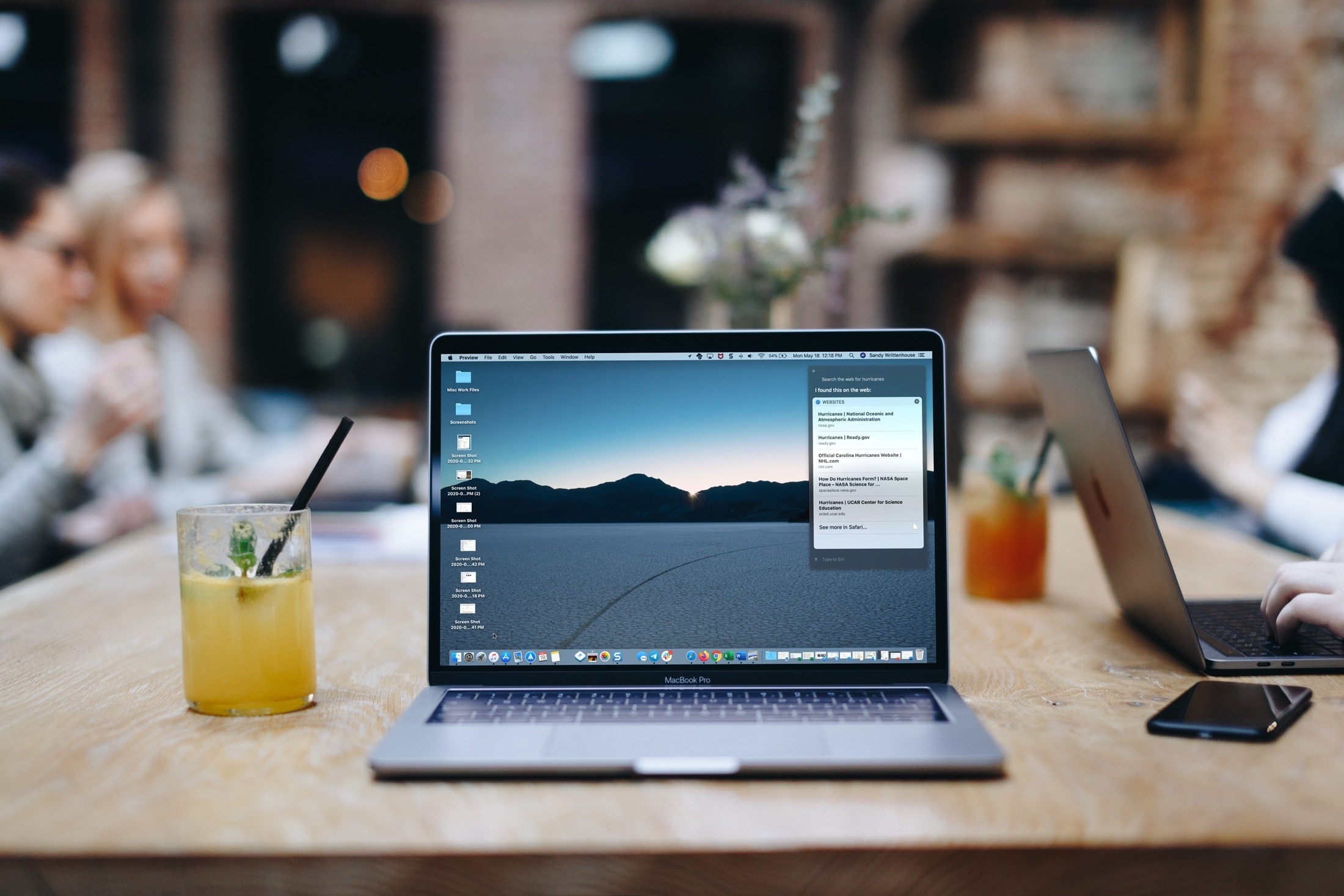
Learn how to use the Siri voice assistant on your Mac to search the web, find pictures, and more -- without leaving the app you are in.
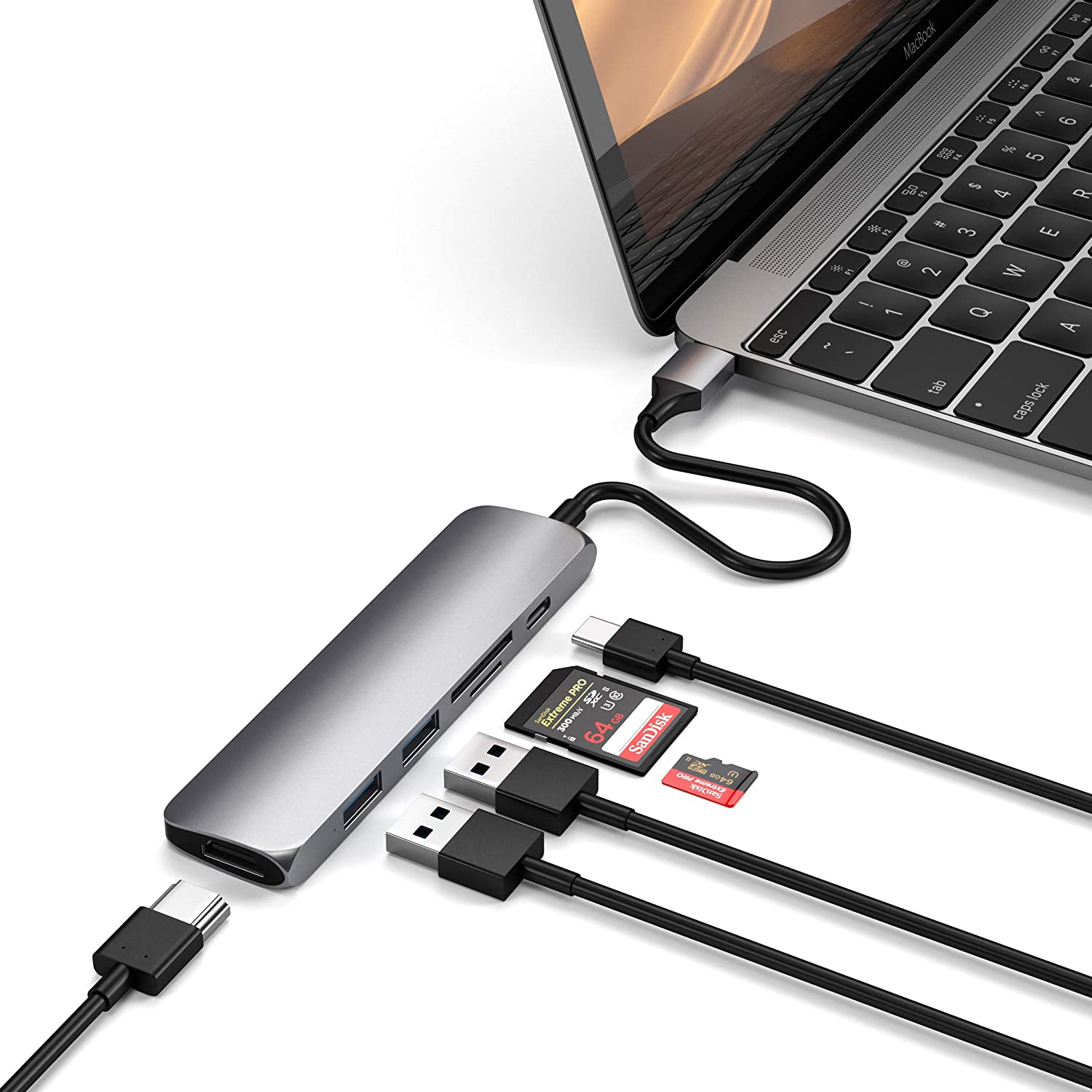
Welcome to Accessory Spotlight, a weekly column where we highlight an accessory that we find to be incredibly useful, a fantastic value, or both. This week we’ve selected Satechi's Aluminum Multi-Port Adapter V2. There are obviously dozens of USB-C hubs out there, but we like this one for its build quality and wide variety of ports.
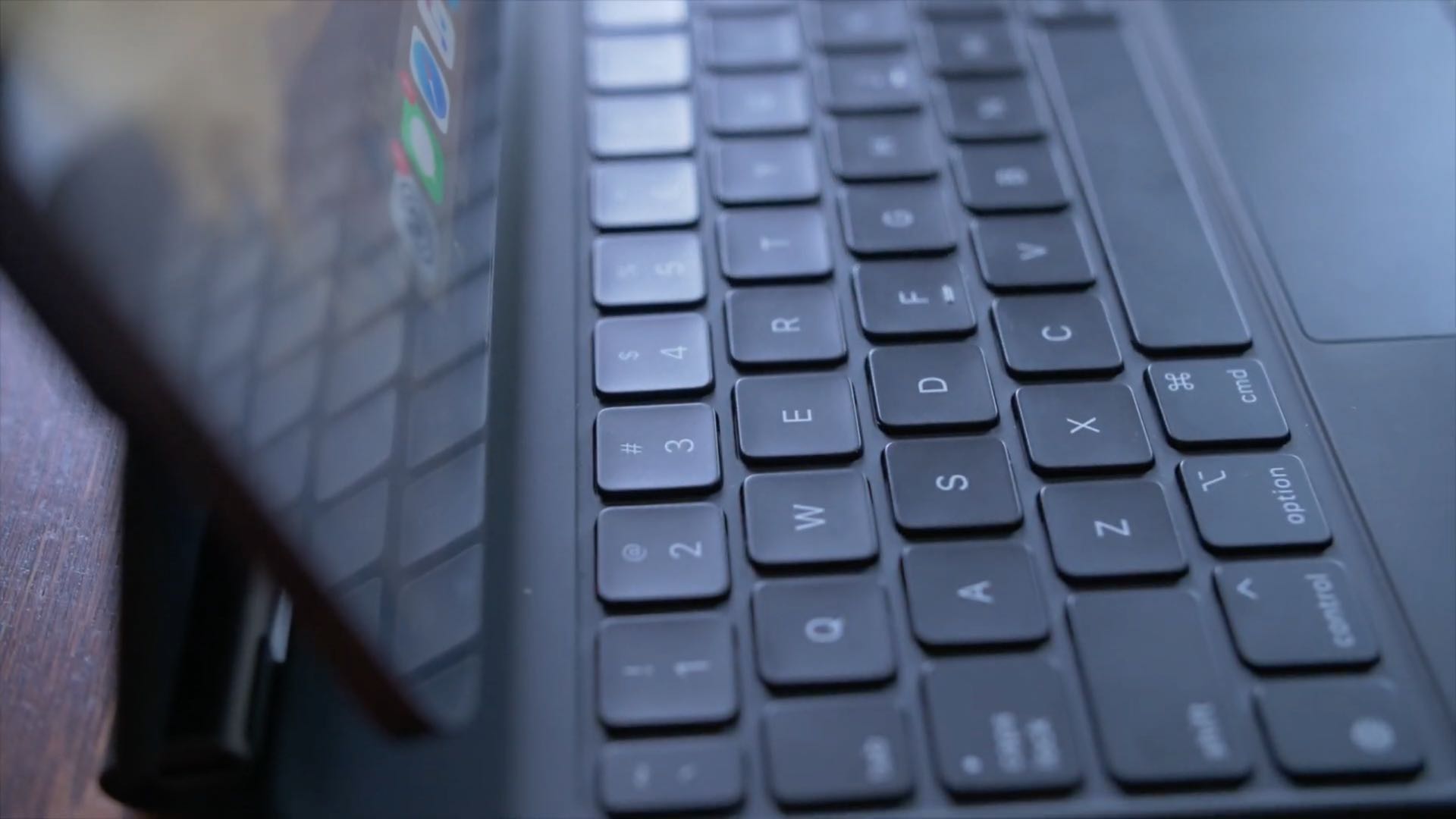
No physical Escape key on your iPad or Mac? No problem, as both iOS and macOS allow you to invoke Escape with a simple keyboard shortcut. Follow along with us to learn how to trigger the Escape command on iPad and Mac keyboards that lack a dedicated ESC key.

A security researcher has discovered a trio of security flaws in Adobe's Acrobat Reader software that can allow root privilege access. But there's good news.
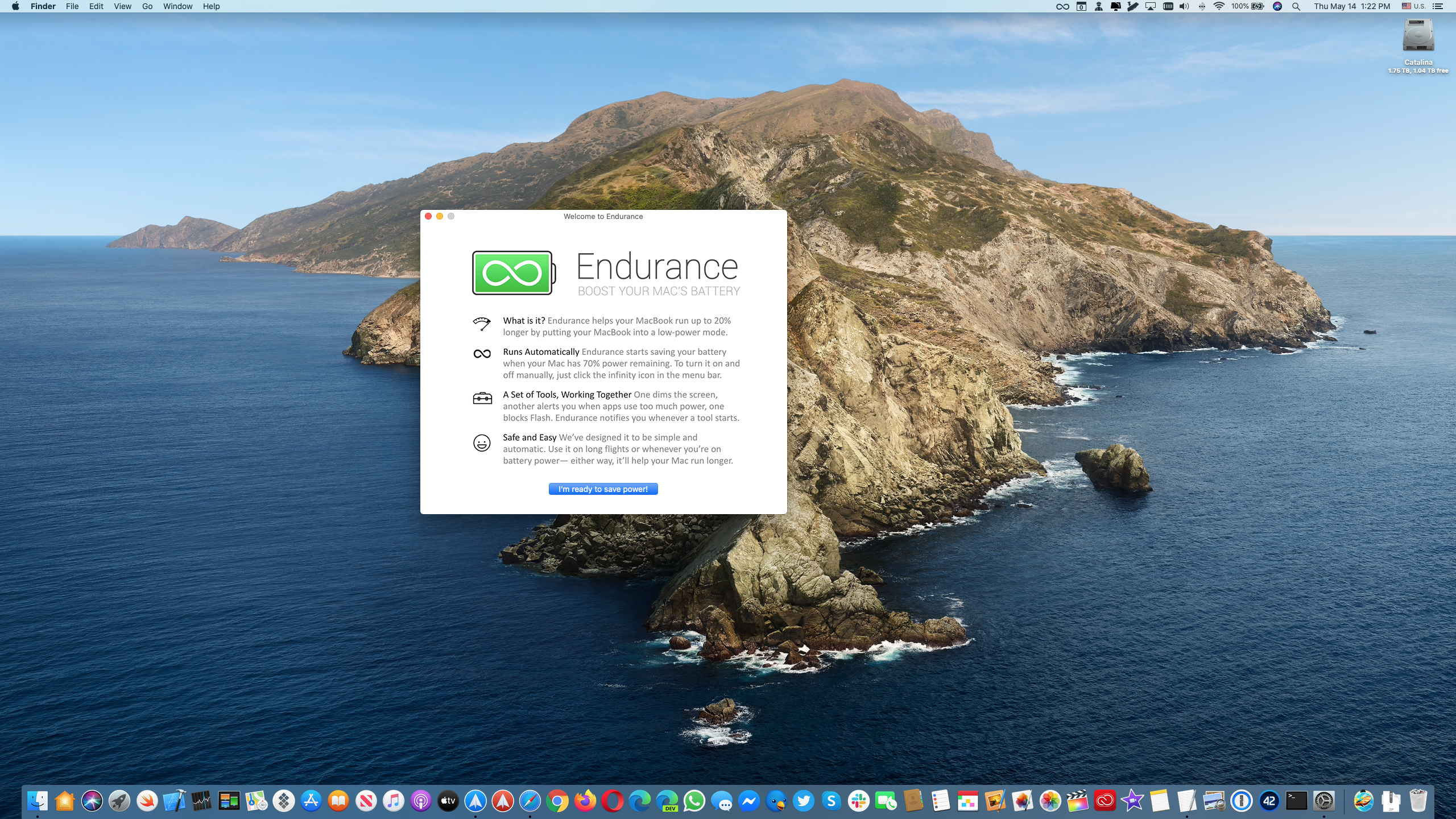
Endurance by Magnetism Studios is one of the best battery-saving apps for Mac notebooks.