Mac Apps

Mac App Store gaining new look and tools in macOS Mojave

Mac App Store macOS Mojave

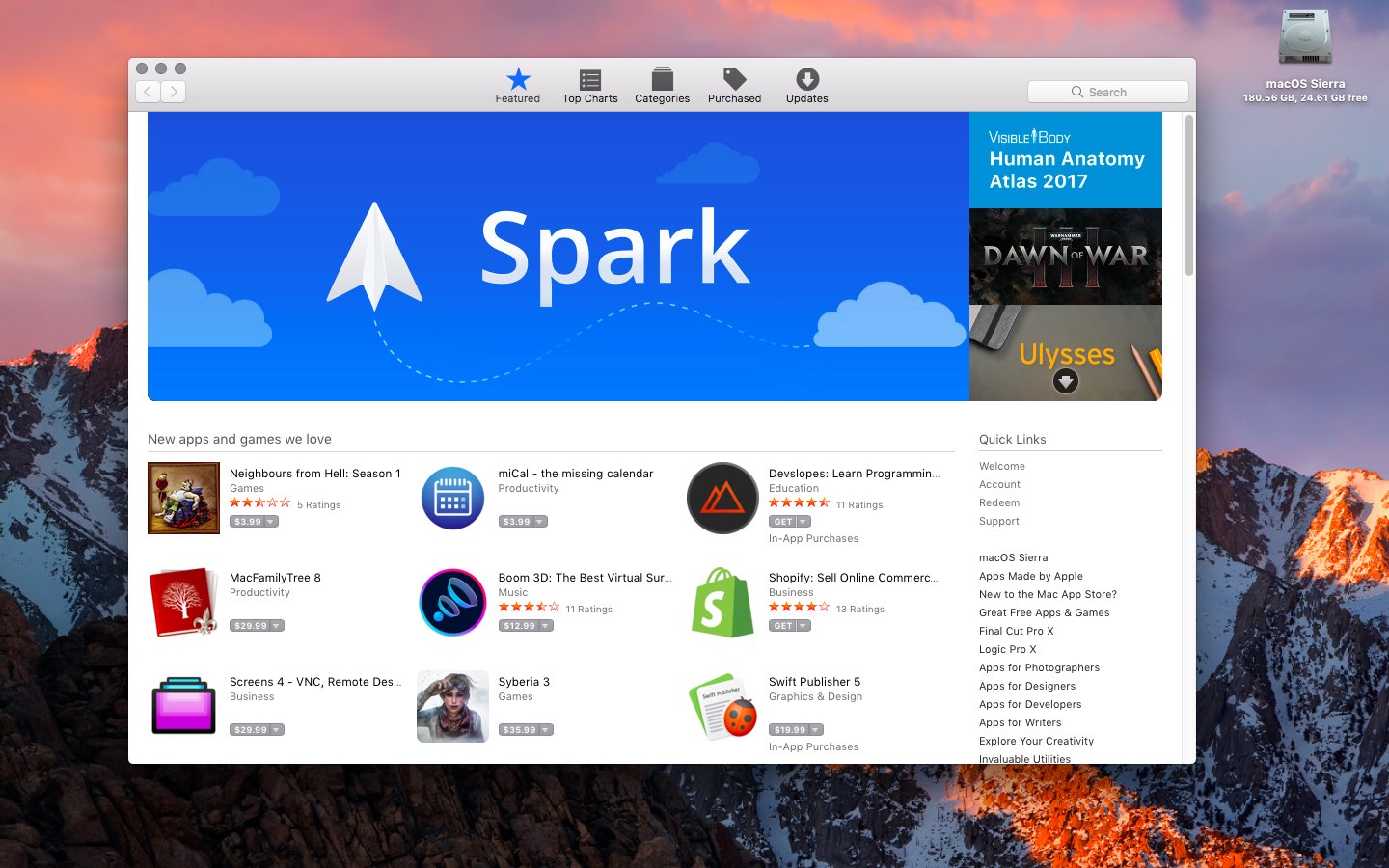
Apple unveiled a new Mac App Store in macOS Mojave. The update, the first for the MAS since it was first launched, should be more useful to use. A lot of the features are coming over from the iOS App Store.

The new store offers a Ratings and Reviews API for Mac apps. There's also a Create tab, as well as video previews. Apple also announced that Microsoft Office 360 would be coming to the MAS this year. 
How to view available keyboard shortcuts in every Mac app

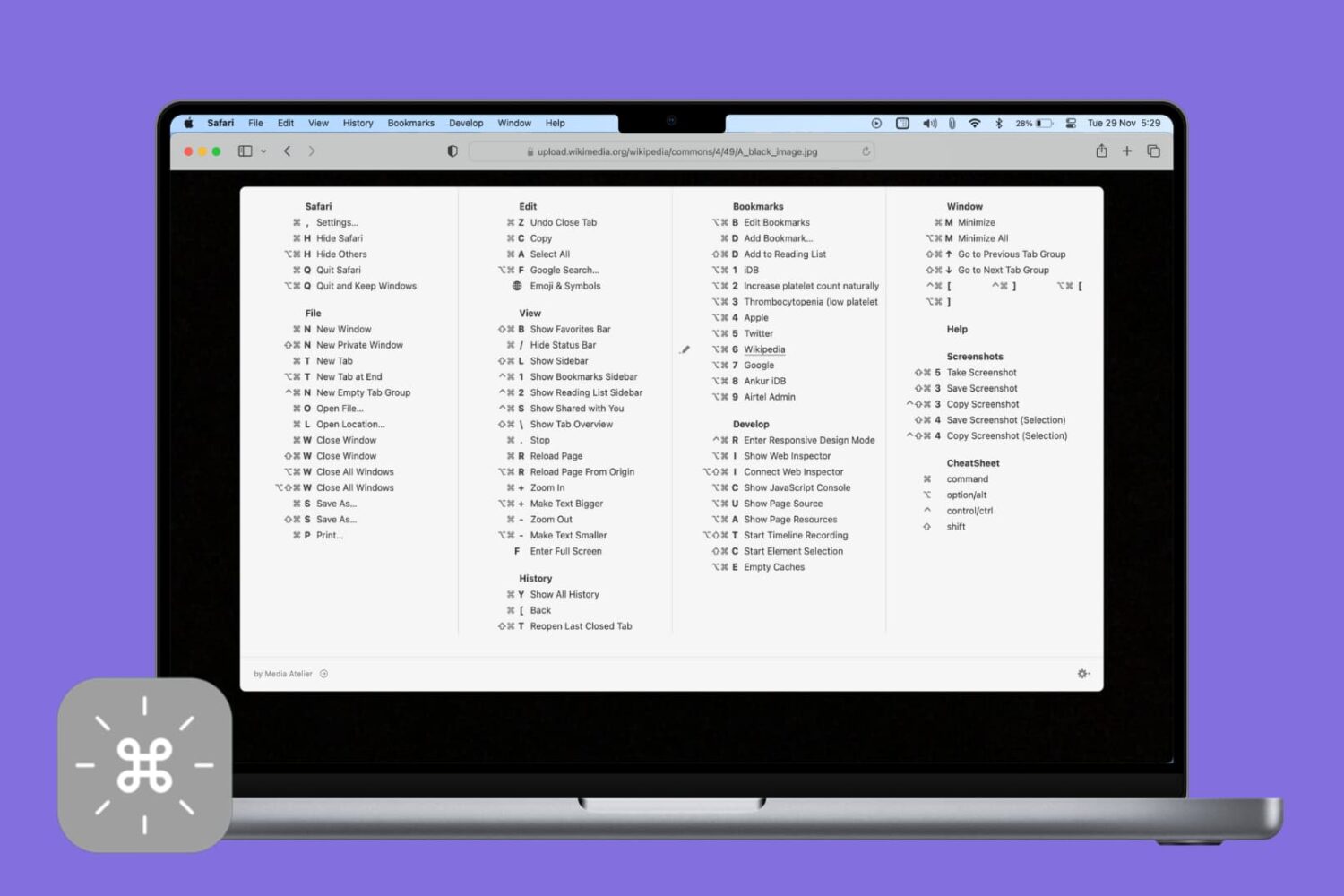
CheatSheet app on Mac showing keyboard shortcuts of an app

Veteran users are privy to the power of the Mac modifier keys. Those special keys on your Mac's keyboard, like Command (⌘), Option (⌥), Control (⌃), and others, are most commonly used in conjunction with regular keys as feature shortcuts.

Frequently-used macOS commands have their dedicated keyboard shortcuts, many of which are the same across apps like copy/paste and undo/redo. Others are app-specific.

Memorizing regularly used keystrokes boosts your productivity and multitasking prowess, but Apple doesn't provide an easy way to view all the keyboard shortcuts in any given app.

You can, of course, view and customize some of the system and app shortcuts in System Preferences > Keyboard > Shortcuts, but wouldn't it be nice if there were a better way?

Thankfully, there actually is.