Learn how to add bookmarks in a PDF using the built-in Apple Preview app on your Mac to easily reference sections of a lengthy document.
How to add, view, and remove bookmarks in a PDF on Mac
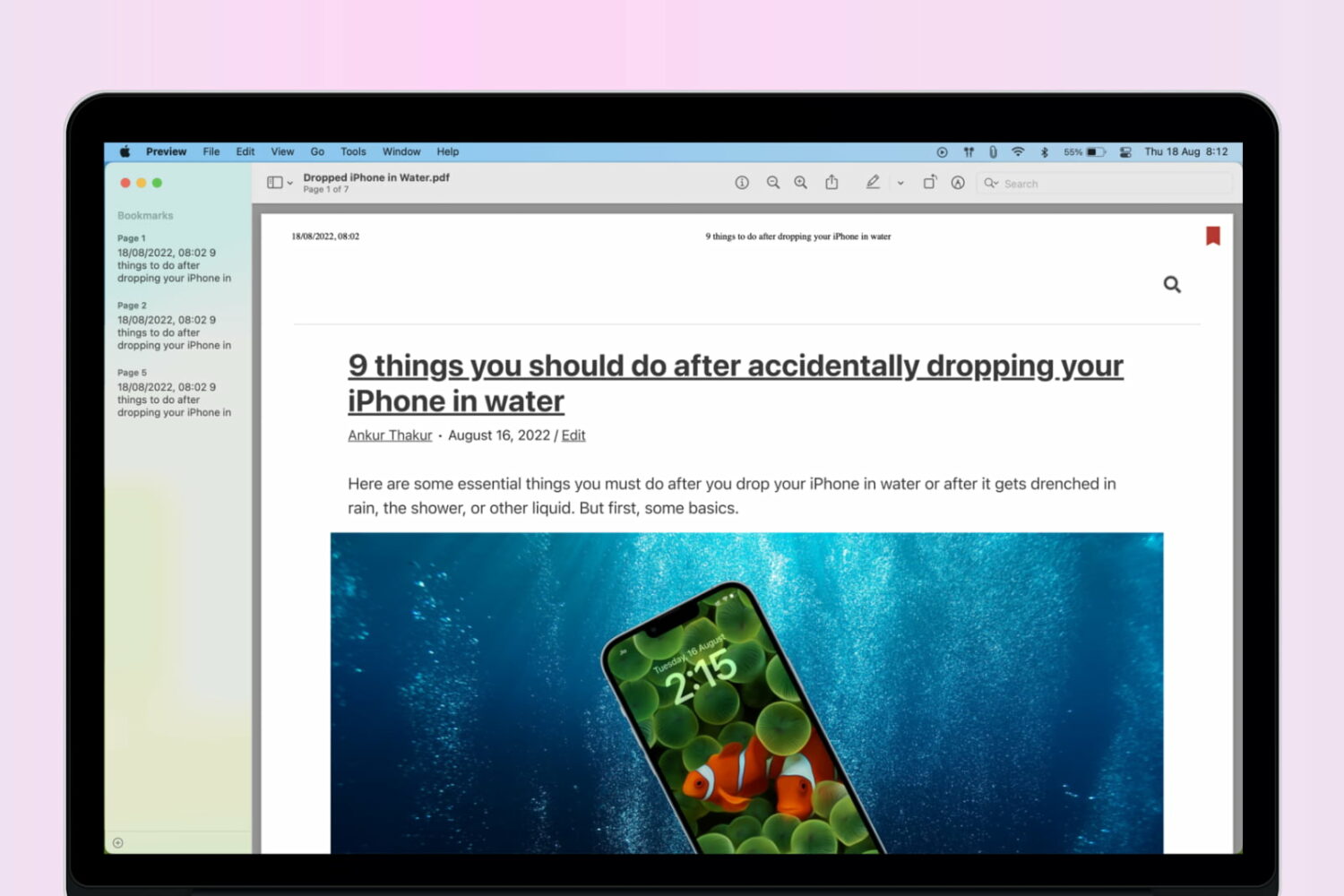
Learn how to add bookmarks in a PDF using the built-in Apple Preview app on your Mac to easily reference sections of a lengthy document.
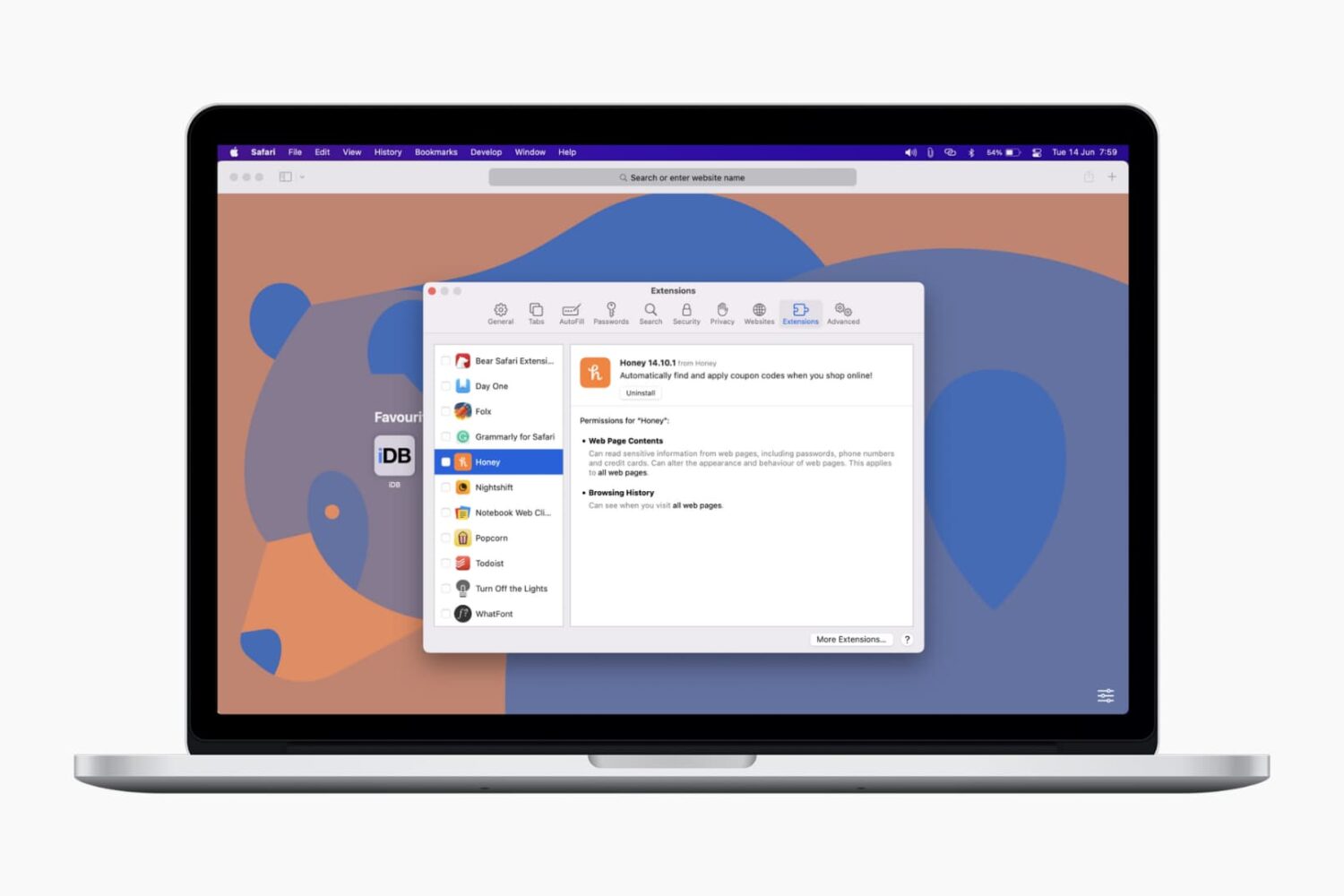
In this tutorial, we’ll show you how to install, view, run, and manage Safari extensions on your Mac to add extra features to your web browser.
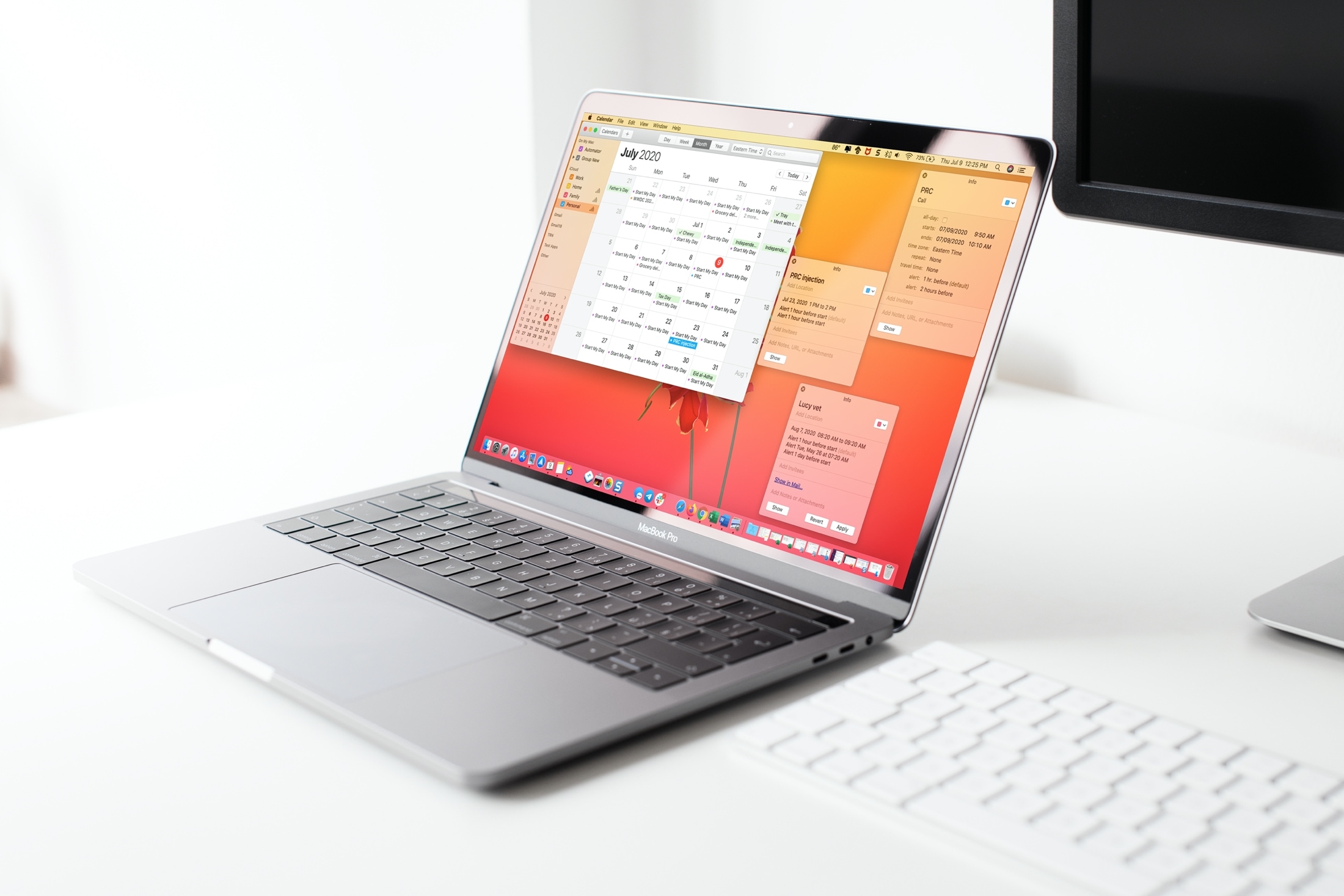
Learn two simple ways to open your Calendar events in their own windows on Mac, so you can place them anywhere on the screen or easily compare multiple events.
Learn how to open the built-in Keychain Access app on your Mac, manually add account passwords to it, and see them when needed.

Learn how to customize Apple News on your Mac to make stories easier to read, get more or less suggestions, see only the notifications you want, and more.
Learn how to use a lesser-known setting in the Preview app on your Mac if using the ‘Go to Page’ feature takes you to the wrong page in the PDF.

Wondering how much storage space you have used and have left for your email account? Find out how to see your Quota Limits in the Mail app on Mac.

A lot of the keyboard shortcuts available for apps on Mac are the same across those applications. Things like cut, copy, paste, close, or quit are often the same, especially for Apple’s apps like Pages, Numbers, and Keynote.
So in this list of keyboard shortcuts for the Numbers app, we’ve included some that you would only use inside Numbers, like shortcuts for working with tables, basics for controlling the Numbers window, working in spreadsheets, and more.
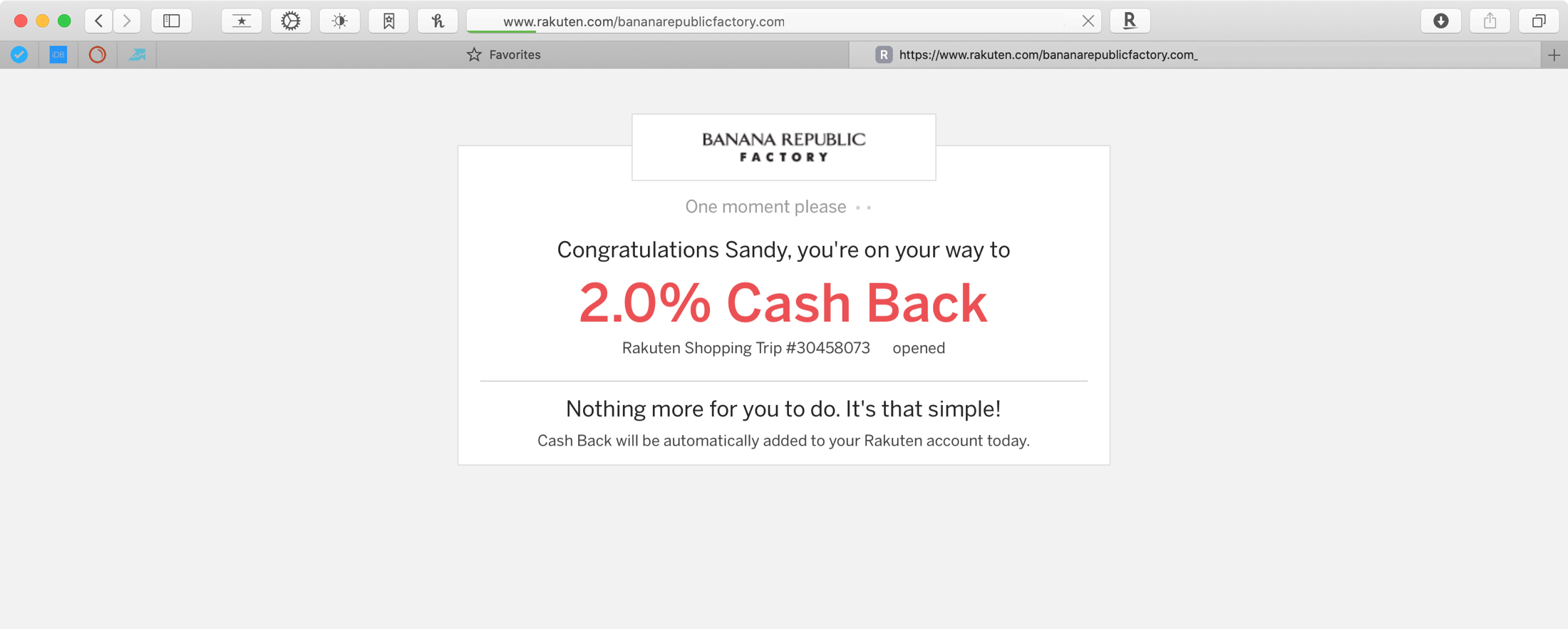
We could all use a helping hand now and then, and when it comes to saving money, who wouldn’t want a little help? With the number of people shopping online now more than ever, it makes sense to use coupons and get discounts where you can.
So when you jump on your Mac, open Safari, and start looking for products you need or want, have a useful extension ready to help you shop! These are the best Safari extensions for saving money when you shop your favorites stores online.

Learn how to preview or play Keynote presentations in a smaller window instead of the full screen so you can use other apps simultaneously on the screen.
Explore this handy list of time-saving keyboard shortcuts for the Pages app on your Mac to control the window, open documents, navigate within a document, move through the sidebar, and more.
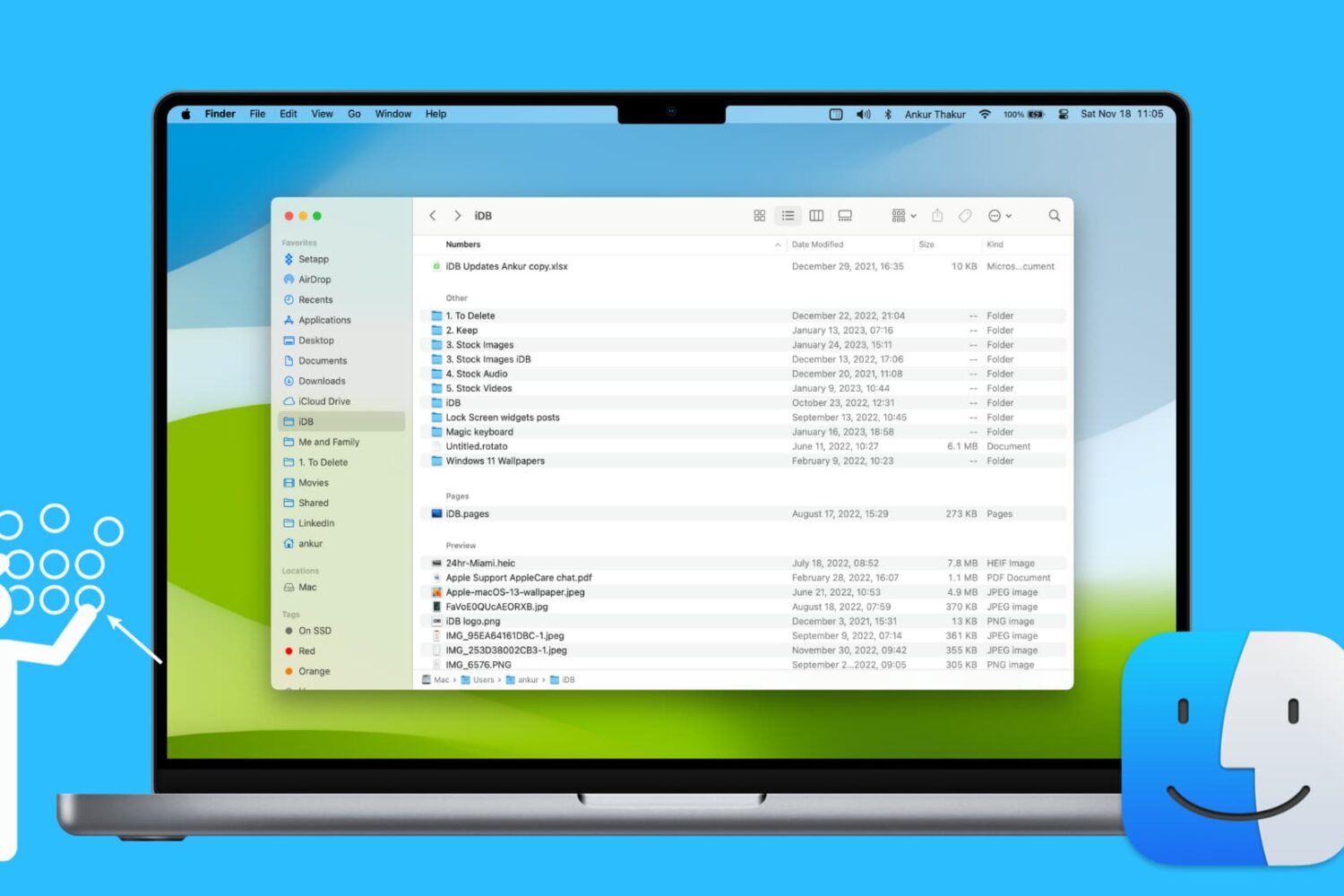
Learn how to use groups in Finder on your Mac to easily sort and manage files for a more streamlined and efficient experience.