Boost your productivity by exploring these tips for efficiently searching notes and quickly locating what you need on your Mac.
5 tips for using Search in the Notes app on your Mac like a pro
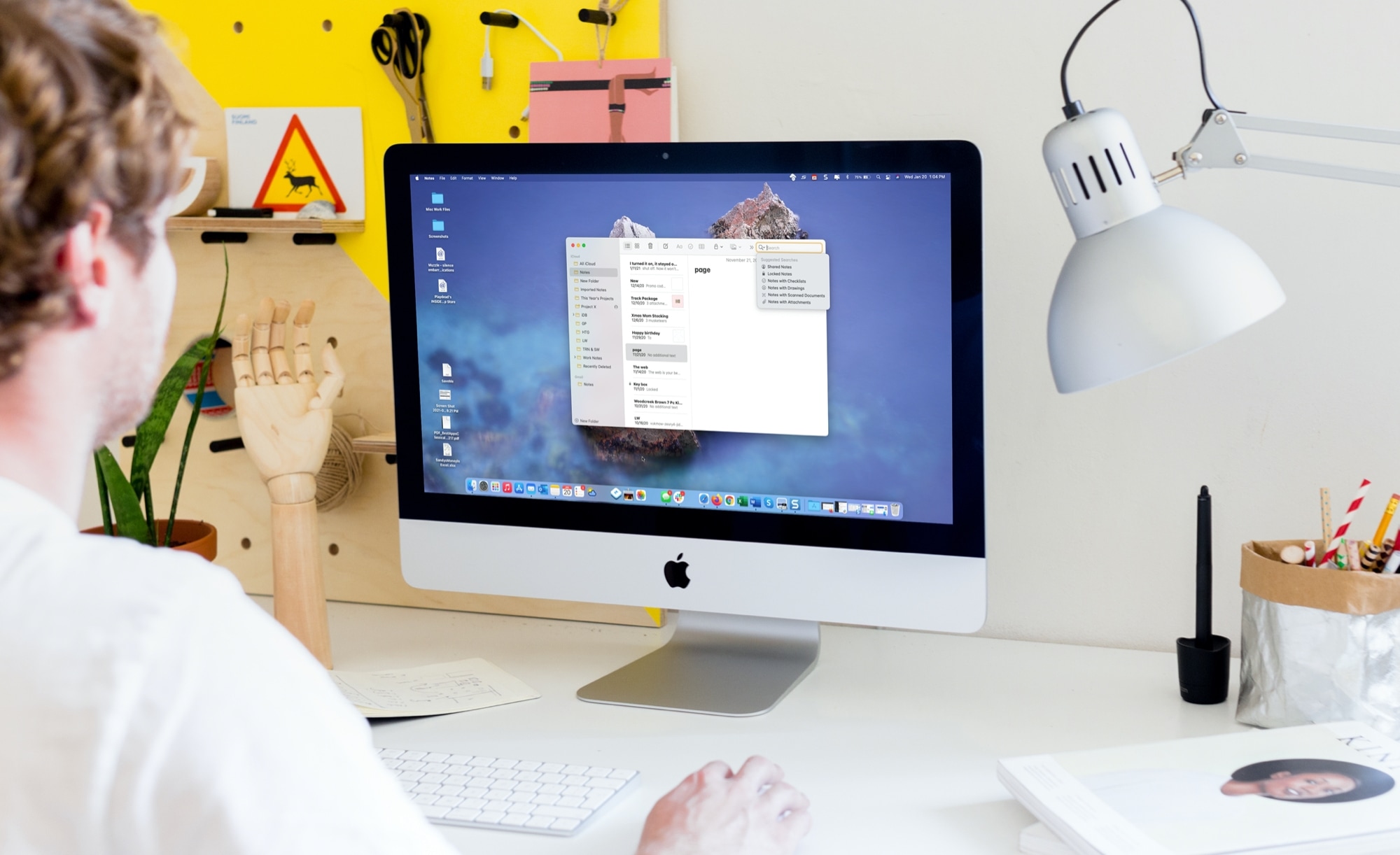
Boost your productivity by exploring these tips for efficiently searching notes and quickly locating what you need on your Mac.
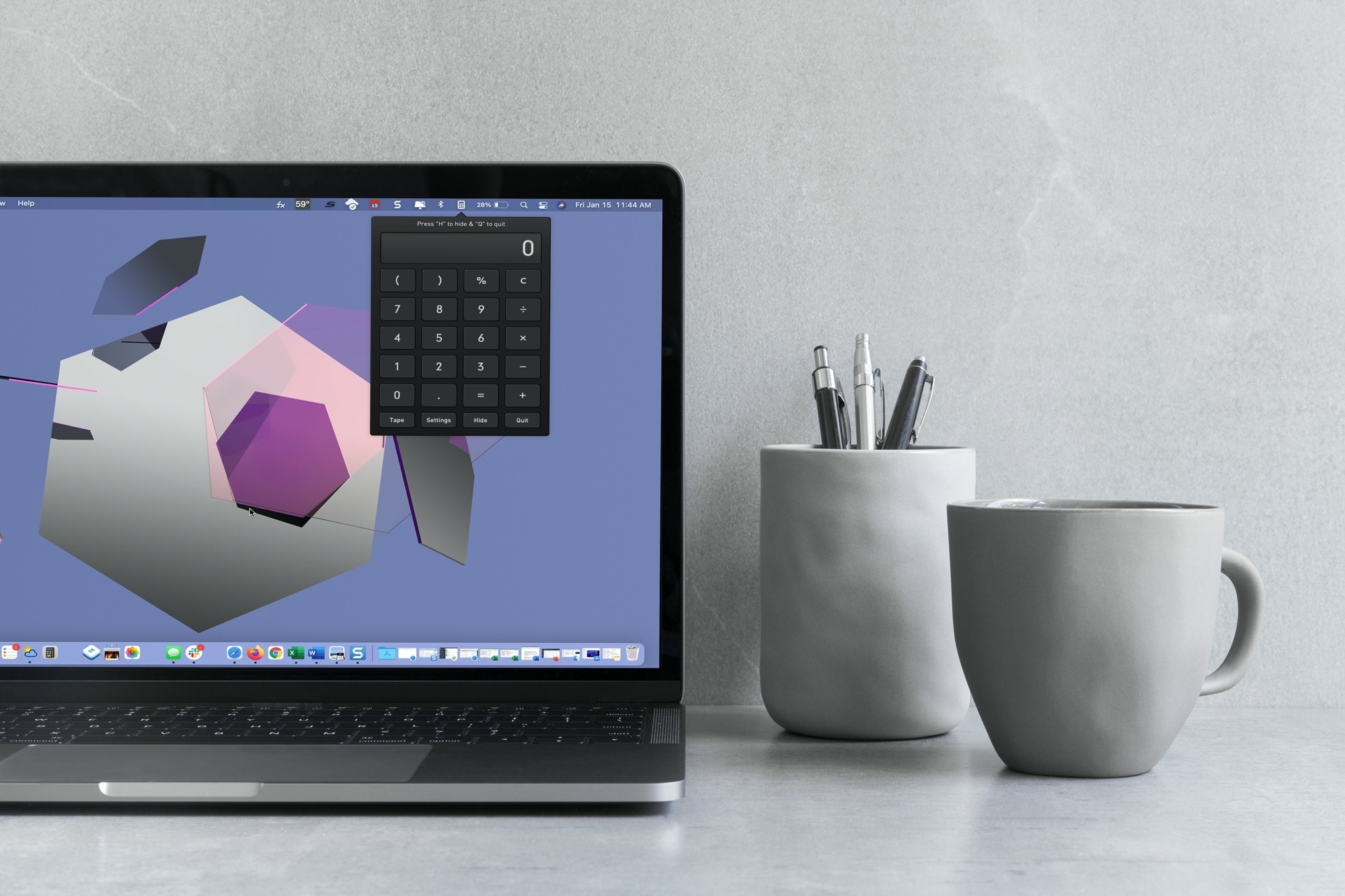
With macOS Big Sur and later, you can no longer enjoy quick access to interactive widgets in the Notification Center. Sure, you can still see widgets for things like the weather and a world clock, but you can’t perform calculations in a few clicks like before.
You can use Spotlight Search for simple equations in a hurry, but if you need a little more, you have to open the Calculator app. Since a calculator is one of those utilities you don’t want to have to hunt for, we’ll show you some alternatives to replace your missing widget.
Here you’ll find calculator apps for your menu bar along with shortcuts to open your existing Mac Calculator app from the Dock and using your keyboard. Review the options and see which one is the best fit for your needs.

In this tutorial, we’ll show you how to organize your new fonts and styles by creating a Font Book library on Mac. You can also set the library as the default location for new fonts.

Leverage the power of built-in Automator to quickly open your favorite apps using custom keyboard shortcuts on Mac.
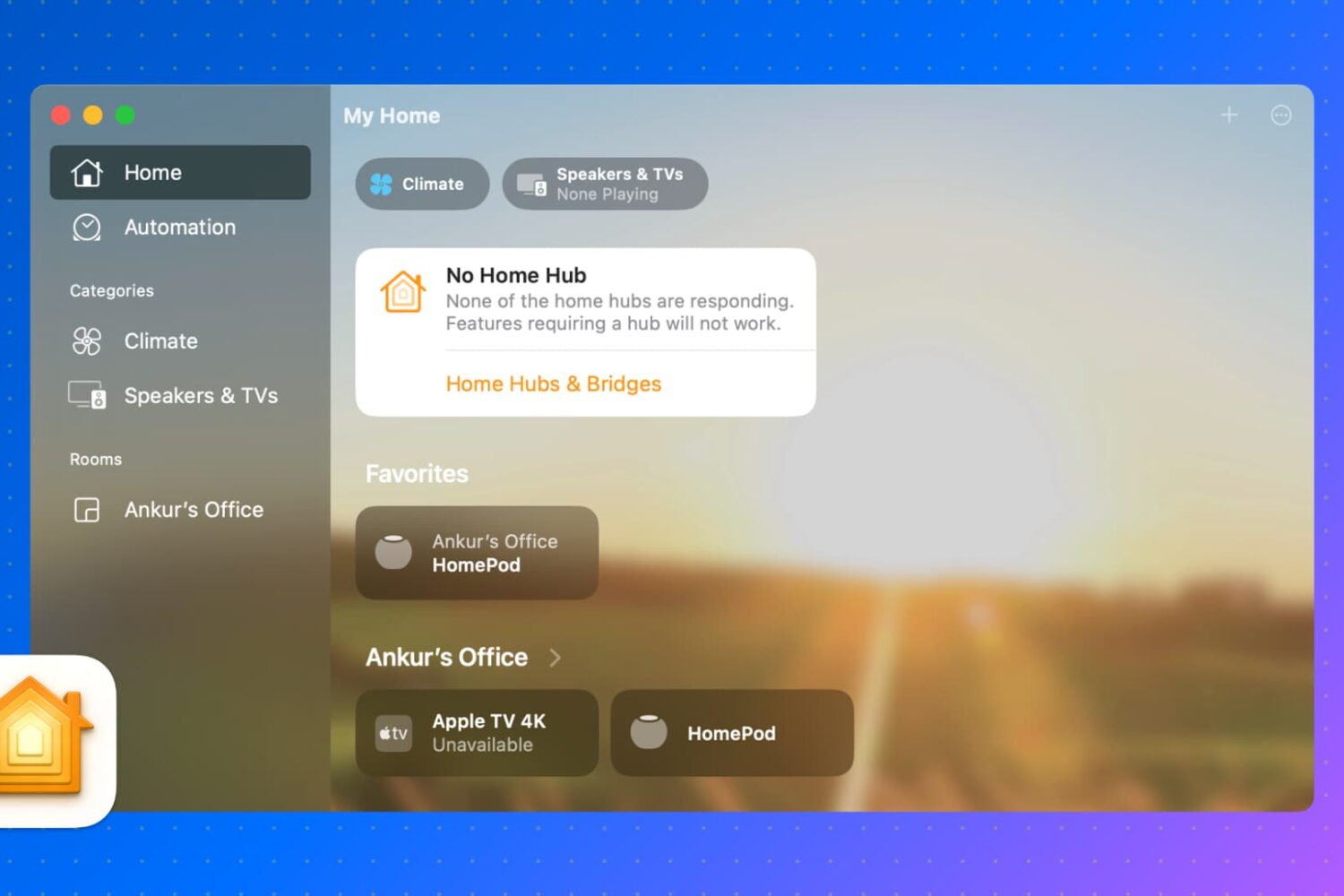
In this guide, we will show you how to control your HomeKit accessories, rooms, and settings in the Home app directly from your Mac.
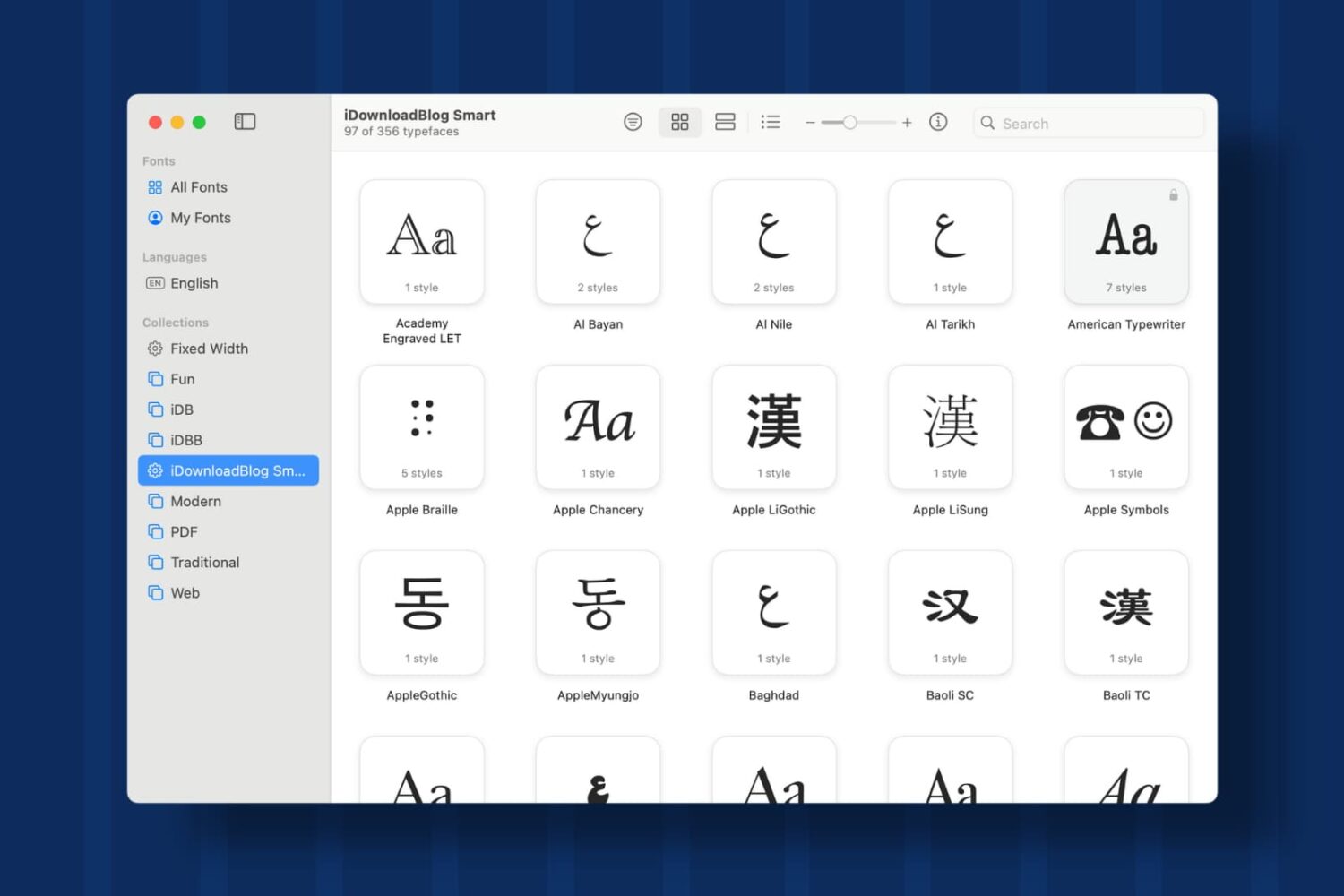
Learn how to create Collections and Smart Collections in Font Book on Mac, which are ideal when you quickly need a specific group of fonts.
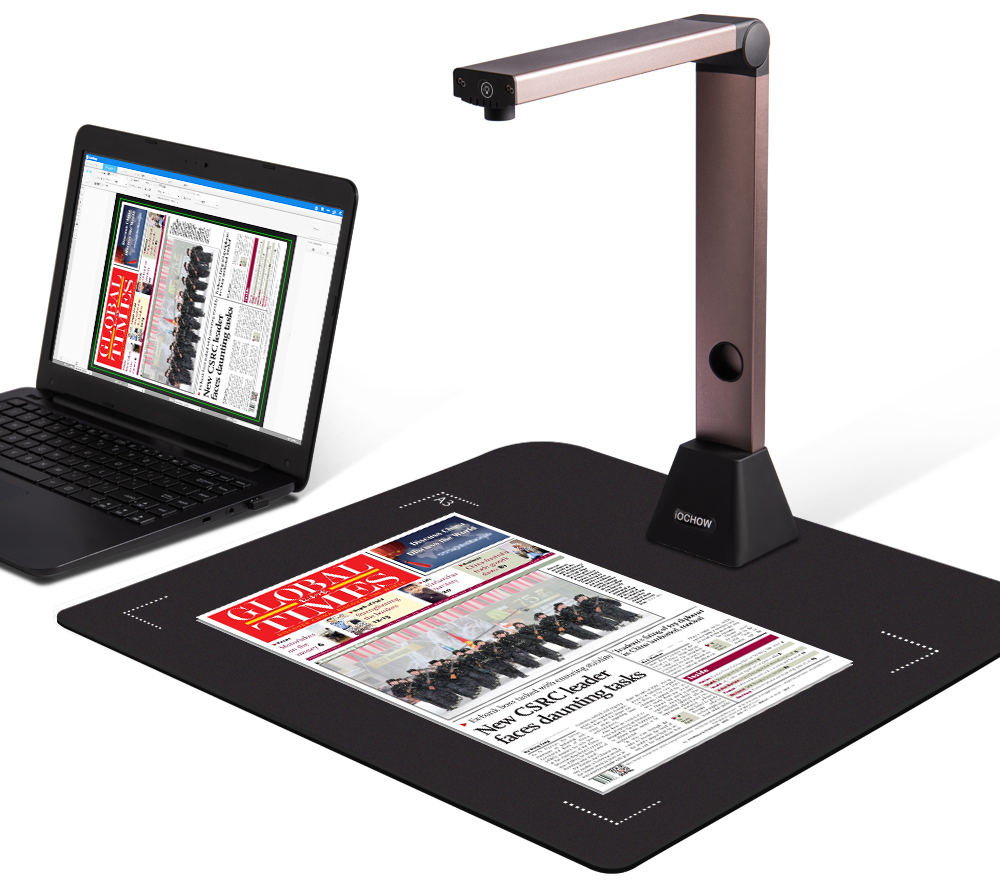
Whether you're a teacher working virtually during these times of social distancing or are just the type of person who prefers to use Zoom and similar videoconferencing apps for staying in touch with friends during the COVID-19 pandemic, an app called Overviewer is what you need.
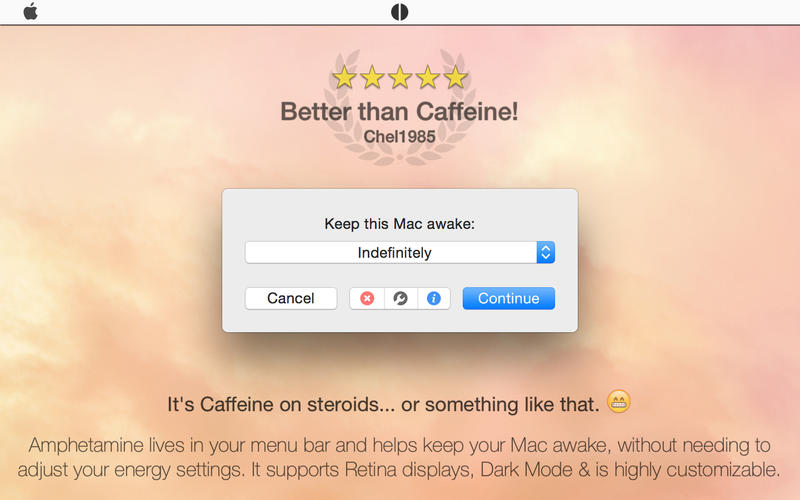
Amphetamine, a popular macOS app designed to keep a Mac notebook or desktop computer awake for a set amount of time regardless of the user's energy settings and other preferences, won't be removed from the App Store after all, according to its developer William Gustafson.

Following several advance warnings from Adobe in the past three years, the Photoshop maker's Flash Player is gone for good as of today. The browser plug-in will no longer be getting security updates and no new features will be developed going forward. Thankfully, we have instructions for how to remove Flash Player from your Mac computer.

In this tutorial, we’ll show you how to browse through the previous versions of a PDF or image you’ve made changes to, and restore their older versions in the Preview app of your Mac.
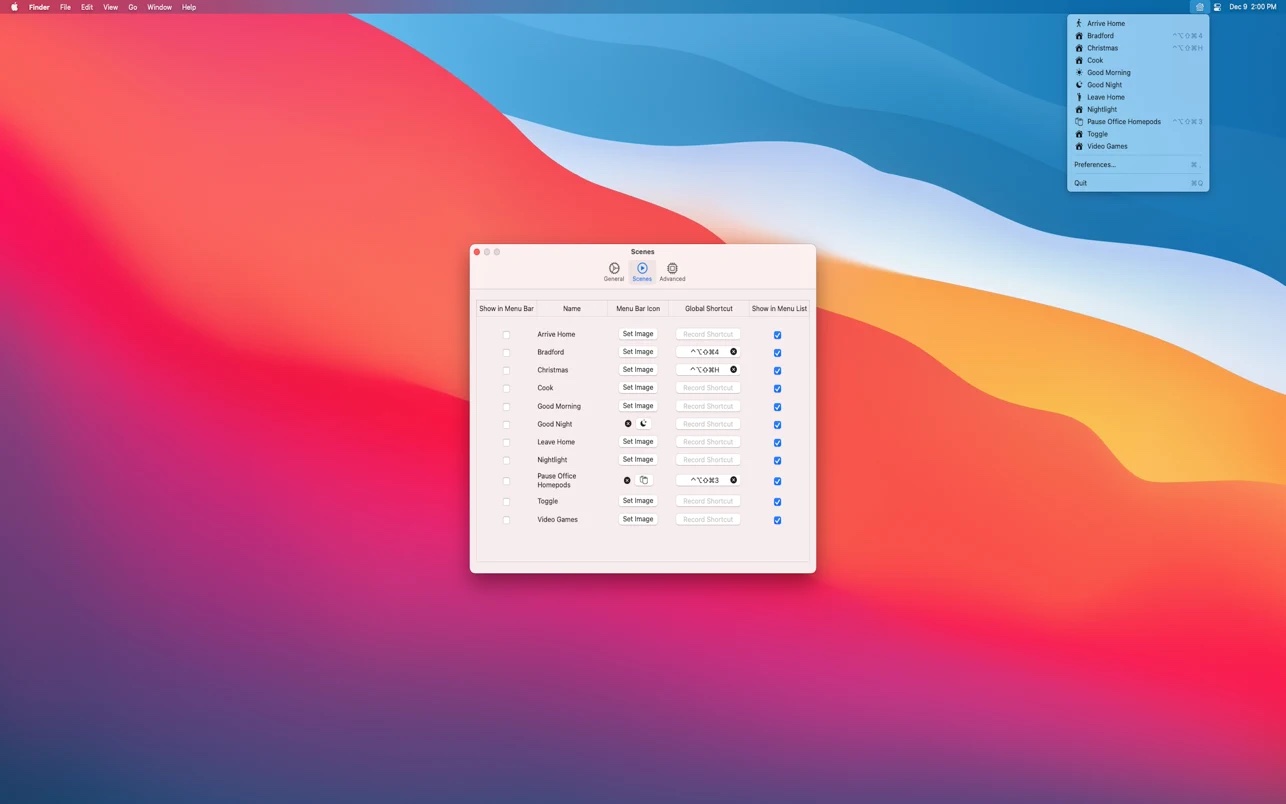
The free, open-source Scenecuts app by Seattle developer Nick Hayward is a great little utility that allows you to bypass Apple's unimpressive Home app and access your smart home devices and trigger HomeKit scenes directly through the macOS menu bar.
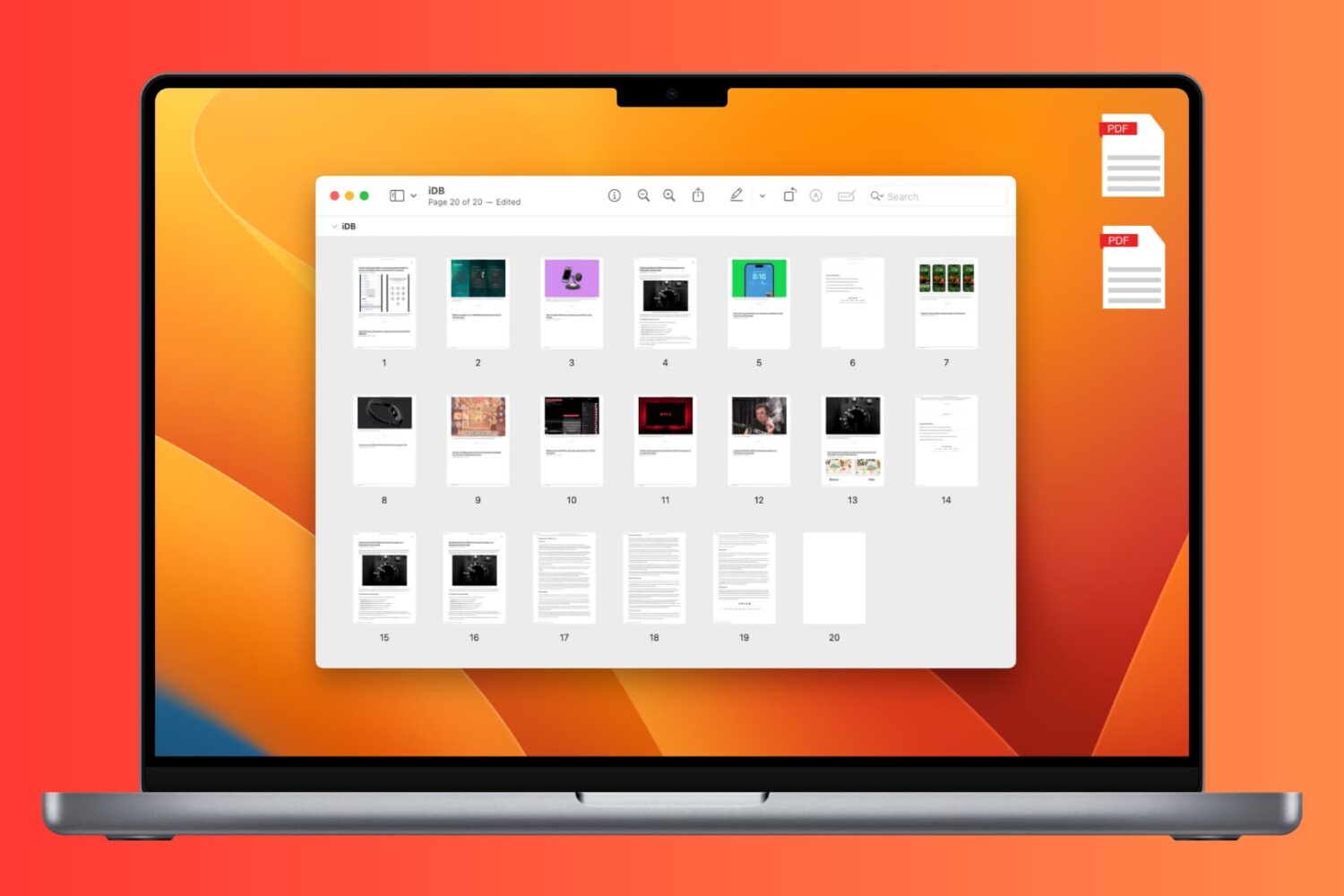
Learn how to add, rearrange, or delete pages in a PDF document using the built-in Apple Preview app on Mac.