Learn how to add a mask, speech bubble, or magnify a part of a photo or screenshot using the built-in Apple Preview app on Mac.
Add mask, loupe, and speech bubble to an image on Mac
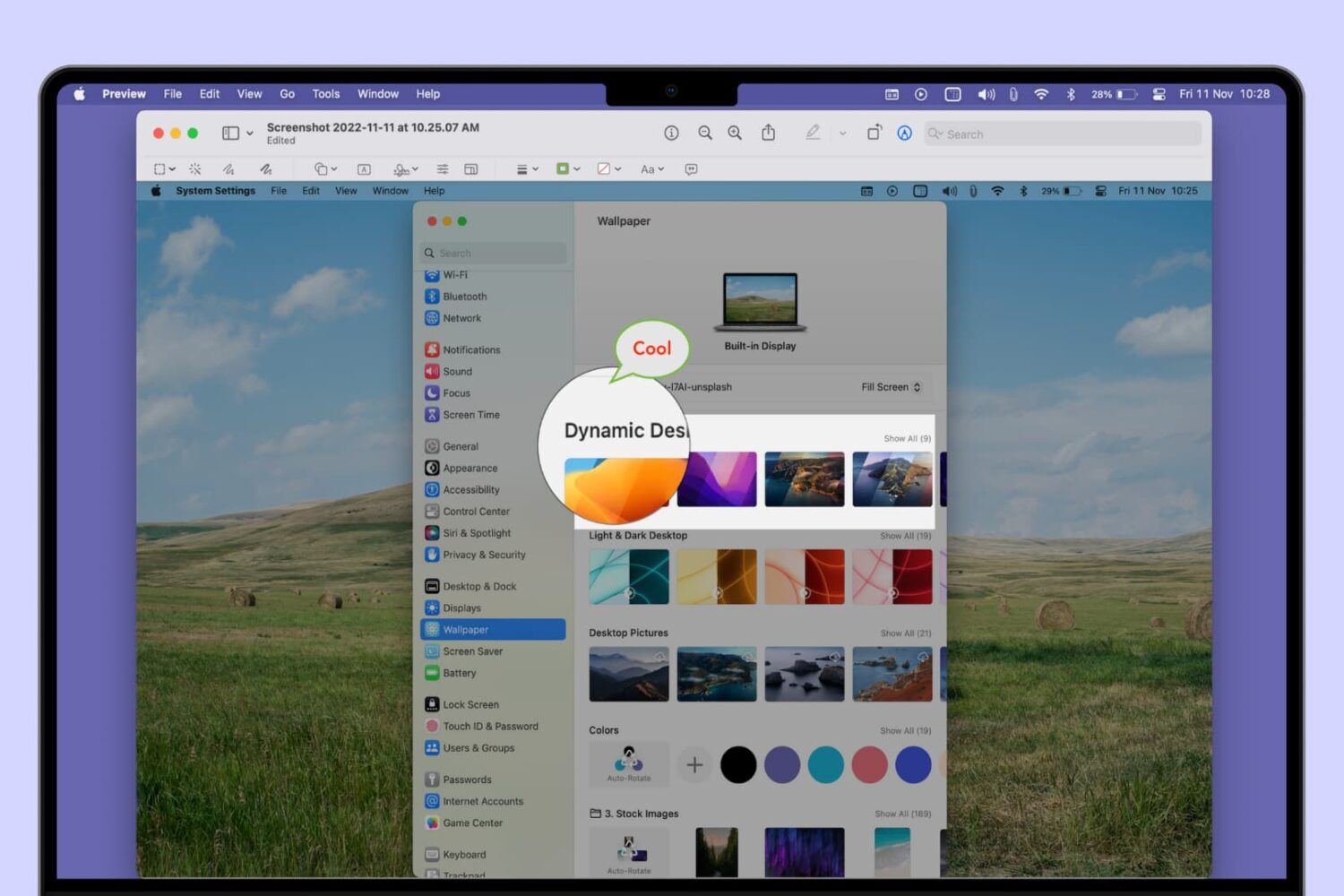
Learn how to add a mask, speech bubble, or magnify a part of a photo or screenshot using the built-in Apple Preview app on Mac.
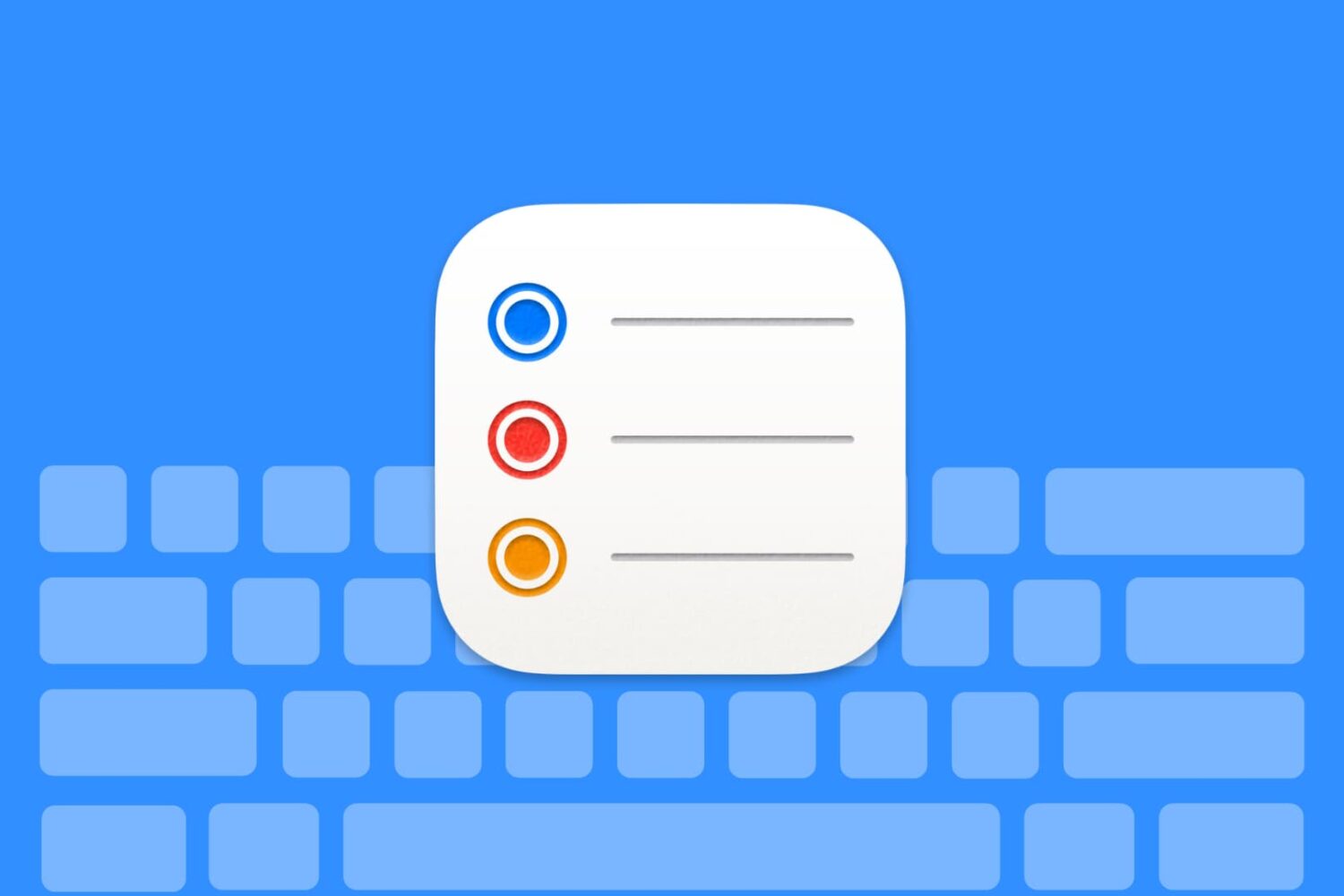
Use these handy keyboard shortcuts to move around Reminders for Mac, add new to-dos, create reminder lists, and more.
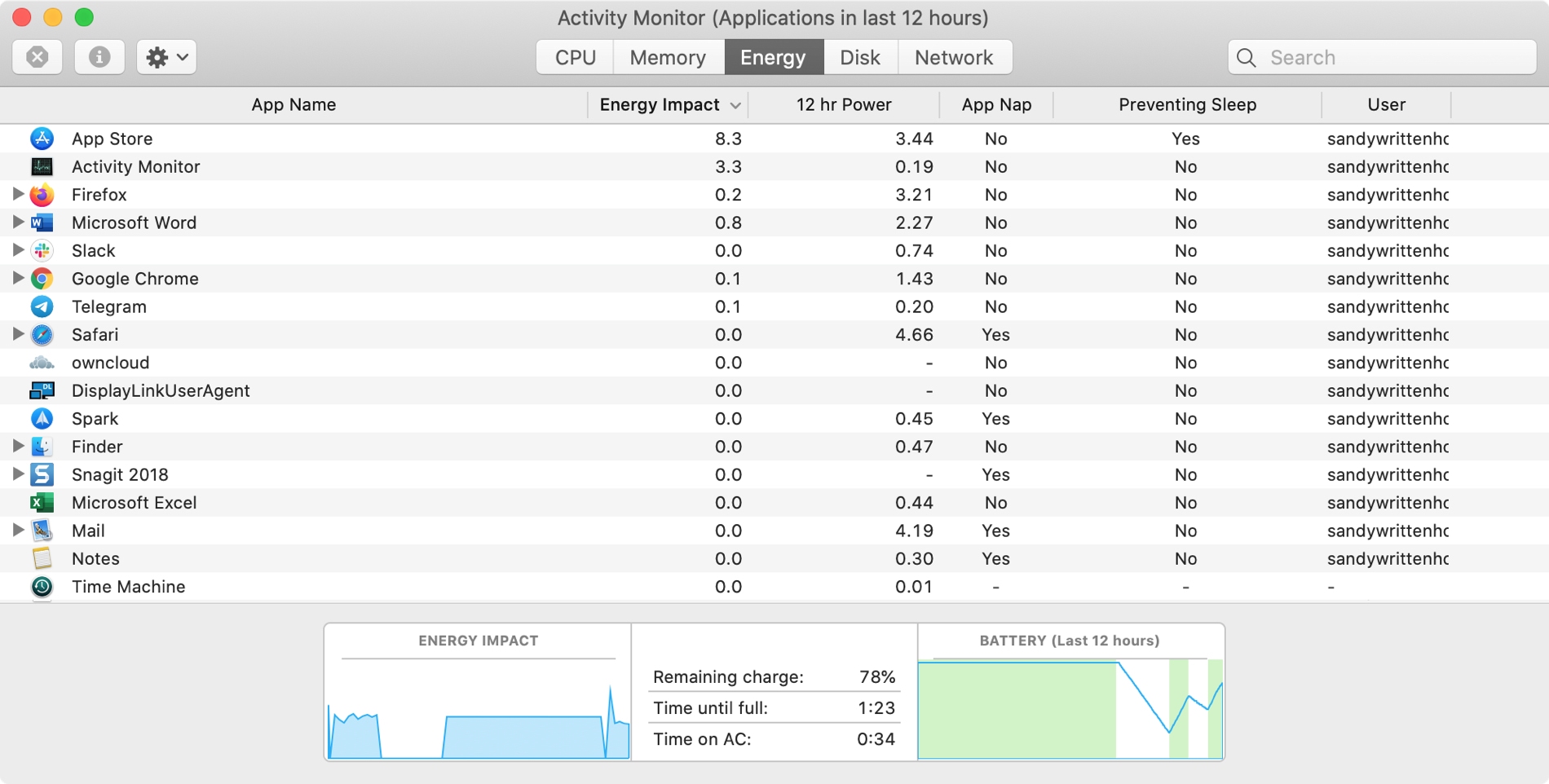
The Activity Monitor on your Mac is one of those tools that you should become familiar with. You by no means need be an expert on it, but you should know the basics. Why, you ask? Because the Activity Monitors shows all the processes running on your Mac. It’s like a task manager, so you can see how those processes affect your Mac and close any if needed.
Whether you’re new to Mac or simply new to the Activity Monitor, we’ll walk you through the basics you need to know.
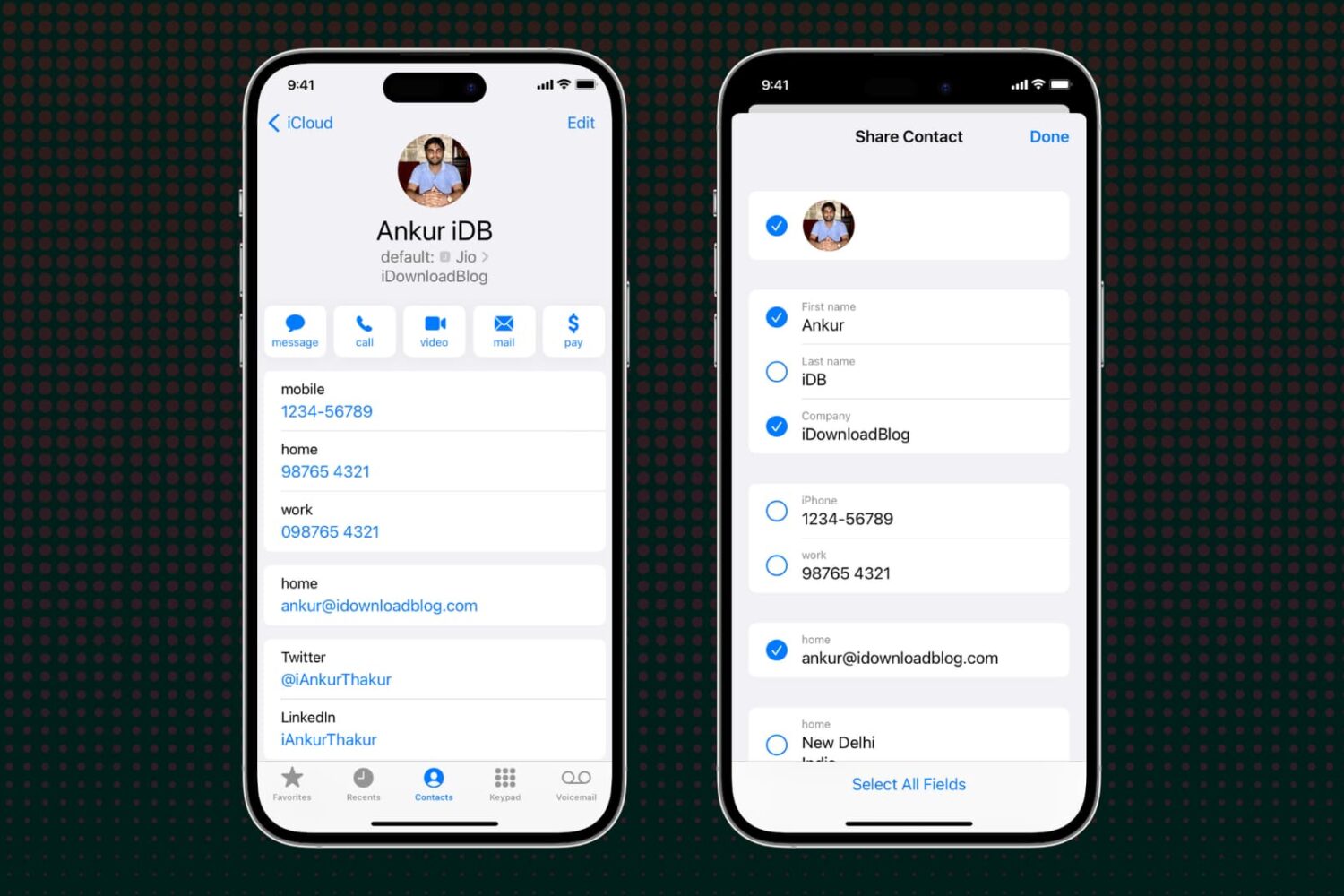
Learn how to selectively exclude specific fields before sharing a contact via your iPhone, iPad, or Mac to avoid accidentally sending unwanted information.
Learn how to customize the built-in Apple TextEdit app to efficiently create and edit both plain and rich text documents on your Mac.
Learn how to use the built-in Dictionary app on your Mac to define words or phrases or even search for topics on Wikipedia.

Learn how to merge multiple iCloud calendars like Home and Family into one on your Mac for faster scheduling and increased productivity.

Whether you’re hanging out with friends or passing time alone, here’s how to have fun with photos and videos using the Apple Photo Booth app on your Mac.
Learn how to enhance your text documents on Mac by creating tables or lists in Apple’s TextEdit app.
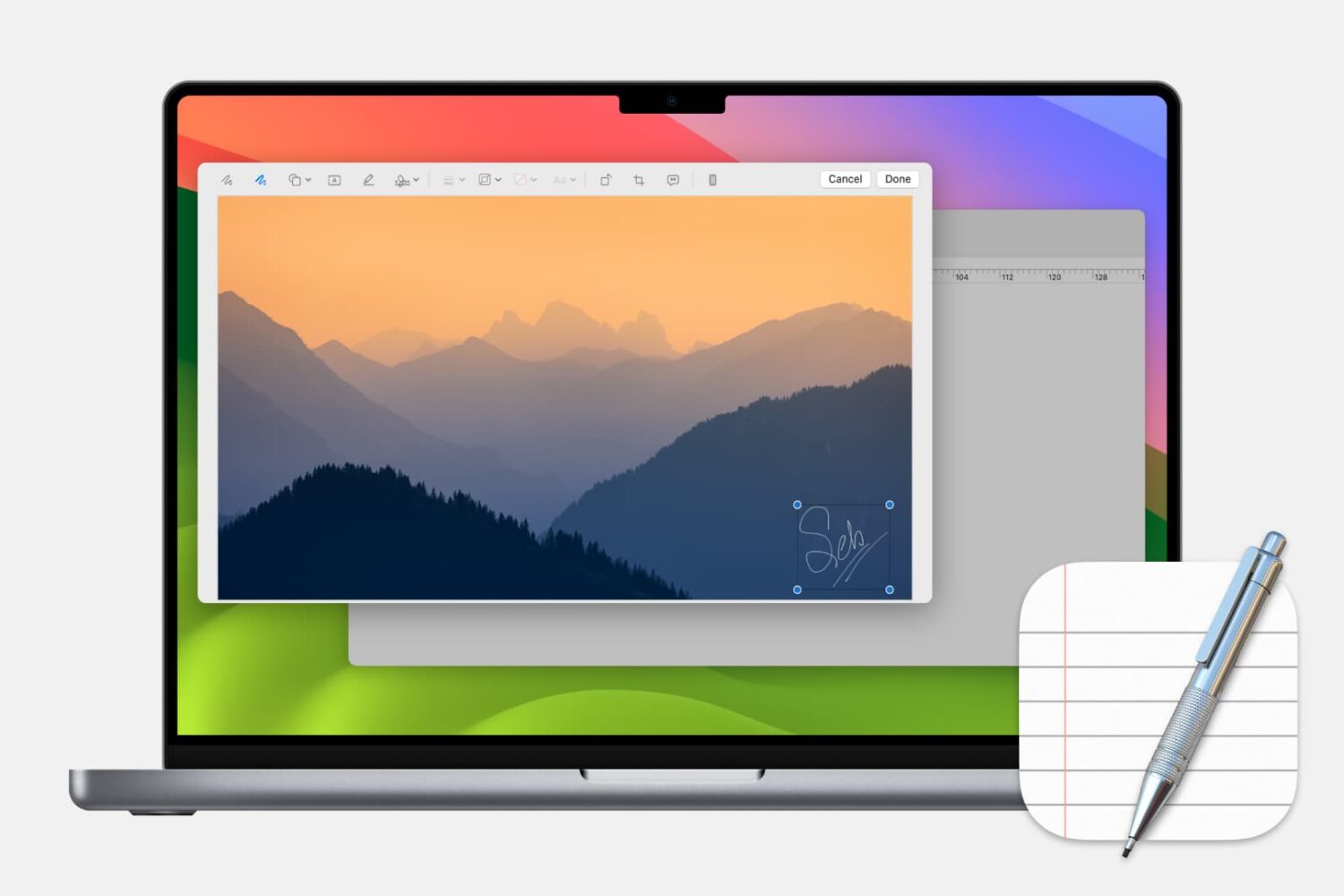
Learn how to add, edit, and annotate images in Apple’s built-in TextEdit app on your Mac to liven up a rich text document with some visuals.

Learn how to create albums in the Apple Photos app on your Mac to group pictures & videos and organize your media library.

Alto's Odyssey, the award-winning endless sandboarding journey for the iPhone, iPad, Apple TV and Android, is now available on the Mac for $9.99.