Wondering how to quickly rotate, switch views, or drop a pin in the Maps app? Here is a list of keyboard shortcuts that will help you do things quicker in the Maps app on Mac.
10+ useful keyboard shortcuts for Apple Maps on Mac
Wondering how to quickly rotate, switch views, or drop a pin in the Maps app? Here is a list of keyboard shortcuts that will help you do things quicker in the Maps app on Mac.
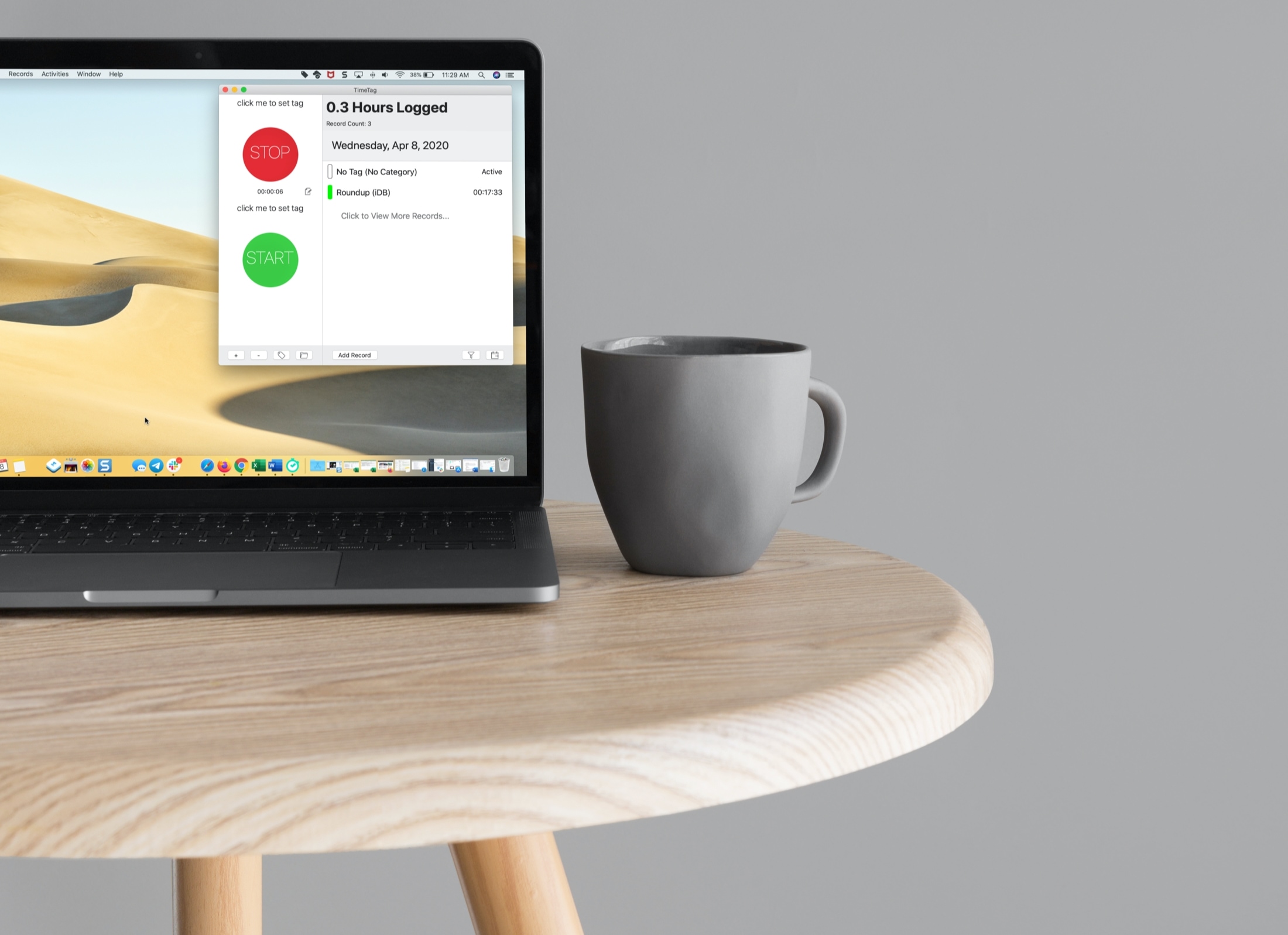
If you’re a freelancer, remote worker, or another job type where you need to log your time, then you want a good time tracking app for Mac.
Time trackers come in all shapes and sizes. From those that have a basic start and stop button to those that have built-in task management features, do you have the time to try them all and see which is best for you?
To help you out, we’ve tried several time trackers for Mac and have narrowed that list down to these best ones.
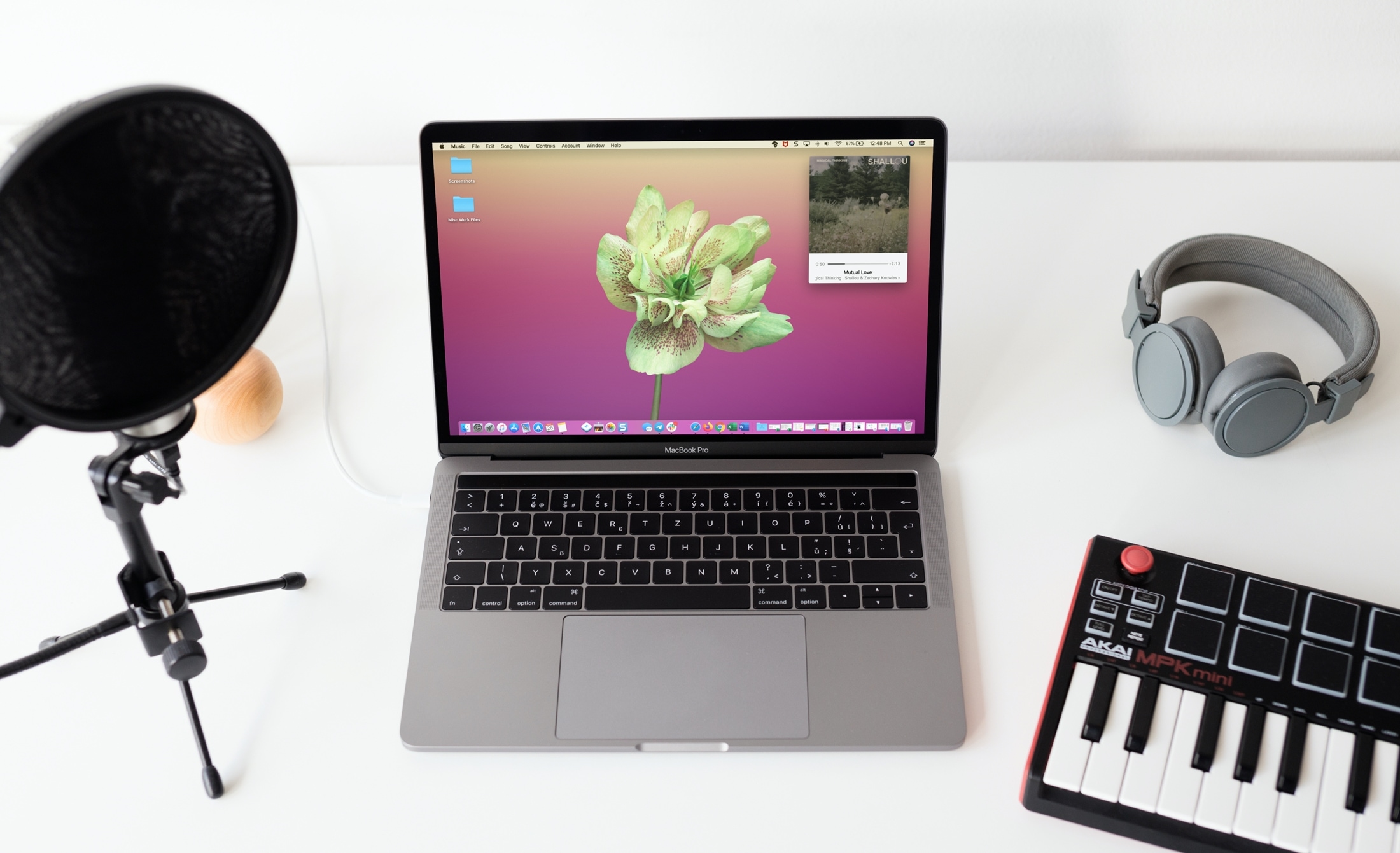
Learn how to use the Mini Player feature to turn the full Music app window into a tiny one that can even stay floating above all other app windows.
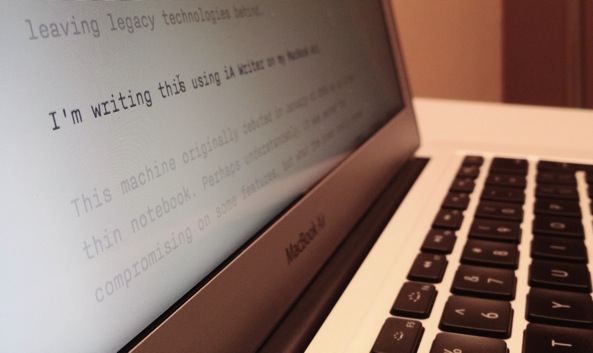
There are several terrific writing apps available on the Mac App Store for focused writing. But if you don’t want to shell out the cash just yet, try one of these free tools for capturing your articles, stories, or essays.
Writing with a distraction-free tool allows you to concentrate on what’s most important, your words. So whether you’re just giving this a try to see if you like it or don’t need extra features that the paid apps provide, this list of free focused writing apps is for you.
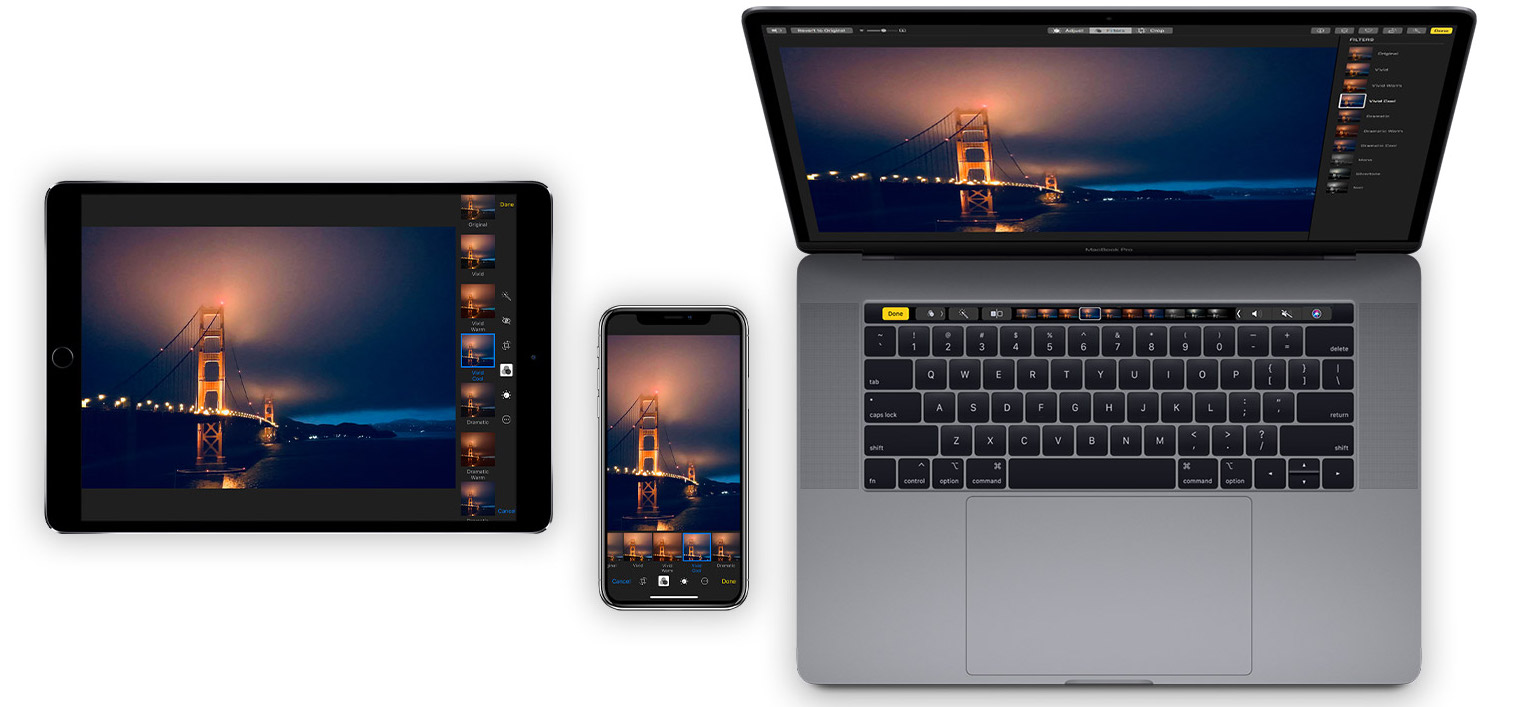
Learn how to organize your pictures and videos with Smart Albums in the macOS Photos app to simplify photo management with intelligent automation.
Whether you want to zip around the app window faster or adjust the playback of your show easier, check out these handy TV app keyboard shortcuts for Mac.
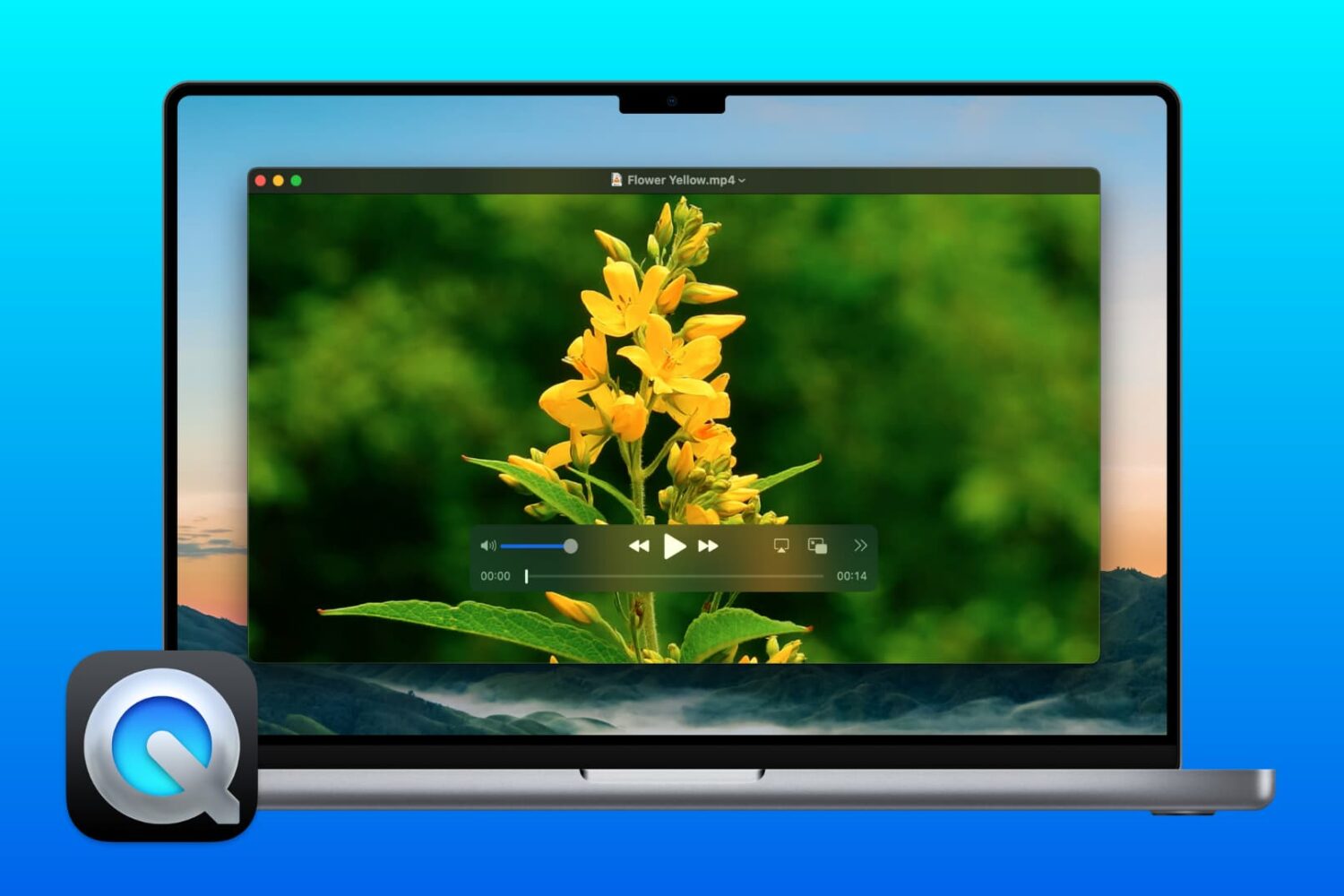
Did you know you can use QuickTime Player on Mac for more than just watching movies? If you need to make changes to your videos, here’s how to edit movies with QuickTime Player.
If you enjoy reading with the Books app on your Mac, then keyboard shortcuts and gestures are great tools. They let you move around the app easier or continue reading your books without trying to take action with the menu bar. For a simpler way to use Books on Mac, check out this list of keyboard shortcuts.
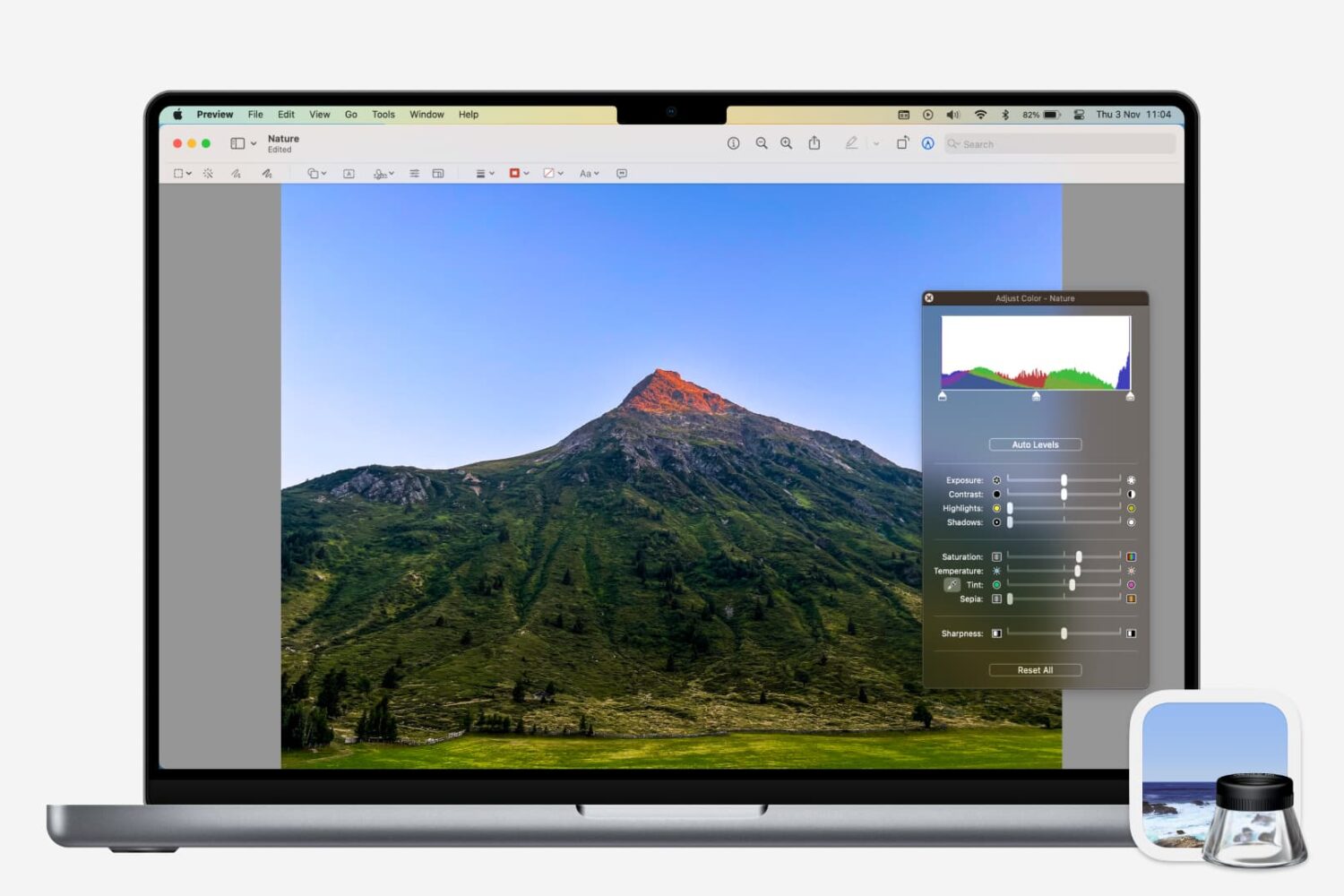
Learn how to adjust a photo’s color, contrast, saturation, sharpness, size, resolution, and more using the Preview app on your Mac.
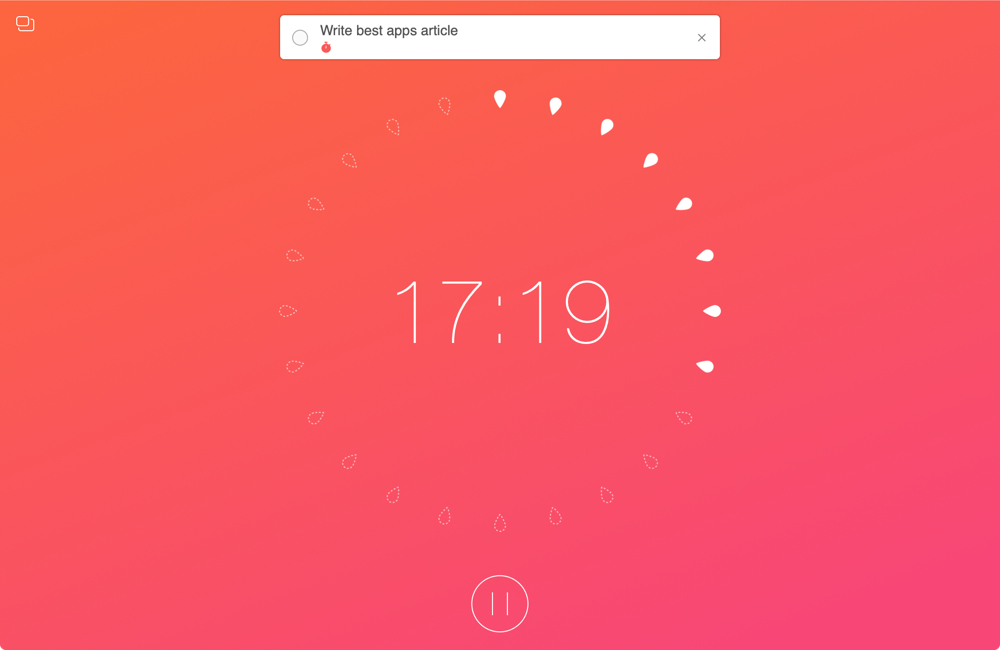
When you work from home, there are a lot of distractions. And while you certainly have interruptions in a physical office or workplace, those you have at home are just a bit different. So if you aren’t used to working at home every day, you need to prepare for these disruptions.
To help you readjust after an interruption and concentrate better on your work, we’ve assembled a list of Mac apps to help you focus. These apps use different techniques and combinations of them such as the pomodoro timer and Eisenhower Matrix methods.
If you need some assistance getting used to working in a home office, these apps should help.

In this tutorial, we will show you how to customize the settings for podcasts and show episodes in the Apple Podcasts app on your Mac.

Universal purchase support for Mac apps that was announced on February 5, 2020 is now officially available, Apple announced yesterday via a blog post on its developer portal.