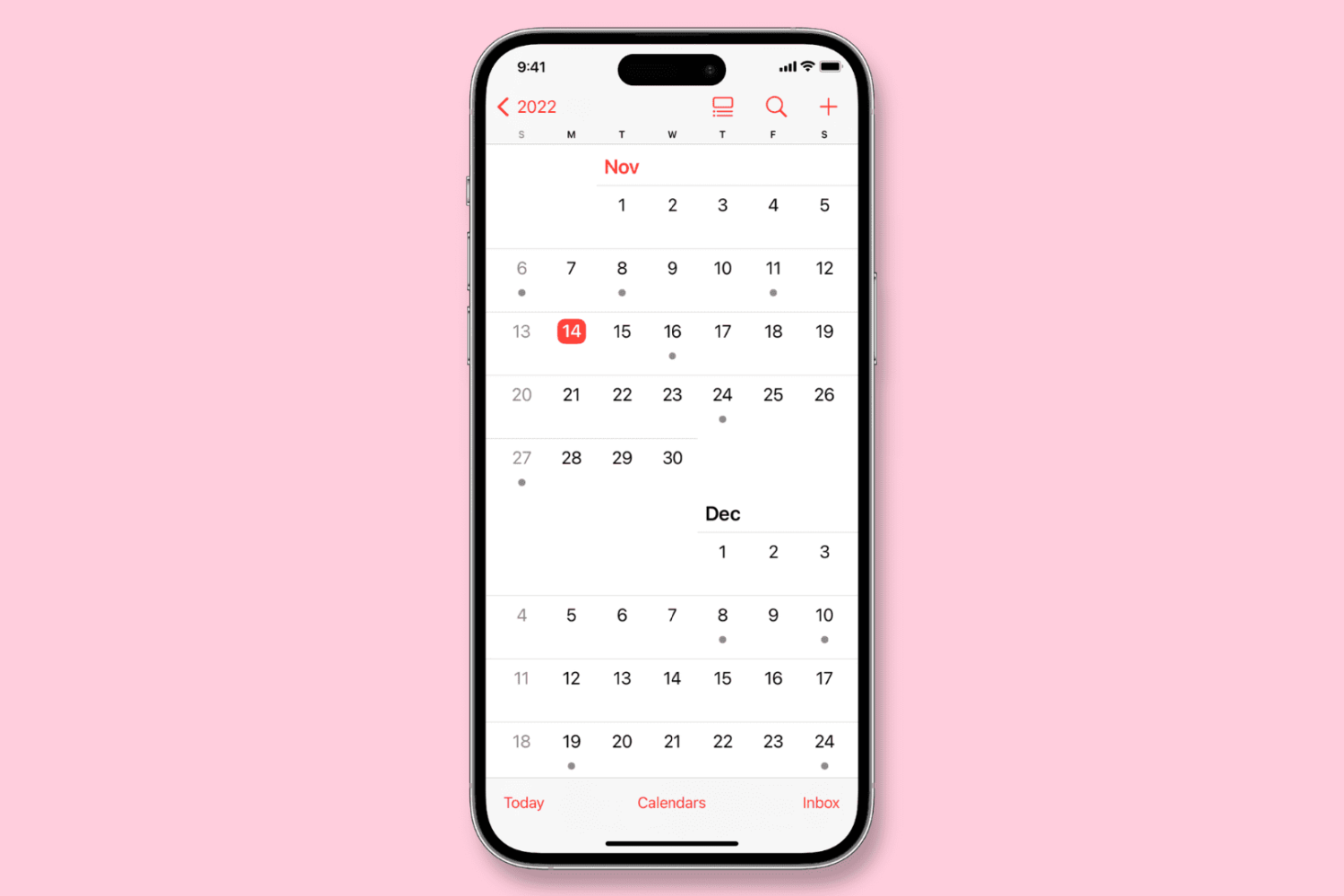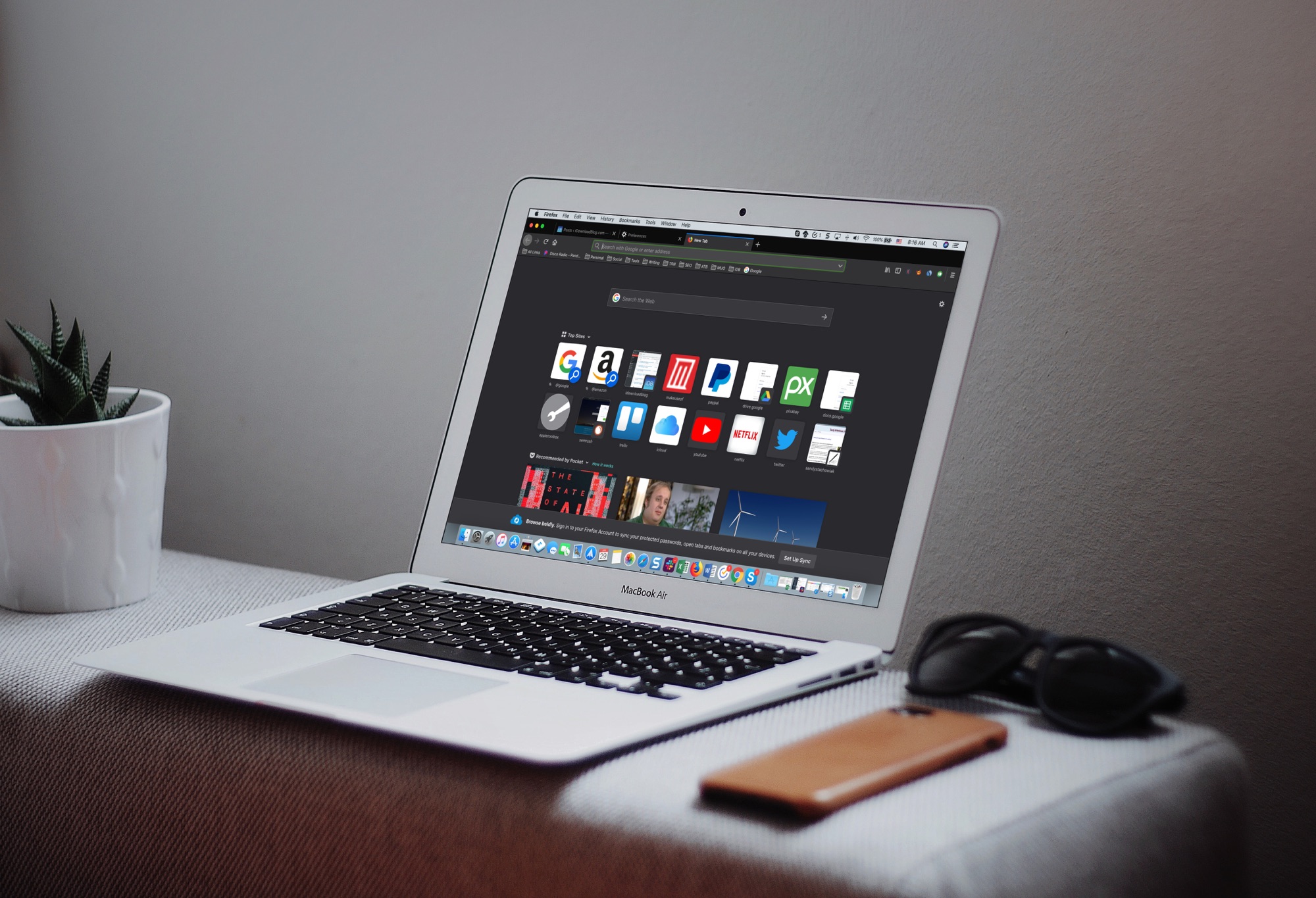
Learn how to customize the date and time formats on your Mac, and change the currency type or measurement units for a localized macOS experience.
How to change formats for dates, times, numbers and currencies on Mac
Stay up-to-date on the latest Mac news, and tutorials. Get expert tips and tricks to optimize your Mac’s performance and learn about the latest Apple products and software updates. Discover the best Mac apps and accessories to enhance your user experience.
Learn how to customize the date and time formats on your Mac, and change the currency type or measurement units for a localized macOS experience.
Find out how to clear the DNS cache on your iPhone, iPad, Mac, Google Chrome, Firefox, and Opera to speed up your web browsing experience and troubleshoot related issues.
Learn how to enhance your Mac’s organization and boost productivity by creating and using Smart Folders in Finder.
Learn how to type accented letters on Mac keyboards to accurately spell out international names and write foreign words in your documents, emails, messages, and more.
When you download items in Safari, they are all easily accessible from the toolbar. You can see them, pause and resume them, and clear them away.
Here’s how to manage and remove download items in Safari for Mac.
While you may work and create your spreadsheets in Numbers, there may be a time when you need one of those documents in the Microsoft Excel file format.
You can easily export spreadsheets into different formats for viewing and editing with other applications. Here’s how to convert a Numbers file to Excel on Mac, iPhone, and iPad.
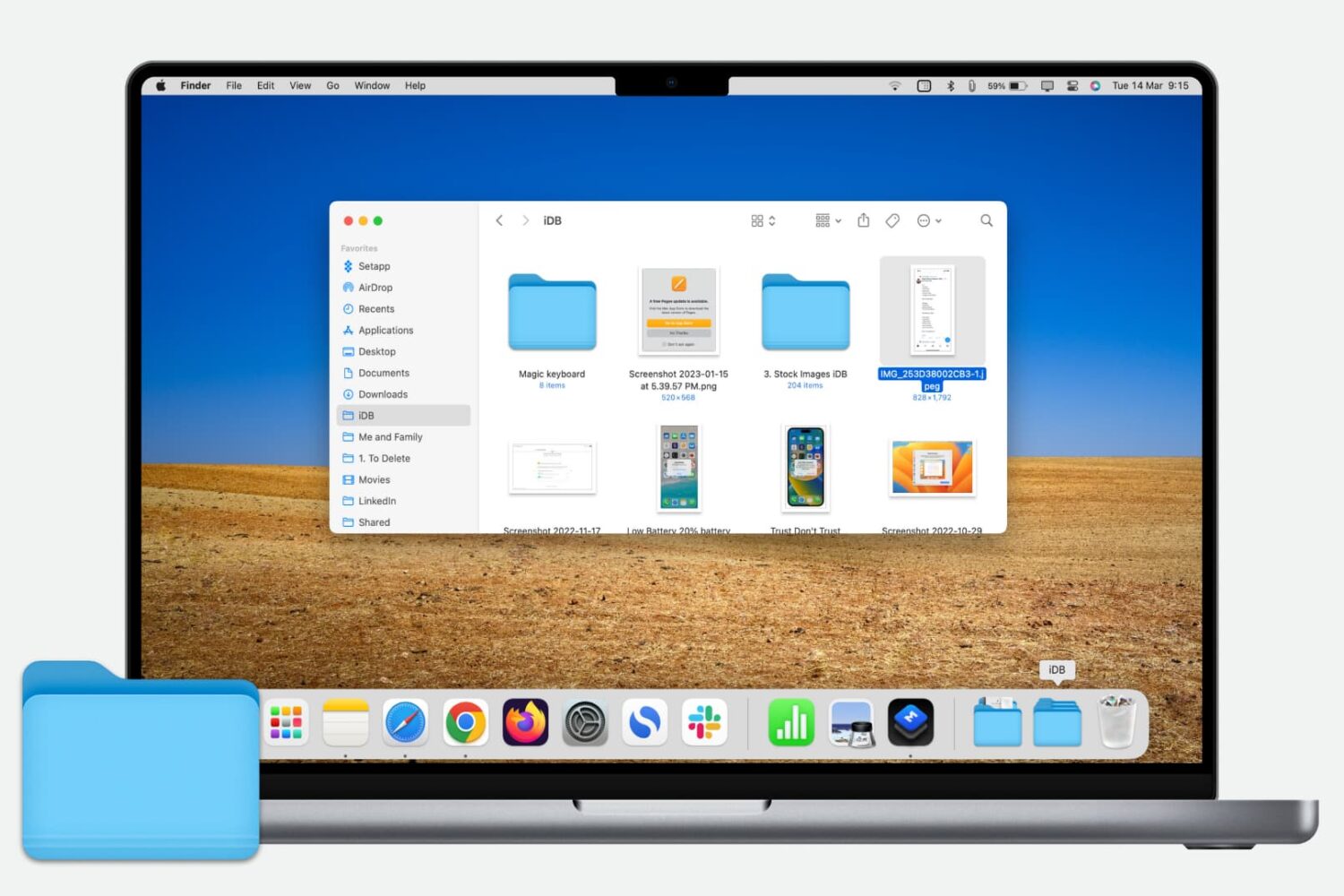
Learn how to customize the Finder sidebar on your Mac and make it your own with handy shortcuts to your drives, folders. network shares and more.
In this handy tutorial, we’ll show you how to browse and restore previous versions of documents in Pages, Numbers, Keynote, Text Edit, and Preview on your Mac.
Find out how to add an iCloud Drive shortcut to your Mac desktop and Dock for faster access to your online files, folders, and documents.
Whether you’re preparing to jump on a plane or just waiting for a friend to fly in, you may think that you have to download a special app to track those flights. And, while a specific flight tracking app is certainly a great way to go, especially if you’re a frequent traveler, there is another way.
Here’s how to quickly track flights from anywhere with your iPhone and all you need is the flight number.
Learn how to add one or more quick-access shortcuts for specific websites to the Dock of your Mac, letting you open them with a single click anywhere in macOS.