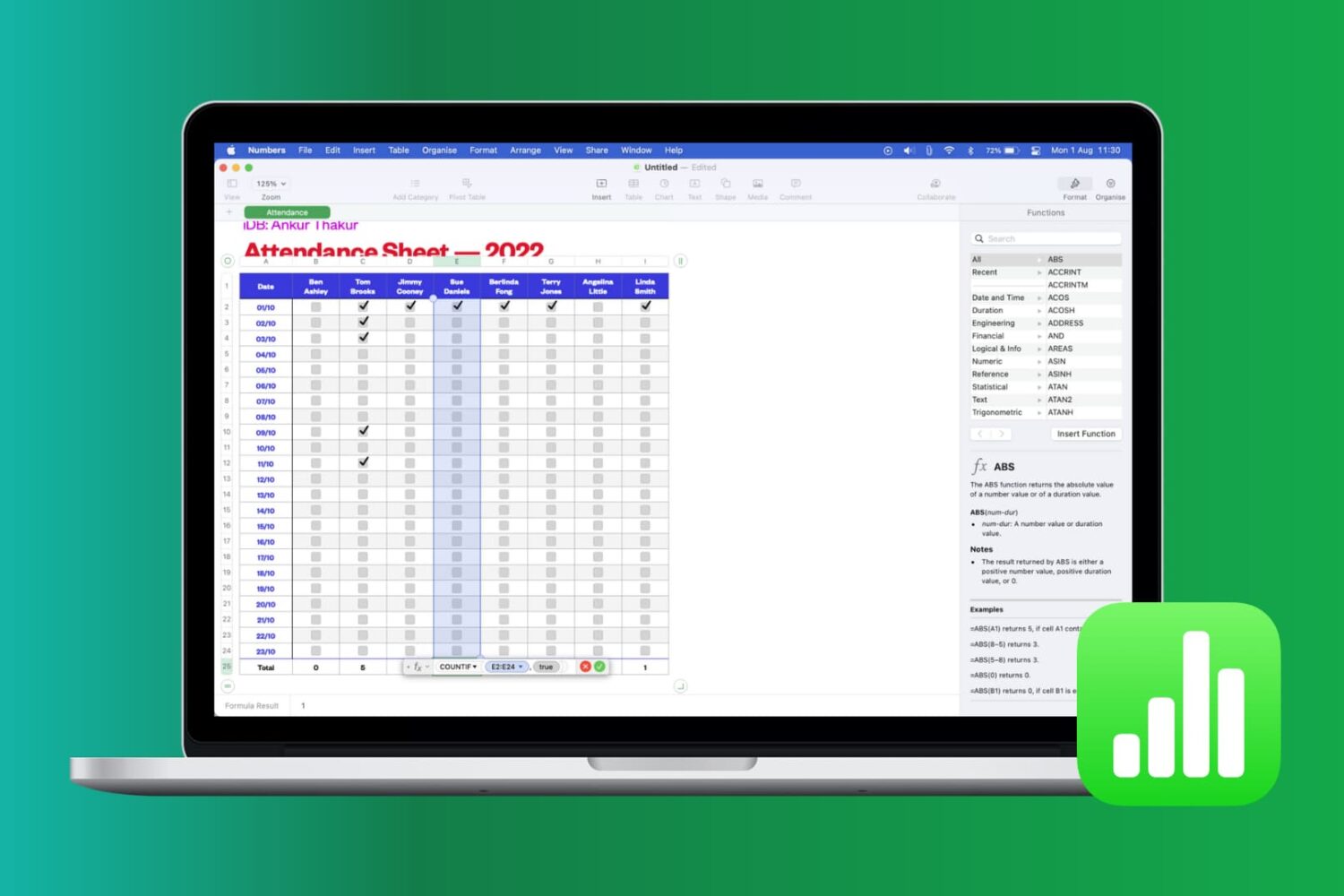
Learn how to work with common functions and formulas in Apple Numbers spreadsheets on your iPhone, iPad, and Mac, saving time and reducing errors.
How to use functions and formulas in Numbers on Mac and iOS
Stay up-to-date on the latest Mac news, and tutorials. Get expert tips and tricks to optimize your Mac’s performance and learn about the latest Apple products and software updates. Discover the best Mac apps and accessories to enhance your user experience.
Learn how to work with common functions and formulas in Apple Numbers spreadsheets on your iPhone, iPad, and Mac, saving time and reducing errors.

Learn how to use headers and footers when working with a document in the Apple Pages app to add page numbers, date, your name, and other helpful information on all pages.
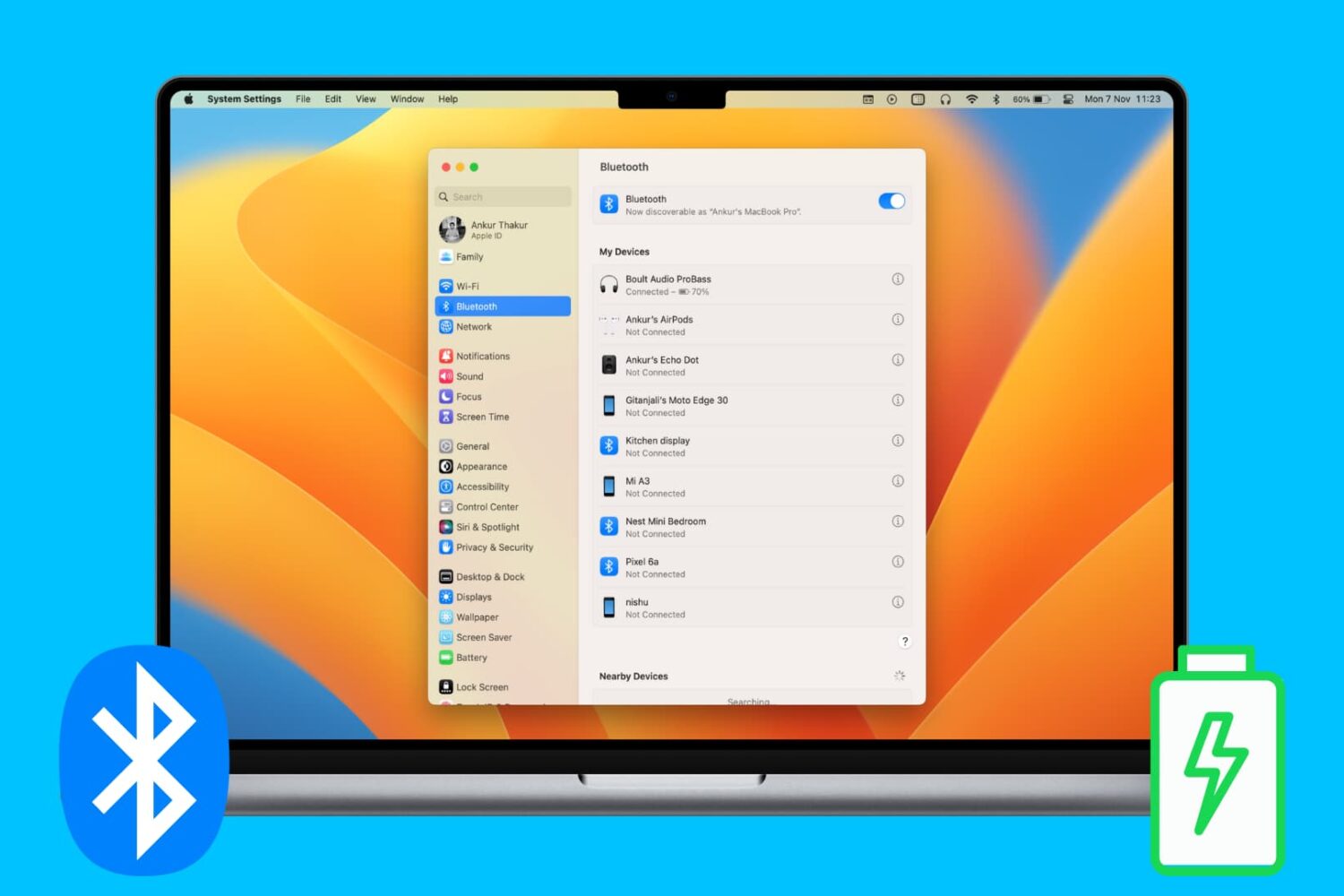
Check out various ways to see and keep track of the battery percentage of your wireless keyboard, trackpad, mouse, AirPods, and other Bluetooth devices on your Mac.

Bookmarking your favorite websites in Safari on your iPhone, iPad, and/or Mac is handy for accessing the pages you need with a tap. But bookmarks can also quickly get out of control. So for the best experience, you can organize your bookmarks in folders, rearrange them, edit them, and of course, delete those you end up never using.
To help you get control of your saved pages, here's how to manage bookmarks in Safari on iOS and Mac.
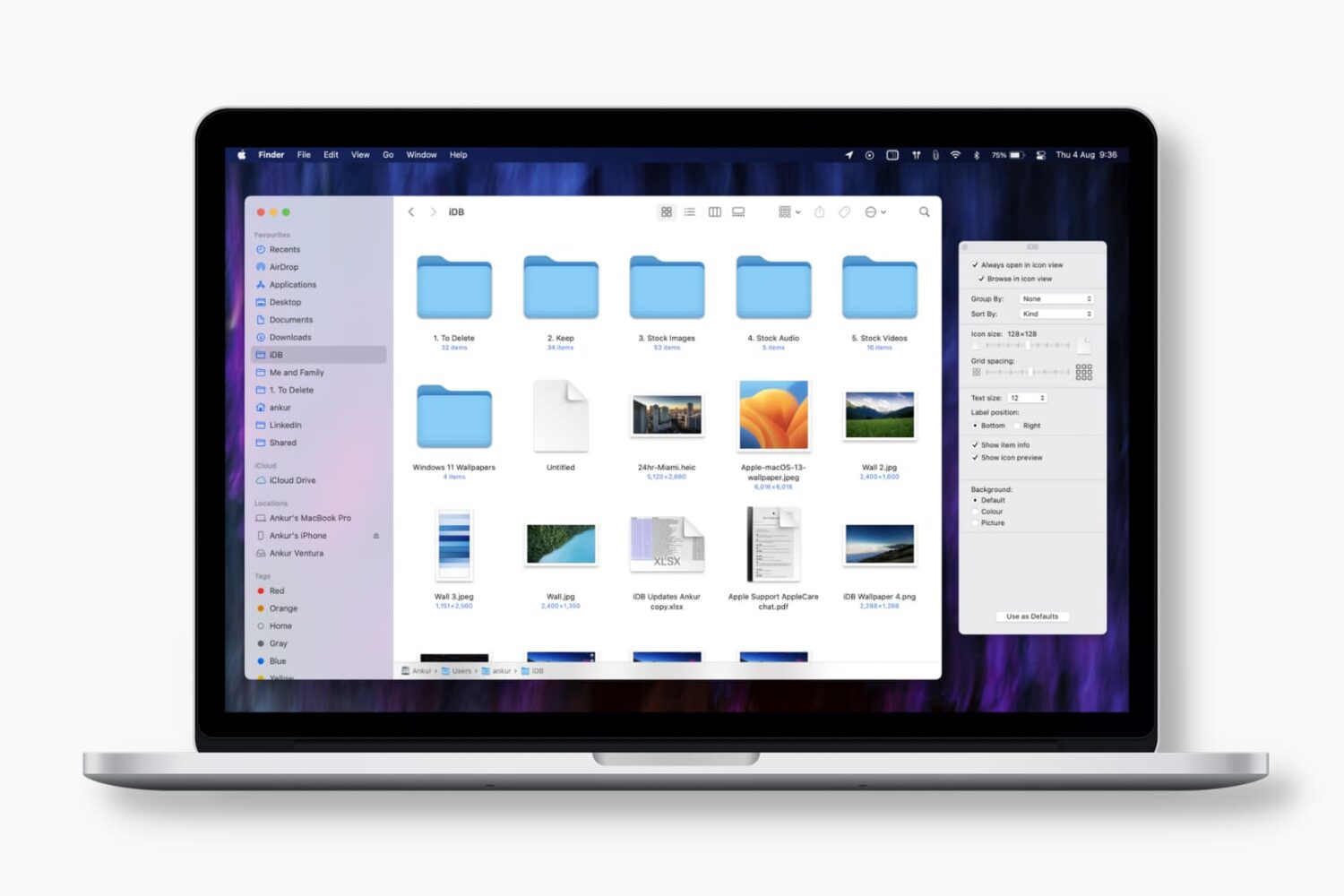
Learn how to set Finder on your Mac to always open a specific folder in your favorite view, with the files sorted and grouped in the order of your choosing.
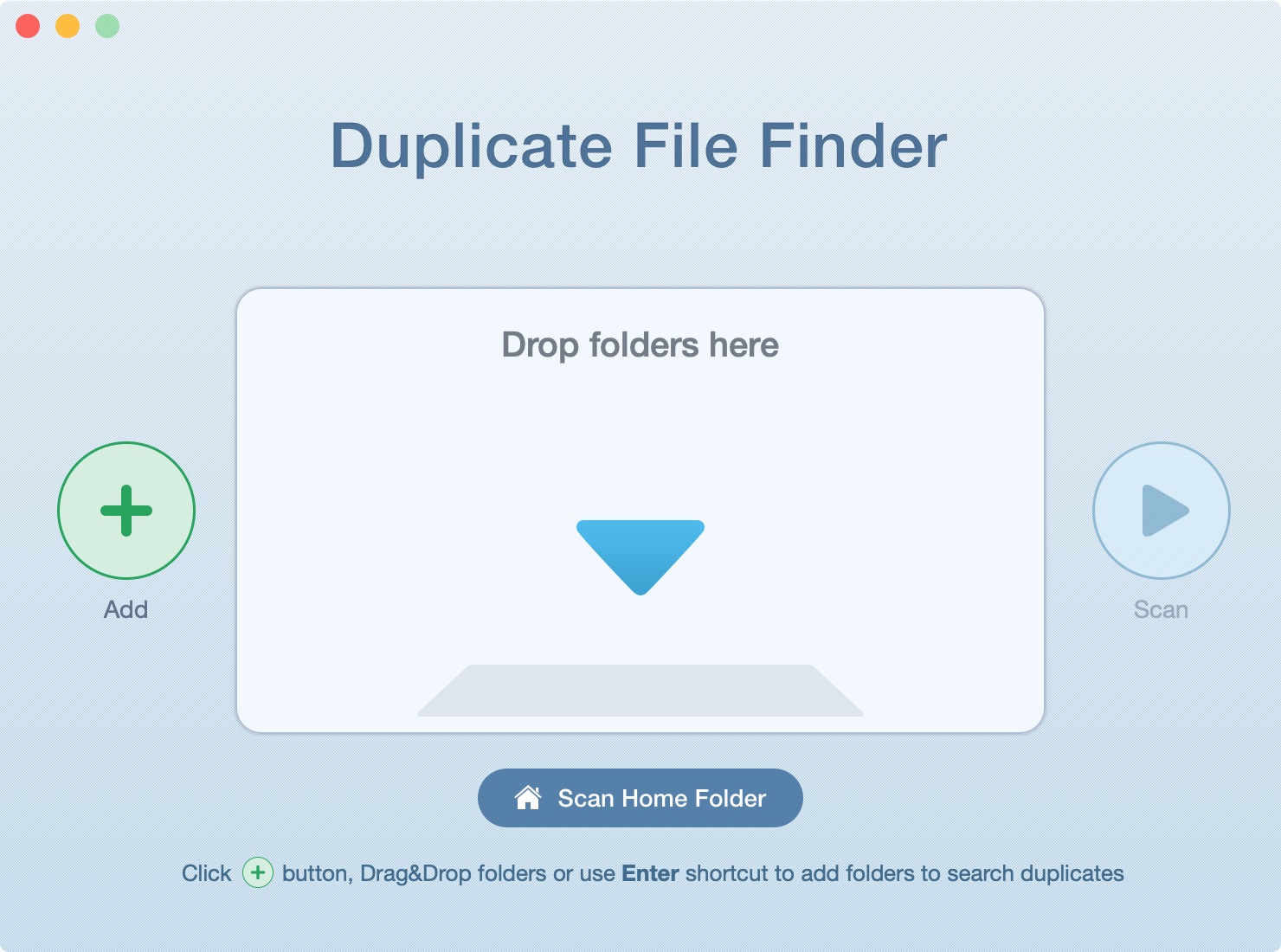
In this tutorial, we’ll show you how to scan your Mac’s drive to find and delete all duplicate files. This will help free up space and reduce clutter.
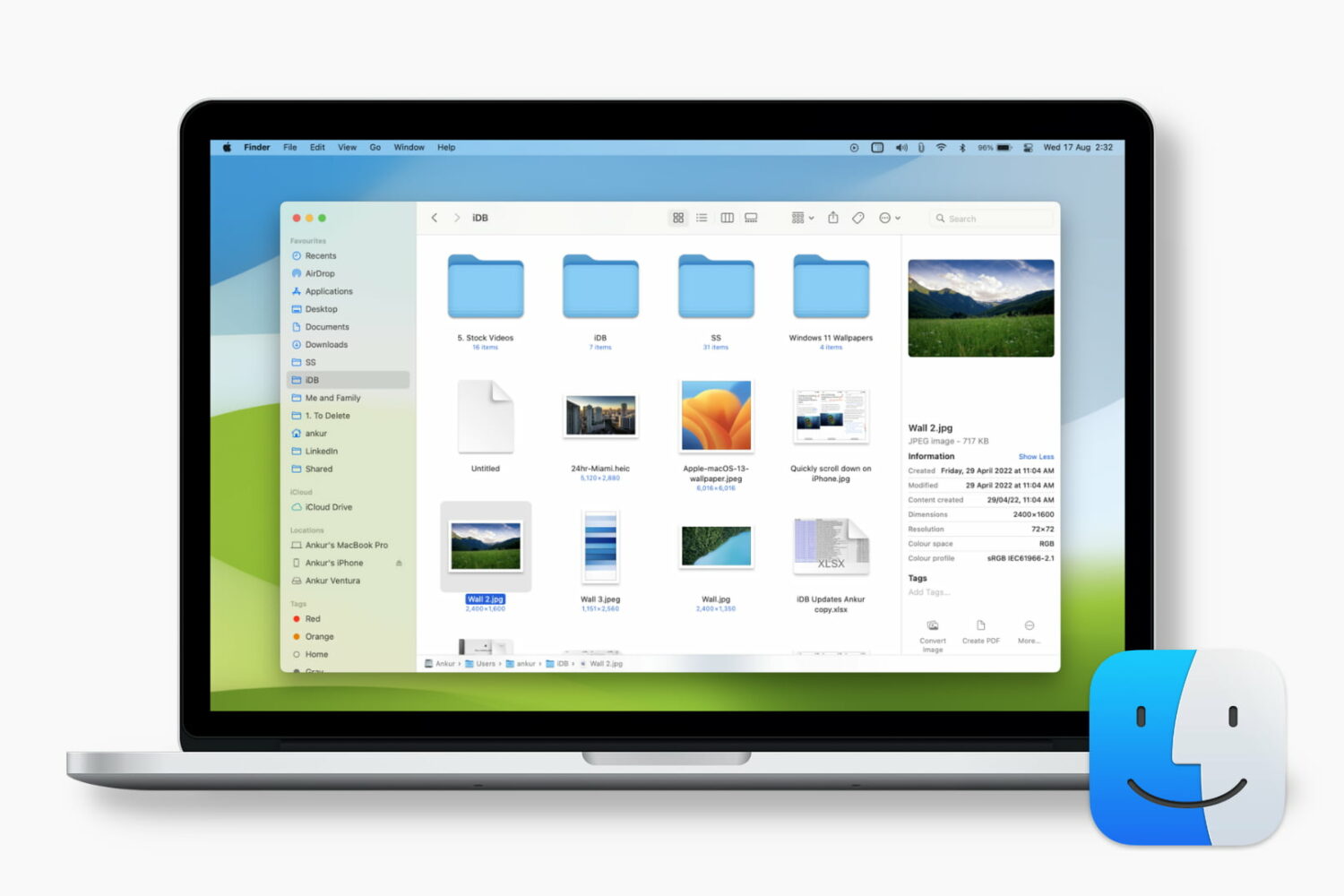
Learn how to customize the Finder preview pane by choosing specific glanceable details to show when browsing files on your Mac.

Learn how to reset your Apple account password if you forgot it to regain access to your account, along with your files in iCloud, Photos library, Messages chats, etc.

Explore these 12 essential Mac tips designed to streamline your workflow and enhance productivity.