Want a quicker way to get things done in the Contacts app on your Mac? Here are several useful keyboard shortcuts for Contacts so you can move around faster.
18 useful keyboard shortcuts for the Contacts app on Mac
Stay up-to-date on the latest Mac news, and tutorials. Get expert tips and tricks to optimize your Mac’s performance and learn about the latest Apple products and software updates. Discover the best Mac apps and accessories to enhance your user experience.
Want a quicker way to get things done in the Contacts app on your Mac? Here are several useful keyboard shortcuts for Contacts so you can move around faster.

Learn how to use the Mac Automator Calendar Alarms to speed up your regular tasks and have a more productive and smooth experience.

Learn how to easily check the remaining days before your deleted photos and videos are permanently removed from your iPhone, iPad, and Mac.

Some games are just easier or more fun to play with a controller. And if you happen to own a Nintendo Switch, you can use the Joy-Con controllers from it to play games on your Mac. You can take them out of the Switch, connect them to Mac, and then pop them into the Joy-Con Grip in just a few minutes.
This tutorial shows you how to connect your Joy-Con controllers to your Mac so the gaming can begin!
With just a few adjustments, you can have your Mac announce alerts and speak text. Spoken alerts are super handy for grabbing your attention when you’re hard at work, and spoken text can help you spot errors or get pronunciations.
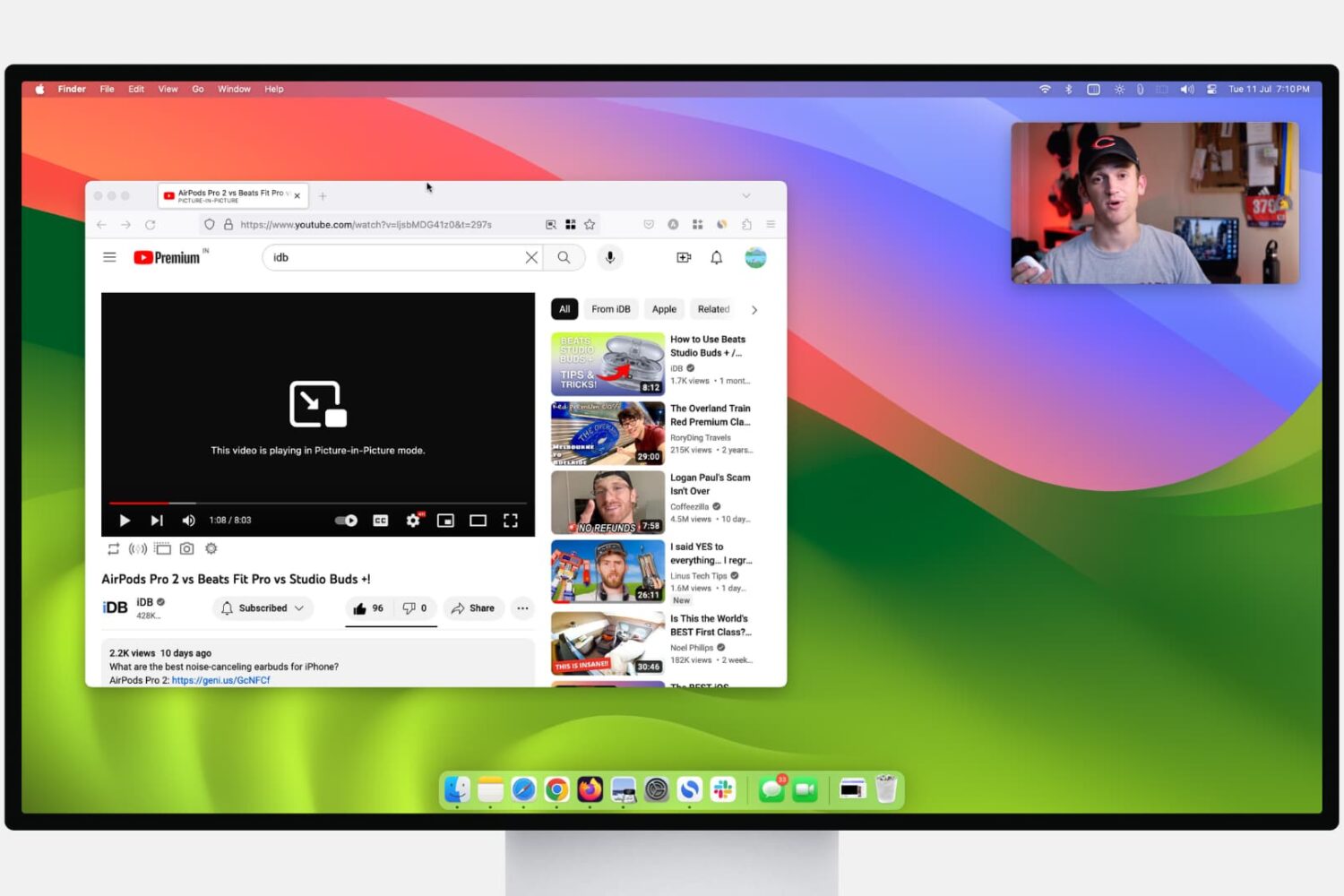
Learn how to use Picture-in-Picture in Firefox and Google Chrome for seamless video playback while you browse the web or use other apps on your computer.

Check out this list of handy keyboard shortcuts for Firefox to easily work with tabs, windows, bookmarks, and more from the comfort of your Mac's keyboard.

Learn how to create reusable email templates in the Apple Mail app on Mac, and save time composing those frequently sent emails.
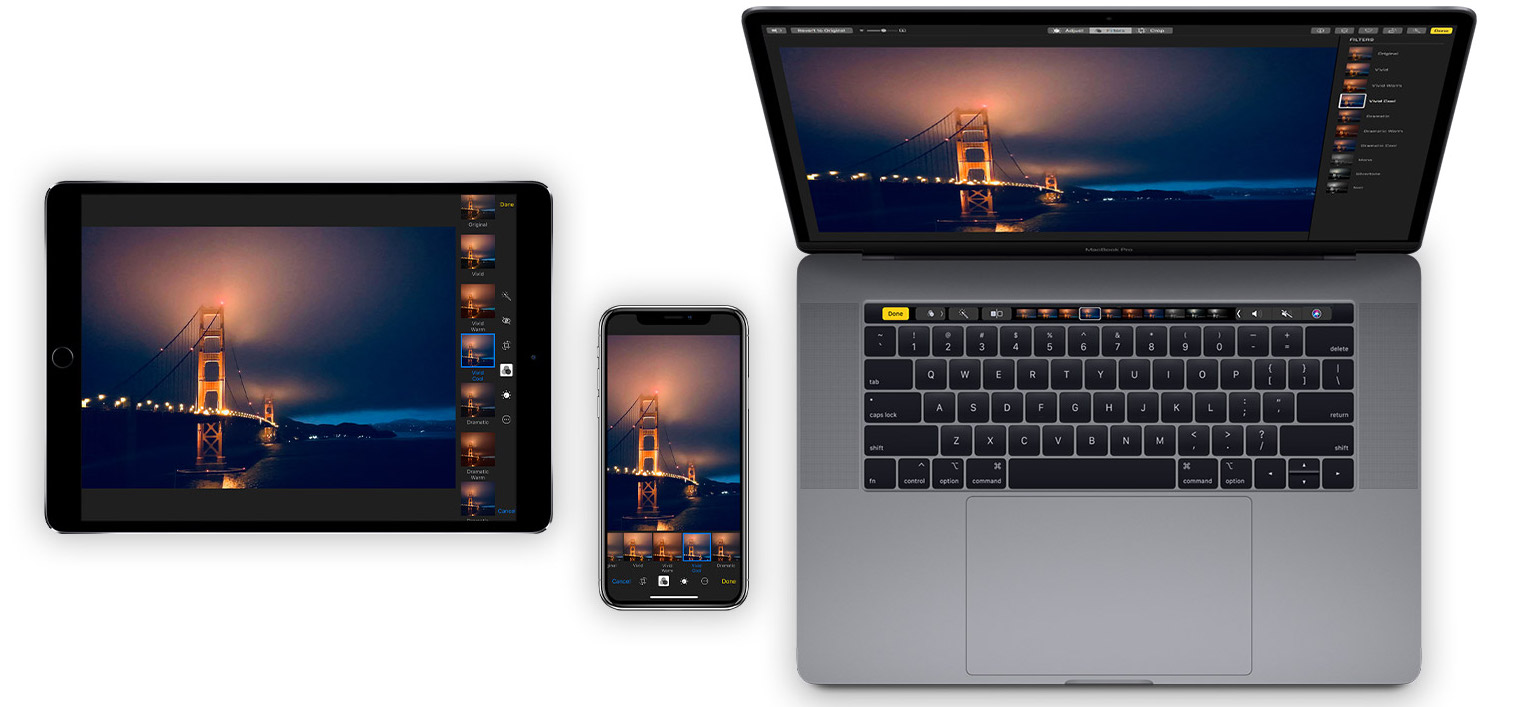
Learn how to organize your pictures and videos with Smart Albums in the macOS Photos app to simplify photo management with intelligent automation.

If you’re trying to describe a location to someone who isn’t familiar with the area, it can be difficult. You can’t just say, "It’s next to Walmart" if they don’t even know where Walmart is. But with the Maps app and Markup tool on Mac, you can easily use shapes and text to show exactly where you’re describing. And it can even be a little fun.
Here’s how to create and mark up a PDF from Maps on your Mac.
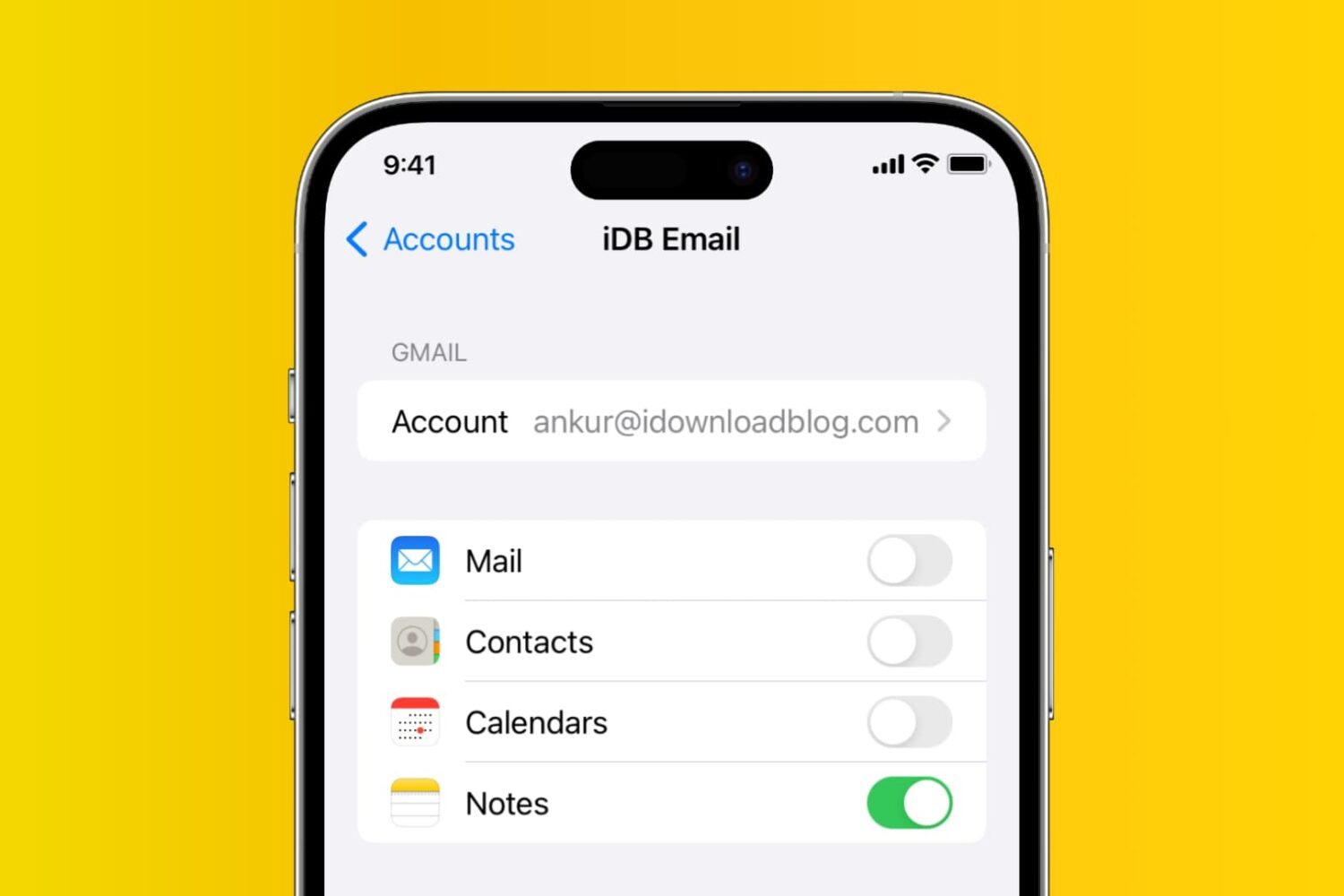
Learn how to add, deactivate, and delete accounts used inside the Apple Notes app on your iPhone, iPad, and Mac.
In this tutorial, we will show you how to work with notifications in the Reminders app on your Mac so that you never miss a task, list, or to-do.