In this tutorial, we’ll show you how to use, change, and lock VoiceOver modifier keys on your Mac to enter VoiceOver commands and make the most use of this accessibility feature.
How to use, change, and lock VoiceOver modifier keys on Mac

Stay up-to-date on the latest Mac news, and tutorials. Get expert tips and tricks to optimize your Mac’s performance and learn about the latest Apple products and software updates. Discover the best Mac apps and accessories to enhance your user experience.
In this tutorial, we’ll show you how to use, change, and lock VoiceOver modifier keys on your Mac to enter VoiceOver commands and make the most use of this accessibility feature.

Are you ready to start using your built-in Mac screen reader? In this quick tutorial, we’ll share how to turn VoiceOver on and off on your Apple computer.
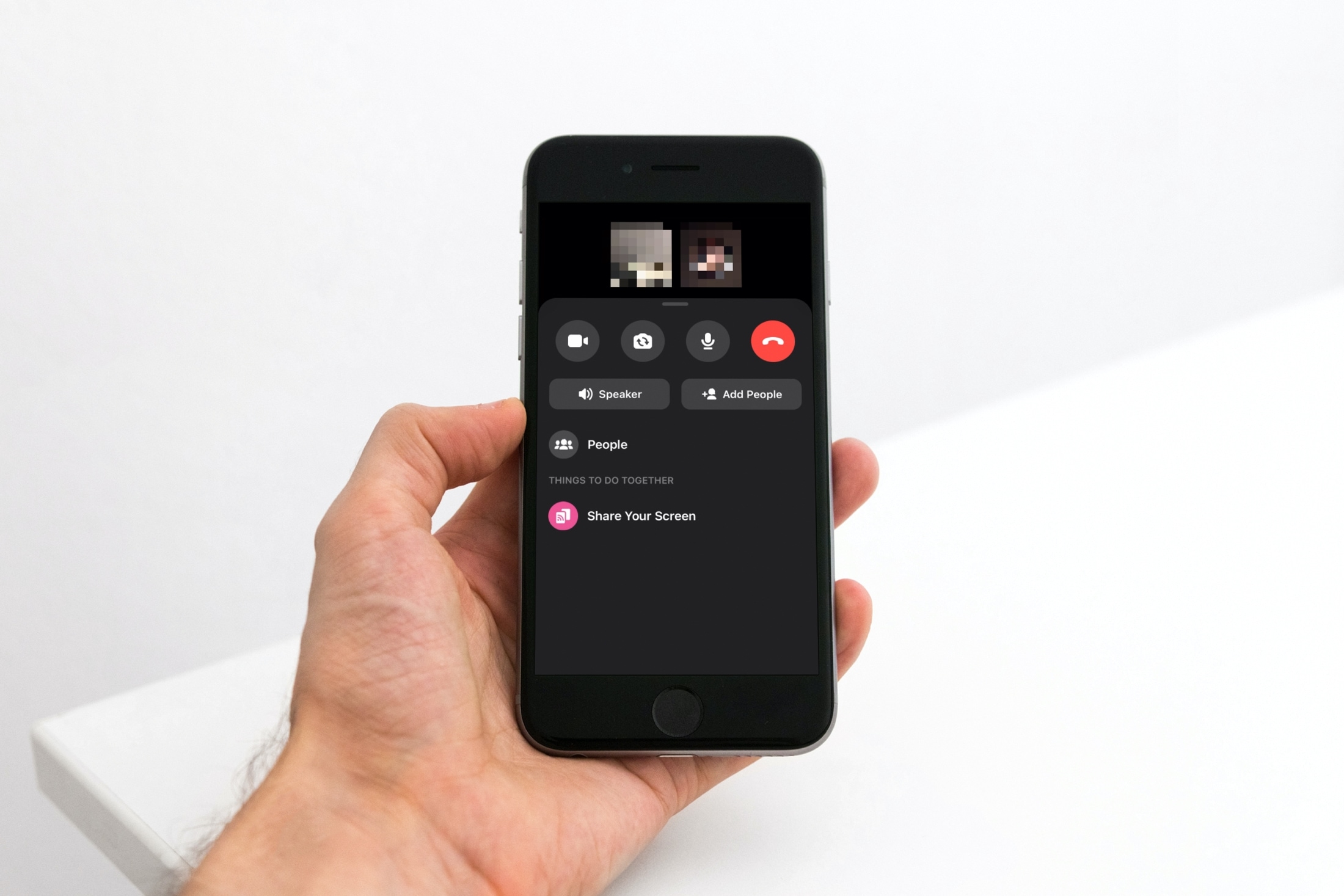
Sharing your screen can be beneficial for both business and personal situations. For instance, maybe you’re showing a coworker or family member how to do something in an application. You can share your screen easily in Facebook Messenger. And you can do so in both the mobile and desktop Messenger app. Here’s how.
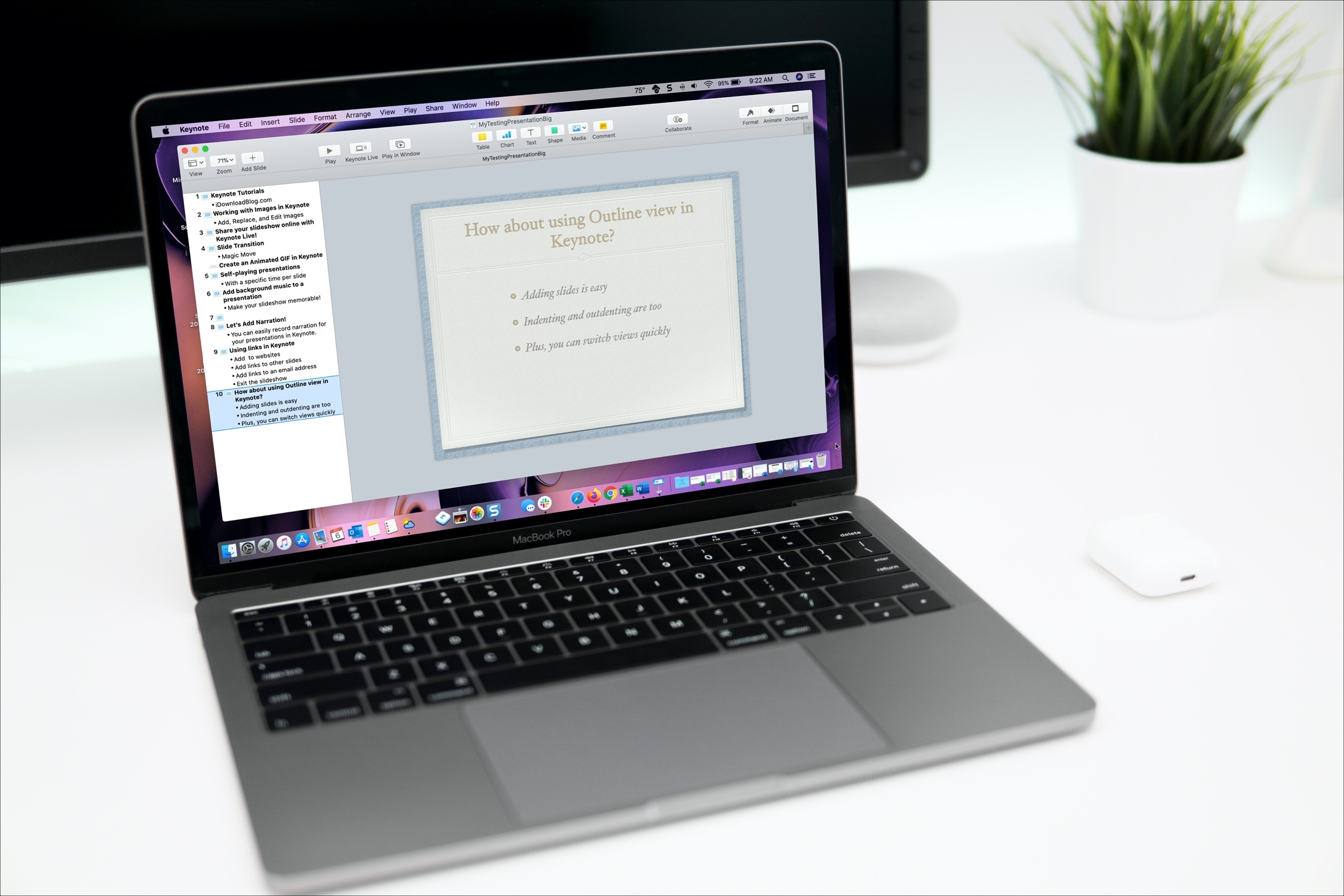
Open and use Outline view in Keynote on your iPhone, iPad, and Mac to start building your presentation in a more organized way.
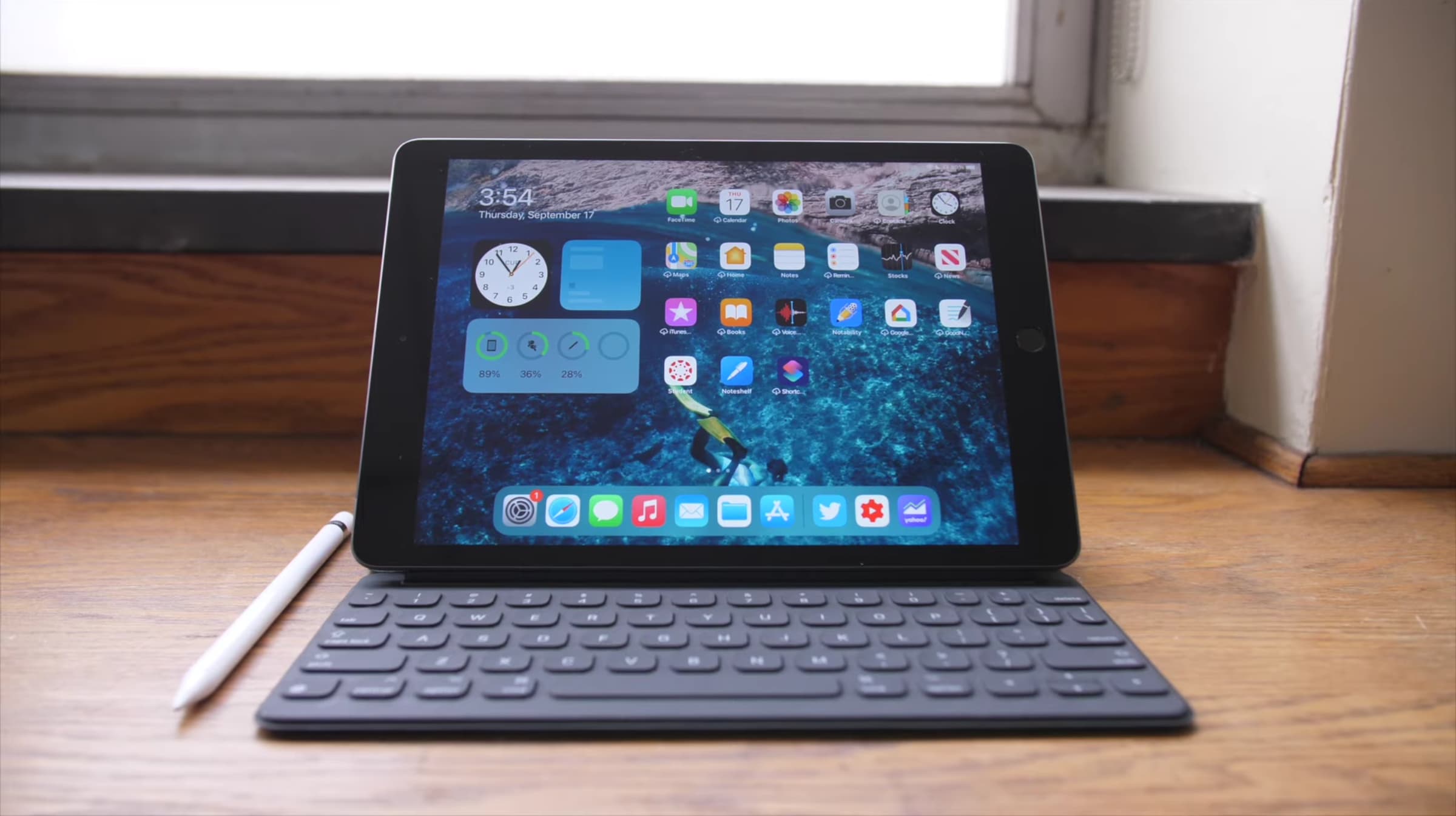
Learn how to quickly close unneeded apps on your iPad using the Command + Q keyboard shortcut for efficient multitasking.
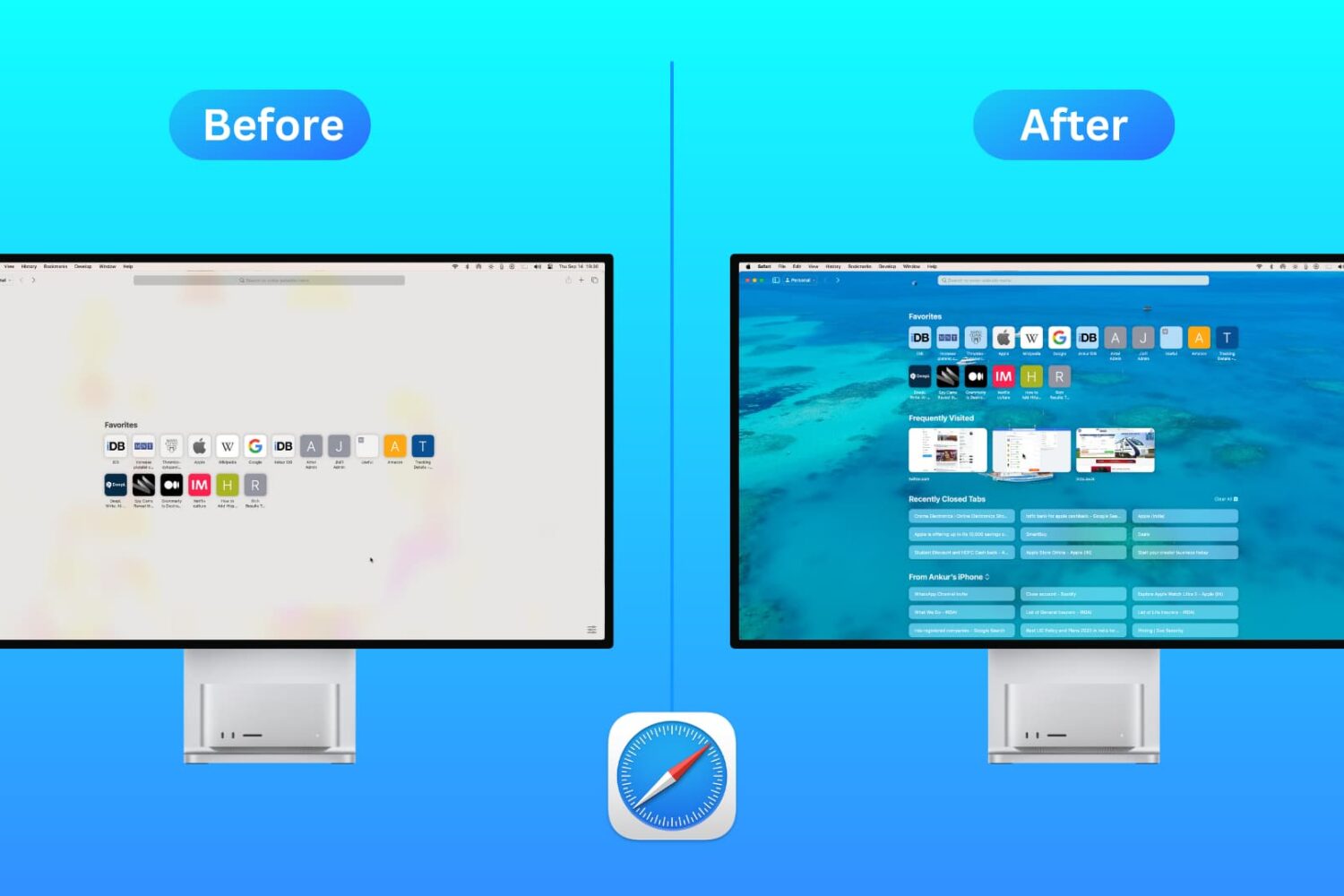
Customize the Safari Start Page on your Mac by selecting just the sections you want to see, using a personal background image, and more.
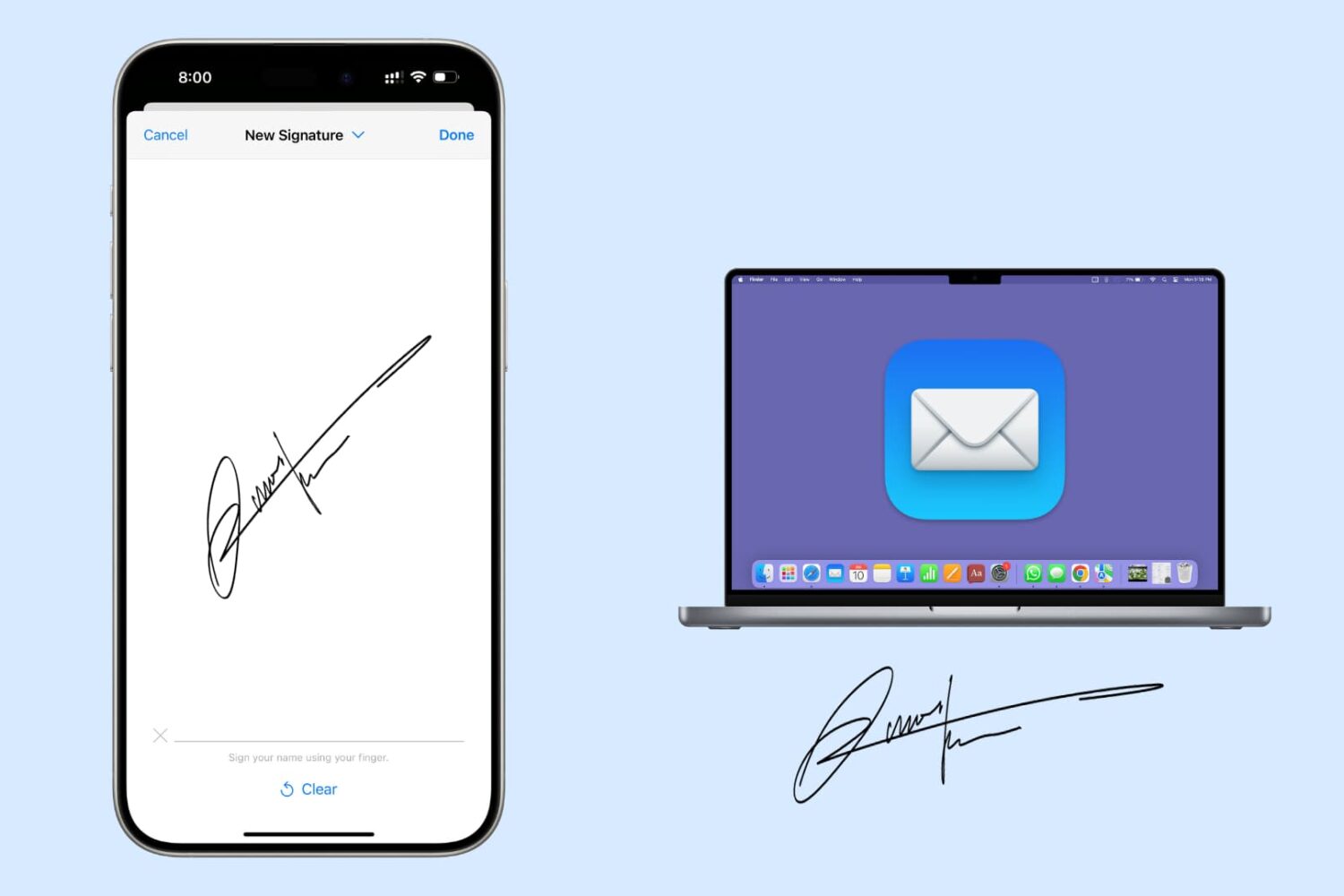
Have a PDF in the Mail app that you want to sign before sending? In this tutorial, we’ll show you how to sign an email attachment on your Mac using your iPhone or iPad.
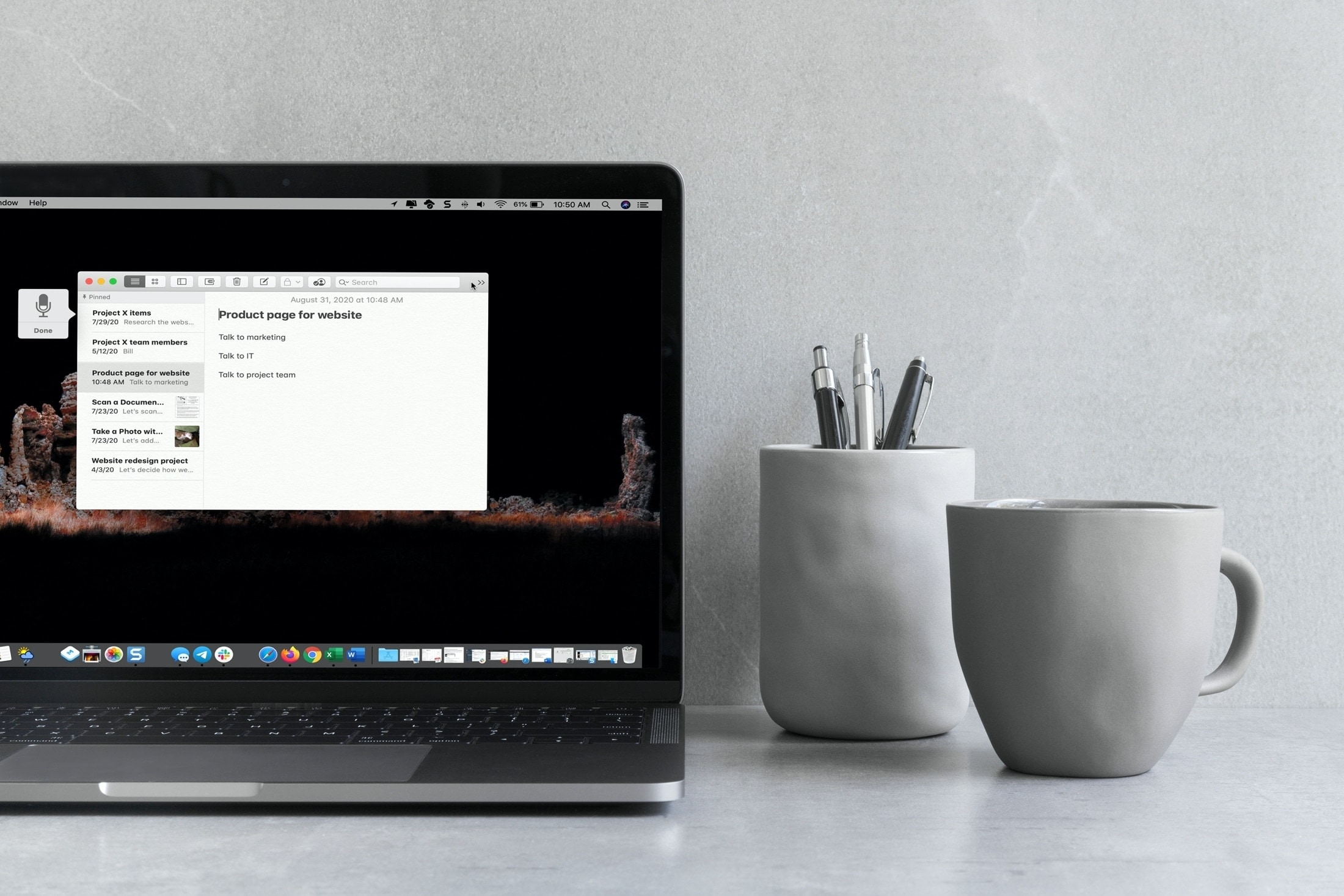
Learn how to use keyboard dictation on your Mac with our quick and easy guide, enhancing your productivity through hands-free typing.
Check out these keyboard shortcuts for Microsoft Word that will help you navigate your documents, select text, make edits, and much more faster than ever on your Mac.
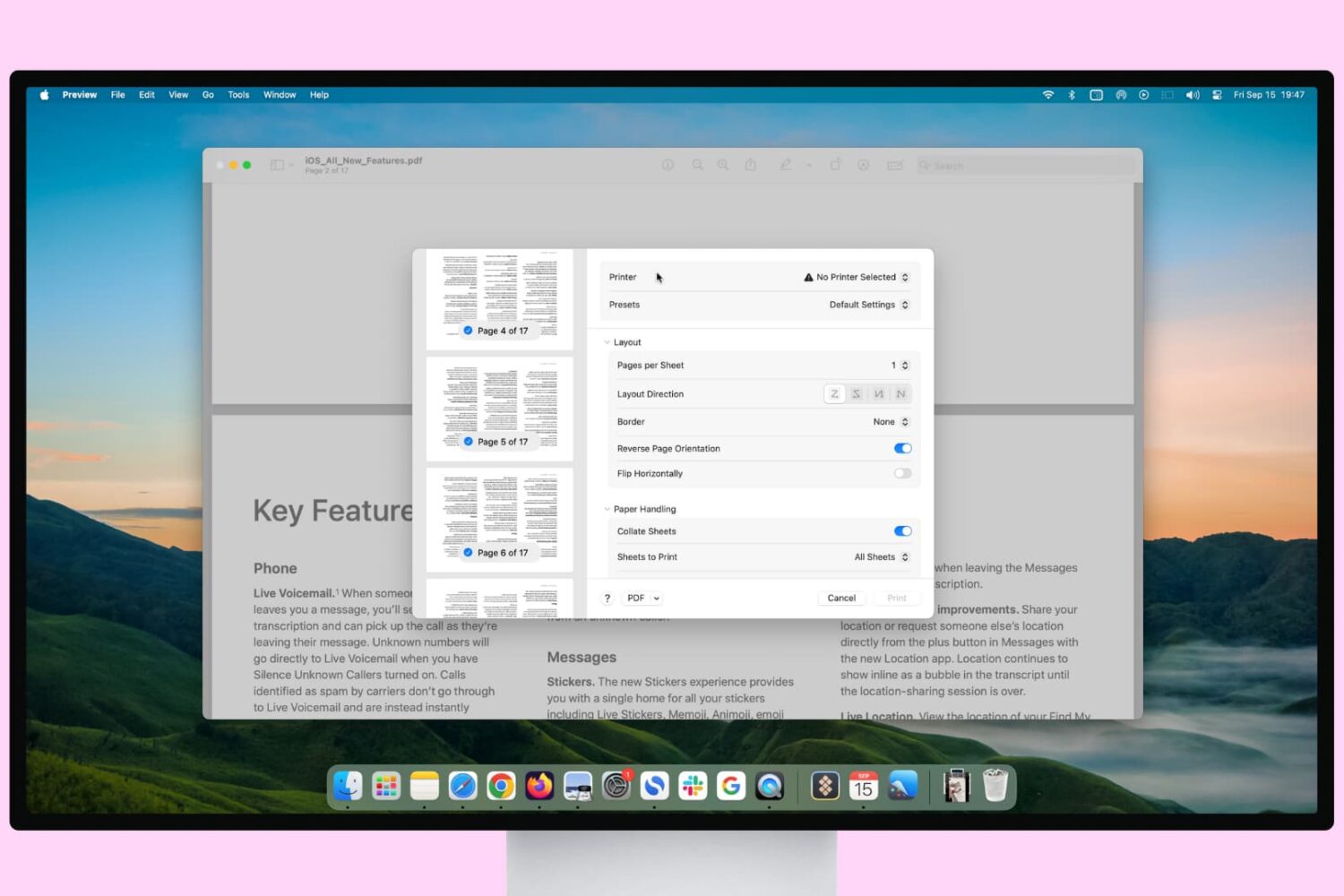
Learn how to print pages upside down if you’re printing for a folded document or in reverse order to ensure the final printed paper stack is in the correct order.
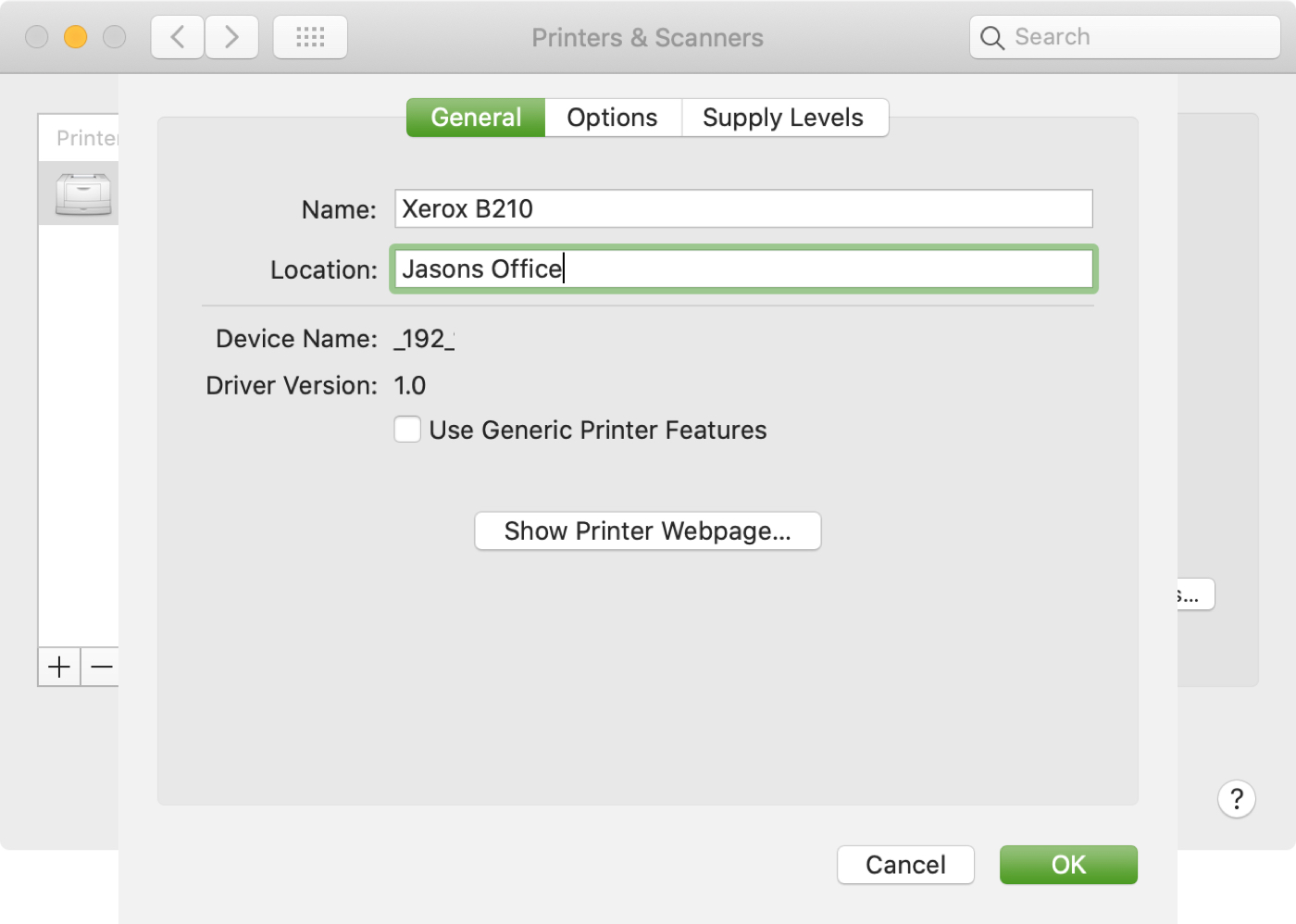
If you use more than one printer with your Mac, it’s important to know how to choose the default printer. This is useful if you take your Mac to your physical office, school, or library and then return to your home office. And if you share your Mac and printer with others, giving a name and location to your equipment is also helpful.
In this tutorial we’ll show you how to set your default printer as well as change its name and location on your Mac.

Discover essential tips for effectively searching and saving searches in Mail on Mac, boosting your productivity and email management.