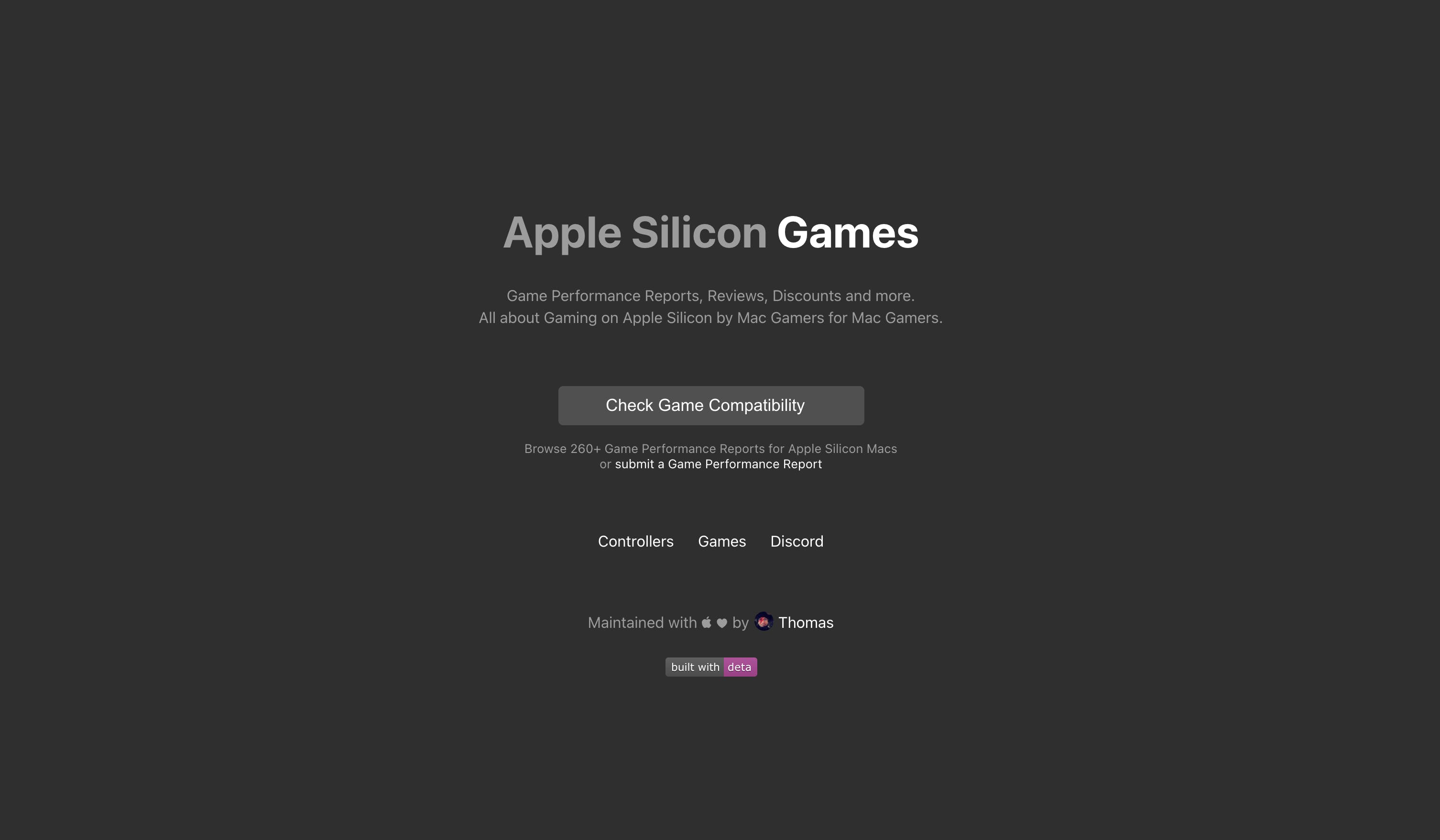
Apple currently does not list games that have been optimized to run on Apple silicon Macs. But thanks to a website dedicated to Apple silicon gaming, you can easily check game compatibility on the new M1 Macs, as well as performance and other useful information.
M1
Adobe Lightroom is now a native app for both Intel and Apple silicon Macs
Adobe yesterday updated Lightroom for Mac with Apple silicon support on the latest M1 machines, such as the new MacBook Air, 13-inch MacBook Pro and Mac mini. Additionally, Lightroom for Windows has been updated with support for Windows on ARM.
Apple is working on M1 successors for 2021 iMac & MacBook Pro, 32-core Mac Pro in 2022
Desktop Apple silicon chips with higher power budgets are being readied for the upcoming higher-end MacBook Pro notebooks, all-in-one iMac desktops and the Mac Pro workstation.
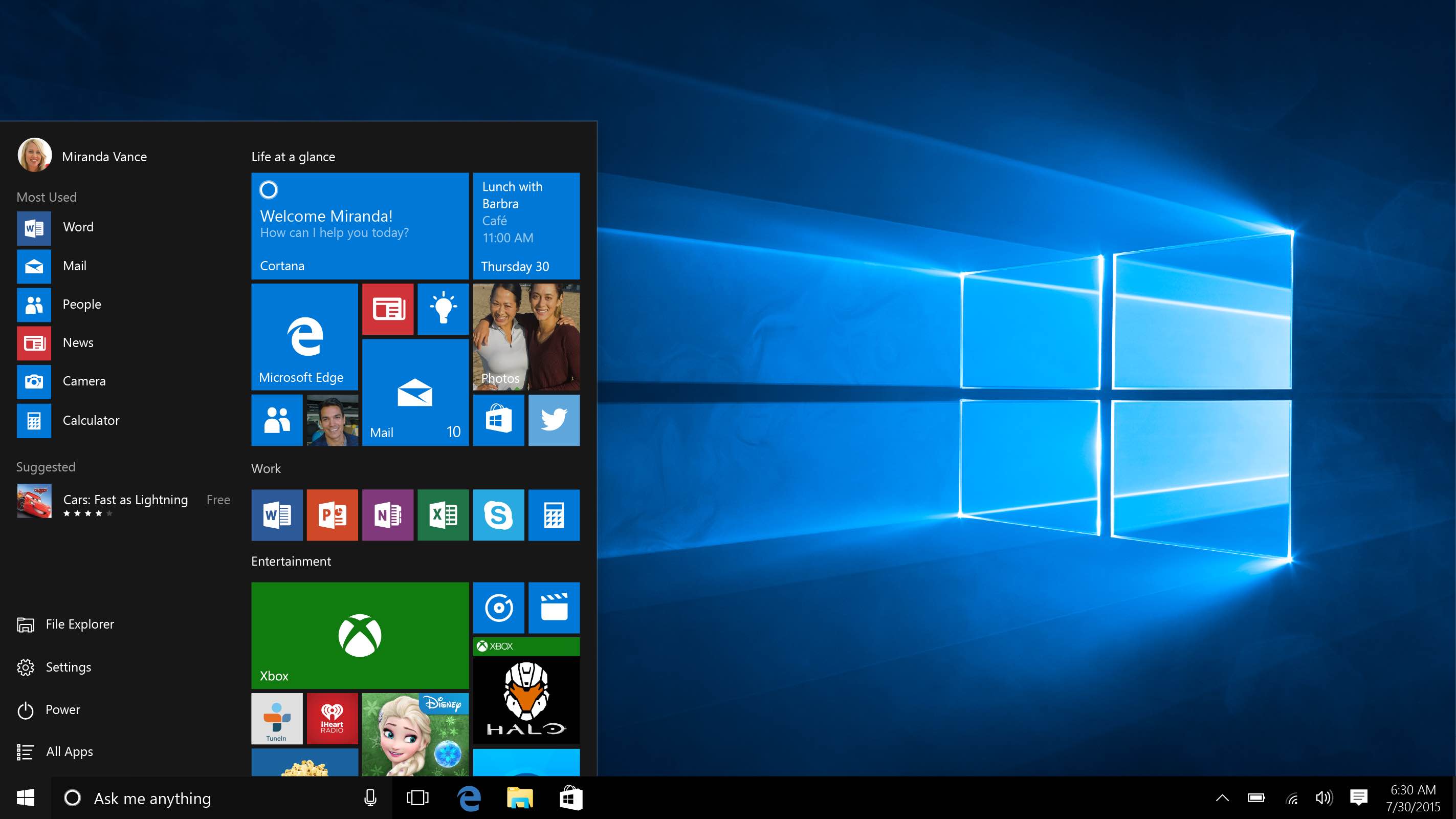
Video: virtualizing Windows 10 on ARM using an M1-powered Mac mini and a little bit of trickery
While we're waiting for Windows virtualization solutions from the likes of Parallels, Docker and others, 19-year-old YouTube producer and checkra1n tinkerer Martin Nobel jumped through hoops to virtualize the ARM edition of Windows 10 on Apple's new Mac mini with the M1 chip.
How to know if your Mac has Apple silicon or Intel processor
Learn how to identify Apple silicon Macs and determine whether your computer is running an Intel processor or Apple’s in-house chip, such as M1, M2, M3, M4, M5, or one of its variants.
A developer launches Patreon funding seeking to bring native Linux to Apple silicon Macs
The advent of Apple silicon Macs has inconvenienced users who prefer to run other operating systems on their Mac. Several companies are currently working on Windows virtualization solutions, including Parallels, CrossOver and Docker, but what about Linux? Well, a developer has launched a campaign to fund a project to create a Linux port for Apple silicon Macs.
This tiny macOS menu bar app detects CPU throttling due to thermal constraints
Most gadget lovers know that thermal throttling is a fact of life. Even the new M1 chip from Apple throttles CPU performance. For instance, the new M1 MacBook Air is capable of running for up to 18 hours on a single charge, but that doesn't mean peak power all the time.
Some M1 Macs are exhibiting Bluetooth issues
With Apple's refreshed MacBook Air, 13-inch MacBook Pro and Mac mini computers powered by the company's M1 laptop chip in customers' hands now, we're starting to see first reports of the inevitable teething issues that accompany every new hardware launch.
This simple app lets you quickly detect Apple Silicon and Intel apps on your Mac
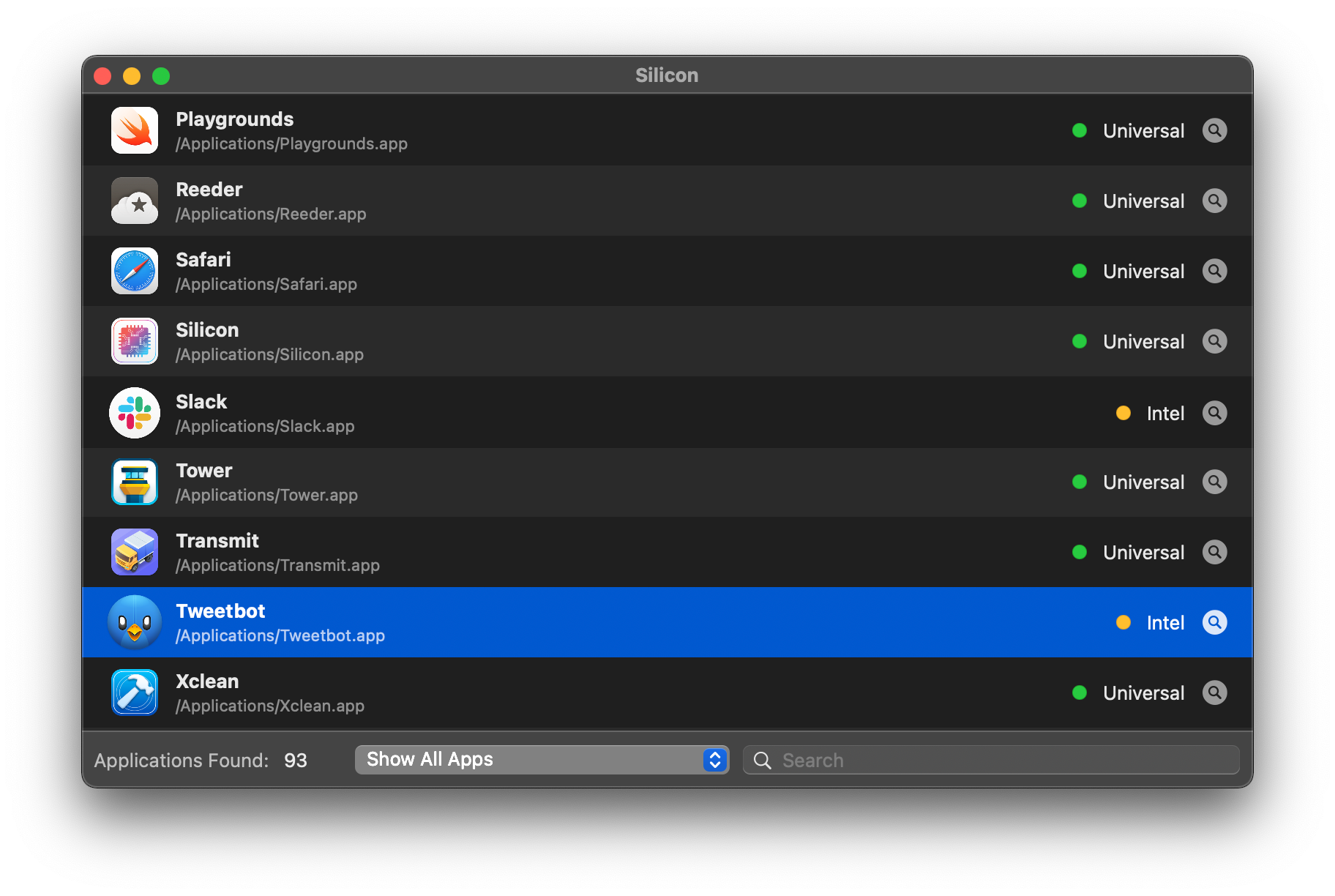
The new MacBook Air, 13-inch MacBook Pro and Mac mini with the Apple M1 chip let you run Intel-only apps in Rosetta emulation, in addition to native Apple Silicon apps. However, macOS Big Sur doesn't make it easy to identify which apps are Intel-only from those with code optimized for the M1 chip, but this nifty little app solves that problem in one fell swoop.
Apple M1 chip FAQ: All your questions answered
The M1 chip. A brand-new piece of technology announced by Apple. This tiny but powerful chip is a significant part of a new lineup of Mac computers. But what exactly is the M1 chip? What does it do, what are the benefits of it, and should you look into buying a Mac that has one? This M1 chip FAQ has answers to these questions and more.
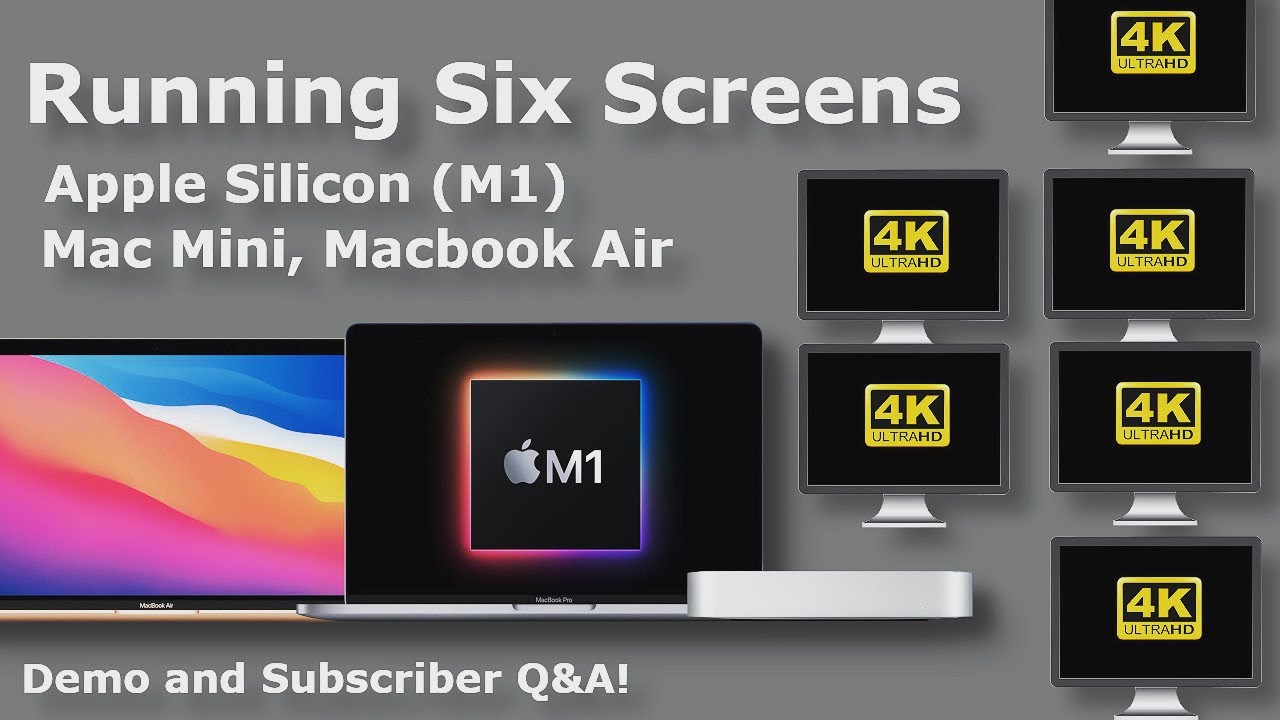
M1 Macs can run up to six external displays thanks to DisplayLink adapters
According to the technical specifications for both the MacBook Air and the MacBook Pro with M1, the devices can run a single external display. However, it turns out you can attach quite a bit more.
How to force universal Mac apps to run under Rosetta emulation instead of natively
Apple provides the enhanced Universal 2 binary feature to its developers who wish to ship macOS apps that pack in code for both Intel and Apple Silicon systems. In other words, a universal binary runs natively on both Apple M1 and Intel-based Mac computers because it contains executable code for both architectures. However, certain edge cases may justify running a native Apple Silicon app under Rosetta emulation, and we show you how it's done.