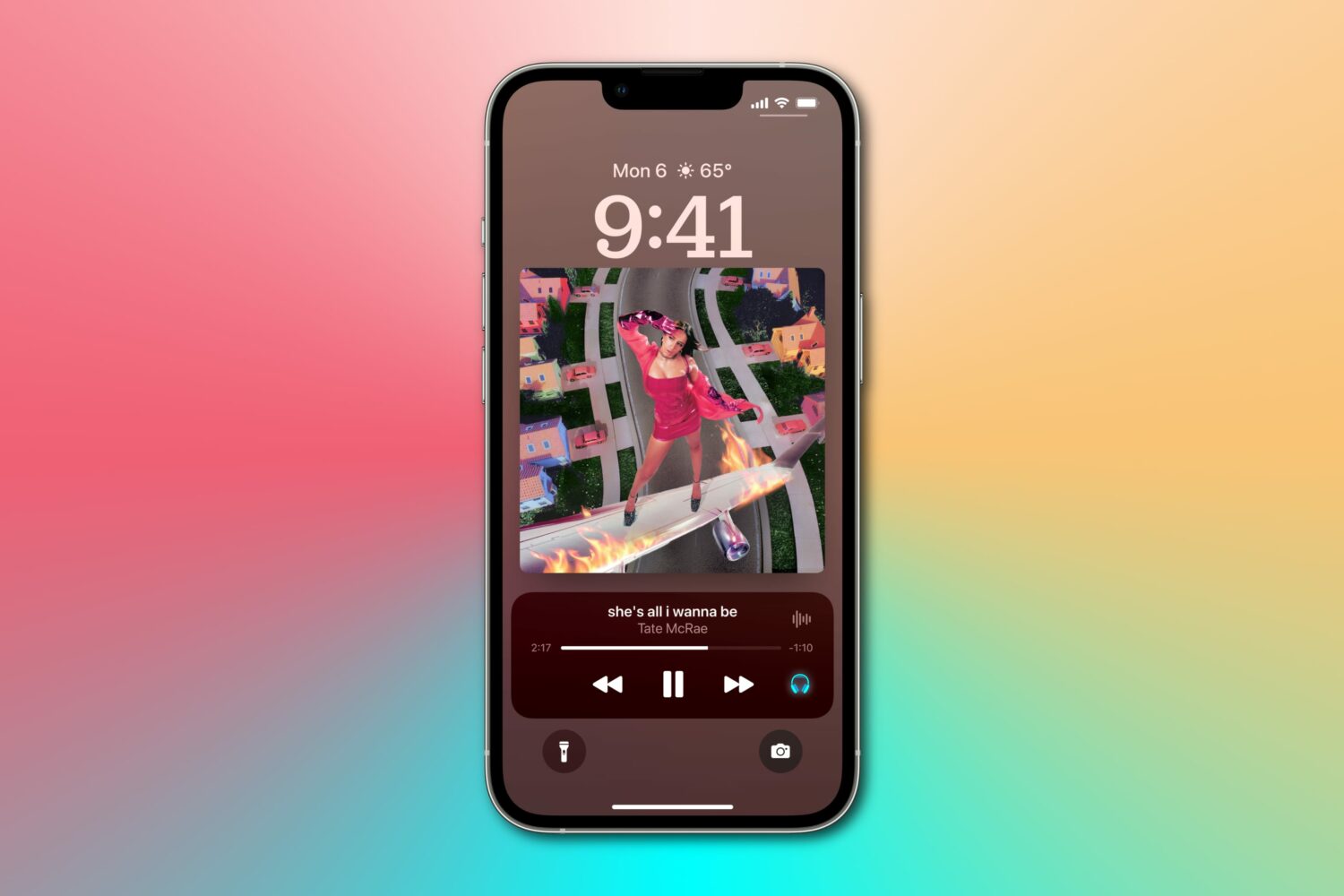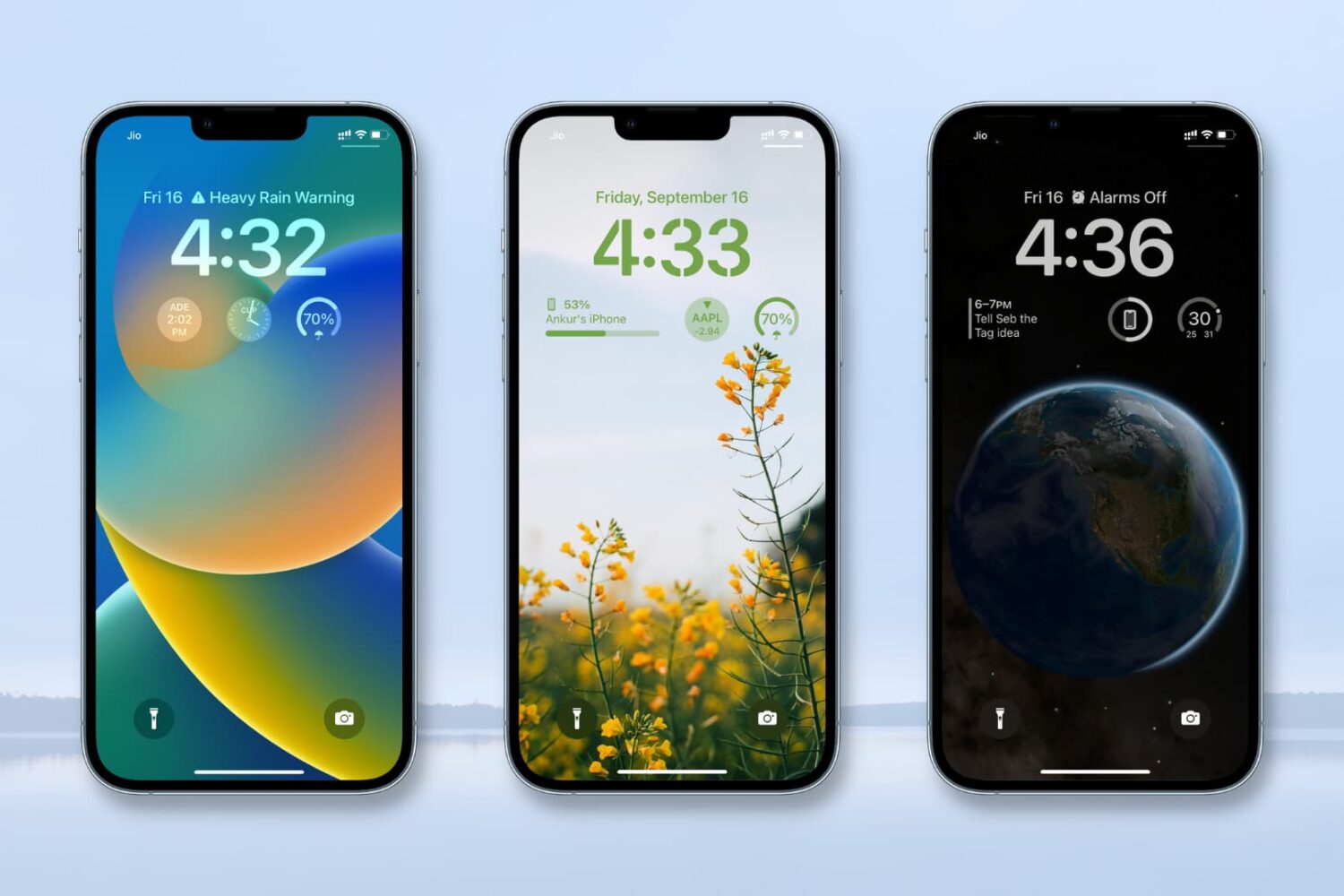
New features in Apple's iOS 17 update should let you adjust font size on the Lock Screen, share custom Lock Screens designs with other iPhone users and more.
iOS 17’s Lock Screen changes may include font size options, song lyrics and more
New features in Apple's iOS 17 update should let you adjust font size on the Lock Screen, share custom Lock Screens designs with other iPhone users and more.
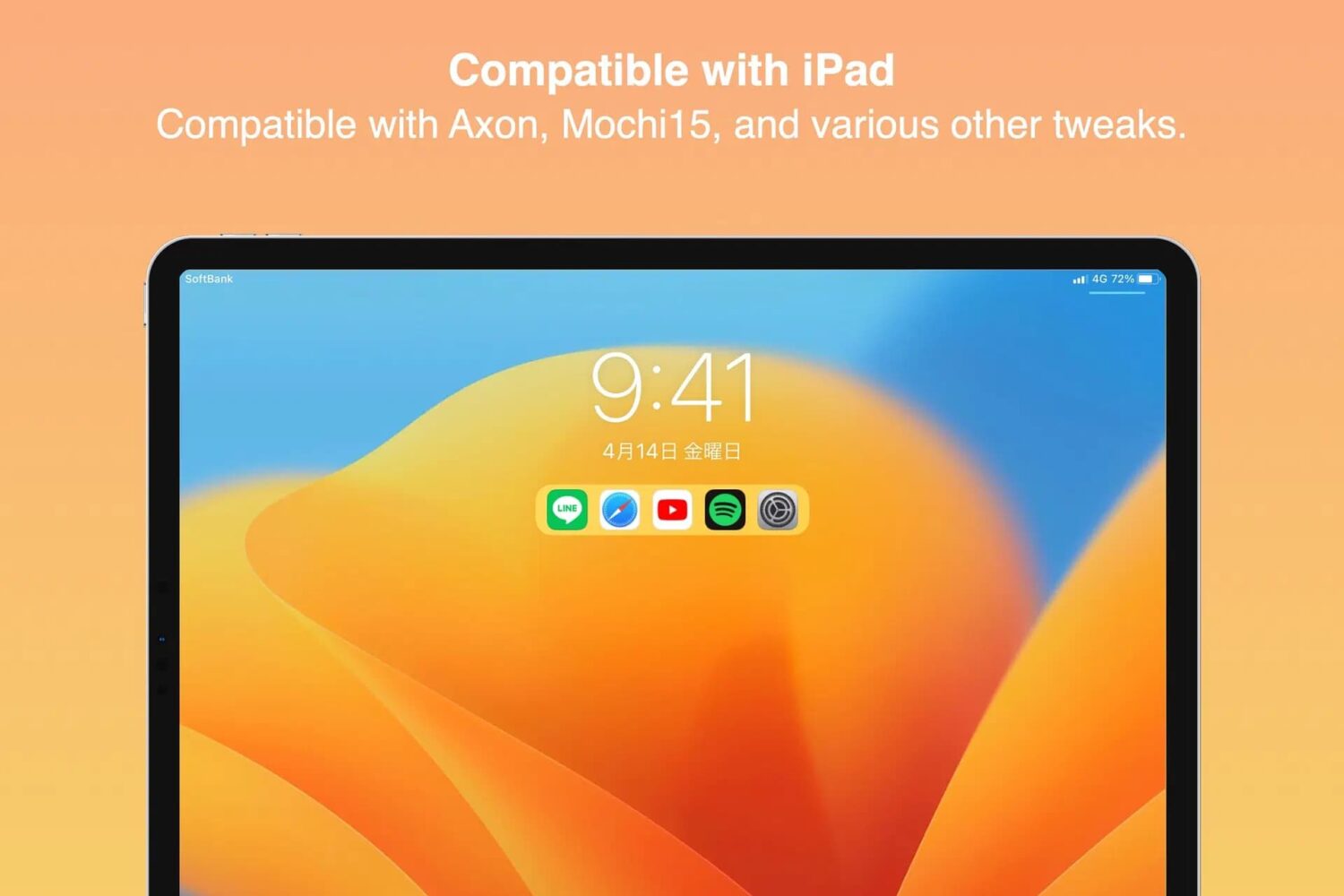
Lots of people would agree that it’s useful to have app shortcuts on the Lock Screen. After all, it’s that sentiment that made older jailbreak tweaks such as Jellyfish so popular back in the day.
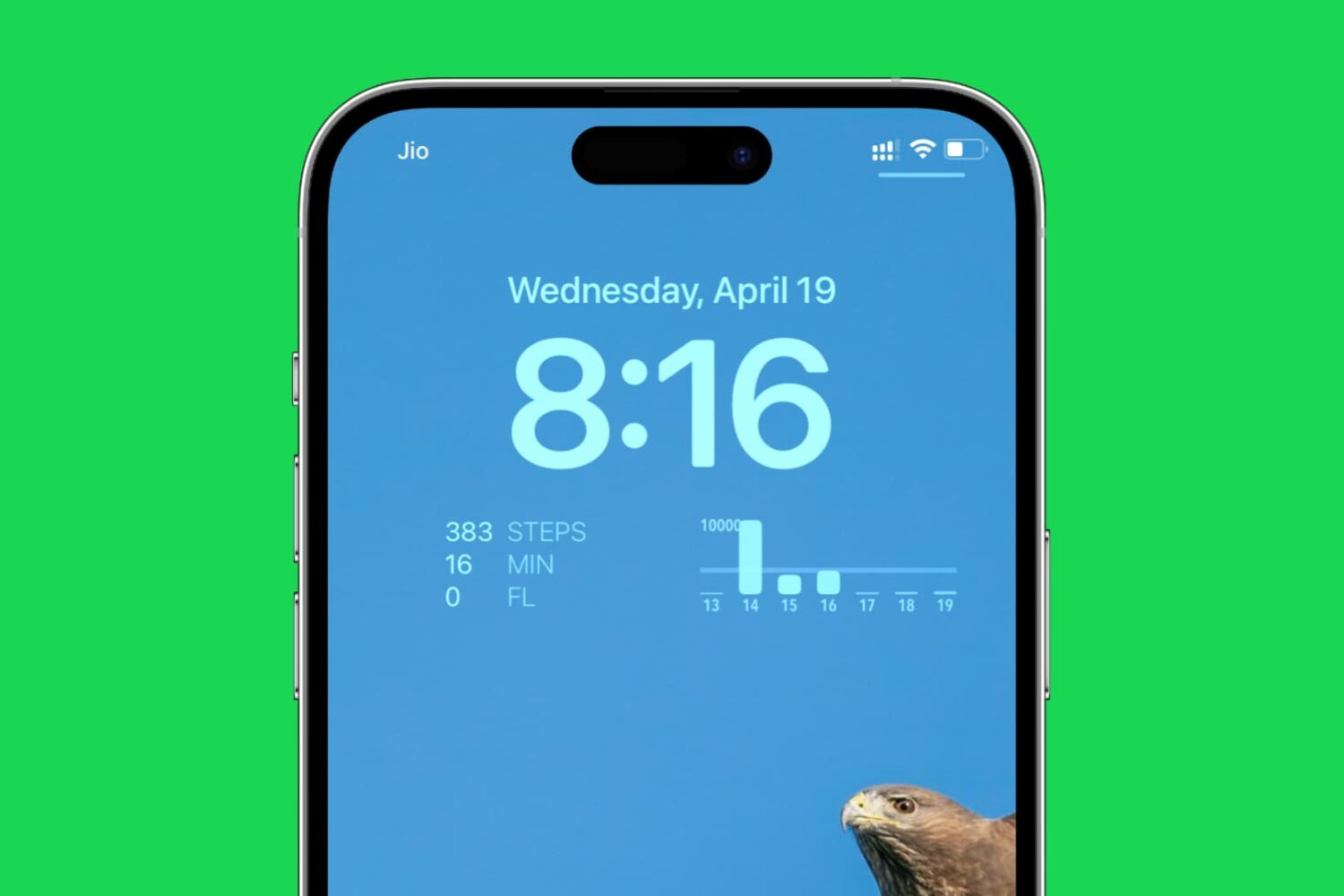
Easily track your daily steps walked and distance covered by adding a step counter to your iPhone Lock Screen with this simple guide.
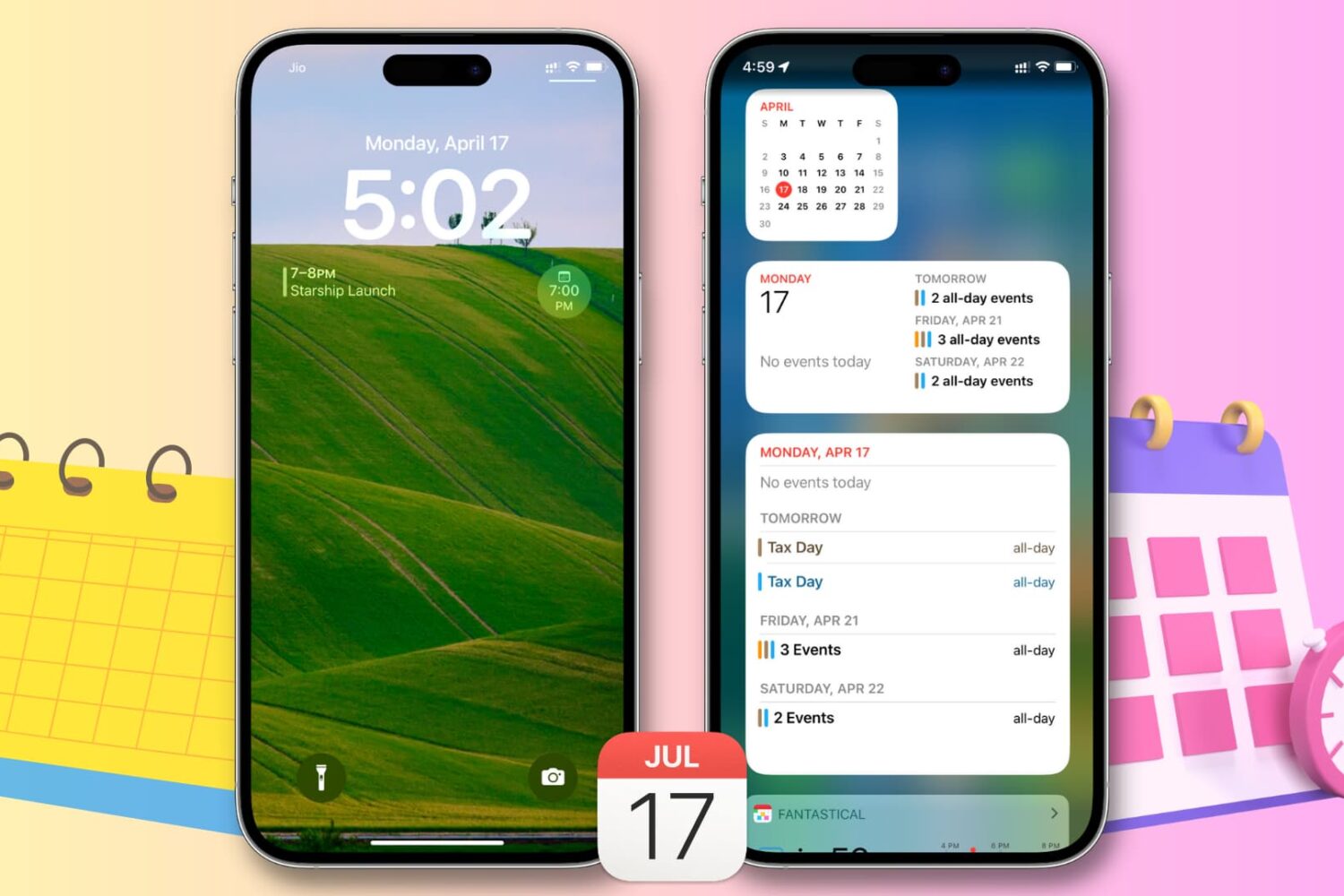
This article provides step-by-step instructions on how to use widgets to easily view your upcoming calendar events from the Today View or Lock Screen on your iPhone or iPad, saving you time and keeping you organized.
You can always use your iPhone’s sleep/wake button to lock it when you’re finished using it, but what if that button is broken or you want a flashy new way to lock your jailbroken device?
The iPhone widgets aren't interactive, but that could soon change if iOS 17 brings interactive widgets with buttons, toggles, sliders and more.
Just a couple of years ago, we showed you a jailbreak tweak called Mochi by iOS developer Sugiuta that aesthetically improved the Lock Screen’s Music player. Not only was it naturally big and clunky at the time, but it lacked the customization that jailbreakers had come to know and love.
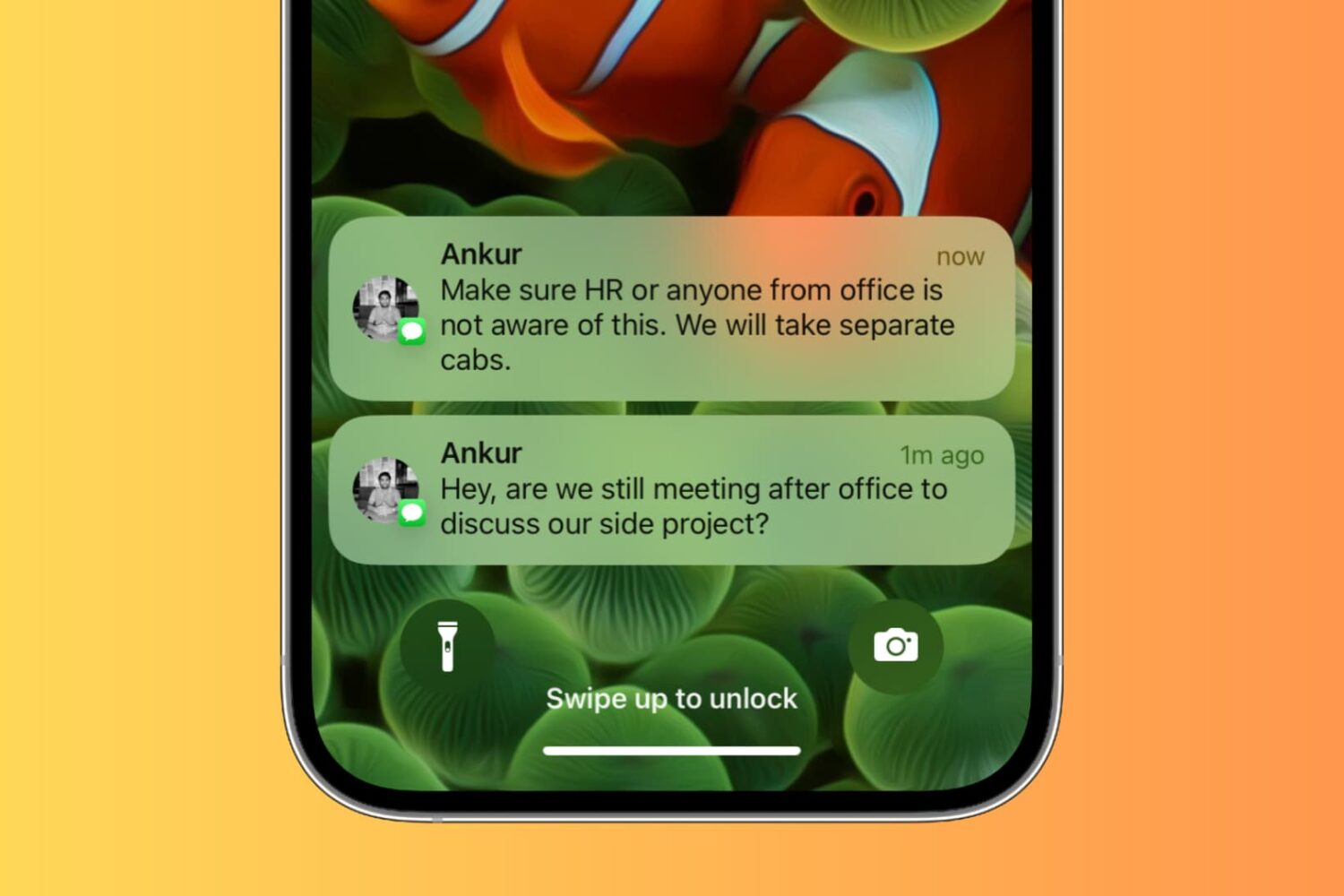
Learn how to secure your iPhone and iPad Lock Screen notifications for maximum privacy and security.
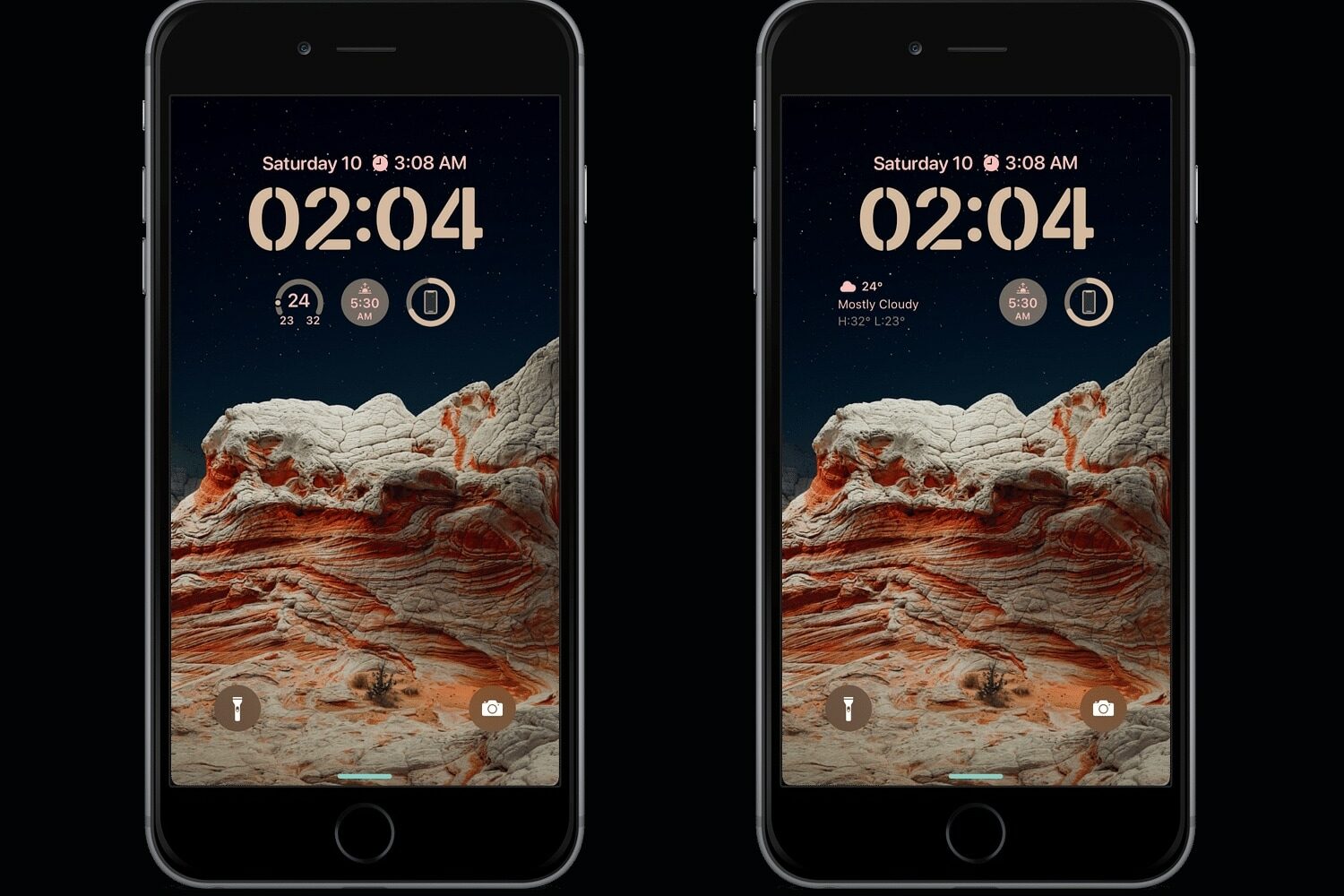
There’s been no shortage of jailbreak tweaks that replicate iOS 16’s Lock Screen editing capabilities on older versions of iOS. Today, we’re excited to show you yet another affordable option that supports jailbroken iOS 14 and 15 handsets.
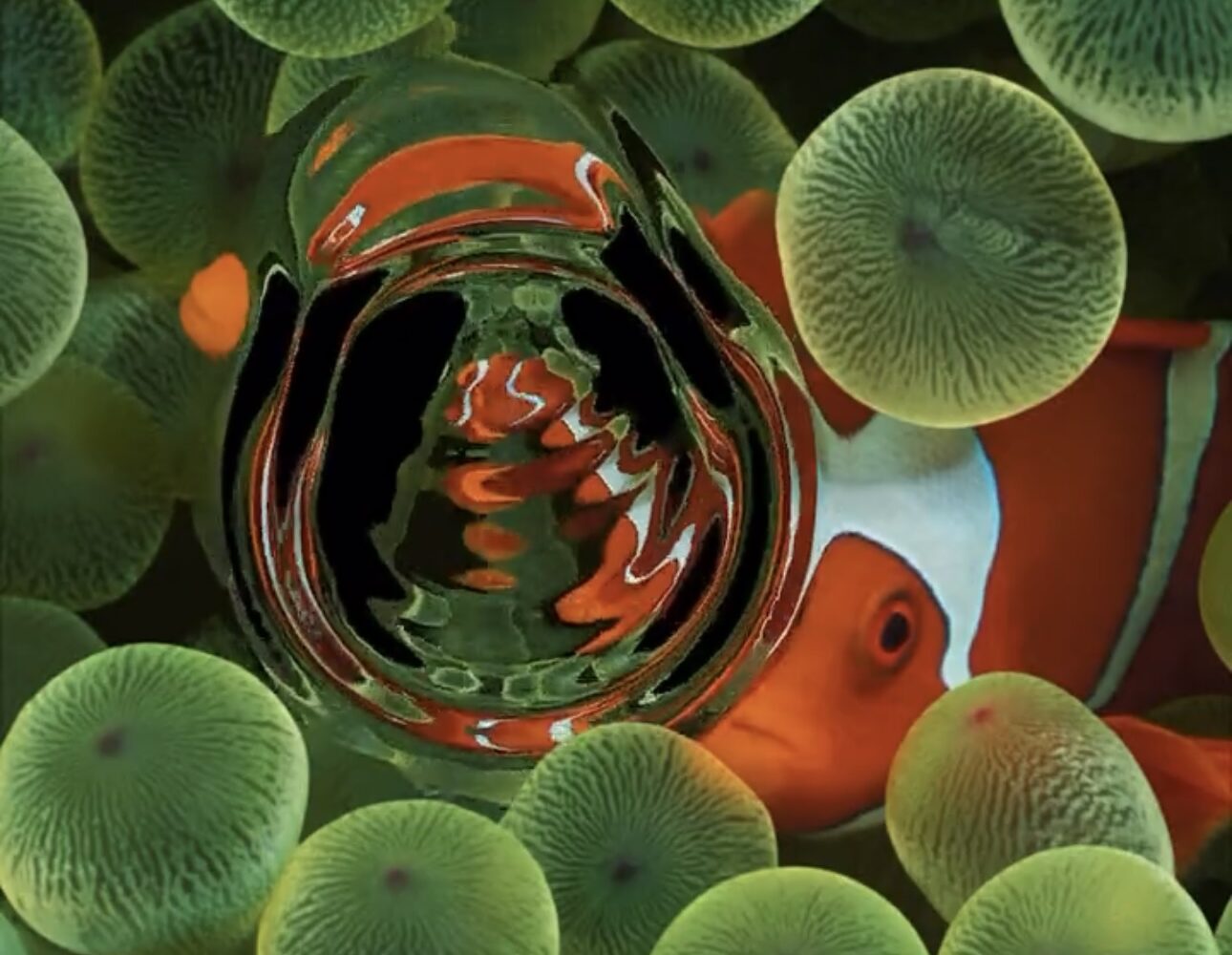
iOS developer Limneos is out with another exciting jailbreak tweak update this week in the form of AquaBoard XS v2.0, which adds an aesthetically-pleasing 3D liquid effect to the Lock Screen.
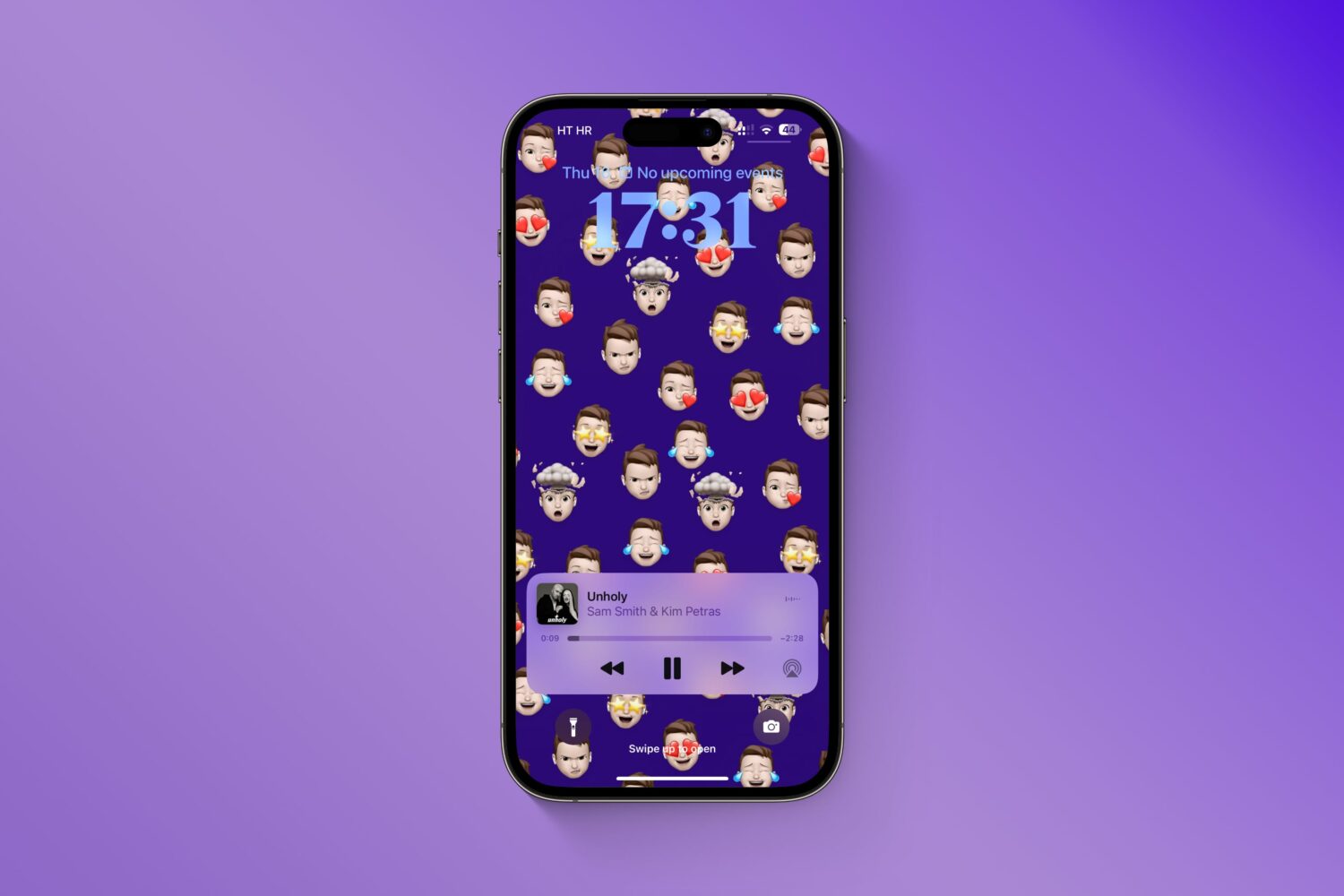
Give your iPhone's Lock Screen and Home Screen a unique look by creating wallpapers from your personalized Memoji, Genmoji, and photo stickers instead of using the same old emoticons.
If you were almost tempted to jump from your jailbreakable firmware to iOS 16 because of all the different ways the Lock Screen can be customized on a stock device nowadays, then fret no more.